

 DownloadNow Playing Mod
Get the files on 9Minecraft
Guides
Step-by-step, in-game.
Change Where Track Notifications Appear on ScreenSwitch Between Notification Styles The mod offers multiple placement options for track information. You can choose…Display Music Track Names Above Your HotbarEnable Hotbar Notifications The mod's default behavior displays track information as a pop-up above your hotbar when…Have the Narrator Read Track Information AloudEnable Narrator Announcements If Minecraft's narrator feature is enabled on your system, the Now Playing Mod can read…Show Track Info Only When You Press a KeyConfigure Manual Display Mode Instead of automatic pop-ups every time music plays, you can set the mod to display…
Frequently asked questions
How do I turn on track notifications?
Open your mod settings (usually accessible via the mod menu or config folder) and enable notifications. By default, they should display as pop-ups above your hotbar when a new music track starts playing.
Can I make it only show track names when I press a key?
Yes, go to your mod settings and change the notification mode to keybind-only, then bind a key in your controls menu. Now the track info will only appear when you press that key.
Where can I change if notifications show above the hotbar or top-right?
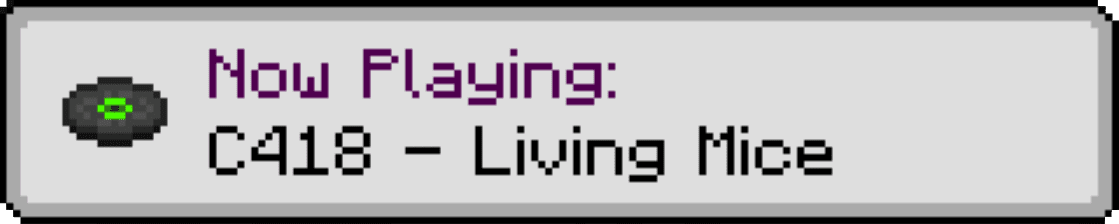
In the mod settings, look for the notification position or display location option and choose between hotbar messages or top-right corner (toast notifications).
Does this mod work with music discs?
Yes, the mod displays track information for both ambient music tracks and music discs played from jukeboxes.
See all 10 Now Playing questions ›
Gallery
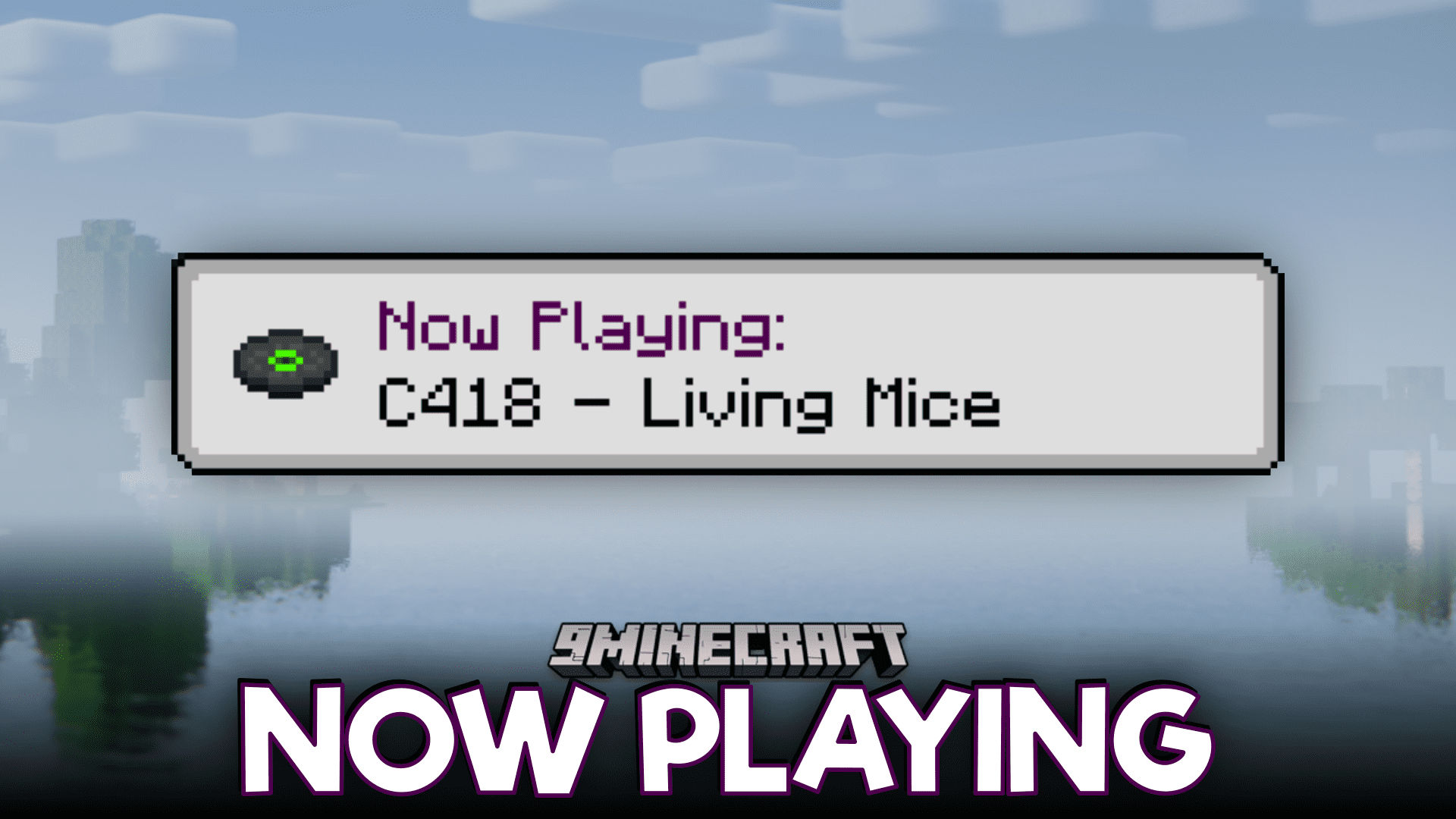
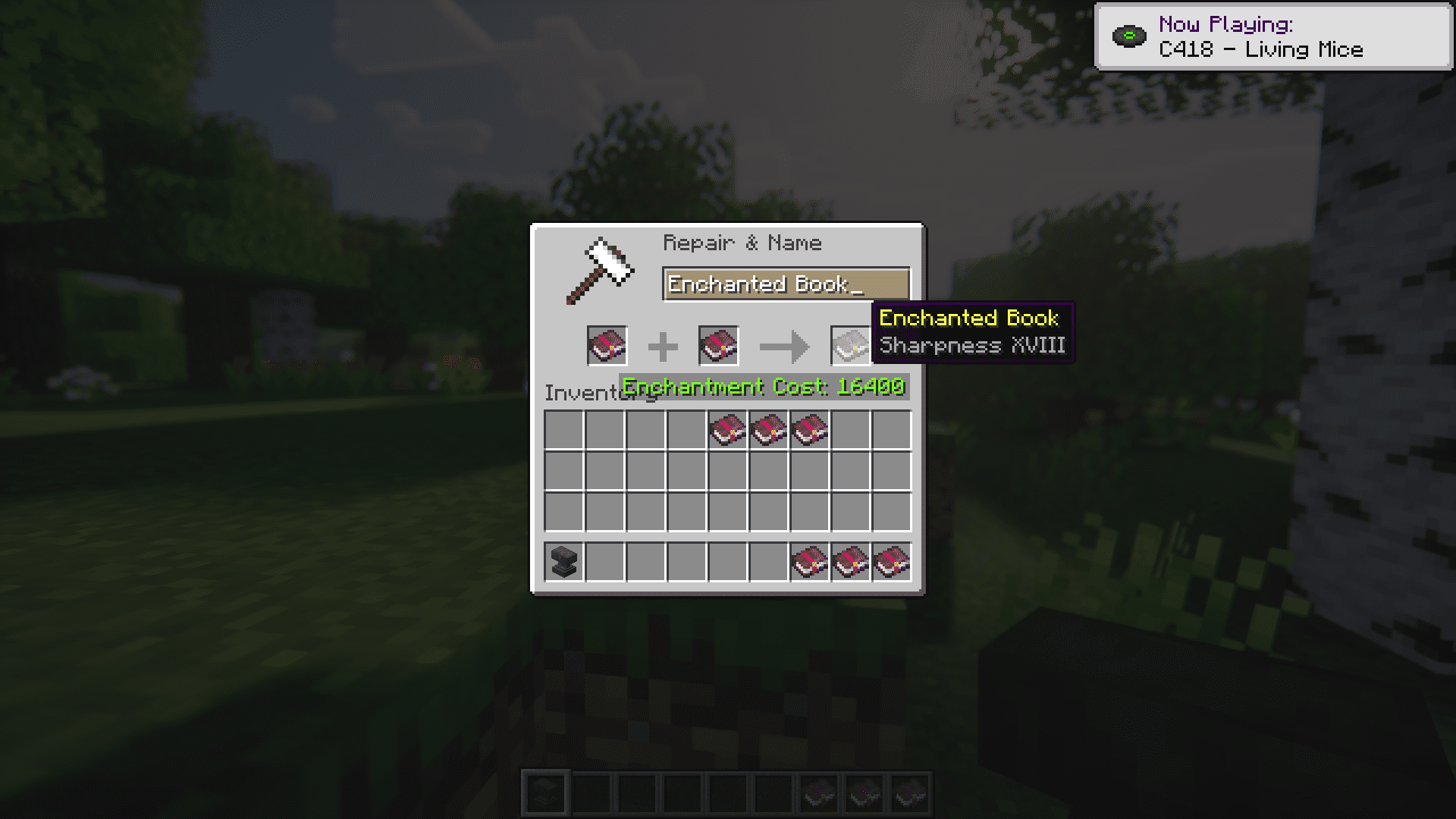
3 images from the Now Playing Mod page.
You May Also Like
Wikis that share the most with this one
More mod wikis on the site
The most downloaded mods that have a wiki here
A few wikis from each of the other kinds