
 DownloadNotes Mod
Get the files on 9Minecraft
Guides
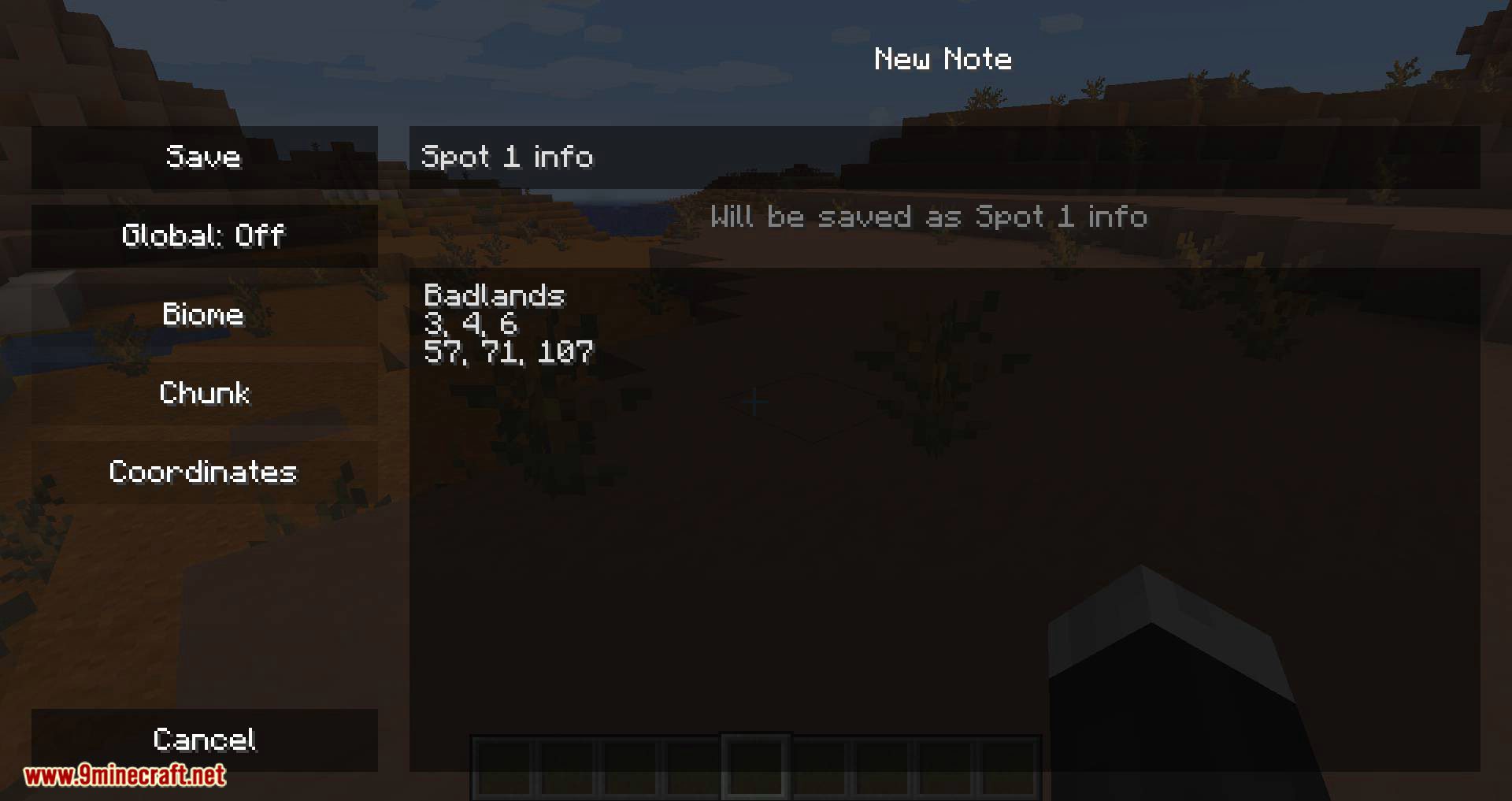
Step-by-step, in-game.
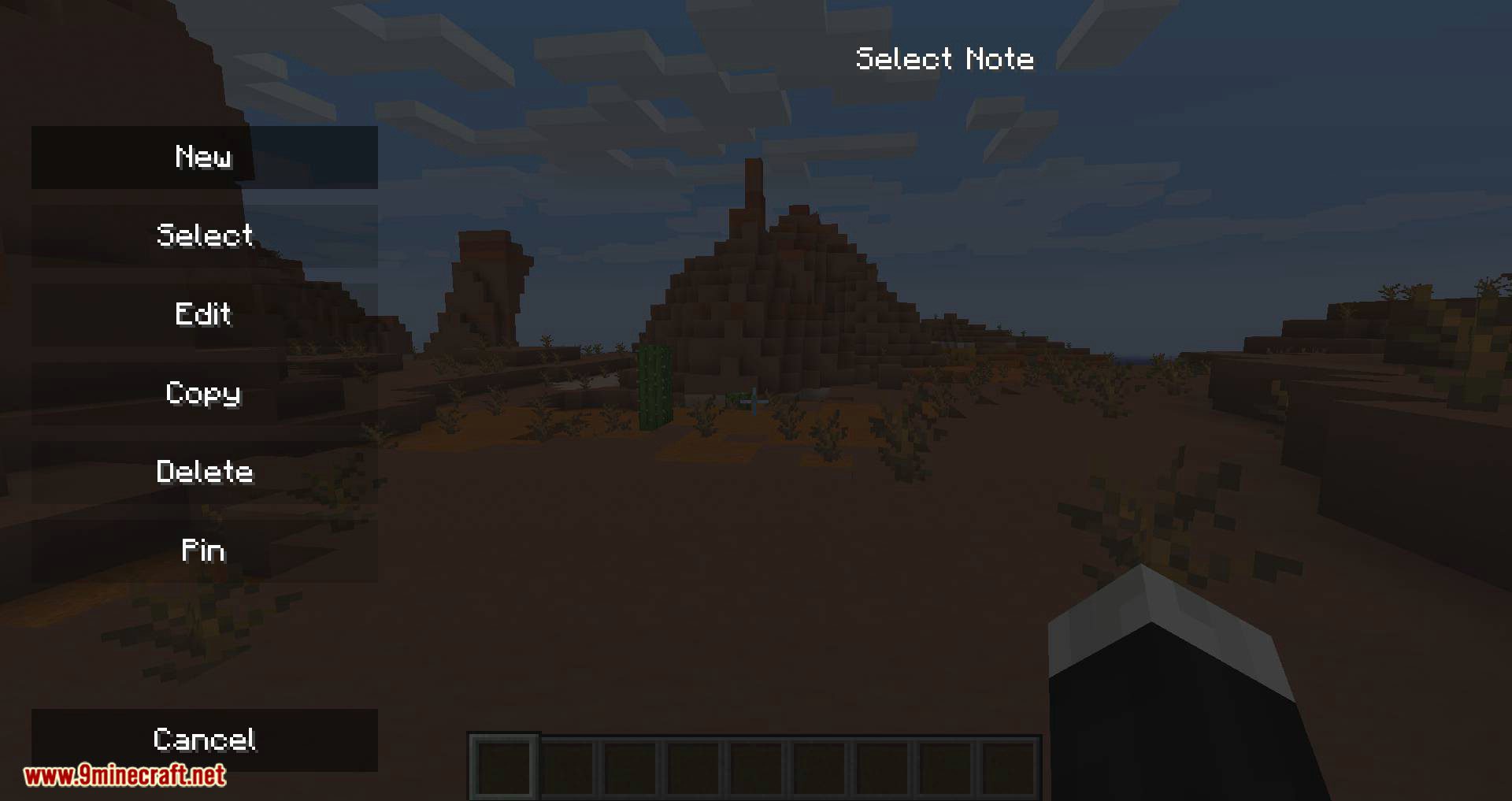
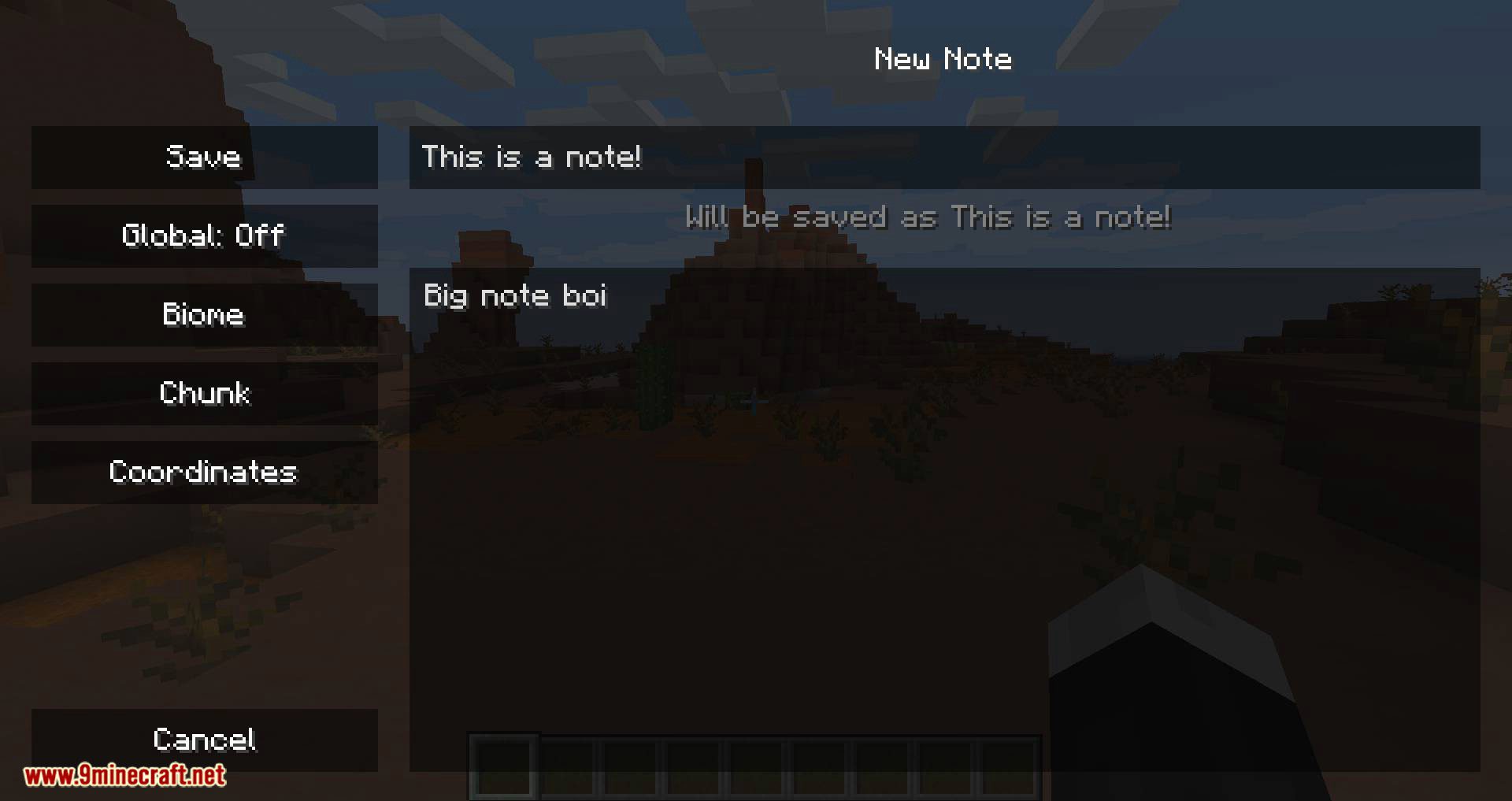
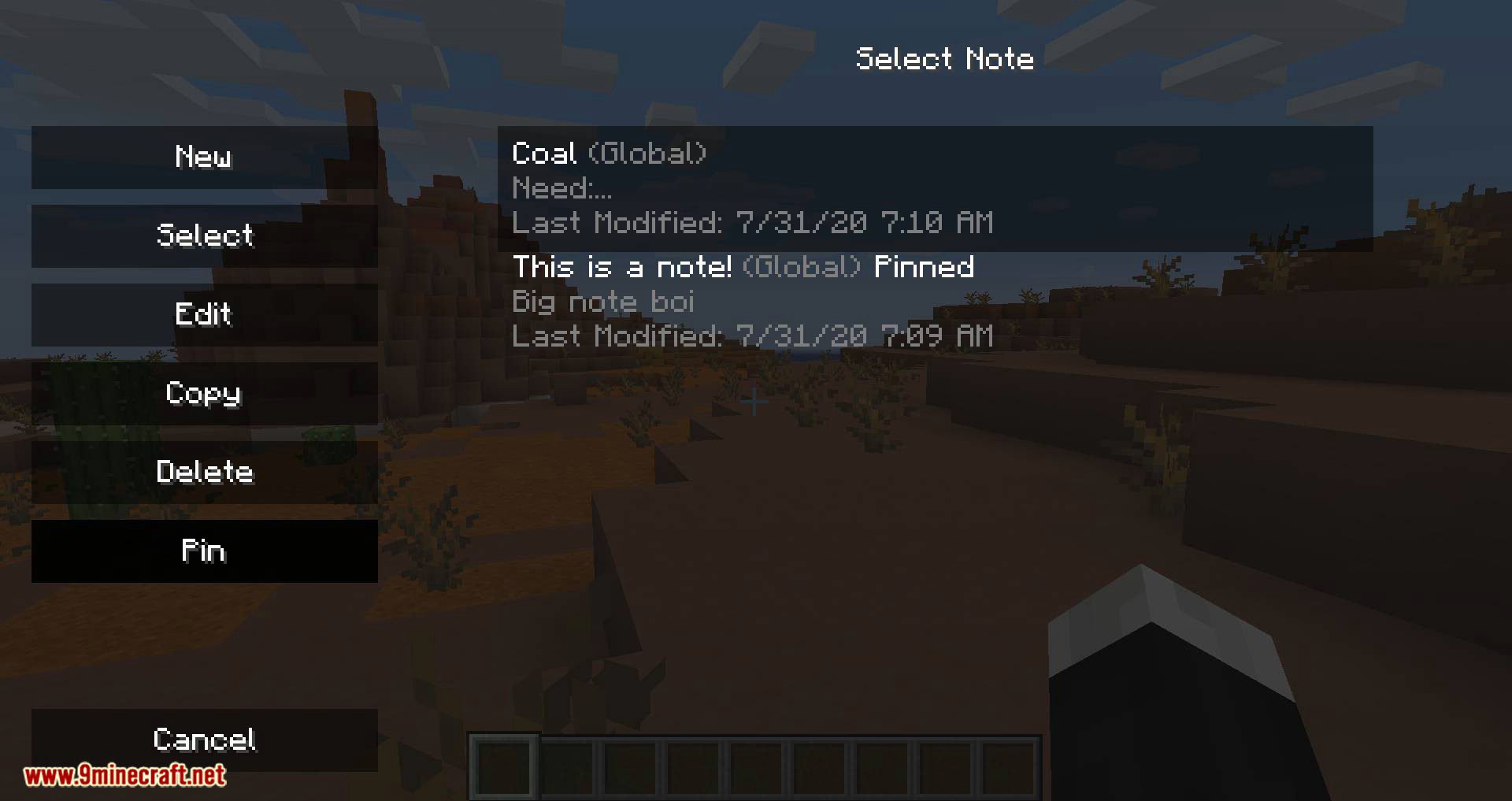
How to Edit or Delete Notes You Already MadeFinding the Note Press N to open the Notes GUI. Your notes are listed together, but remember that the list you see…How to Keep Separate Notes for Different Worlds and ServersUnderstanding Note Scope Notes Mod saves notes in three ways: tied to a singleplayer world, tied to a specific…How to Open the Notes GUI and Create Your First NoteOpening the Notepad Press the N key while in-game to open the Notes GUI. This works on both singleplayer worlds and…How to Pin a Note to Your HUD So You Can See It While PlayingWhy Pin a Note Pinned notes stay visible on your screen while you play, so you do not have to reopen the GUI every…Using the Notes ModKeeping Notes In-Game Notes Mod is a client-side mod that adds a working notepad to Minecraft, so you can jot things…
Frequently asked questions
How do I open the Notes GUI?
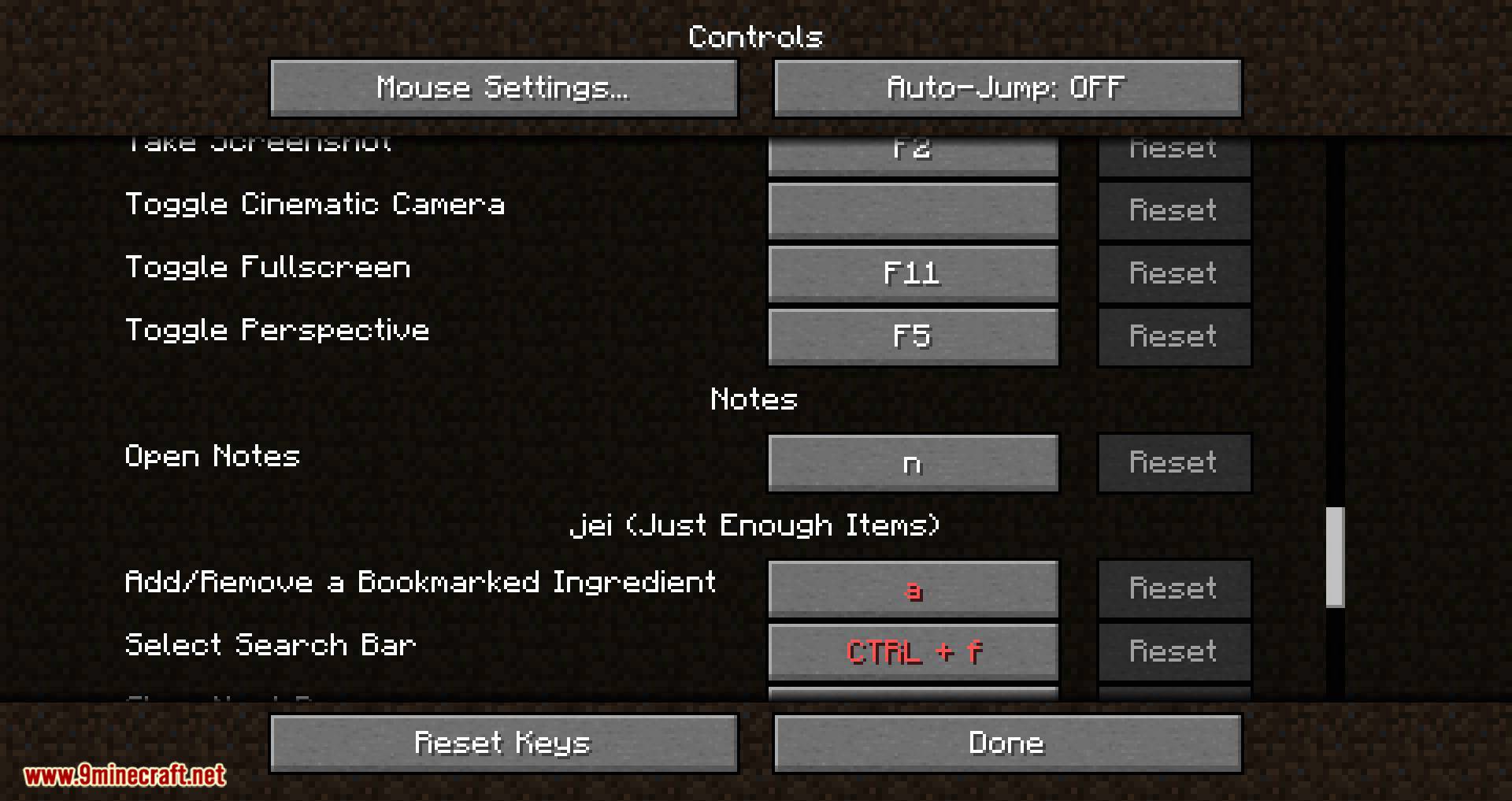
Press the N key to open the Notes GUI in-game.
Does Notes Mod work on servers?
Yes, it is a client-side mod, so you can use it while playing on servers.
Are my notes shared across every world I play?
Notes are saved per-world, per-server, or globally, so you can choose how they are scoped.
Can I keep an important note visible while playing?
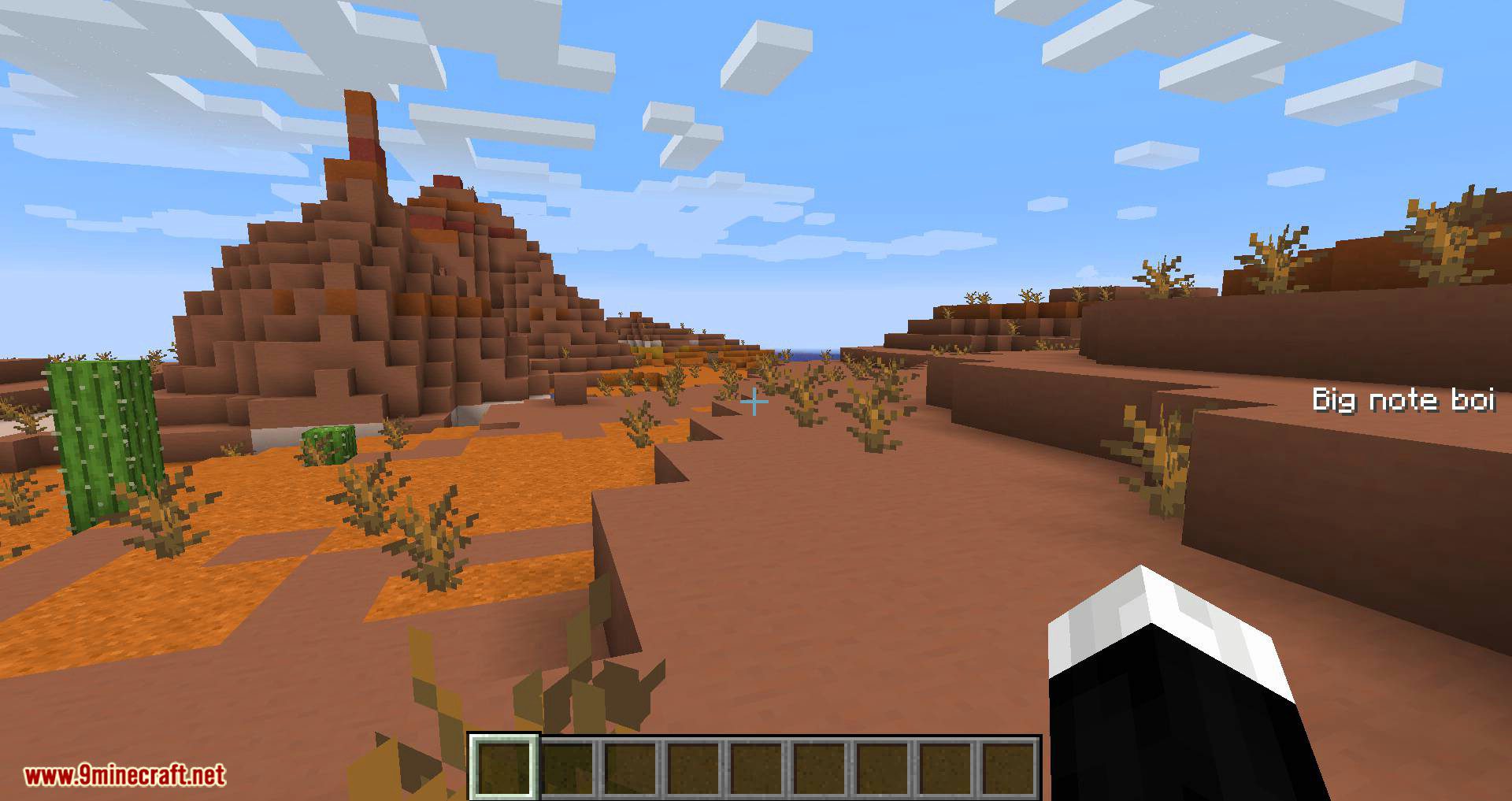
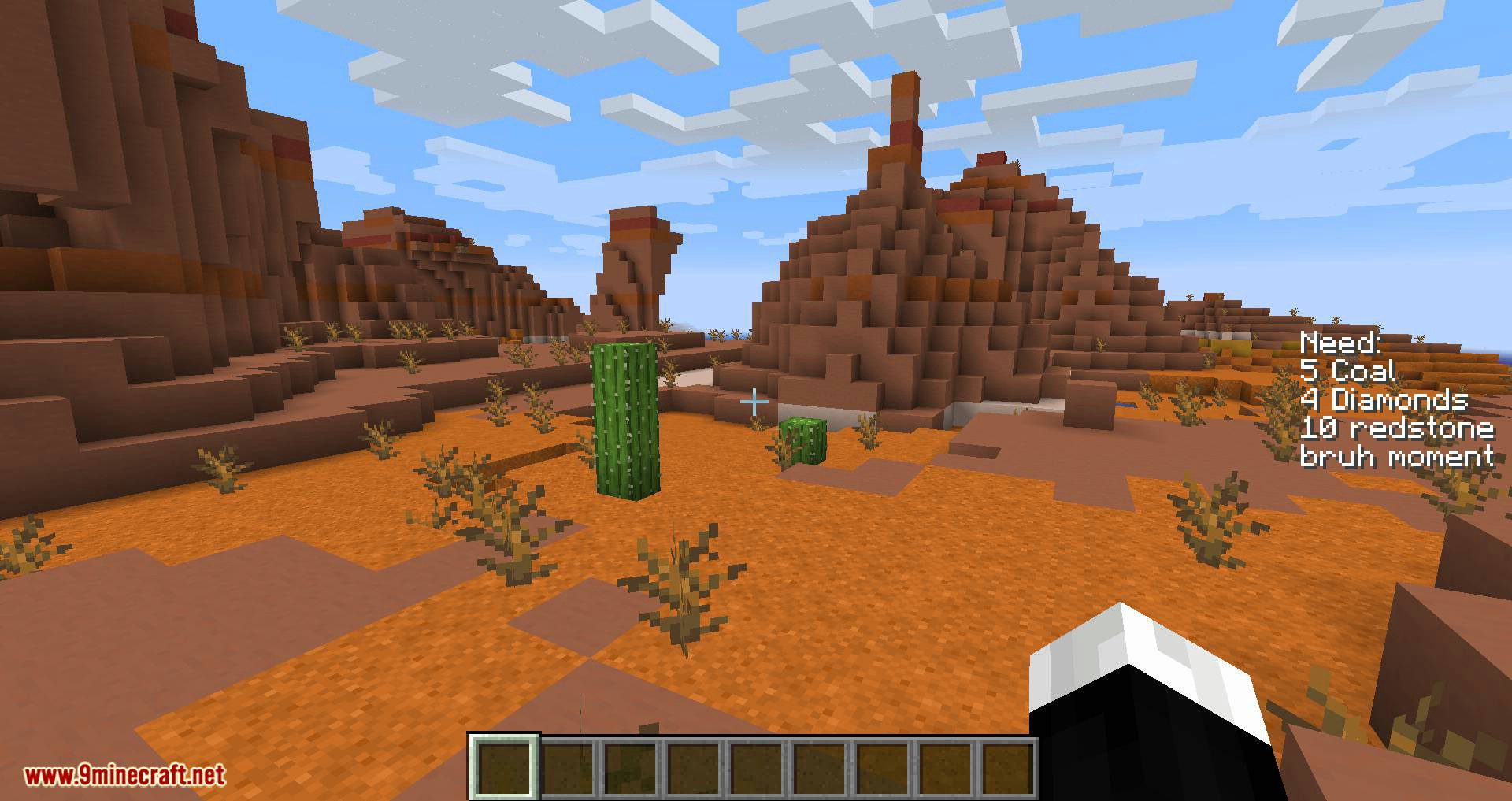
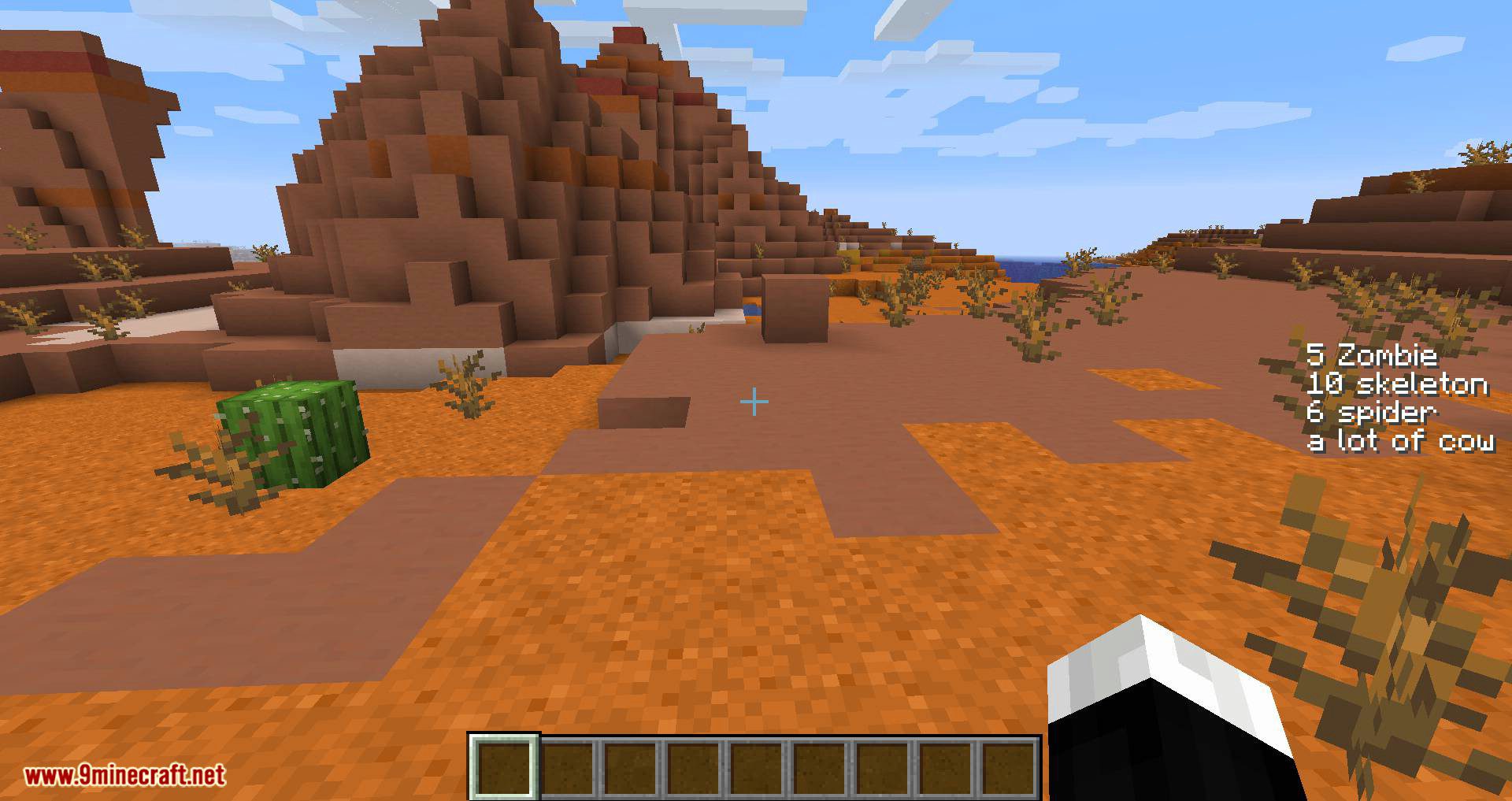
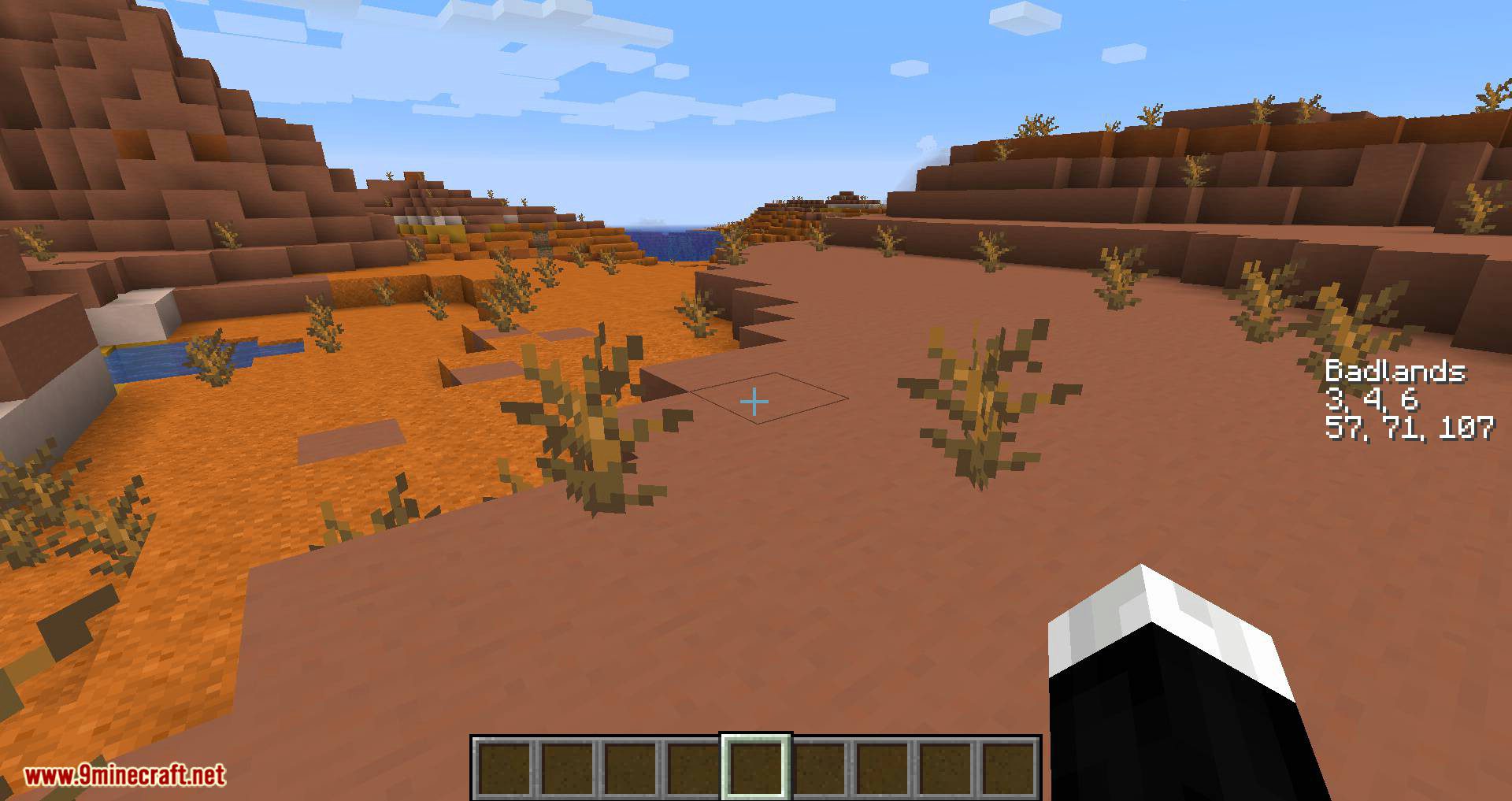
Yes, you can pin important notes to the HUD so they stay visible on screen.
Gallery
11 images from the Notes Mod page.
You May Also Like
Wikis that share the most with this one
More mod wikis on the site
The most downloaded mods that have a wiki here
A few wikis from each of the other kinds