

 DownloadNotches Currency
Get the files on 9Minecraft
Guides
Step-by-step, in-game.
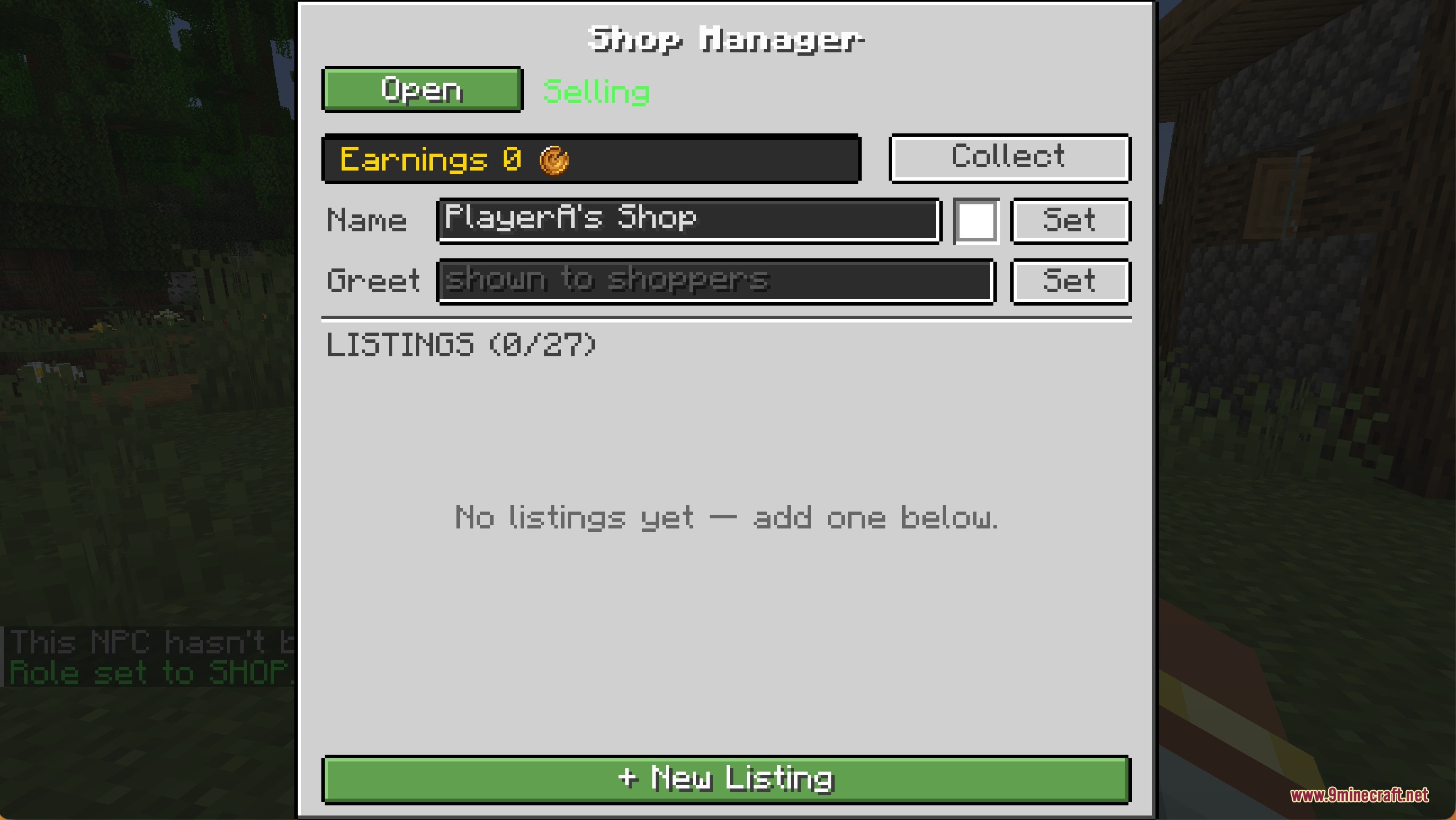
Create a Safe Trade with Another PlayerInitiate a Direct Trade Use the command /trade <player_name> to send a trade request to another player. This opens a…Deposit Coins and Check Your Bank BalanceFind and Use an ATM Locate an ATM block placed by an admin or server operator. Right-click it to open the banking…Hunt Mobs for Bounty RewardsAccess the Bounty Board Find the bounty board placed in your server world. Right-click it to view available bounties.…Set Up Your First Shop with an NPCSpawn and Configure Your Shopkeeper Use the blank NPC item to spawn a new character in your desired location.…
Recipes
Every recipe the mod adds, grouped by how it is made.
Items
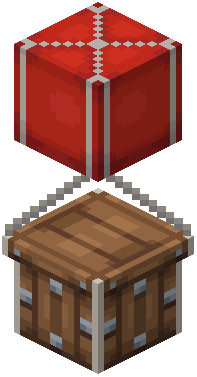 Balloon
 Coin (Tails)
 Crate Key
 Notch Coin
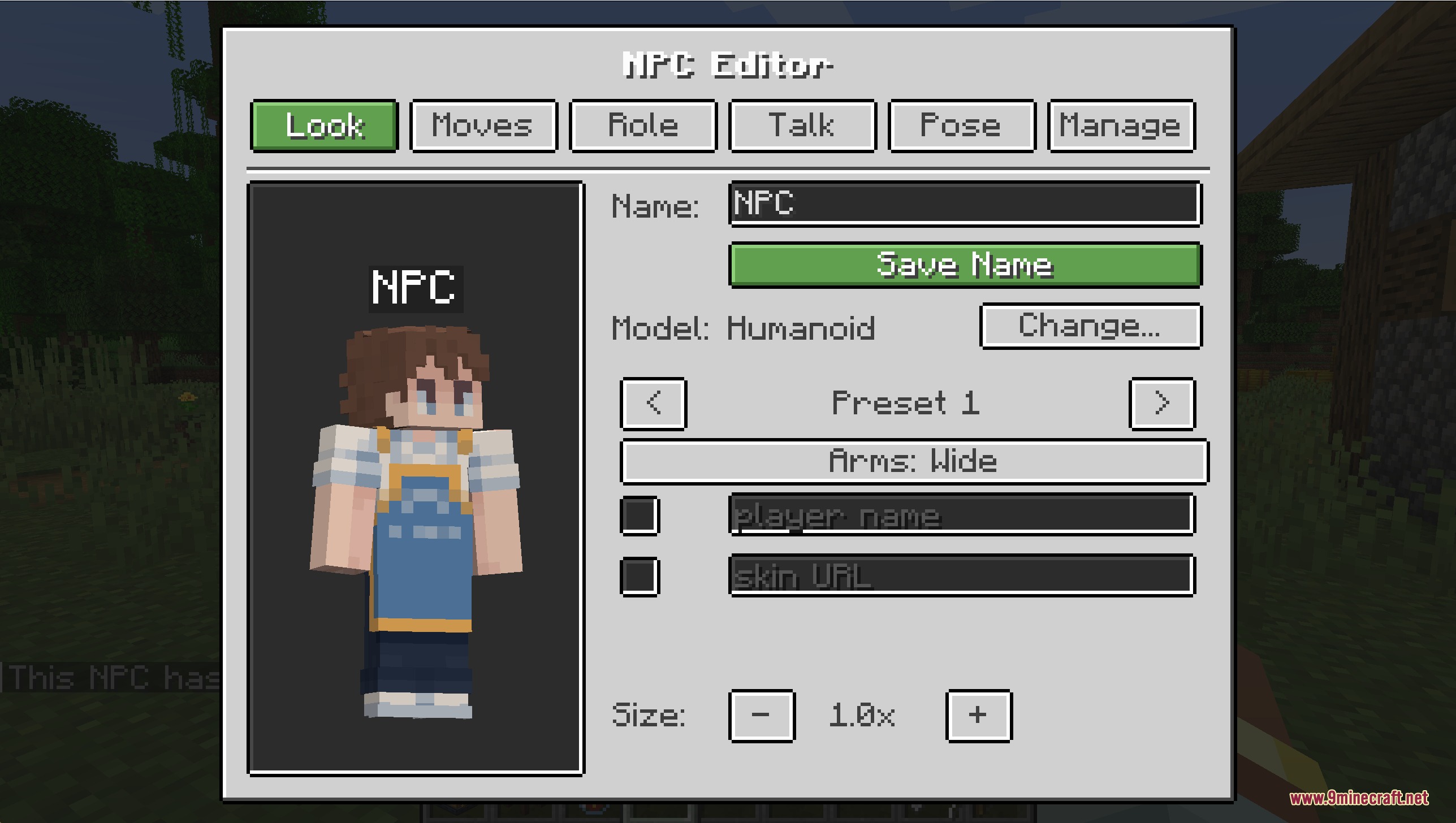
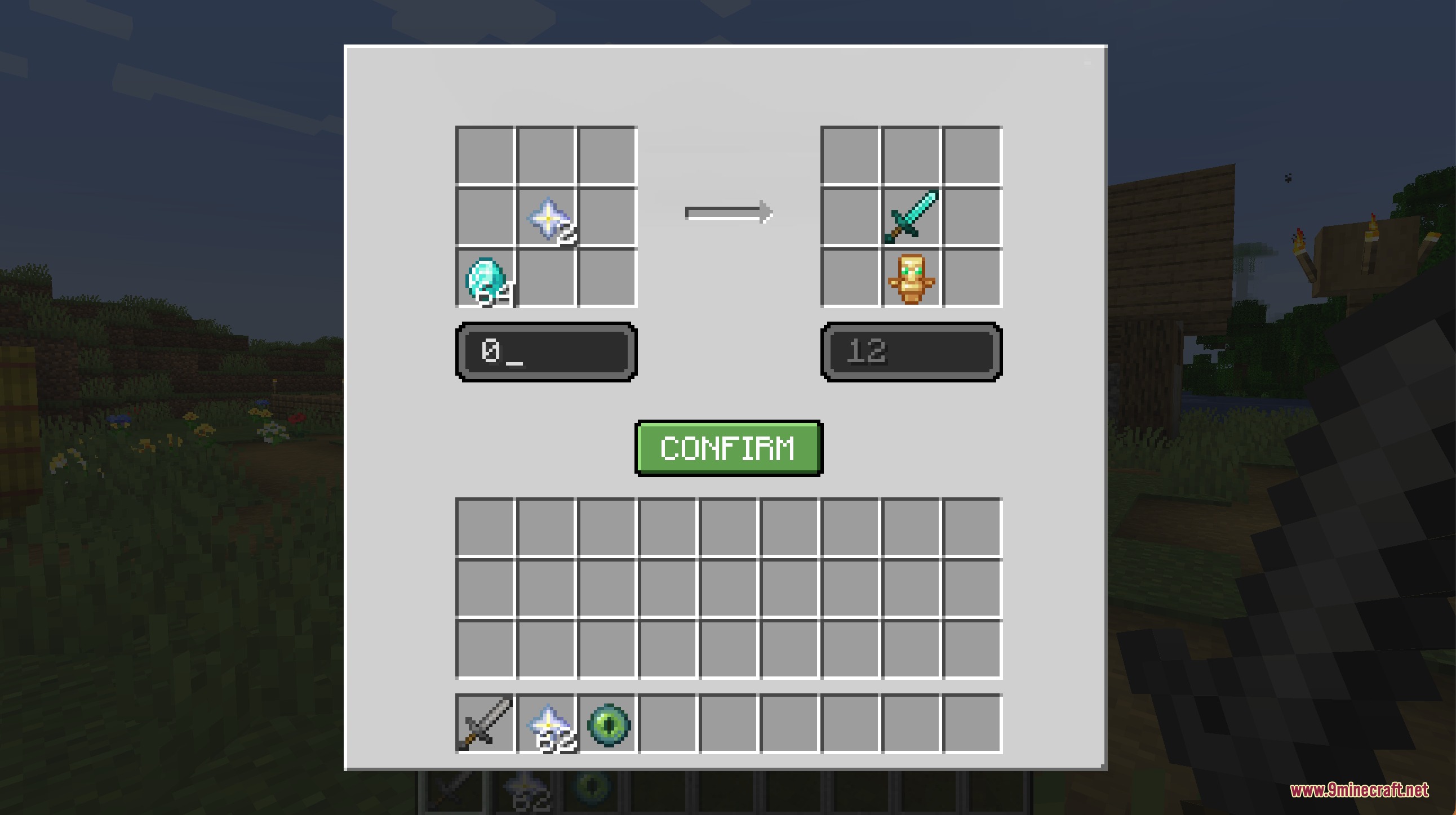
 Notch NPC
 Raffle Ticket
 Route Planner
Blocks
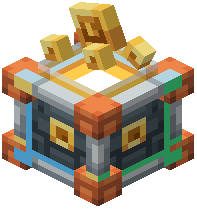 ATM
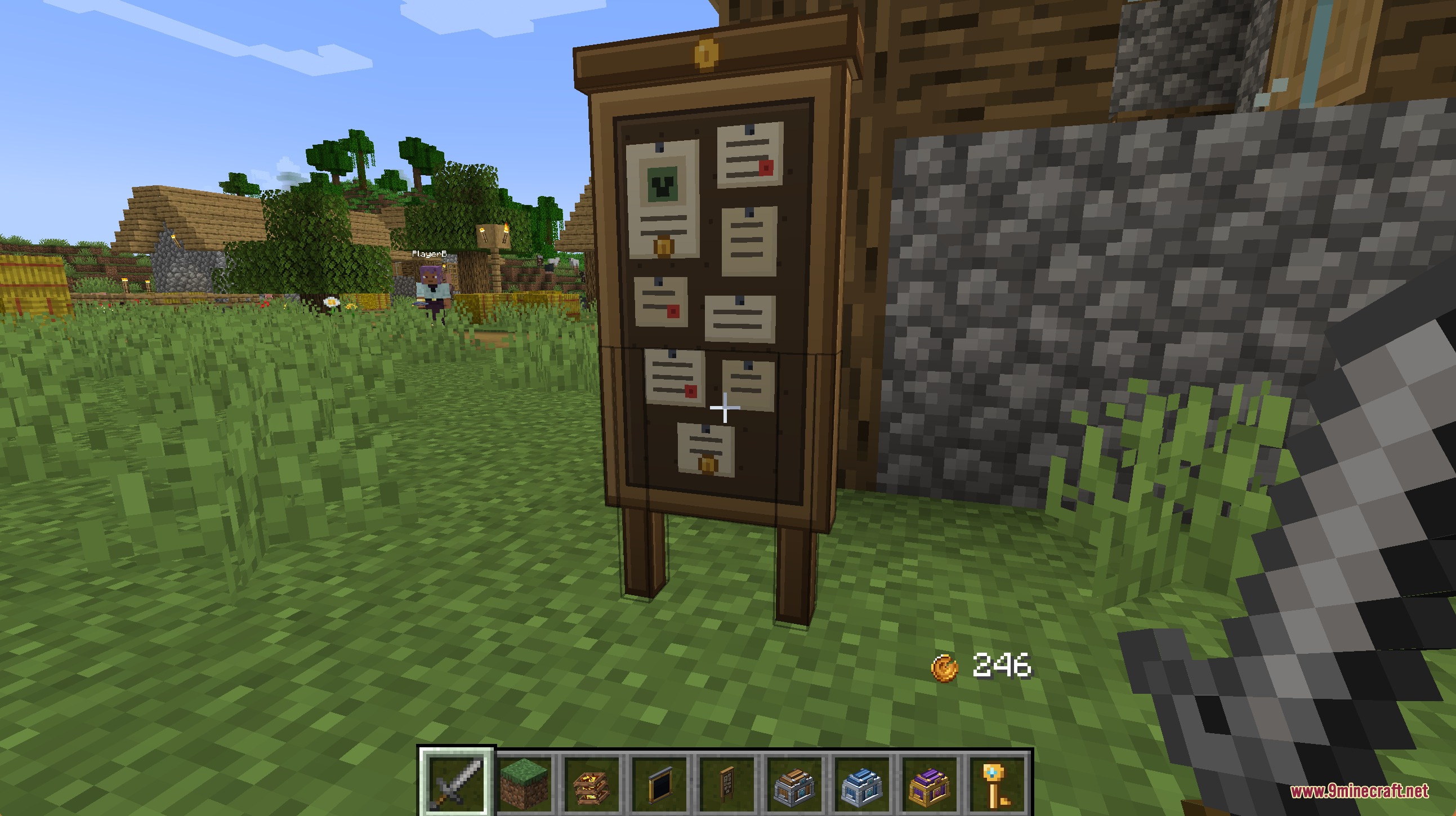
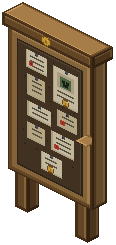 Bounty Board
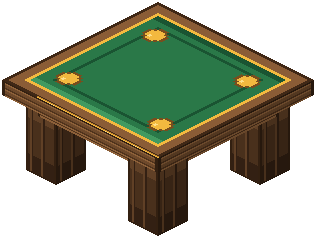 Coin Flip
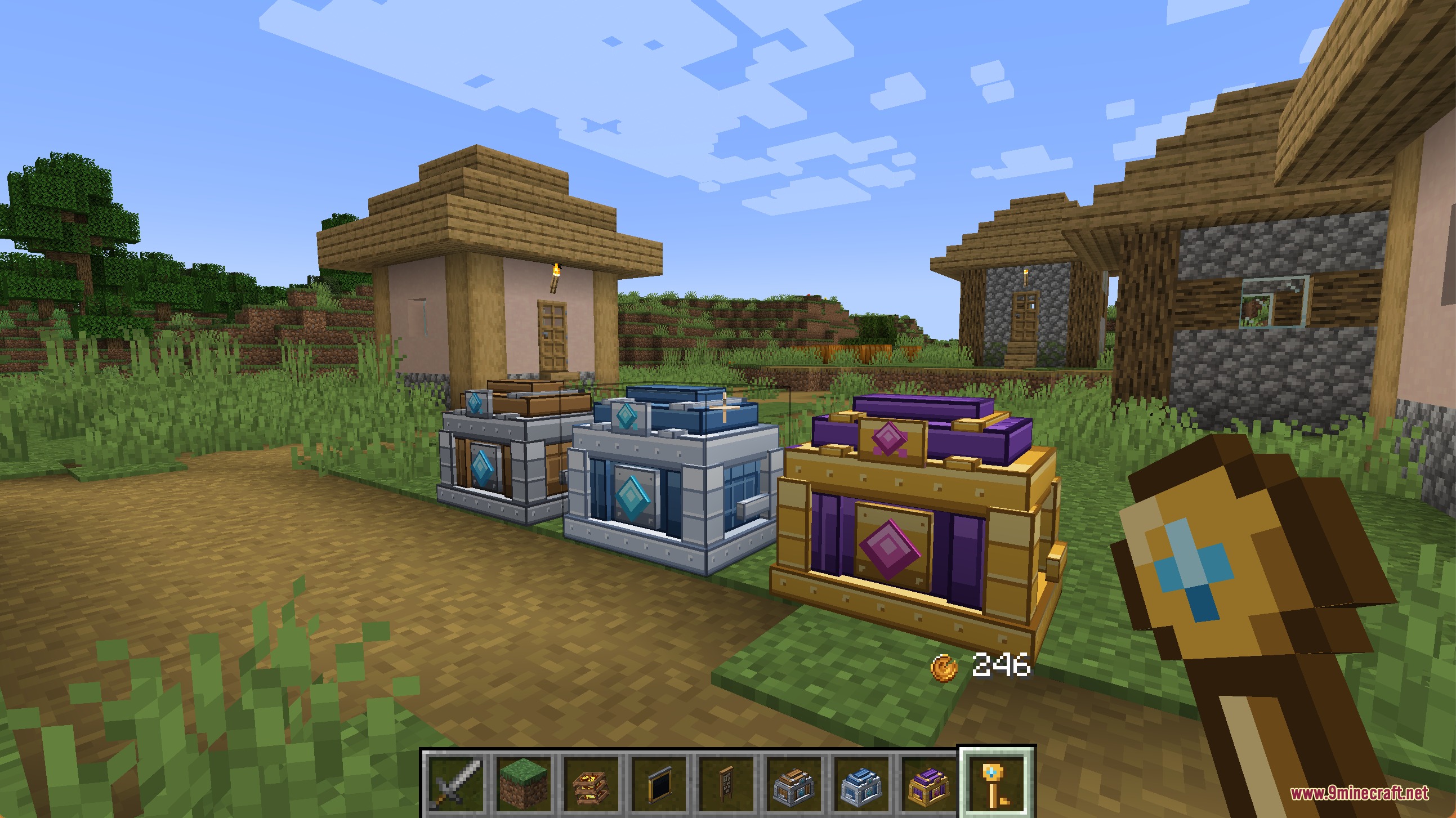
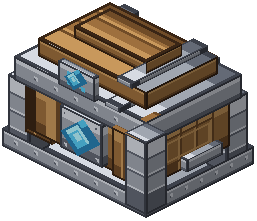 Common Crate
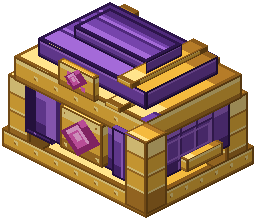 Epic Crate
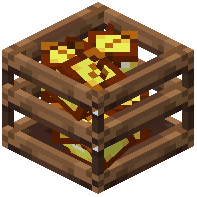 Golden Cache
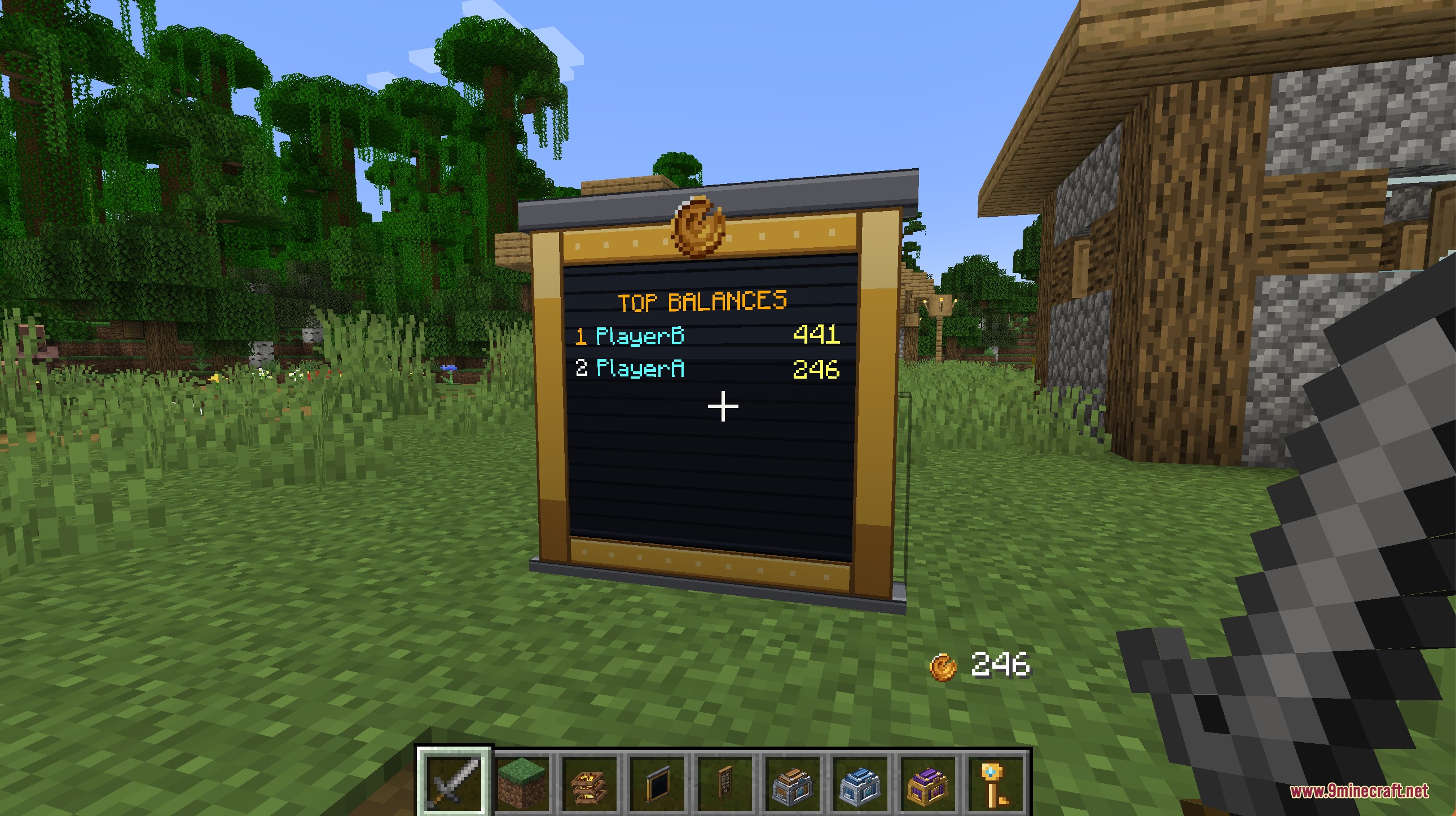
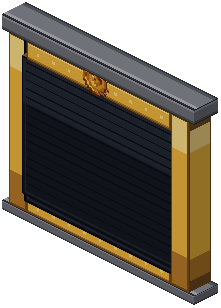 Ledger Board
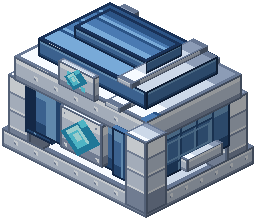 Rare Crate
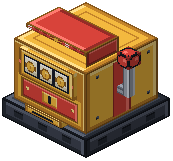 Slot Machine
Mobs
Creatures this mod adds.
Notch NPC
Frequently asked questions
How do I start using the mod?
Find or craft an ATM block and place it in your world, then use it to deposit physical coins into your bank account. Spawn an NPC using the blank NPC item and assign it a role like Shop or Banker to begin setting up your economy.
Can I change what the currency looks like?
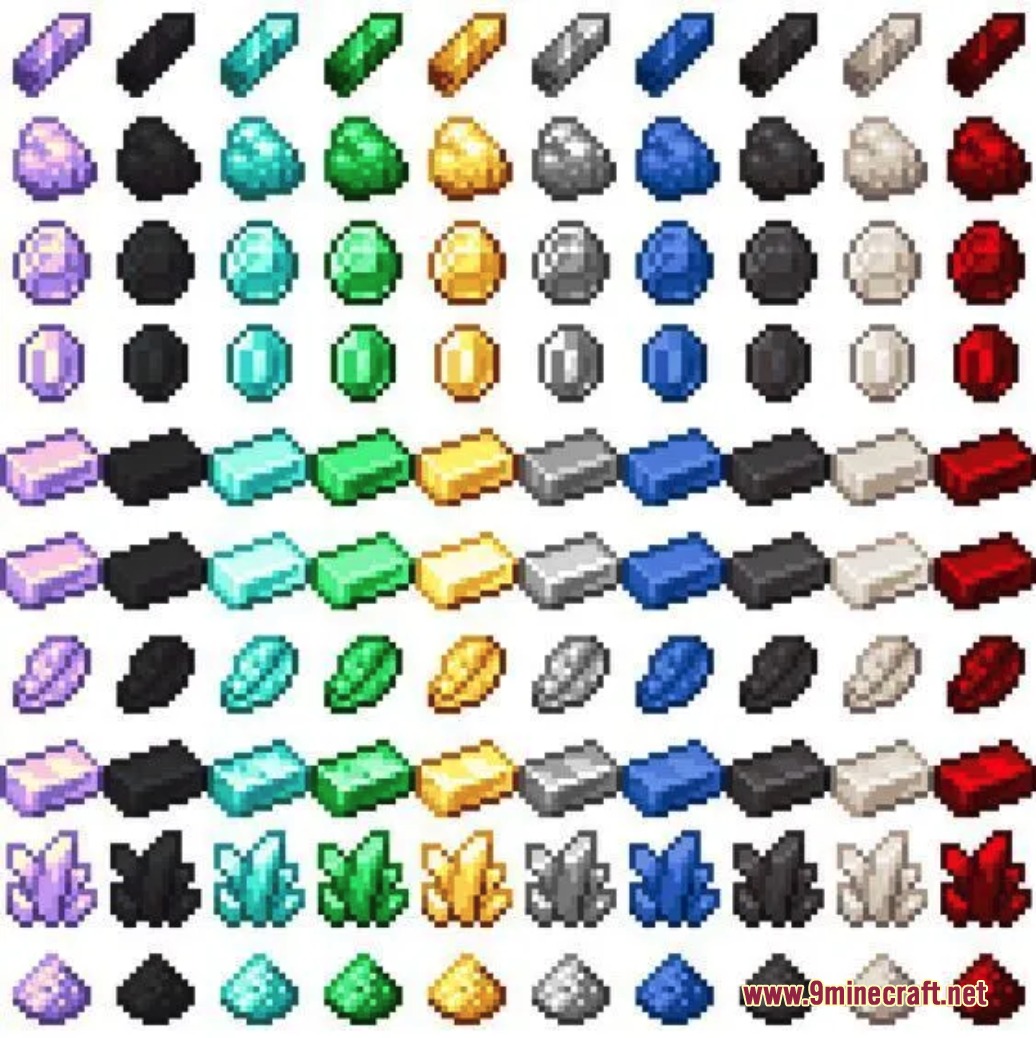
Yes, open the in-game settings screen to customize the name and appearance of your coins—you can make them look like rubies, credits, gems, or anything else that fits your world theme.
How do I trade safely with someone who is offline?
Use the command `/trade offer` to leave a trade request that the other player can accept later, or use `/trade` for real-time swaps if they're online—both methods track the exchange and prevent scams.
What's the difference between physical coins and bank balance?
Physical coins are items you carry in your inventory, while your bank balance is virtual money stored in an ATM—deposit coins at an ATM to convert them to your digital balance, which is safer and always displayed on your screen.
How do I set up a shop NPC?
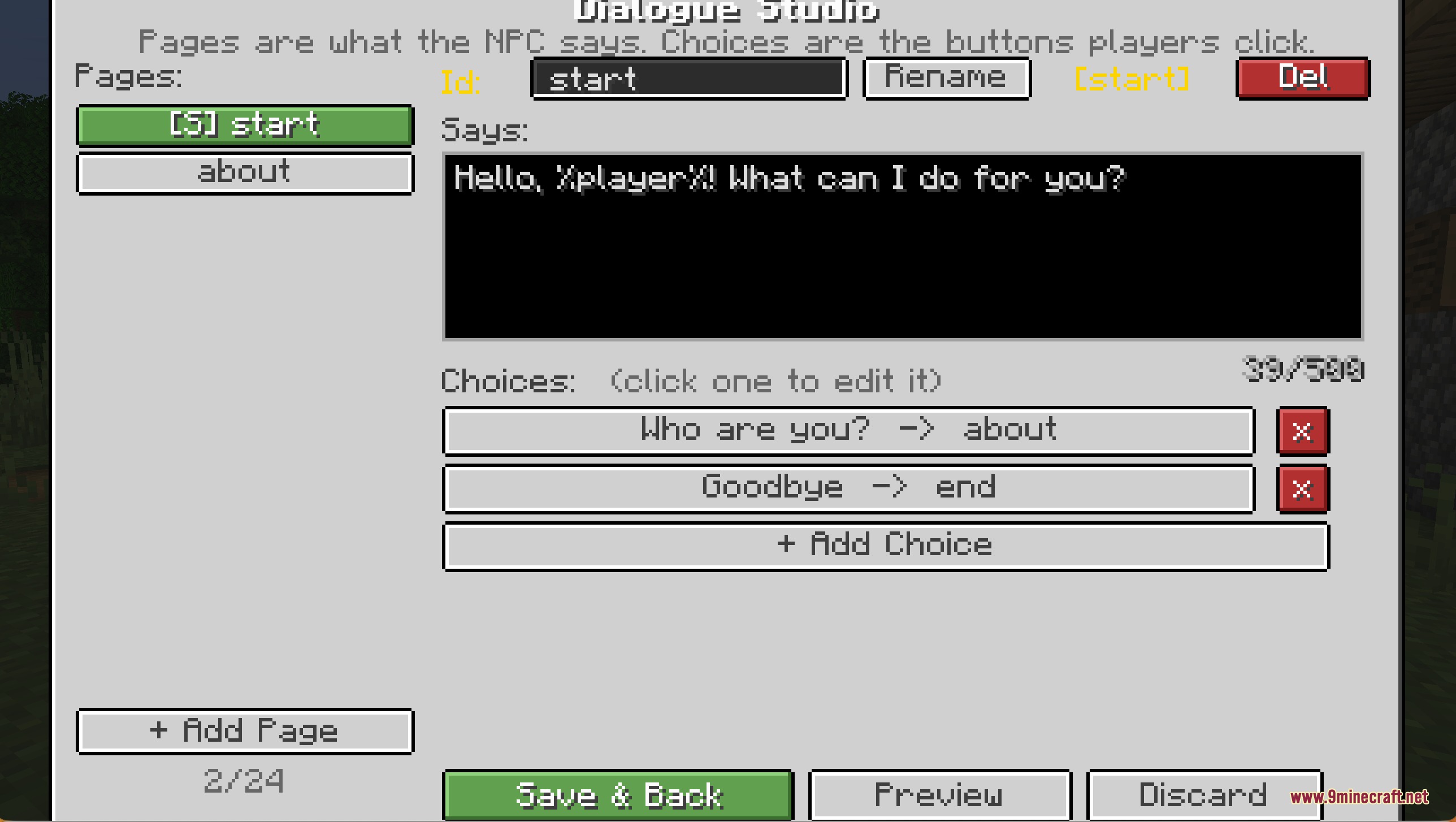
Spawn an NPC with the blank NPC item, assign it the Shop role, then use the Shop Manager screen to set which items it sells and their prices—you can also add branching dialogue options so players talk to the NPC before buying.
Can I see how much money other players have?
Yes, place a Ledger Board block in your world to display a live ranking of the richest players, or use the `/baltop` command to see the top balances in chat.
How do I earn money through the bounty system?
Press B to open the bounty tracker and see which mobs have active bounties, then hunt those mobs and collect the rewards—bounties are set up by server admins through the mod settings.
What happens if I lose physical coins?
If you drop coins and they despawn, that money is gone—to keep your wealth safe, deposit your coins into an ATM so they're stored in your virtual bank balance instead.
Can NPCs do things besides run shops?
Yes, you can assign NPCs roles like Auctioneer, Mailbox, Enchanter, Banker, or Guard—each role gives the NPC different functions to make your towns feel more alive and interactive.
What are treasure crates and how do I open them?
Treasure crates are special blocks that hold loot and require a specific key to open—find the matching key and use it on the crate to swing it open and collect the rewards inside.
Gallery
9 images from the Notches Currency Mod page.
You May Also Like
Wikis that share the most with this one
Wikis on the same theme: machine
More mod wikis on the site
The most downloaded mods that have a wiki here
A few wikis from each of the other kinds