

 DownloadNot Interested Mod
Get the files on 9Minecraft
Guides
Step-by-step, in-game.
Frequently asked questions
What does the Not Interested Mod add to Minecraft?
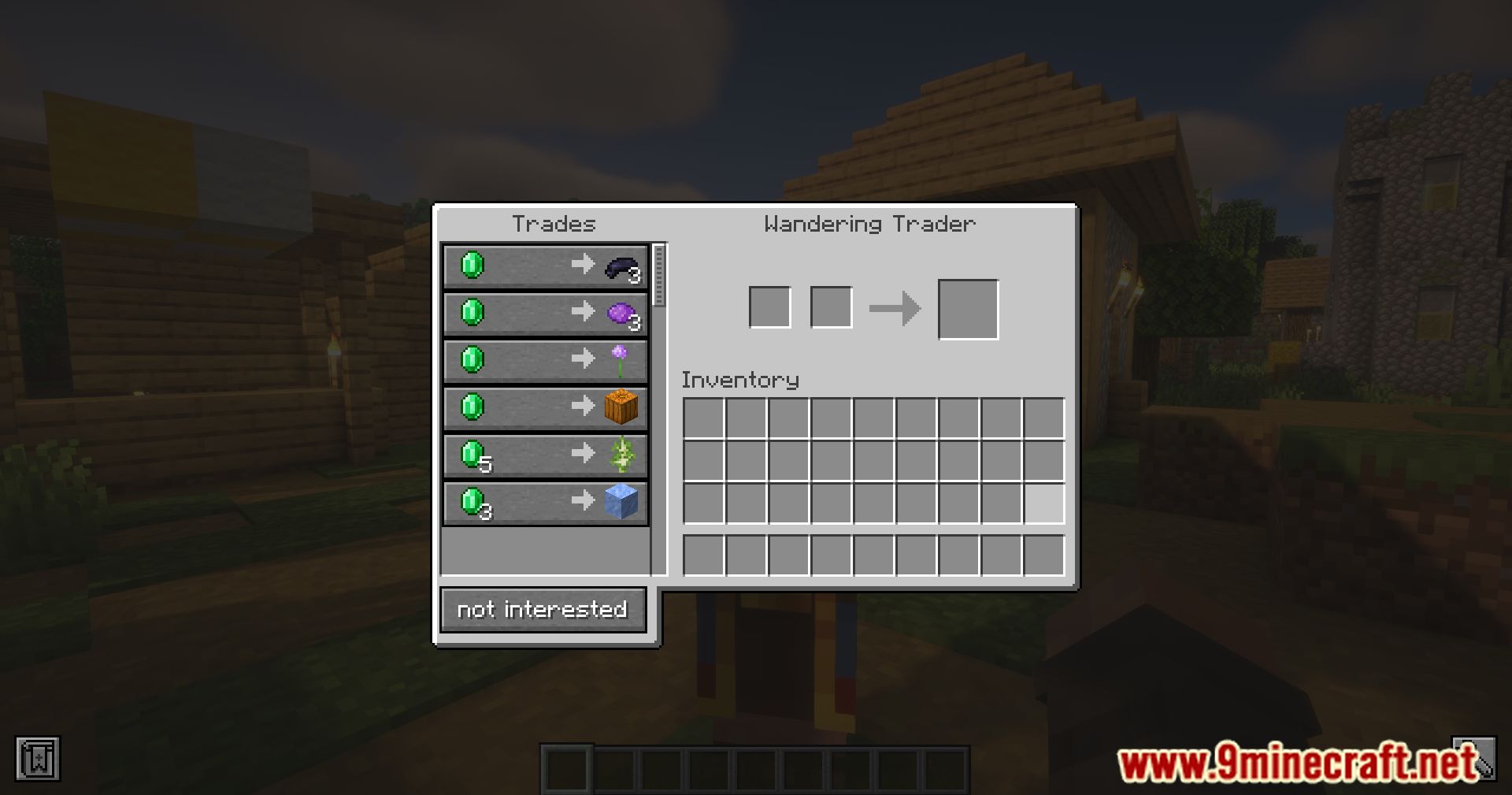
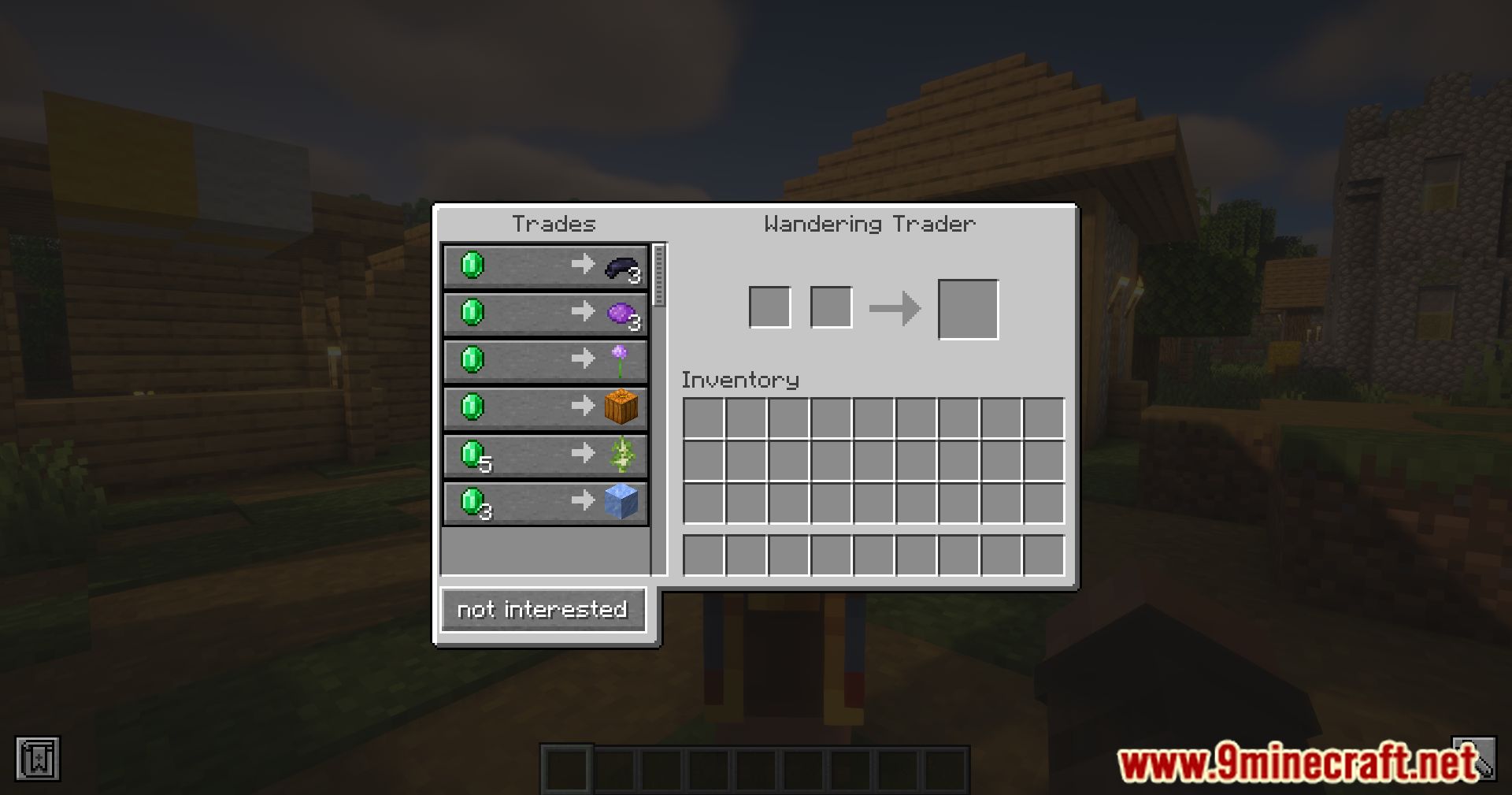
It adds a "Not Interested" button to the wandering trader's trade screen. Clicking it dismisses the trader.
Where does the Not Interested button appear?
It appears on the wandering trader's trade screen. It is not part of the normal trading interface.
What happens when you click the Not Interested button?
The wandering trader is dismissed. This removes the trader without any additional steps.
Do you need to complete a trade to get rid of the wandering trader with this mod?
No, you can dismiss the trader directly with the button. No trading is required.
See all 6 Not Interested questions ›
Gallery
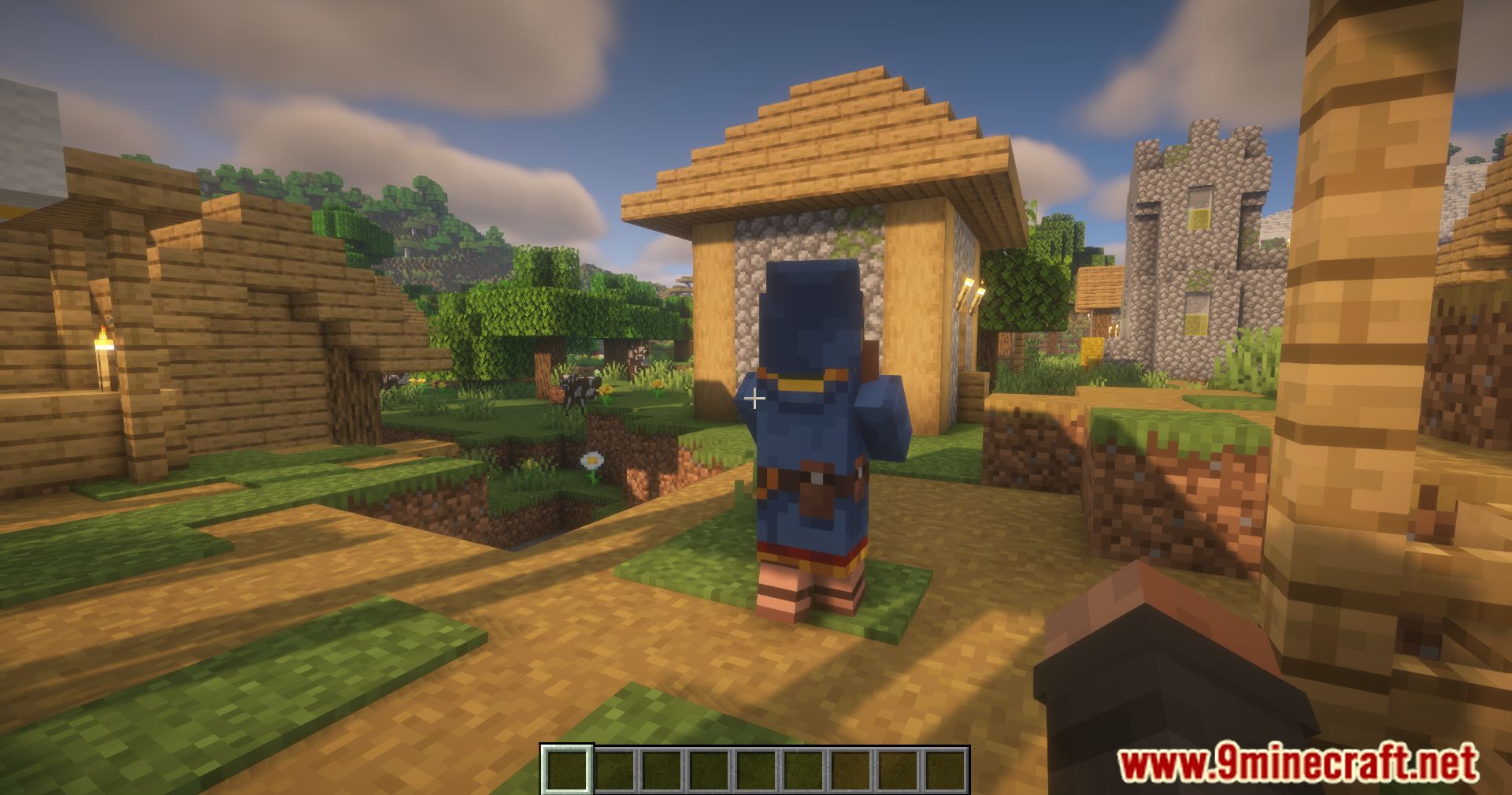
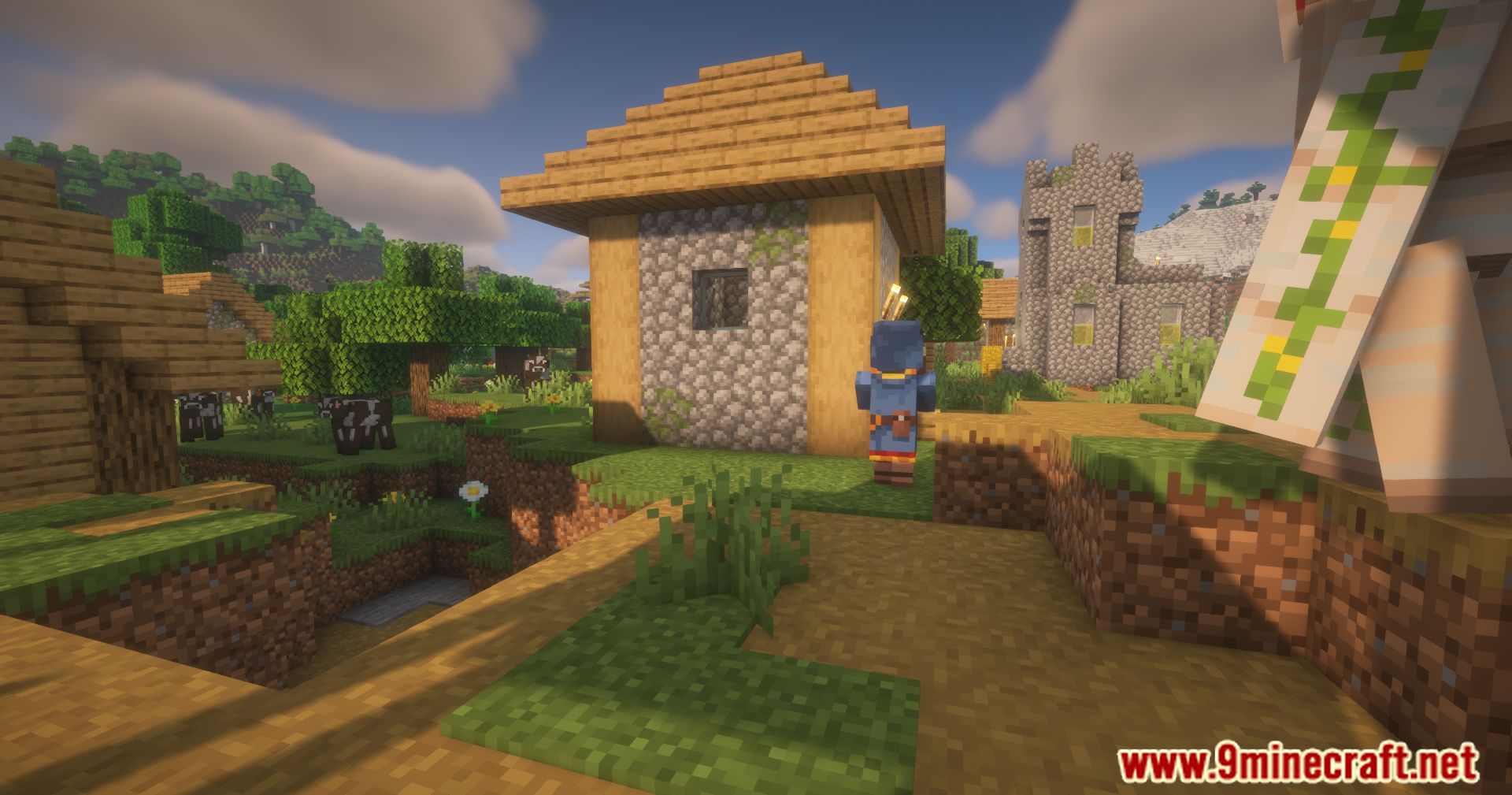
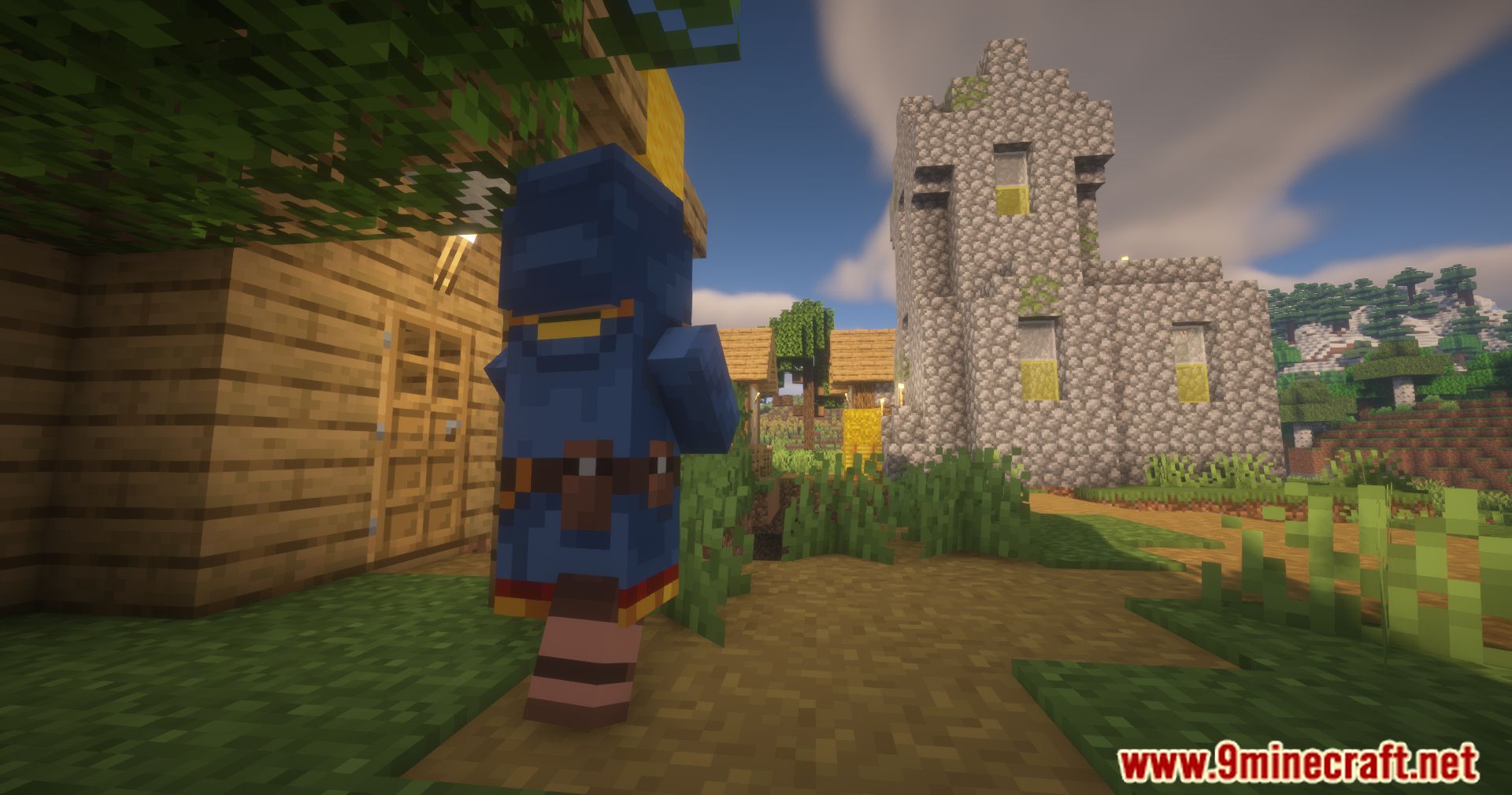
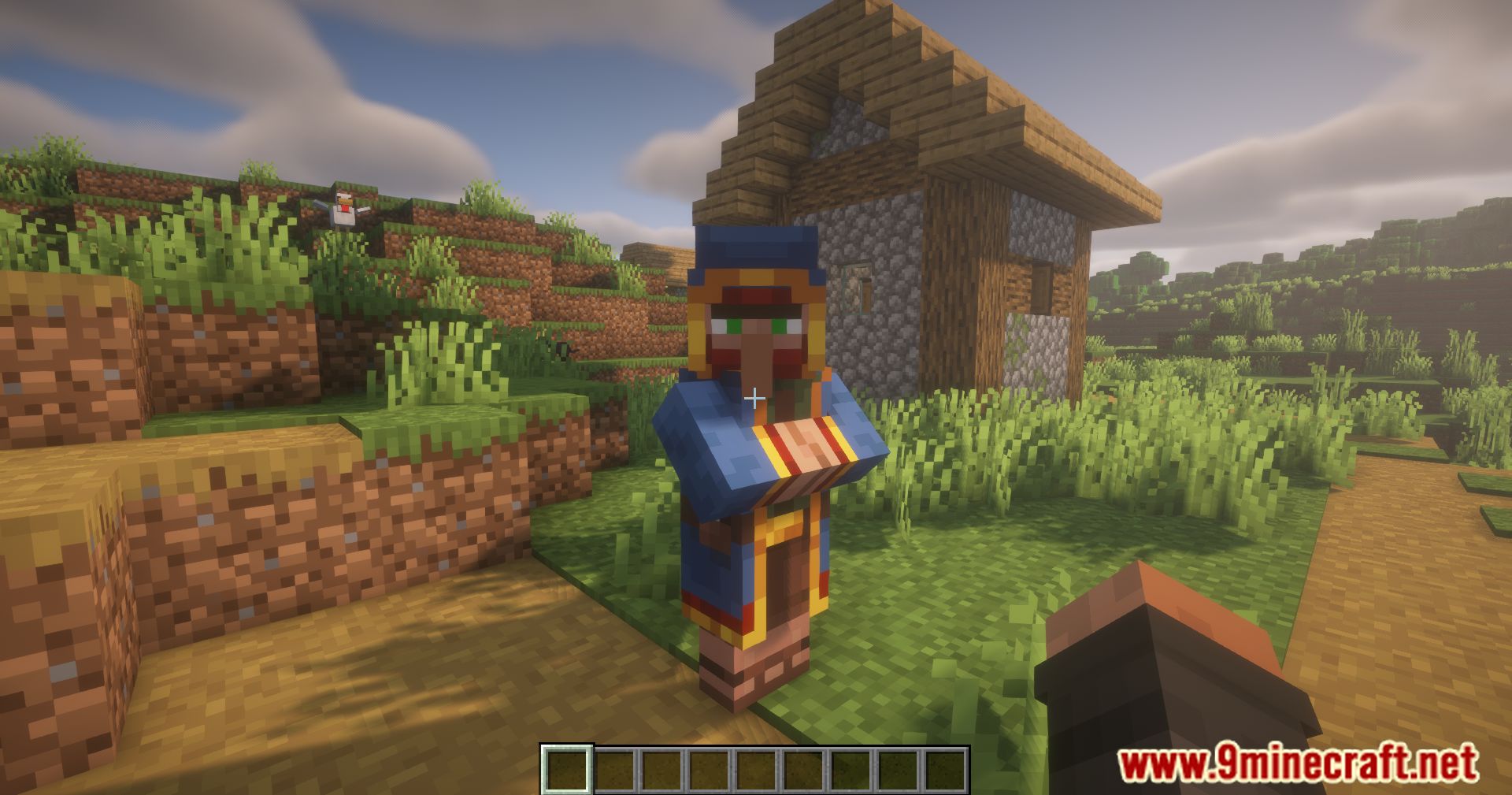
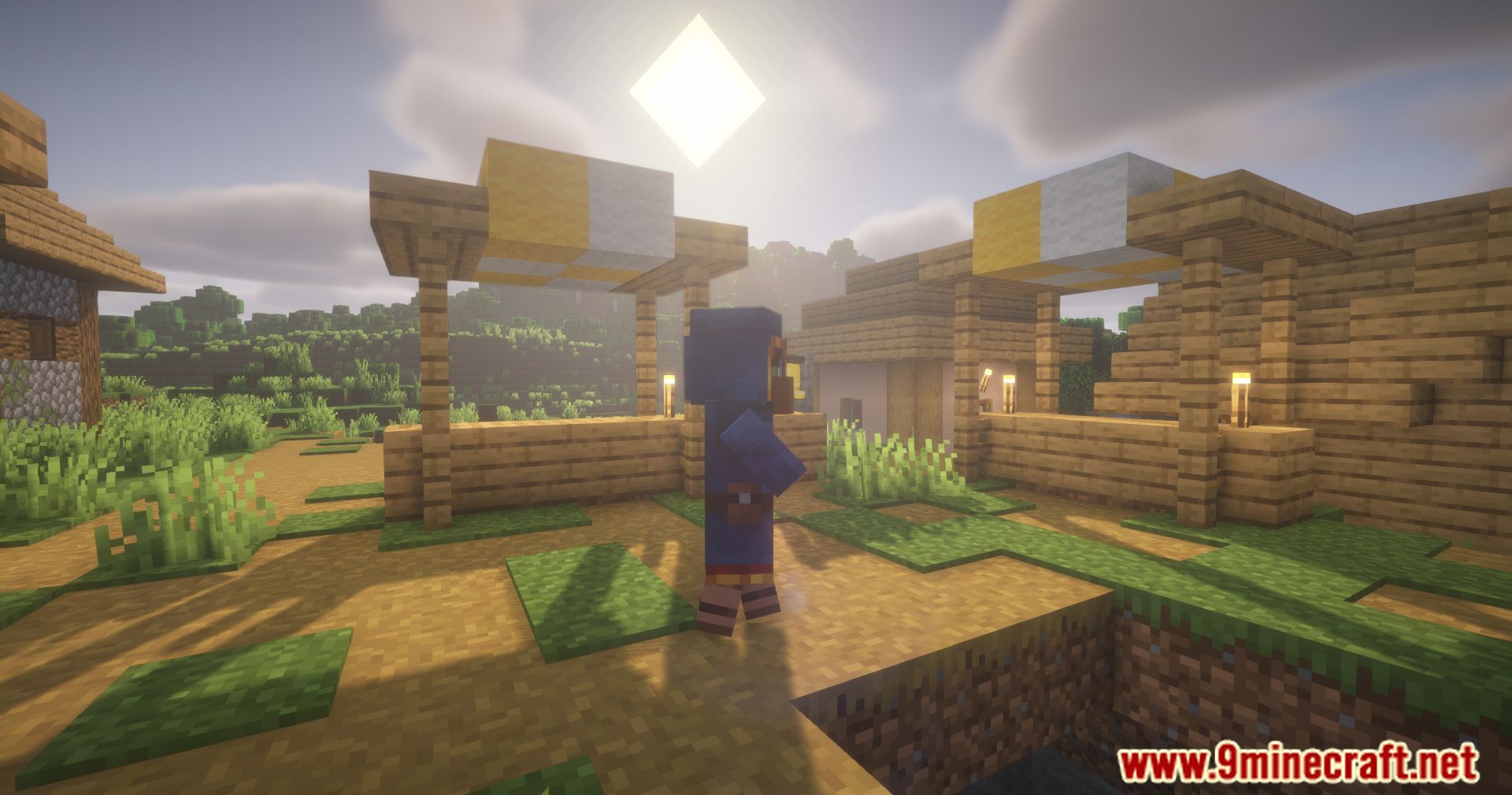
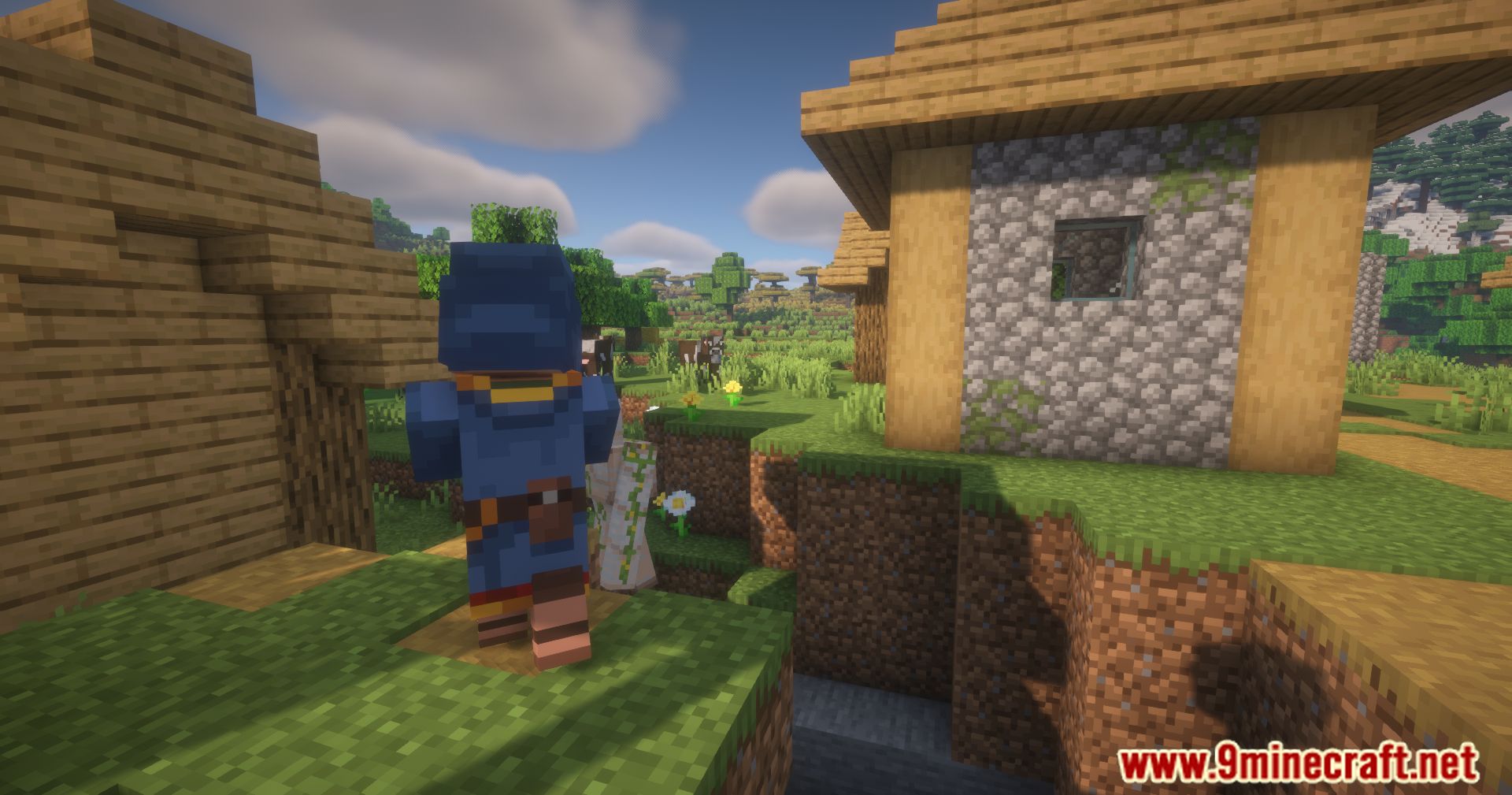
11 images from the Not Interested Mod page.
You May Also Like
Wikis that share the most with this one
More mod wikis on the site
The most downloaded mods that have a wiki here
A few wikis from each of the other kinds