

 DownloadNPCs Vol.1 Model
Get the files on 9Minecraft
Guides
Step-by-step, in-game.
Customize NPC Animations and BehaviorEditing Configuration Files NPC animations and behavior are controlled through MythicMobs and ModelEngine…Integrate NPCs with Server Plugins and CommandsLinking NPCs to MythicMobs and Other Plugins NPCs Vol.1 Model is pre-configured to work with MythicMobs, allowing you…Set Up Profession Icons Above NPCsPlacing Profession Icons Profession icons—such as a magic book for the Mage or a gold sack for the Banker—help…Summon and Place an NPC in Your WorldUsing MythicMobs Commands Once the NPCs Vol.1 Model pack is installed and your server is restarted, you can spawn…
Frequently asked questions
How do I summon an NPC after installing the mod?
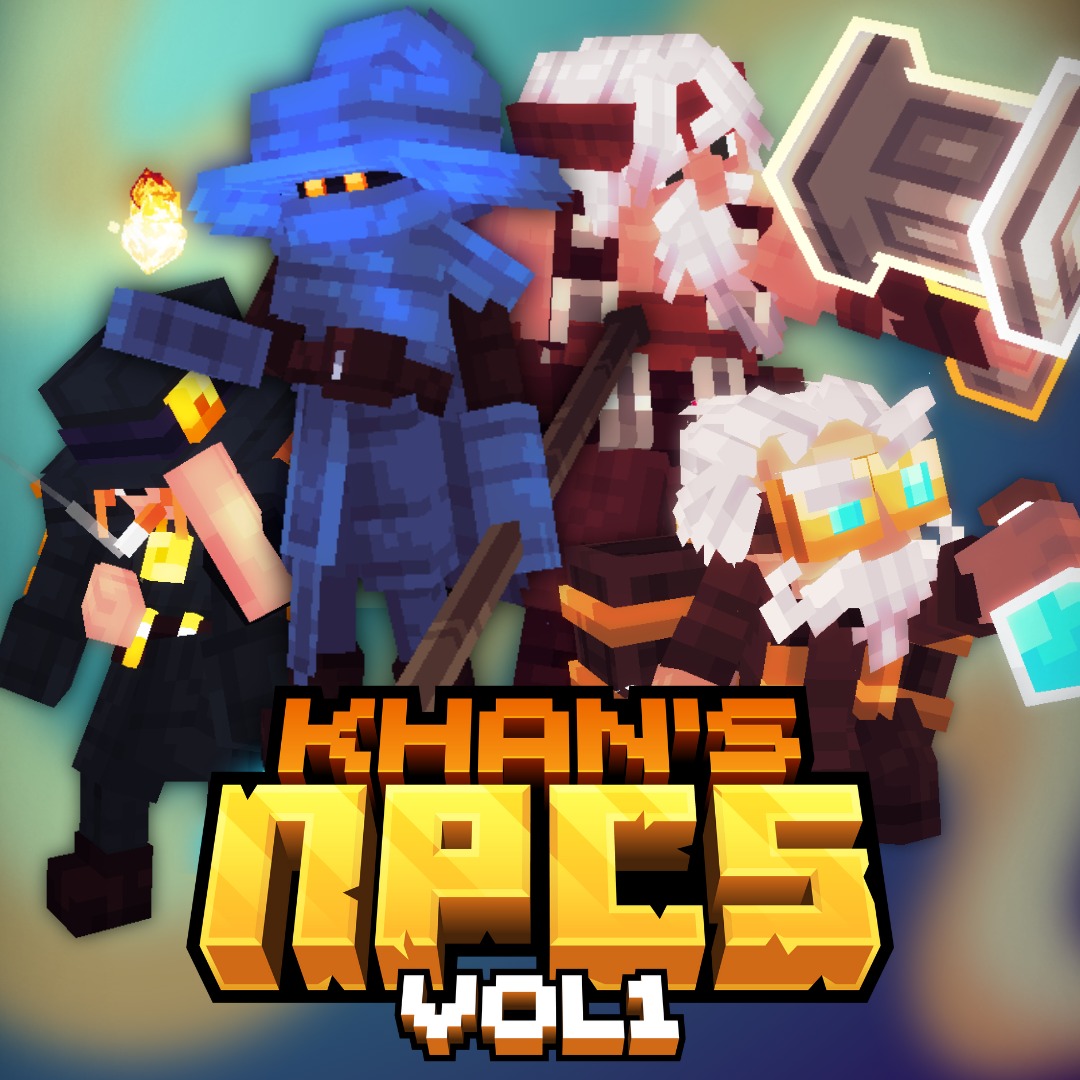
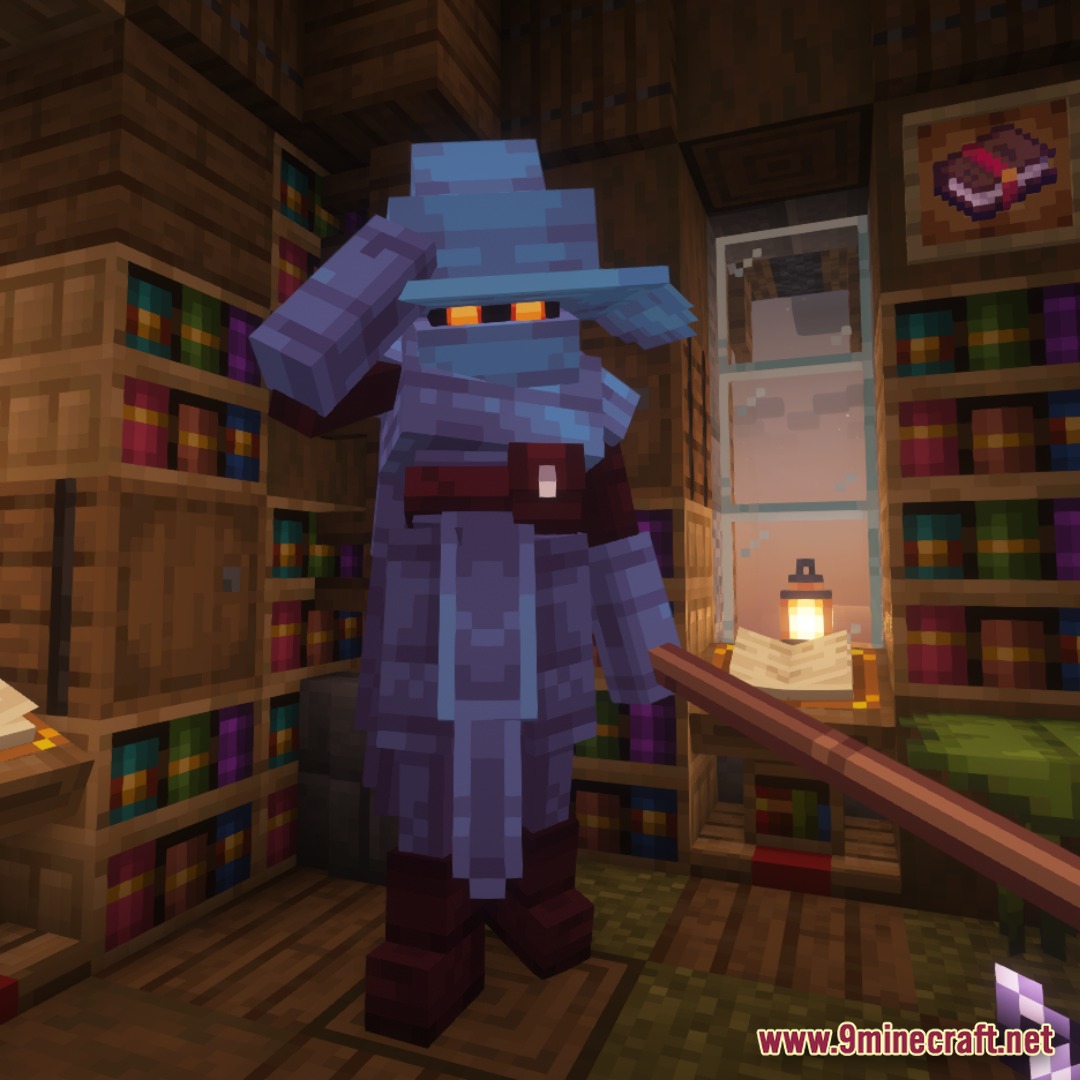
Use the MythicMobs command syntax to spawn NPCs—typically `/mythicmobs summon [NpcName]` at your location. The four available NPCs are Mage, Alchemist, Blacksmith, and Banker; check your MythicMobs config files to confirm their exact summon names.
What do the profession icons do?
Profession icons (like a magic book or gold sack) display above NPCs and feature animated "near" effects that trigger when players approach, clearly signaling which NPC offers which service. They're fully animated and help guide players to the right shop or vendor.
Do I need all three plugins (ModelEngine, MythicMobs, Nexo) for this to work?
Yes, all three are required: ModelEngine handles the NPC models and animations, MythicMobs manages NPC behavior and summoning, and Nexo provides the sound effects. The pack comes pre-configured for all three, so they must all be installed and running.
See all 10 NPCs Vol.1 Model questions ›
Gallery
5 images from the Npcs Vol 1 Model page.
You May Also Like
Wikis that share the most with this one
More mod wikis on the site
The most downloaded mods that have a wiki here
A few wikis from each of the other kinds