

 DownloadLibrarian Trade Finder Mod
Get the files on 9Minecraft
Guides
Step-by-step, in-game.
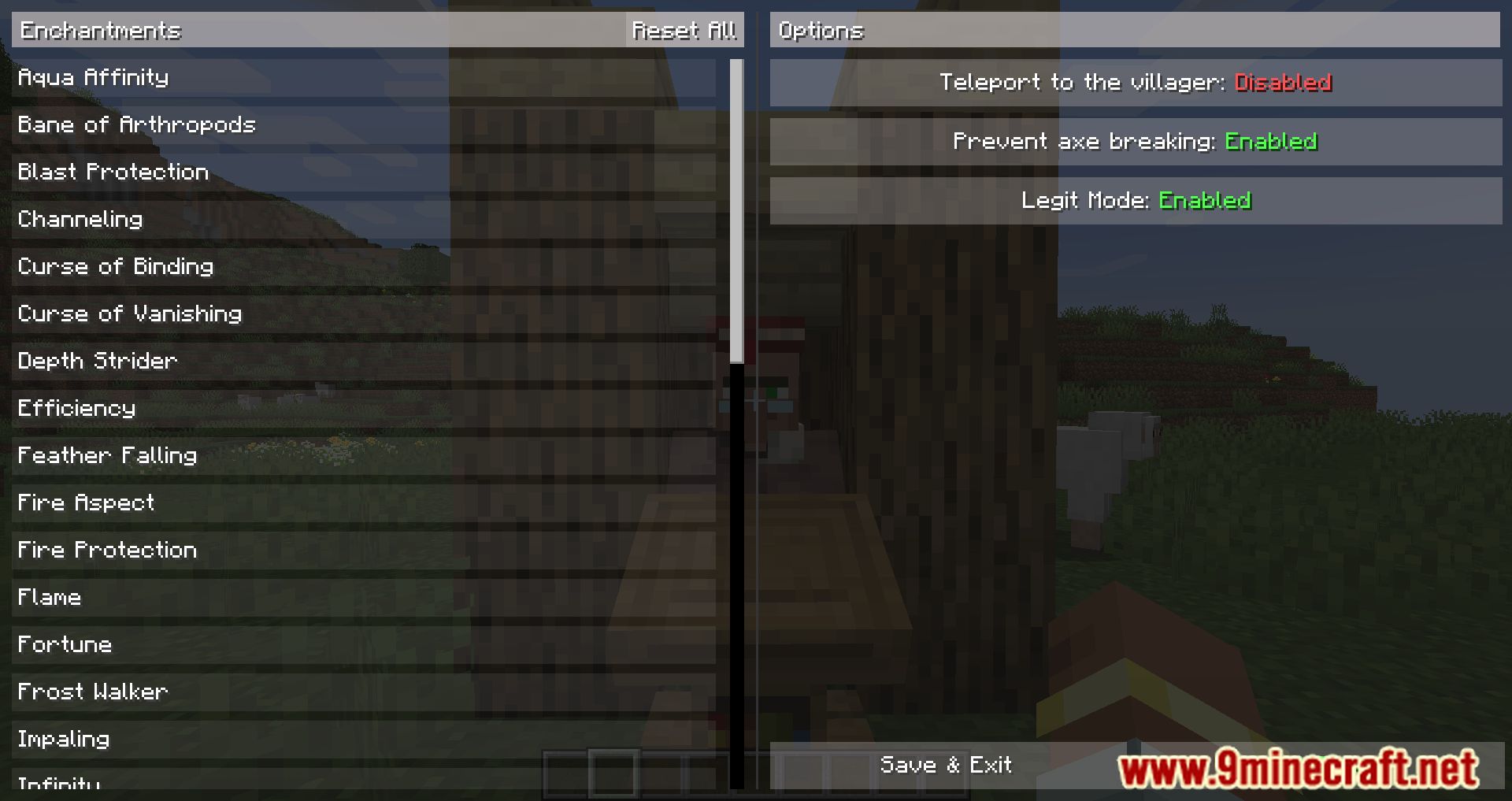
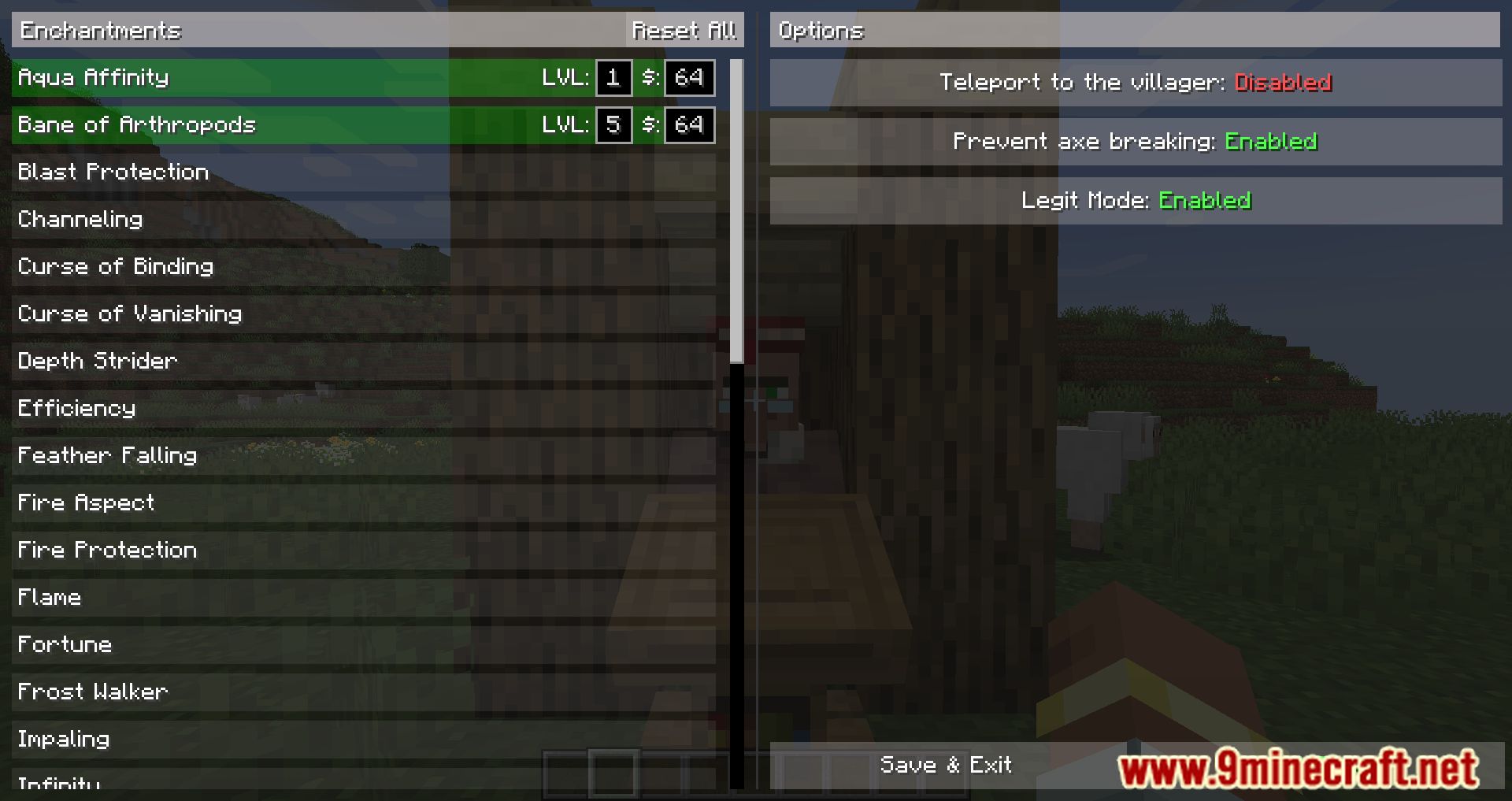
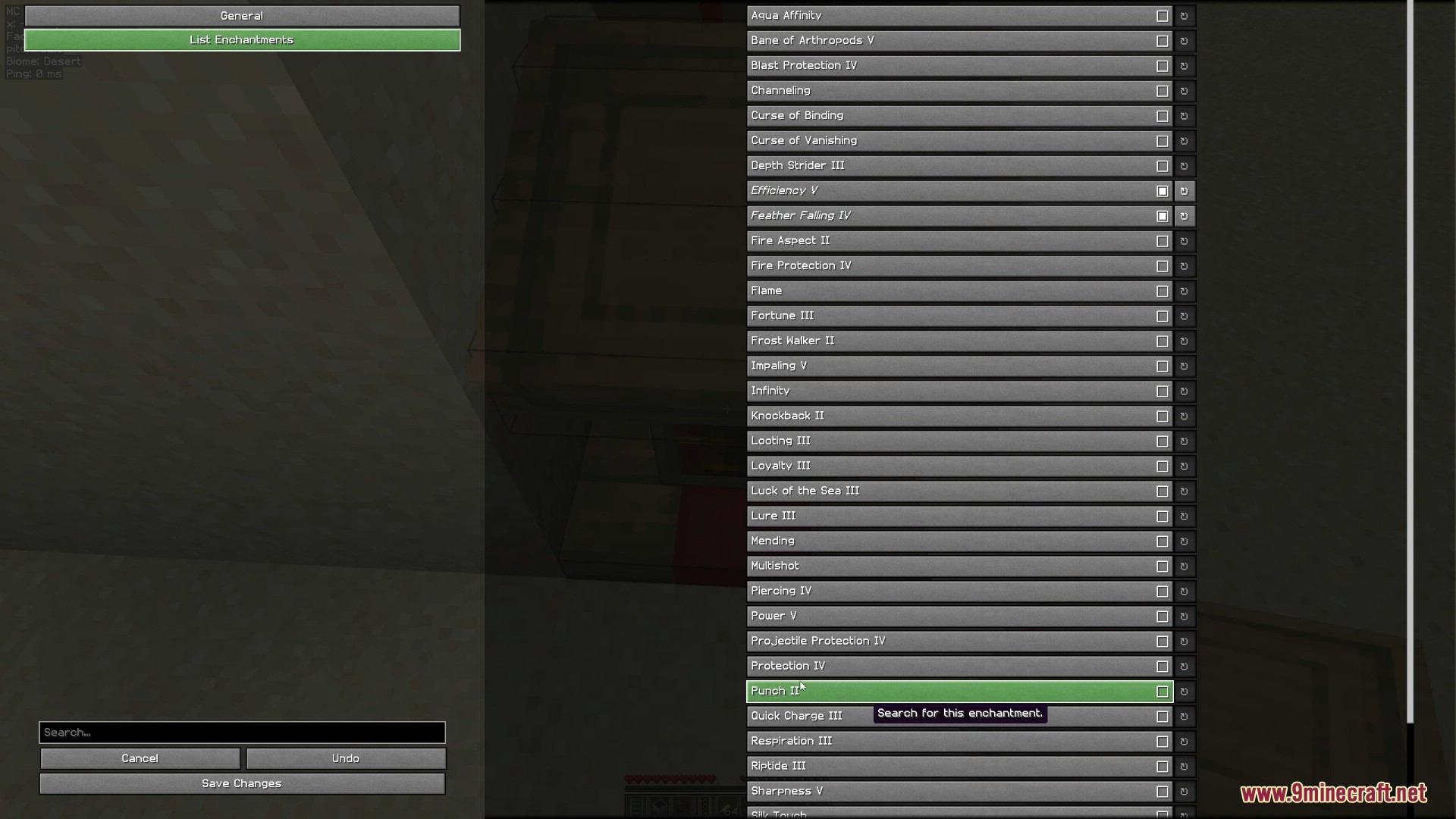
Search for Multiple Enchantments at OnceOpen Configuration Press C to open the Librarian Trade Finder config screen. Select Your Target Enchantments In the…Set Up Your First Librarian SearchPrepare the Space Create a confined 1×1 area around your Librarian Villager using blocks or walls. This prevents them…Speed Up Your Librarian SearchUse a Faster Axe The mod's search speed depends on your axe's mining speed. Equip a Netherite Axe in your main hand…Troubleshoot When the Search Won't StartVerify Lectern Selection Look directly at your placed Lectern and press I to confirm it's selected. You should see a…
Frequently asked questions
How do I start using the mod?
What do I need in my inventory to run a search?
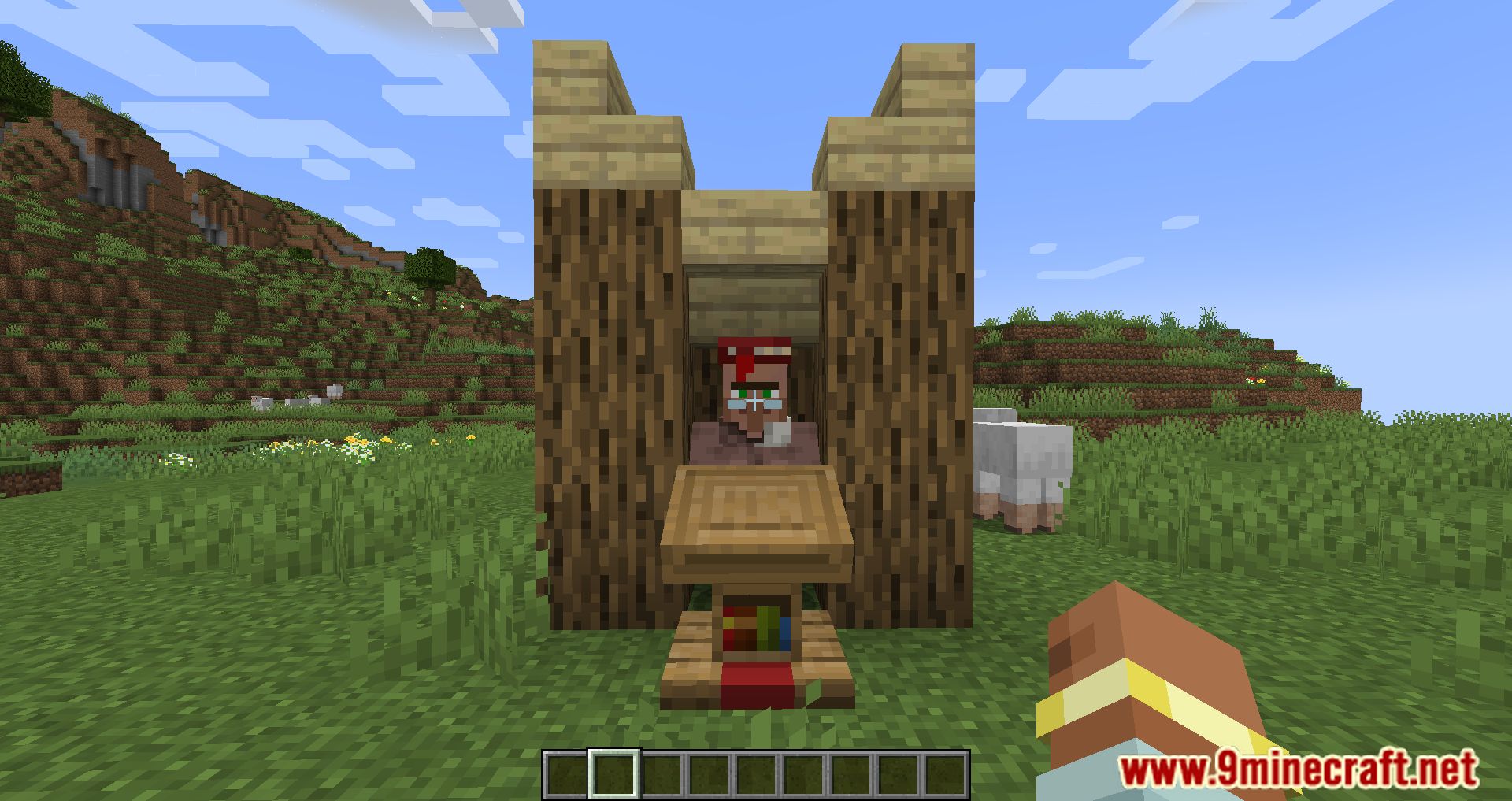
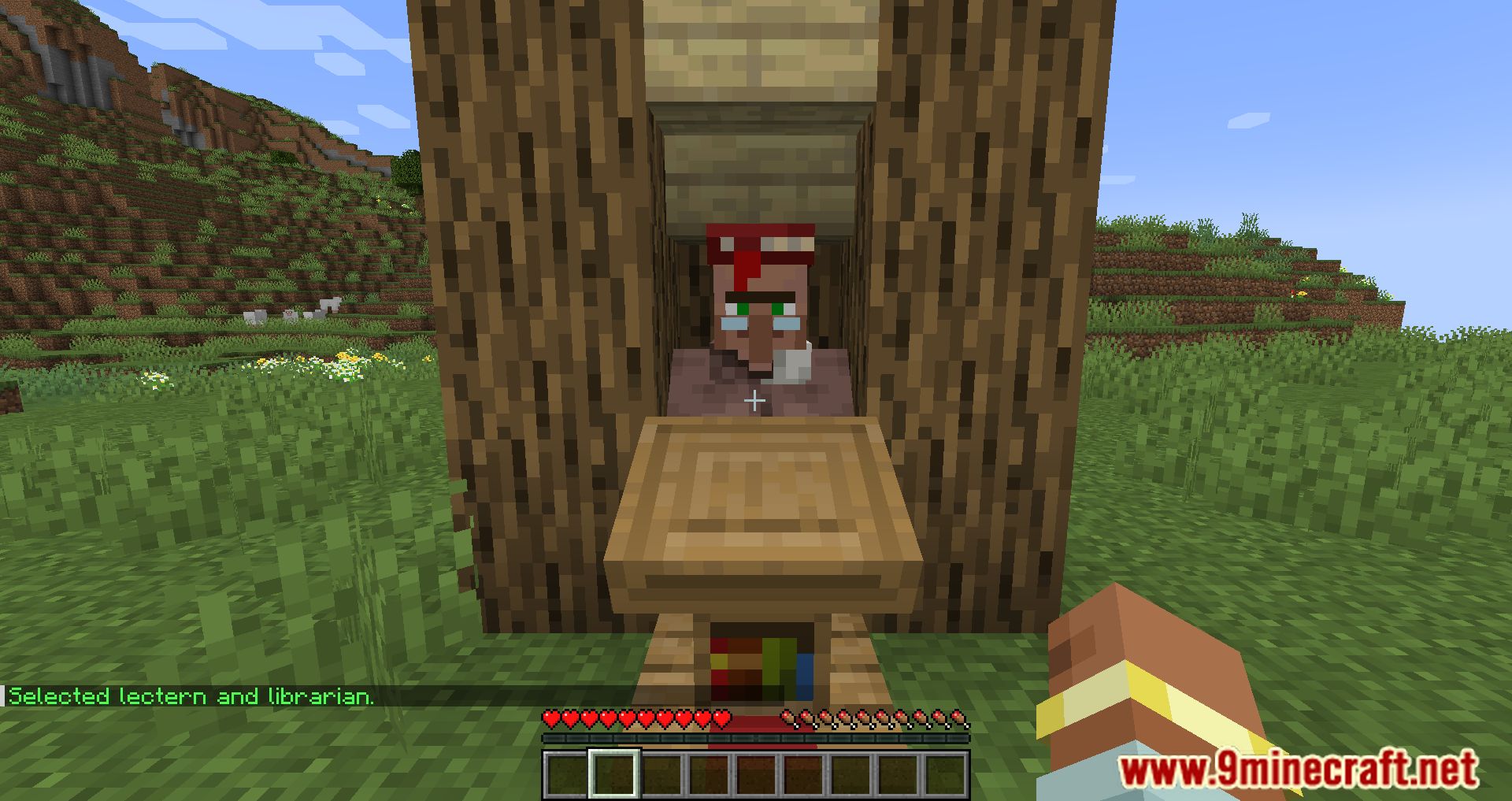
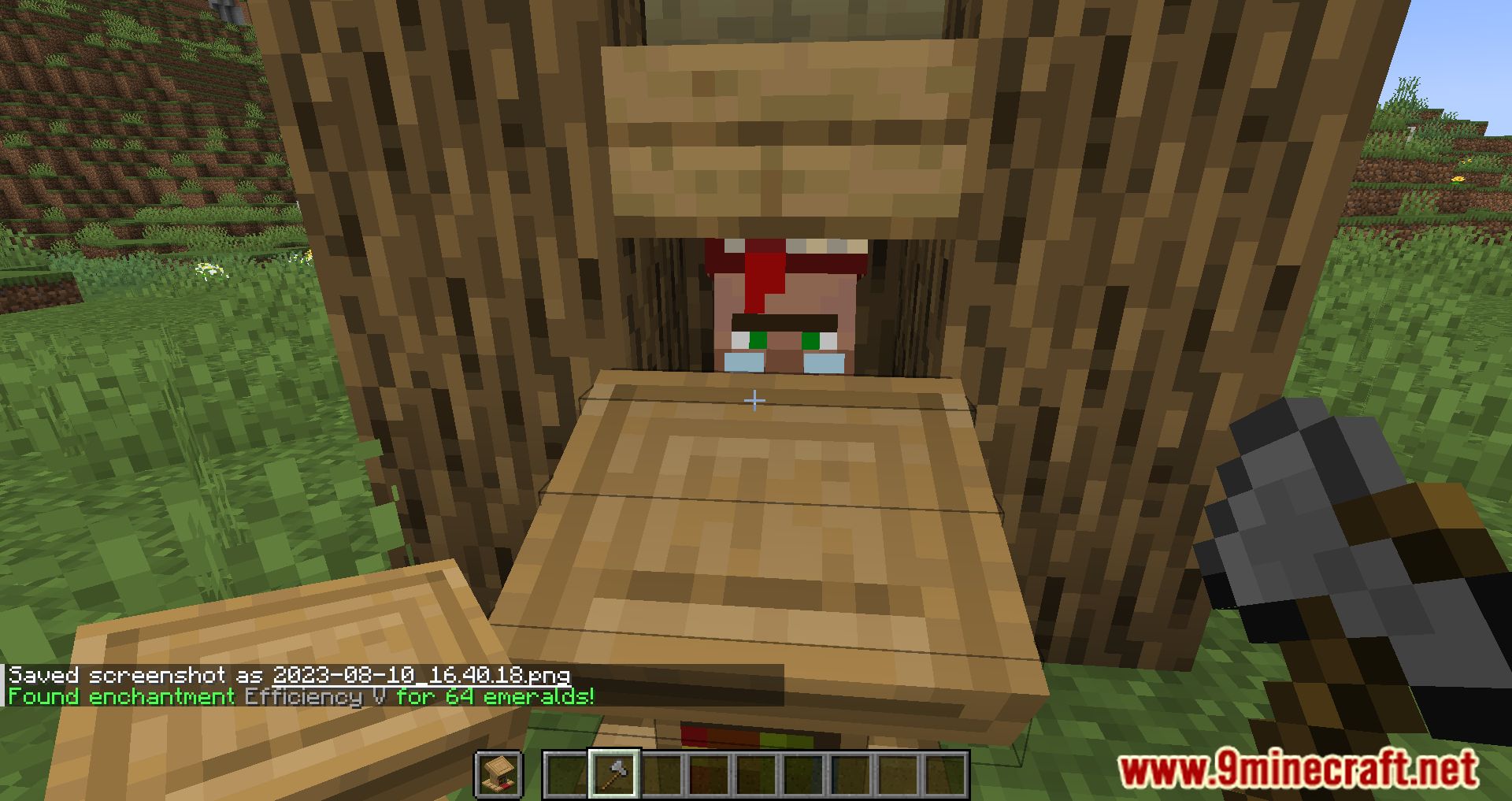
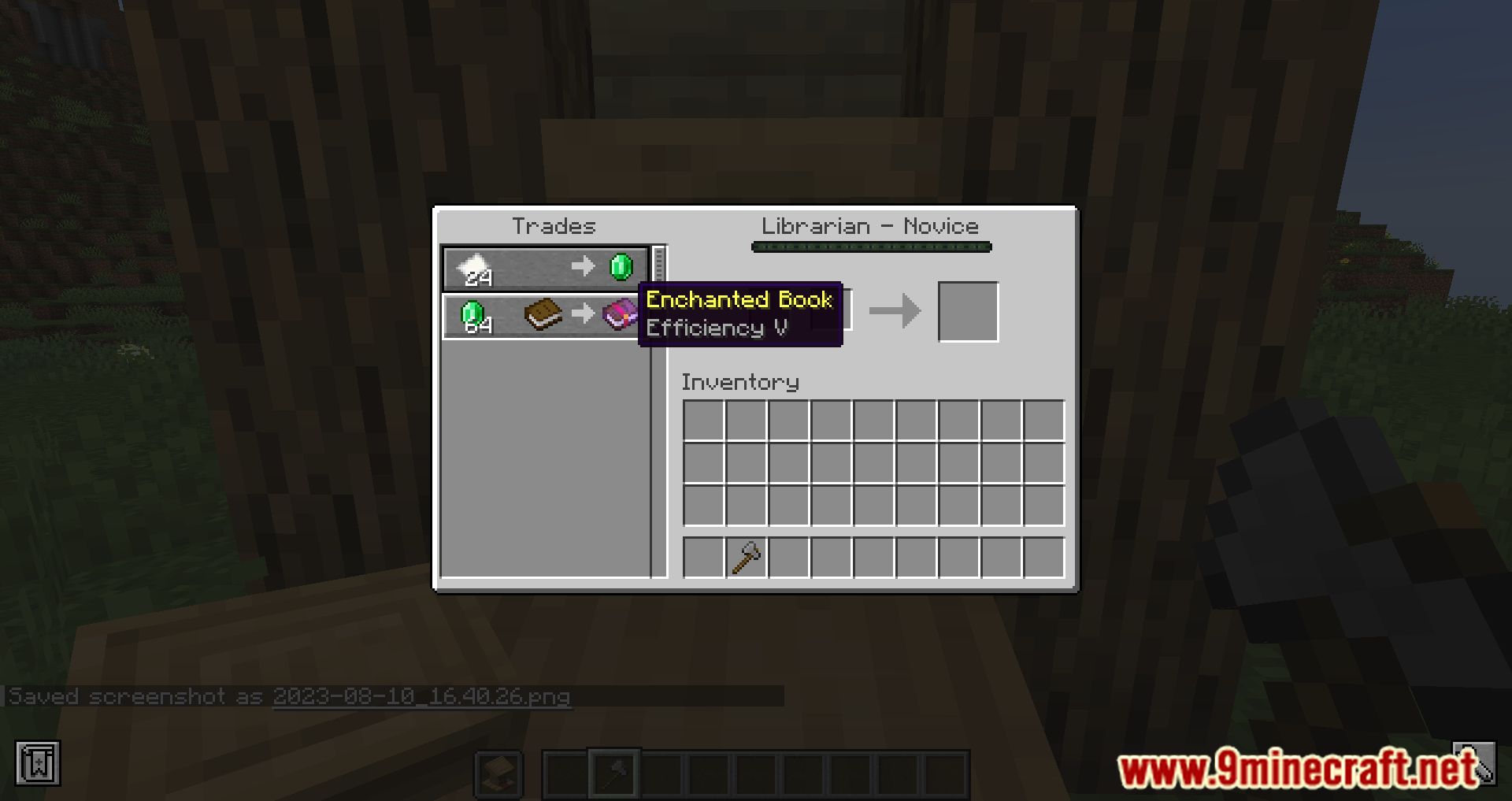
Hold a Lectern in your off-hand and an axe in your main-hand. The mod will automatically break and place the lectern repeatedly to reroll the villager's trades.
Does the type of axe matter?
Yes—faster axes increase the search speed, so using a high-speed axe will complete your search noticeably quicker than a slower one.
Can I search for multiple enchantments at the same time?
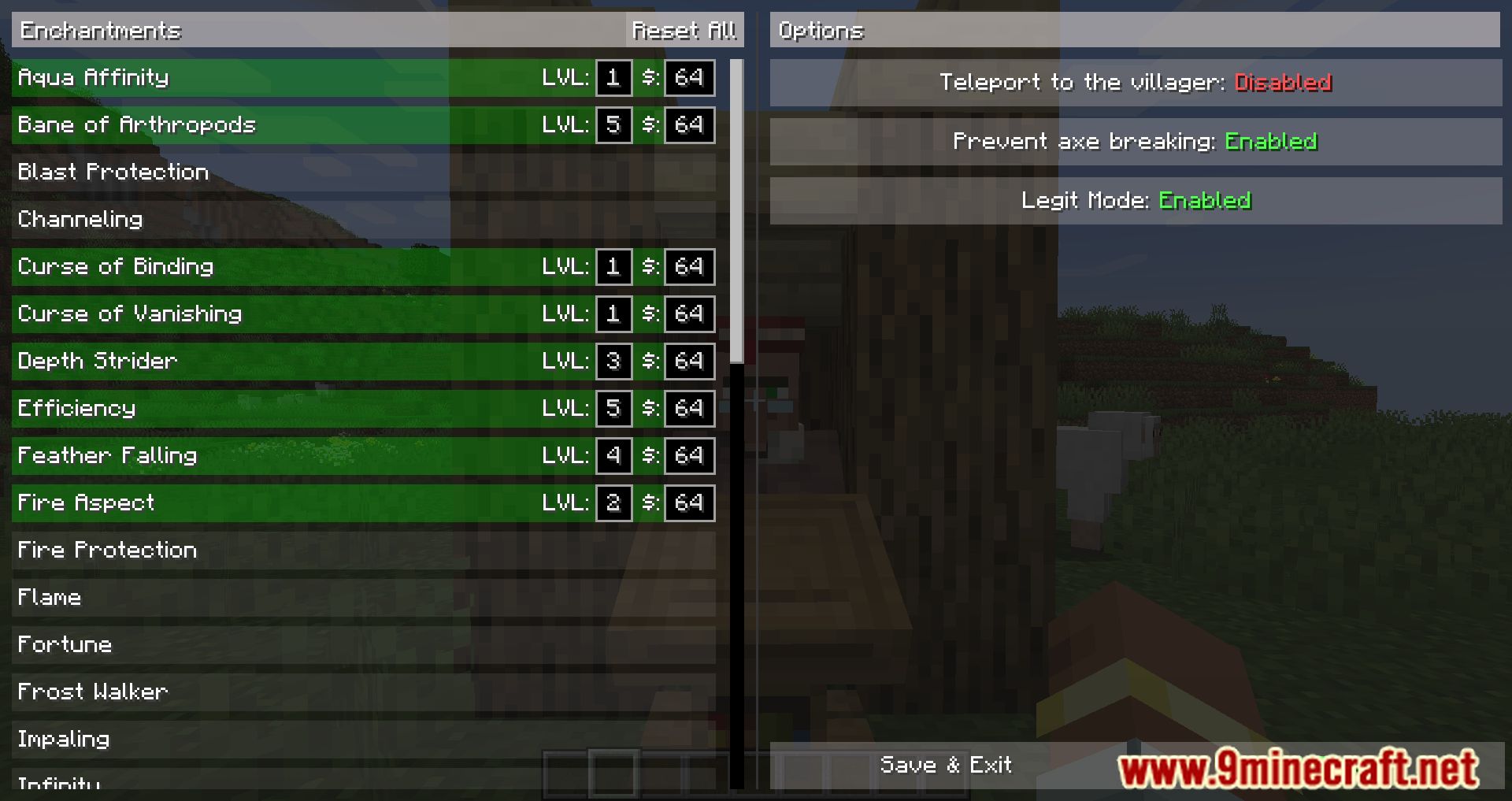
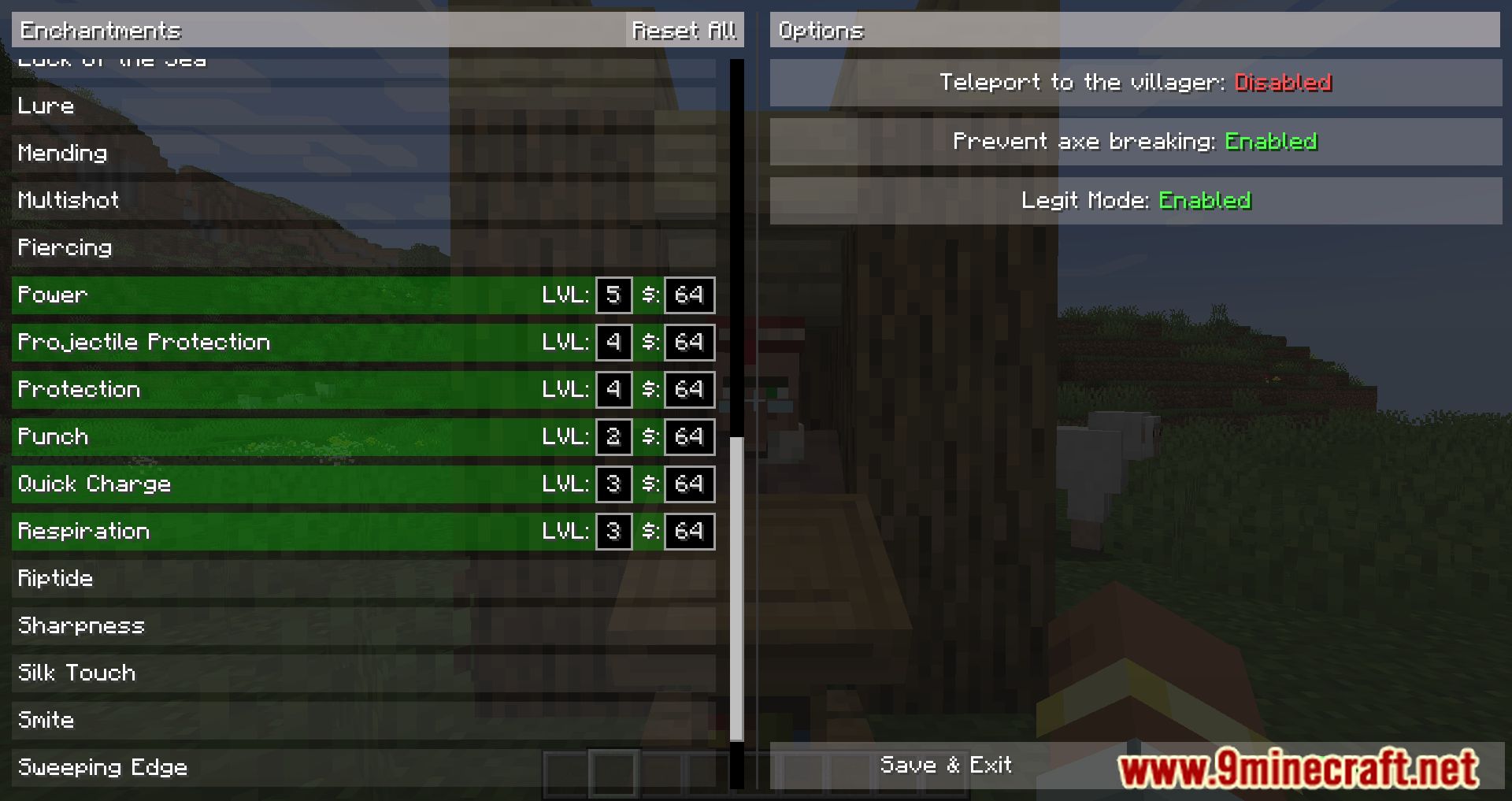
Yes. In the configuration screen, select all the enchantments you want, and the mod will find a trade that offers any of them.
See all 10 Librarian Trade Finder questions ›
Gallery
12 images from the Librarian Trade Finder Mod page.


You May Also Like
Wikis that share the most with this one
Wikis on the same theme: villager
More mod wikis on the site
The most downloaded mods that have a wiki here
A few wikis from each of the other kinds