

 DownloadFinder Compass Mod
Get the files on 9Minecraft
Guides
Step-by-step, in-game.
Craft a Finder CompassMaking Your First Finder Compass If your server requires crafting, you'll need to make the compass yourself using a…Find Diamonds Using the CompassLocating Diamonds Efficiently The Finder Compass can point you directly toward diamond ore, making mining runs much…Locate a Stronghold or Mob SpawnerUsing the Compass for Structures and Spawners Beyond ores, the Finder Compass can point you toward major structures…Switch Between Compass ModesHow to Change What Your Compass Points To The Finder Compass works by cycling through different tracking modes. Each…
Frequently asked questions
How do I make a Finder Compass?
Place a compass in the center of a crafting table, then place diamonds in the four cardinal directions (top, bottom, left, right). If the server has crafting disabled, the compass may already be available in your inventory or creative menu.
How do I switch between different compass modes?
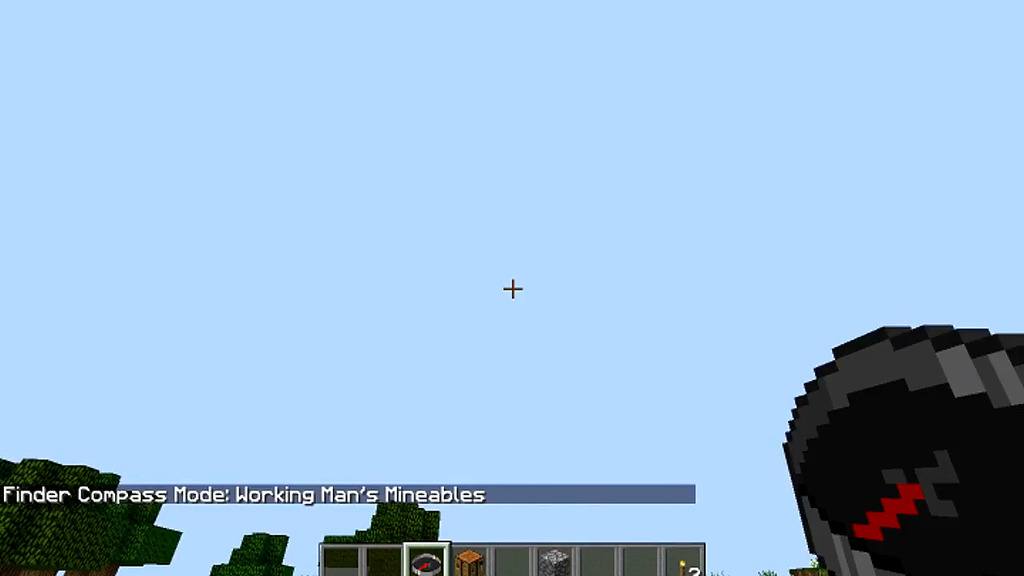
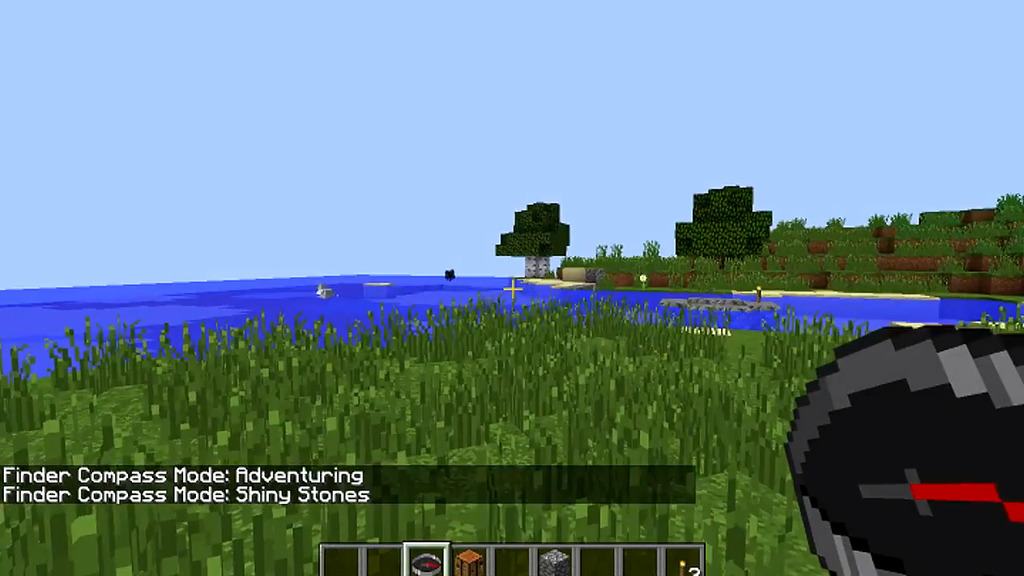
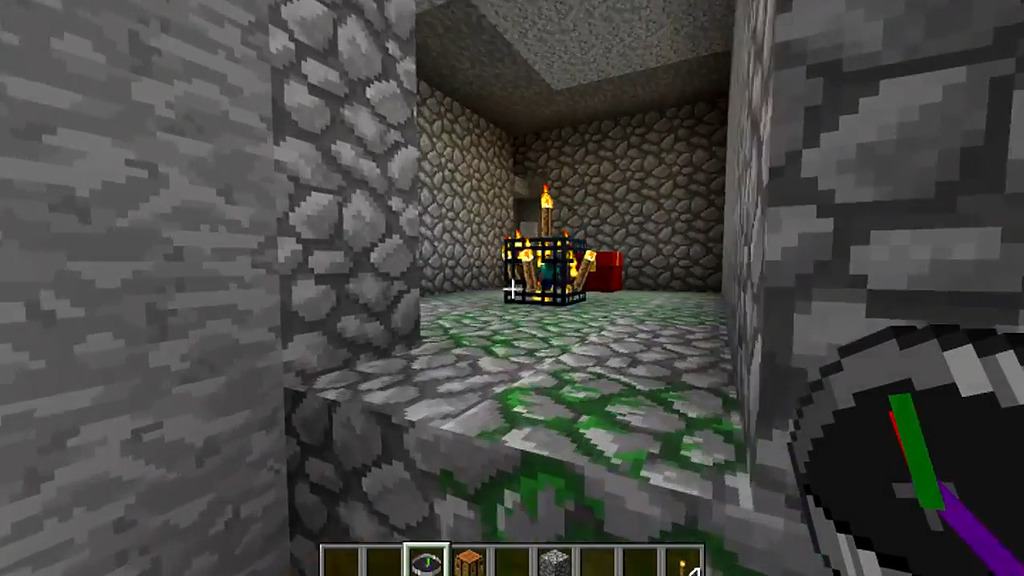
Hold the Finder Compass in your hand and right-click (or use your USE key) to cycle through the available modes. Each mode has a different needle that points to different things like diamonds, strongholds, or mob spawners.
Why isn't my compass pointing anywhere?
Make sure you're holding the compass and have switched to a mode that has something to find in your current area—for example, the diamond mode won't point anywhere if there are no diamonds nearby. Some modes may also be disabled by the server administrator.
Can I use this compass to find the Nether or End?
The Finder Compass modes depend on what the server or world has enabled; check which modes are available by cycling through them. Standard modes point to things like diamonds, strongholds, and mob spawners, but additional modes may vary by configuration.
See all 10 Finder Compass questions ›
Gallery
8 images from the Finder Compass Mod page.




You May Also Like
Wikis that share the most with this one
Wikis on the same theme: cat
More mod wikis on the site
The most downloaded mods that have a wiki here
A few wikis from each of the other kinds