

 DownloadHide Arrows Mod
Get the files on 9Minecraft
Guides
Step-by-step, in-game.
Configure Arrow Visibility SettingsAccess the Configuration Menu The Hide Arrows Mod provides configuration options to customize how arrows are hidden.…Customize Arrow Hiding for Different ScenariosHide Arrows for Players Only Configure the mod to hide arrows stuck in players while keeping them visible on mobs.…Troubleshoot Arrows Still AppearingVerify Mod Installation If arrows are still visible after installing Hide Arrows Mod, first confirm the mod is…Use Hide Arrows in Multiplayer and PvPBenefits for PvP Combat Hide Arrows Mod improves visibility during player-versus-player combat by removing the visual…
Frequently asked questions
How do I turn on arrow hiding?
Arrow hiding is typically enabled by default when you install the mod. Check your mod configuration file or in-game settings menu to confirm it's active, or to toggle it on if it's disabled.
Does this mod hide arrows for me and other players?
Yes, the mod hides arrows for all players in your game world. In multiplayer, each player's client hides arrows independently based on their own settings.
Can I see arrows that are stuck in blocks or the ground?
The mod is designed to hide arrows stuck in players specifically. Arrows in blocks and terrain typically remain visible unless you configure additional hiding options.
Why do I still see arrows after getting hit?
Check that the mod is properly installed and enabled in your mod loader. If arrows persist, verify your configuration settings haven't disabled the feature, or try regenerating the config file to reset it to defaults.
See all 10 Hide Arrows questions ›
Gallery
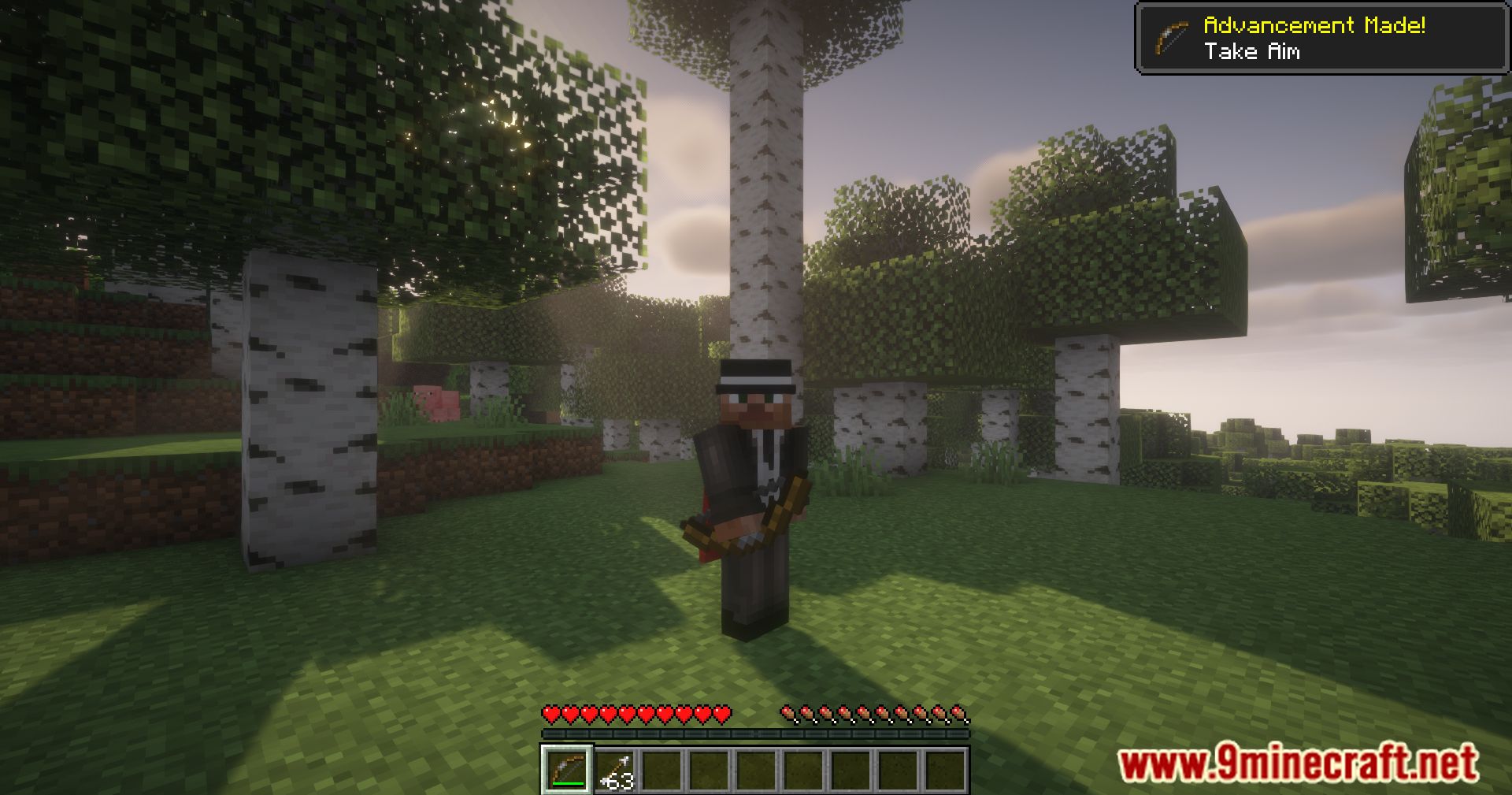
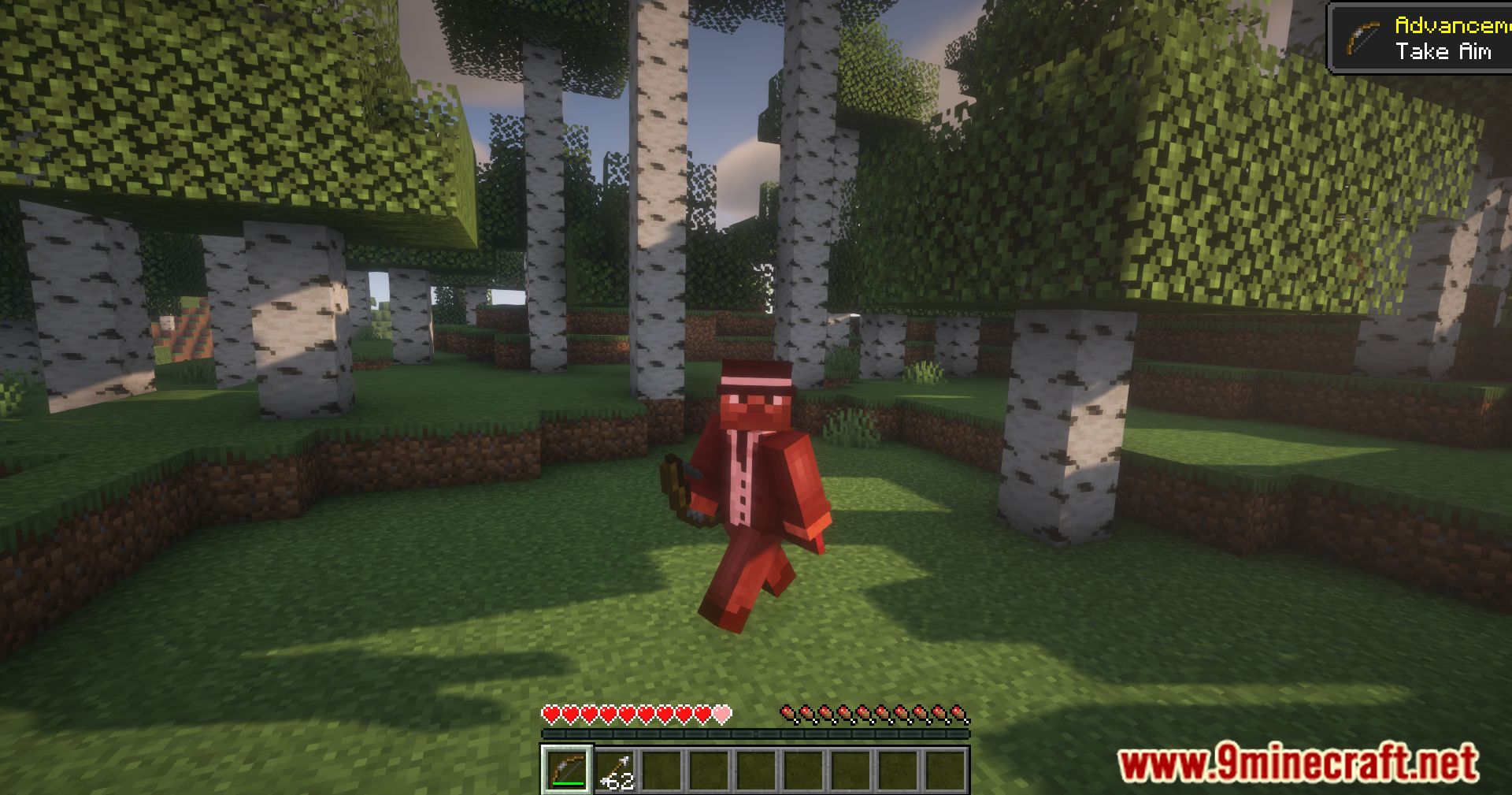
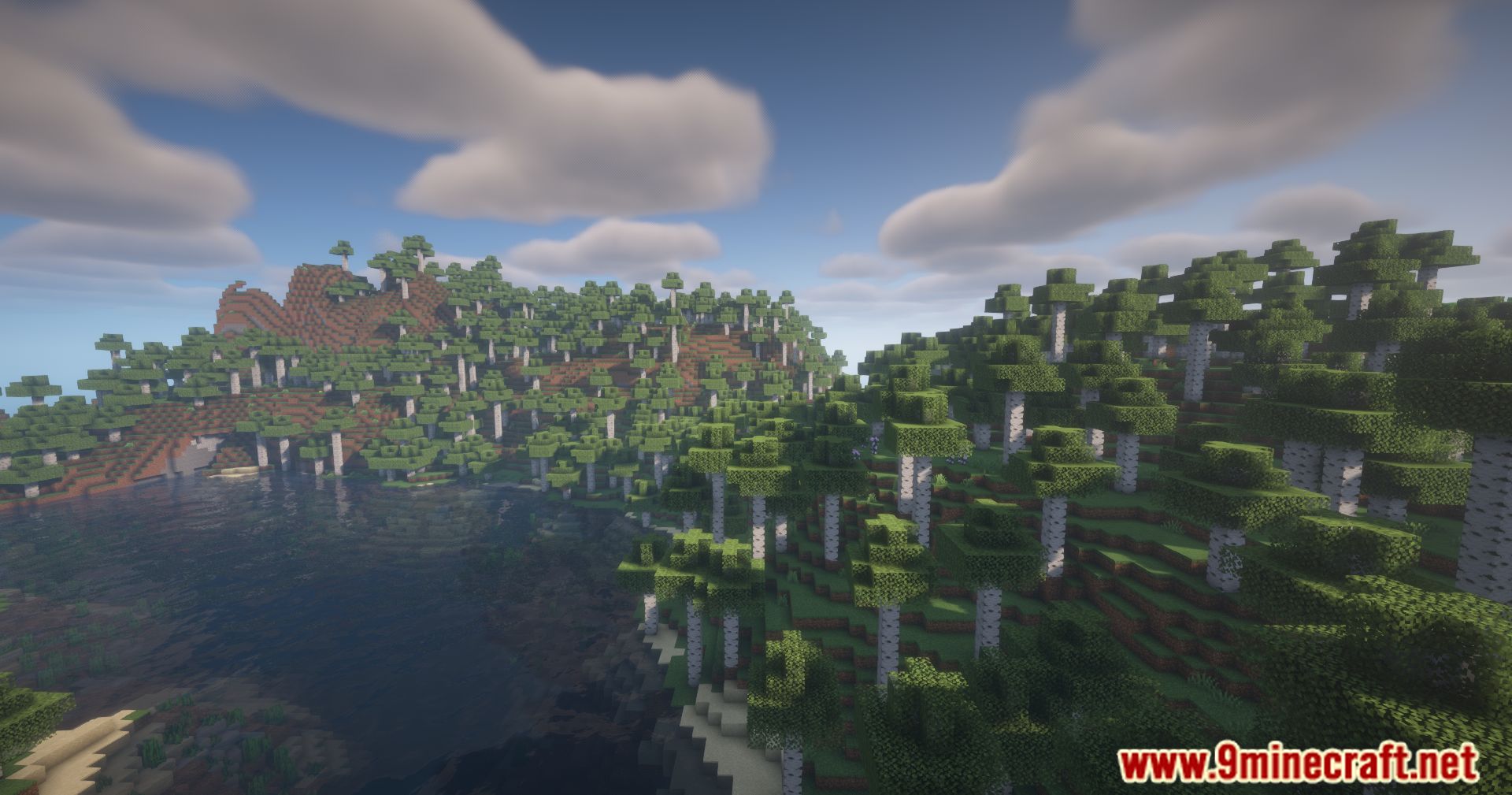
11 images from the Hide Arrows Mod page.
You May Also Like
Wikis that share the most with this one
More mod wikis on the site
The most downloaded mods that have a wiki here
A few wikis from each of the other kinds