

 DownloadHey That’s Mine Mod
Get the files on 9Minecraft
Guides
Step-by-step, in-game.
Manage Permissions for Your ServerUnderstanding Permission Nodes If your server uses LuckPerms or another permission manager, Hey That's Mine provides…Protect Your First ContainerAutomatic Protection When you place a new chest, furnace, barrel, or other container, Hey That's Mine automatically…Troubleshoot Container Access IssuesContainer Won't Open If you own the container and cannot open it, the mod may not have recognized you as the owner.…Trust Another Player with Container AccessOpen Trust Management Sneak (hold Shift) and right-click on one of your protected containers. A trust menu will…
Frequently asked questions
Why is my container locked when I just placed it?
All new containers are automatically set to private by default for security. This means only you can access it until you explicitly change its status or trust other players.
How do I let my friend access my chest?
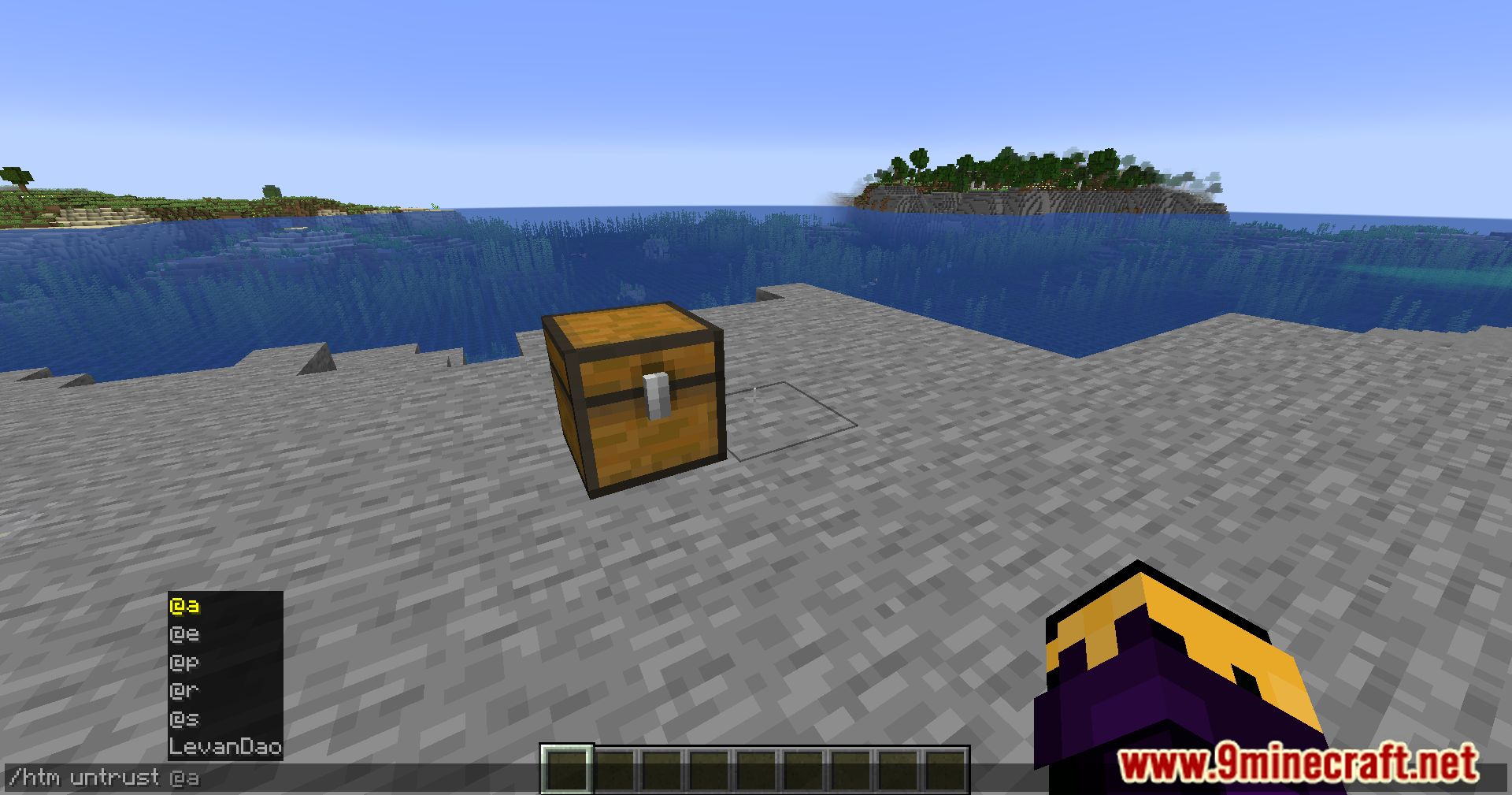
Right-click your container and select the trust option, then add your friend's username to the trusted players list. They'll now be able to open and interact with that container.
Can I make a container public so anyone can use it?
Yes, you can change a container's status from private to public through the container's interface, allowing any player on the server to access it without being added to a trust list.
What happens if I break my own locked container?
You can break your own containers normally and will receive the drops. Only other players are prevented from breaking containers they don't have access to.
See all 10 Hey That’s Mine questions ›
Gallery
10 images from the Hey Thats Mine Mod page.
You May Also Like
Wikis that share the most with this one
More mod wikis on the site
The most downloaded mods that have a wiki here
A few wikis from each of the other kinds