

 DownloadArrows Info Mod
Get the files on 9Minecraft
Guides
Step-by-step, in-game.
Monitor Your Arrow Supply During CombatUnderstanding the Arrow Display The Arrows Info Mod displays your current arrow count directly on your screen next to…Optimize Your Hotbar Layout for Bow CombatDesigning an Efficient Hotbar The Arrows Info Mod works best when your hotbar is organized logically. By arranging…Switch Between Different Arrow Types Without ConfusionWhy Arrow Switching Matters When you carry multiple arrow types in your hotbar, it's easy to lose track of which slot…Track Arrow Depletion and Plan ResupplyMonitoring Your Ammunition The arrow count display helps you track consumption during extended combat sessions. By…
Frequently asked questions
How do I turn on the arrow counter?
Does this mod work with crossbows?
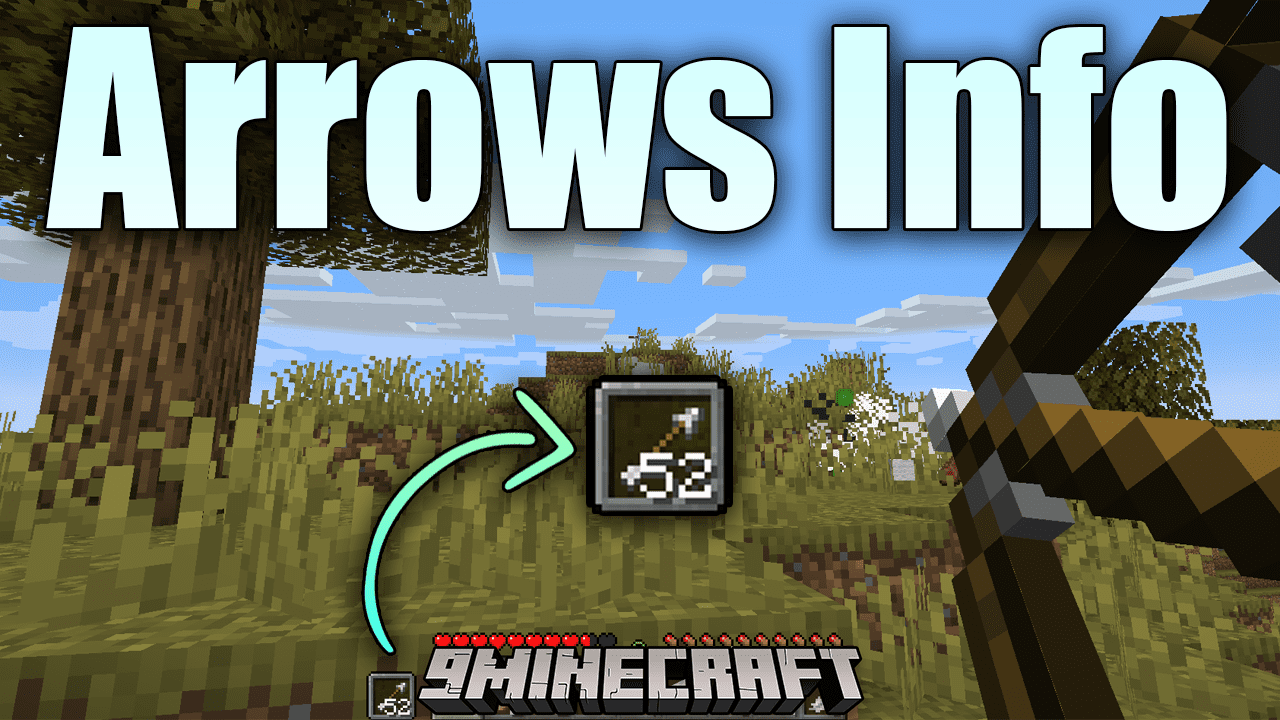
Yes, the mod displays arrow counts for both bows and crossbows. The HUD will show whichever arrow type you currently have selected.
Where does the arrow counter appear on screen?
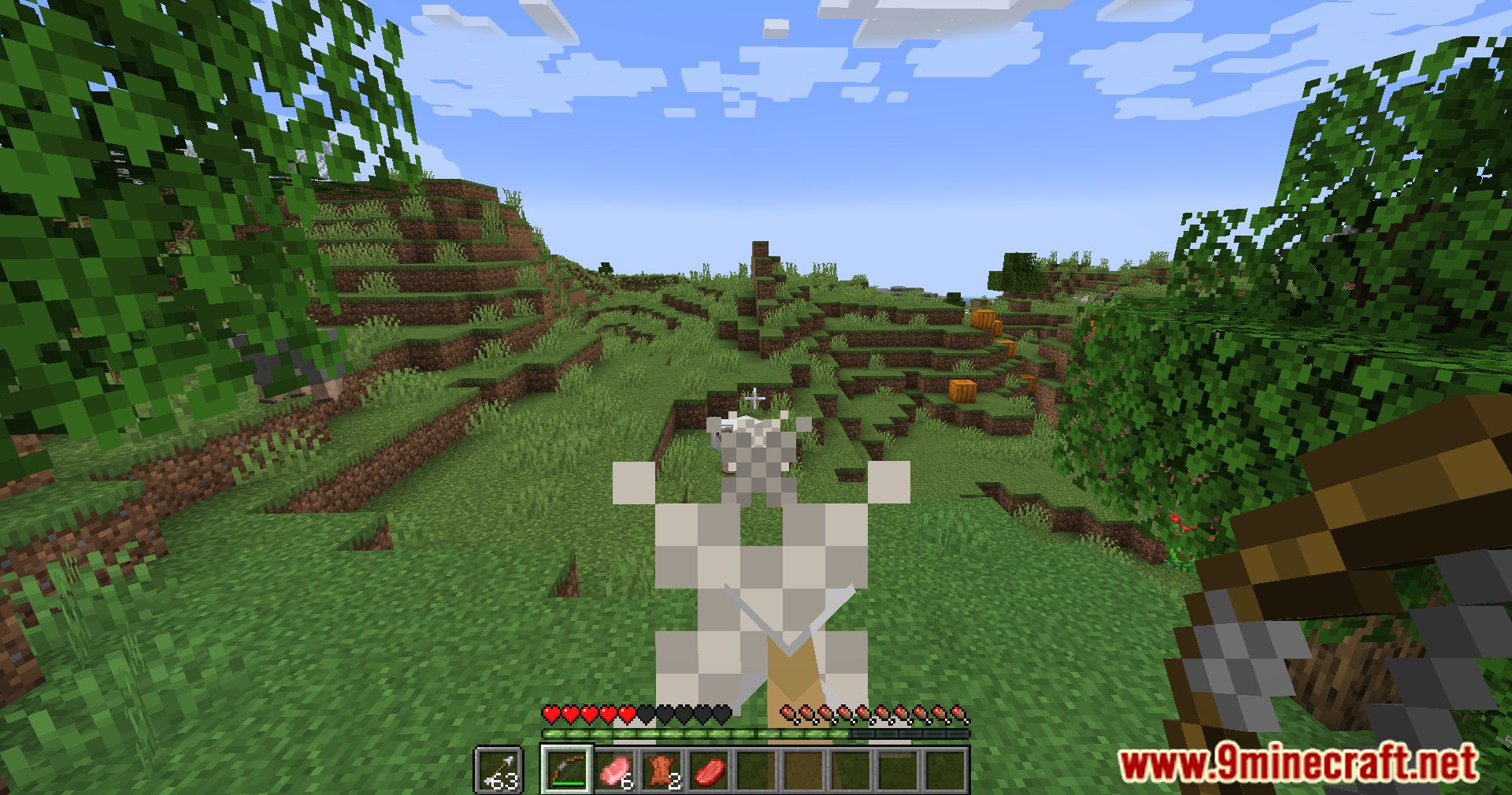
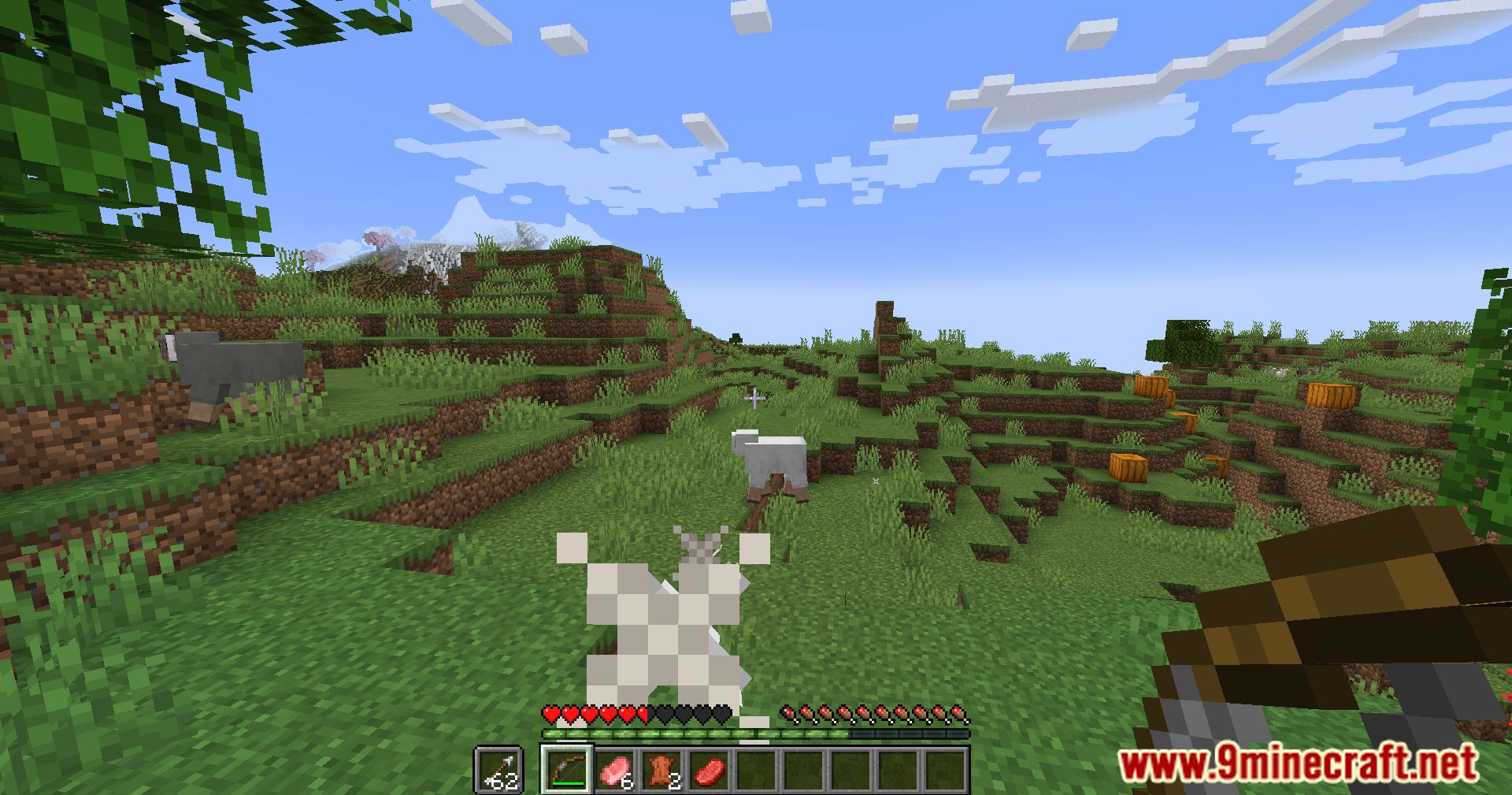
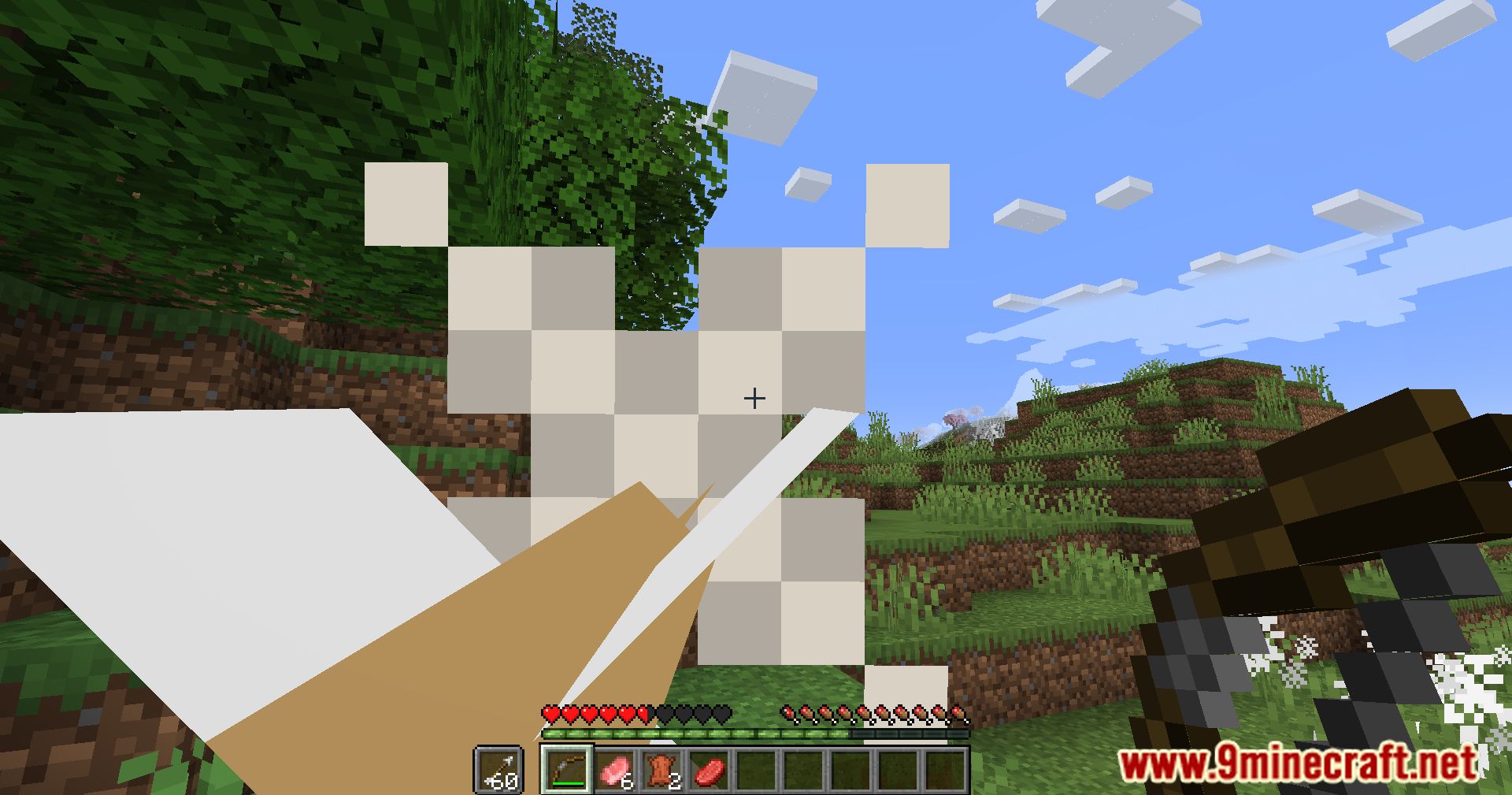
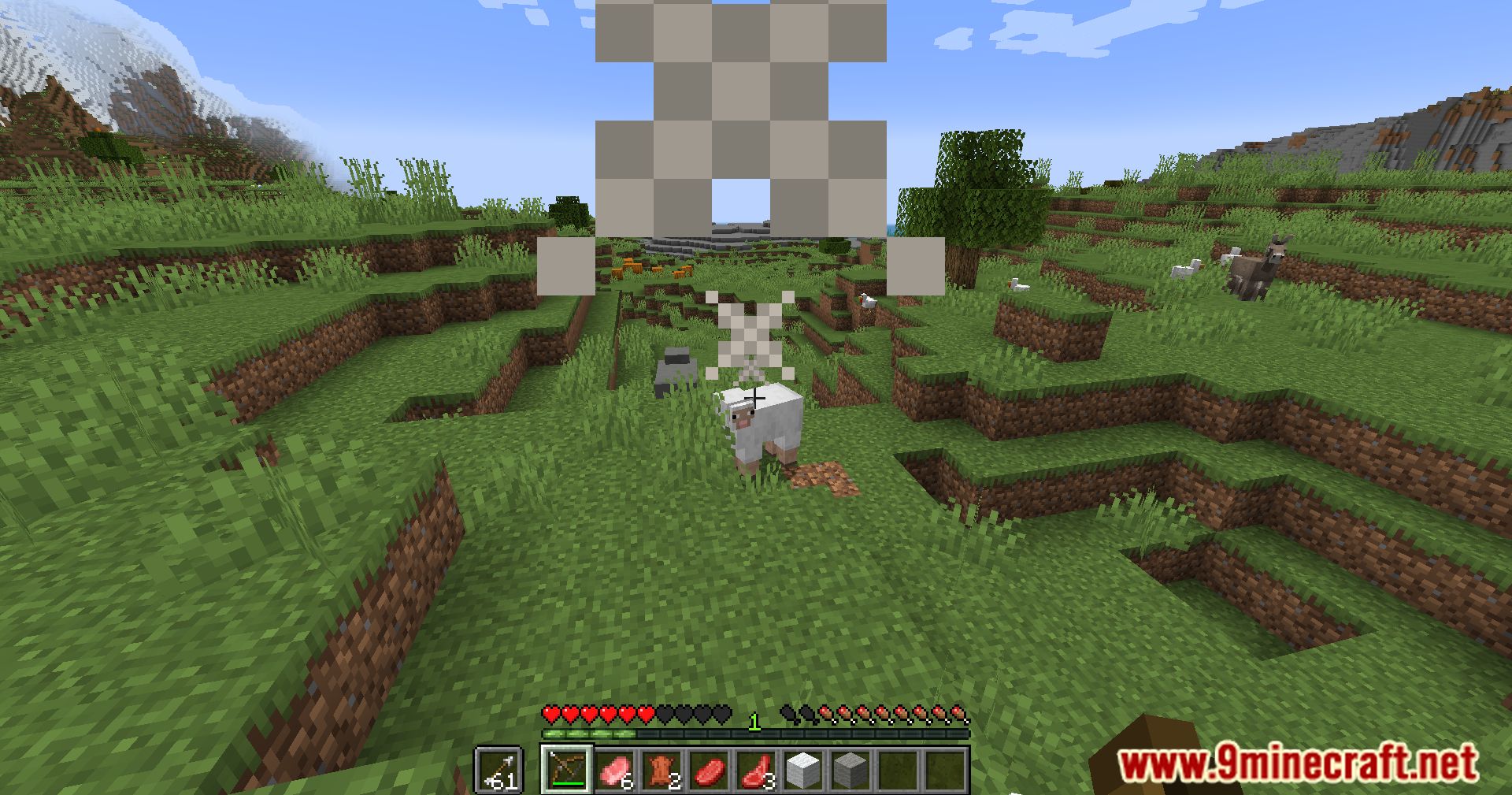
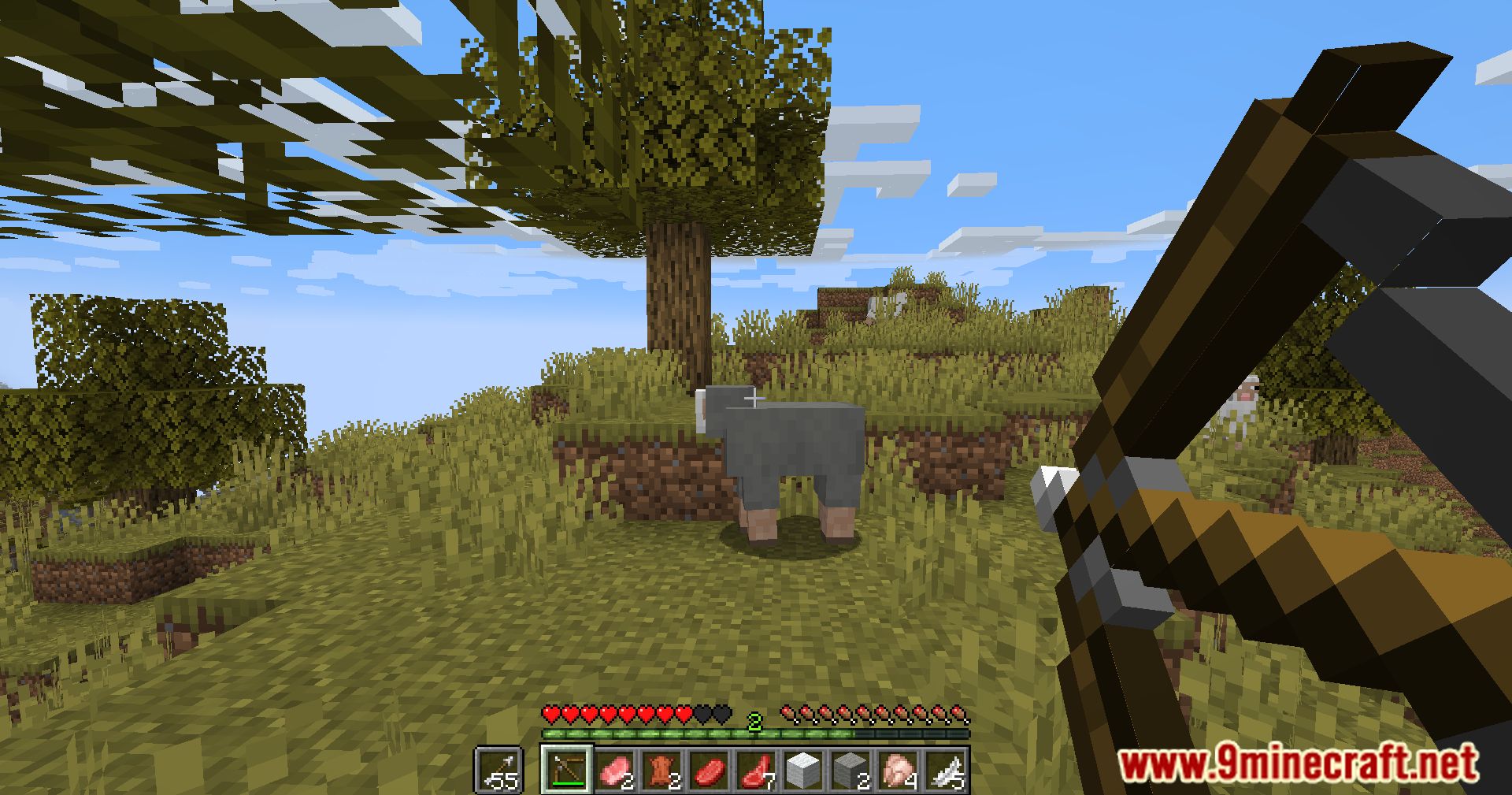
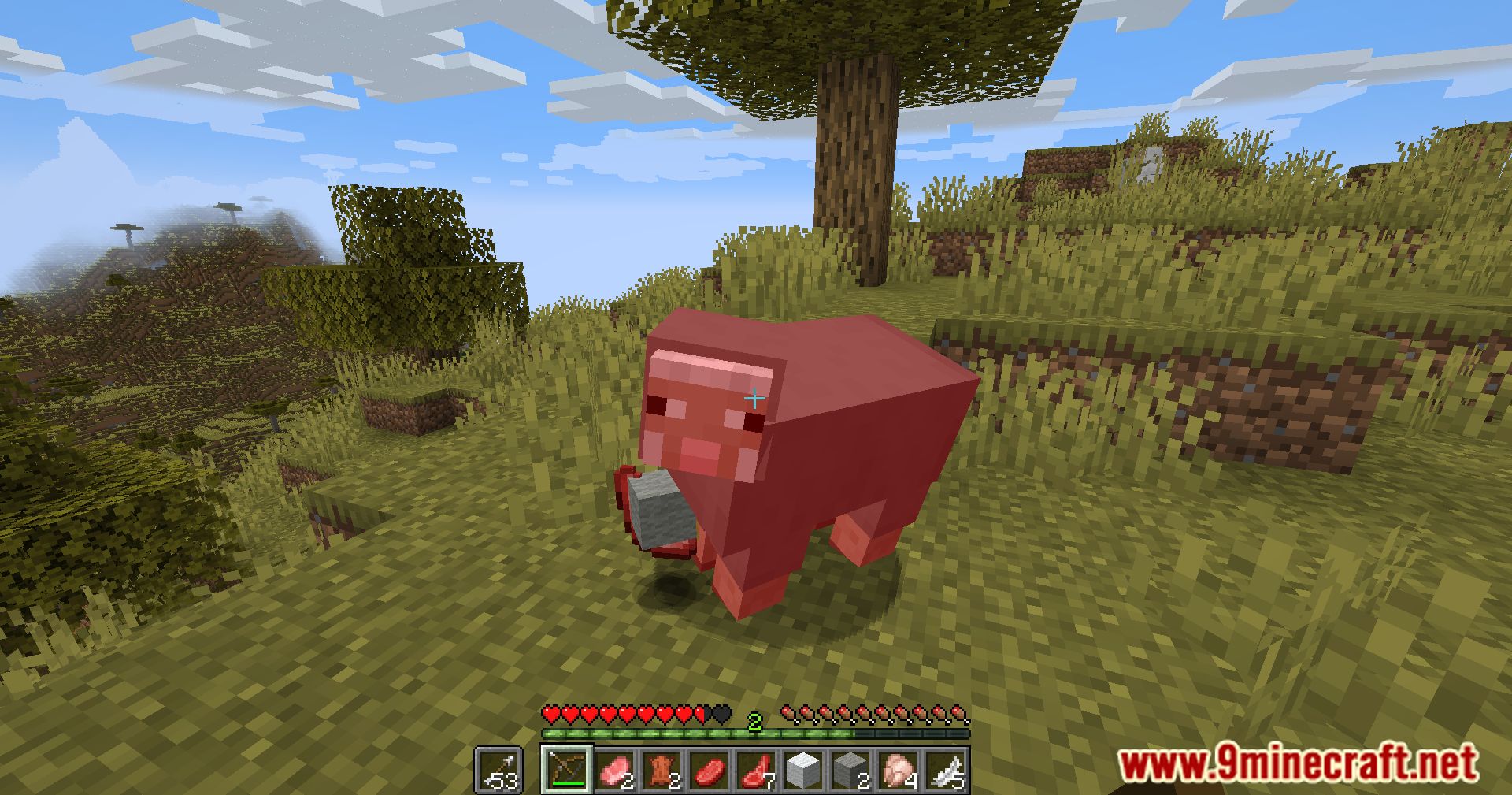
The arrow display appears as a side indicator next to your hotbar, showing your currently selected arrow type and remaining count. The exact position depends on your HUD configuration.
Can I move or resize the arrow display?
Most HUD positioning options are controlled through the mod's configuration file. Check your config settings to adjust the display location and size to your preference.
See all 10 Arrows Info questions ›
Gallery
11 images from the Arrows Info Mod page.
You May Also Like
Wikis that share the most with this one
More mod wikis on the site
The most downloaded mods that have a wiki here
A few wikis from each of the other kinds