

 DownloadAuto Hide HUD Mod
Get the files on 9Minecraft
Guides
Step-by-step, in-game.
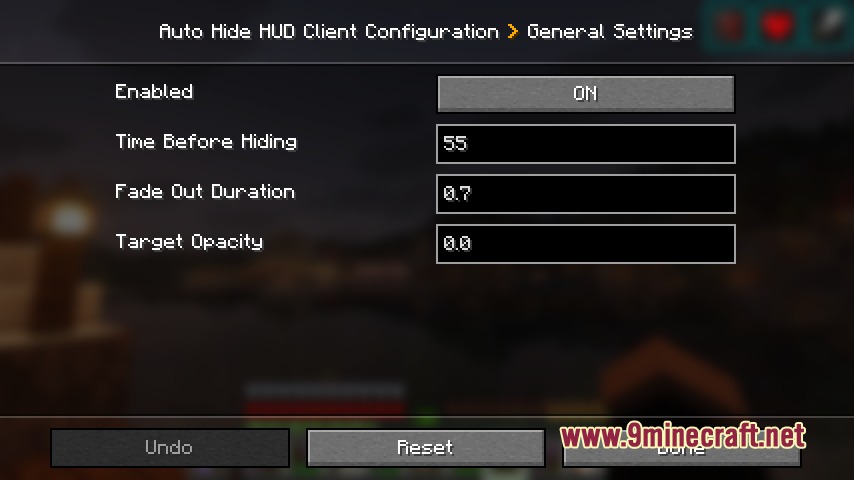
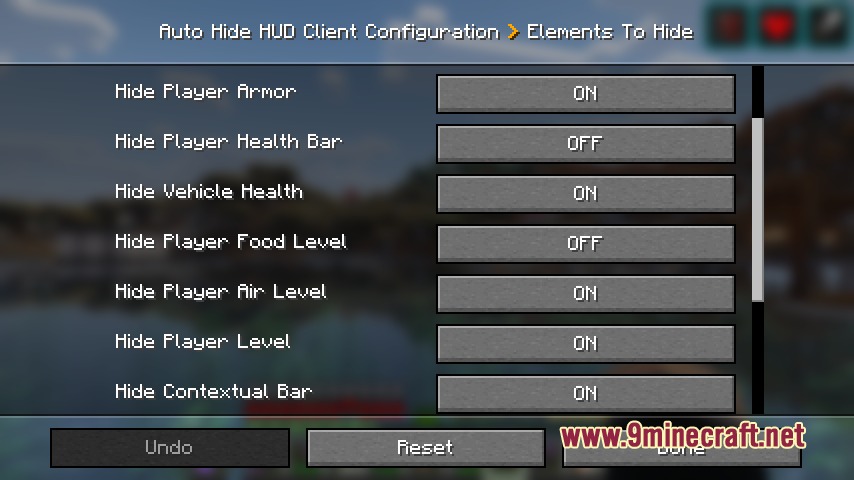
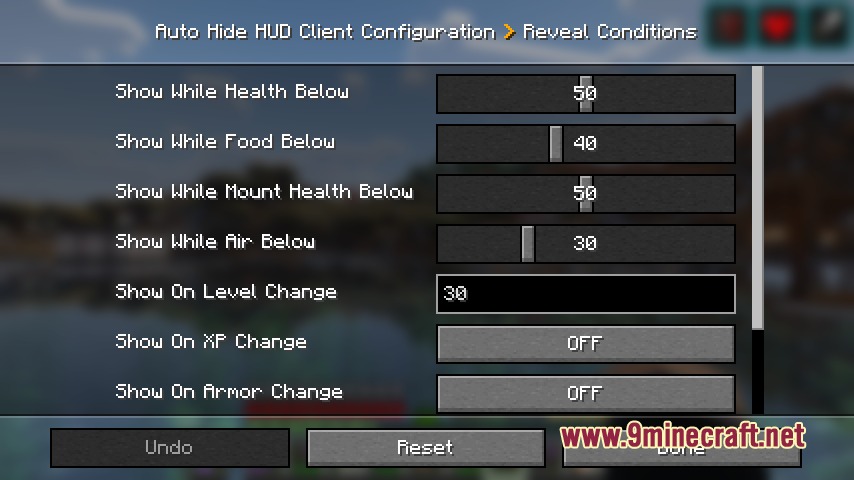
Adjust how long the HUD stays hidden before reappearingChange the inactivity timer The hide delay controls how many seconds pass without player input before the HUD…Hide the HUD completely and show it only when taking damageConfigure hide delay and damage trigger To keep your screen clear except during combat, you'll need to set a short…Keep the hotbar visible while hiding everything elseSelect which elements stay visible You can customize exactly which HUD components disappear, allowing you to keep…Make the HUD reappear only when your hunger is critically lowEnable hunger as the sole reveal trigger If you want a minimal interface that only shows when you're starving,…
Frequently asked questions
How do I turn on the auto-hide feature?
Open your mod config menu (usually accessible from the main menu or in-game settings) and enable the Auto Hide HUD option. The HUD will then begin hiding after the default delay period of inactivity.
What counts as player input for keeping the HUD visible?
Movement keys, attacking, placing blocks, and opening your inventory all reset the inactivity timer. Simply looking around with your mouse does not count as input.
Can I keep just the hotbar visible and hide everything else?
Yes—in the mod settings, disable the hide options for the hotbar while enabling hide for health, hunger, and other elements. You can customize which specific HUD components disappear independently.
How do I make the HUD reappear only when I'm low on health or hunger?
In the trigger settings, enable 'Show on damage' and 'Show on hunger change,' then set your desired threshold values. The HUD will only pop back up when those conditions are met, not on every minor change.
See all 10 Auto Hide HUD questions ›
Gallery
7 images from the Auto Hide Hud Mod page.



You May Also Like
Wikis that share the most with this one
More mod wikis on the site
The most downloaded mods that have a wiki here
A few wikis from each of the other kinds