

 DownloadHey Wiki Mod
Get the files on 9Minecraft
Guides
Step-by-step, in-game.
Customize Your Wiki KeybindsChanging the Default Keybinds The mod comes with default keybinds, but you can customize them: 1. Open your Minecraft…Navigate Between Related Wiki PagesUsing Special Commands Hey Wiki Mod supports special commands to quickly jump between related pages: 1. After opening…Open a Wiki Page for Any Block or ItemUsing the Crosshair Method The quickest way to look up information about something in your world: 1. Point your…Search for Wiki Pages Using the Search ScreenOpening the Search Screen When you can't point at something or want to search by name: 1. Press B to open the wiki…
Frequently asked questions
How do I open a wiki page for what I'm looking at?
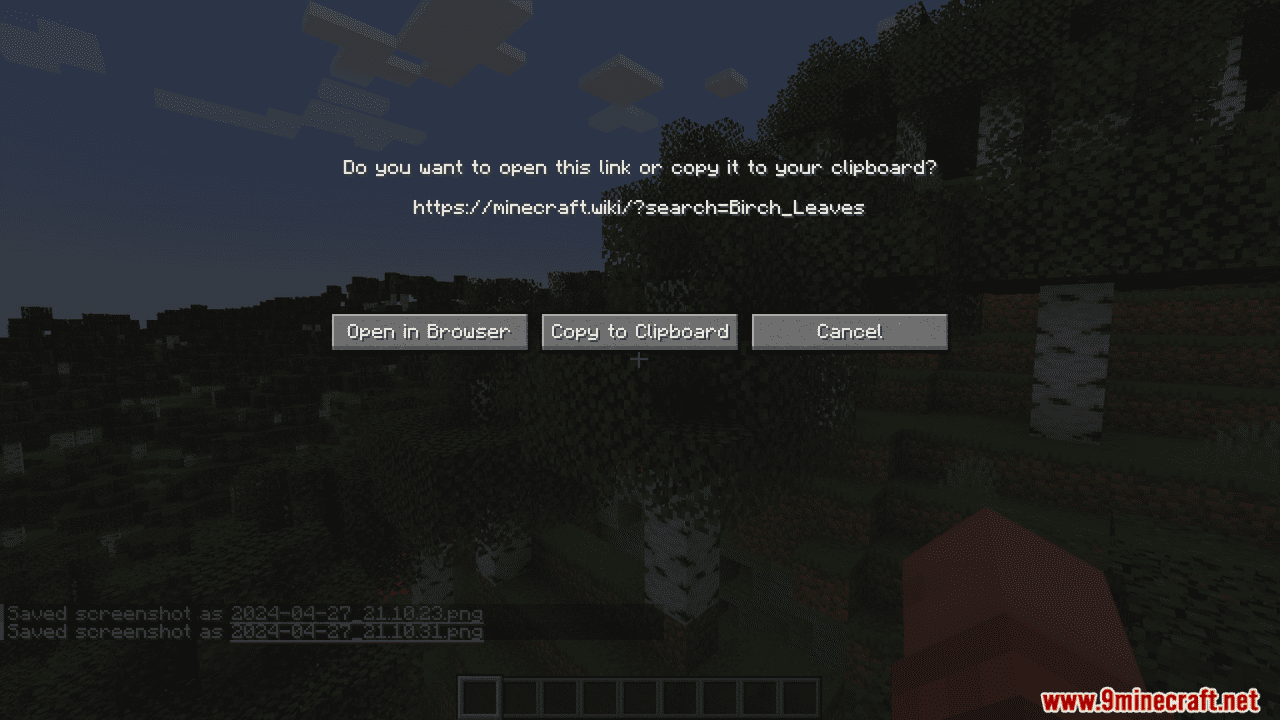
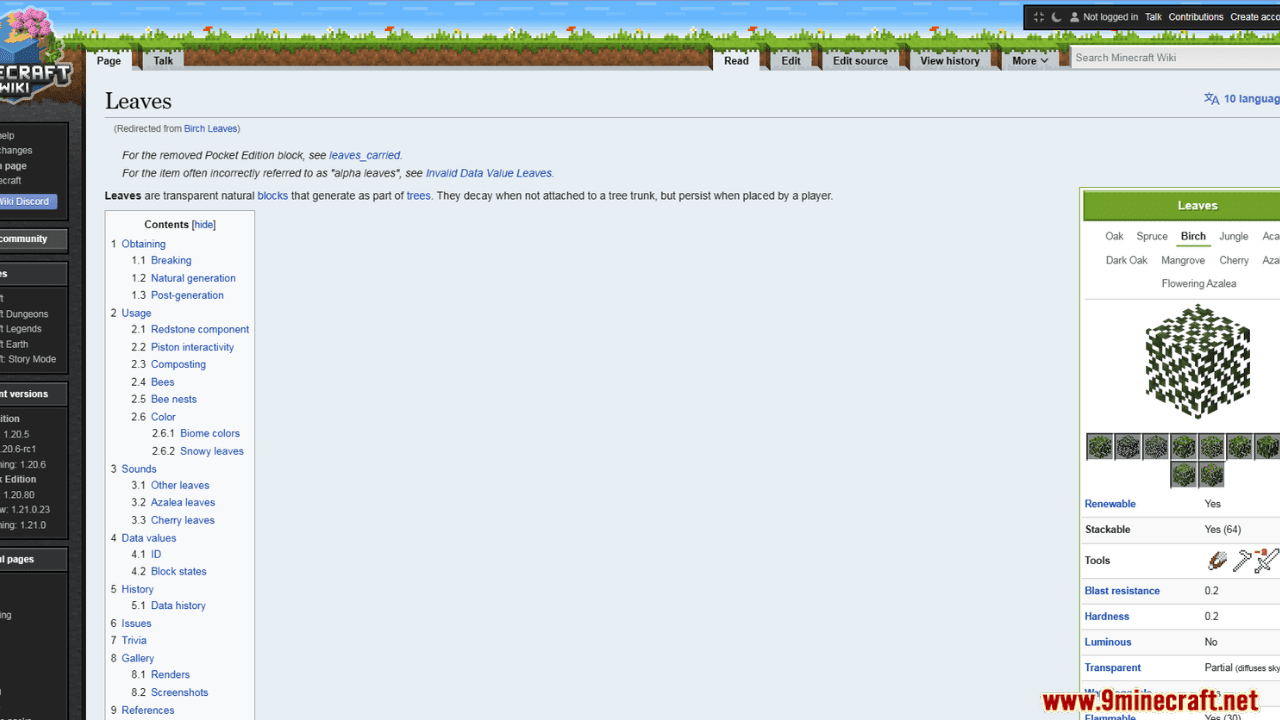
Point your crosshair at any block or entity and press H (or your custom keybind). A popup will appear with a link to the wiki page for that block or entity.
Can I check the wiki for an item in my inventory?
Yes. Hover over the item in your inventory and press H, or press Alt + H to instantly open the wiki for the item in your main hand.
How do I search for a wiki page if I don't know what to look at?
Press B to open the search screen, type the name of the block, item, or entity you want, and select it from the results.
What happens if I point at a modded block—does it work?
Yes. The mod automatically detects modded blocks and items and opens their respective mod wiki pages instead of the vanilla Minecraft Wiki.
Gallery
5 images from the Hey Wiki Mod page.


You May Also Like
Wikis that share the most with this one
More mod wikis on the site
The most downloaded mods that have a wiki here
A few wikis from each of the other kinds