

 DownloadGUI Compass Mod
Get the files on 9Minecraft
Guides
Step-by-step, in-game.
Customizing What the Compass HUD Shows and How It LooksEditing the Format String The guiCompassFormat setting controls exactly which pieces of information appear. It…Fixing a Compass HUD That Is Invisible or Hard to ReadFirst Checks If the compass readout is not showing at all, the most common cause is the compass requirement. Confirm…How to Make the Compass HUD Appear Without Carrying a CompassWhy the HUD Is Missing By default, GUI Compass only draws its overlay when a compass is somewhere in your inventory.…Moving the Compass Readout So It Stops Covering Other HUD ElementsUnderstanding the Position Settings GUI Compass places its text in the top-left corner by default, which often…
Frequently asked questions
How do I turn on the compass HUD?
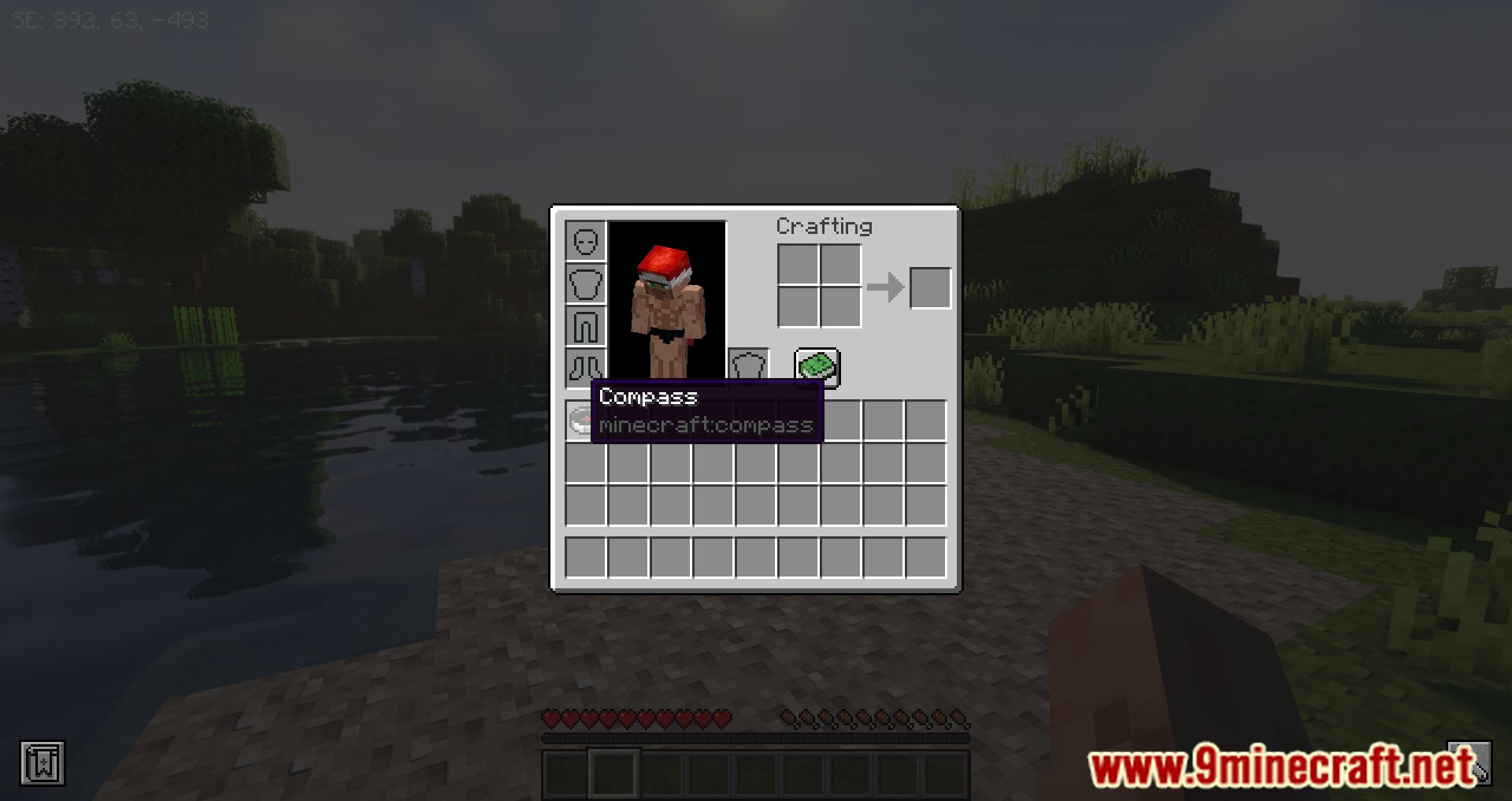
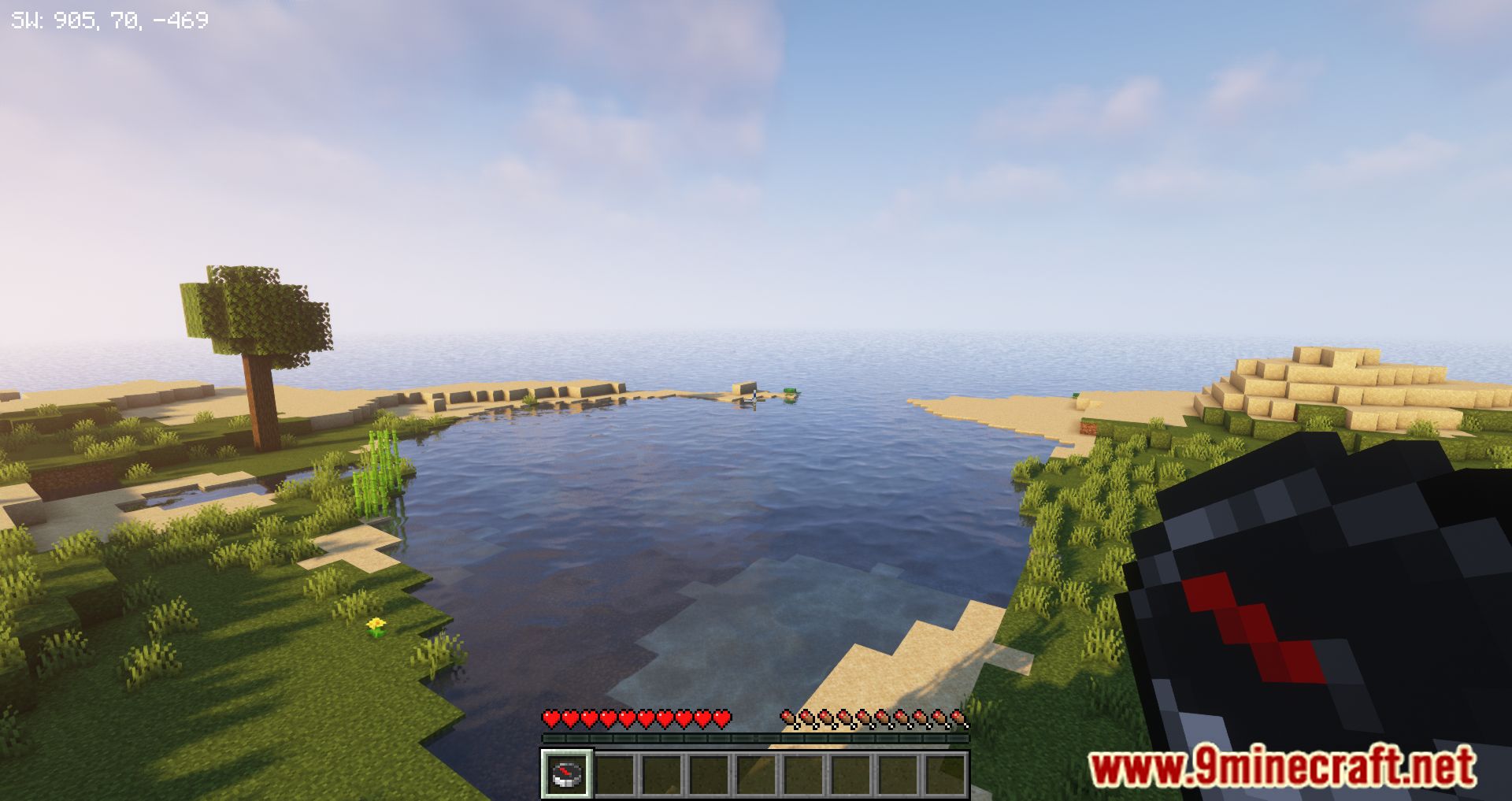
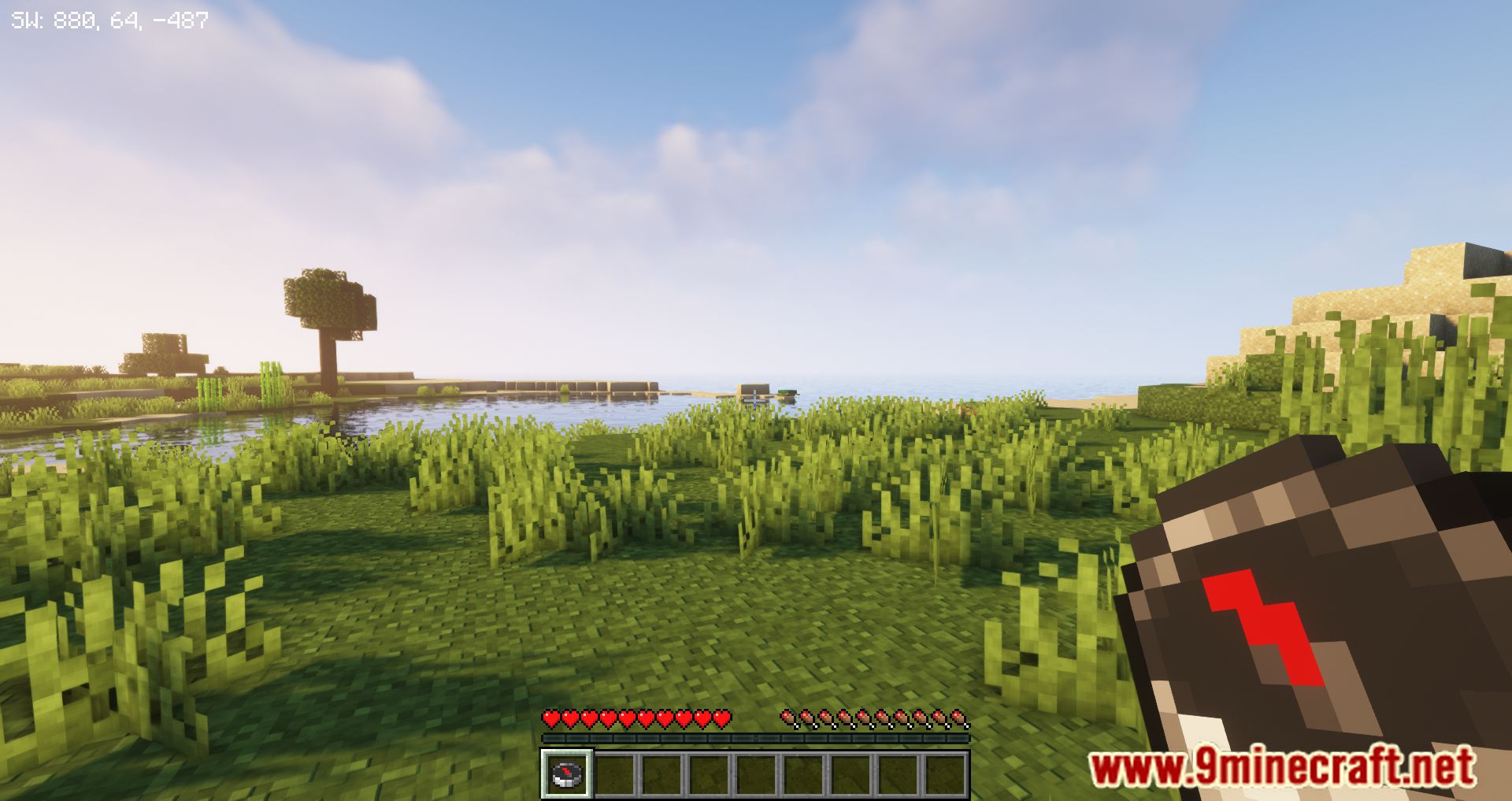
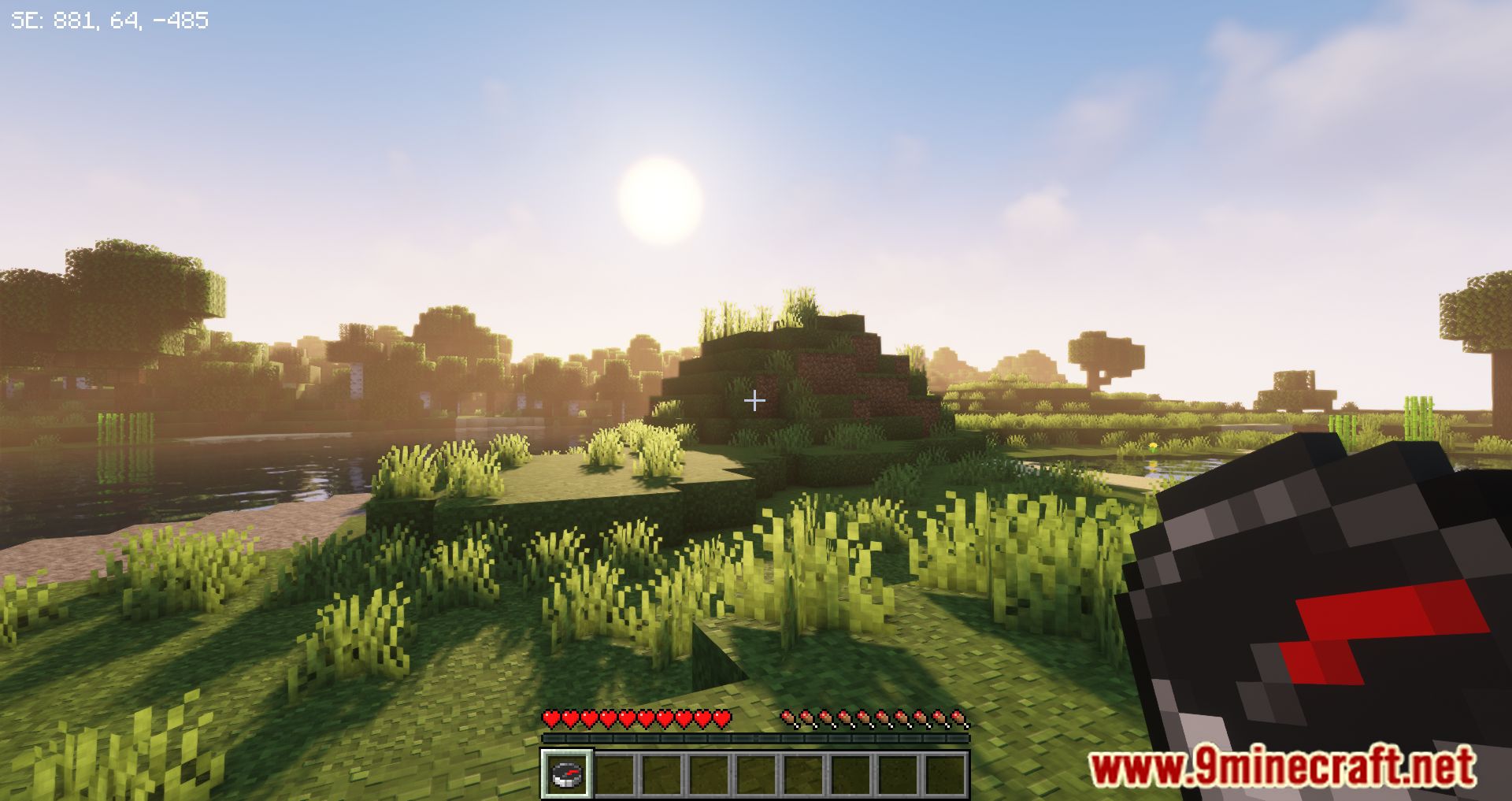
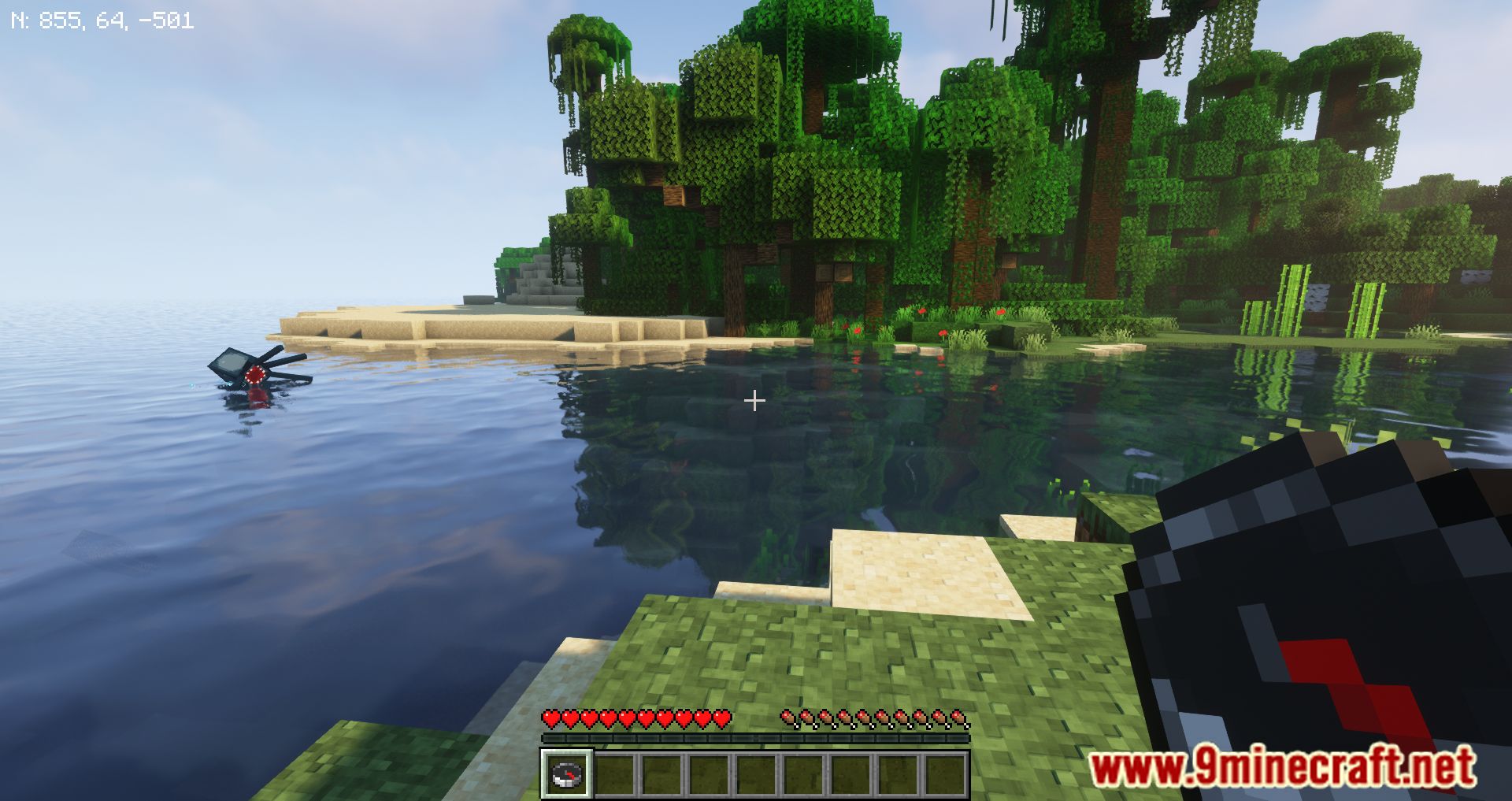
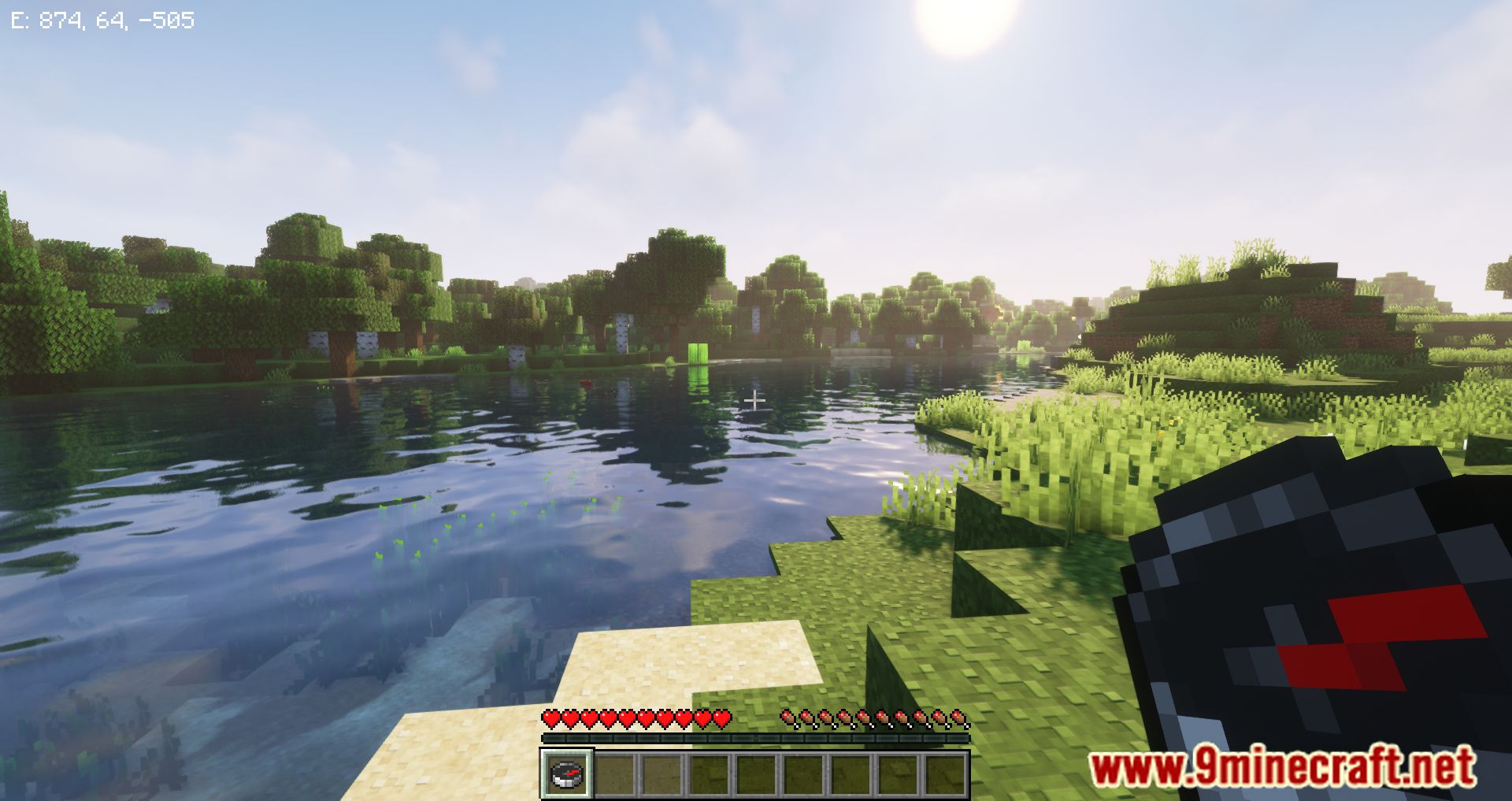
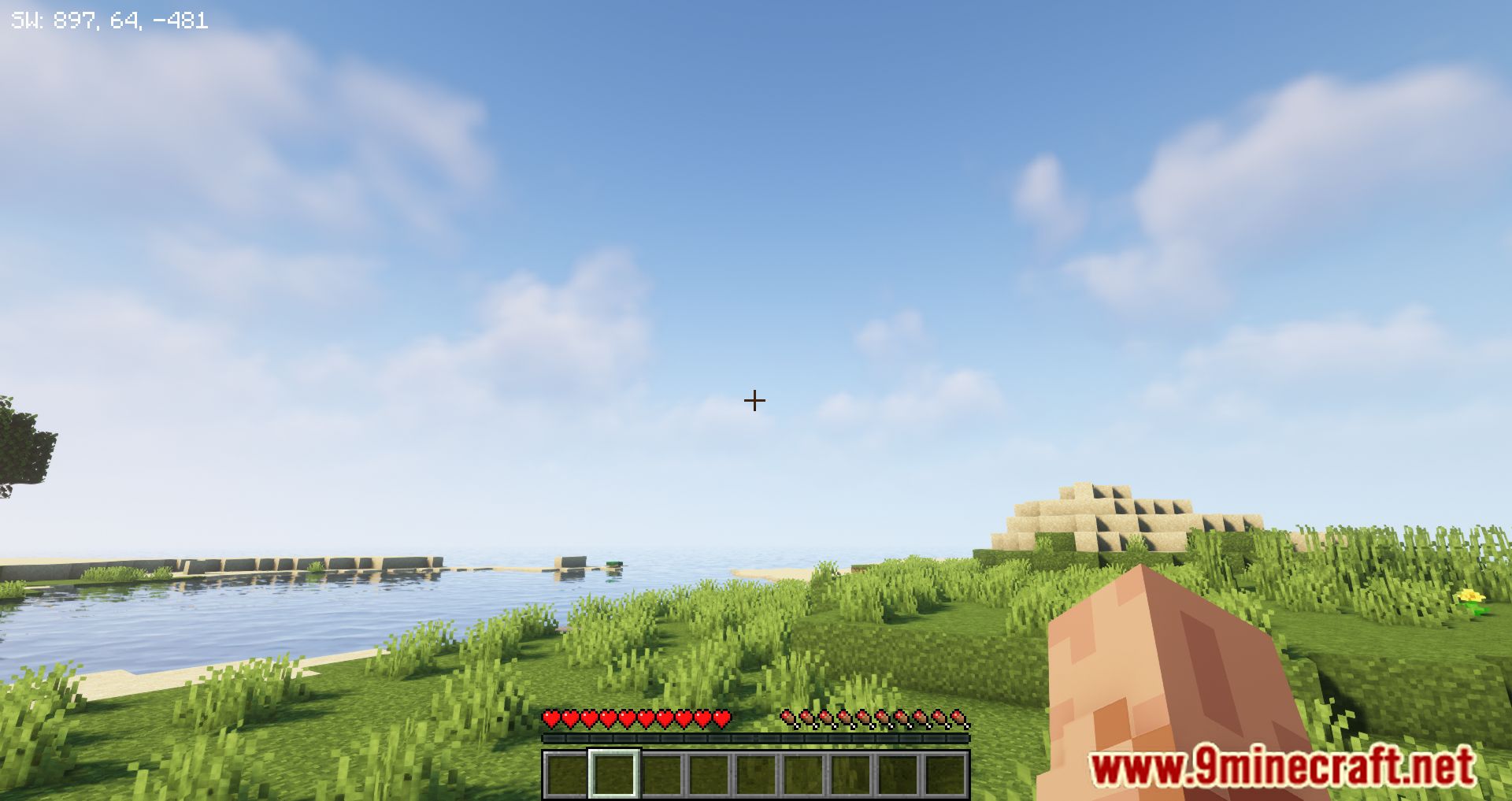
Carry a compass in your inventory and the direction and coordinate readout appears automatically in the top-left corner. If nothing shows up, check that mustHaveCompassInInventory is enabled and that you actually have a compass somewhere in your inventory, not just in a chest.
Does the compass HUD work in the Nether or End?
The coordinate and facing readout works in any dimension since it just reads your position and look direction. Note that a vanilla compass spins randomly outside the Overworld, but the mod's text display is unaffected by that.
Why does my compass HUD disappear when I drop my compass?
That's the mustHaveCompassInInventory setting doing its job. Turn it off in the config if you want the readout to stay visible even without a compass in your inventory.
How do I move the compass text to a different corner?
Use the compassPositionIsLeft, compassPositionIsCenter, and compassPositionIsRight settings to pick the horizontal placement, then adjust compassHeightOffset to slide it up or down. This is the usual fix when the readout overlaps other HUD elements.
See all 10 GUI Compass questions ›
Gallery
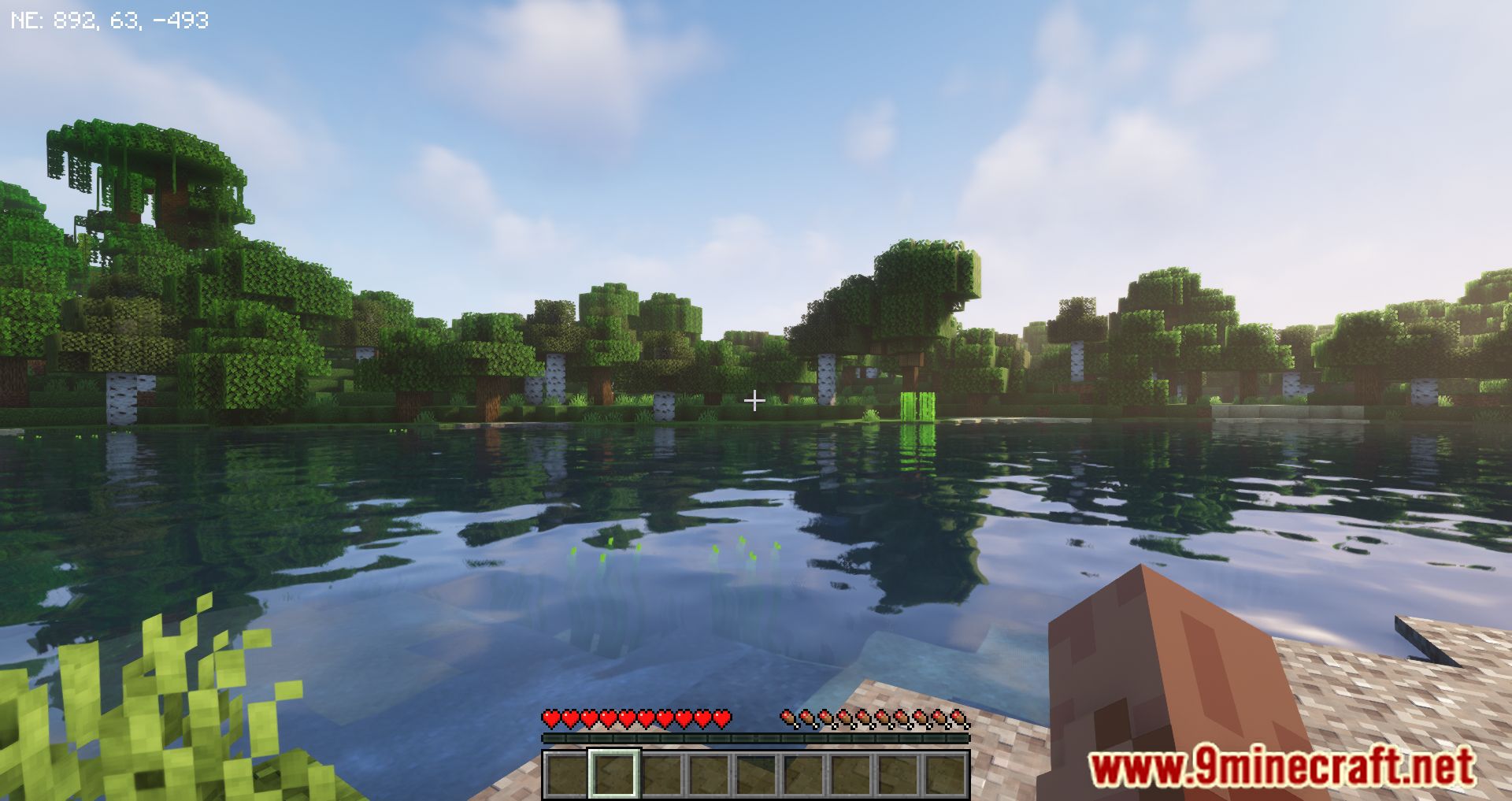
9 images from the Gui Compass Mod page.
You May Also Like
Wikis that share the most with this one
More mod wikis on the site
The most downloaded mods that have a wiki here
A few wikis from each of the other kinds