

 DownloadFancy Block Particles Renewed Mod
Get the files on 9Minecraft
Guides
Step-by-step, in-game.
How to Change Fancy Block Particles Settings In-GameOpening the Config Fancy Block Particles Renewed is client-side, so all of its options live on your side of the game.…How to Disable Specific 3D Particles Without Removing the ModWhy Disable Instead of Uninstall Some players love the 3D block breaking cubes but find the weather particles…How to Fix Lag Caused by Fancy Block ParticlesIdentify the Heavy Effect The mod's 3D cubes are more expensive than vanilla sprites, especially when many blocks…How to Make Snow and Rain Particles Look BetterUnderstand the Weather Effects Fancy Block Particles Renewed turns raindrops and snowflakes into 3D particles that…
Frequently asked questions
How do I open the fancy block particles settings?
Open the mod's config screen from the in-game mod list or the settings menu, where you'll find toggles for each particle category. Changes usually apply immediately, but some may need a world reload.
How do I turn off 3d block breaking particles?
In the config, find the block breaking particle category and disable it. The mod will fall back to vanilla particles for that effect instead of removing them entirely.
Does fancy block particles work on servers?
Yes, it's client-side only, so you can use it on any server without the server needing the mod. Other players won't see your 3D particles, only you will.
Is fancy block particles safe to use in a modpack?
Yes, it's designed to be modpack-friendly and client-side, so it won't conflict with server-side mods. Just make sure it's only installed on the client side.
See all 10 Fancy Block Particles Renewed questions ›
Gallery
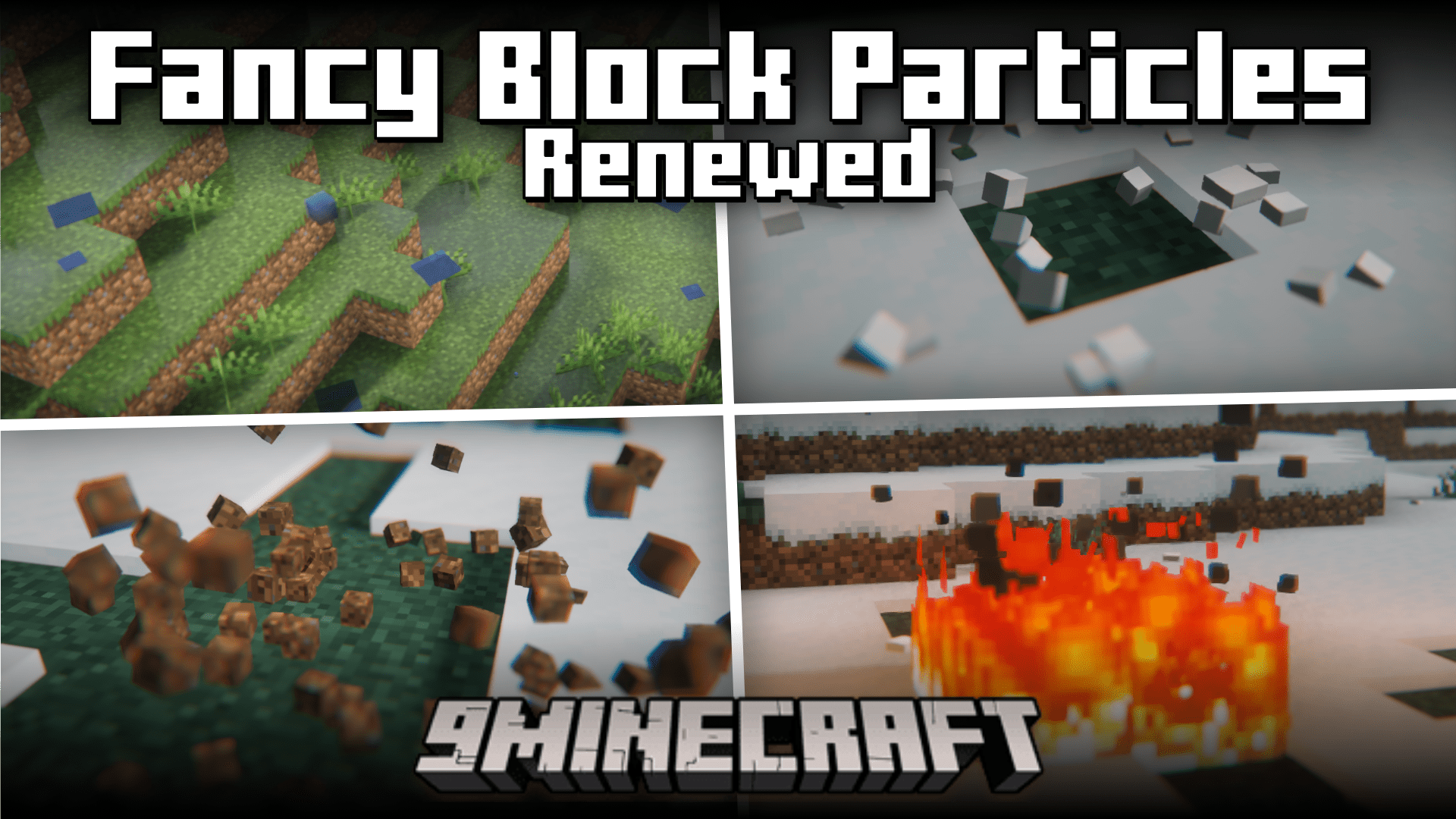
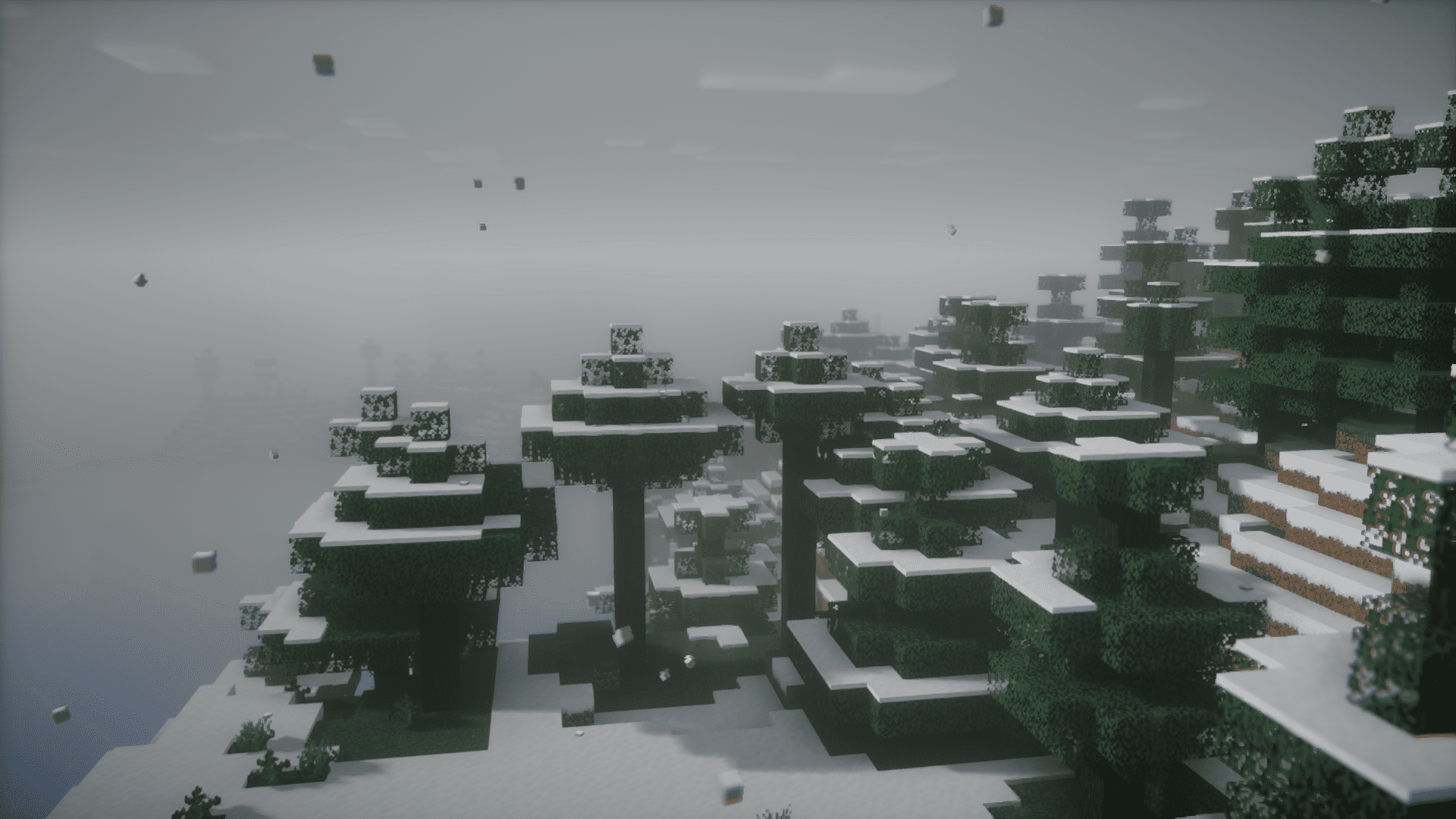
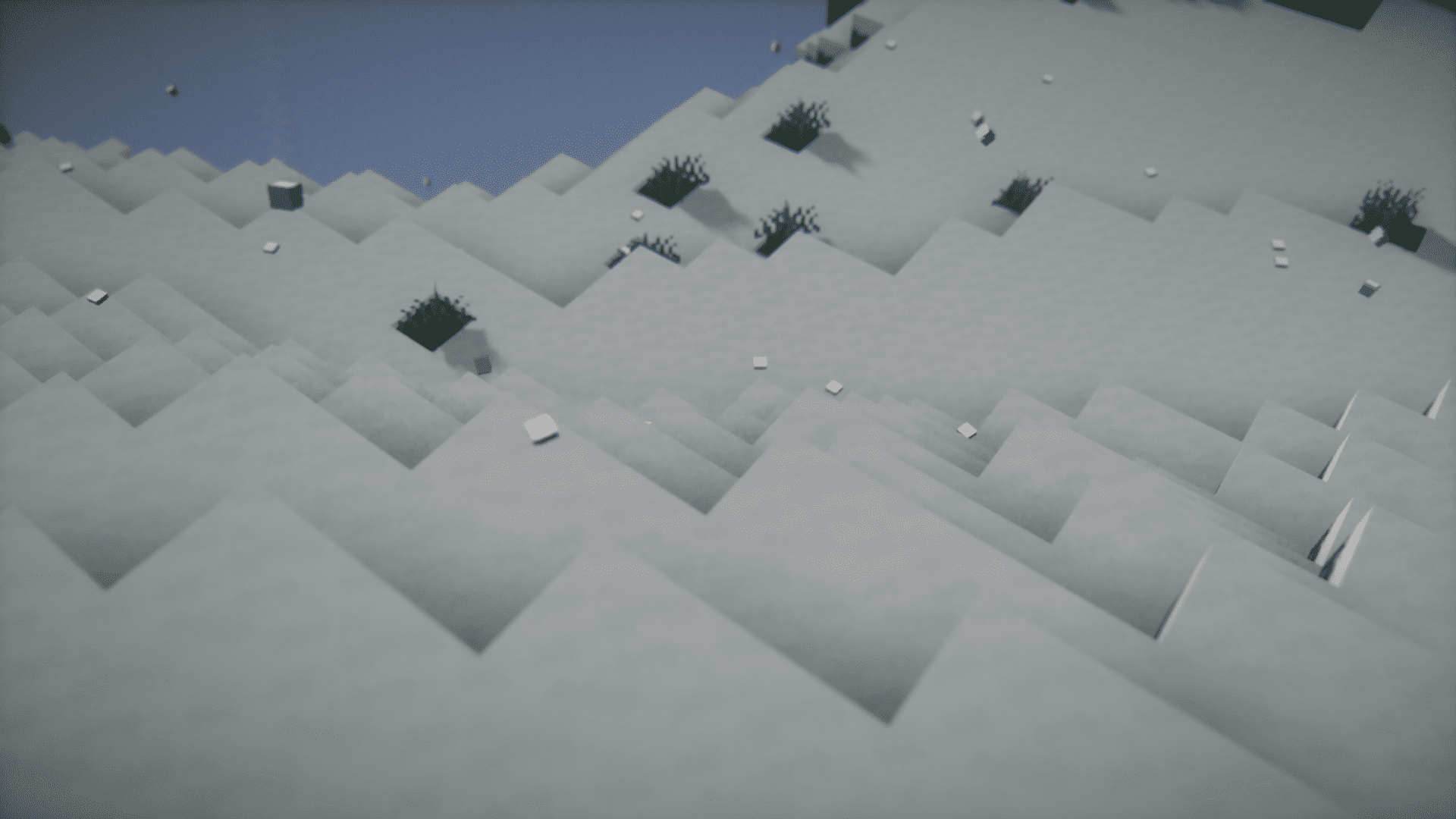
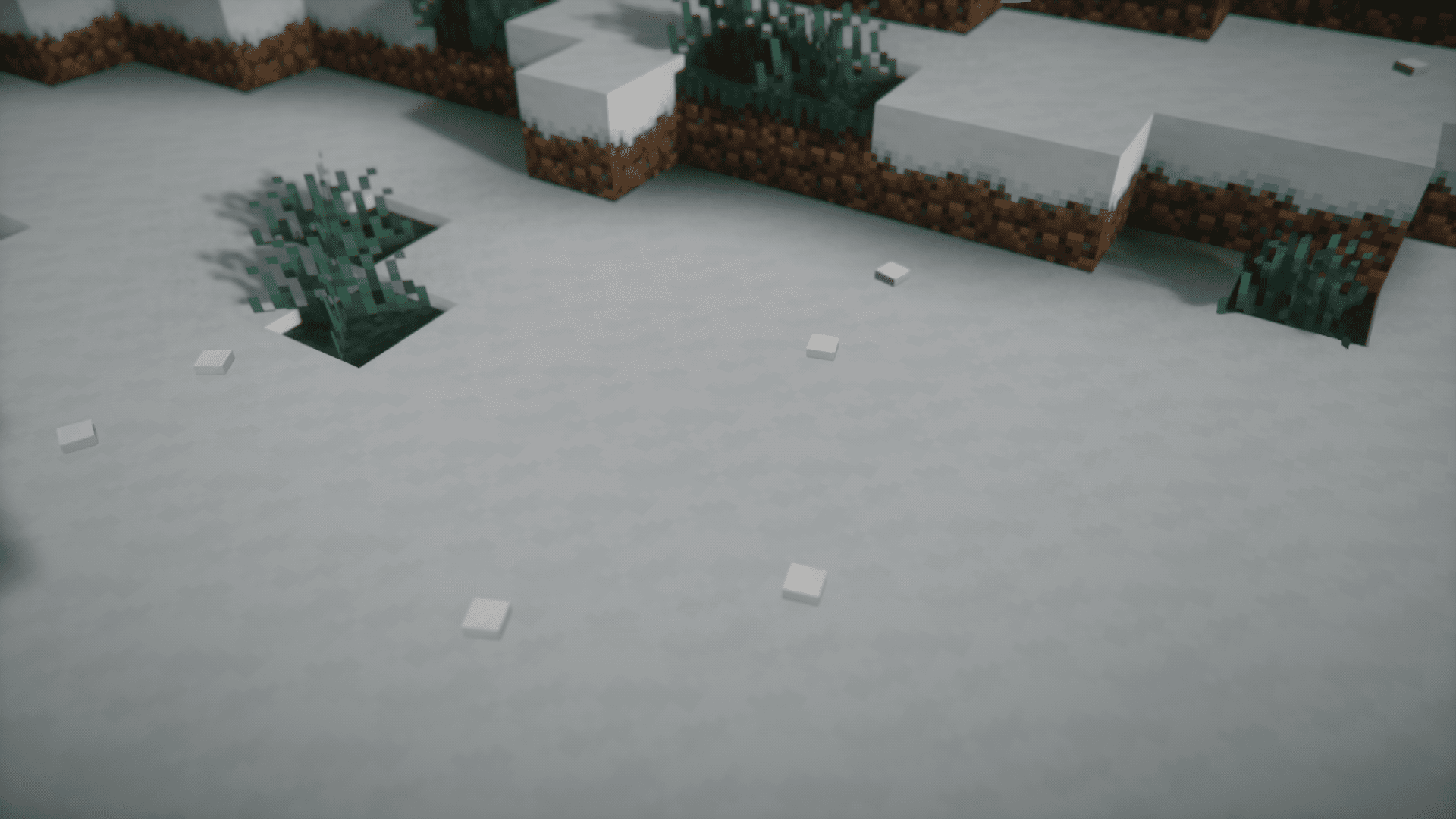
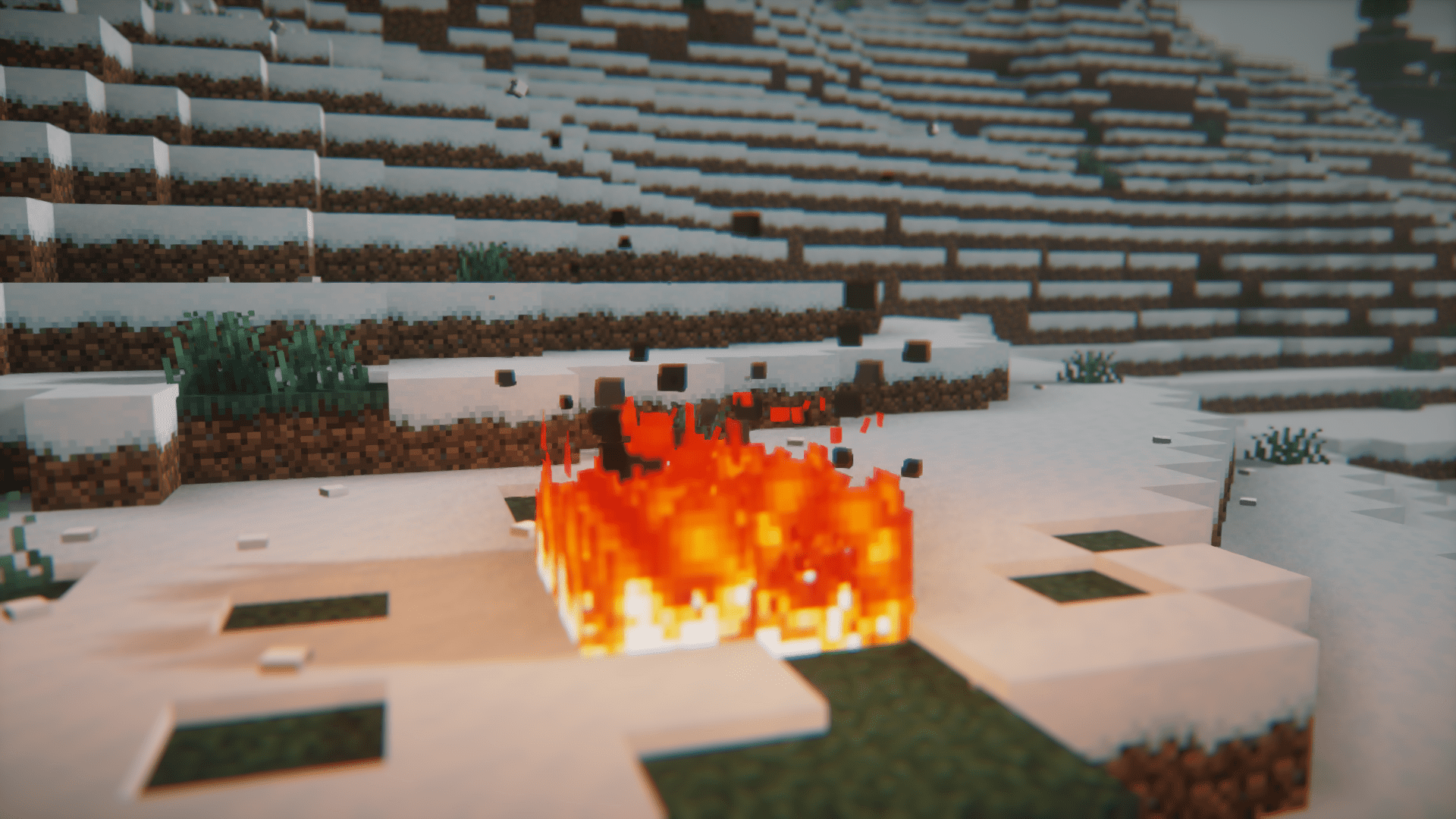
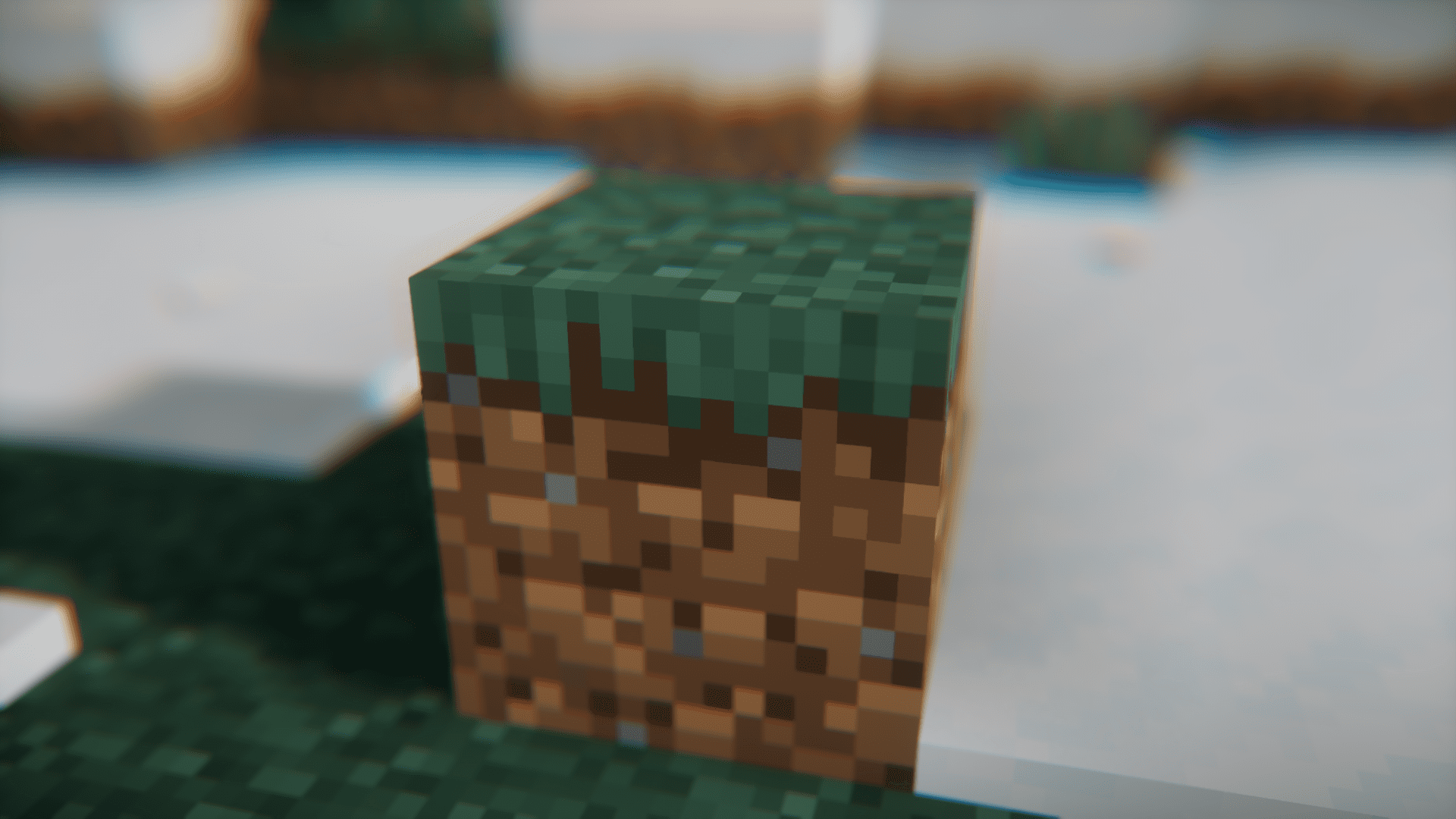
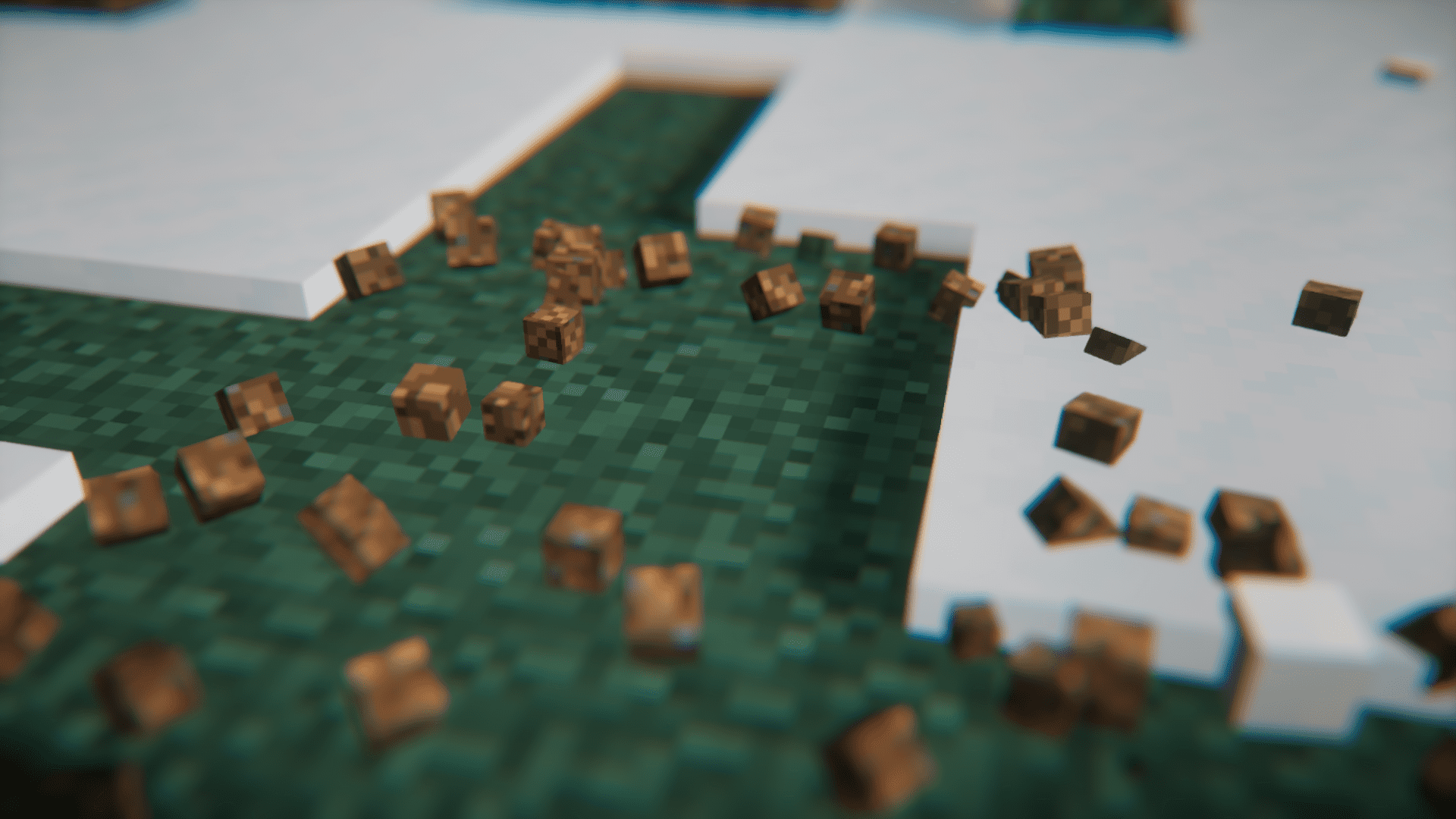
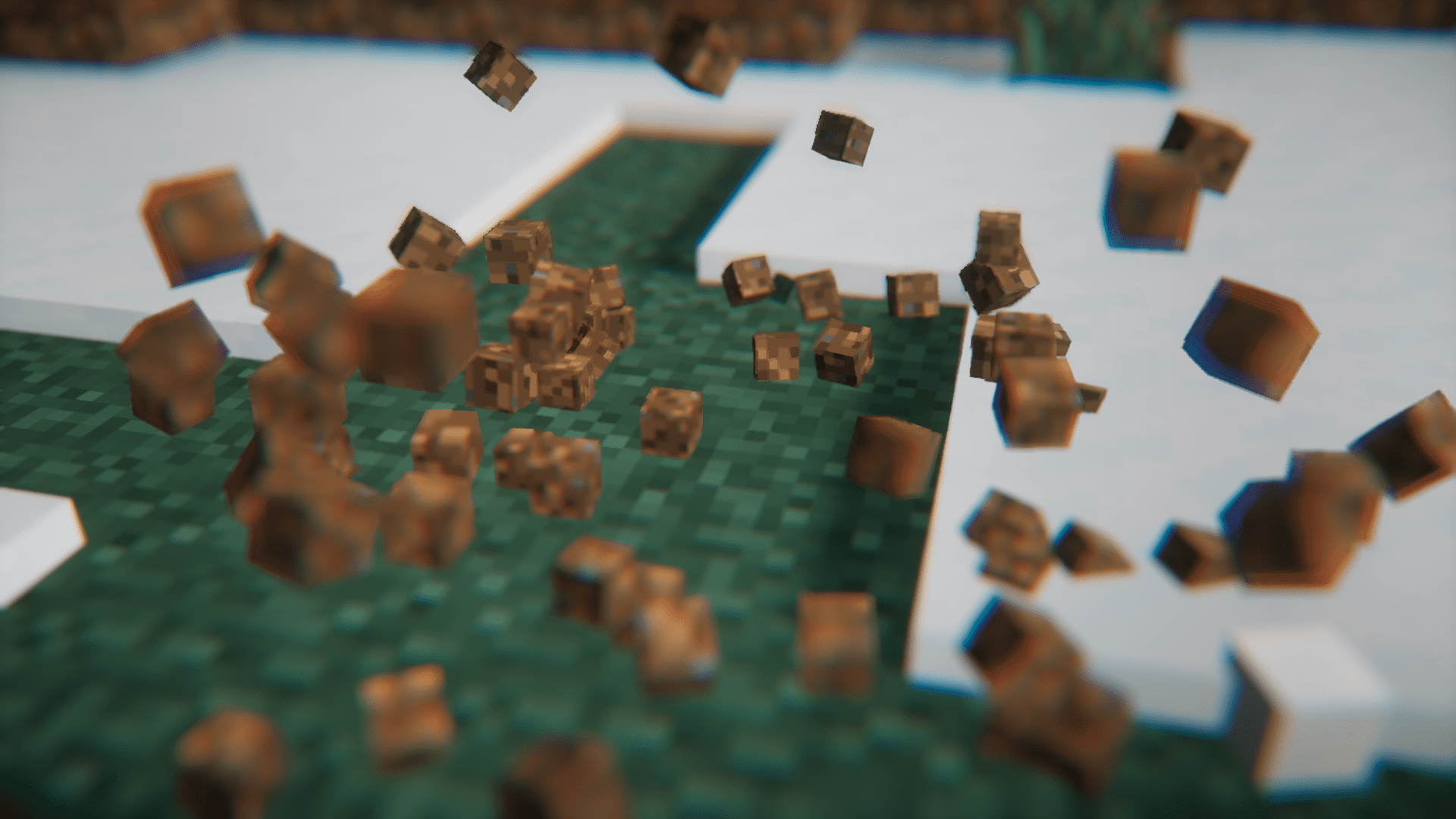
12 images from the Fancy Block Particles Renewed Mod page.


You May Also Like
Wikis that share the most with this one
More mod wikis on the site
The most downloaded mods that have a wiki here
A few wikis from each of the other kinds