

 DownloadFancy Npcs Plugin
Get the files on 9Minecraft
Guides
Step-by-step, in-game.
Add Dialogue and Responses to NPCsWriting NPC Dialogue Access your NPC's dialogue editor through the configuration menu. You can create multiple…Create Your First NPCSetting Up a Basic NPC Start by finding a location where you want your NPC to stand. Use the NPC creation command to…Link NPCs to Quests and Server EventsConnecting NPCs to Quest Systems If your server uses a quest plugin, you can link NPCs to specific quests as…Make NPCs Follow Paths and PatrolCreating a Patrol Route Define waypoints for your NPC to follow by marking positions in the world. Use the pathing…
Frequently asked questions
How do I create my first NPC?
Use the NPC creation command to spawn a new NPC at your location, then customize its appearance, name, and skin using the configuration menu or commands. Once created, you can add dialogue, behaviors, and interactions to bring your NPC to life.
Can NPCs have different skins or player heads?
Yes, you can assign custom skins to NPCs during creation or through the configuration system. You can use player skins, custom texture packs, or even player heads to give each NPC a unique appearance.
How do I make an NPC talk to players?
Add dialogue lines through the NPC's configuration, then set interaction triggers so the NPC responds when players right-click or approach them. You can create branching conversations where different dialogue options lead to different responses.
What's the difference between NPC behaviors and dialogue?
Dialogue is what NPCs say when players interact with them, while behaviors define what NPCs do automatically—like patrolling, following players, or attacking mobs. You can combine both to create NPCs that feel alive and reactive.
See all 10 Fancy Npcs questions ›
Gallery
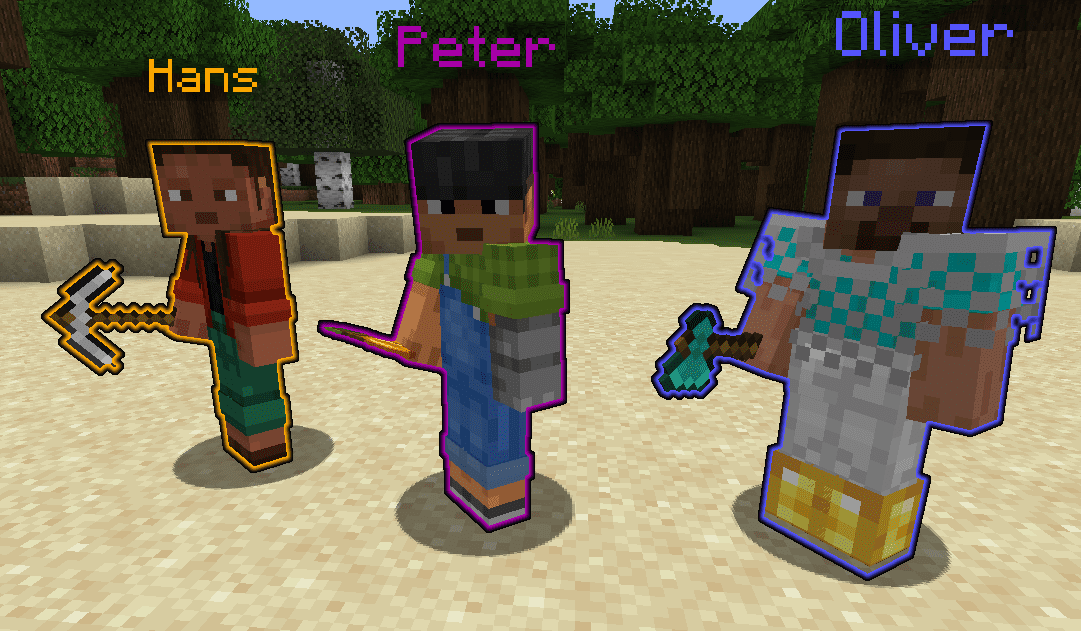
2 images from the Fancy Npcs Plugin page.

You May Also Like
Wikis that share the most with this one
 Job X Plugin
More plugin wikis on the site
The most downloaded mods that have a wiki here
A few wikis from each of the other kinds