

 DownloadFancy Toasts Mod
Get the files on 9Minecraft
Guides
Step-by-step, in-game.
Change Your Toast Animation StyleAccess the Configuration Screen Open Minecraft and go to the main menu. Look for the Mod Menu button (or access mods…Customize Sounds for Different Advancement TypesLocate Sound Settings Open the Fancy Toasts Mod configuration screen from the main menu. Navigate to the Sound or…Switch Between Built-in Texture StylesOpen the Mod Configuration From the main menu, access the Fancy Toasts Mod configuration screen through Mod Menu or…Use Custom Toast Textures from Data PacksUnderstand Custom Texture Support Fancy Toasts Mod supports custom textures, allowing you to use designs from data…
Frequently asked questions
How do I open the mod settings?
Open your in-game pause menu and look for the Fancy Toasts configuration screen option. From there you can adjust animation styles, textures, sounds, and other preferences without restarting the game.
Why aren't my custom textures showing up?
Make sure your custom texture files are placed in the correct data pack folder structure and that the mod is actually loading your data pack (check the data packs list in world settings). Custom textures won't appear if the data pack is disabled or if file names don't match the expected format.
Can I use this mod with other advancement mods?
Yes, Fancy Toasts is designed to work with advancements from other mods and data packs. The mod will apply its animations and textures to any advancement notification, regardless of source.
Do different advancement types use different sounds?
Yes, the mod plays different sounds for Tasks, Goals, and Challenges by default. You can customize these sounds through the configuration screen or by adding your own audio files via data packs.
See all 10 Fancy Toasts questions ›
Gallery
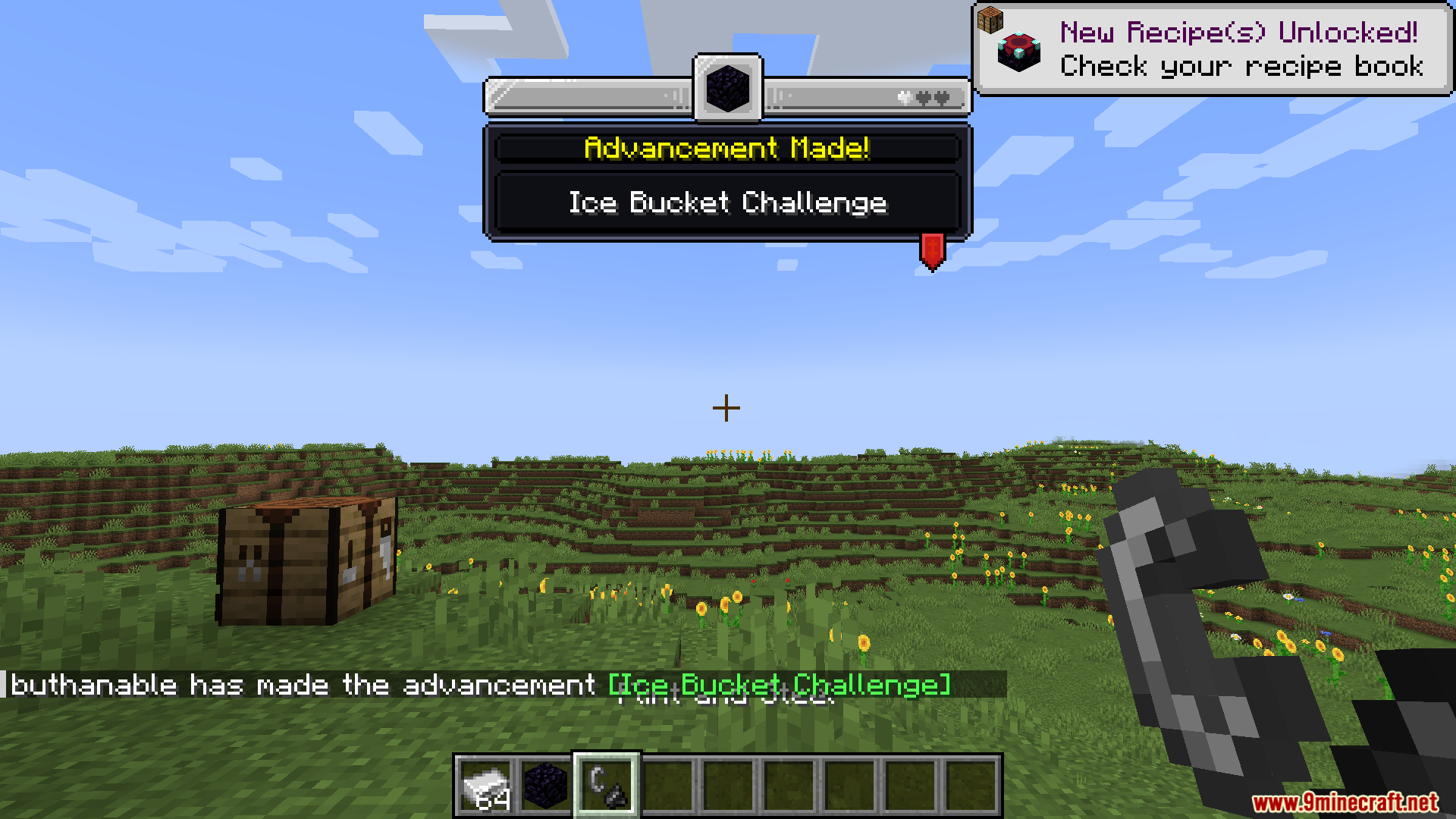
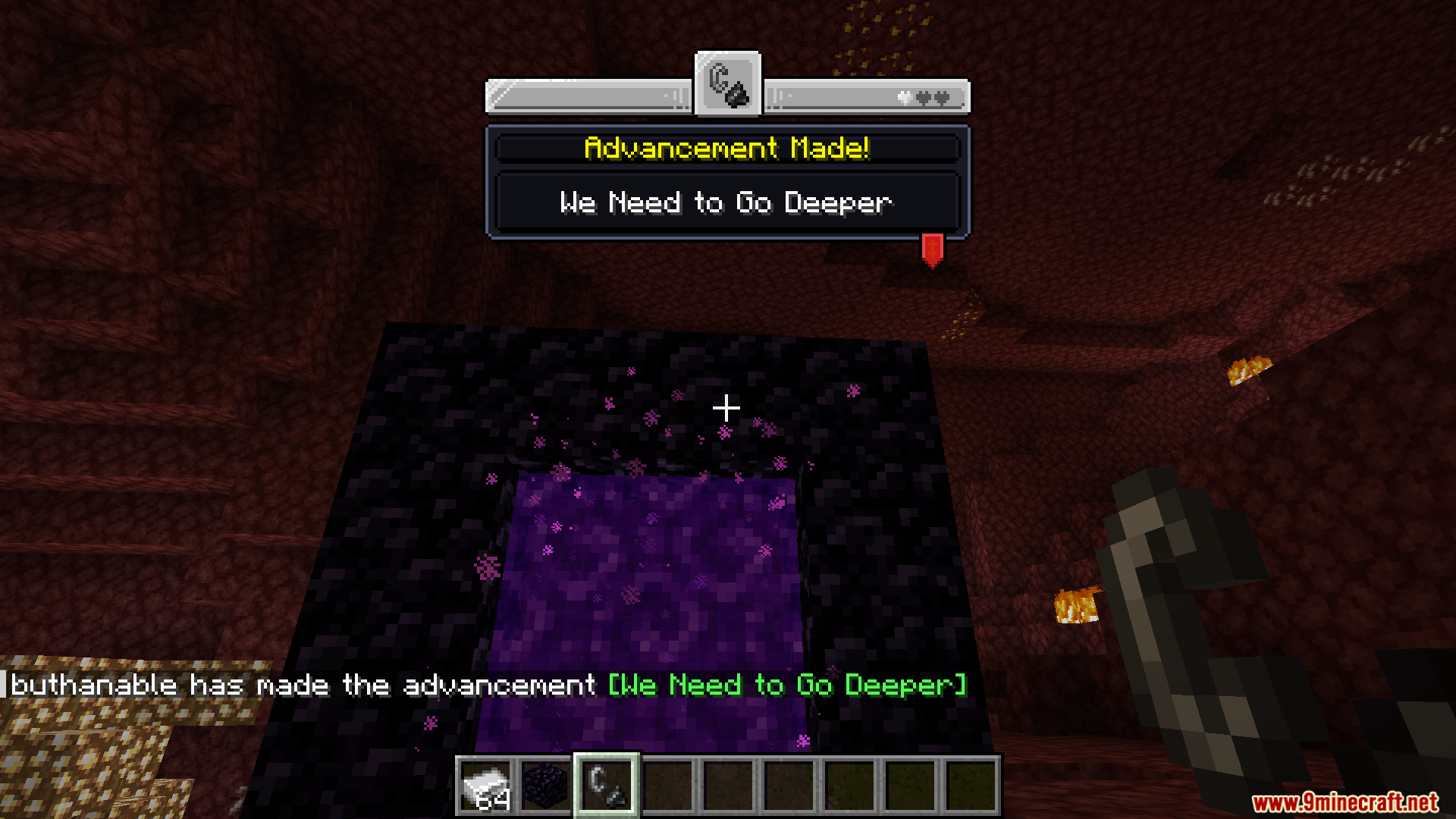
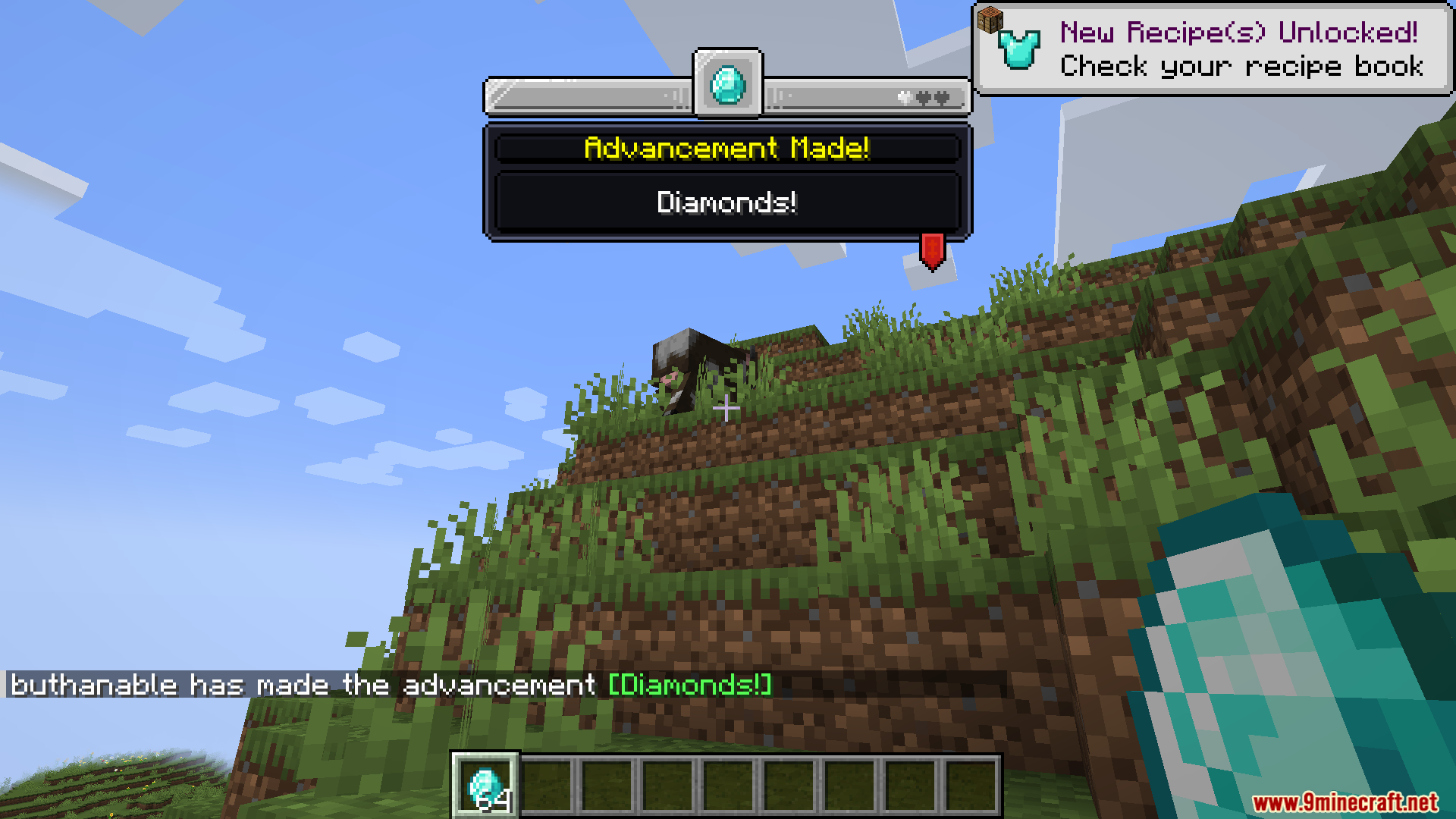
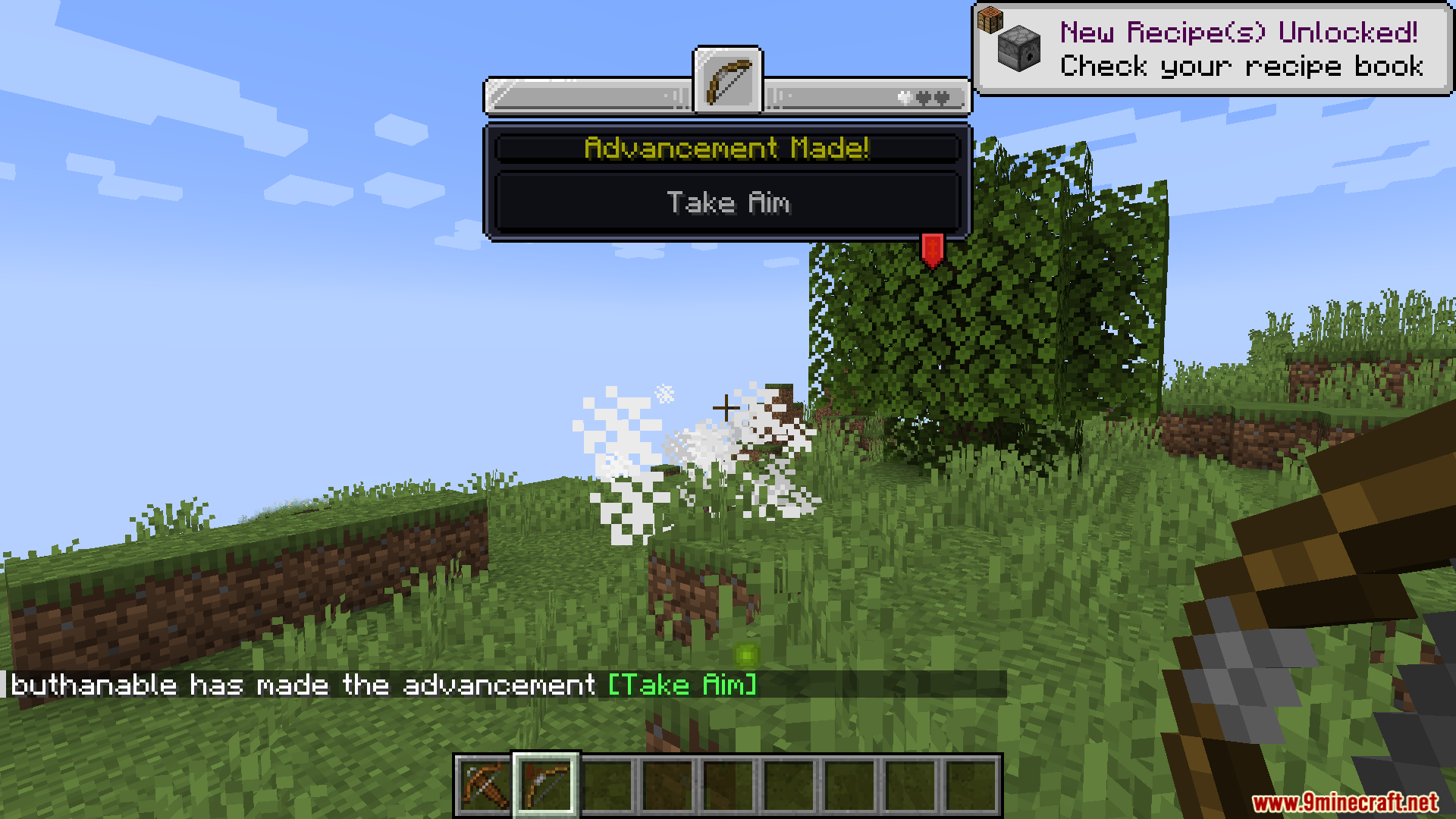
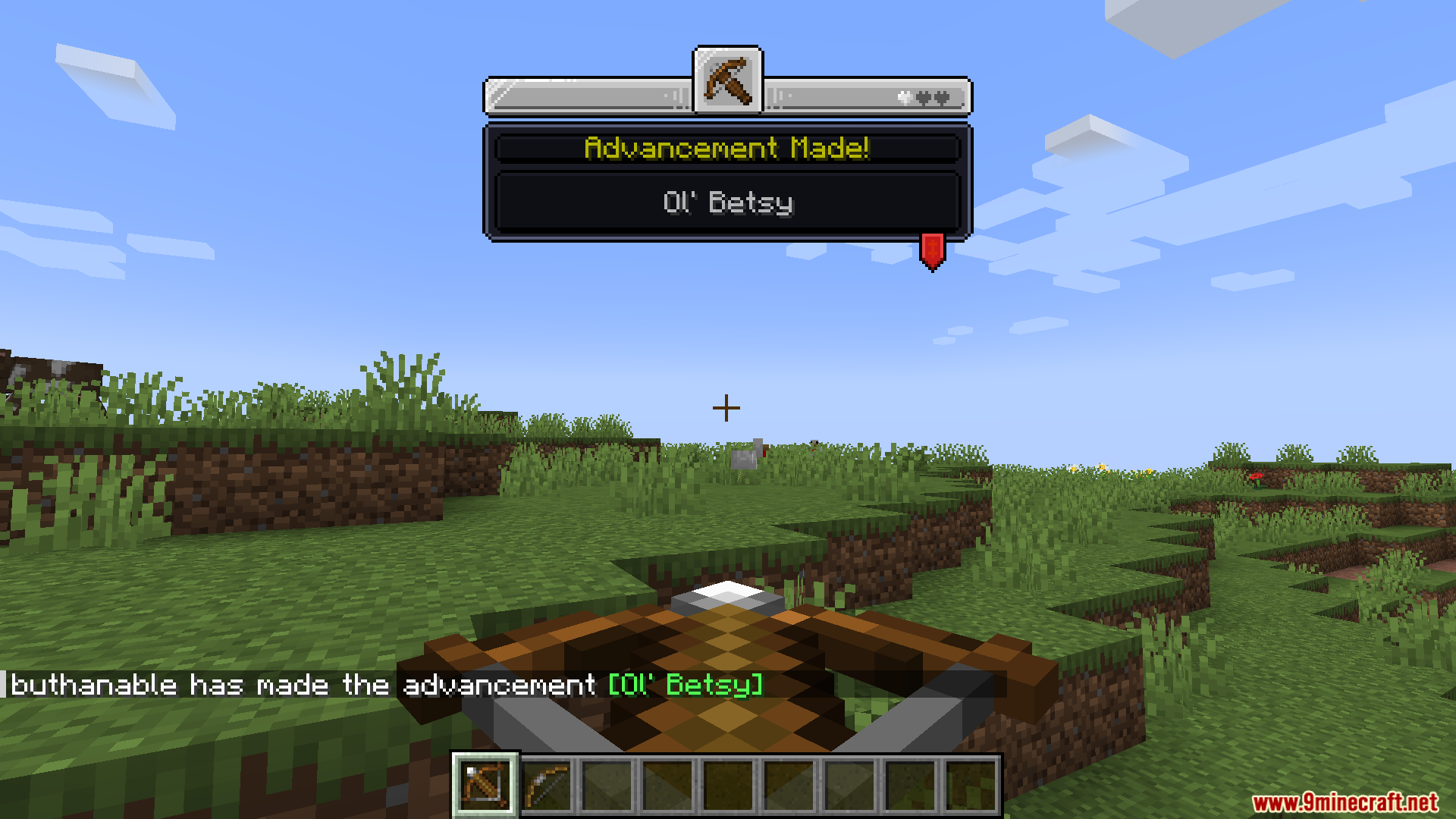
9 images from the Fancy Toasts Mod page.
You May Also Like
Wikis that share the most with this one
Wikis on the same theme: cat
More mod wikis on the site
The most downloaded mods that have a wiki here
A few wikis from each of the other kinds