

 DownloadFancy Menu Mod
Get the files on 9Minecraft
Guides
Step-by-step, in-game.
How to Add Custom Buttons, Text, and Images to a MenuBeyond rearranging what is already there, you can place entirely new elements: buttons that run actions, static or…How to Move, Resize, and Hide the Default Menu ButtonsThe most common first project is rearranging the vanilla buttons on the title screen so they match a custom…How to Open the Fancy Menu Editor and Start Customizing a ScreenThe editor is built into the game, so you never have to leave Minecraft to change a menu. The trick is knowing which…How to Set Custom Backgrounds, Music, and Conditional ElementsOnce your layout is set, you can make each screen feel distinct with its own background, soundtrack, and rules for…
Frequently asked questions
How do I open the Fancy Menu editor?
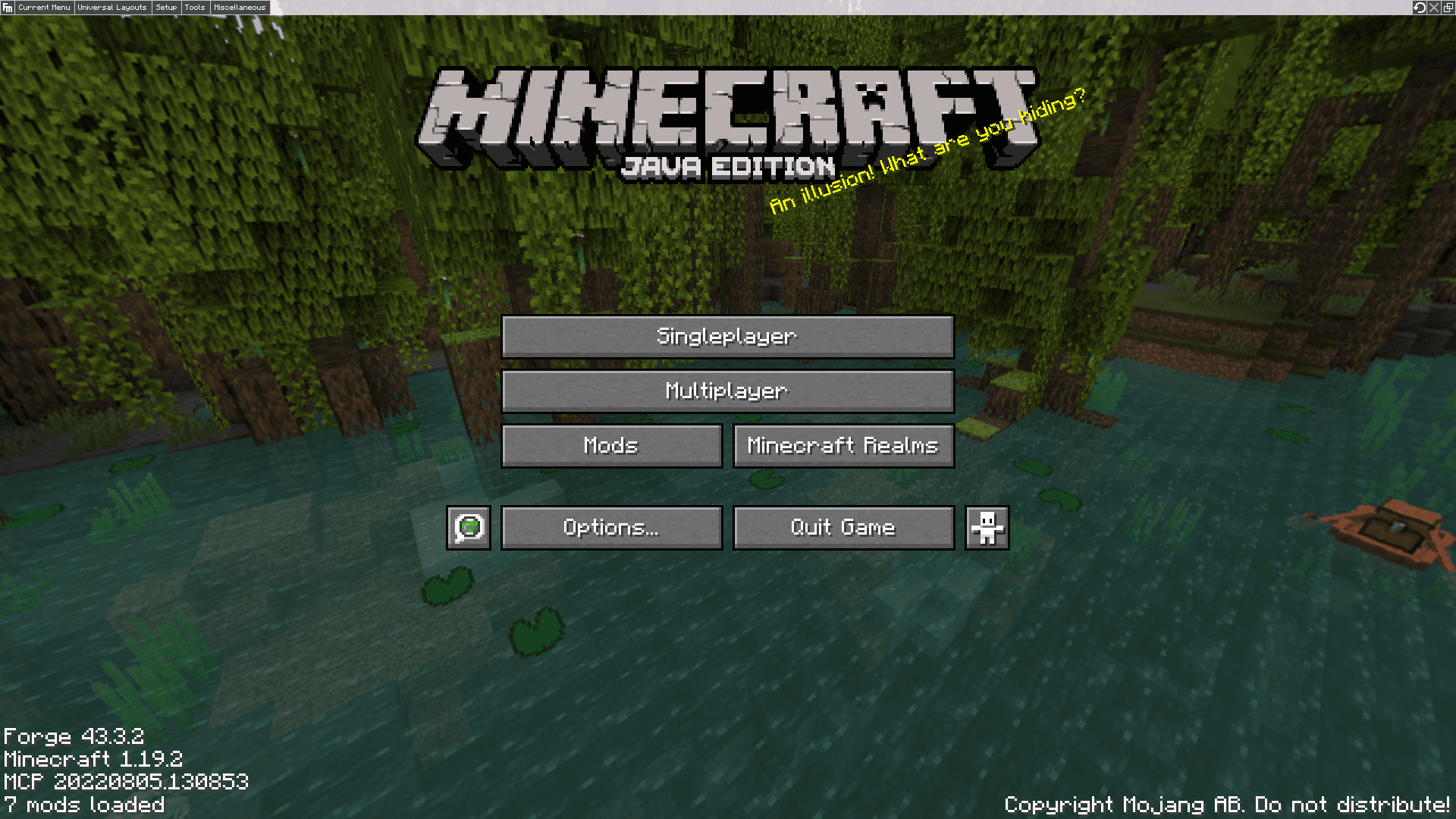
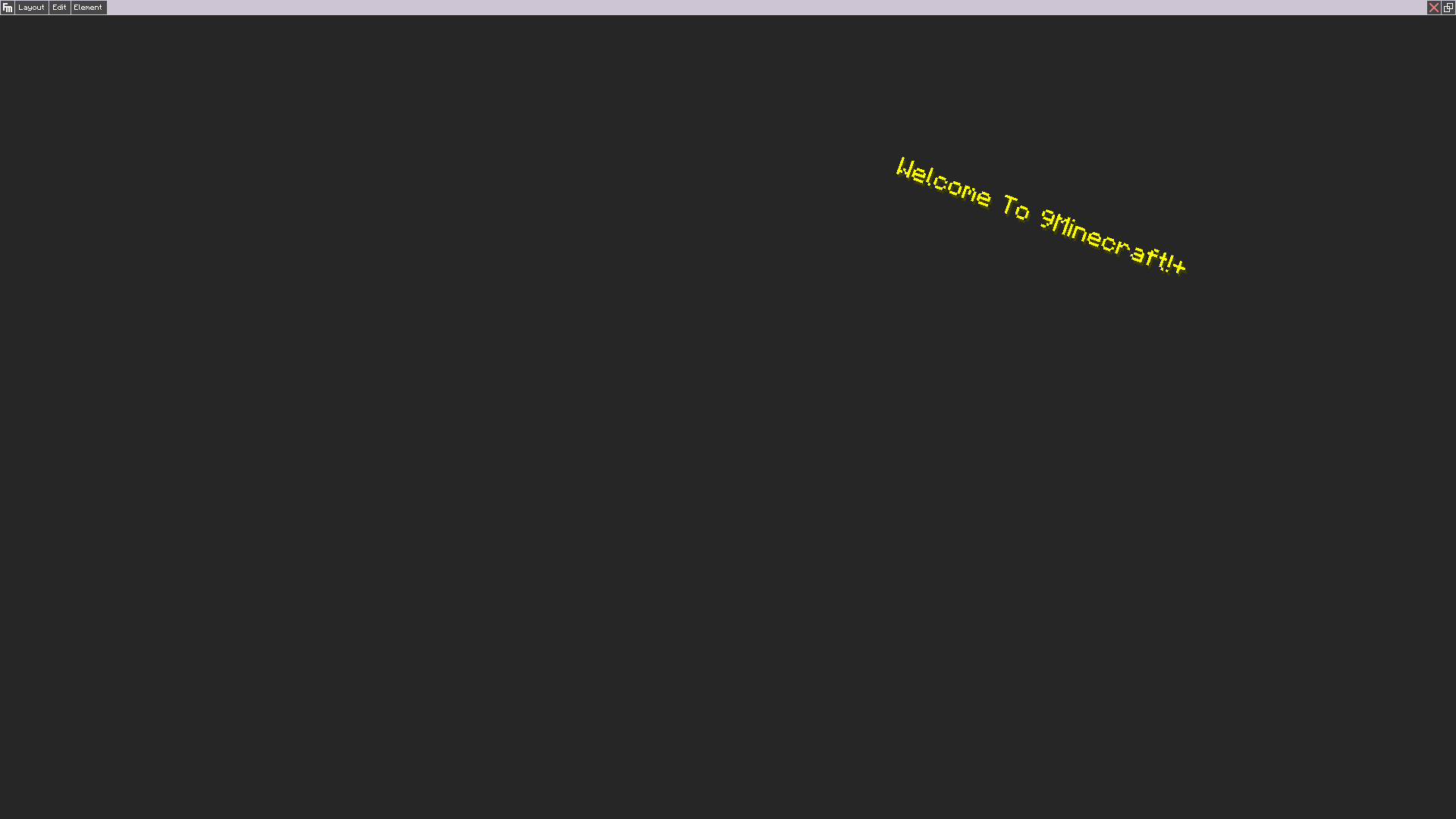
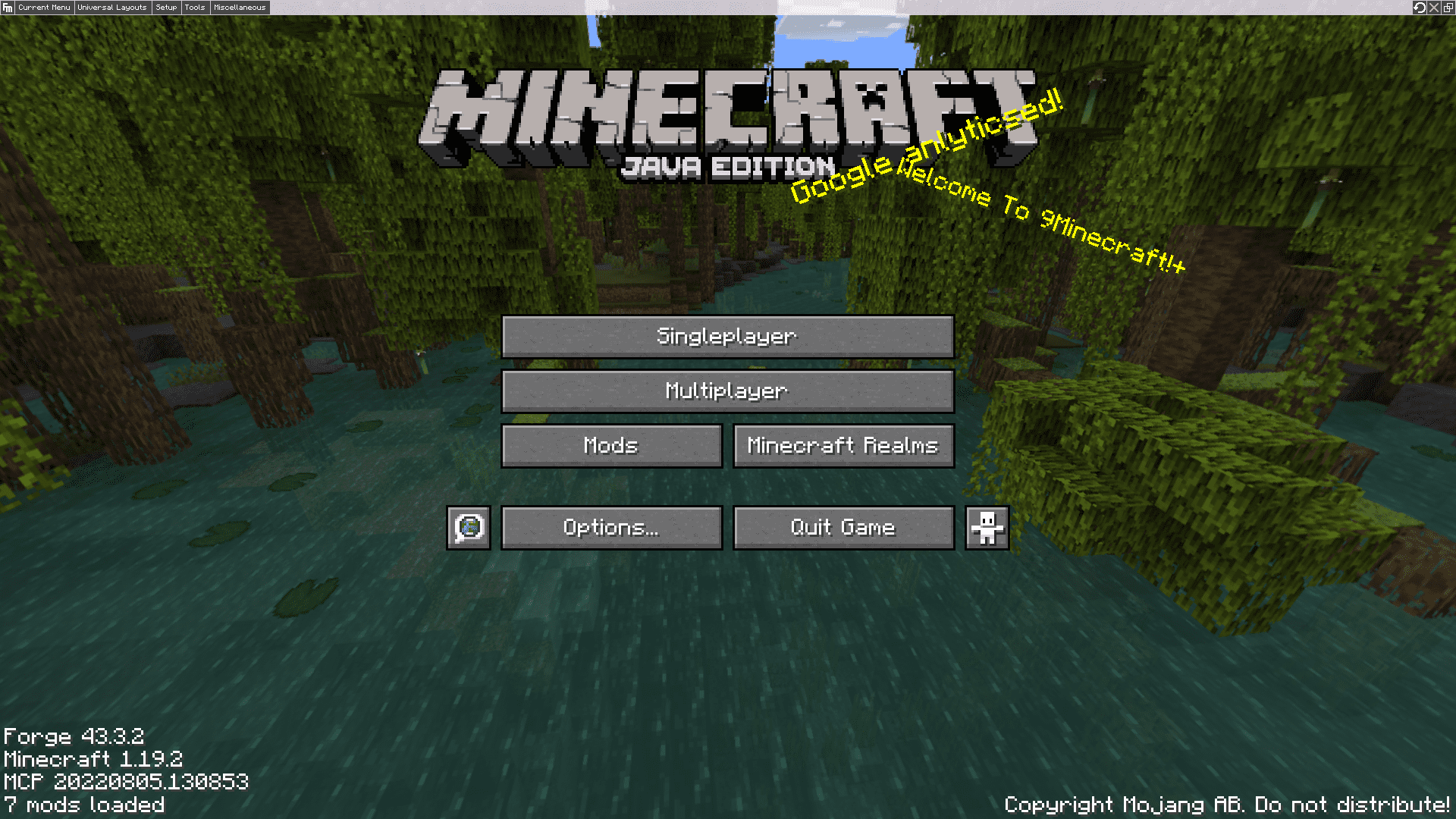
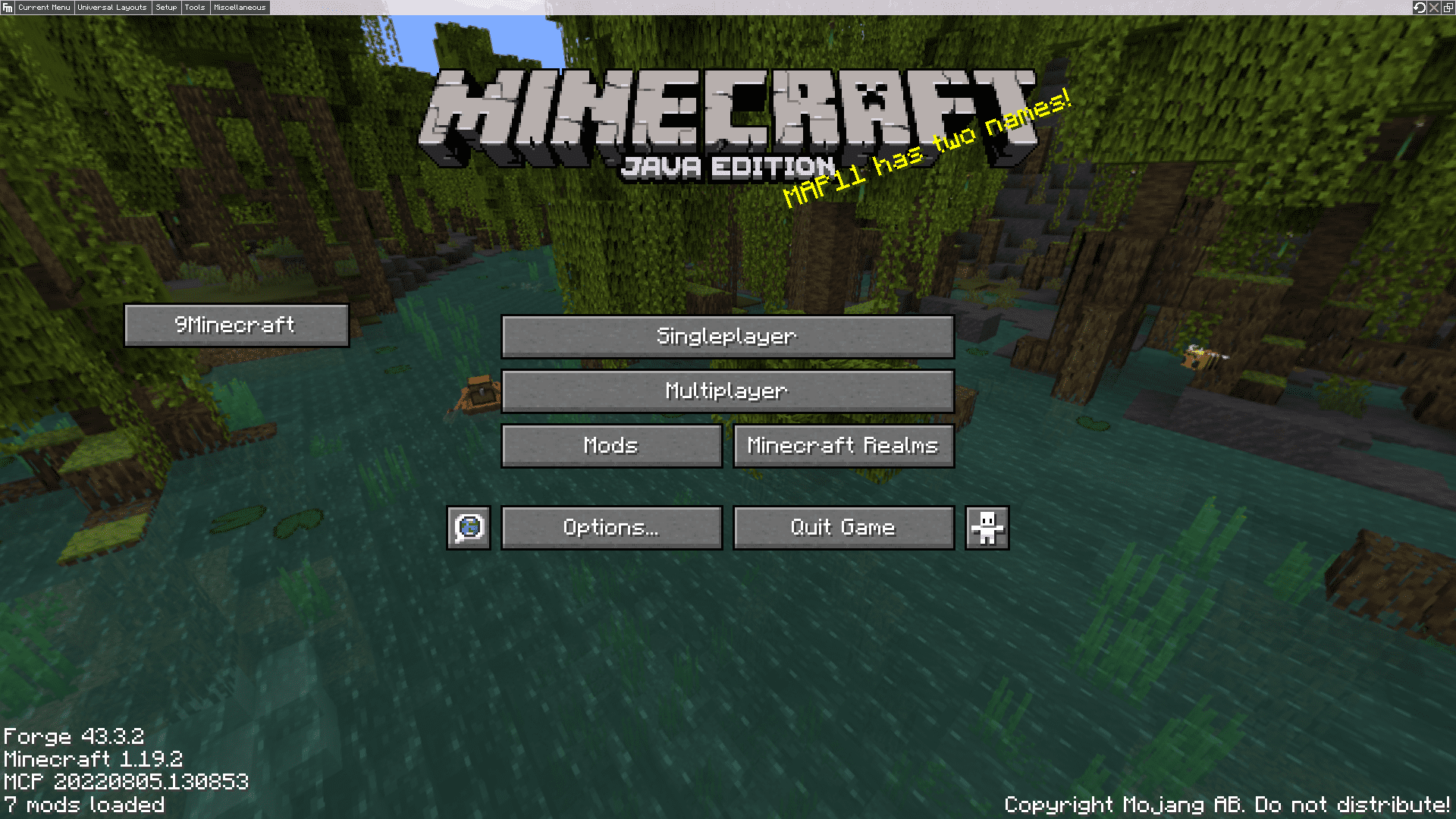
Press the keybind assigned to Fancy Menu (default is usually a key like Right Shift, but check your controls) while on any menu screen, or click the Fancy Menu button that appears in the corner. This opens the editor overlay where you can start moving and adding elements.
Can I customize menus from other mods, not just vanilla ones?
Yes, Fancy Menu can edit almost any screen, including those added by other mods. Just open the editor while that screen is visible and it should be listed as an editable menu.
How do I add a button that opens a website?
In the editor, add a new button element, then set its action to 'Open Link' and paste the URL. You can also set it to run a command or send a chat message instead.
Why does my custom background not show up?
Make sure the image file is in the correct folder (usually the mod's config or a 'fancymenu' folder) and that the path in the editor matches exactly. Also check that no other element is covering it or that the background isn't set to a different screen.
See all 19 Fancy Menu questions ›
Gallery
7 images from the Fancy Menu Mod page.
You May Also Like
Wikis that share the most with this one
More mod wikis on the site
The most downloaded mods that have a wiki here
A few wikis from each of the other kinds