

 DownloadCobblemon Villager Overhaul Mod
Get the files on 9Minecraft
Guides
Step-by-step, in-game.
Manage Multiple Villagers for a Complete EconomySpecialize Your Villagers Assign different job blocks to create a diverse trading network. A farmer sells crops, a…Maximize Profits by Selling Items to VillagersGather Tradeable Items Collect items that villagers want to buy. Farmers accept crops, fishermen want fish, and…Set Up Your First Villager ShopFind a Jobless Villager Locate a villager without a profession, or find one with a job block nearby (like a farmer…Use the Trades Tab for Item SwapsUnderstand Item-for-Item Trading The Trades tab shows exchanges that don't require CobbleDollars—you swap one item…
Frequently asked questions
How do I start trading with villagers using this mod?
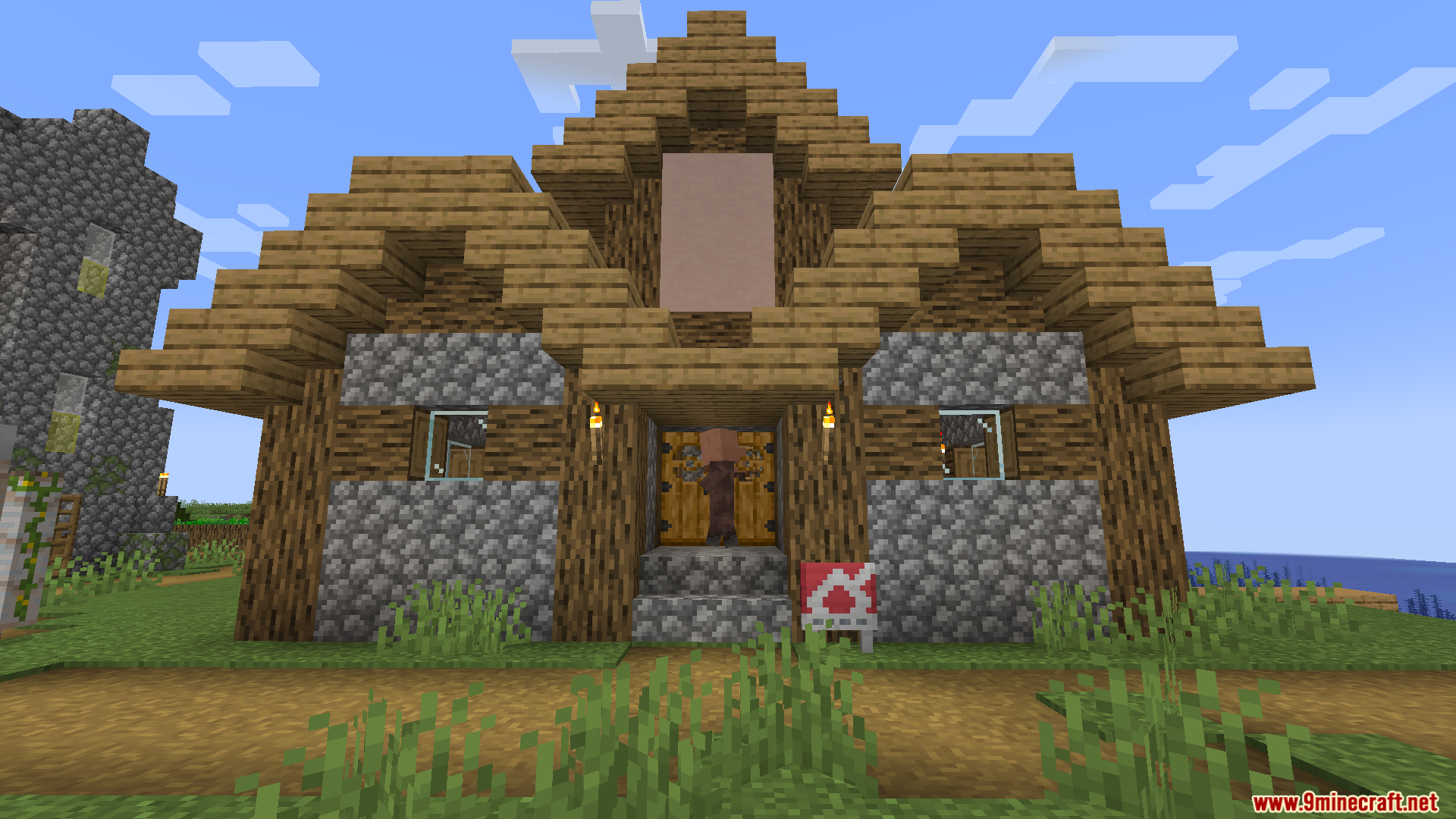
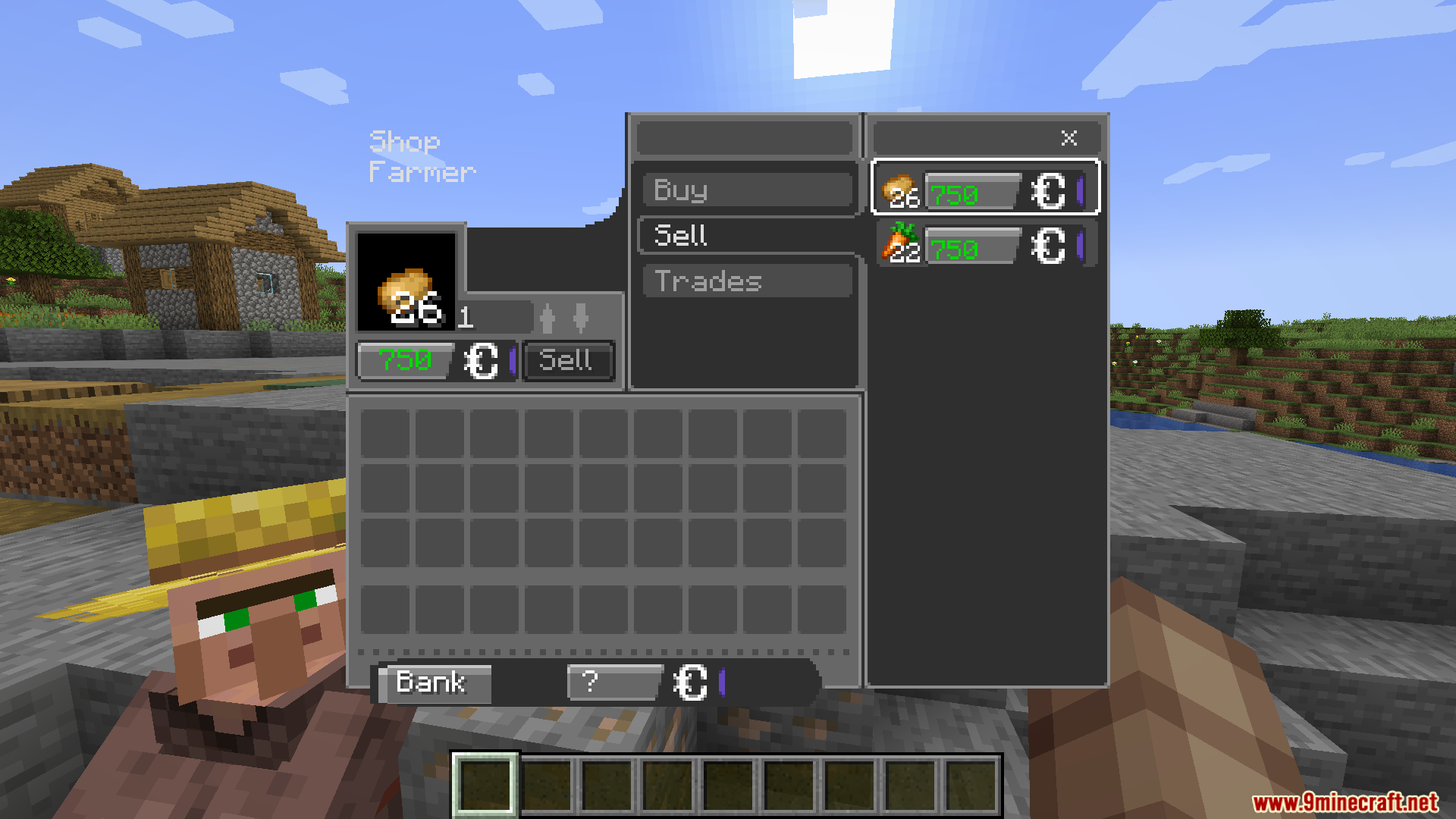
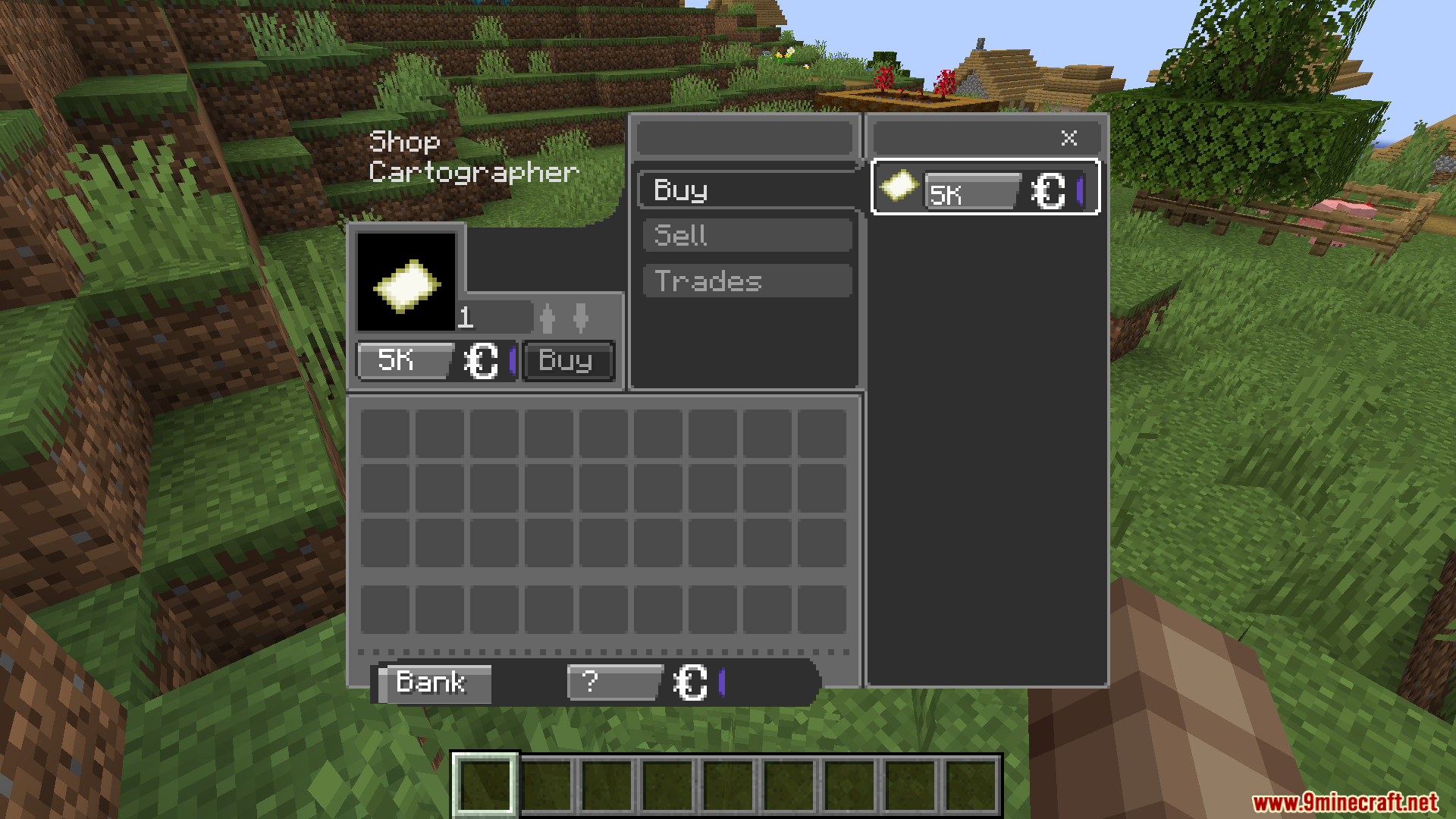
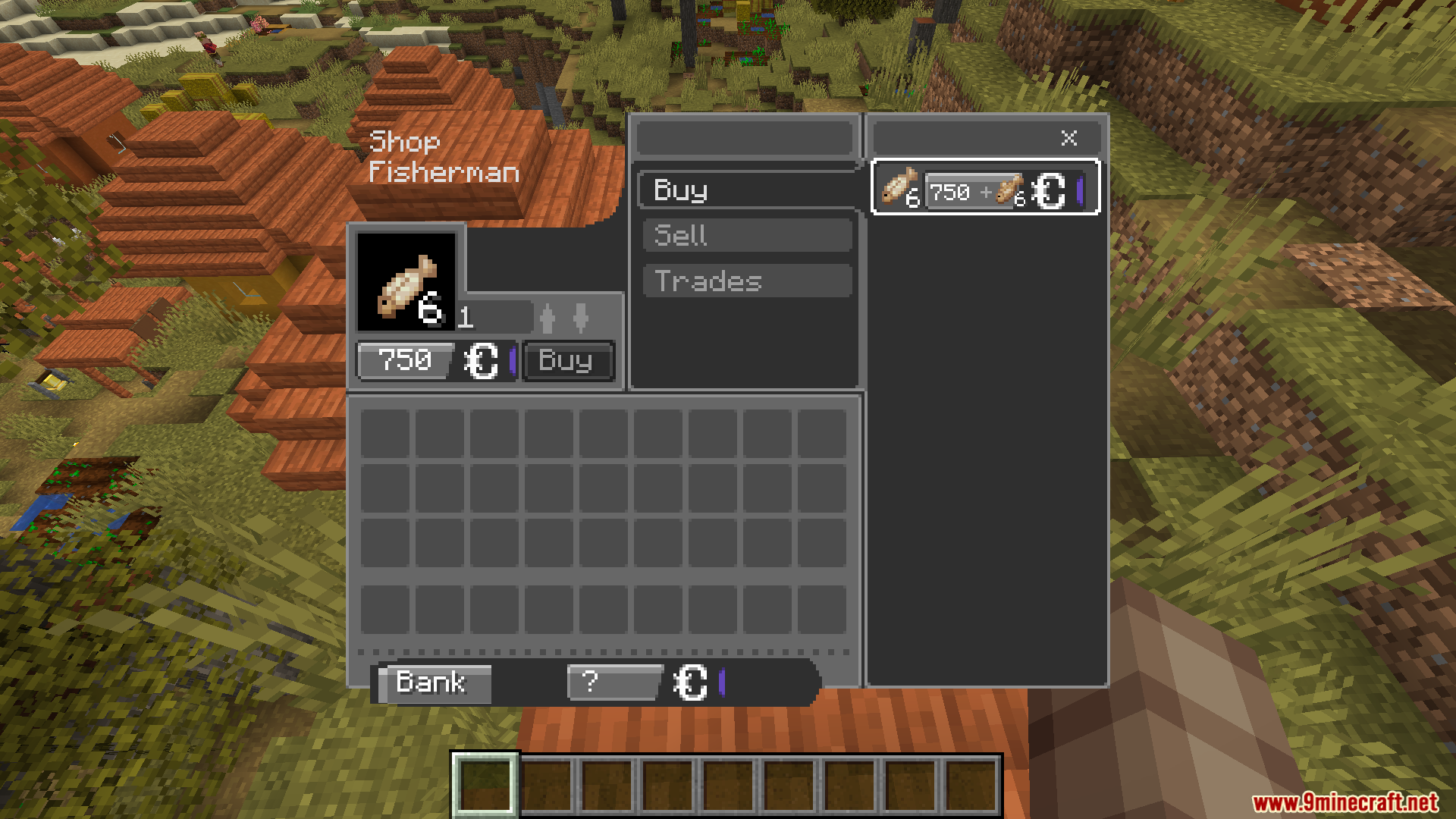
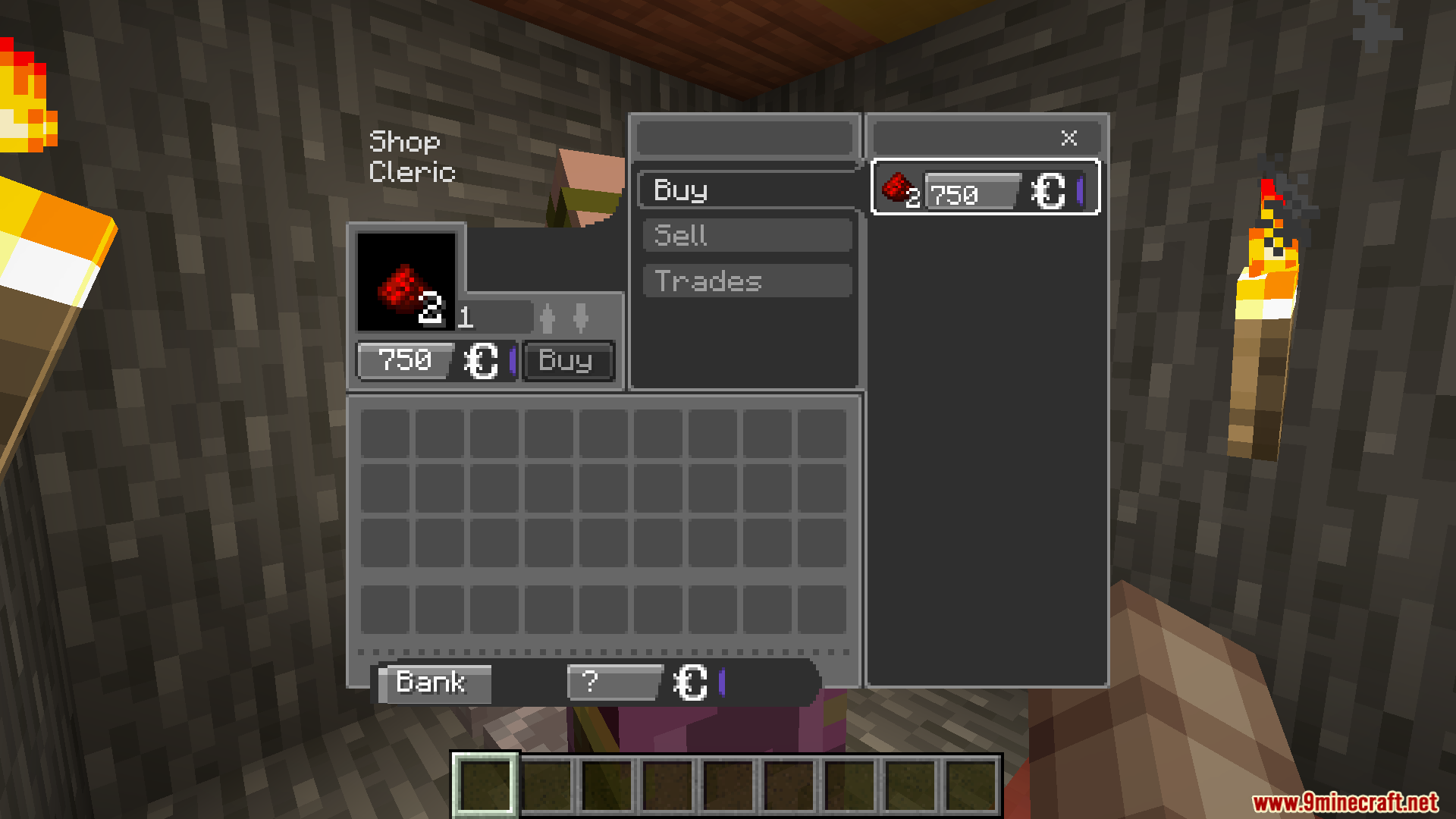
Find any villager that has claimed a job block (like a lectern, composter, or cartography table) and right-click them to open the new shop menu. The menu will show the Buy, Sell, and Trades tabs with all available trades for that villager.
What's the difference between the Buy, Sell, and Trades tabs?
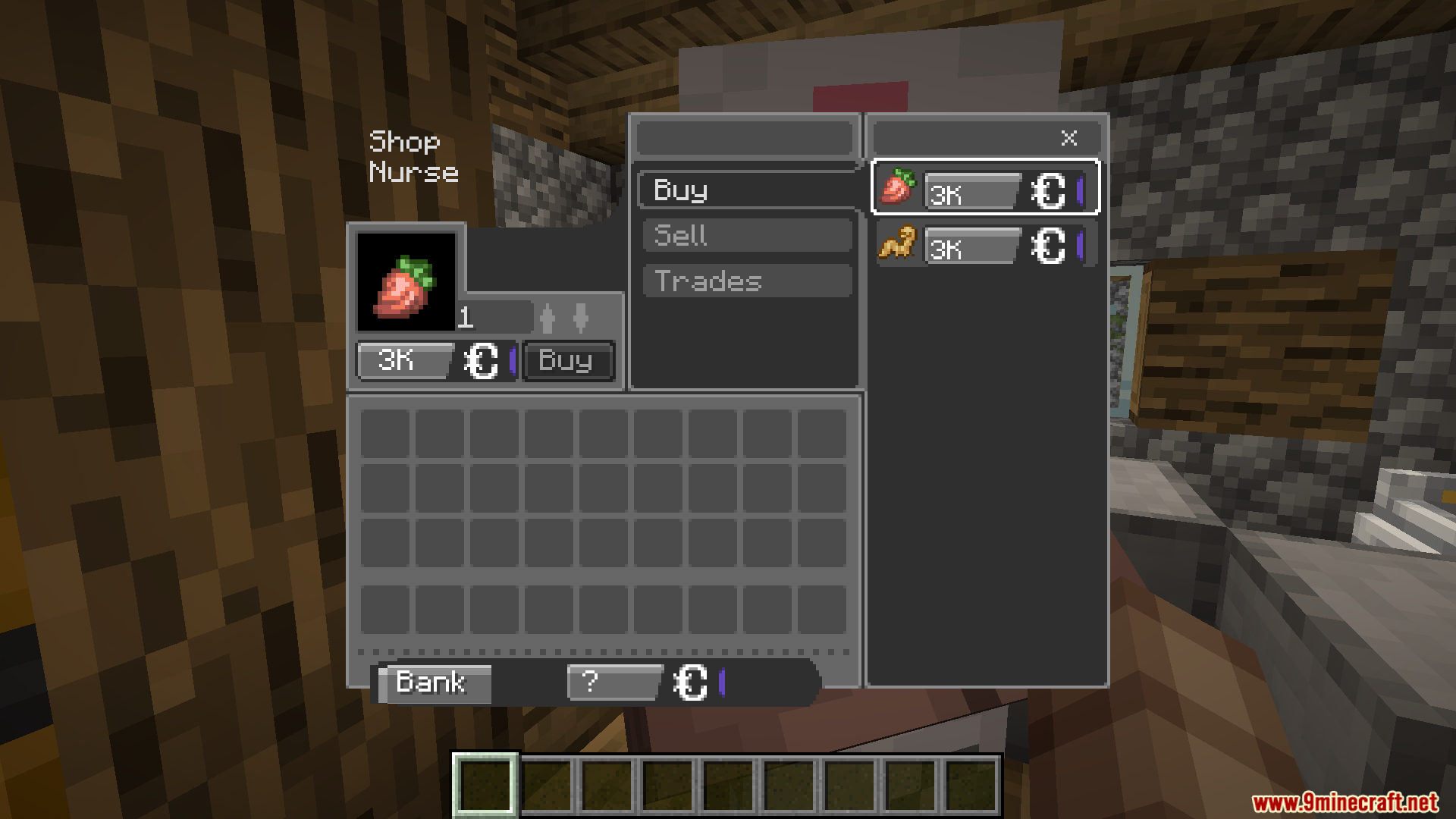
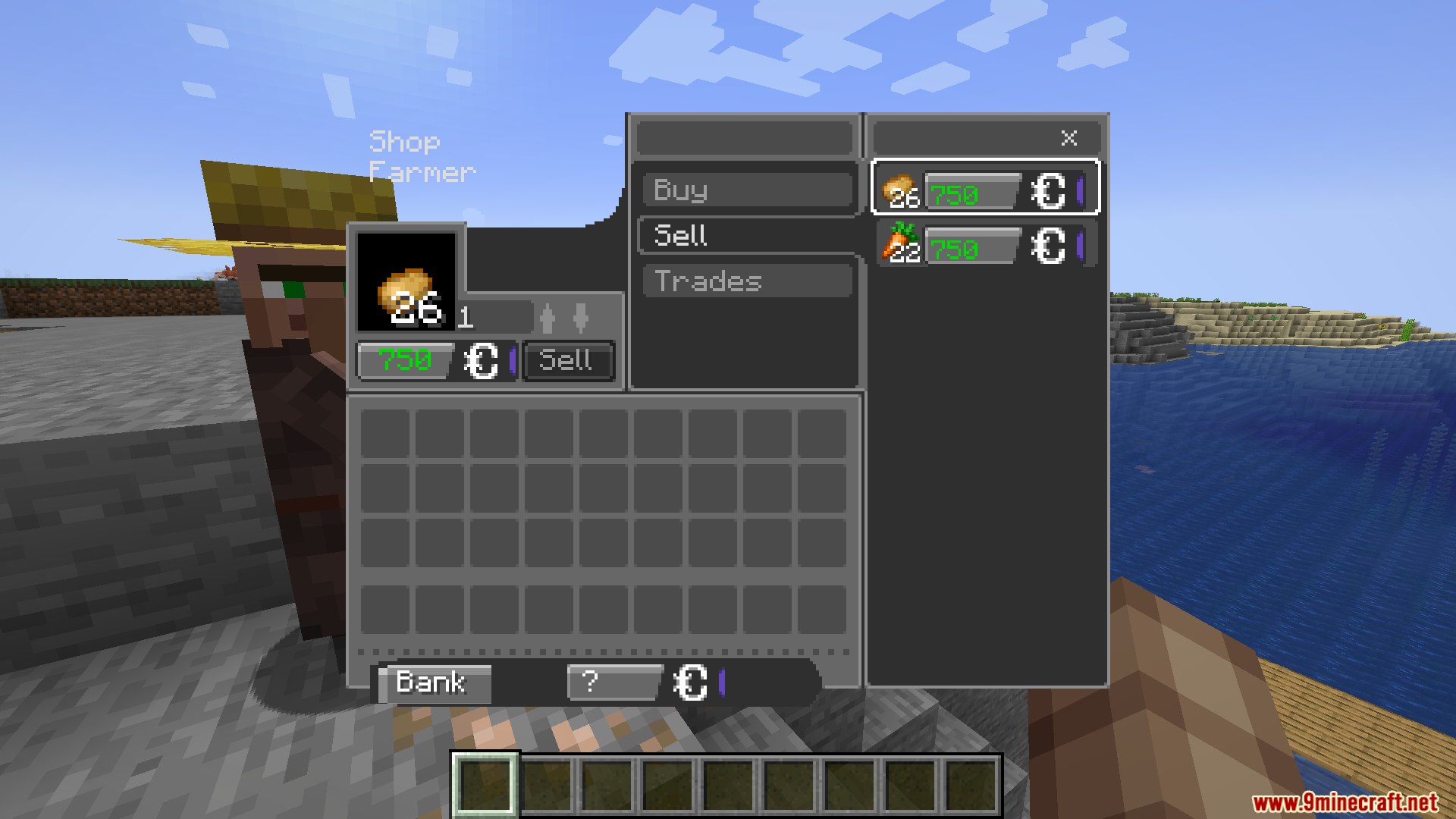
The Buy tab shows items the villager is selling for CobbleDollars. The Sell tab lets you trade your items to the villager to earn CobbleDollars. The Trades tab handles direct item-for-item swaps that don't involve any currency.
Can I trade with wandering traders?
Yes, wandering traders work exactly like villagers with this mod—right-click them to open the shop menu and trade using CobbleDollars instead of emeralds.
Why does the shop menu stay open after I trade?
The mod keeps the shop window open so you can make multiple trades without having to click the villager repeatedly, making bulk buying or selling much faster.
See all 10 Cobblemon Villager Overhaul questions ›
Gallery
9 images from the Cobblemon Villager Overhaul Mod page.
You May Also Like
Wikis that share the most with this one
Wikis on the same theme: villager
More mod wikis on the site
The most downloaded mods that have a wiki here
A few wikis from each of the other kinds