

 DownloadAstraWare V5 Client Mod
Get the files on 9Minecraft
Guides
Step-by-step, in-game.
Defend Yourself with AutoTrap and AutoWebEnable AutoTrap for Obsidian Defense Open the client menu (Right Shift) and toggle AutoTrap on. This feature…Set Up AutoCrystal for Crystal PvPEnable AutoCrystal Press Right Shift to open the client menu. Navigate to the combat features section and locate…Survive Fights with AutoTotem and AutoInv TotemSet Up AutoTotem Press Right Shift to open the menu and enable AutoTotem. This feature automatically places a Totem…Use BlatantTPAura to Close Distance in CombatActivate BlatantTPAura Open the client menu with Right Shift and enable BlatantTPAura from the combat features. This…
Frequently asked questions
How do I open the AstraWare menu?
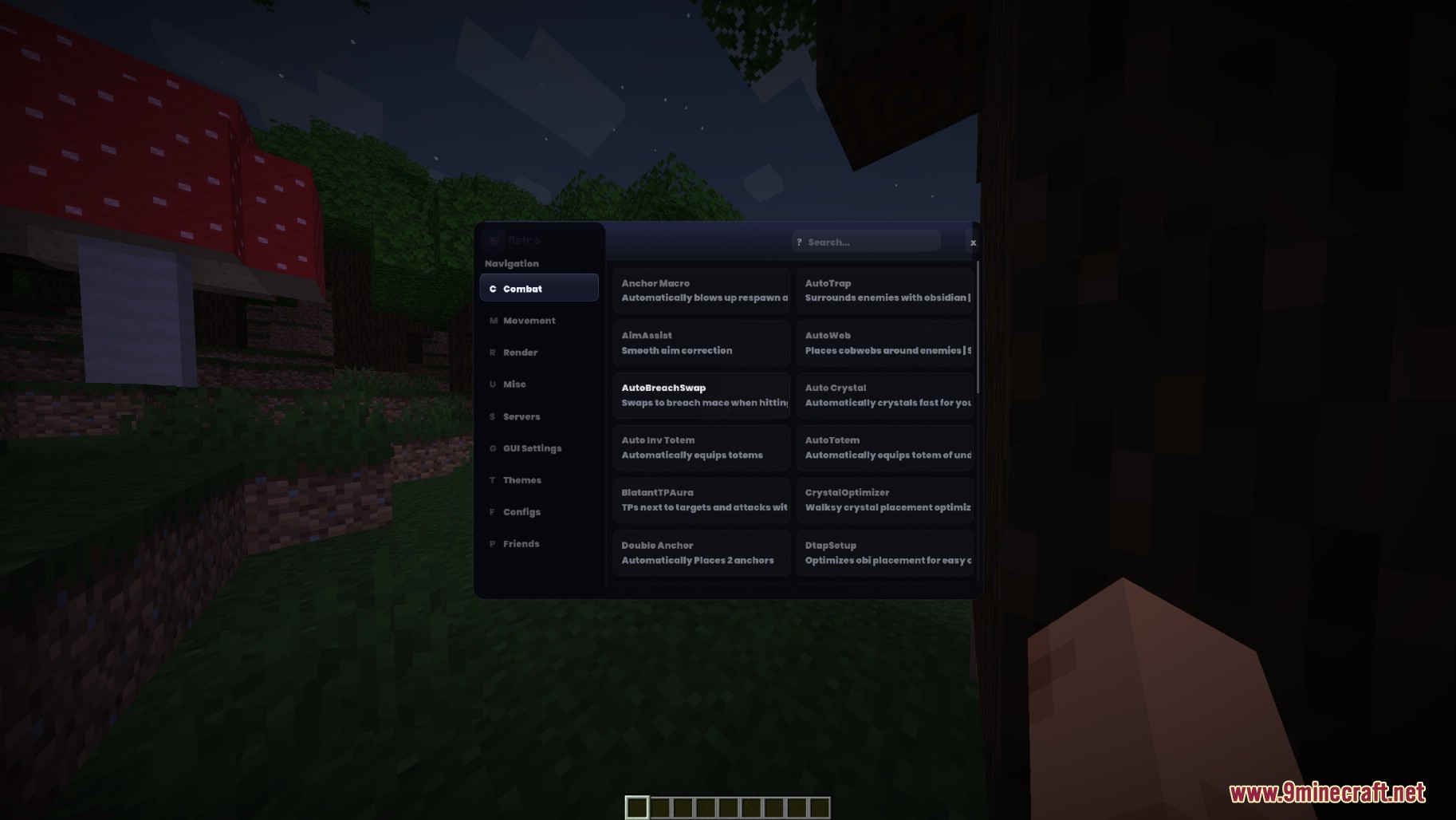
Press Right Shift to open or close the client menu. From there you can access all combat, movement, render, and server settings.
What's the difference between AutoTotem and AutoInv Totem?
AutoTotem automatically places a Totem of Undying in your hand when needed during combat. AutoInv Totem does the same but manages it from your inventory without requiring manual hand placement.
Why isn't AutoCrystal working?
Make sure you have End Crystals in your inventory, you're looking at a valid placement surface, and the feature is actually toggled on in the menu. Also check that you're on a server that allows crystal combat.
Can I use BlatantTPAura and AutoCrystal together?
Yes, both features can run simultaneously—BlatantTPAura closes the distance to your target while AutoCrystal places and breaks crystals for damage once you're in range.
See all 10 AstraWare V5 questions ›
Gallery
2 images from the Astraware V5 Client Mod page.
You May Also Like
Wikis that share the most with this one
More client wikis on the site
The most downloaded mods that have a wiki here
A few wikis from each of the other kinds