

 DownloadServer Side Horror Mod
Get the files on 9Minecraft
Guides
Step-by-step, in-game.
Create an Atmosphere of Dread with Environmental ScaresBuilding Tension Through the World The most effective scares don't rely on jump scares alone. Use environmental…Leave Creepy Messages and Signs for Players to DiscoverUsing Structures to Communicate Dread Physical messages left in the world create a sense of being watched or warned.…Manage Saved Chat Messages for Fake Joiner EventsUsing Real Messages to Create Authenticity The mod can capture real chat messages from your server and replay them…Set Up a Fake Player to Haunt Your FriendsAdding and Spawning a Fake Player Fake players are one of the most effective ways to unsettle your friends. They…
Frequently asked questions
Do my friends need to install the mod to play on my server?
No, the mod is server-side only, so your friends can join and play normally without downloading or installing anything. They'll experience all the scares and events without knowing the mod exists.
How do I make fake players actually appear on the server?
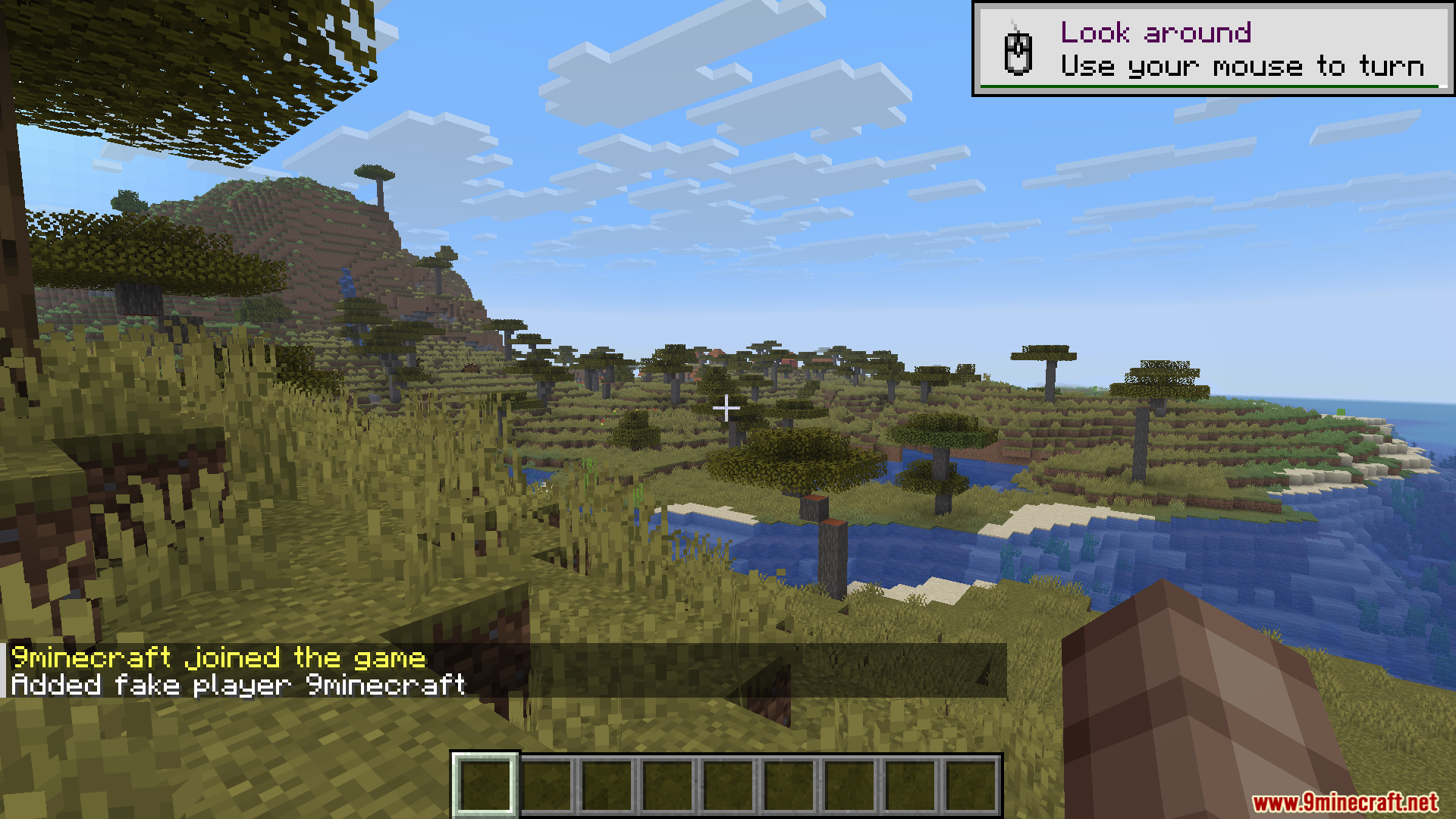
Use the command `/spawnFakePlayer ` to spawn a fake player near someone. You can add fake player names to a list first with `/addFakeJoiner `, and the fake player will appear with a real chat message if you've saved one.
What's the difference between /breakTorches and /replaceTorches?
`/breakTorches` removes torches to leave players in darkness, while `/replaceTorches` changes nearby torches into something else to mess with players. Both affect torches in a radius around the target.
See all 10 Server Side Horror questions ›
Gallery
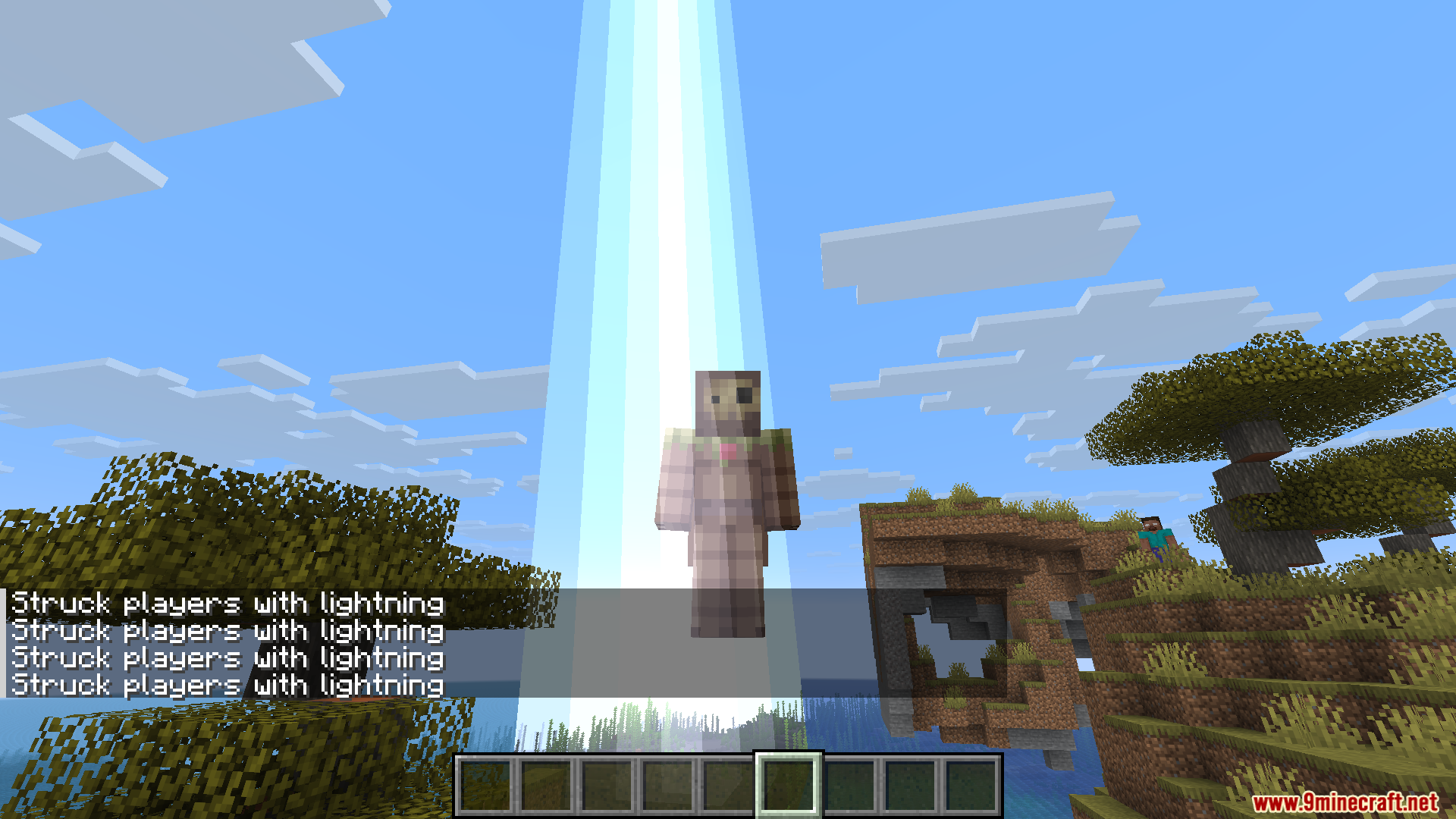
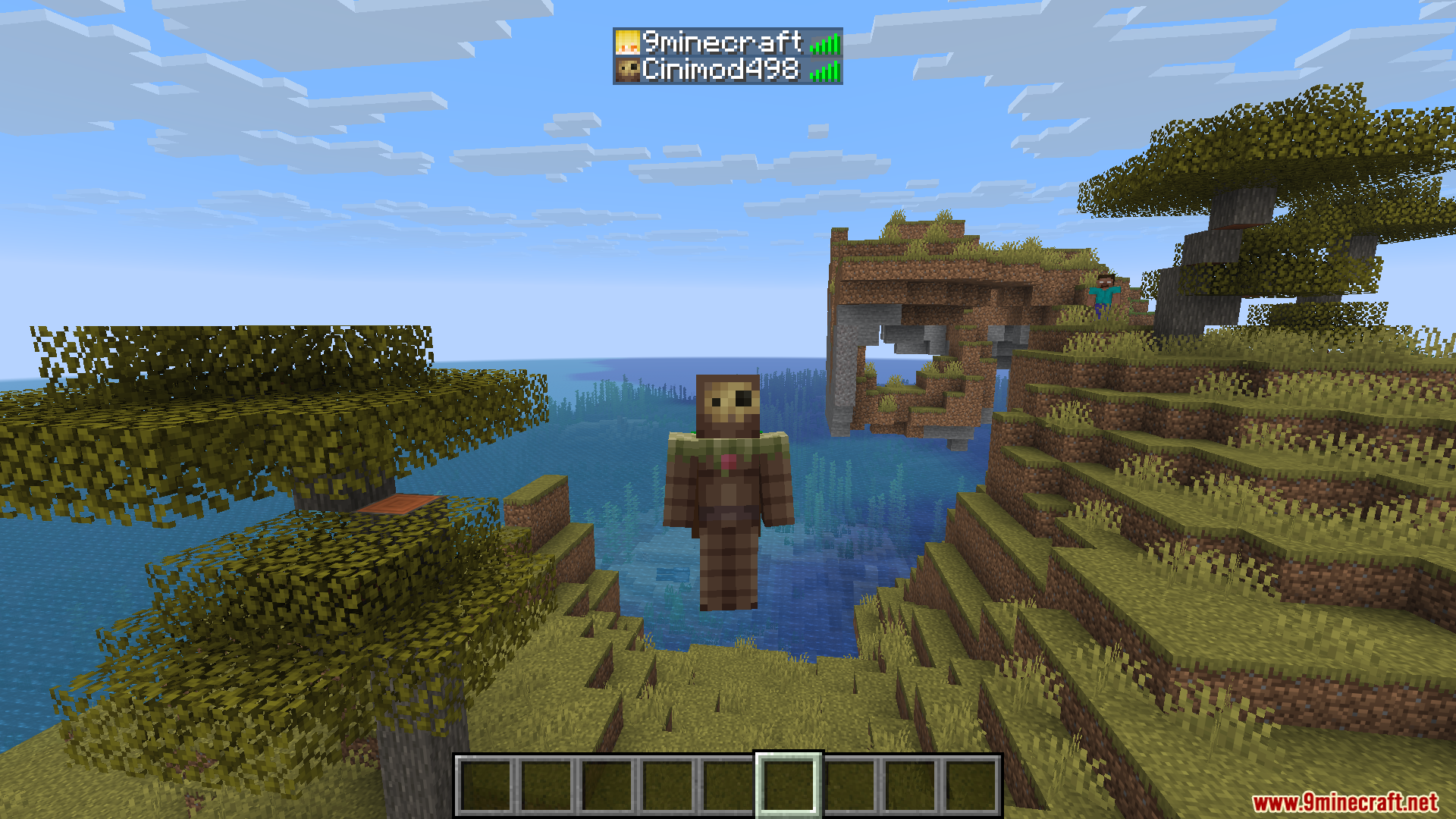
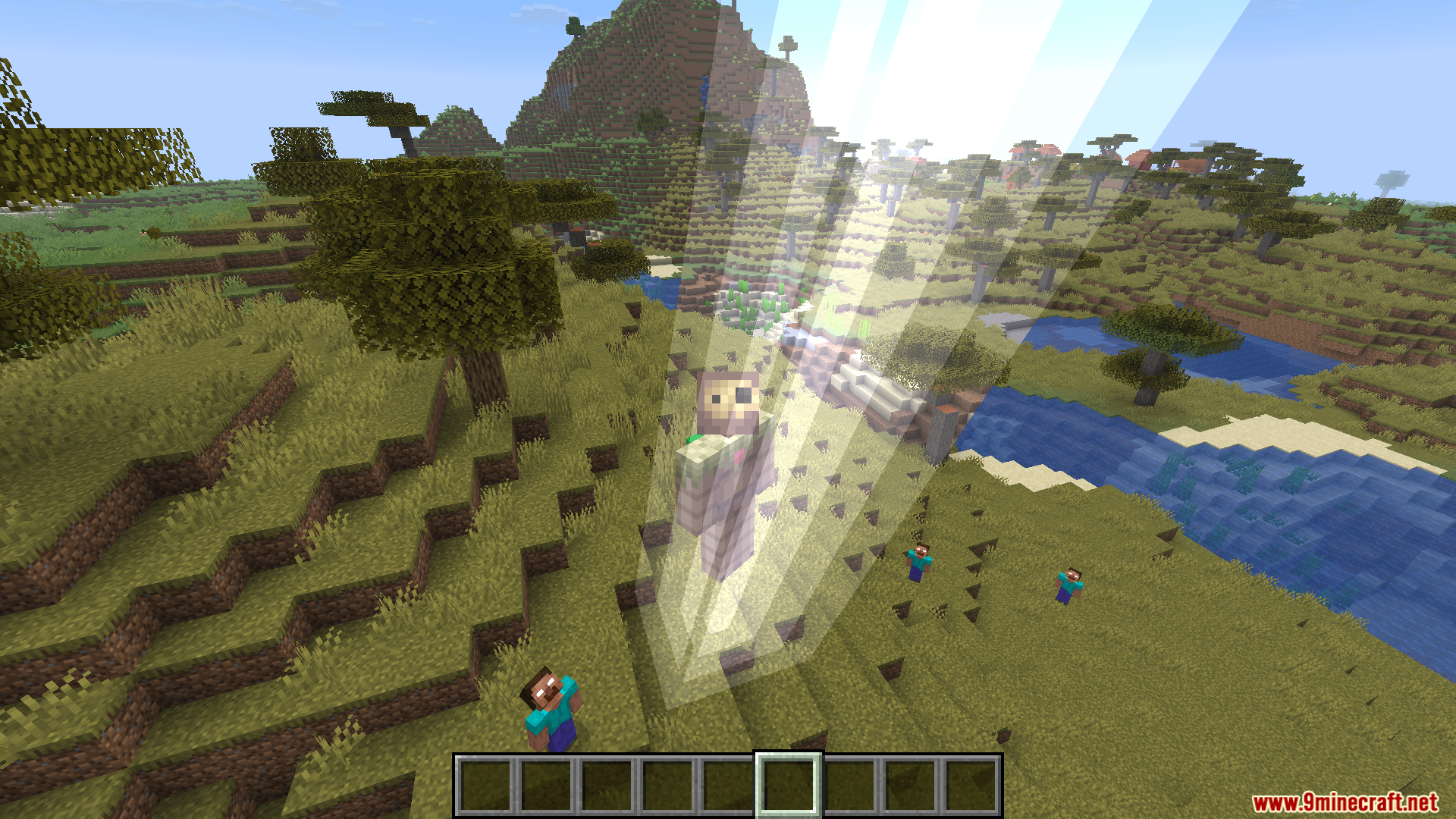
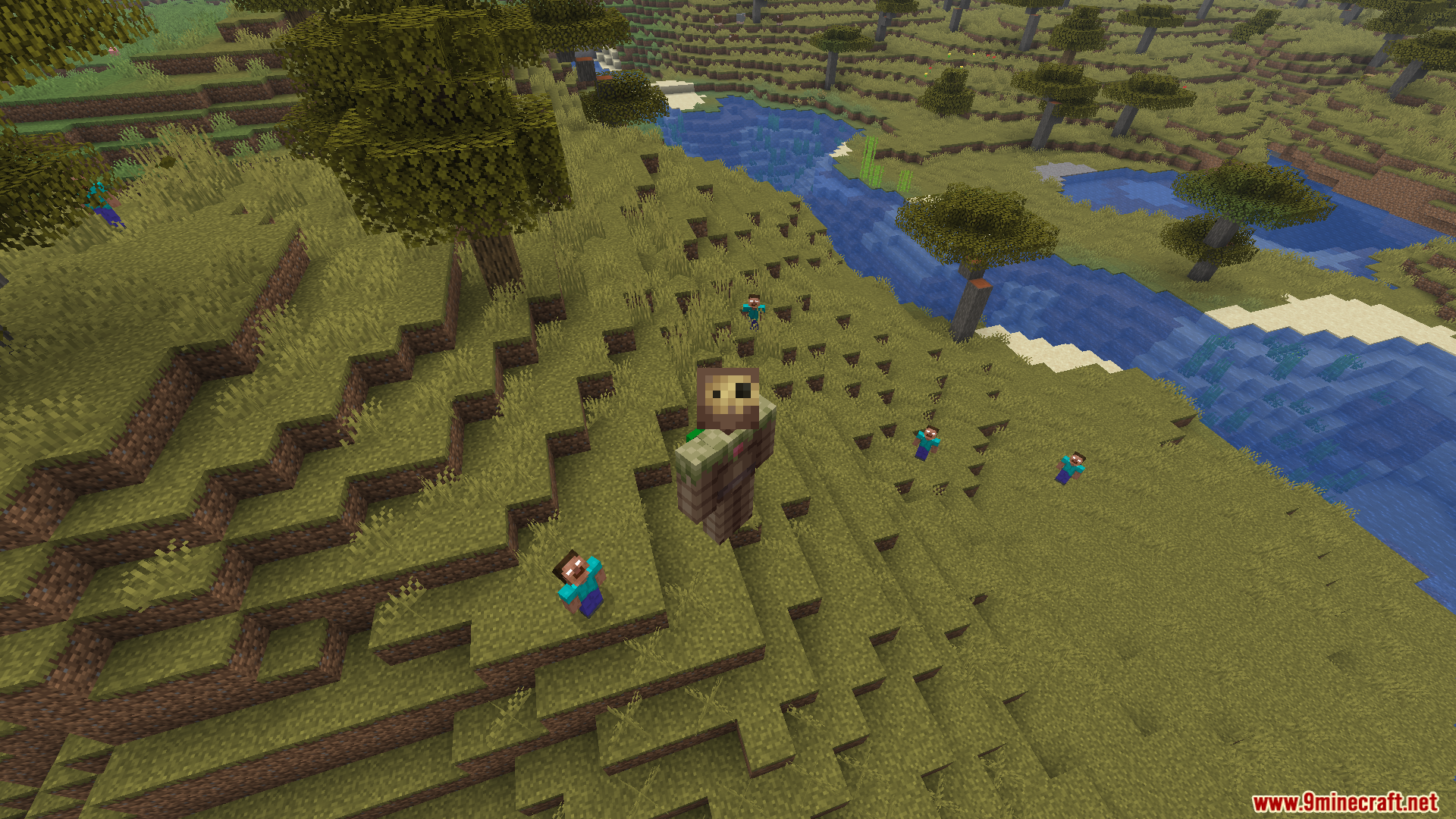
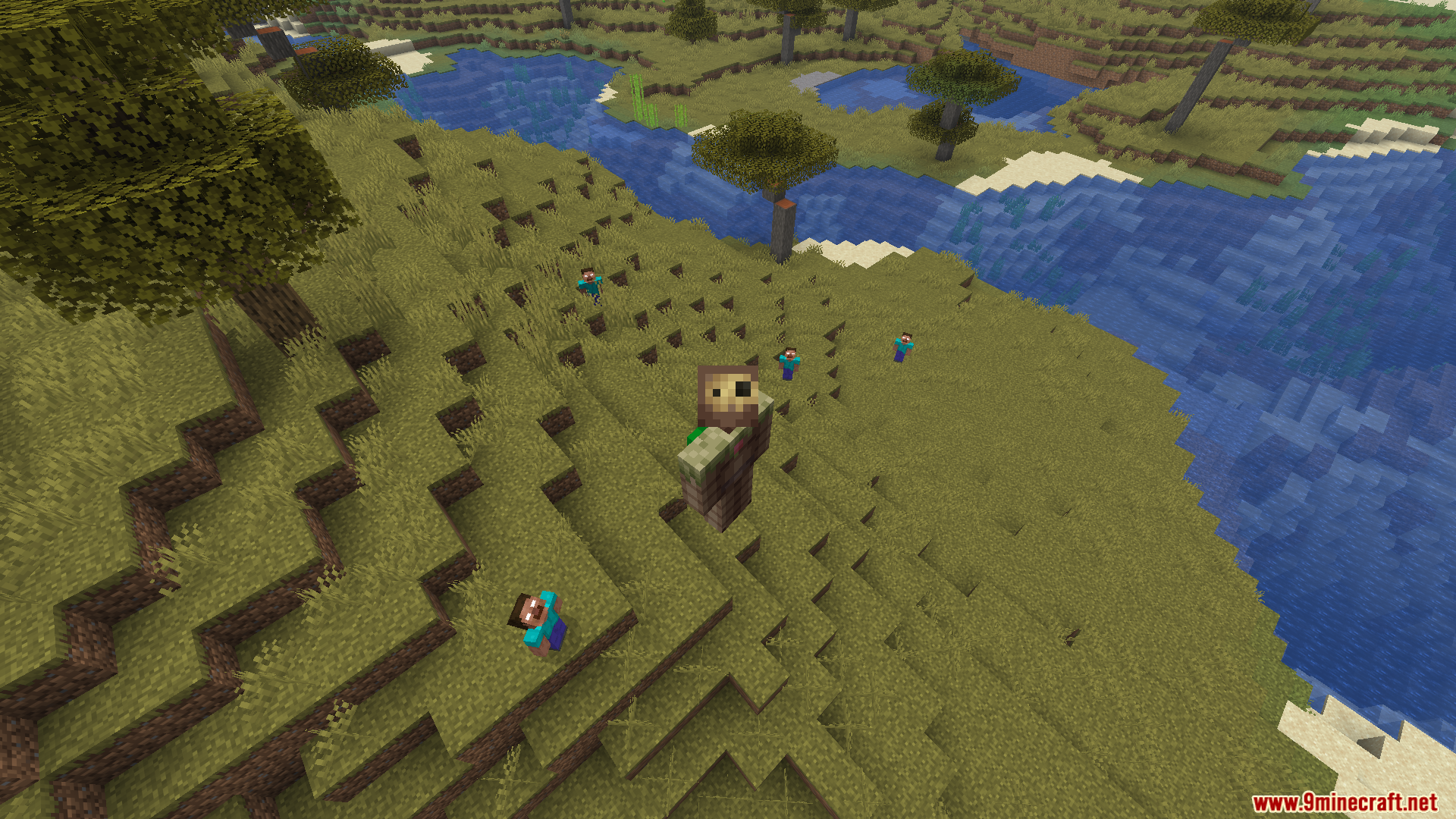
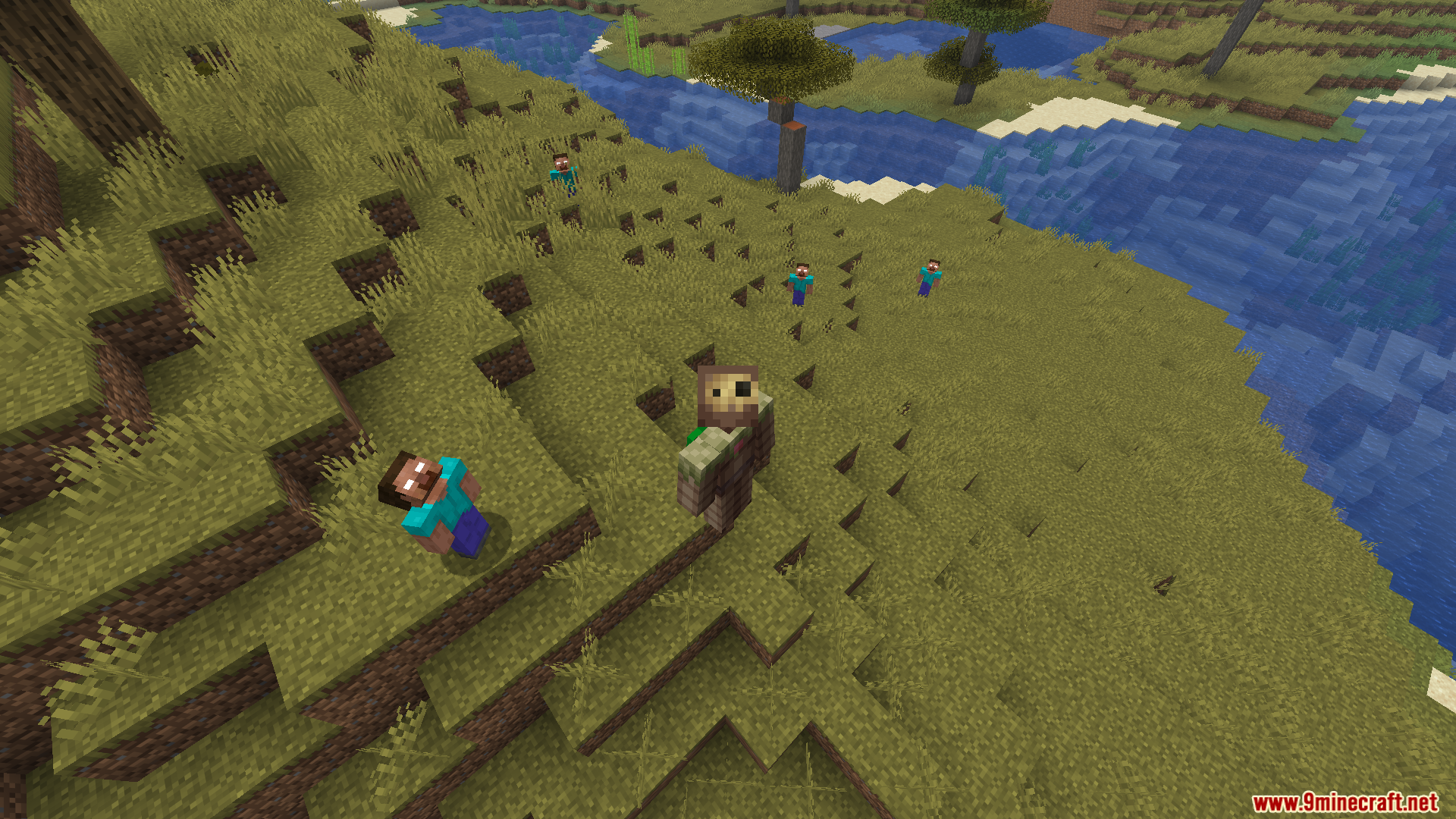
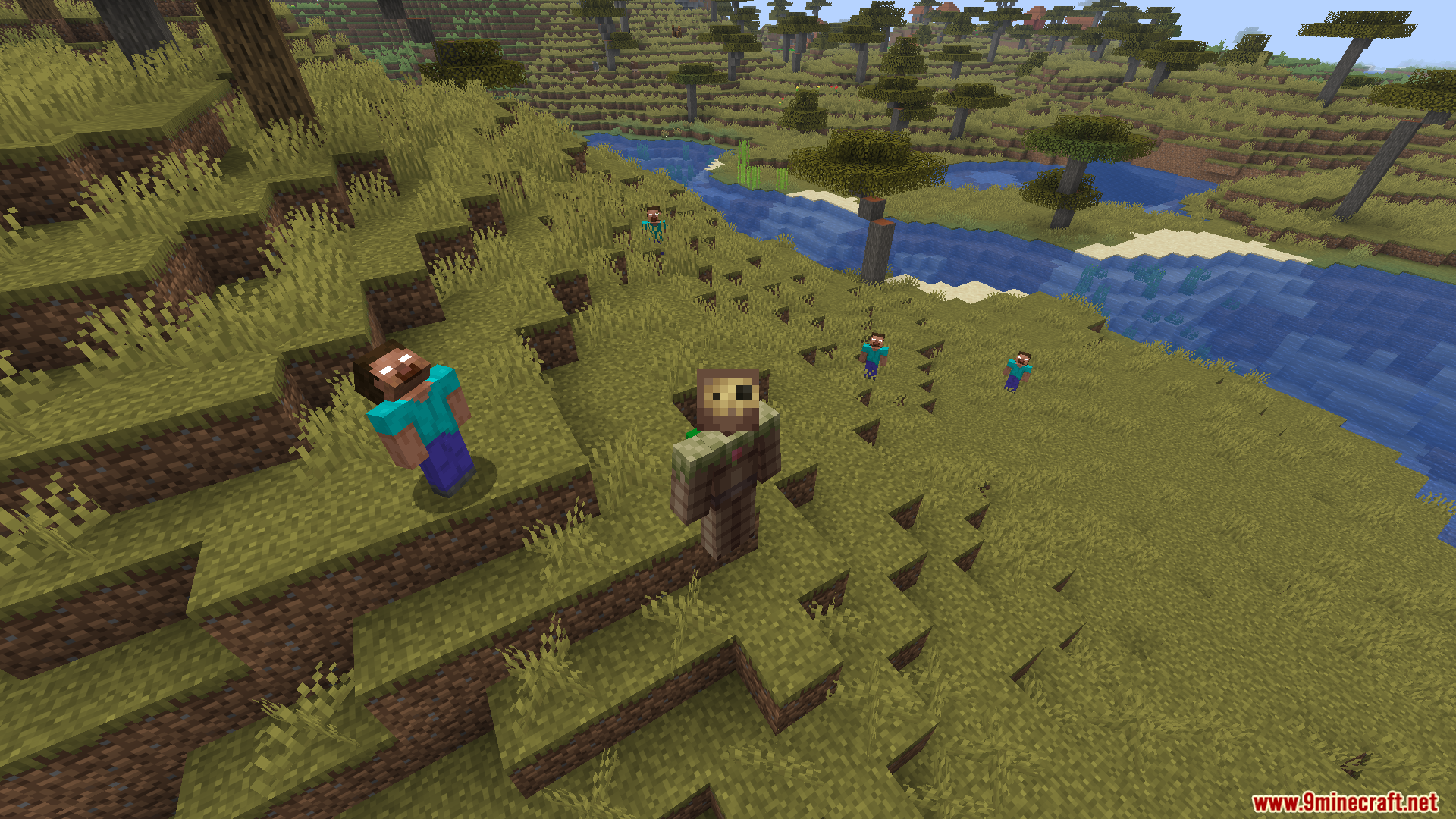
11 images from the Server Side Horror Mod page.
You May Also Like
Wikis that share the most with this one
More mod wikis on the site
The most downloaded mods that have a wiki here
A few wikis from each of the other kinds