

 DownloadBoze Standard Client Mod
Get the files on 9Minecraft
Guides
Step-by-step, in-game.
Locate Underground Bases and Storage Rooms with Block ScanningEnable Block Highlighting Open the Boze menu and navigate to the Render column. Enable the block scanner or…Manage Multiple Accounts and Server ProfilesAccess Account Management Open the Boze menu and navigate to the Client column. Look for account or alt management…Master Crystal PvP with Combat HelpersStart with Aura and AutoCrystal Open the Combat column and enable Aura for automatic attack assistance and…Set Up a Custom HUD to Monitor Your Combat StatsAccess the HUD Editor Open the Boze menu and locate the Client column. Find and enable the HUD editor mode—this lets…
Frequently asked questions
How do I open the Boze menu?
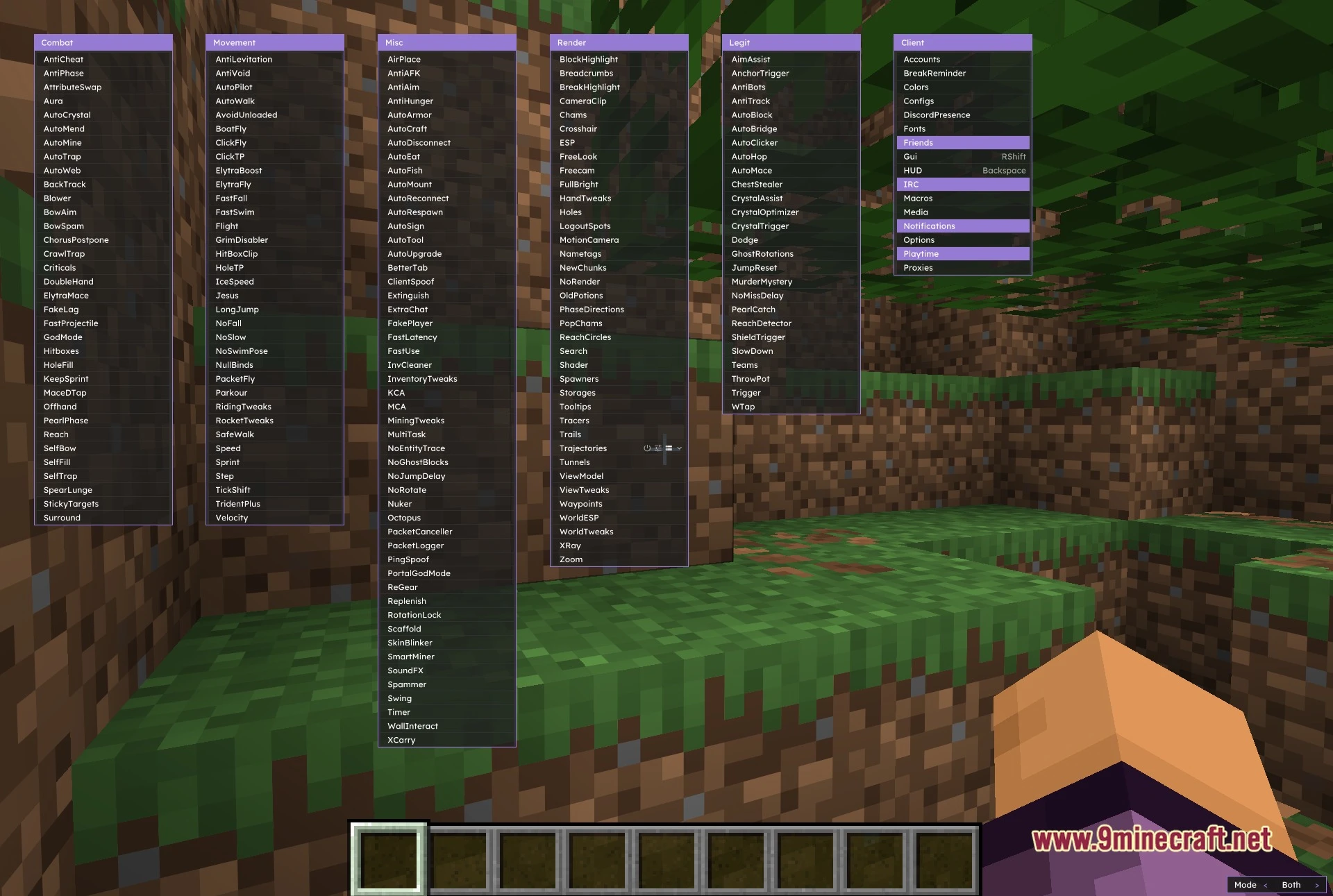
Press the default menu keybind (usually Right Shift) to open the six-column module menu. You can customize this keybind in the Client settings to any key you prefer.
What's the difference between Combat and Legit modules?
Combat modules like Aura and AutoCrystal are more aggressive and detectable on servers with anti-cheat. Legit modules like AimAssist and AutoClicker are designed to be lower-profile and harder to flag by anti-cheat systems.
How do I set up a custom HUD?
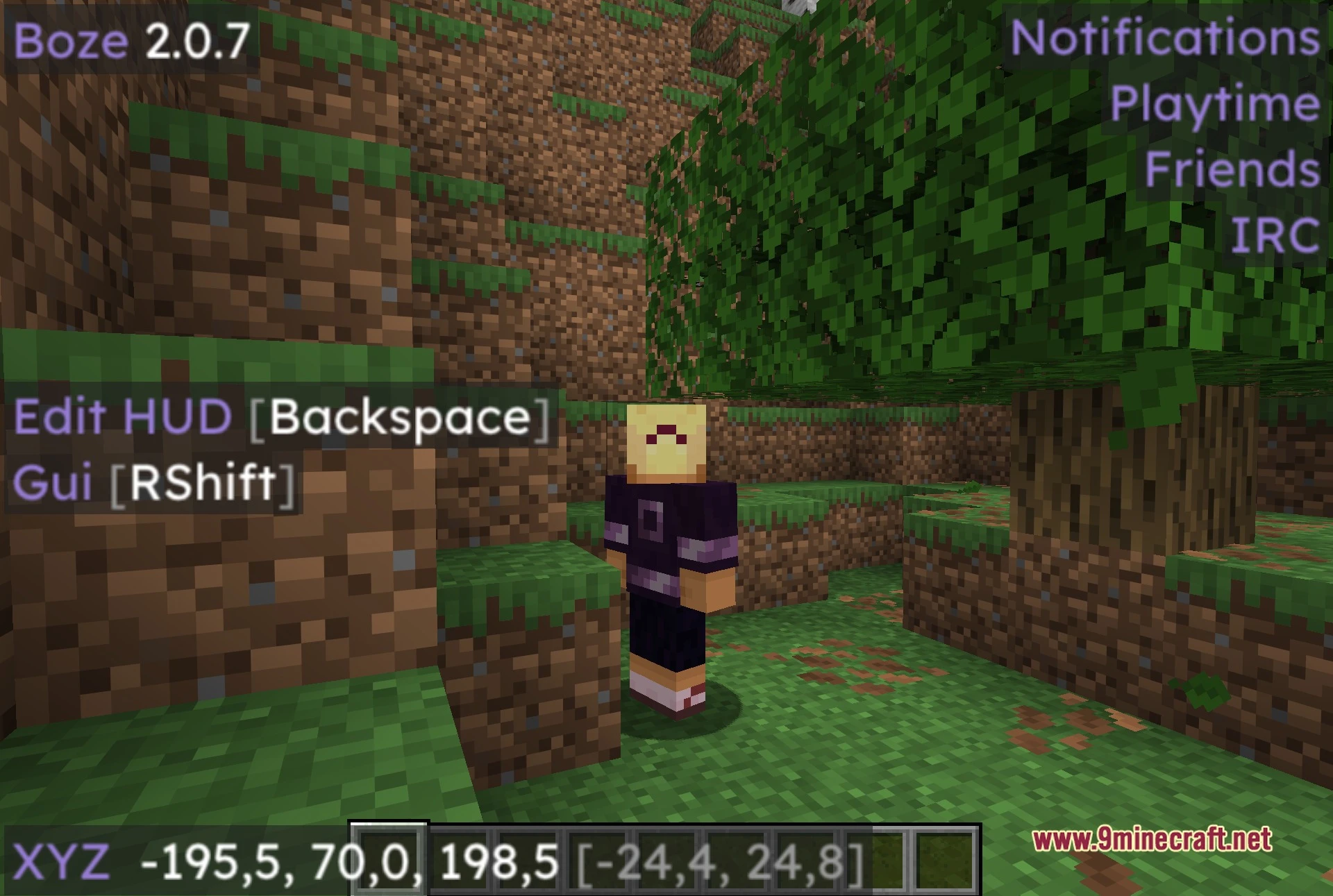
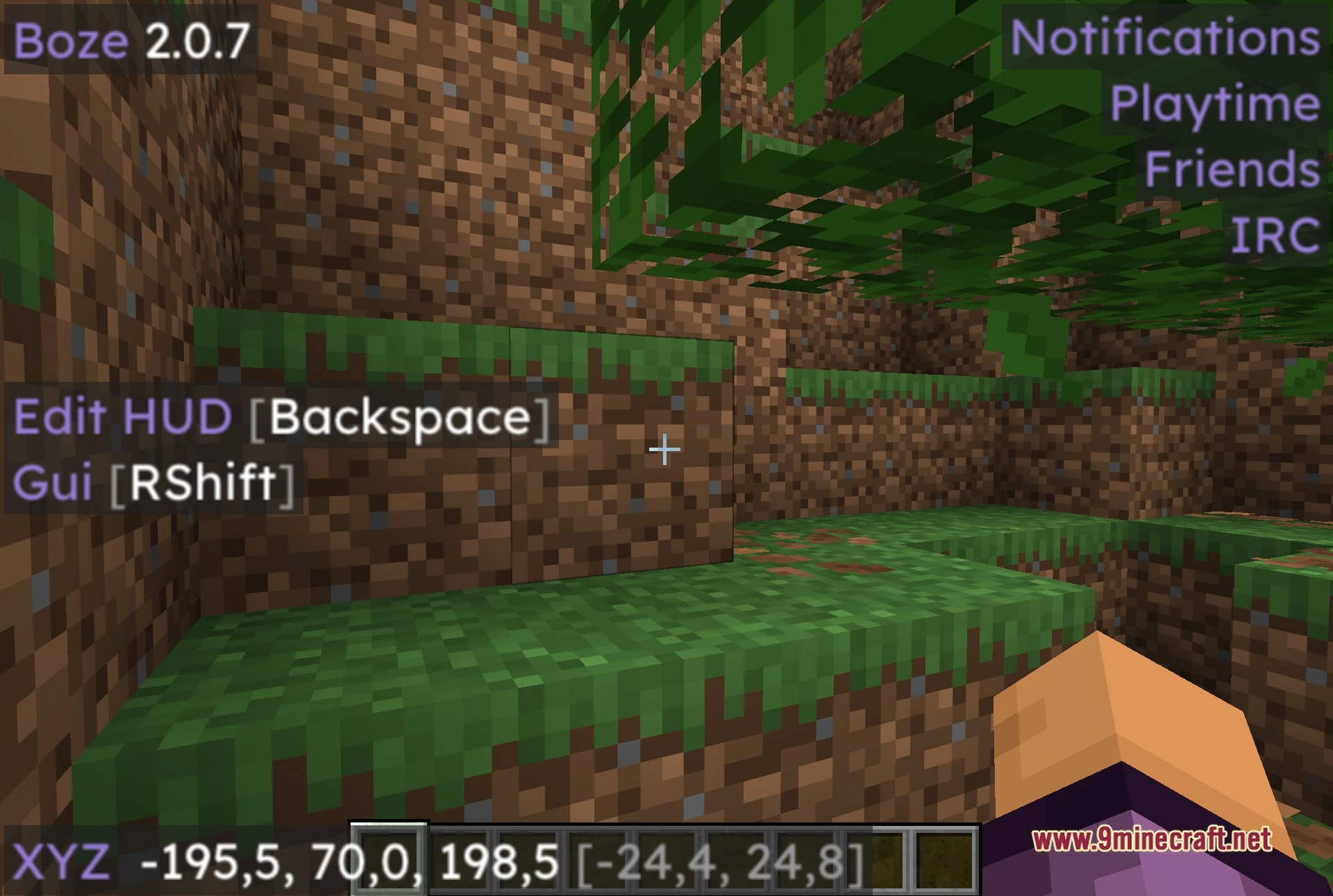
Open the menu, find the HUD or Render settings, and look for an 'Edit HUD' option to enter customization mode. In edit mode, you can drag elements like your coordinates, ping, armor display, and active module list to arrange them however you want.
Can I save different settings for different servers?
Yes, use the profile system in the Client column to save and load distinct configuration sets. This lets you quickly switch between optimized setups for different servers without manually reconfiguring modules each time.
See all 10 Boze Standard questions ›
Gallery
5 images from the Boze Standard Client Mod page.
You May Also Like
Wikis that share the most with this one
Standard Skyblock ModPrism Glyph Standard Resource PackBetter Questing: Standard Expansion ModSimply Swords Battle Standard Tweaks ModAuto-Mace Client ModAxolotl Client Customizable HUD & Client QoL Features ModBagel Client ModBaritone 9minecraft Client ModBaritone Client ModBase Debug Client ModBetter Client ModBewisclient Mod
More client wikis on the site
The most downloaded mods that have a wiki here
A few wikis from each of the other kinds