

 DownloadBlight Spark Visuals Mod
Get the files on 9Minecraft
Guides
Step-by-step, in-game.
Adjust Aura Animation Speed and IntensityLocate Animation Settings Open your Blight Spark Visuals configuration file. Look for parameters controlling particle…Customize Aura Colors for Different Status EffectsAccess the Configuration File Locate your mod's configuration folder (typically in .minecraft/config/ or your…Disable Blight Spark Effects for Specific Status EffectsOpen Configuration Settings Navigate to your mod configuration folder and open the Blight Spark Visuals config file.…Use Blight Spark Visuals on a Multiplayer ServerServer-Side Installation Place the Blight Spark Visuals mod file in your server's mods folder (alongside other server…
Frequently asked questions
How do I see the aura effects when I drink a potion?
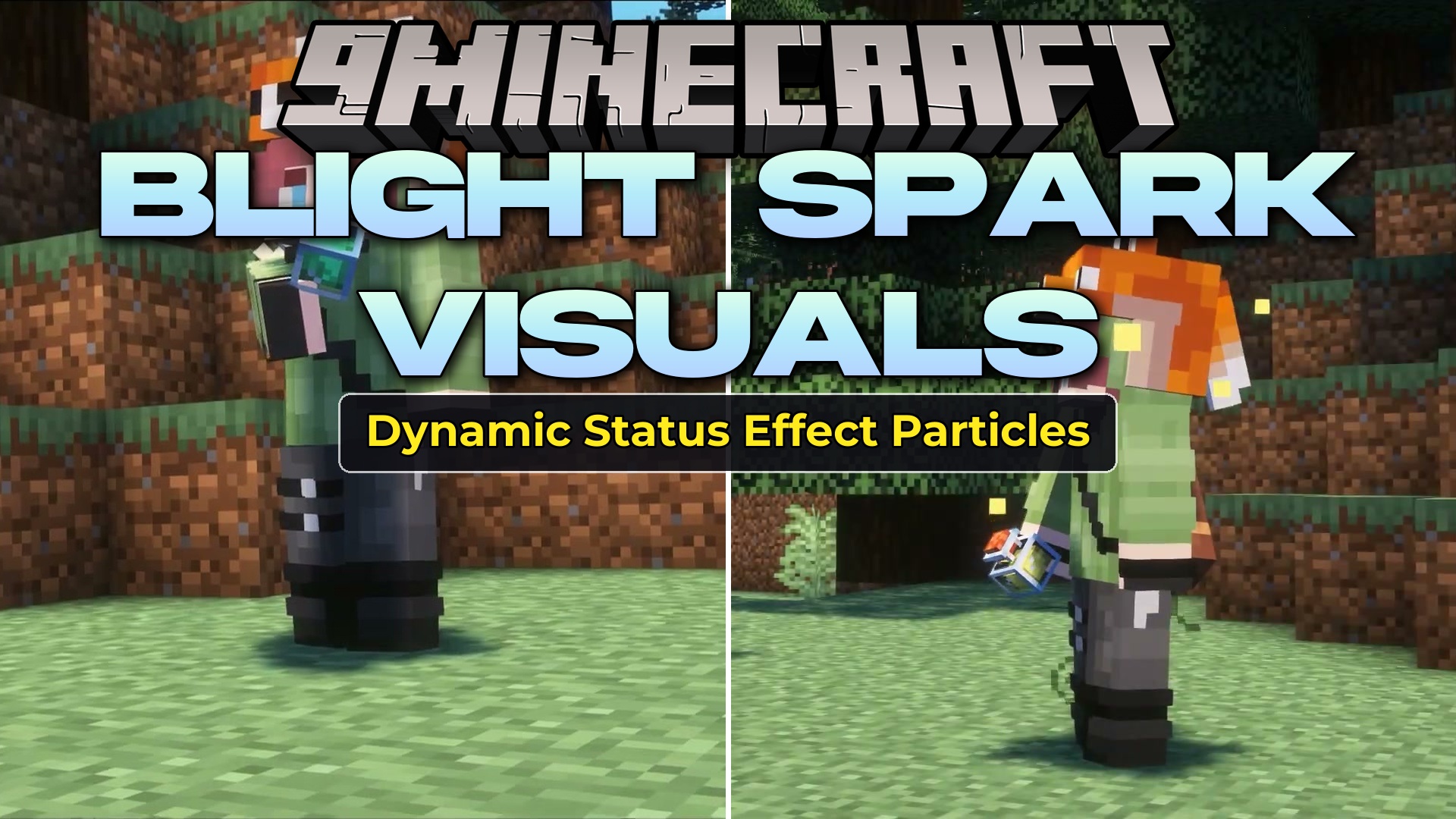
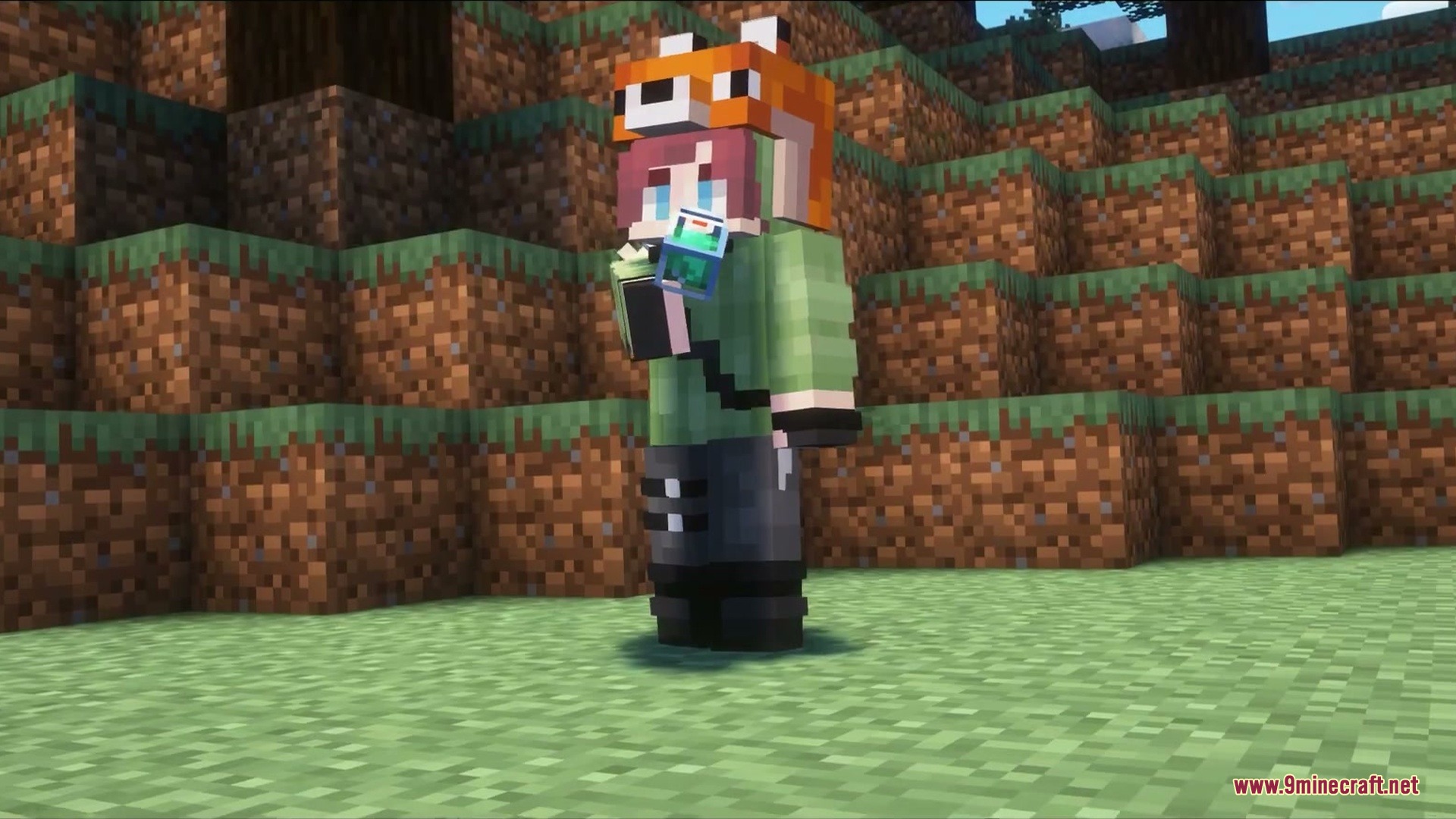
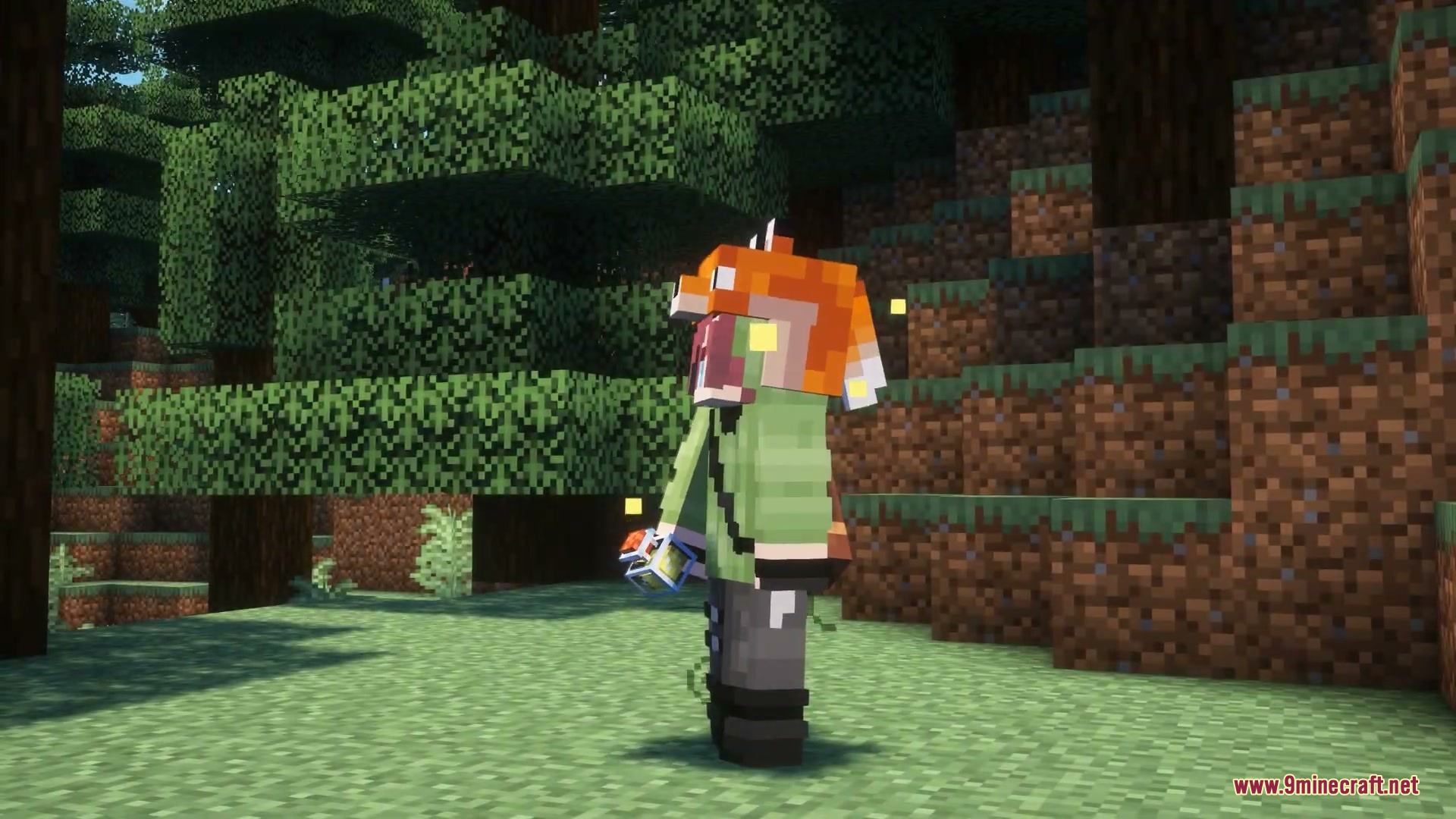
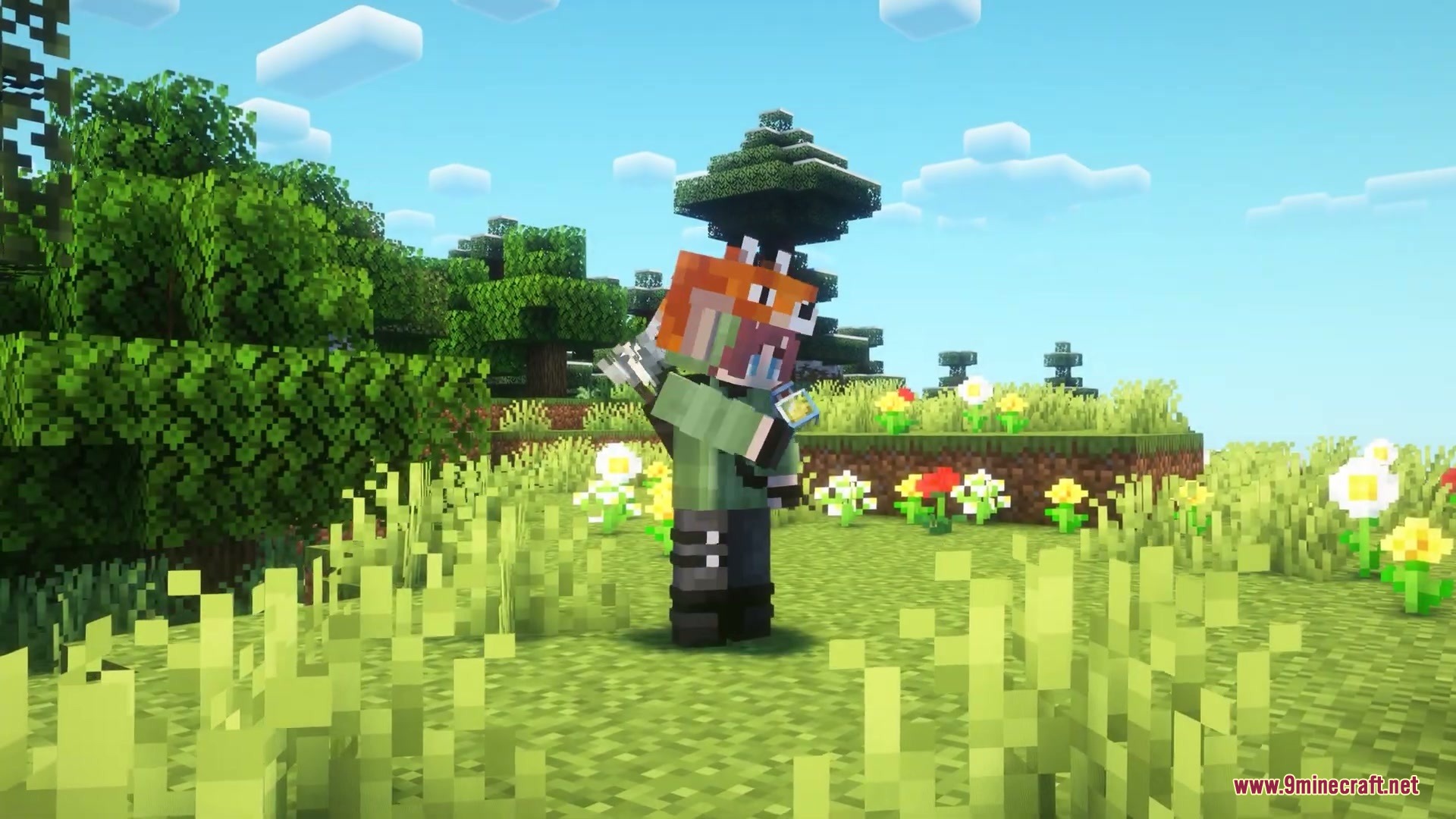
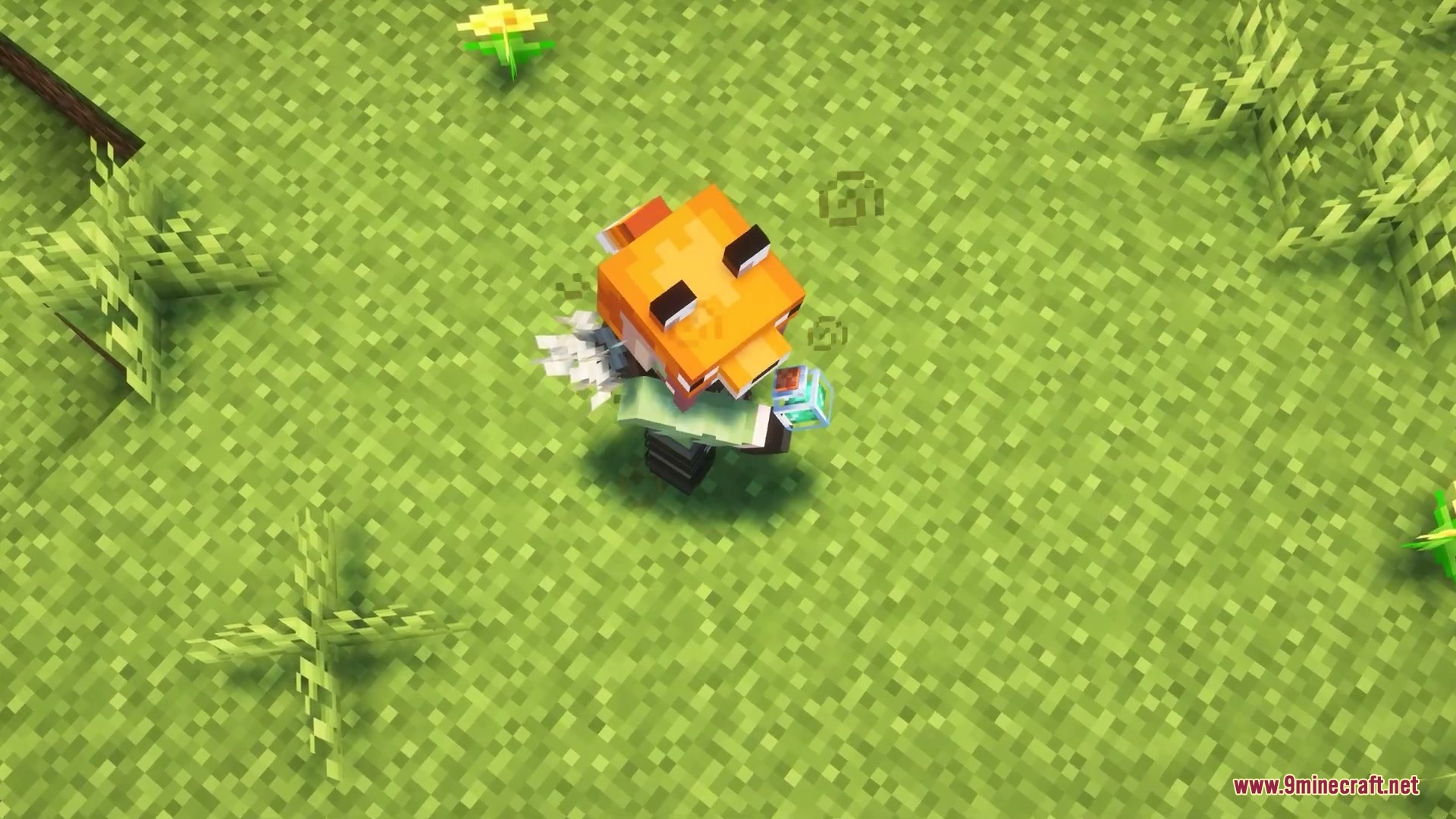
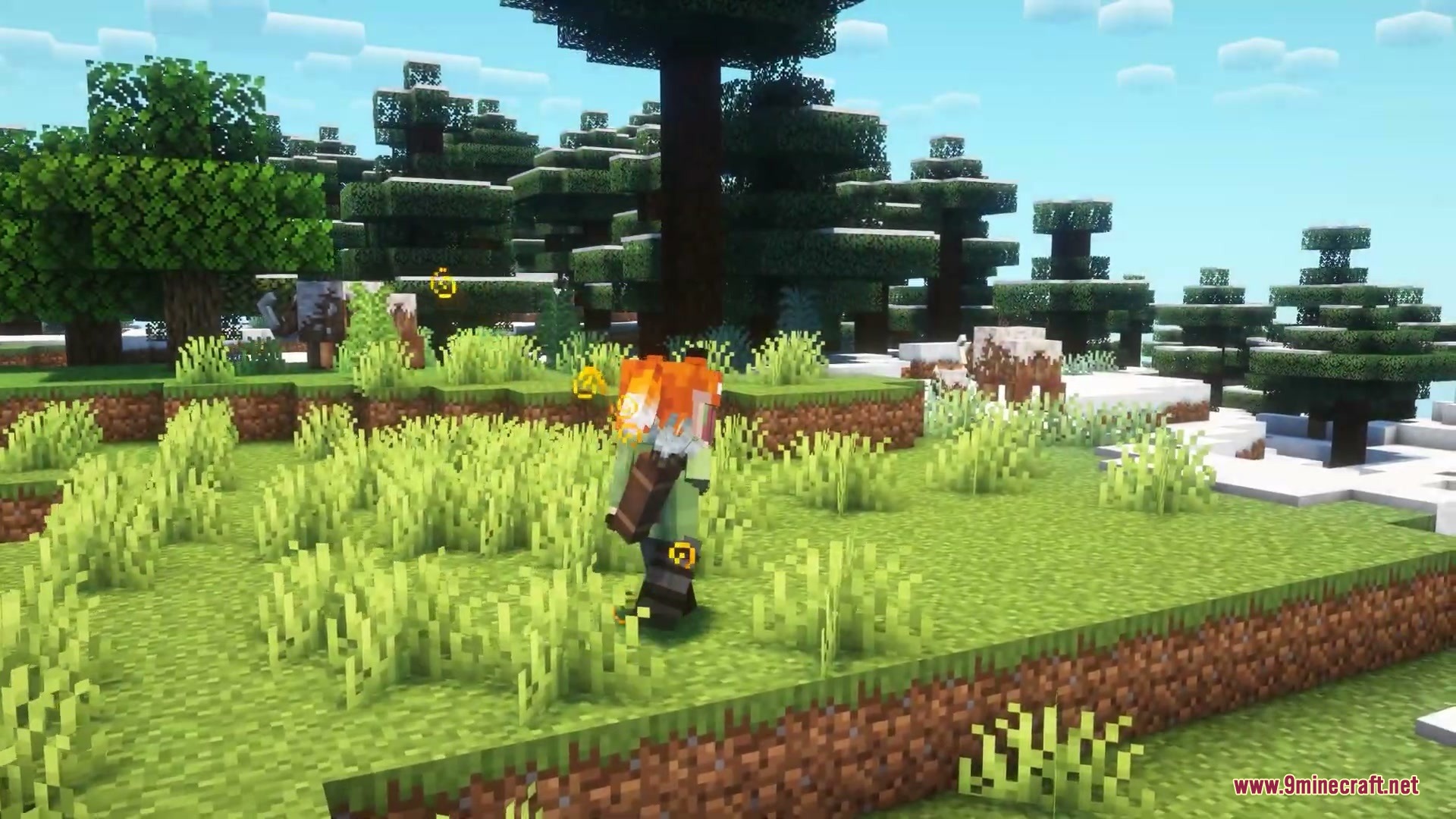
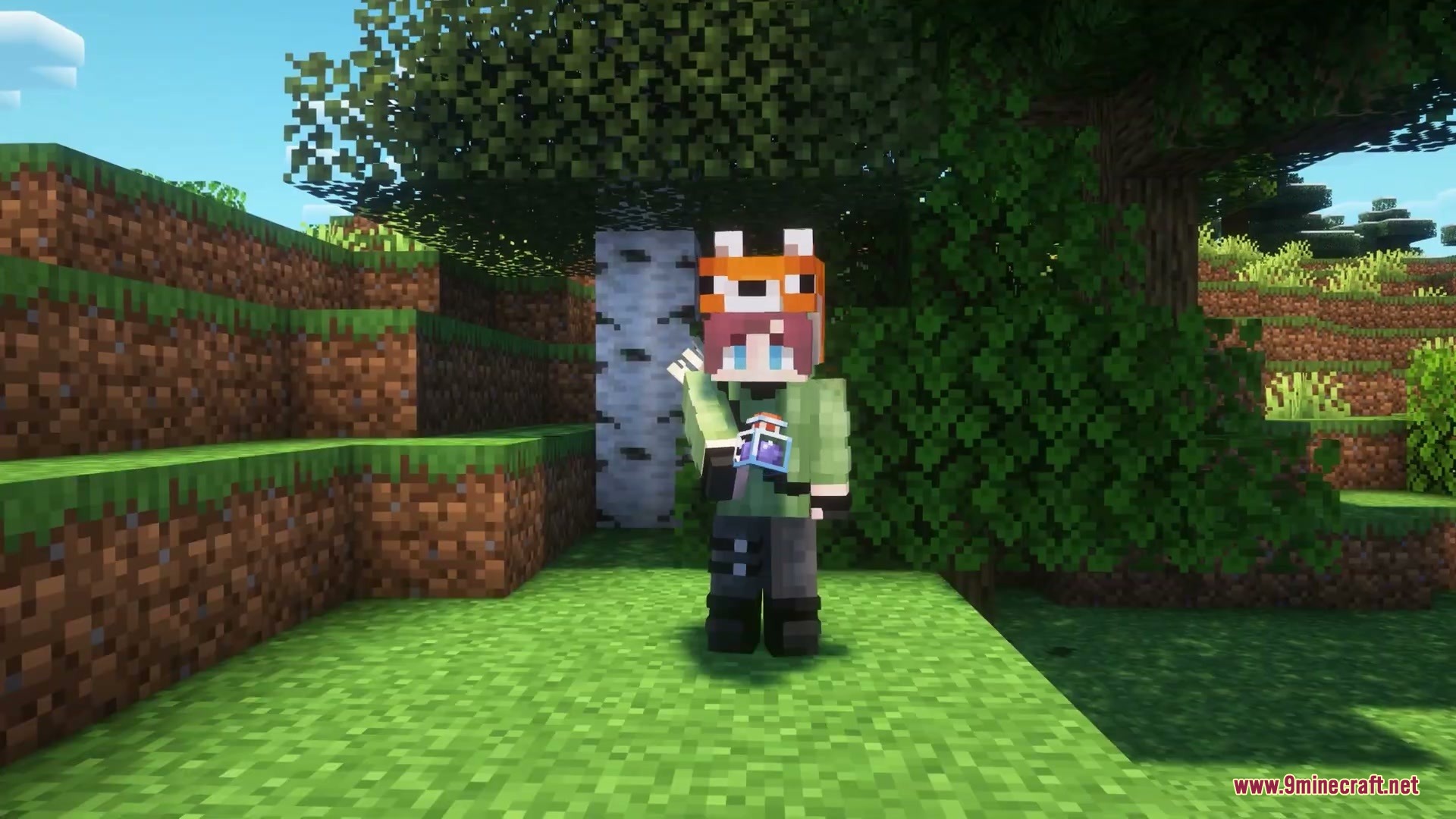
Once the mod is installed, status effects will automatically trigger visual auras around your character without any setup needed. The aura appears instantly when a potion effect activates and plays until the effect expires.
Why are my aura effects not showing up?
Make sure the mod is properly installed in your mods folder and that you've restarted the game. If effects still don't appear, check that you haven't disabled them in the mod's config settings for that specific status effect.
Can I make the aura animations faster or slower?
Yes, you can adjust the animation speed and intensity through the mod's configuration file or in-game settings menu. Look for options labeled animation speed or particle intensity to customize how quickly the effects move around you.
How do I change the color of the aura for a specific potion effect?
Open the mod's configuration settings and locate the color customization section for individual status effects. You can assign custom colors to buffs and debuffs to match your preference or make them easier to distinguish at a glance.
See all 10 Blight Spark Visuals questions ›
Gallery
7 images from the Blight Spark Visuals Mod page.
You May Also Like
Wikis that share the most with this one
 Sublime Visuals Shaders
Wikis on the same theme: light
More mod wikis on the site
The most downloaded mods that have a wiki here
A few wikis from each of the other kinds