

 DownloadBlabber Mod
Get the files on 9Minecraft
Guides
Step-by-step, in-game.
Create Branching Dialogue ChoicesAdd Multiple Entries Create several dialogue entries in your JSON file, each with a unique ID. These will serve as…Create Your First DialogueSet Up Your Dialogue File Dialogues in Blabber Mod are stored as JSON files. Create a new .json file in your mod's or…Trigger Dialogues with CommandsUse the /blabber Command The /blabber command is your primary tool for starting dialogues. The basic syntax is: `…Use the Online Dialogue MakerAccess the Tool If you prefer not to write JSON manually, Blabber Mod provides an online dialogue maker. This visual…
Frequently asked questions
How do I start a dialogue for a player?
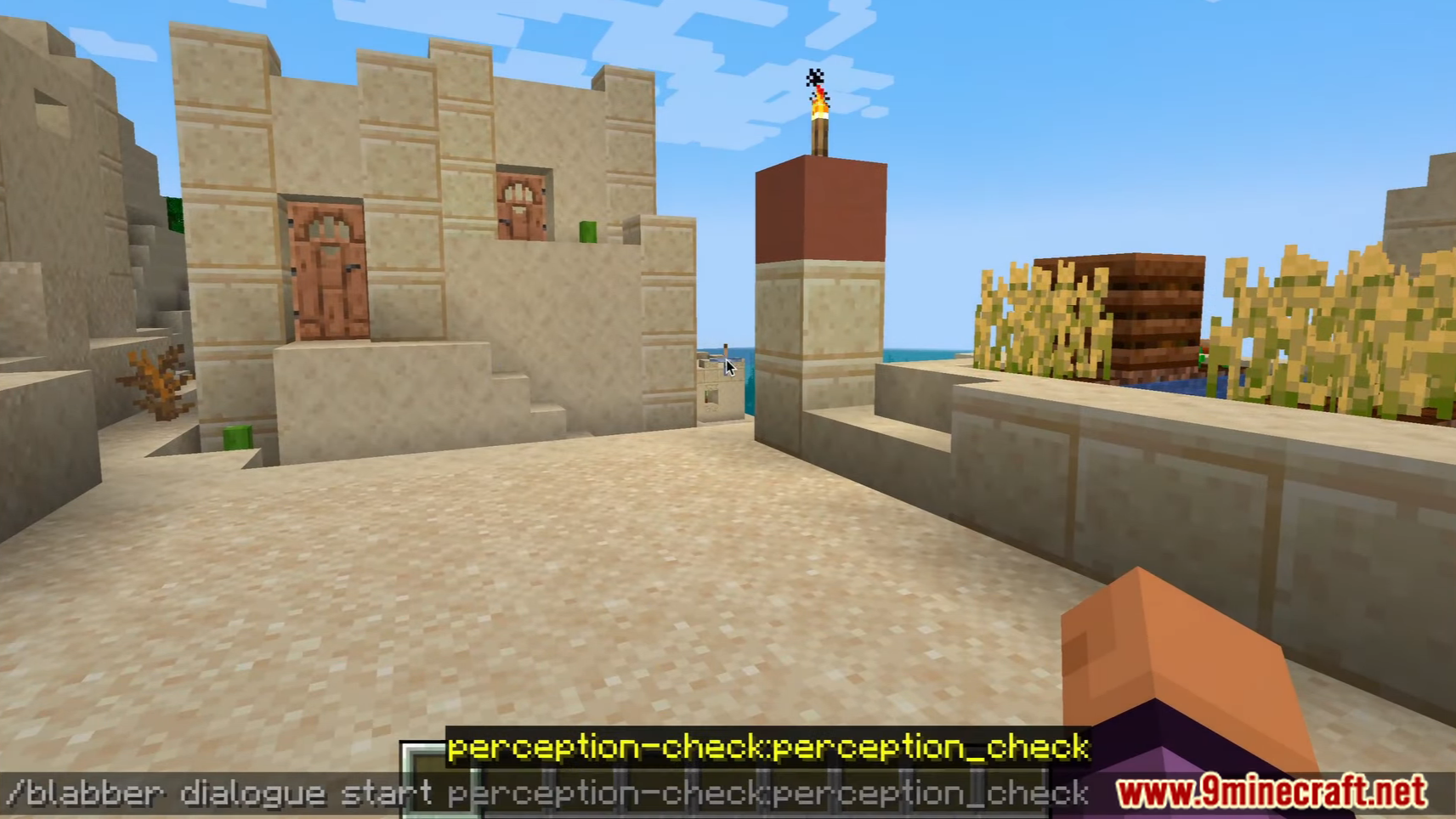
Use the /blabber command followed by the player name and dialogue file name, like `/blabber start `. The dialogue file must exist in your dialogues folder as a JSON file.
Can I make dialogues without coding JSON?
Yes, the mod includes an online dialogue maker tool that lets you create dialogues visually without writing JSON directly. You can export the result and place it in your dialogues folder.
How do I create dialogue choices that branch into different conversations?
In your JSON file, use the `choices` array to define player options, and link each choice to a different dialogue node using the `next` property. See the branching dialogue guide for a complete example.
What's the folder structure for storing dialogue files?
Place your dialogue JSON files in the `config/blabber/dialogues/` folder. The mod will automatically load them, and you reference them by filename (without the .json extension) in commands.
See all 10 Blabber questions ›
Gallery
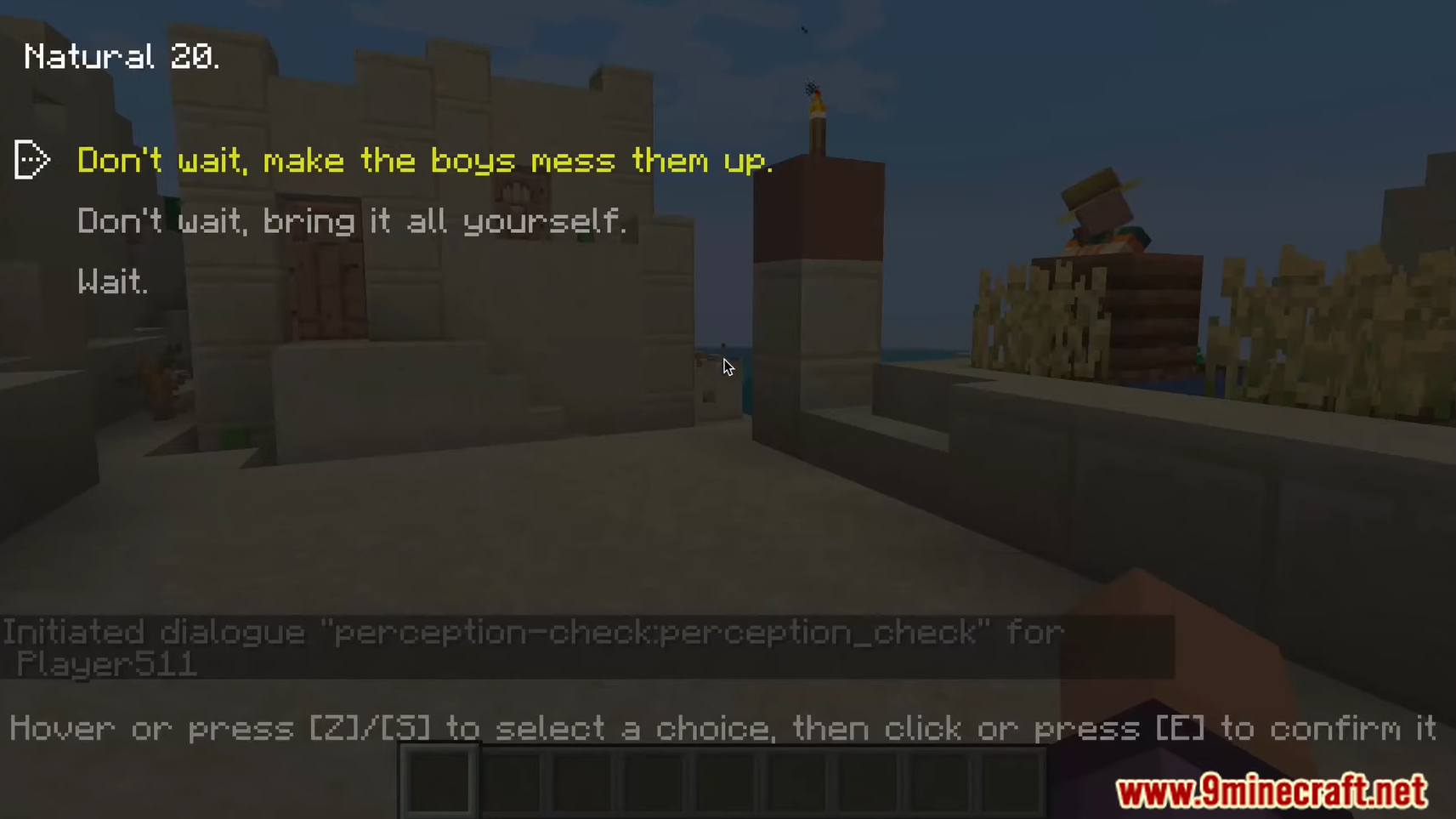
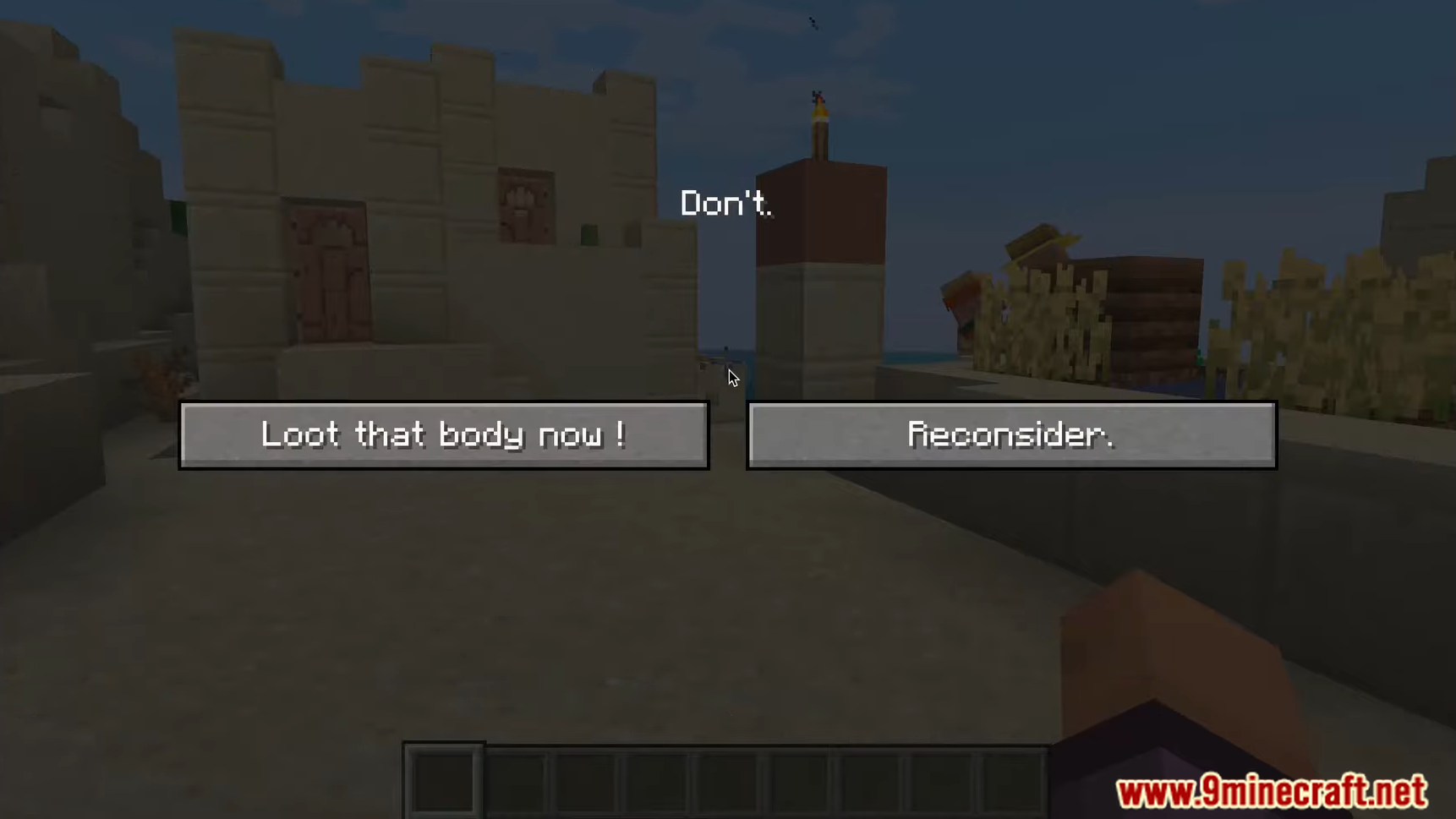
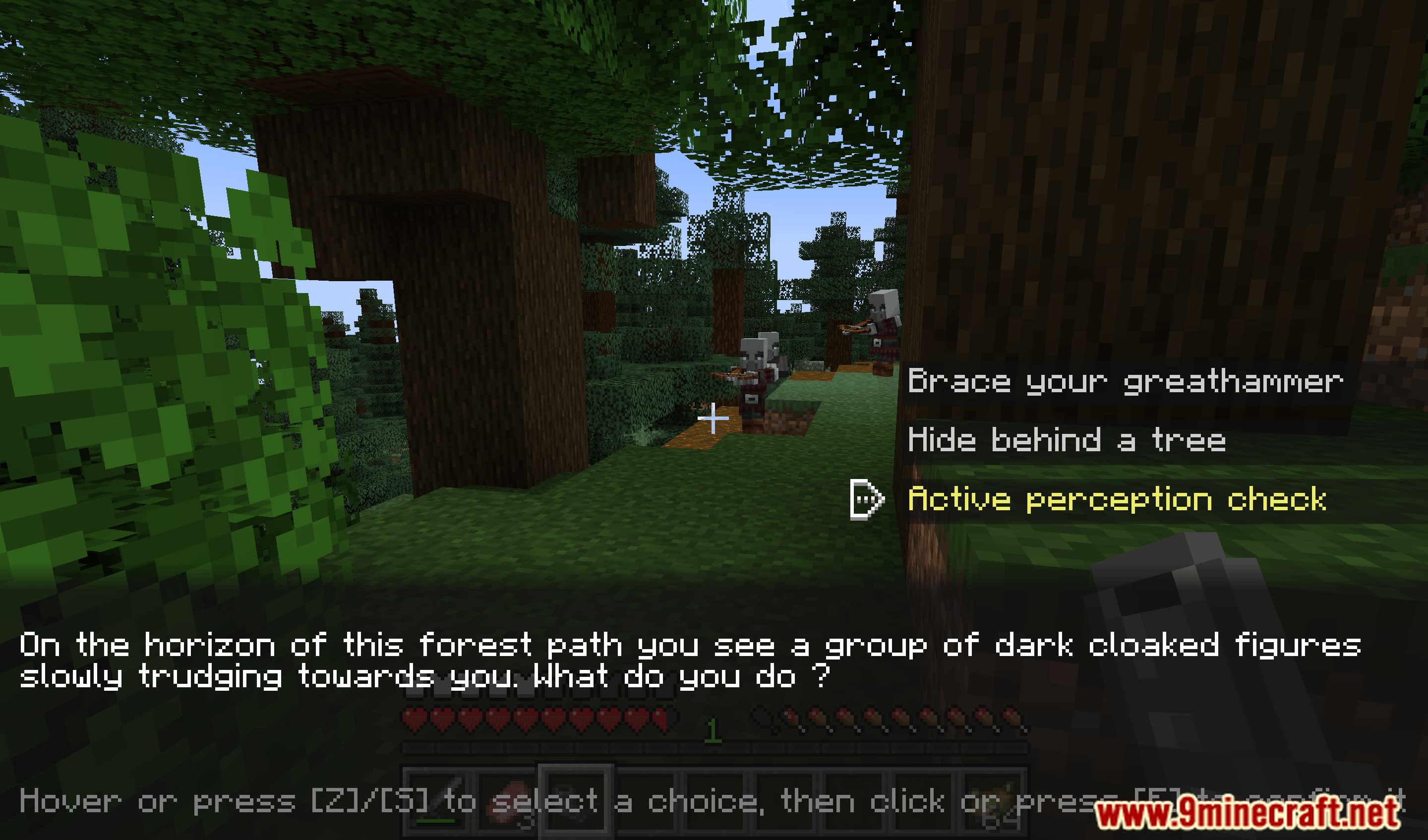
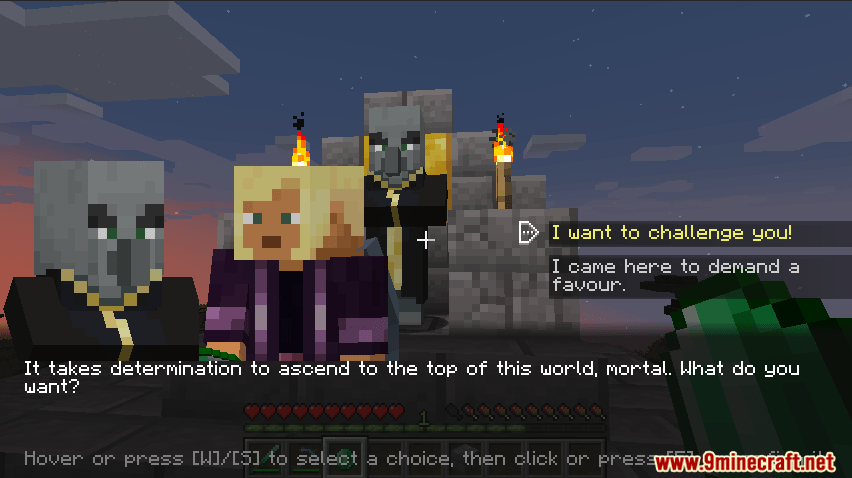
12 images from the Blabber Mod page.
You May Also Like
Wikis that share the most with this one
More mod wikis on the site
The most downloaded mods that have a wiki here
A few wikis from each of the other kinds