

 DownloadBlank Signs Mod
Get the files on 9Minecraft
Guides
Step-by-step, in-game.
Add Text to Signs After Placing ThemEditing Blank Signs Even though signs place blank, you can still add text to them whenever you want. Simply…Create Blank Sign DecorationsUsing Signs as Pure Decoration Blank Signs Mod enables you to use signs purely for visual purposes without any text.…Place Decorative Signs Without Opening the GUIBasic Placement With Blank Signs Mod installed, placing a sign no longer triggers the text editing GUI. Simply place…Work Efficiently in Creative Building ProjectsStreamlined Building Workflow Blank Signs Mod significantly speeds up creative building by eliminating repetitive GUI…
Frequently asked questions
How do I place a sign without the GUI opening?
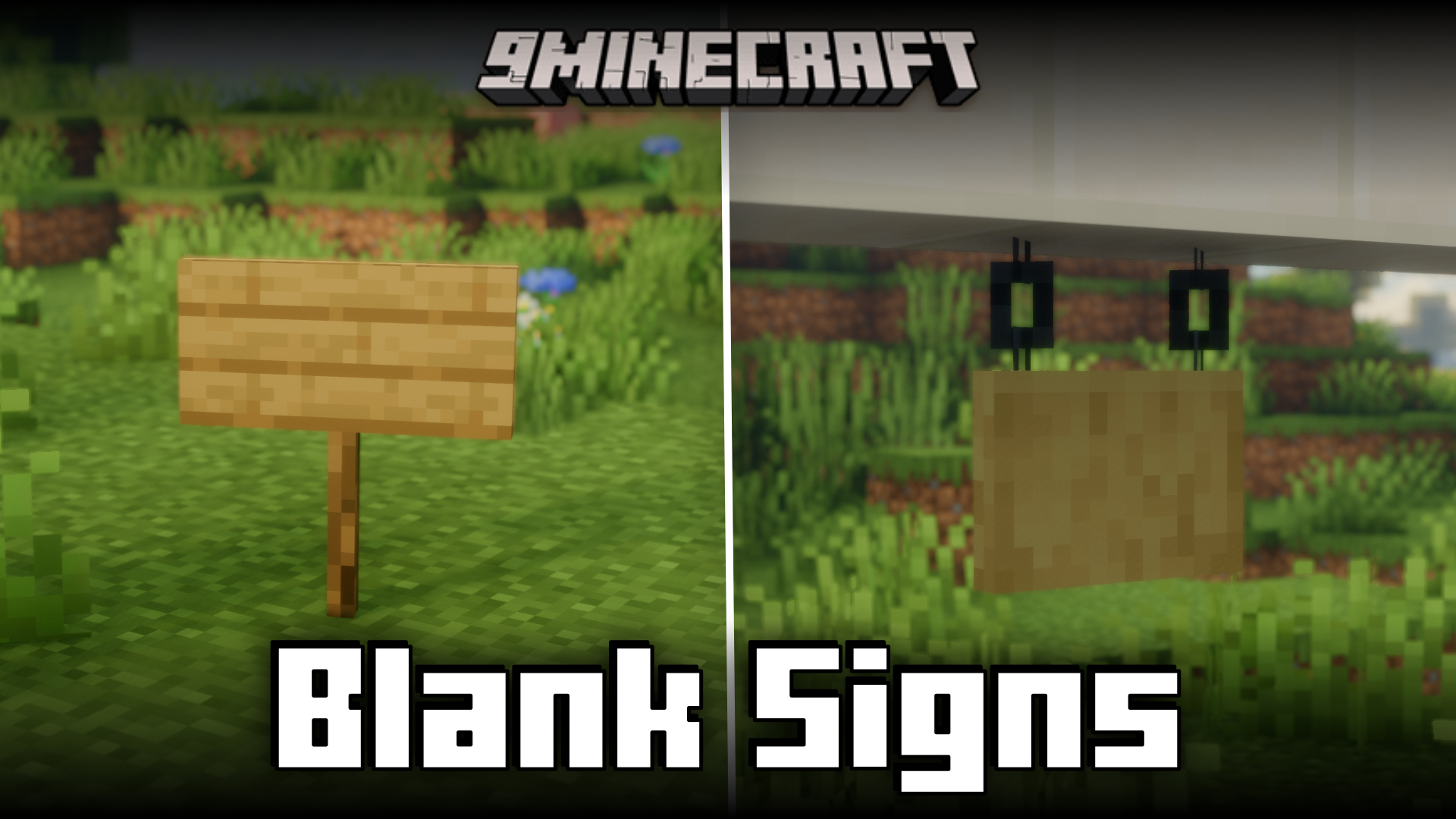
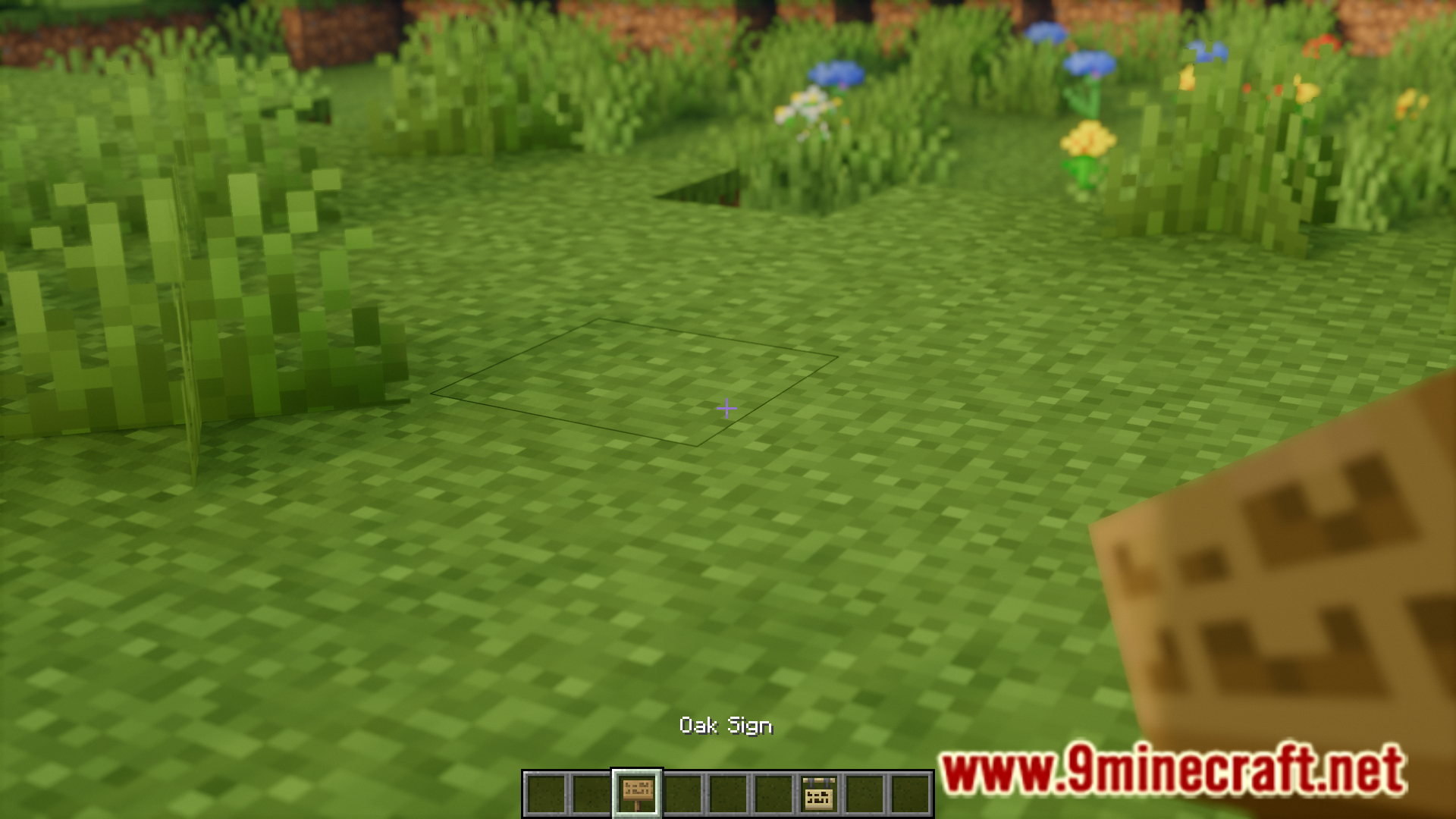
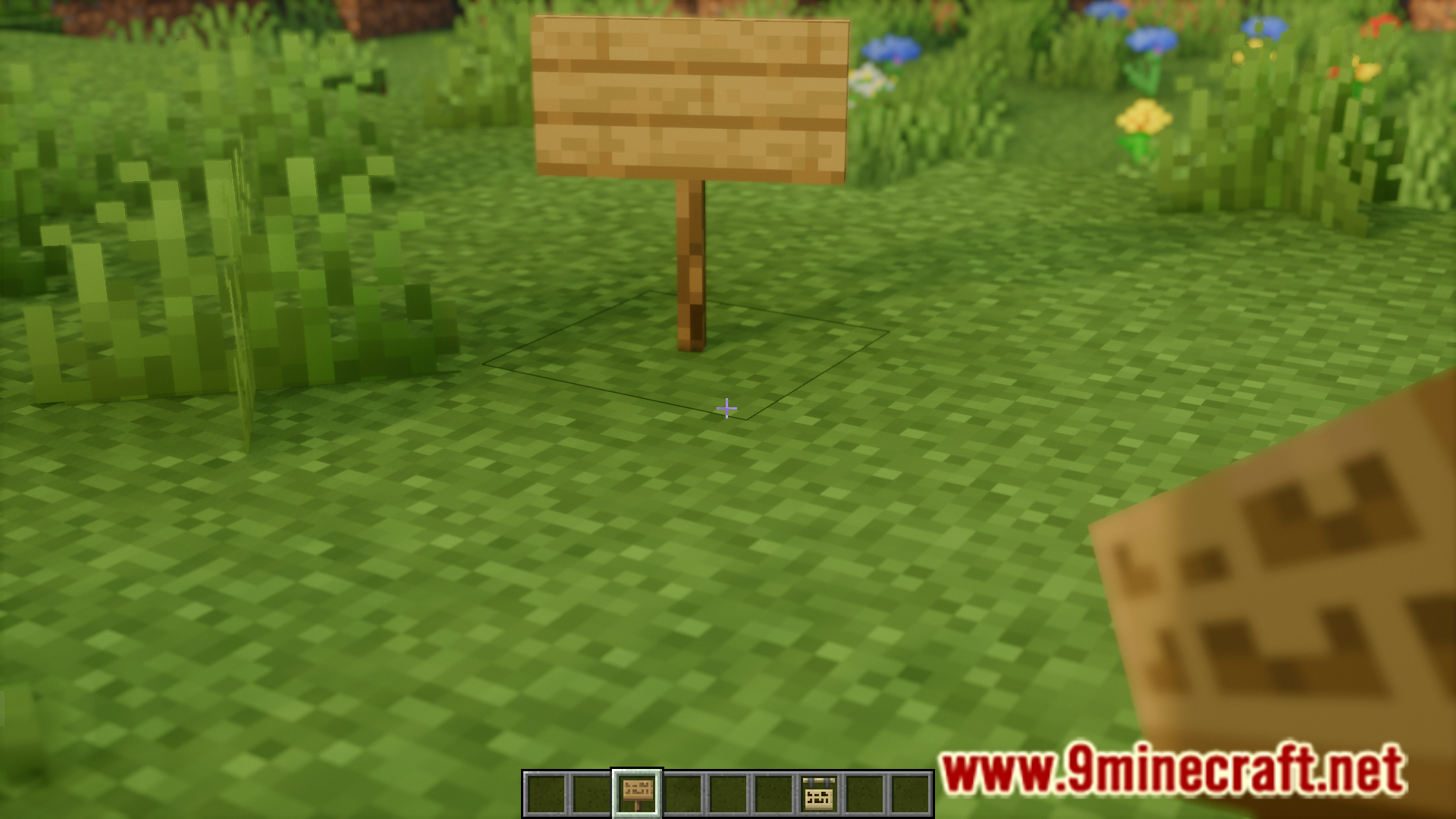
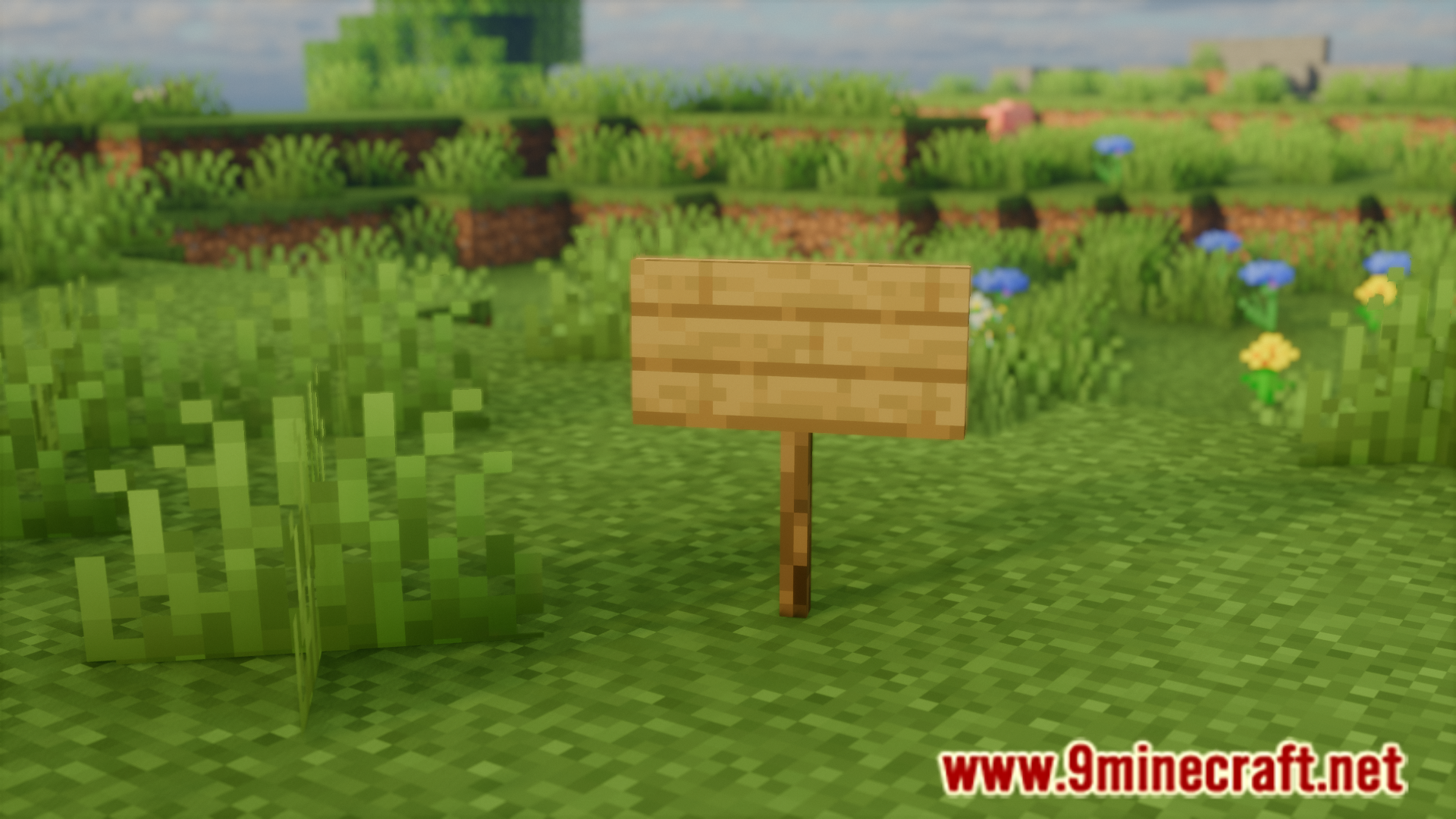
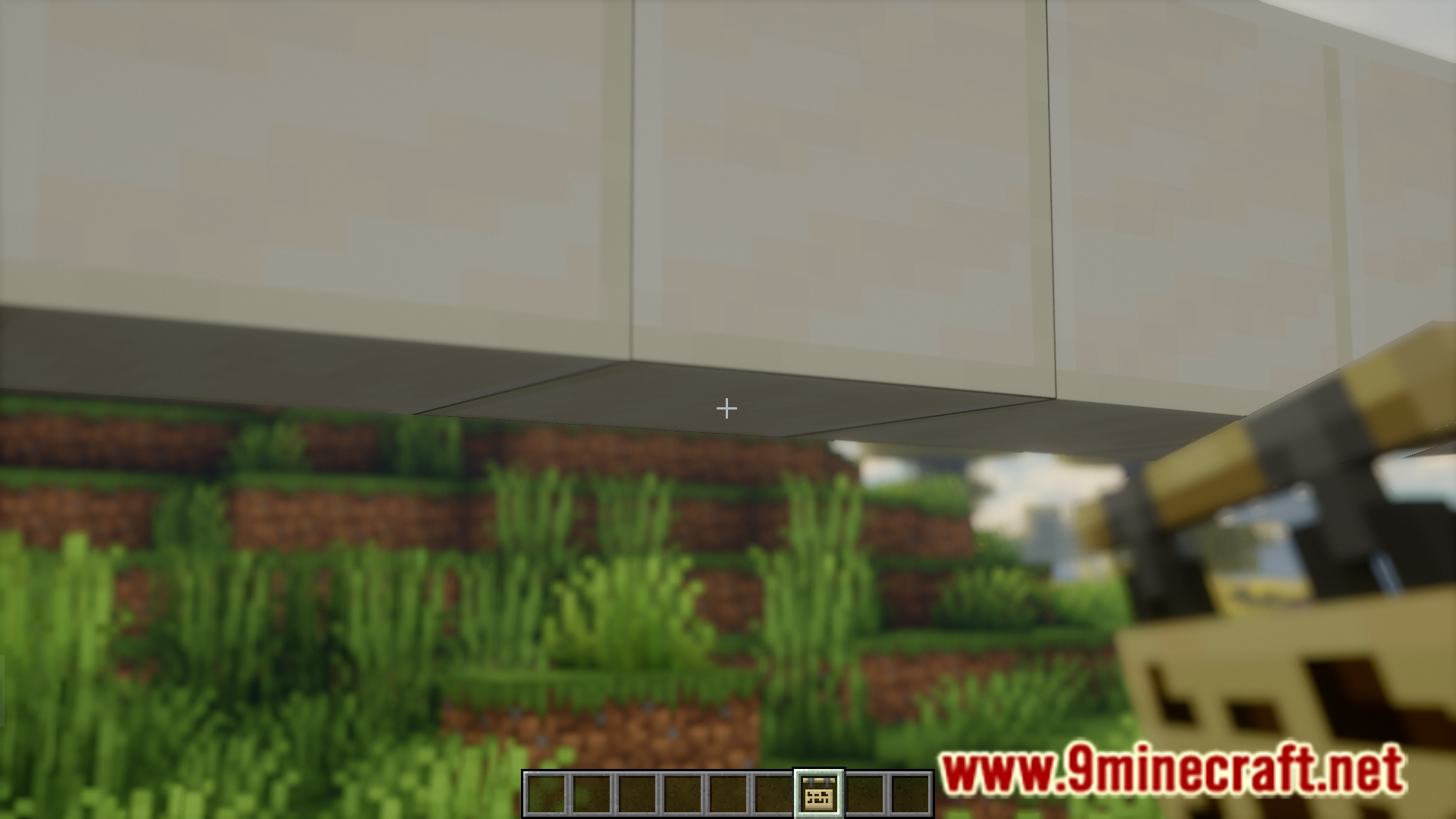
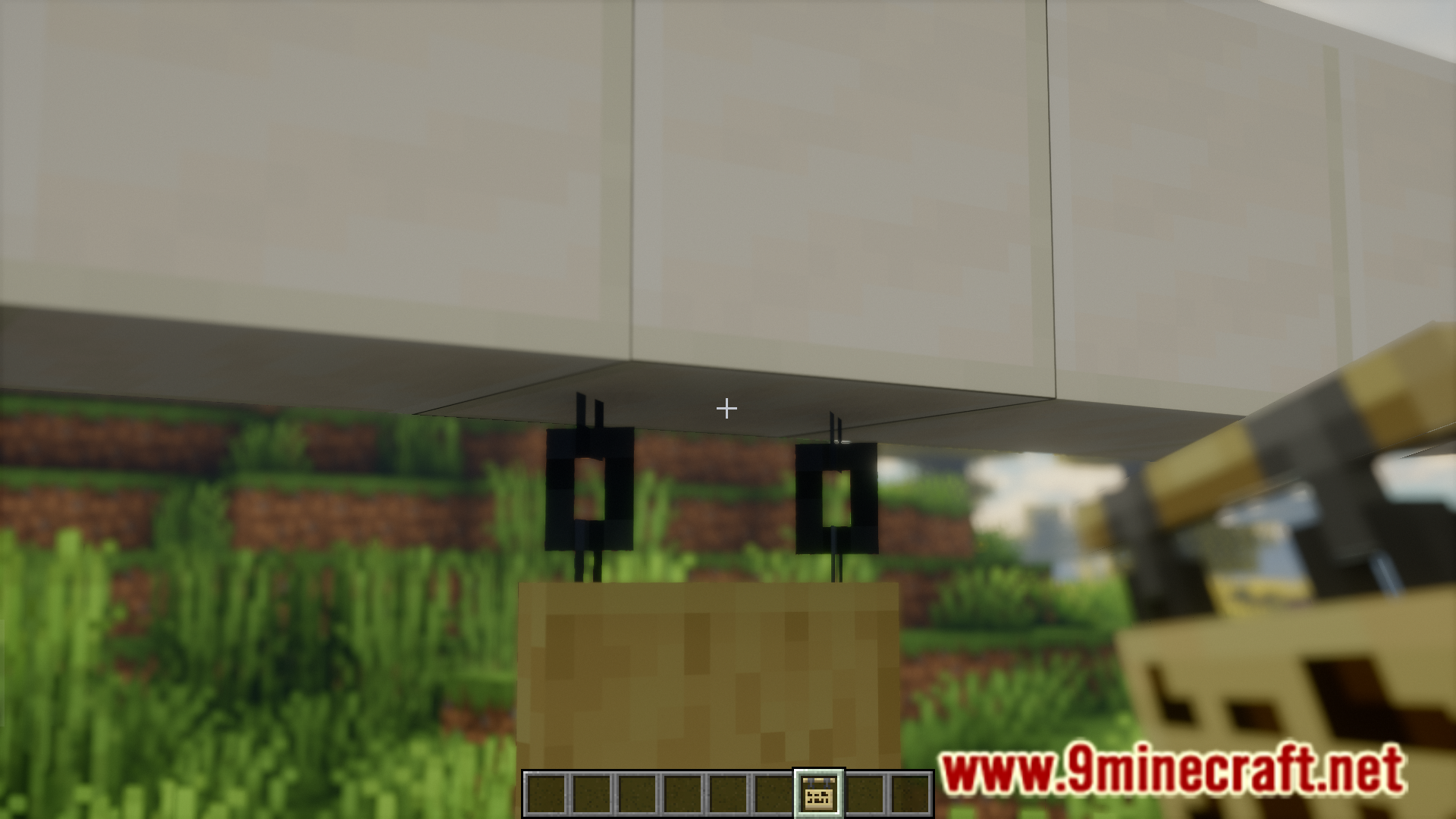
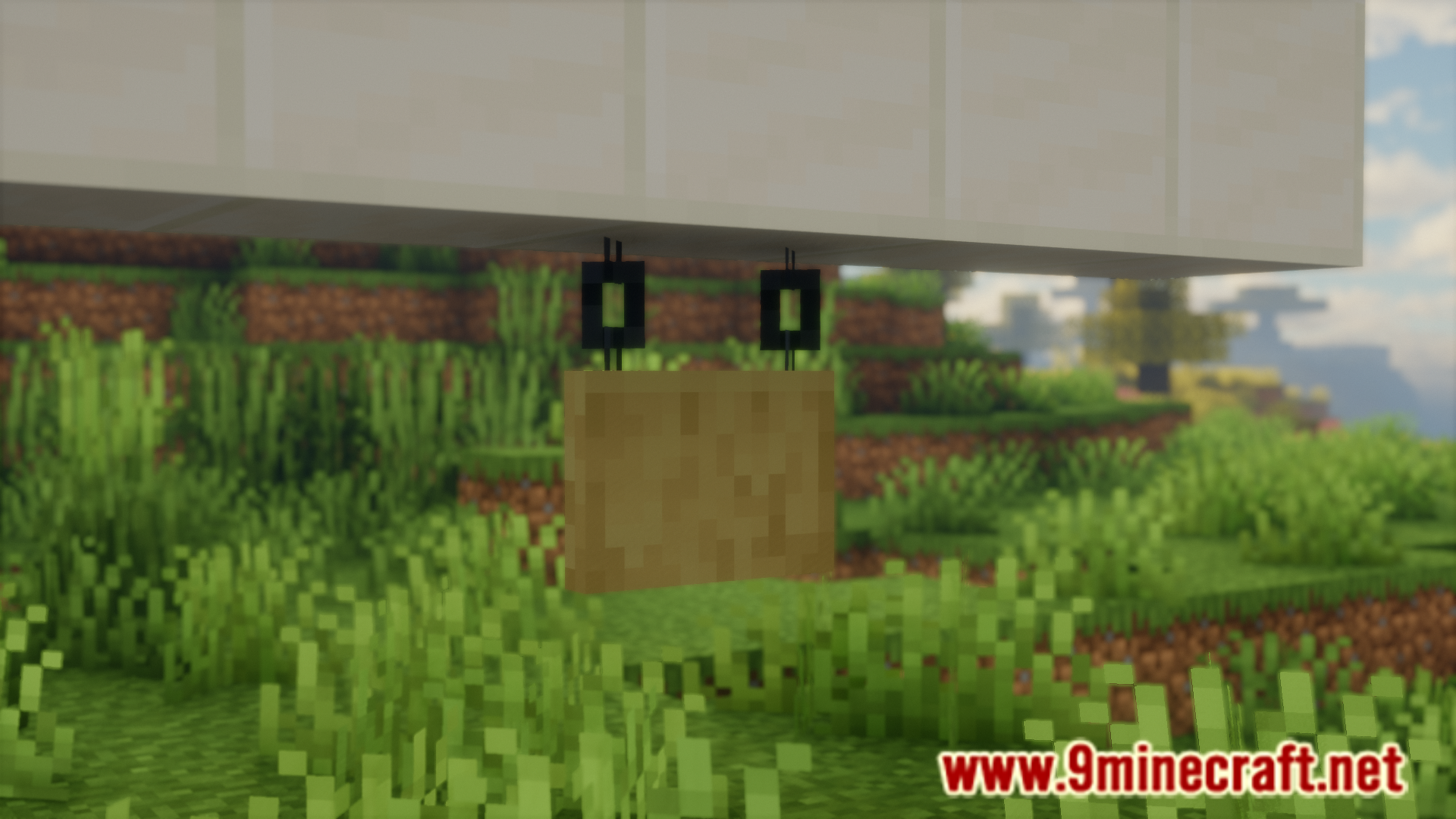
Simply place a sign as you normally would. With Blank Signs Mod installed, the sign GUI will not open automatically, and the sign will be placed blank and ready for decoration.
Can I still add text to signs after placing them?
Yes. Right-click on any sign after it's been placed to open the GUI and edit its text whenever you want.
Do I need to configure anything when I first install the mod?
No configuration is required. The mod works automatically once installed—all signs you place will skip the GUI by default.
Does this mod work with different sign types?
The mod applies to standard signs. Check your mod's documentation or test with the sign types available in your modpack to confirm compatibility with any custom sign variants.
See all 10 Blank Signs questions ›
Gallery
7 images from the Blank Signs Mod page.
You May Also Like
Wikis that share the most with this one
More mod wikis on the site
The most downloaded mods that have a wiki here
A few wikis from each of the other kinds