

 DownloadThin Client Mod
Get the files on 9Minecraft
Guides
Step-by-step, in-game.
Automate Auction House Sniping on Economy ServersEnable Economy Server Tools Open the Thin Client menu and locate the DonutSMP or economy server features section.…Optimize Your HUD Layout and Widget PlacementUnlock HUD Editing Mode Open your game chat and type the unlock command to enable HUD widget repositioning. This…Set Up Auto Crystal and Totem Protection During PvPEnable Combat Modules Open the Thin Client menu with Right Shift and navigate to the Combat & Movement category.…Use Base Finding Tools to Locate Hidden Player BasesAccess the Base Finder Module Open the Thin Client menu with Right Shift and navigate to the base finding category.…
Frequently asked questions
How do I open the Thin Client menu?
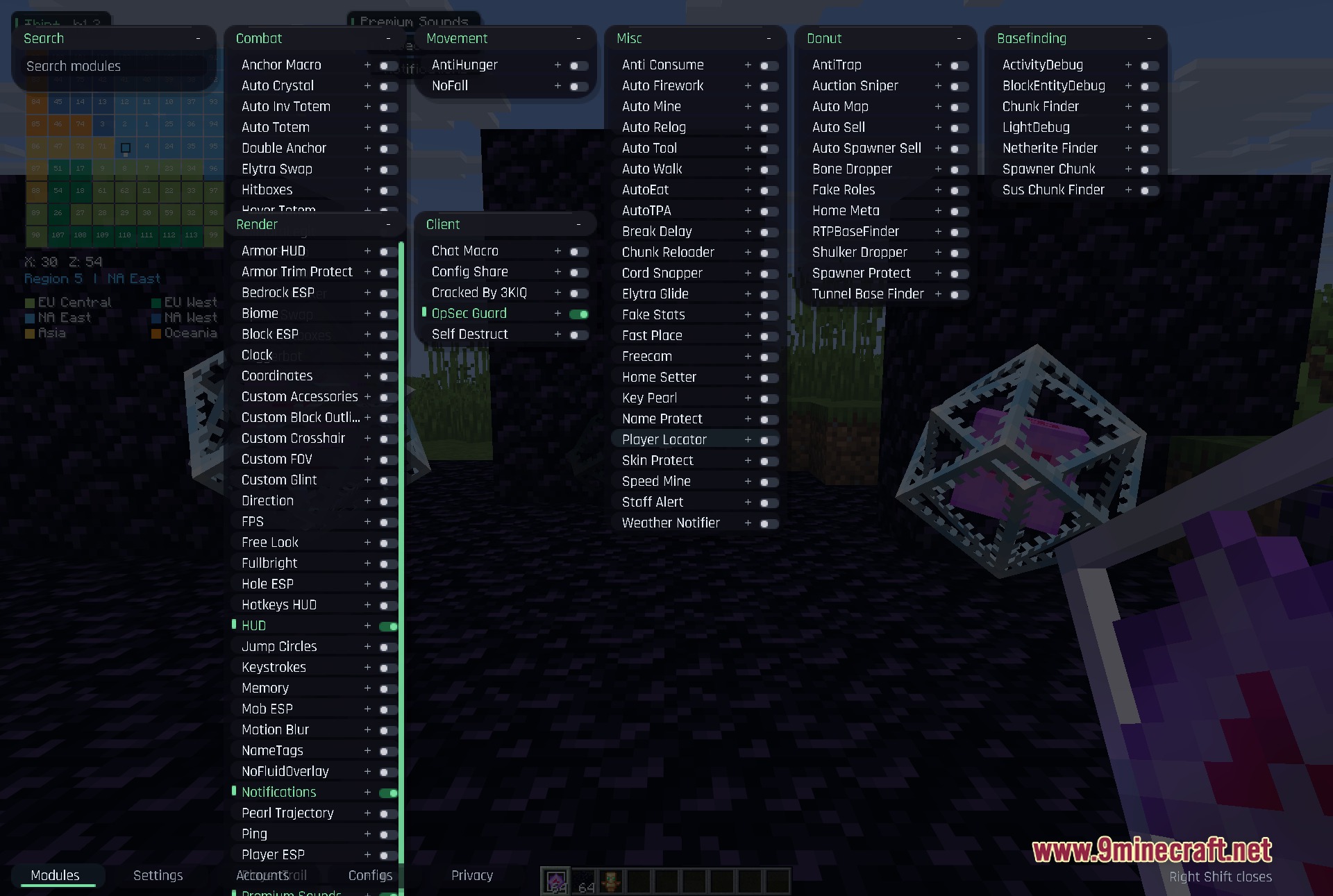
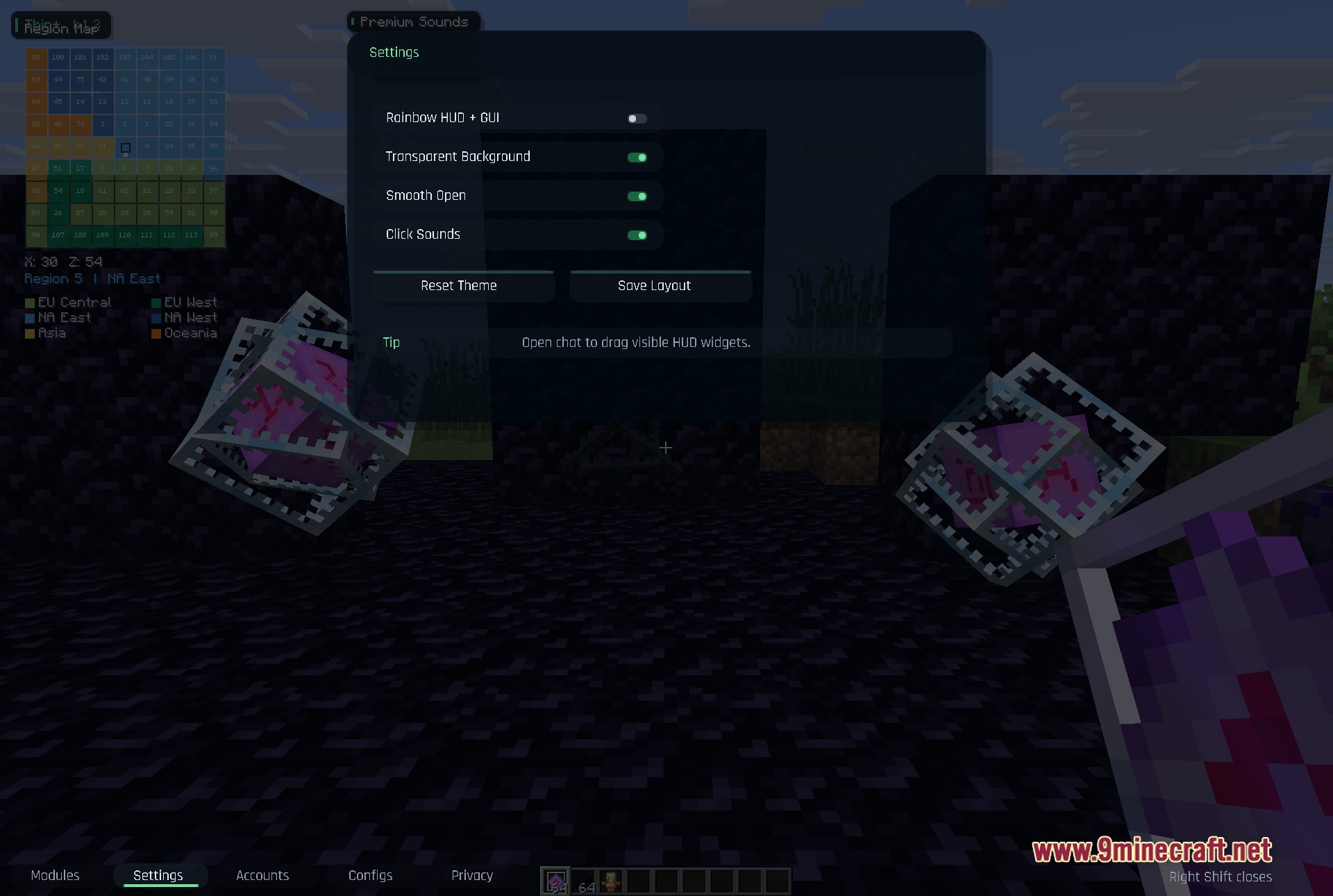
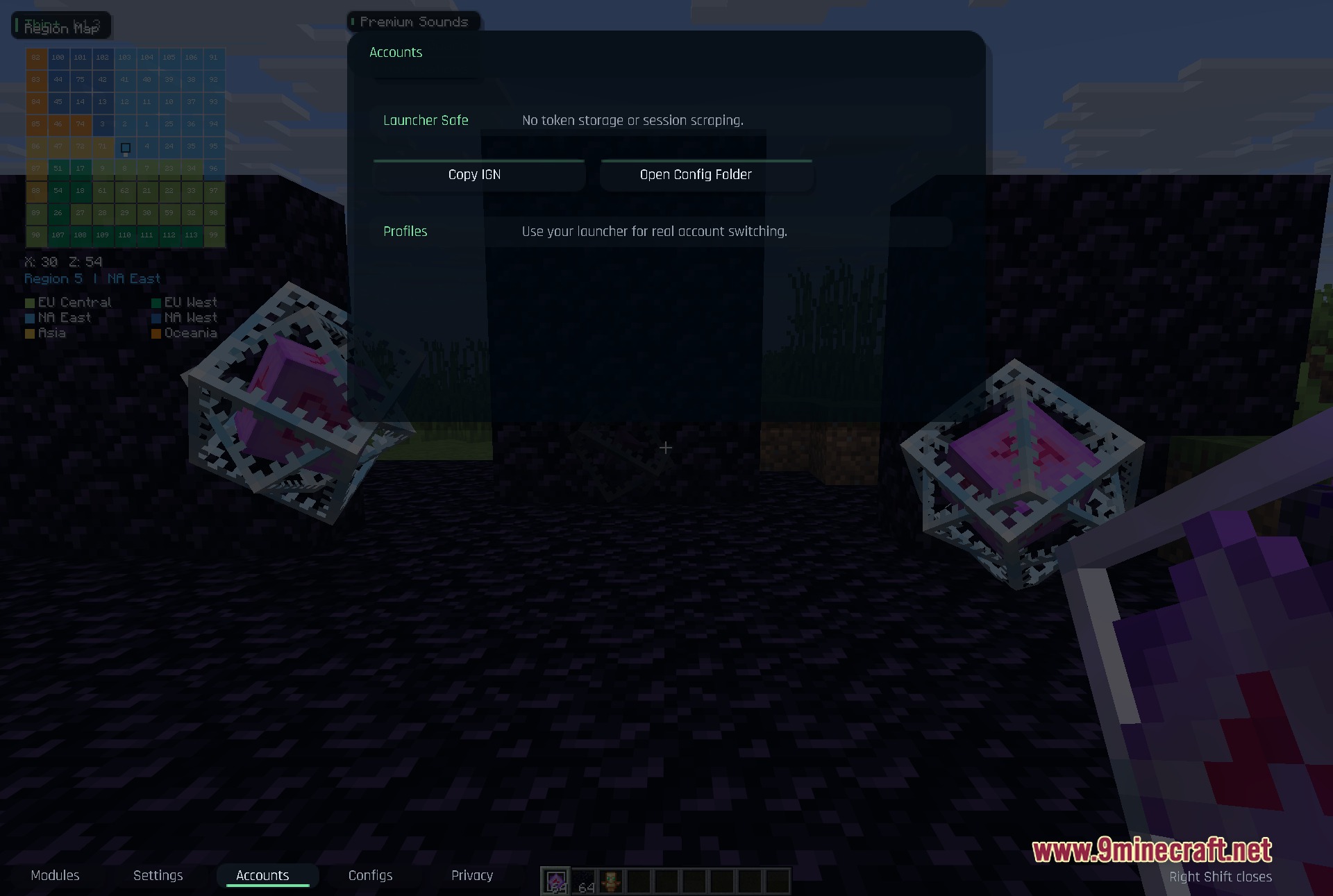
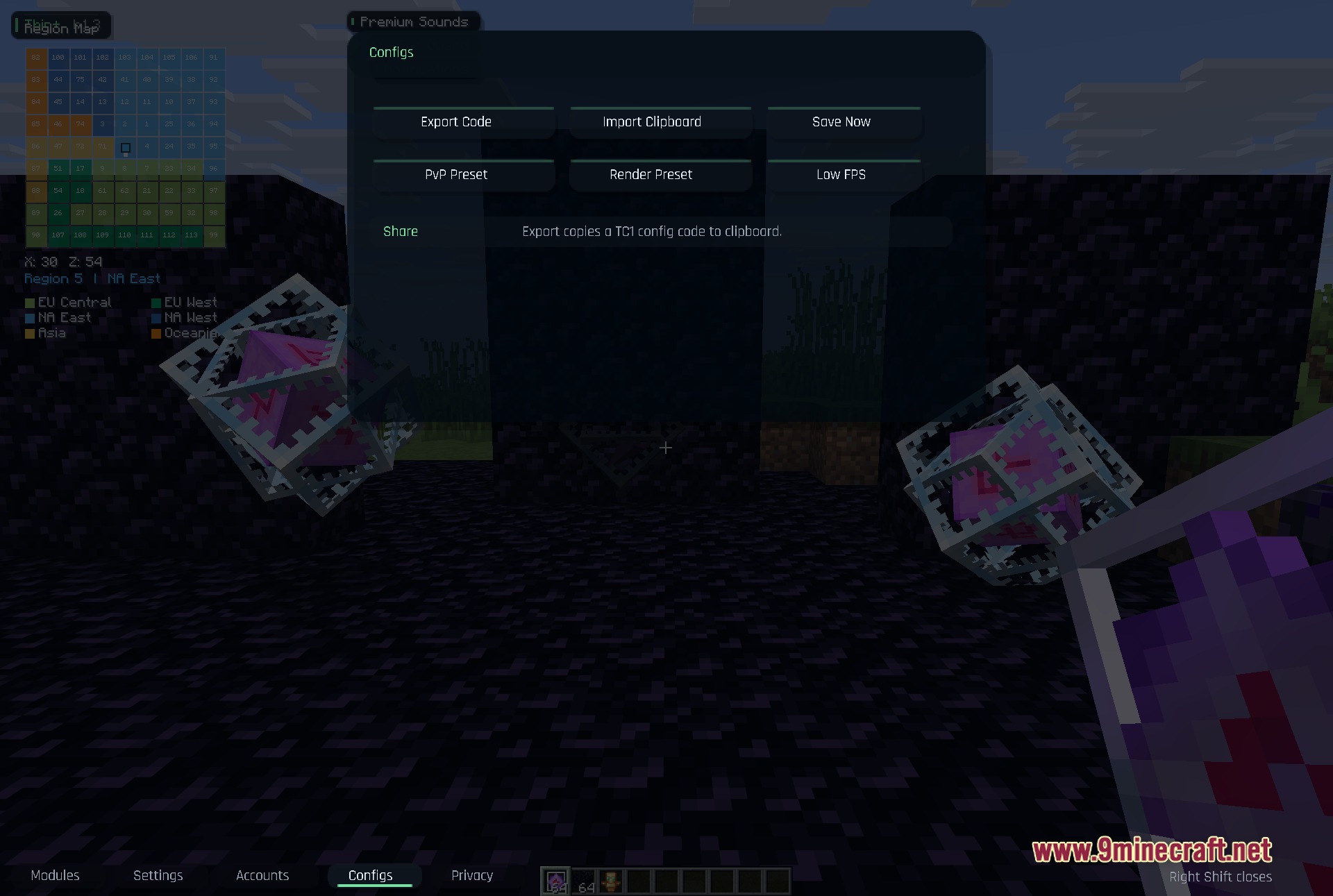
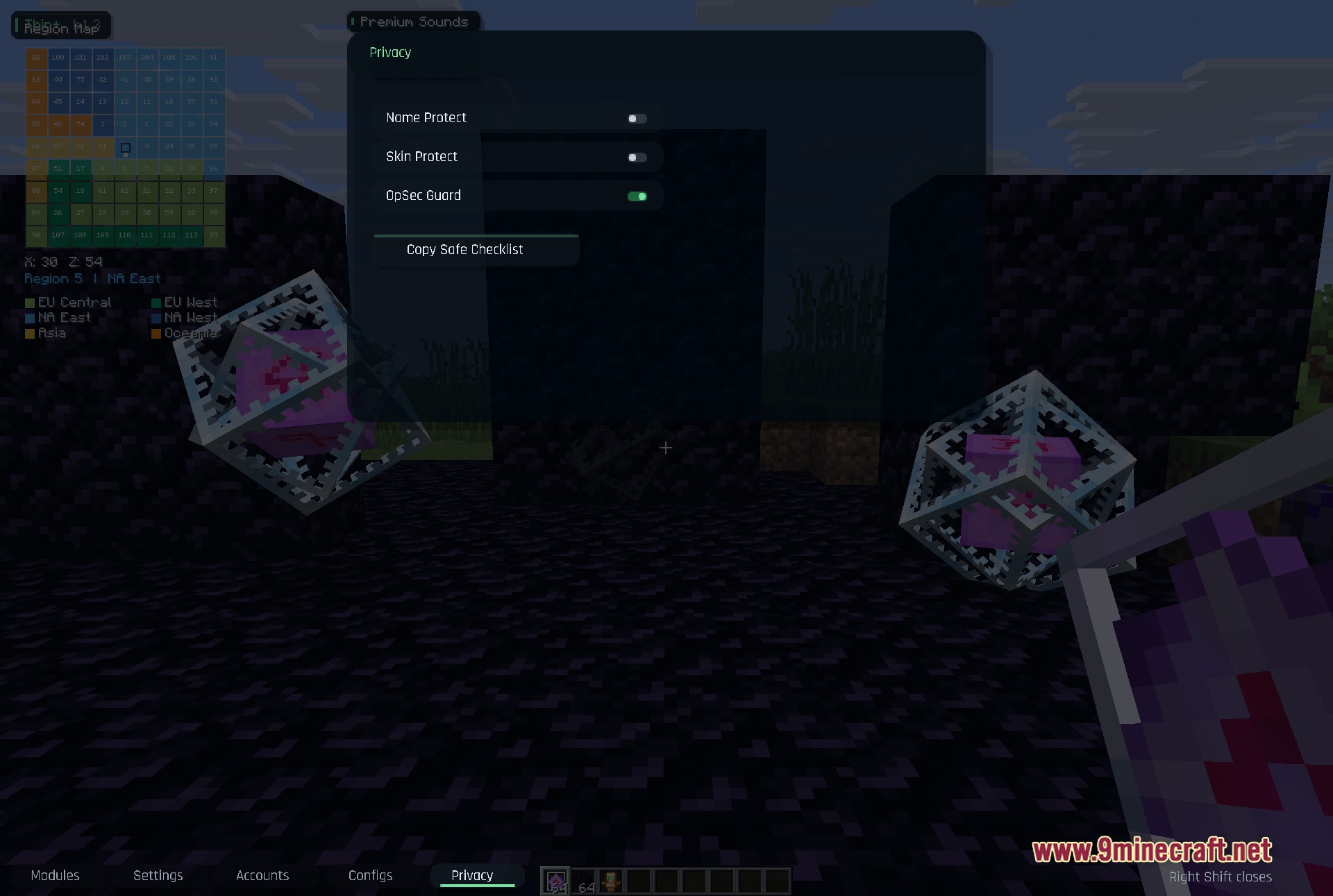
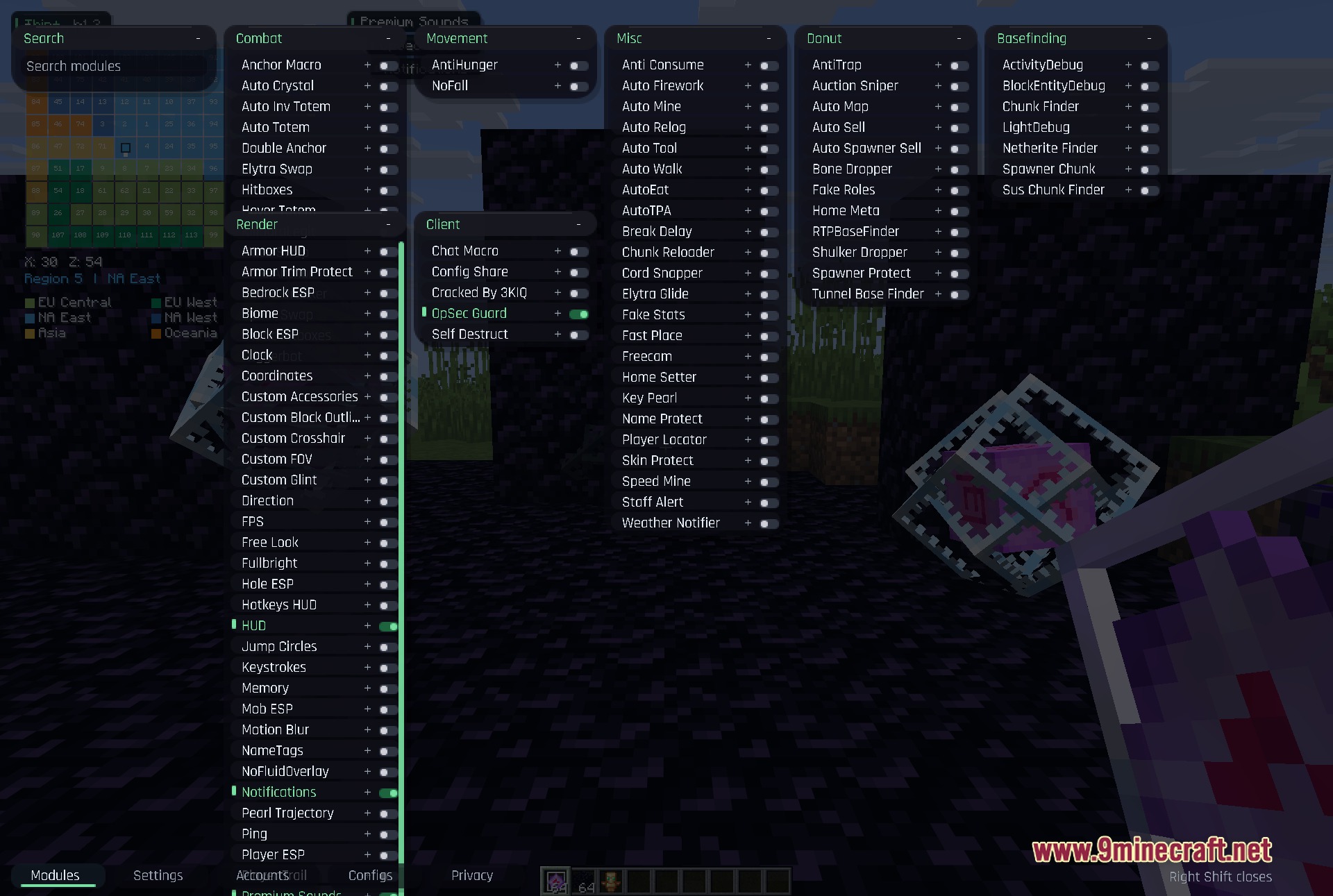
Press Right Shift on your keyboard to open the main menu. If you want to move HUD widgets around your screen, open your game chat first to unlock them, then you can drag them to new positions.
What's the difference between auto totem and hover totem?
Auto totem automatically swaps to and uses a totem of undying when you take lethal damage, while hover totem keeps you from falling to your death by slowing your descent. Both help you survive, but they protect you from different types of damage.
How does base finding actually work?
The mod tracks suspicious chunks by monitoring block entity changes, unusual light patterns, and other signs of player activity that indicate a hidden base nearby. You can then use the chunk finder to narrow down the exact location.
Gallery
8 images from the Thin Client Mod page.
You May Also Like
Wikis that share the most with this one
More client wikis on the site
The most downloaded mods that have a wiki here
A few wikis from each of the other kinds