

 DownloadSelene Client Mod
Get the files on 9Minecraft
Guides
Step-by-step, in-game.
Customize Friend and Target Lists for Quick RecognitionAdding Players to Your Lists Access your mod's friend and target management menu (usually in settings or via a…Scout Enemy Bases Safely with FreecamActivating Freecam Mode Bind Freecam to a convenient key in your keybinds menu, then press it to enter scouting mode.…Set Up Your First Custom HUD LayoutOpening the HUD Editor Press your HUD Editor keybind (default varies by installation) to enter edit mode. You'll see…Use ESP Outlines to Locate Hidden LootEnabling ESP for Storage Open your mod settings and enable the ESP Outlines module. Configure it to highlight chests,…
Frequently asked questions
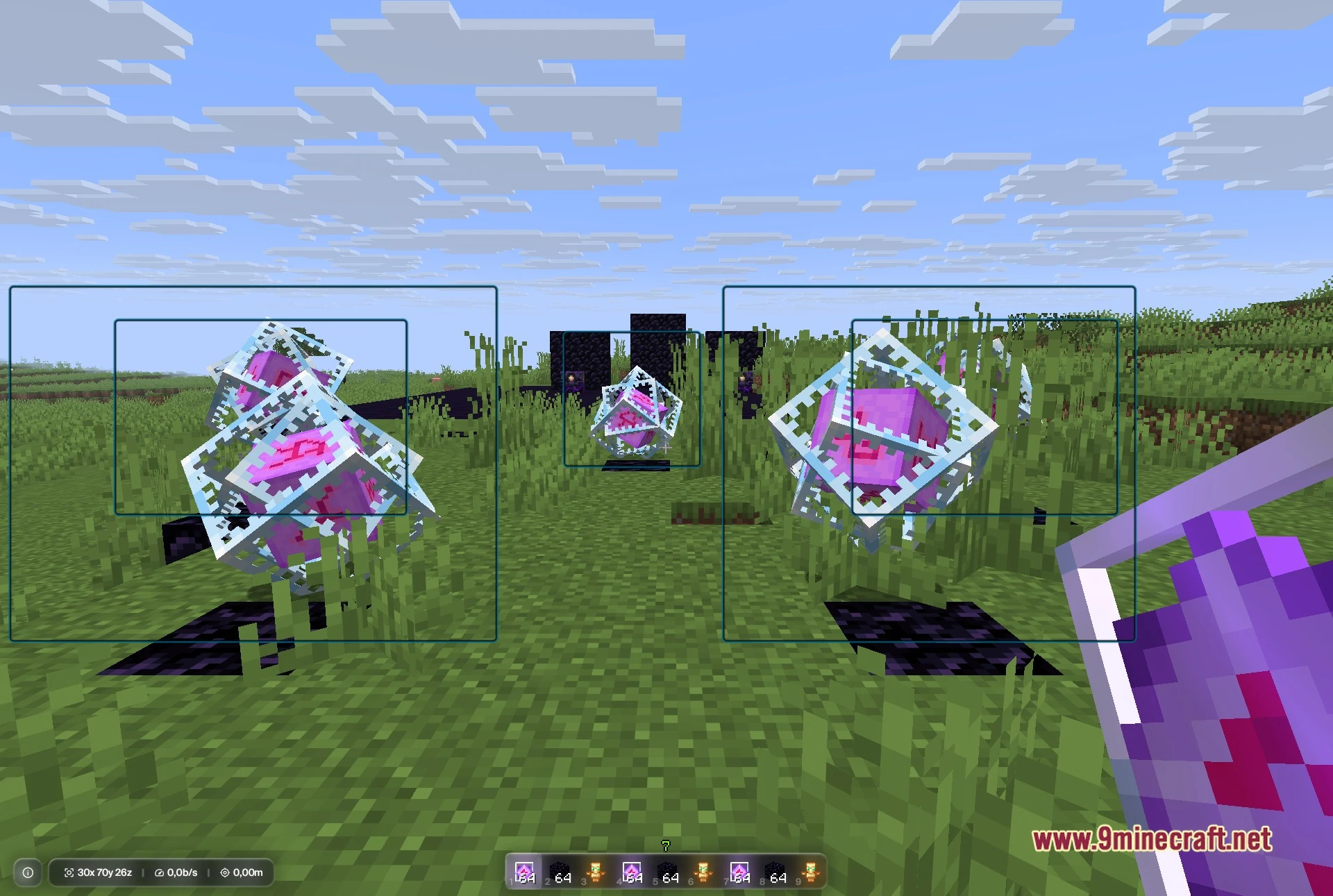
How do I turn on ESP outlines?
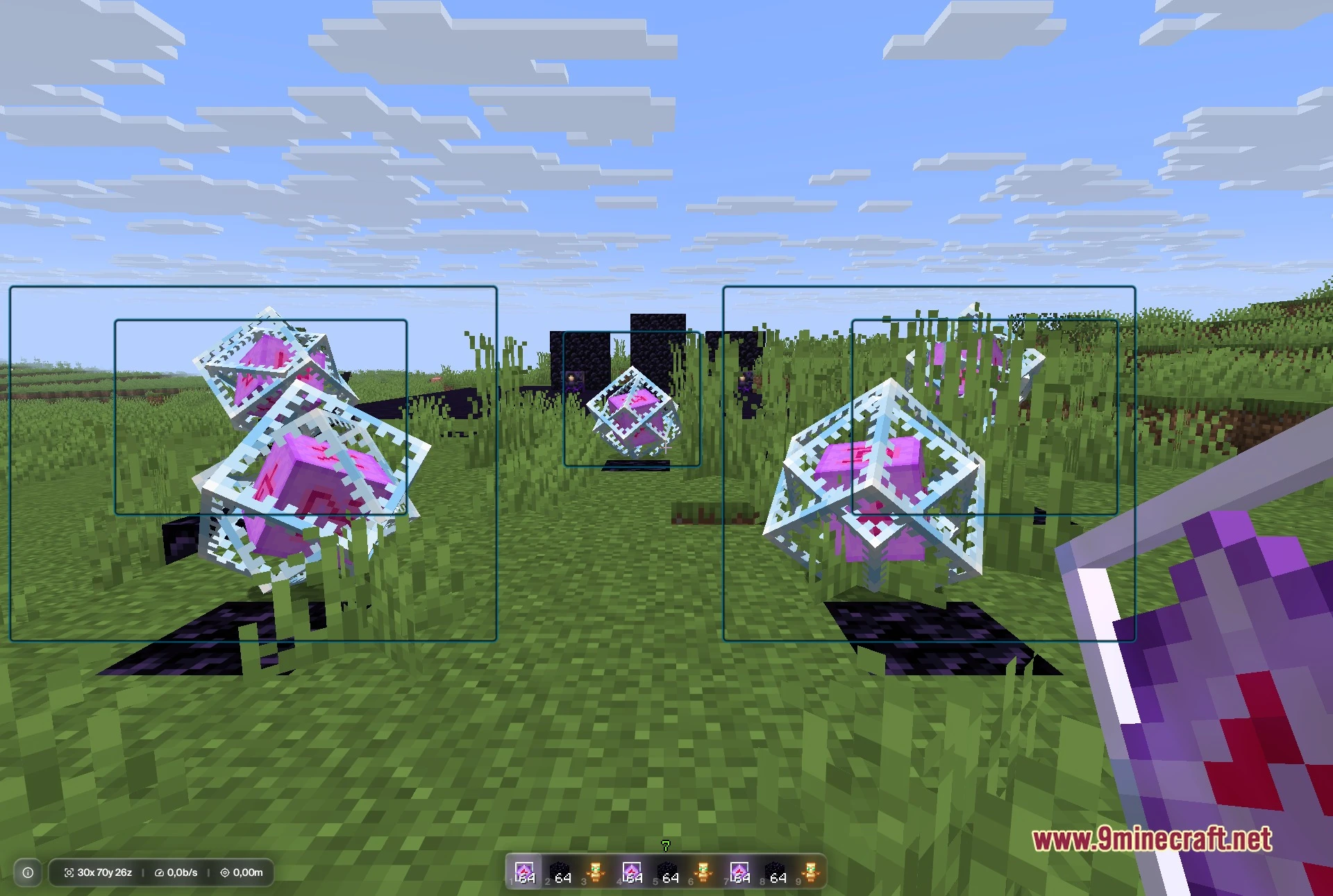
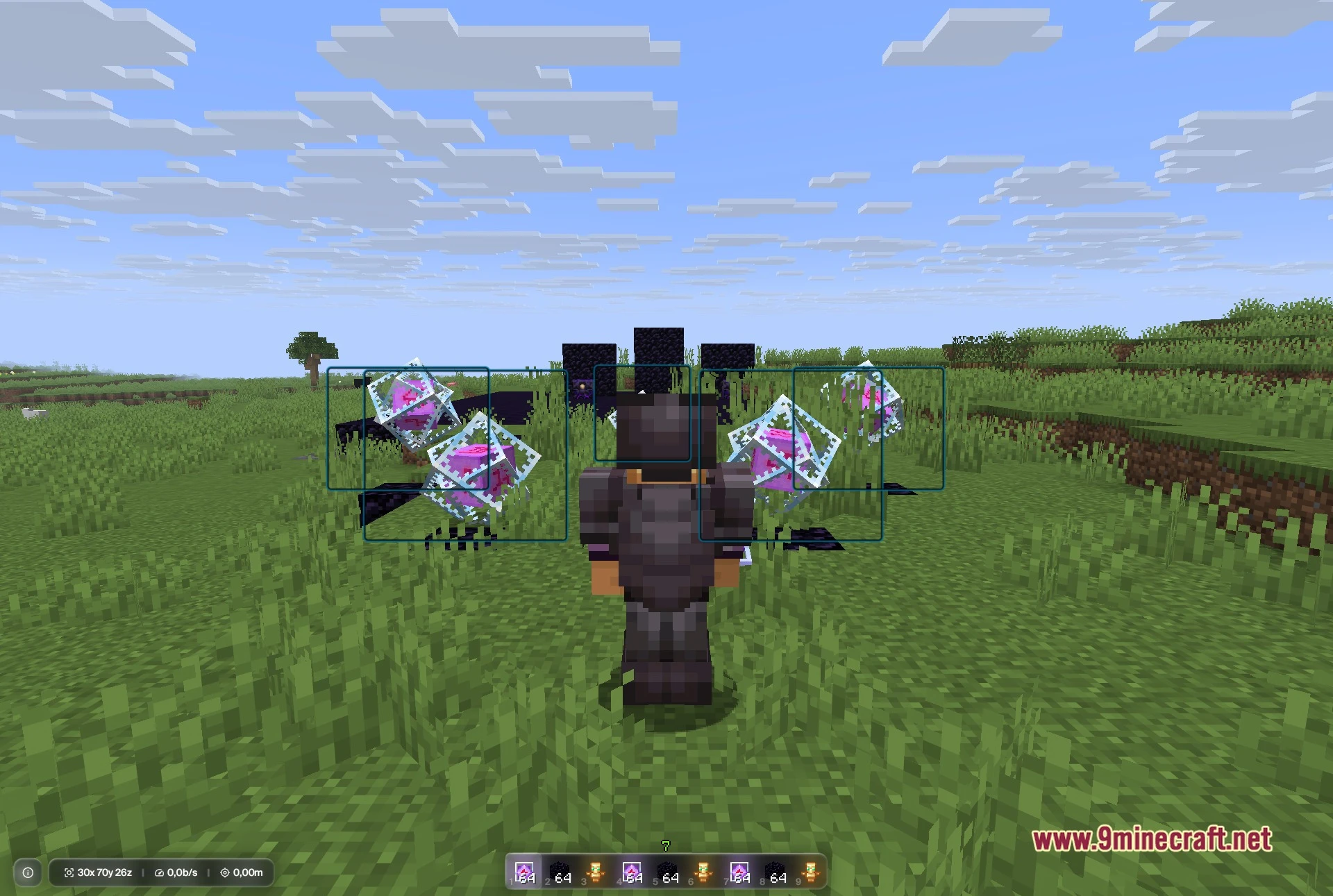
Open the mod menu (default keybind varies by installation), navigate to the ESP or Rendering section, and toggle ESP Outlines on. You can then customize which entity types (players, items, chests, etc.) show outlines and adjust the outline color and thickness in the same menu.
Can I use Selene on servers that don't allow client mods?
No—Selene is a client-side mod and will be detected by anti-cheat systems on servers with strict mod policies. Only use it on servers that explicitly allow client mods, such as private SMP servers or servers with lenient mod whitelists.
What's the difference between Freecam and Zoom?
Freecam lets you detach your camera and fly around the world to scout without your player moving, while Zoom simply magnifies your view from your current position. Freecam is better for exploring distant bases; Zoom is better for spotting details from where you stand.
How do I add someone to my friend list?
Use the friend list command in chat (typically `/friend add [playername]`) or access the Friends menu in the mod settings to manage your list. Friends can be highlighted with a custom color or outline to distinguish them during gameplay.
Gallery
5 images from the Selene Client Mod page.
You May Also Like
Wikis that share the most with this one
More client wikis on the site
The most downloaded mods that have a wiki here
A few wikis from each of the other kinds