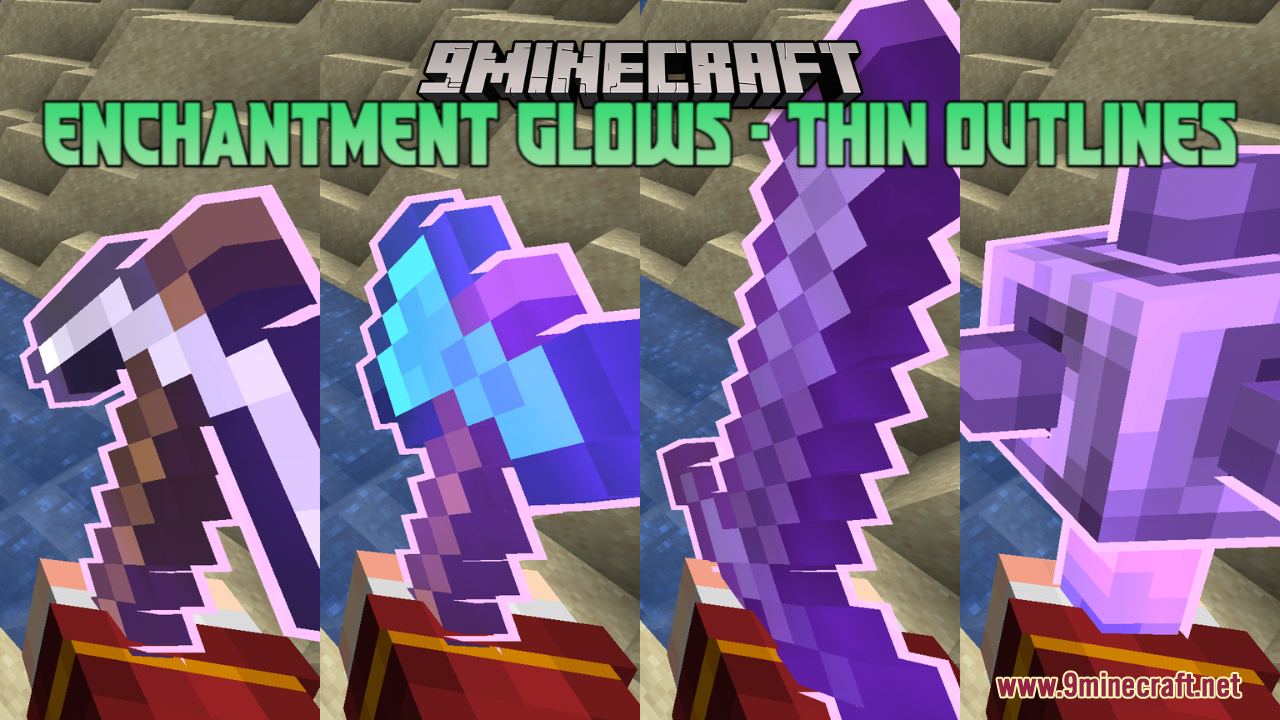
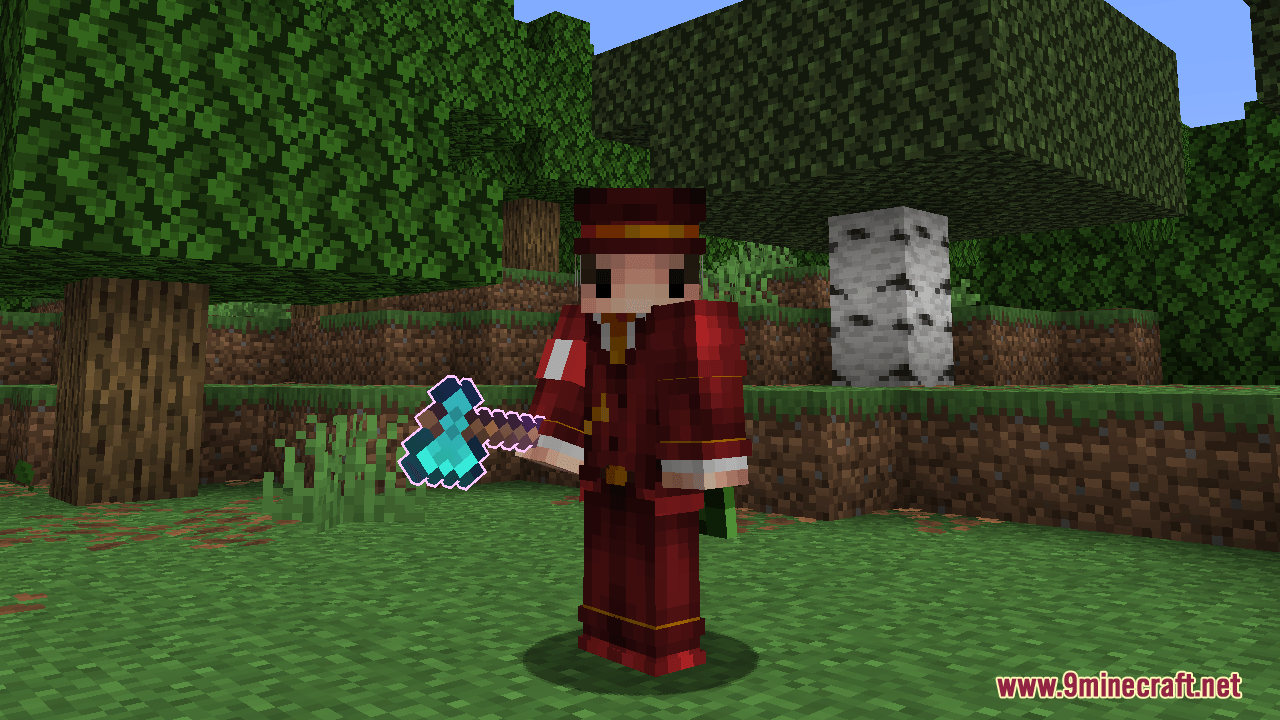
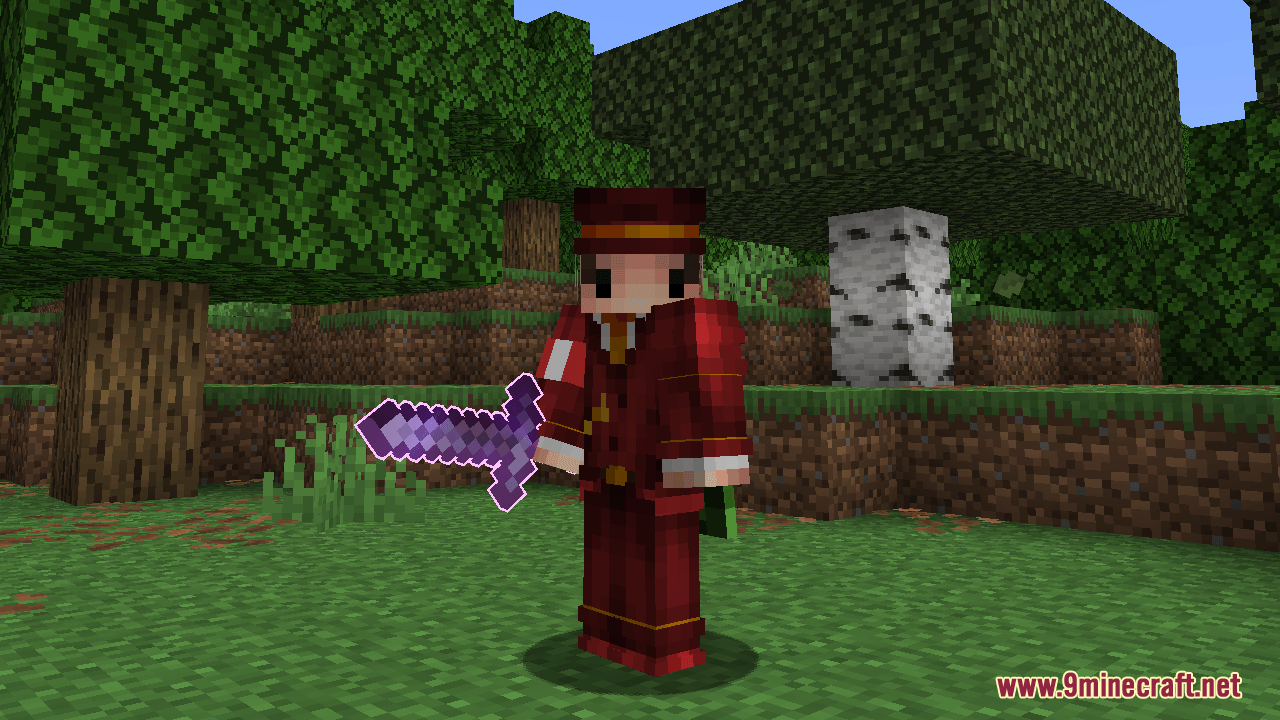
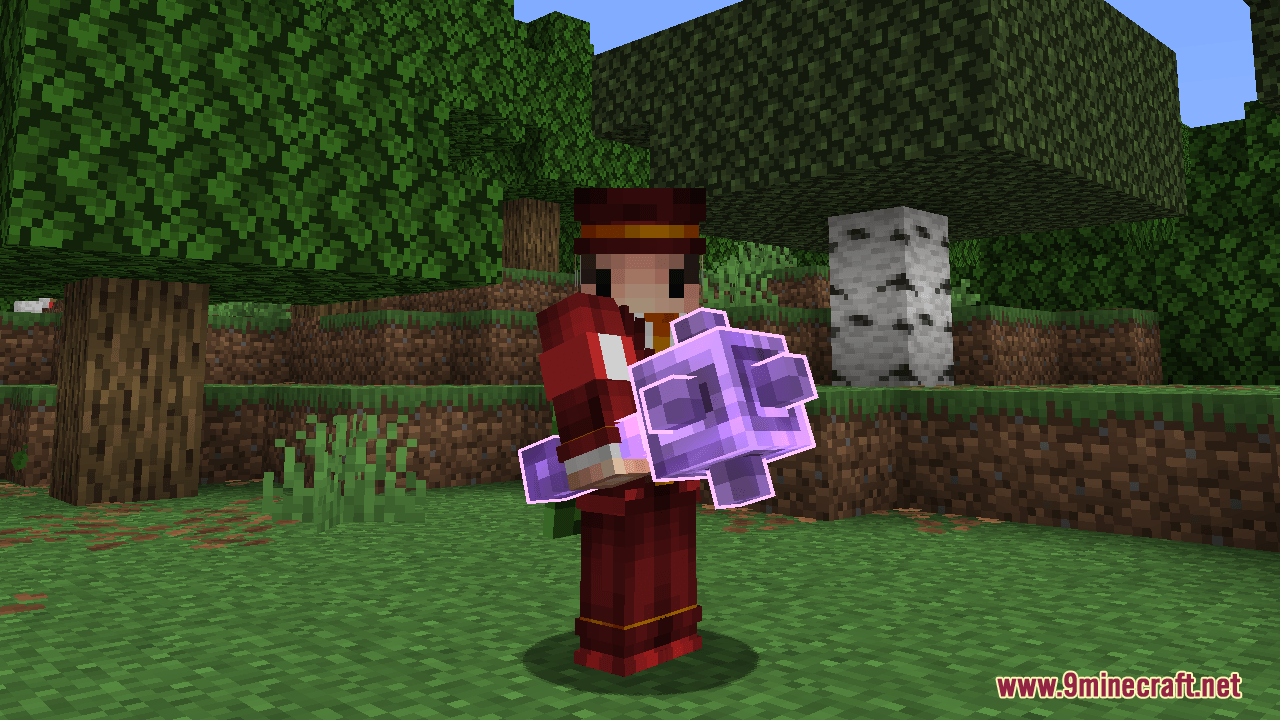
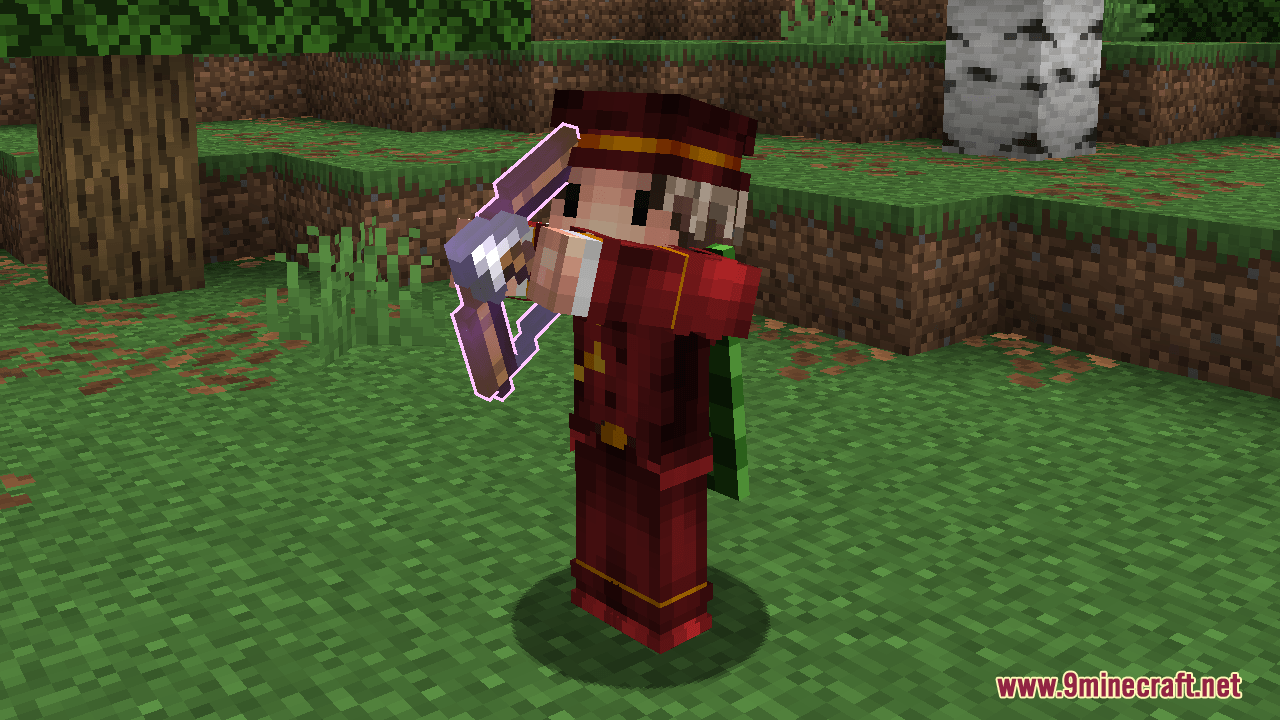
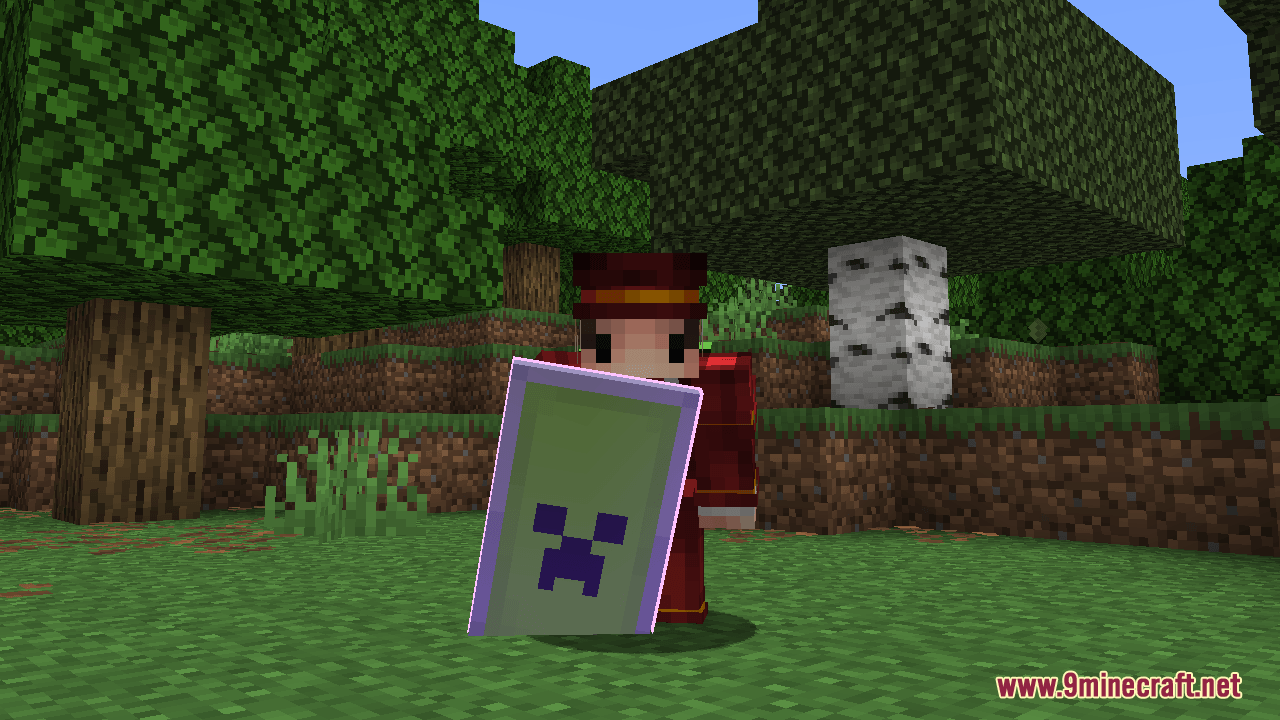
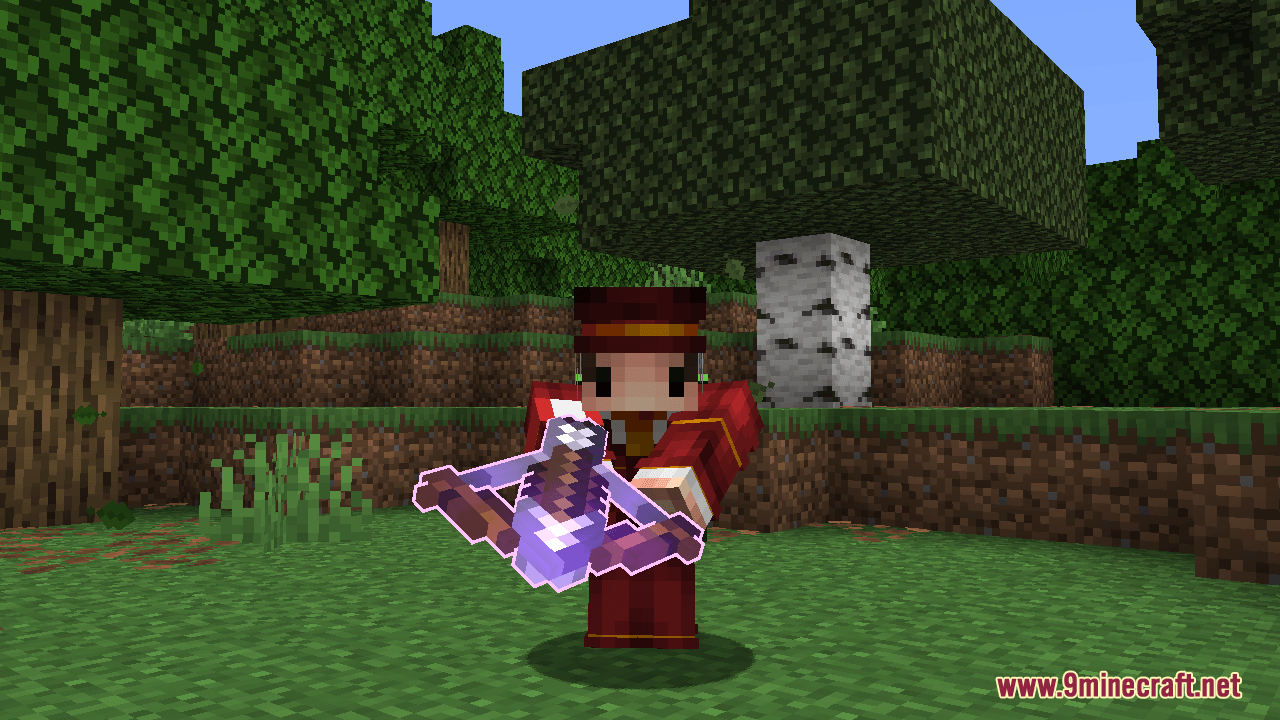
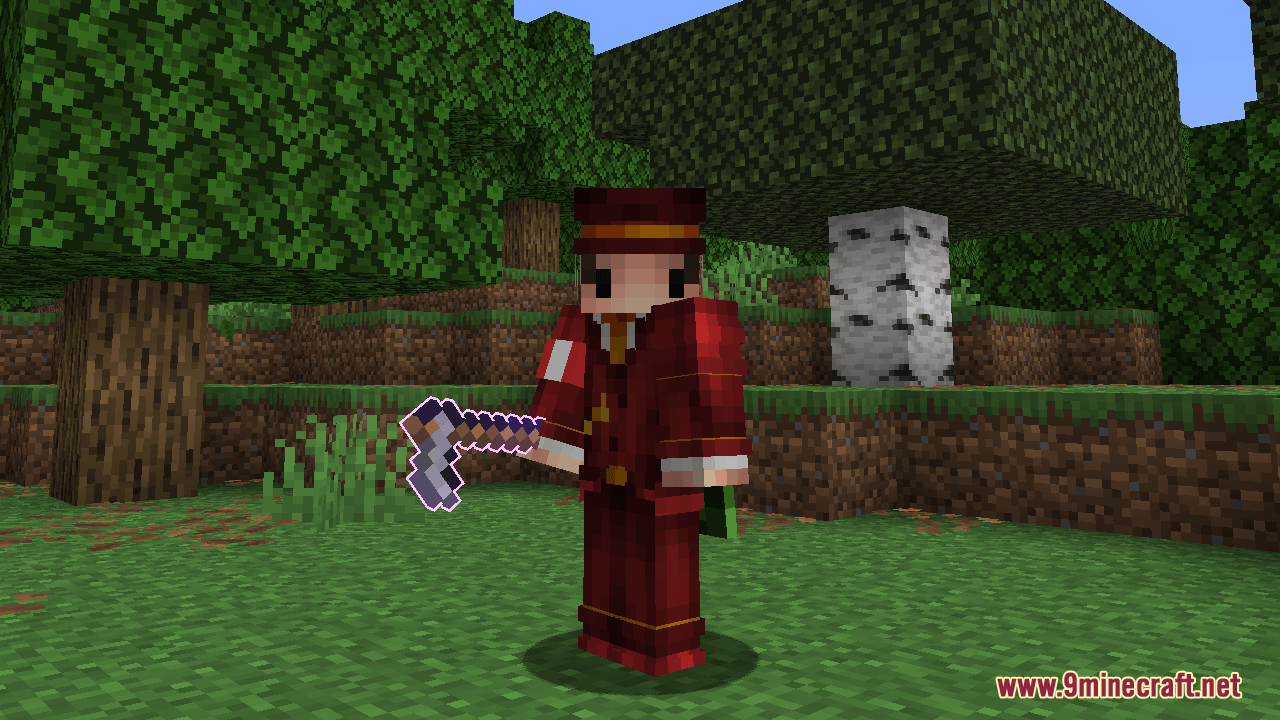
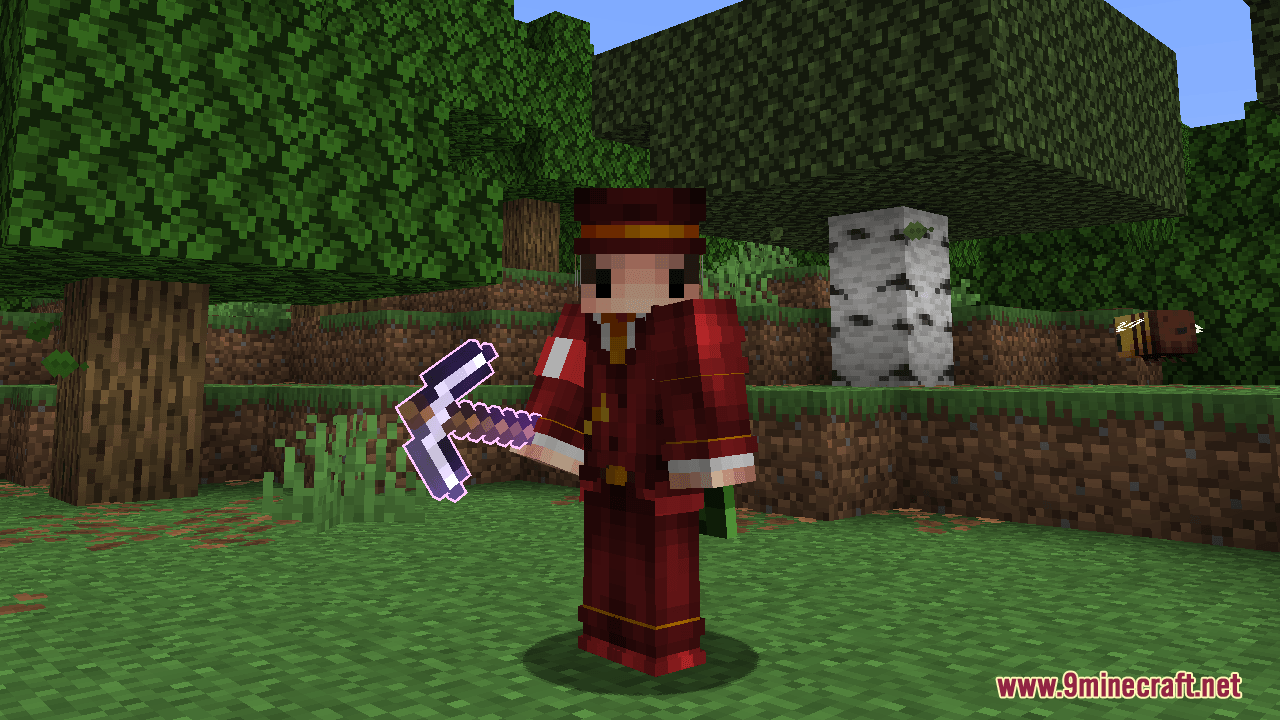
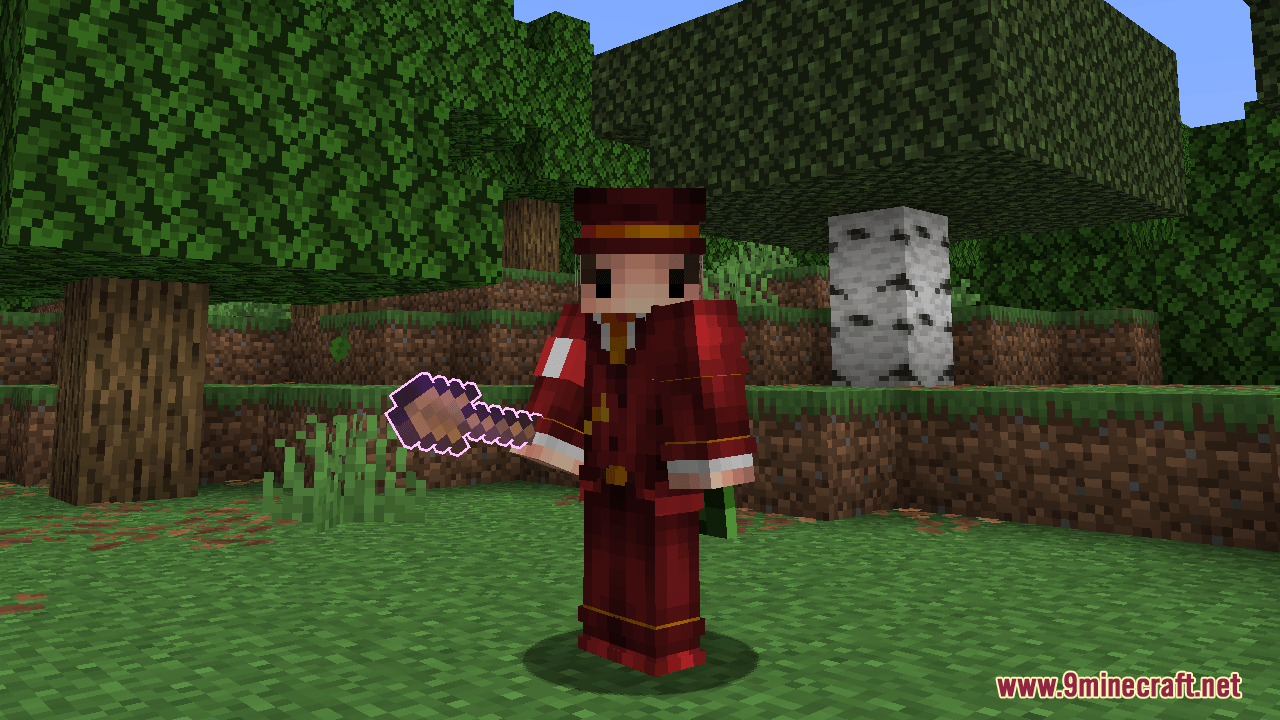
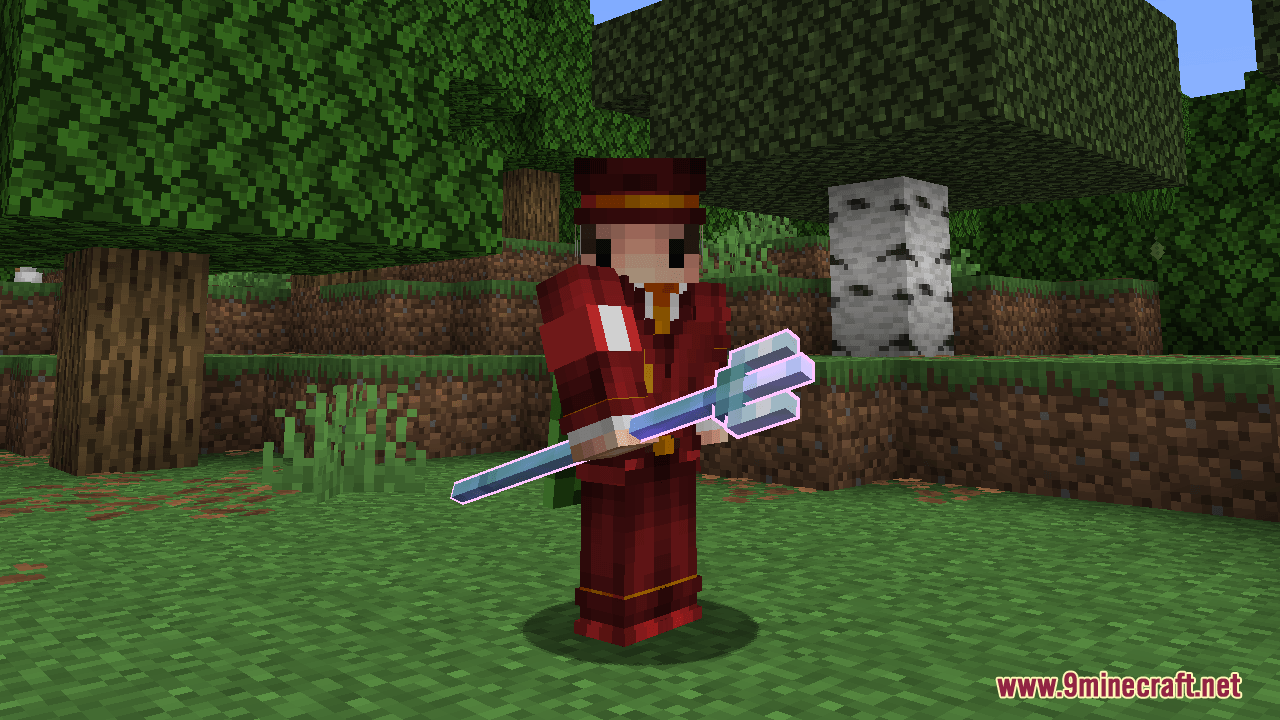
DownloadEnchantment Glows Thin Outlines Resource Pack
Get the files on 9Minecraft
Guides
Step-by-step, in-game.
Adjust the Glow Brightness or ColorAccess Texture Files The glow effect's appearance is controlled by texture files within the resource pack. To modify…Customize Which Items Show the Glowing OutlineLocate the Resource Pack Files To customize which enchanted items display the glow effect, you'll need to access the…Enable the Glow Effect on Your Enchanted ItemsActivate the Resource Pack The Enchantment Glows Thin Outlines Resource Pack must be enabled in your resource pack…See Enchanted Item Glows While Holding Items with Other ModsCompatibility with Item-Holding Mods This resource pack is designed to maintain the glowing outline effect even when…
Items
A
 Arrow
B
 Bow
C
 Carrot on a Stick
 Copper Axe
 Copper Hoe
 Copper Pickaxe
 Copper Shovel
 Copper Sword
D
 Diamond Axe
 Diamond Hoe
 Diamond Pickaxe
 Diamond Shovel
 Diamond Sword
F
 Firework Rocket
 Fishing Rod
G
 Golden Axe
 Golden Hoe
 Golden Pickaxe
 Golden Shovel
 Golden Sword
I
 Iron Axe
 Iron Hoe
 Iron Pickaxe
 Iron Shovel
 Iron Sword
M
 Mace
N
 Netherite Axe
 Netherite Hoe
 Netherite Pickaxe
 Netherite Shovel
 Netherite Sword
S
 Spectral Arrow
 Stone Axe
 Stone Hoe
 Stone Pickaxe
 Stone Shovel
 Stone Sword
W
 Warped Fungus on a Stick
 Wooden Axe
 Wooden Hoe
 Wooden Pickaxe
 Wooden Shovel
 Wooden Sword
What this pack changes
Every texture group the pack replaces, counted from the pack itself.
| Area | Textures replaced |
|---|---|
| Items | 129 |
| Particles | 6 |
Pack format 34–99 (Minecraft 1.21.2–1.21.9)135 texture files in total
Extra features
Custom shaders
Custom sounds
Sound overrides
Custom block/item models
Frequently asked questions
Why don't I see the glowing outline on my enchanted items?
Make sure the resource pack is enabled in your resource pack menu and placed above any conflicting packs. If you're using a custom resource pack, this one needs to load after it to override the enchantment glint texture.
Does this work with mods that add new enchanted items?
Yes, the glow effect applies to any enchanted item in the game, including those added by other mods, as long as they use standard Minecraft enchantment glint.
Can I make the glow brighter or dimmer?
You can customize the glow brightness by editing the resource pack files—look for the enchantment glint texture files and adjust the opacity or color values to your preference.
Will this resource pack affect my FPS or performance?
No, this pack only changes the visual appearance of enchantment glints and has no impact on performance or frame rate.
Does the glow show up on enchanted items in item frames or on the ground?
The glow effect is most visible when holding enchanted items in your hand; it may appear differently or not at all on items lying on the ground or in frames depending on lighting and angle.
Can I turn off the glow for specific items only?
You can customize which items show the glowing outline by editing the resource pack's texture files or JSON configuration to exclude certain item types.
What color is the glow, and can I change it?
The glow is bright purple by default, and you can change it to any color by modifying the enchantment glint texture files in the resource pack.
Does this pack work with Optifine or other graphics mods?
Yes, this resource pack works alongside graphics enhancement mods like Optifine, though you may need to adjust load order if visual conflicts occur.
Will the glow show on enchanted armor I'm wearing?
The glow primarily affects held items; enchanted armor you wear may show the effect depending on how your client renders equipped gear, but it's most noticeable in your hands.
How do I uninstall or disable this resource pack?
Open your resource pack menu, find this pack in your active list, and click the arrow to move it back to the available packs section, or delete the pack folder entirely.
You May Also Like
Wikis that share the most with this one
Wikis on the same theme: enchant
Bunji 4K Resource PackXali's Enchanted BooksAlices Box Resource PackFresh Food Resource PackClassic Glint Resource PackGlowing Items Resource PackLuminance Pvp Resource PackBrighter Glint Resource PackPurplefied Gui Resource PackVisual Enchants Resource PackEnchanted Covers Resource PackNo Enchant Glint Resource Pack
More resource pack wikis on the site
Enchanting Reimagined Resource PackEmerald Interface Vibe Resource PackEmbers Resource PackEmbellished Stone Resource PackElytra Fairy Wings Resource PackElden Ring Sky Resource PackEgyptian Mythology Mash Up Resource PackEggs N Eyes Resource PackEclectic Trove Resource PackEasy All White Textures Joels 2022 Challenge Resource PackEarth Totem of Undying Resource PackE19 Cobblemon Minimap Icons Resource Pack
The most downloaded mods that have a wiki here
A few wikis from each of the other kinds
Gallery
11 images from the Enchantment Glows Thin Outlines Resource Pack page.