

 DownloadOrestige Client Mod
Get the files on 9Minecraft
Guides
Step-by-step, in-game.
Automate Crystal Placement and Anchor Macros for Burst DamageSet Up Crystal Auto-Placement Open the ClickGUI with Right Shift and navigate to the Crystal module group. Find the…Enable and Configure Totem Auto-Swap to Stay Alive in CombatLocate the Totem Management Module Open your ClickGUI with Right Shift and navigate to the Crystal or Utility module…Set Up Weapon-Specific Combat Profiles for Different PvP ScenariosCreate and Switch Between Profiles Profiles let you save complete combat setups for different weapons and situations.…Use ESP and Target HUD to Track Enemies and Their StatsEnable Player ESP and Storage Block Highlighting Open the ClickGUI with Right Shift and go to the Render module…
Frequently asked questions
How do I open the Orestige menu?
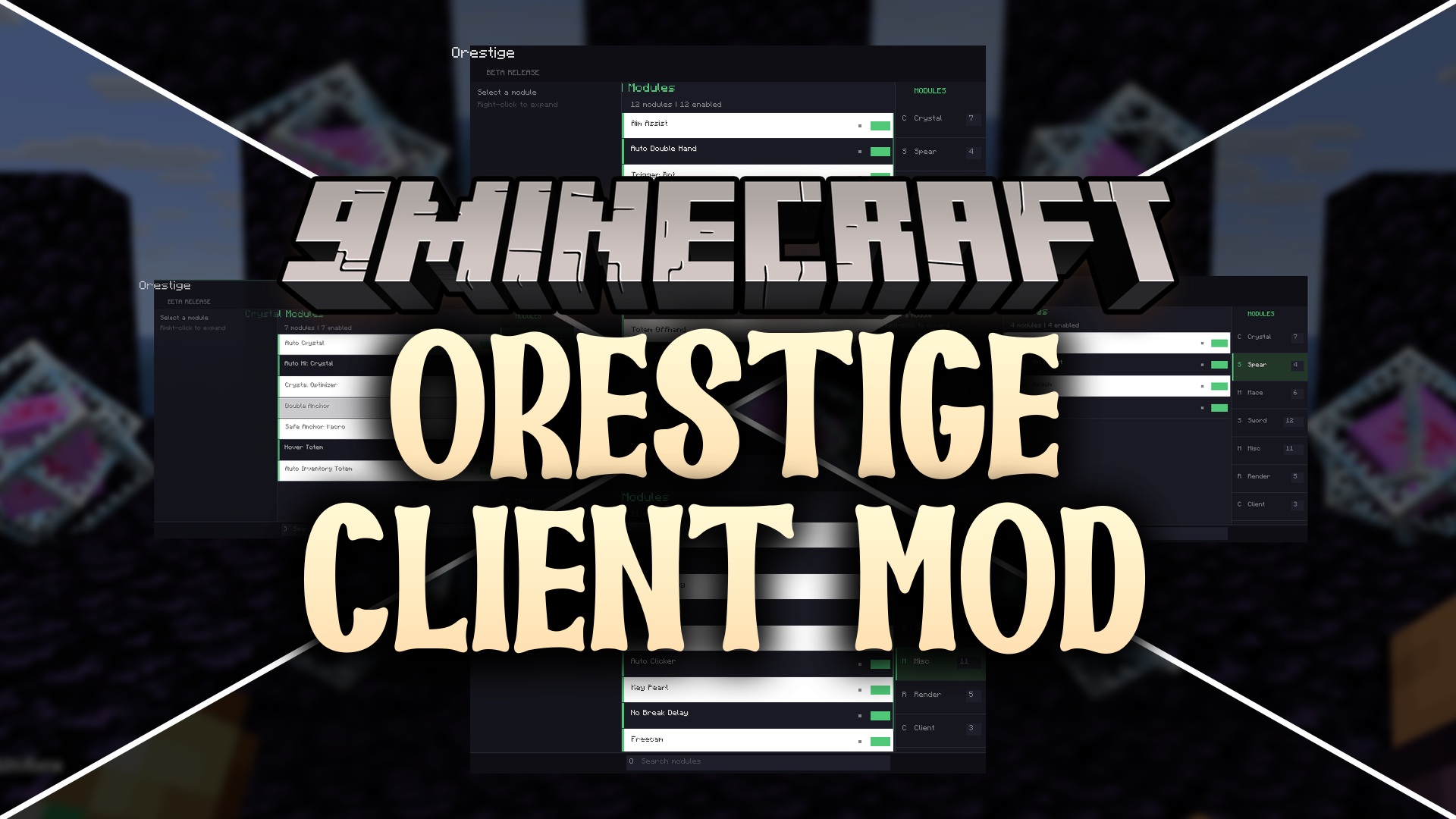
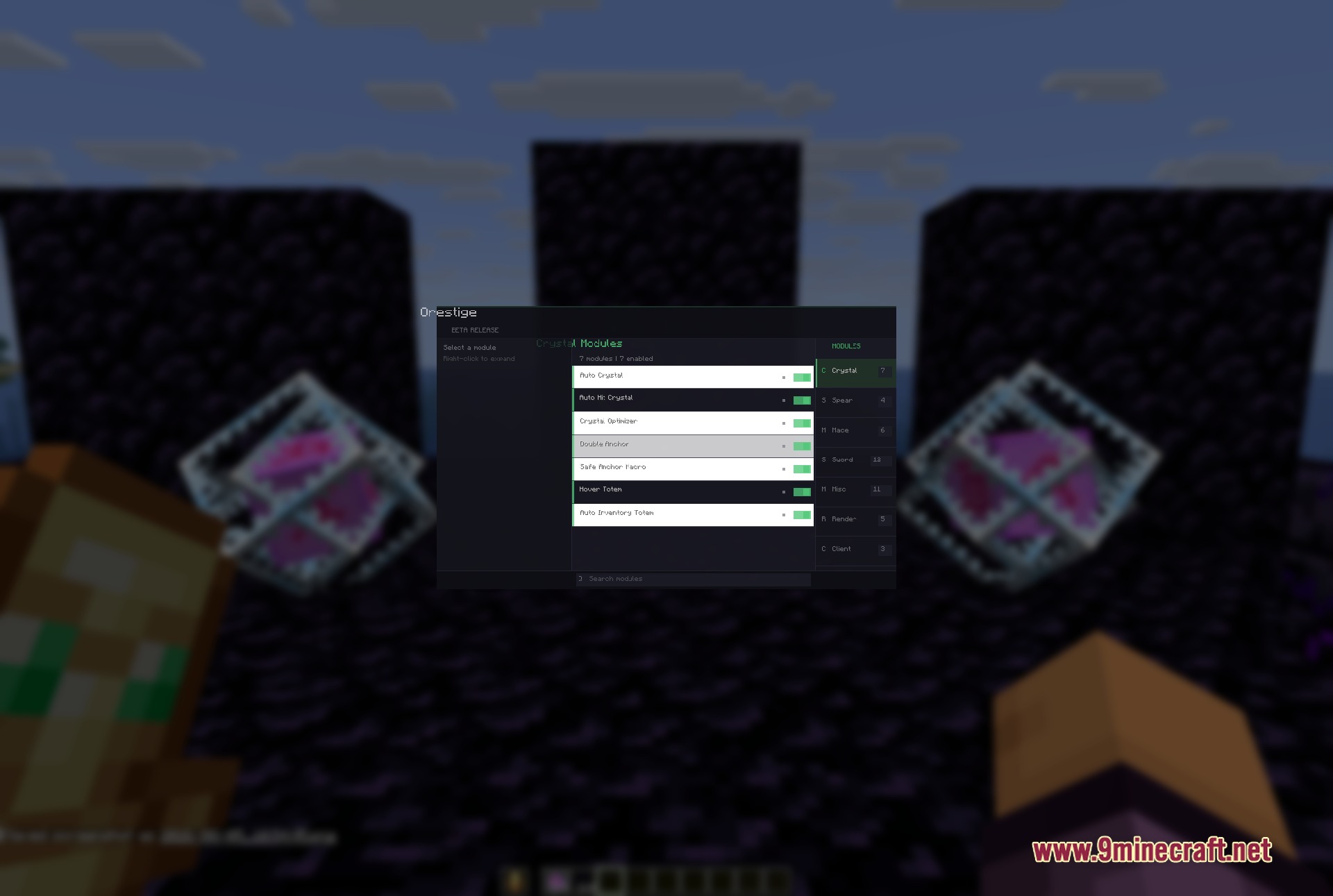
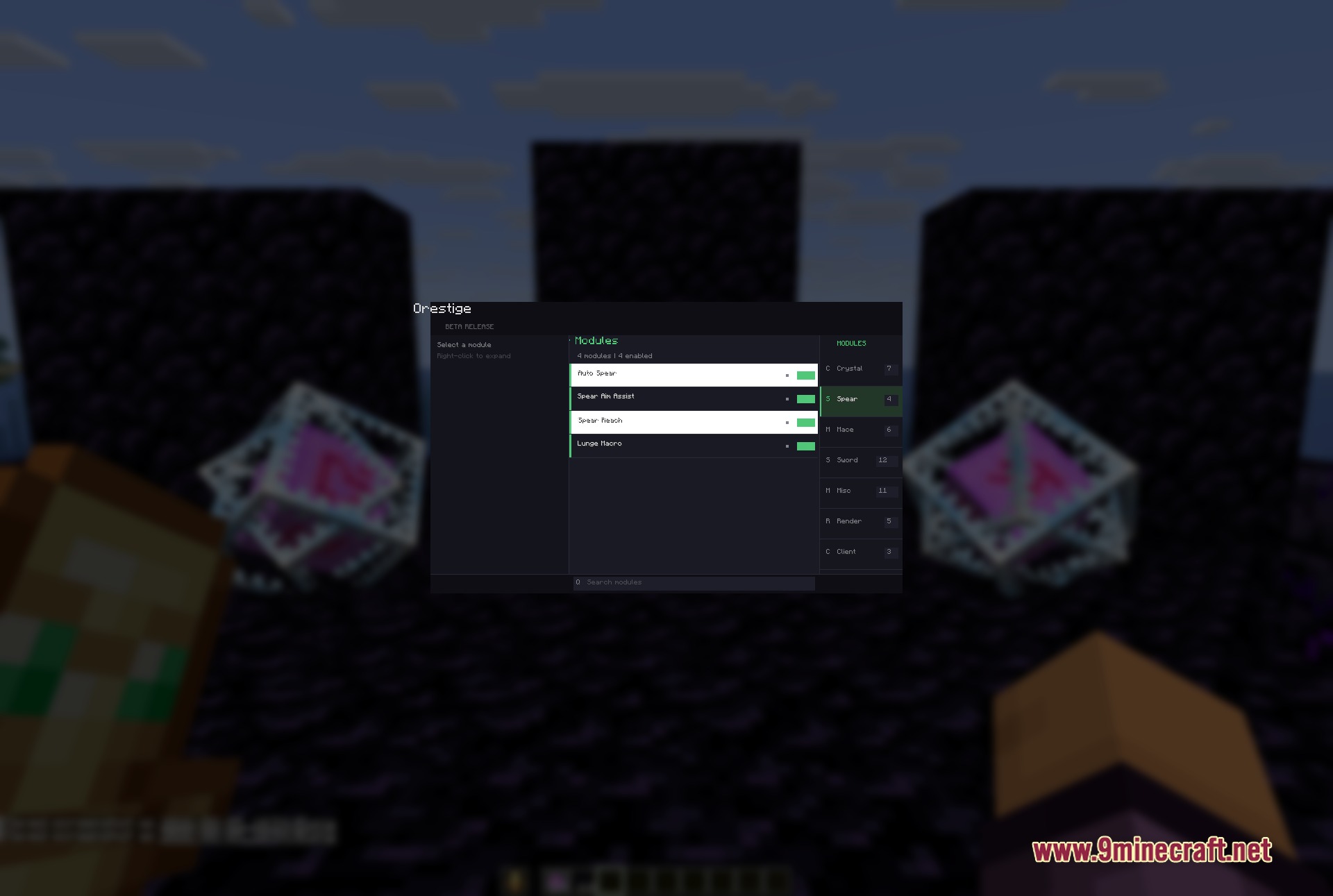
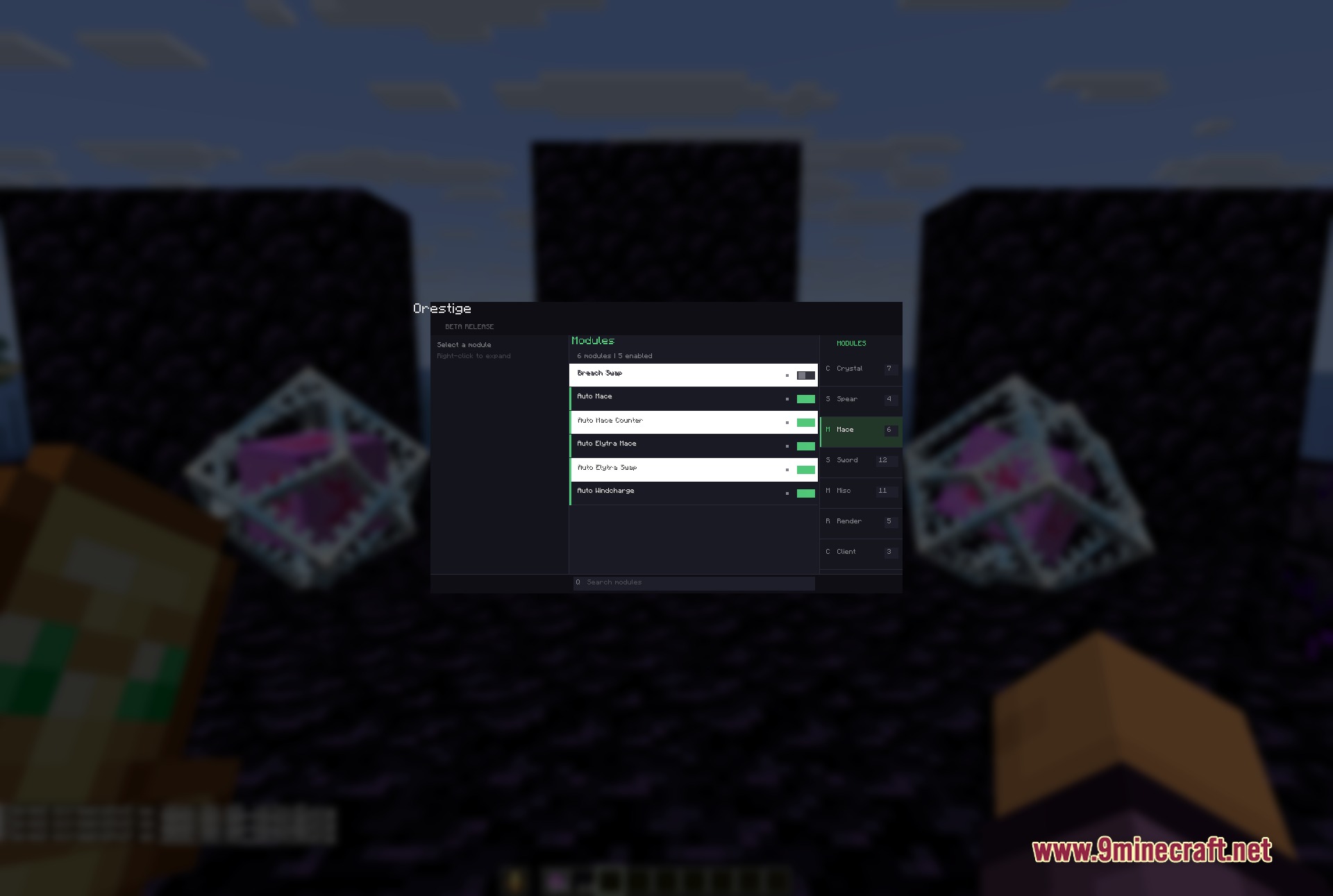
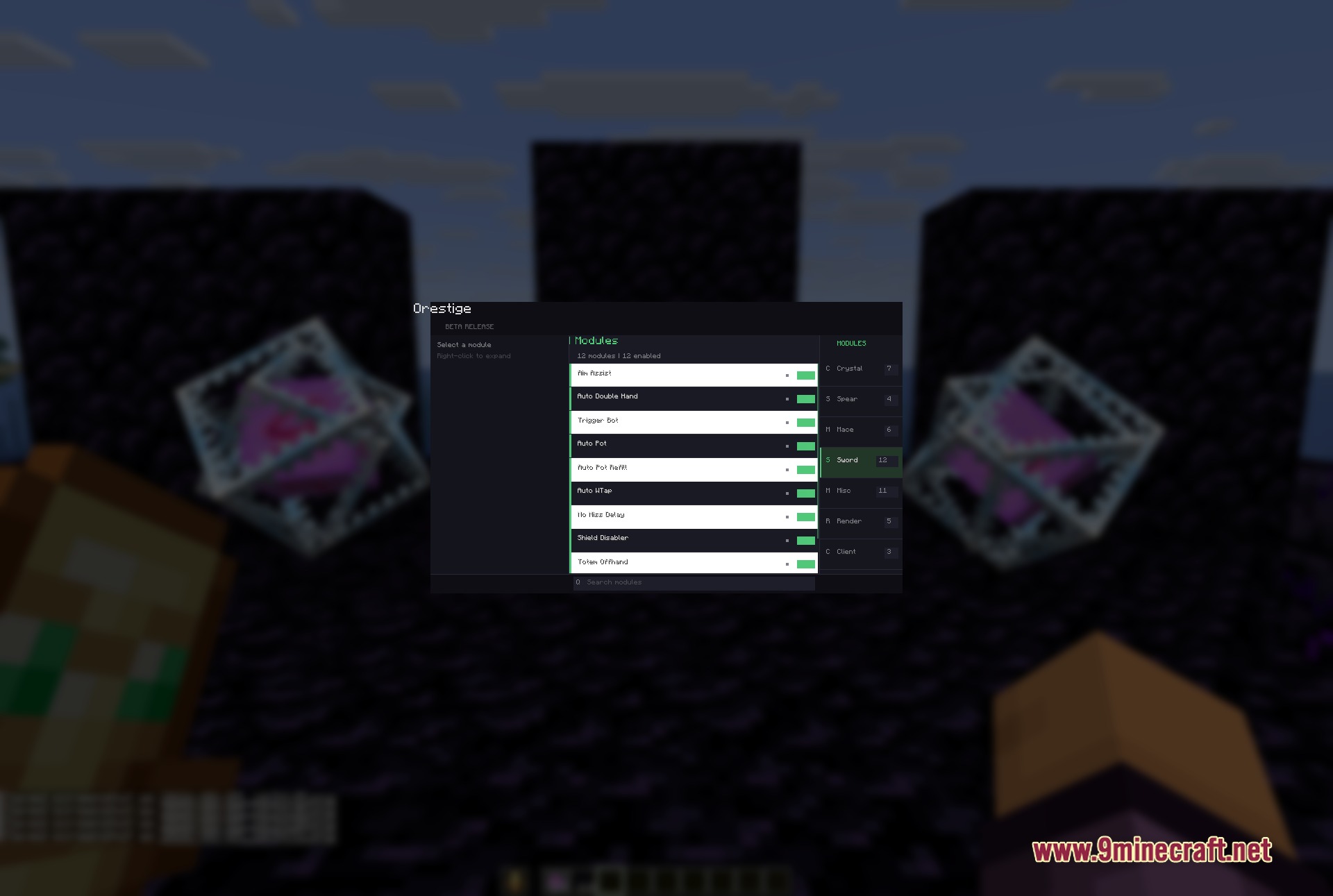
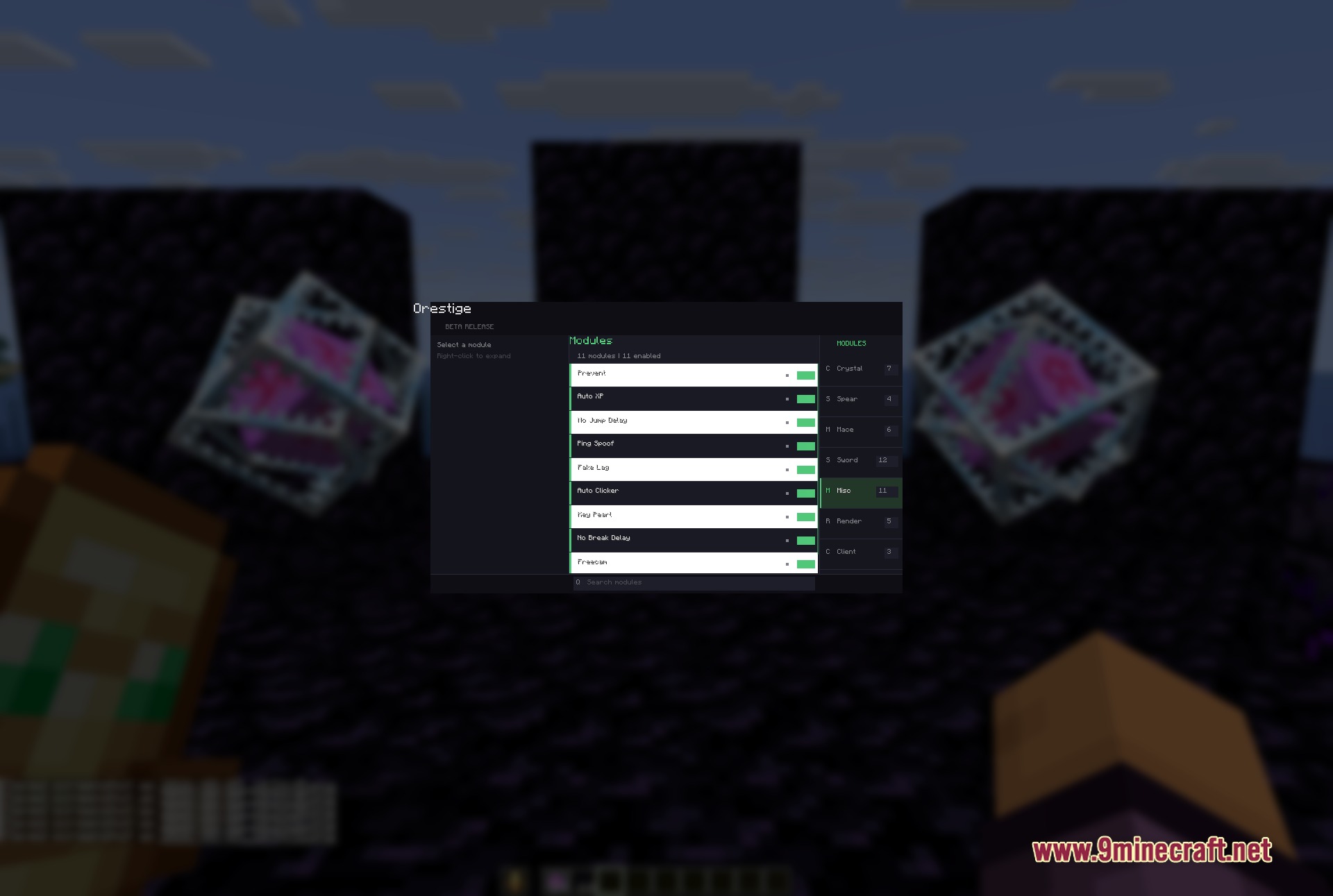
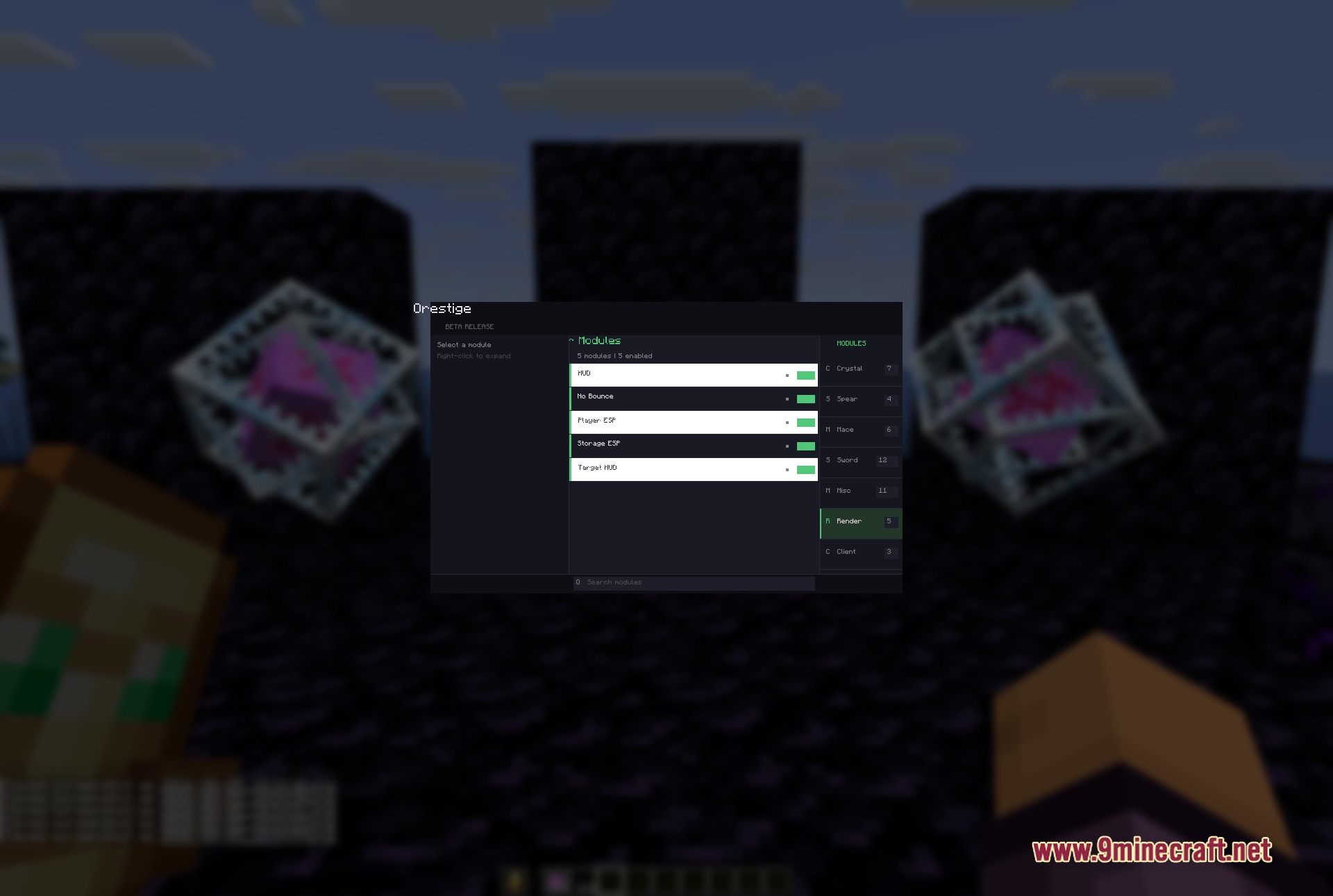
Press Right Shift to open the main ClickGUI menu. The right panel shows module groups (Crystal, Sword, Mace, etc.) and the left panel displays all available tools in your selected group.
Why aren't my combat modules showing up for the weapon I'm holding?
Orestige organizes modules by weapon type—make sure you're holding the correct weapon (sword, mace, spear, etc.) and check that the matching module group is selected in the right panel. If modules still don't appear, verify they're enabled in that group's settings.
How do I set up different profiles for different servers or playstyles?
Use the Profile Manager to save your current module configuration as a named profile, then swap between profiles instantly without reconfiguring each tool. This is useful for keeping crystal PvP settings separate from sword-focused loadouts.
Can I bind totem auto-swap to a specific key instead of having it always on?
Yes—right-click on the Totem Auto-Swap module to open its settings, where you can assign a keybind to toggle it on and off, or adjust when it triggers during combat.
See all 10 Orestige questions ›
Gallery
7 images from the Orestige Client Mod page.
You May Also Like
Wikis that share the most with this one
Wikis on the same theme: ore
More client wikis on the site
The most downloaded mods that have a wiki here
A few wikis from each of the other kinds