

 DownloadMulti Mine Mod
Get the files on 9Minecraft
Contents (7)
Overview
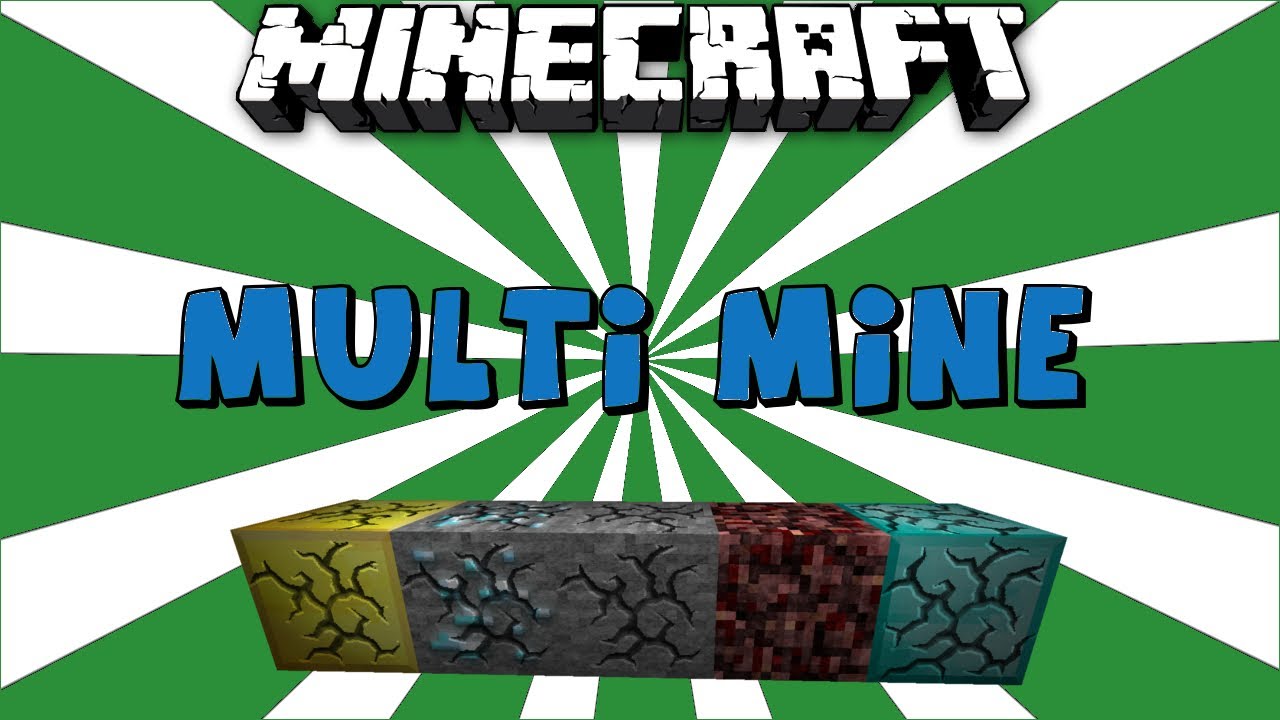
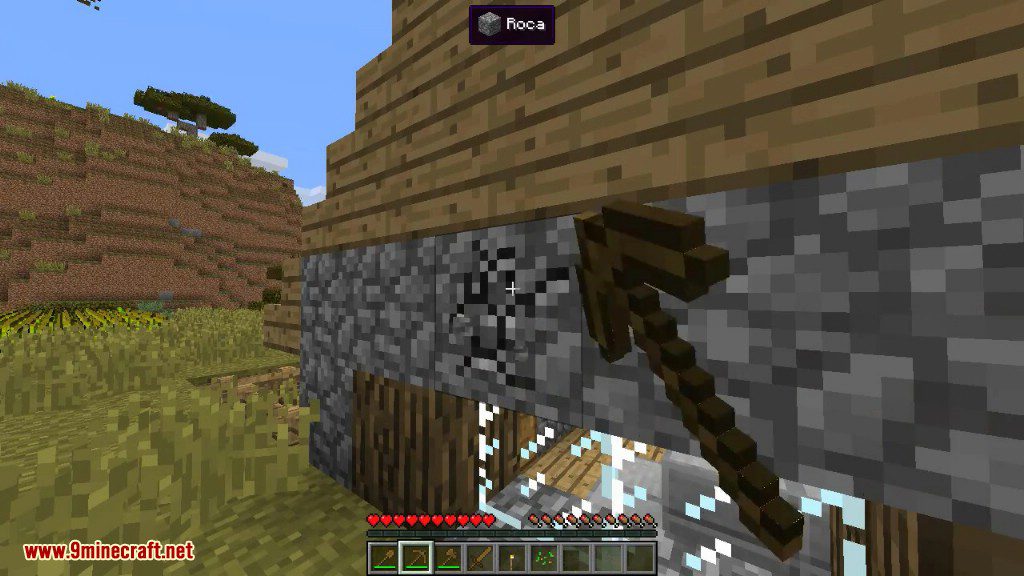
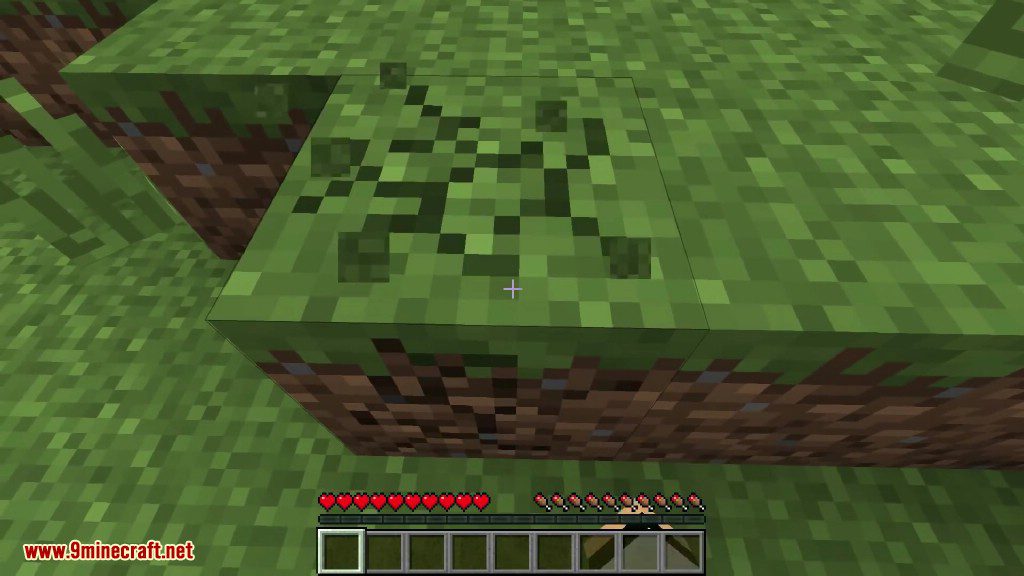
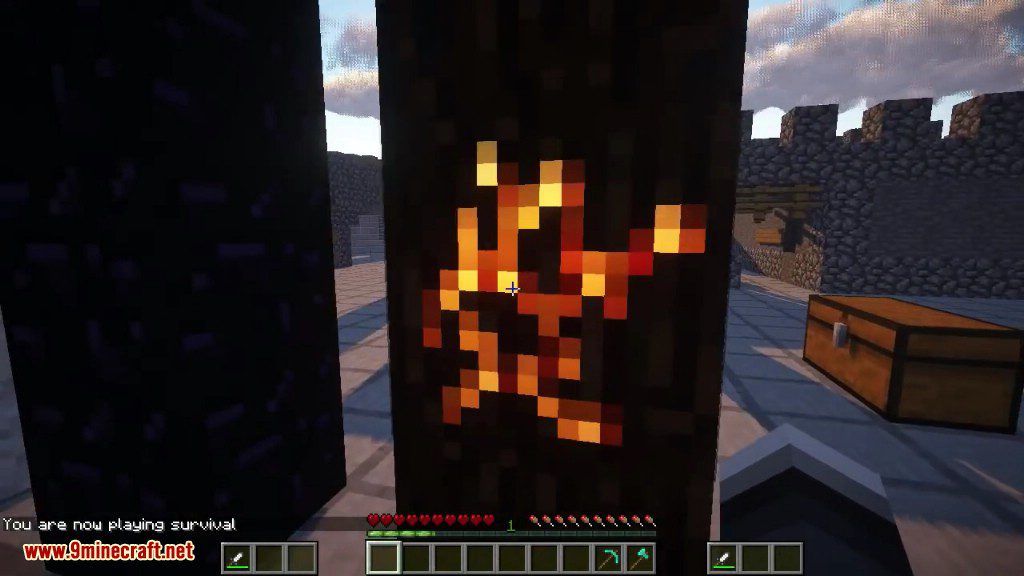
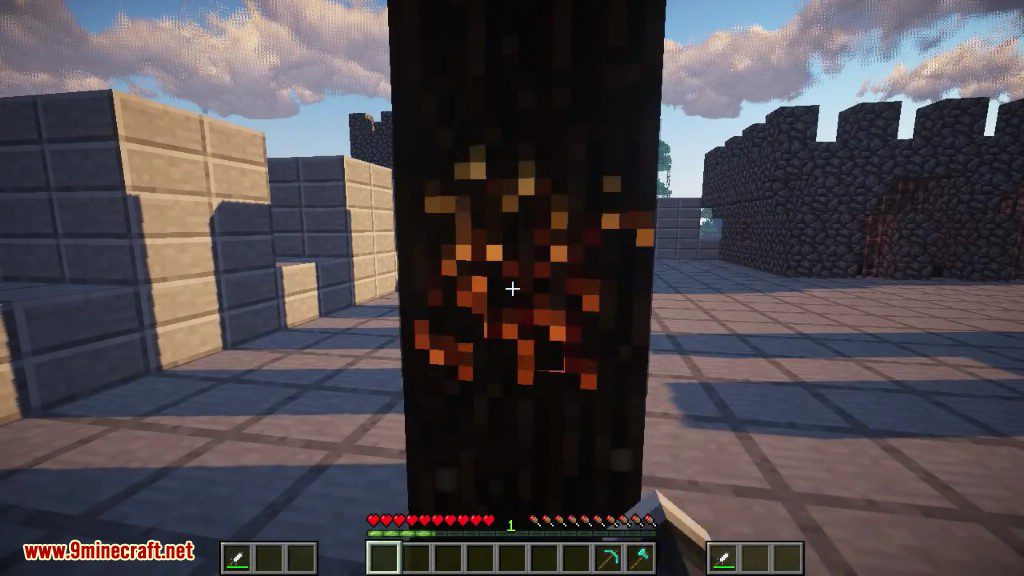
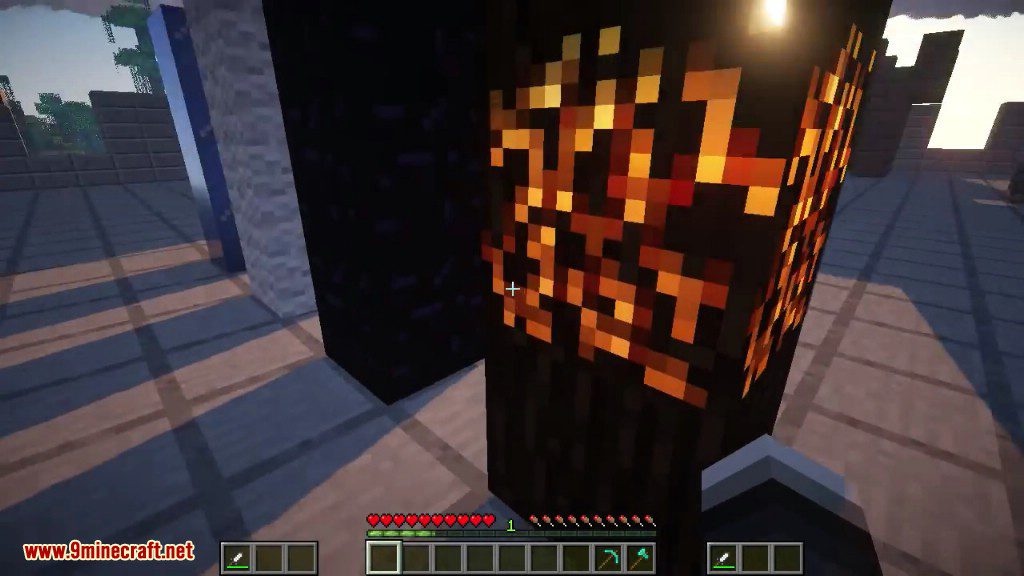
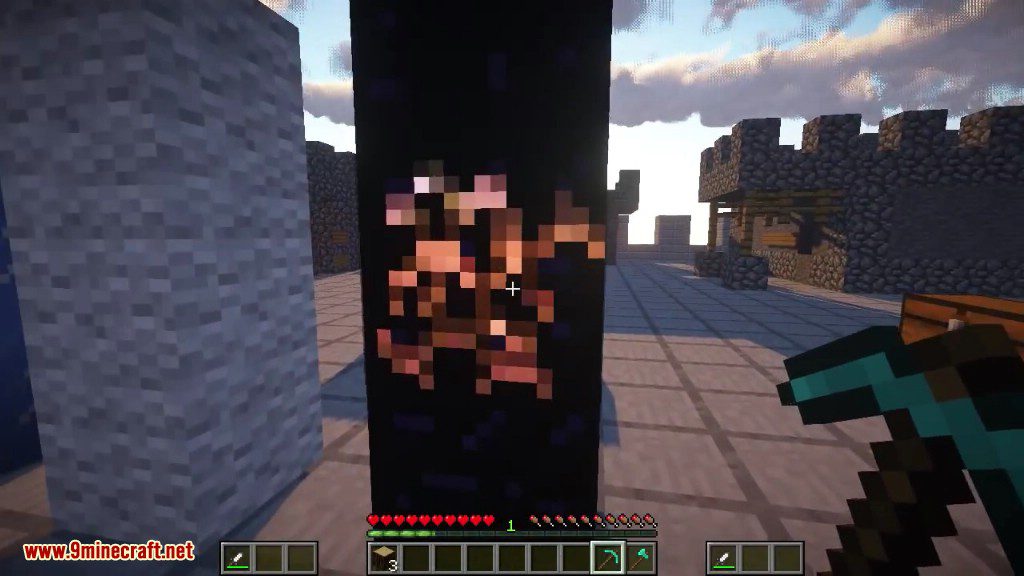
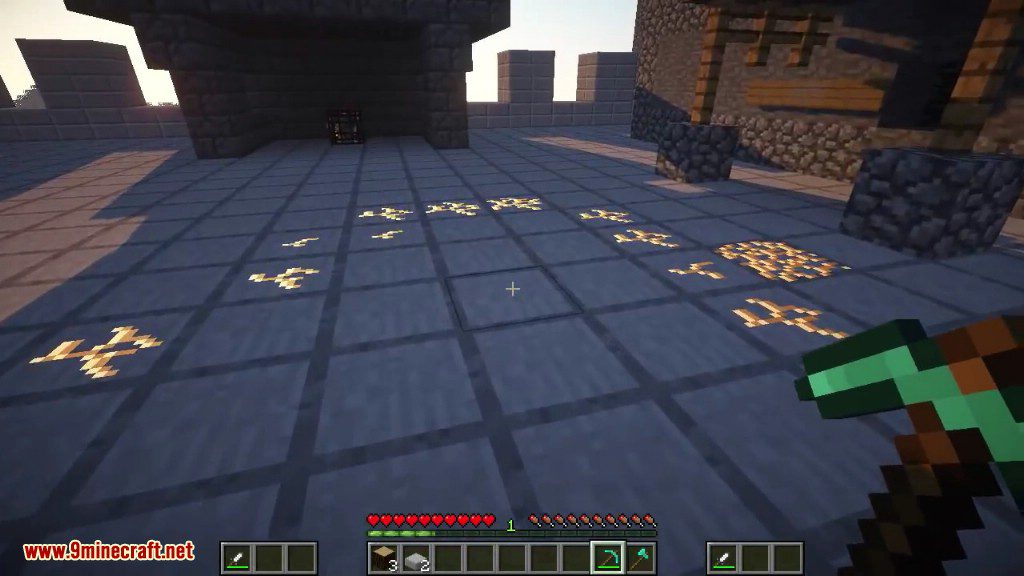
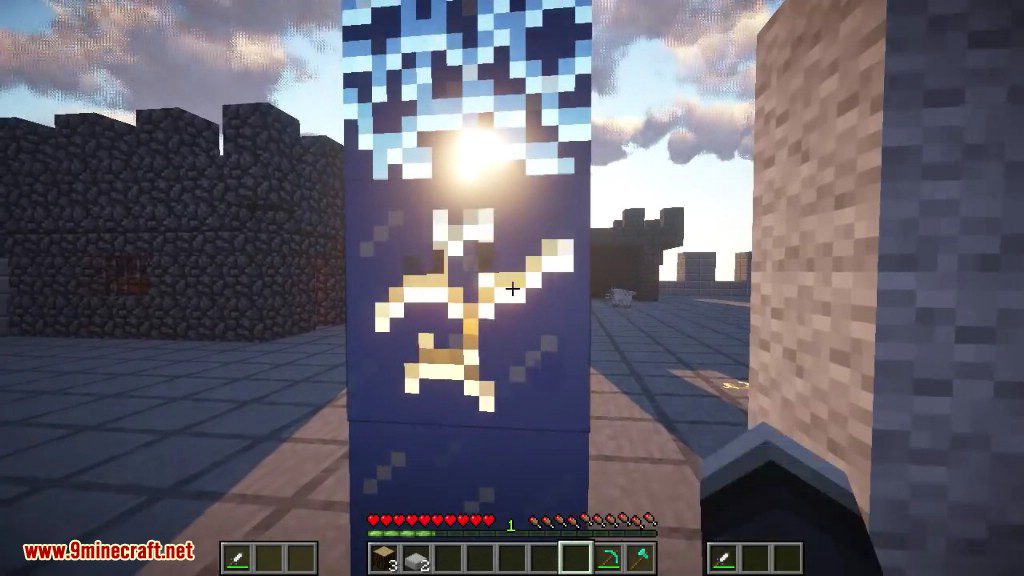
Multi Mine, developed by AtomicStryker, is a fundamental utility mod that overhauls the mining mechanics in Minecraft. In the vanilla game, if a player stops hitting a block before it is fully broken, the progress is immediately lost. Multi Mine changes this by saving the damage state of blocks, allowing players to walk away, switch tools, or even have multiple players contribute to breaking a single block simultaneously.
The mod is designed to be lightweight and server-friendly, ensuring that block damage does not bloat save files or interfere with world data. It is fully compatible with both vanilla and modded blocks, making it a staple for large modpacks where mining high-durability blocks can be time-consuming.
In-game Screenshots

Guides
Step-by-step, in-game.
Frequently asked questions
How do I start mining together with someone in multi mine?
Does multi mine work if only one player has the mod installed?
Why is my block progress resetting when my friend joins in?
Do I need to be standing next to the other player to share mining progress?
See all 20 Multi Mine questions ›
Gallery
10 images from the Multi Mine Mod page.
You May Also Like
Wikis that share the most with this one
More mod wikis on the site
The most downloaded mods that have a wiki here
A few wikis from each of the other kinds