

 DownloadIris & Oculus Search Mod
Get the files on 9Minecraft
Guides
Step-by-step, in-game.
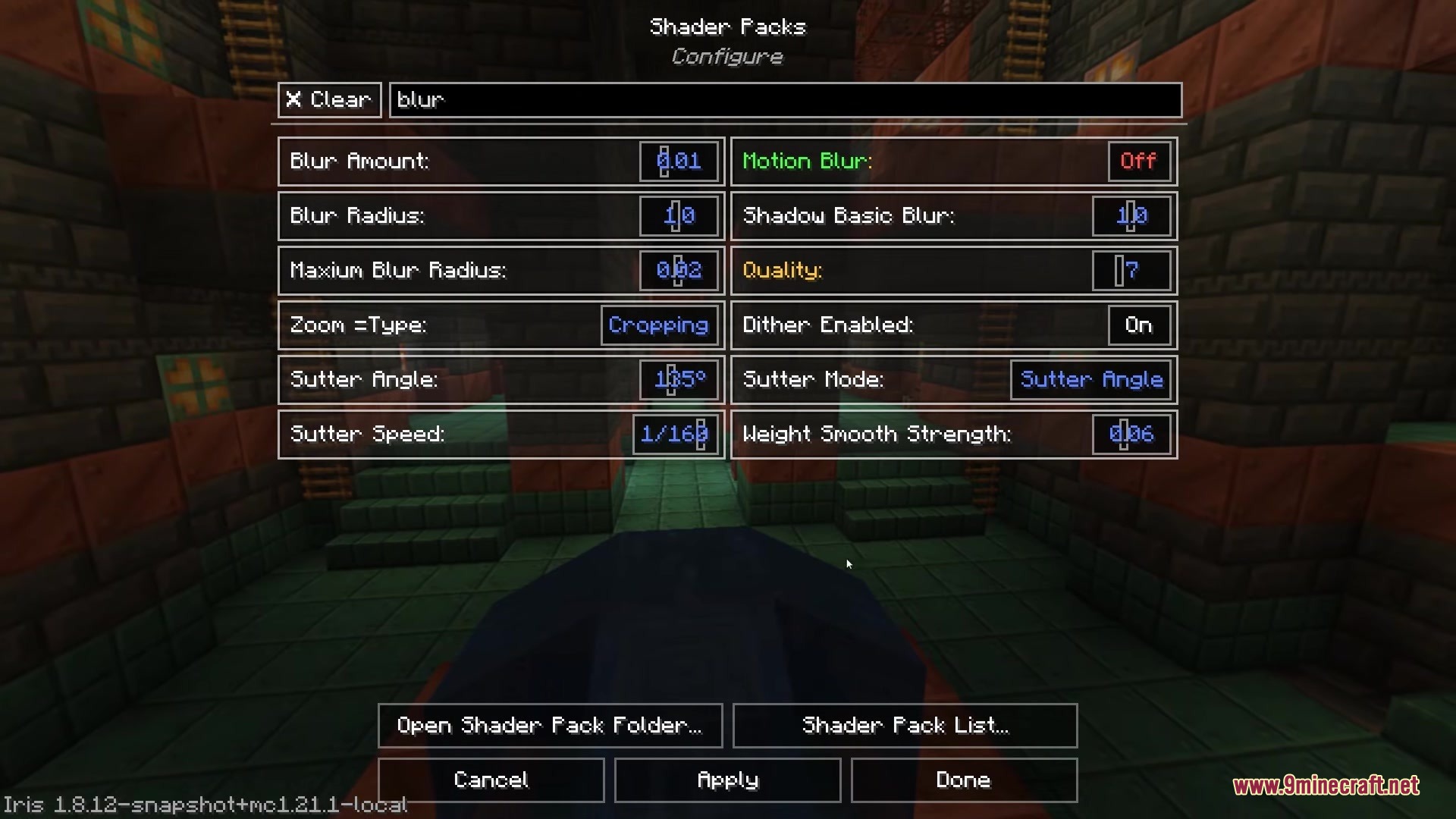
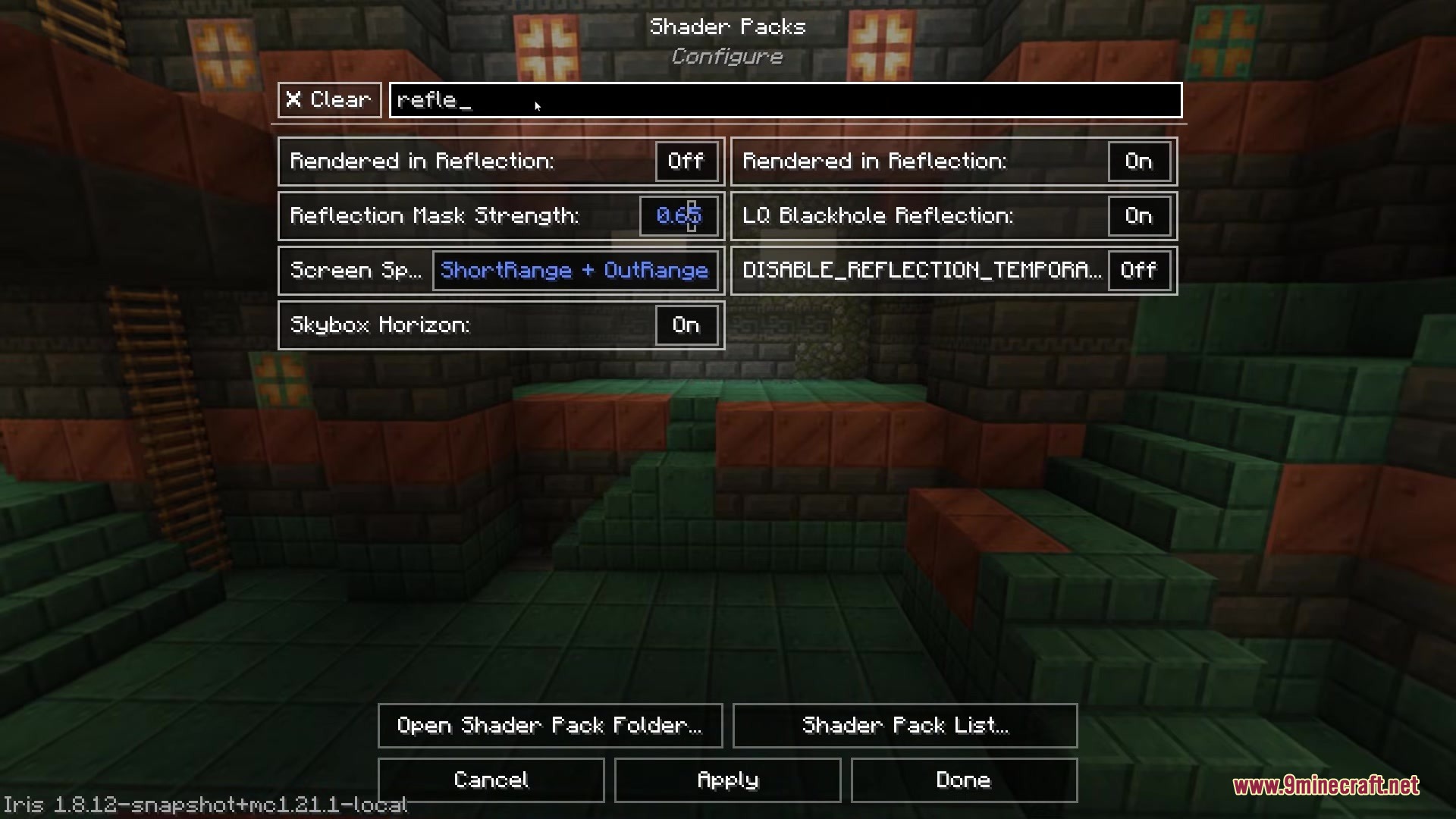
Find and Toggle Shader Options by NameUsing the Search Bar When you're in the shader settings menu, you'll see a text box at the top. This is your search…Search for Shader Packs in the Pack Selection MenuAccessing the Pack Search Open your video settings, then navigate to the shader packs menu. The search bar appears…Search Shader Settings Across Different LanguagesLanguage Support in Search If your shader pack includes translations for your selected Minecraft language, the search…Troubleshoot Search Not Finding OptionsCheck Your Search Term If the search returns no results, try a shorter or different keyword. Some shader packs use…
Frequently asked questions
Where do I find the search bar after installing the mod?
Open Video Settings, then navigate to Shader Packs. The search bar appears at the top of both the shader pack selection menu and the shader options screen once you select a pack.
Can I search for shader options if I don't have a shader pack loaded?
No, the search bar only works when you have a shader pack selected. You need to choose a pack first before you can search through its options.
Does the search work with shader packs in other languages?
Yes, if the shader pack includes translations, the search will match option names in your selected language. This lets you find settings even if you're not playing in English.
What happens if I search for something that doesn't exist in my shader pack?
The menu will show no results. Try searching for a partial word or a related term—for example, search 'wave' instead of 'waving leaves' if the exact phrase isn't found.
See all 10 Iris & Oculus Search questions ›
Gallery
6 images from the Iris Oculus Search Mod page.

You May Also Like
Wikis that share the most with this one
More mod wikis on the site
The most downloaded mods that have a wiki here
A few wikis from each of the other kinds