

 DownloadNicer Skies Mod
Get the files on 9Minecraft
Guides
Step-by-step, in-game.
How to Fix Nicer Skies Not Showing UpFirst Checks If your sky still looks like vanilla, the mod likely isn't loading or something is overriding it. 1.…How to Get Unique Nebula Skies in Every New WorldUnderstanding Seed-Dependent Skies Nicer Skies generates its nebula skybox based on your world seed. This means two…How to Make Stars Twinkle and Show Colored StarsWhat the Star Rendering Does Nicer Skies replaces vanilla's flat white dots with stars that twinkle and appear in…How to Tune the Lightmap for More Vibrant ColorsWhat the Lightmap Adjustment Does Nicer Skies tweaks Minecraft's lightmap so colors look more vibrant and darks look…
Frequently asked questions
How do I get the nebula sky to show up?
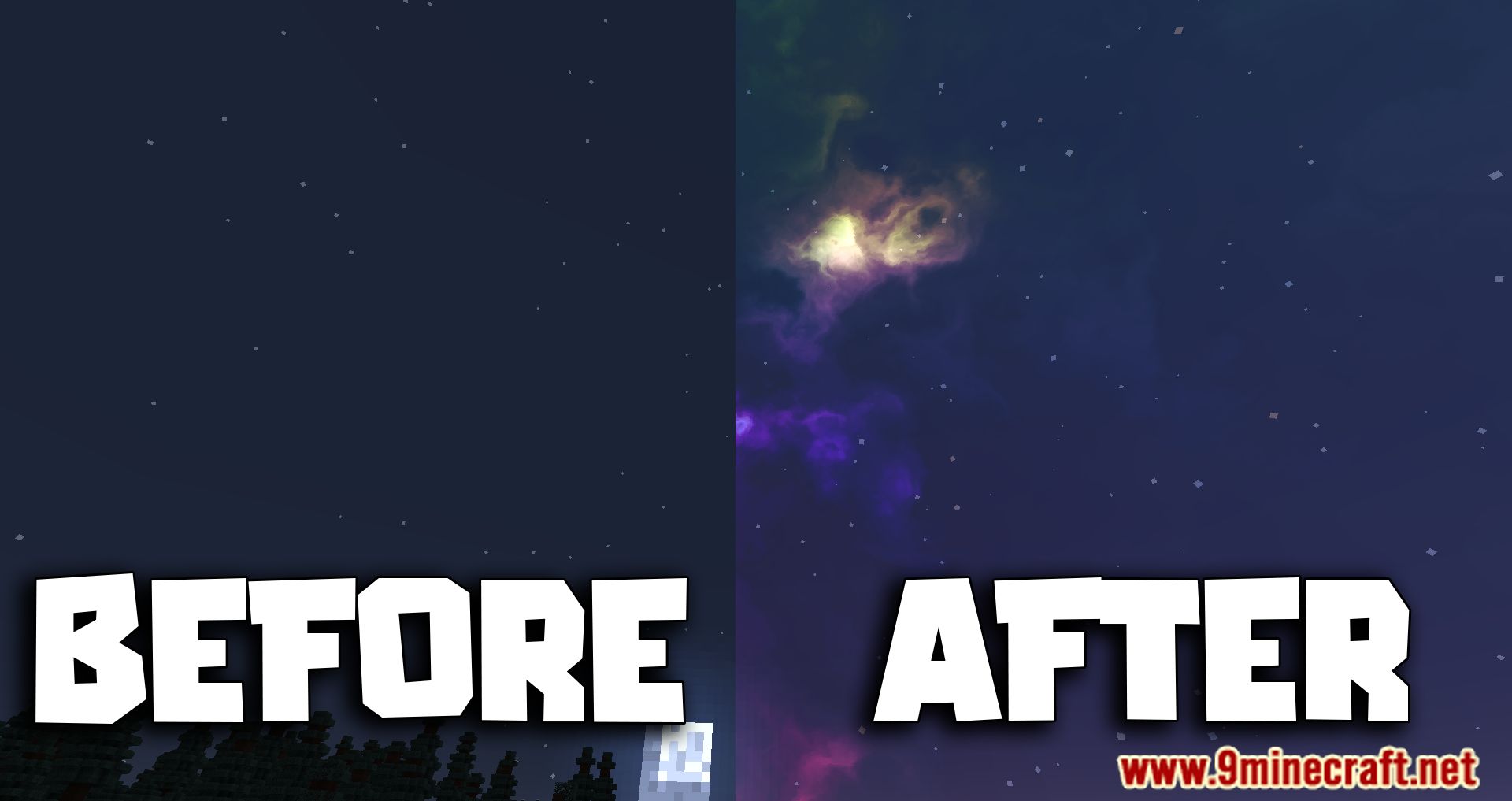
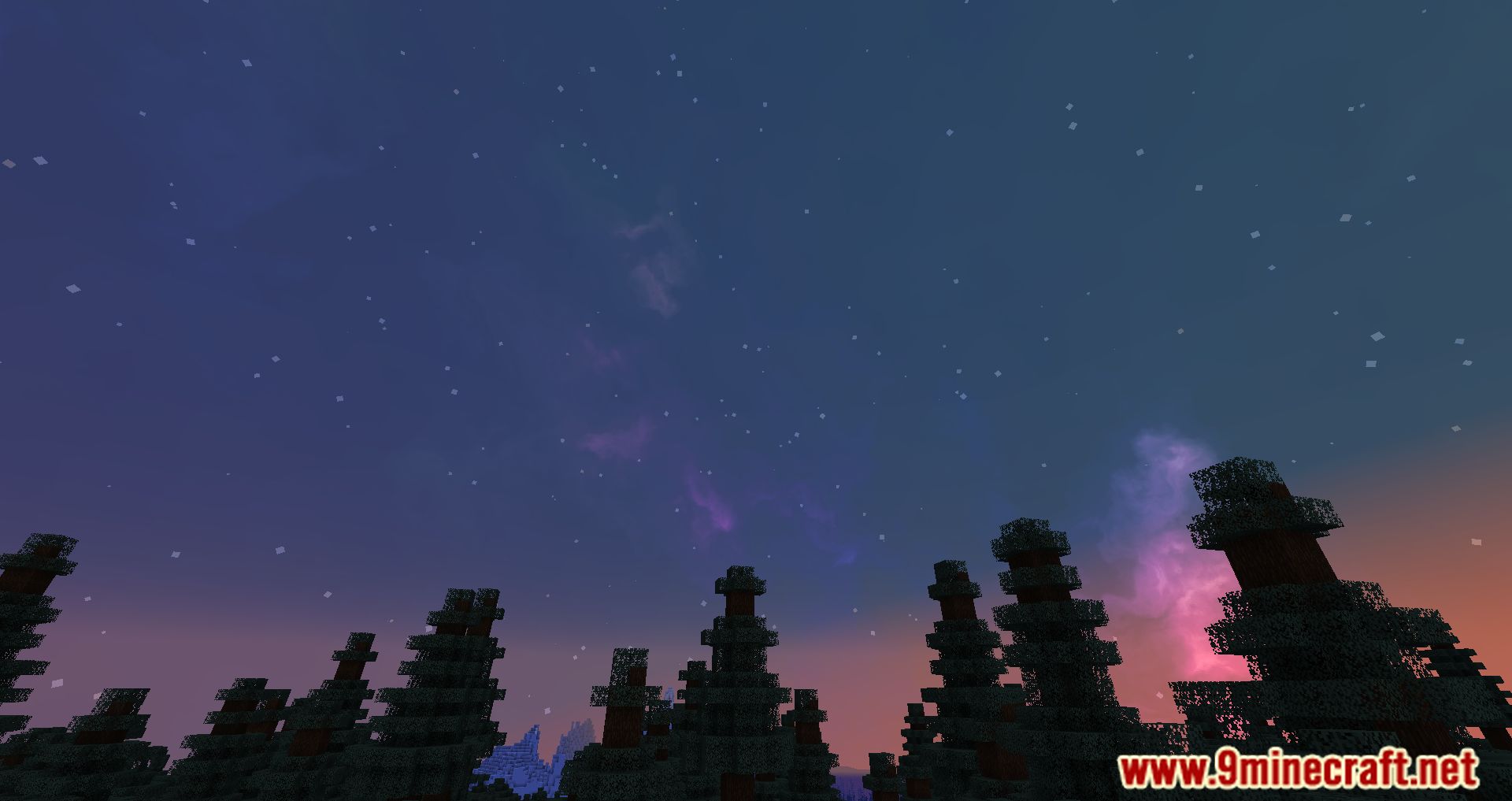
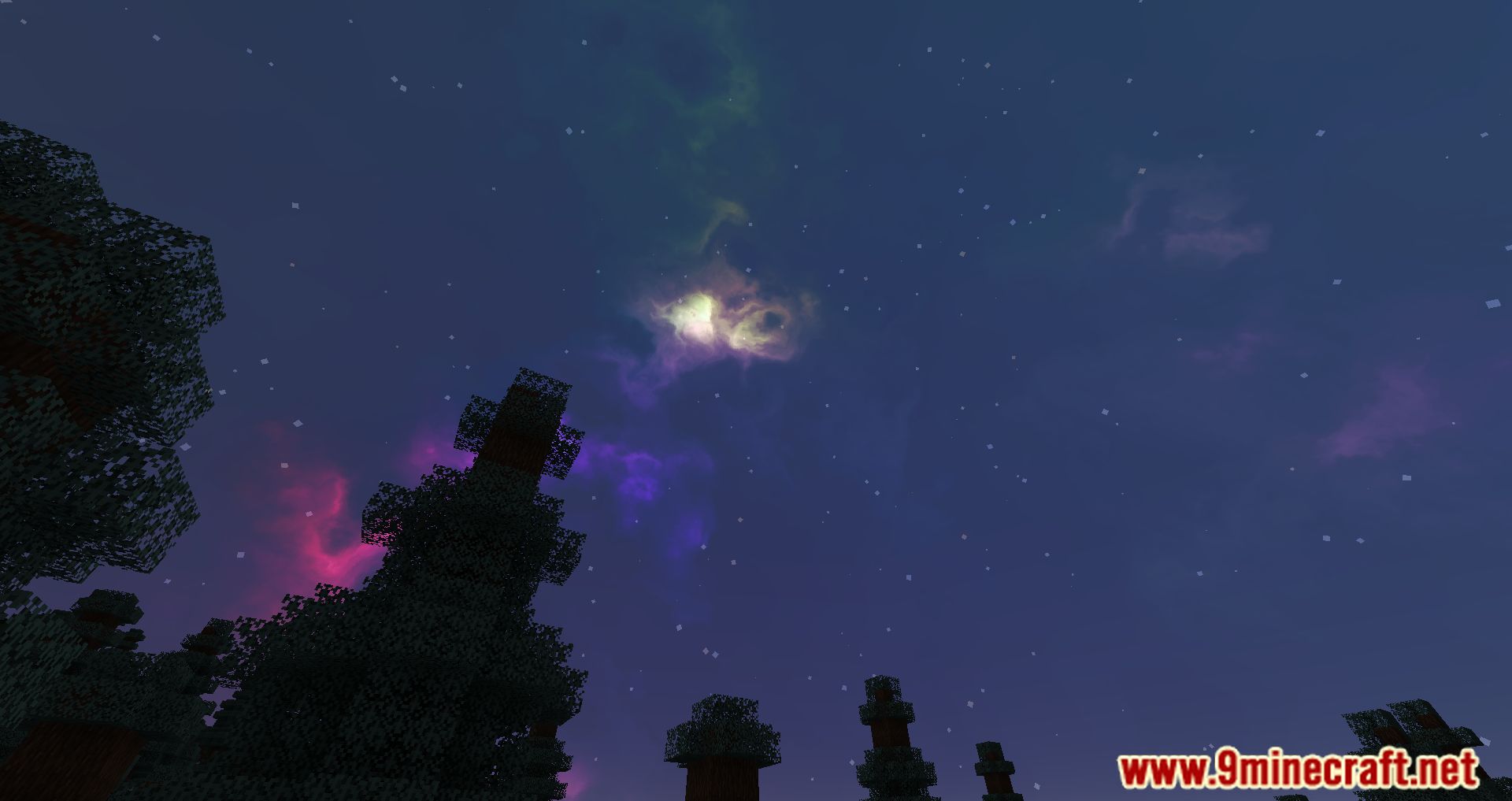
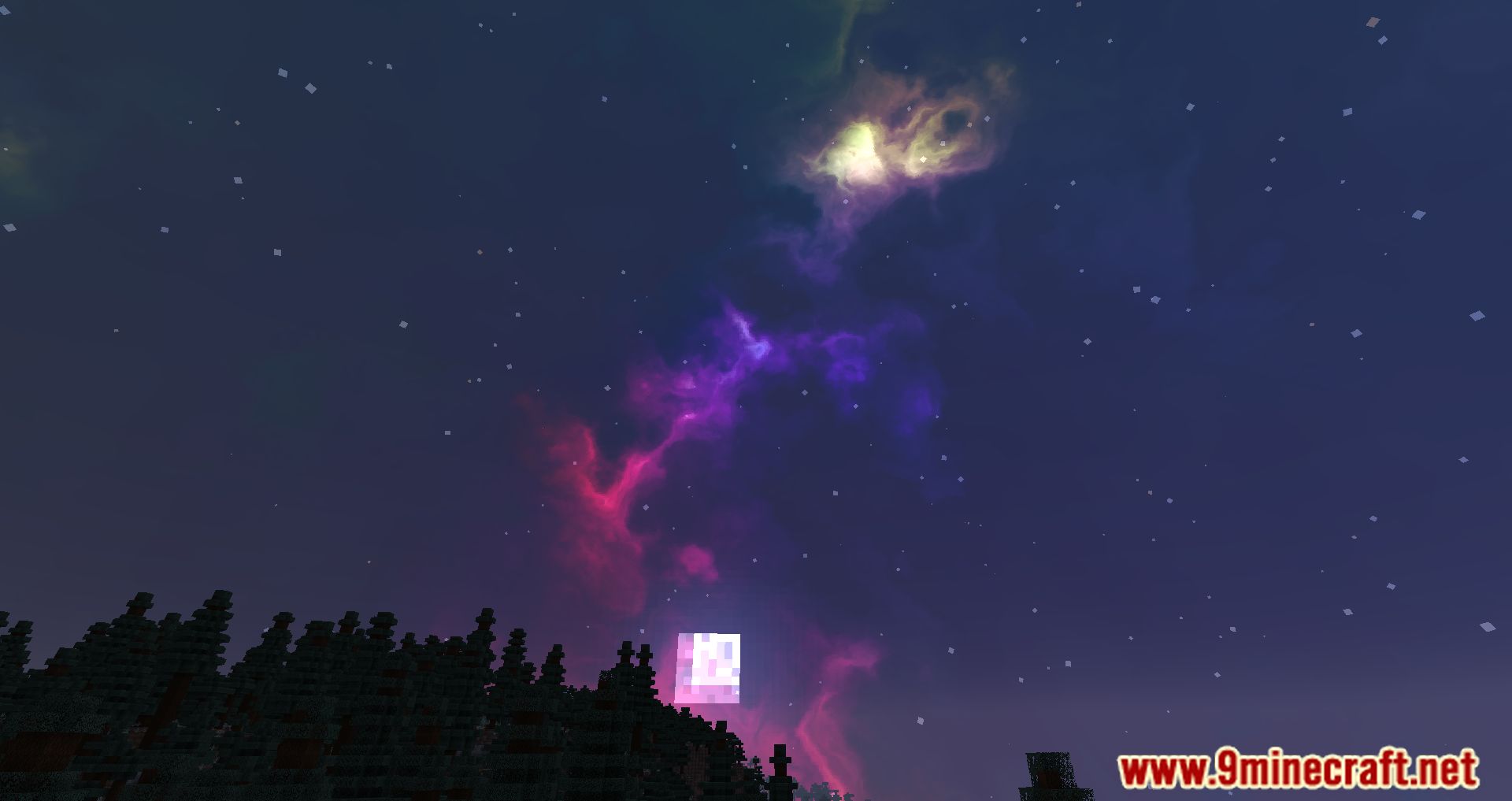
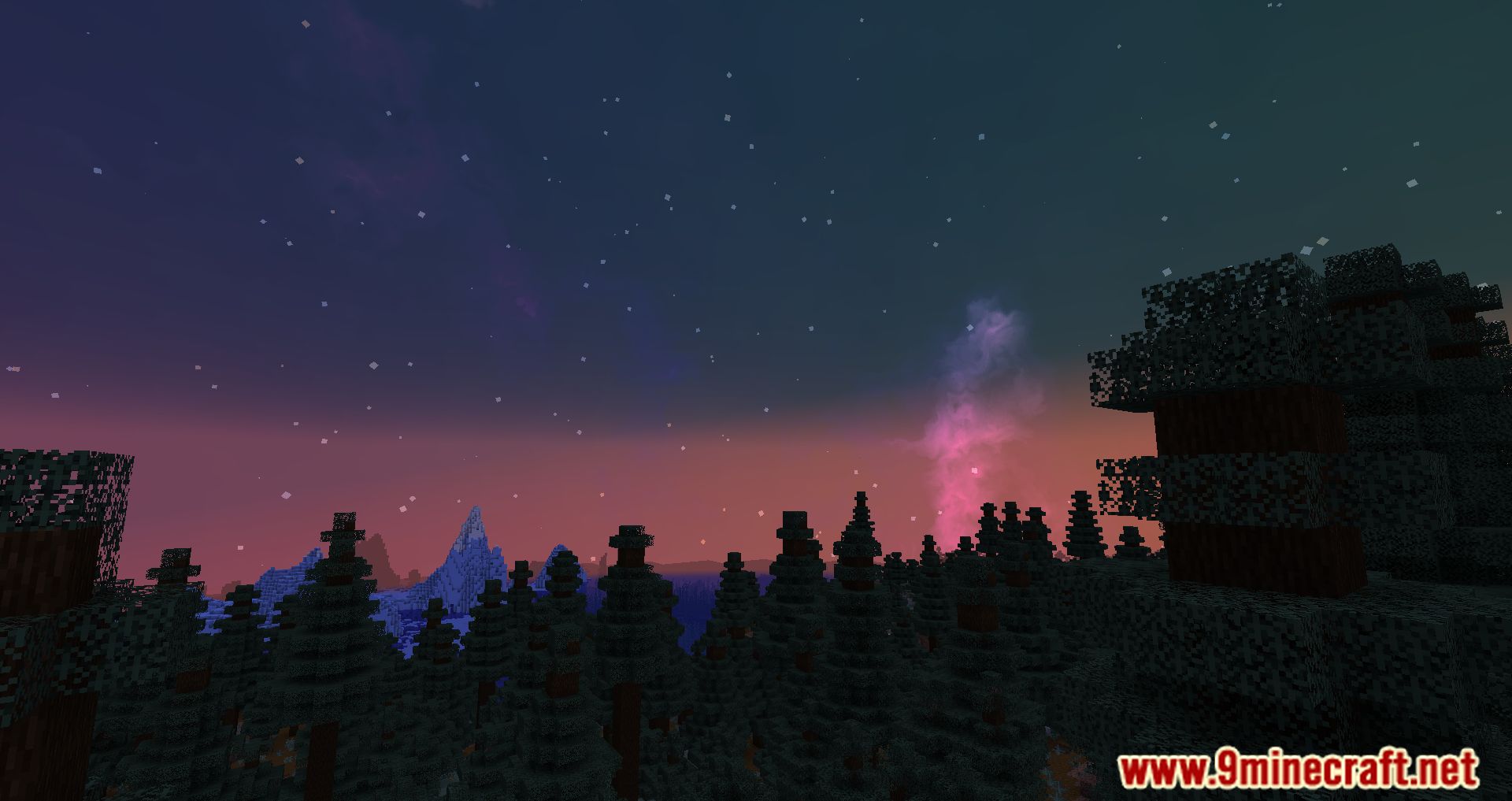
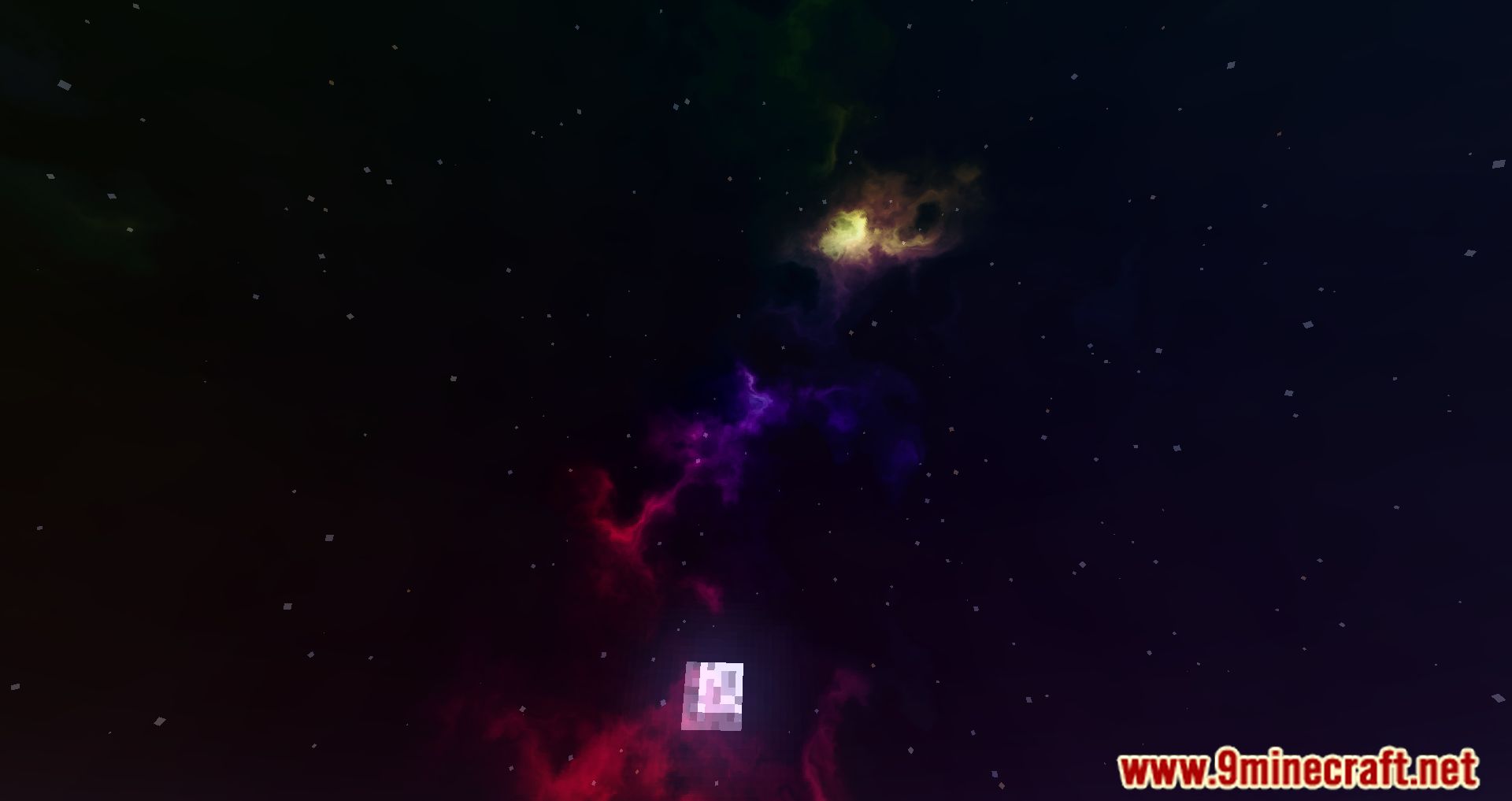
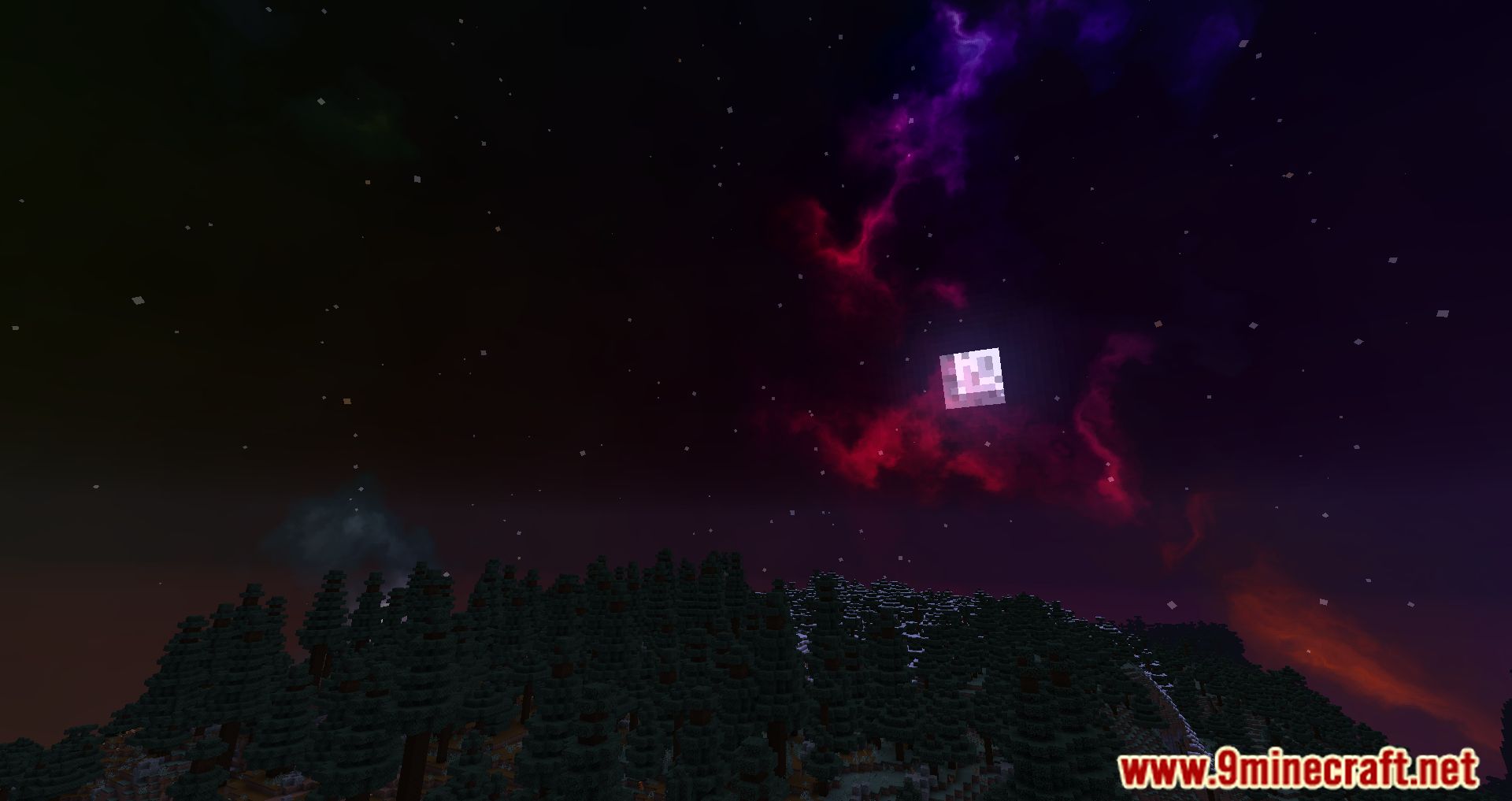
Nebulas generate automatically per world seed, so simply loading a world with the mod installed should display them. If you see a plain vanilla sky, check that the mod is actually loaded and that no other sky or shader mod is overriding it.
Why does every world have a different sky?
The nebula skybox is seed-dependent, meaning the pattern is generated from your world seed rather than being fixed. This is why two worlds never share the same sky, and why the same seed always reproduces the same nebulas.
Can I change the sky in an existing world?
The nebula pattern is tied to the world seed, so you can't reroll it without changing the seed itself. If you want a different sky, start a new world and let the mod generate a fresh pattern from that seed.
Why don't my stars twinkle or show colors?
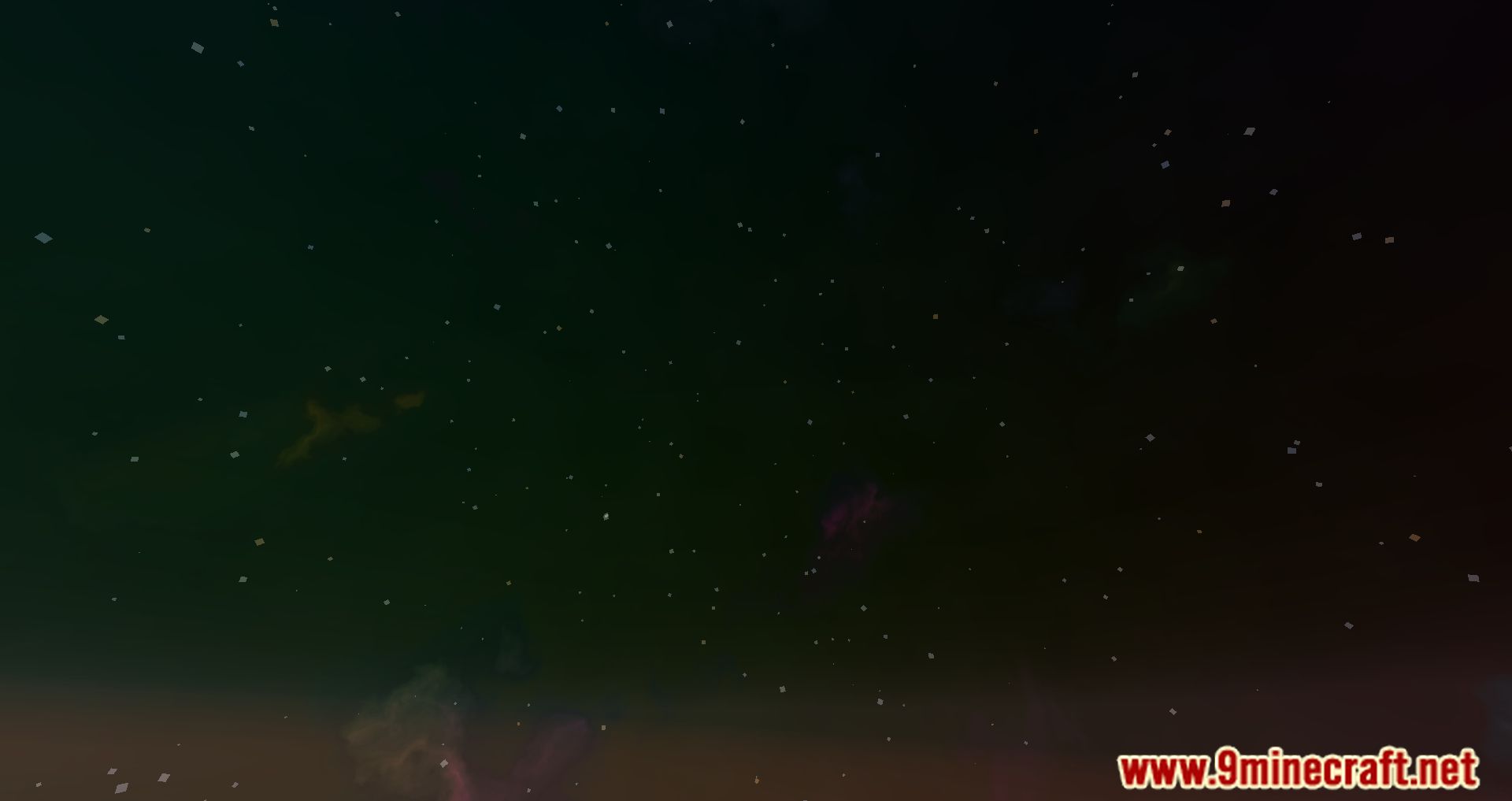
Twinkling and colored stars are part of the mod's star rendering, which only appears at night when stars are visible. If stars look flat and white, another mod or a resource pack is likely overriding the star layer.
See all 10 Nicer Skies questions ›
Gallery
11 images from the Nicer Skies Mod page.
You May Also Like
Wikis that share the most with this one
 Prism Skies Shaders
More mod wikis on the site
The most downloaded mods that have a wiki here
A few wikis from each of the other kinds