

 DownloadAALab Shaders
Get the files on 9Minecraft
Guides
Step-by-step, in-game.
Adjust Anti-Aliasing ModesUnderstanding Anti-Aliasing in AALab Anti-aliasing smooths the jagged edges of blocks and terrain, making your world…Customize Lighting and ShadowsLocating Lighting Controls Open the AALab Shaders configuration panel from your Video Settings. Look for lighting,…Optimize AALab Shaders for Your HardwareIdentify Your Hardware Tier Before configuring, determine whether your PC is potato (very old), low-end, medium, or…Switch Between Visual PresetsAccessing the Shader Settings Open your shader options menu while in-game. This is typically found in Video Settings…
Frequently asked questions
How do I enable AALab Shaders after installing it?
Open your video settings in-game, navigate to Shaders, and select AALab Shaders from the list. The shader will activate immediately, though you may need to restart your world for all effects to fully apply.
What's the difference between the visual presets?
Presets range from potato-friendly lightweight profiles to high-end fantasy styles; vanilla presets keep your world looking close to unmodded Minecraft, while cursed presets apply unusual and experimental visual effects. Choose based on your hardware and desired aesthetic.
Which preset should I use if my game is lagging?
Start with a potato or low-tier preset, which use minimal anti-aliasing and lighting effects to preserve performance. You can gradually test higher presets to find the balance between visuals and frame rate that works for your PC.
Can I mix and match settings from different presets?
Yes, you can customize individual anti-aliasing modes and lighting settings independently through the shader options menu, even if you start from a preset as your base.
See all 10 AALab Shaders questions ›
Gallery
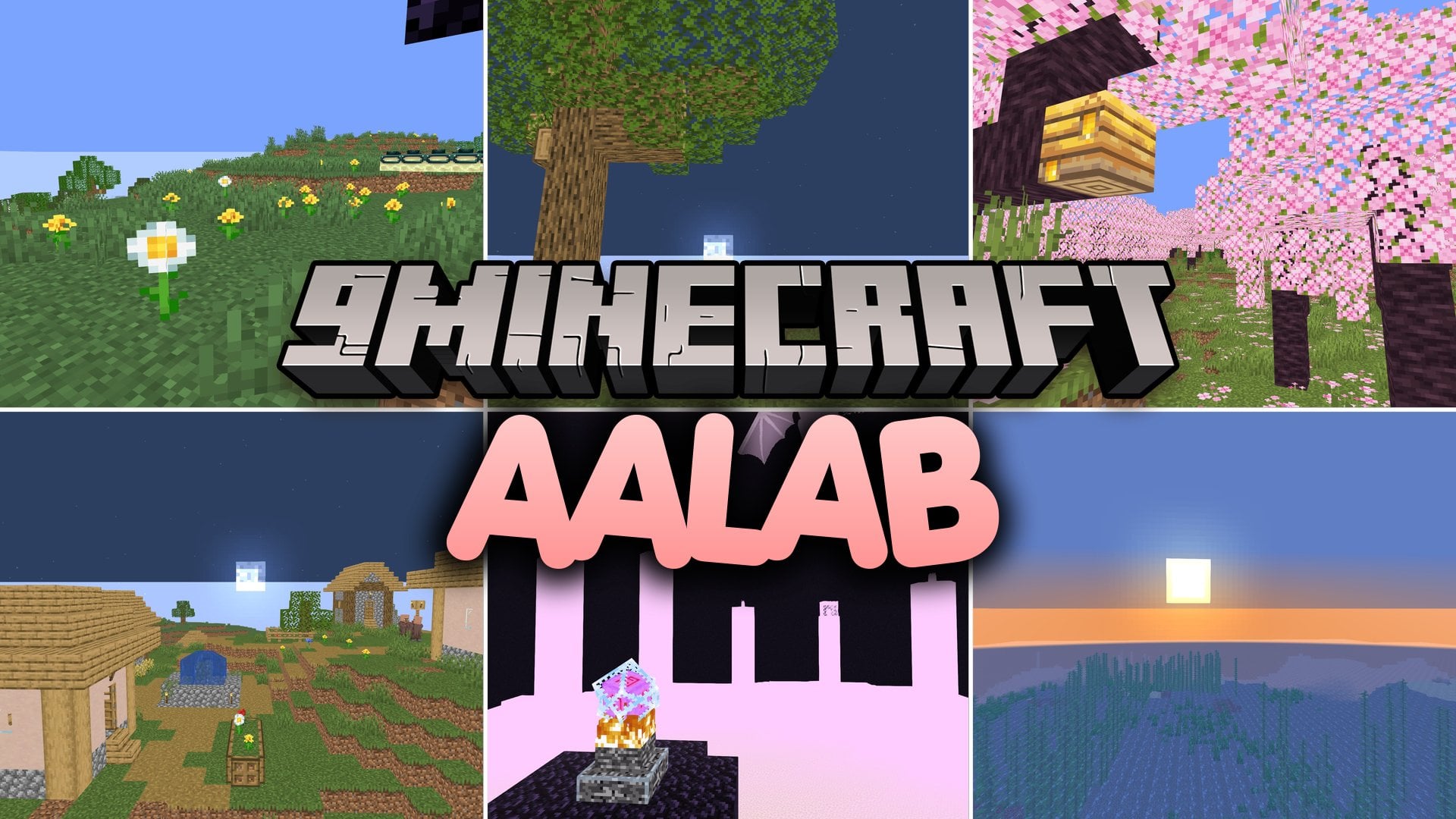
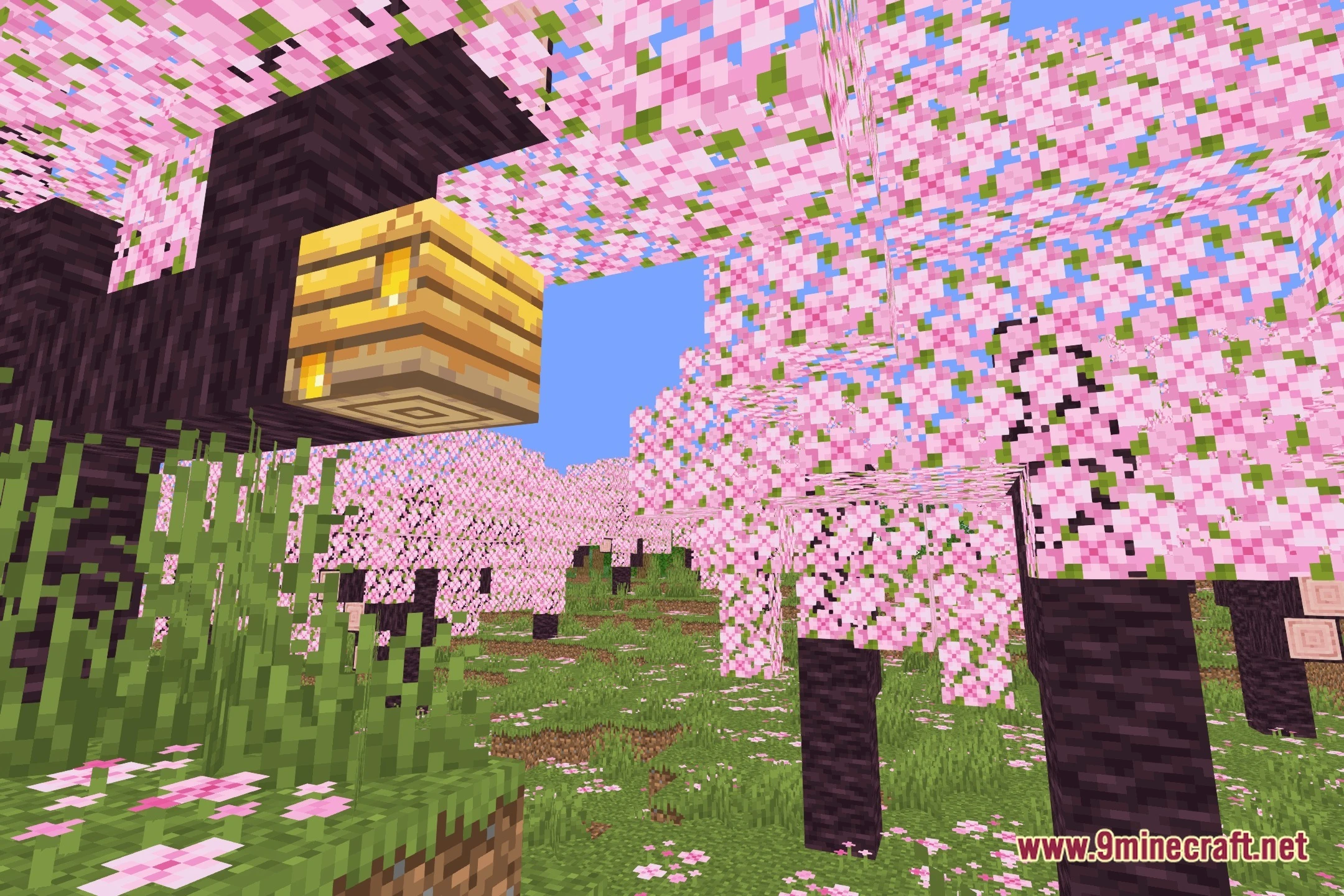
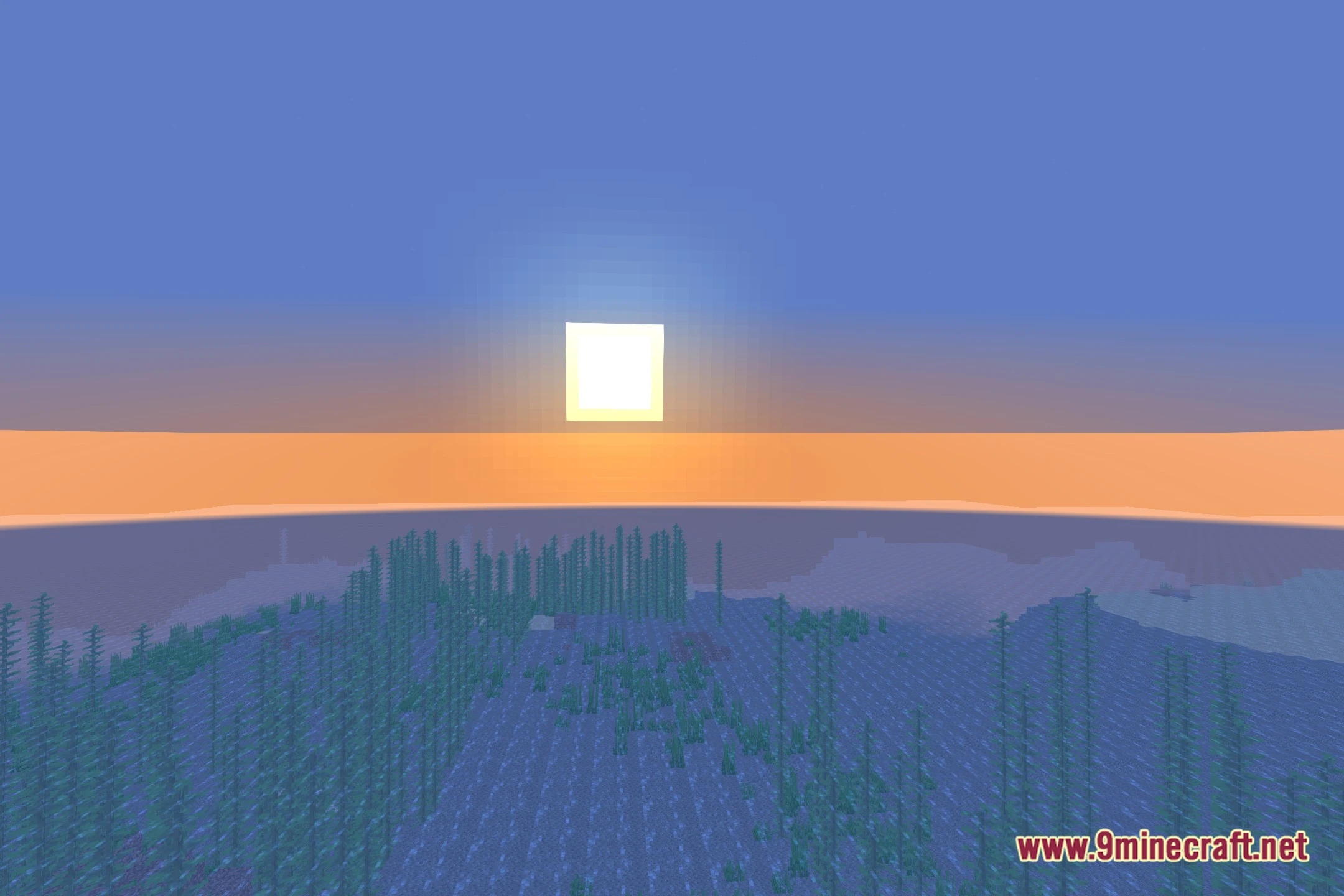
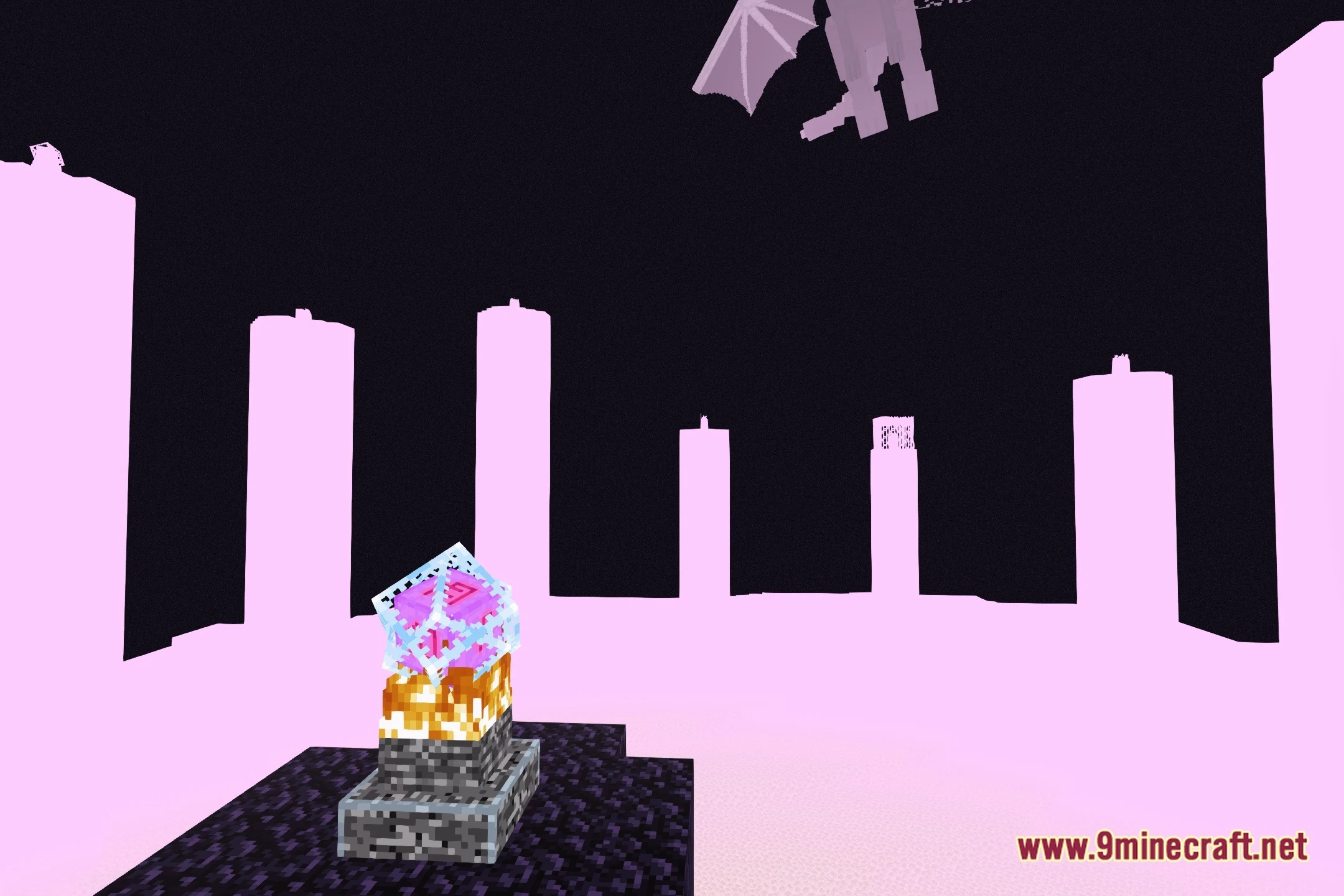
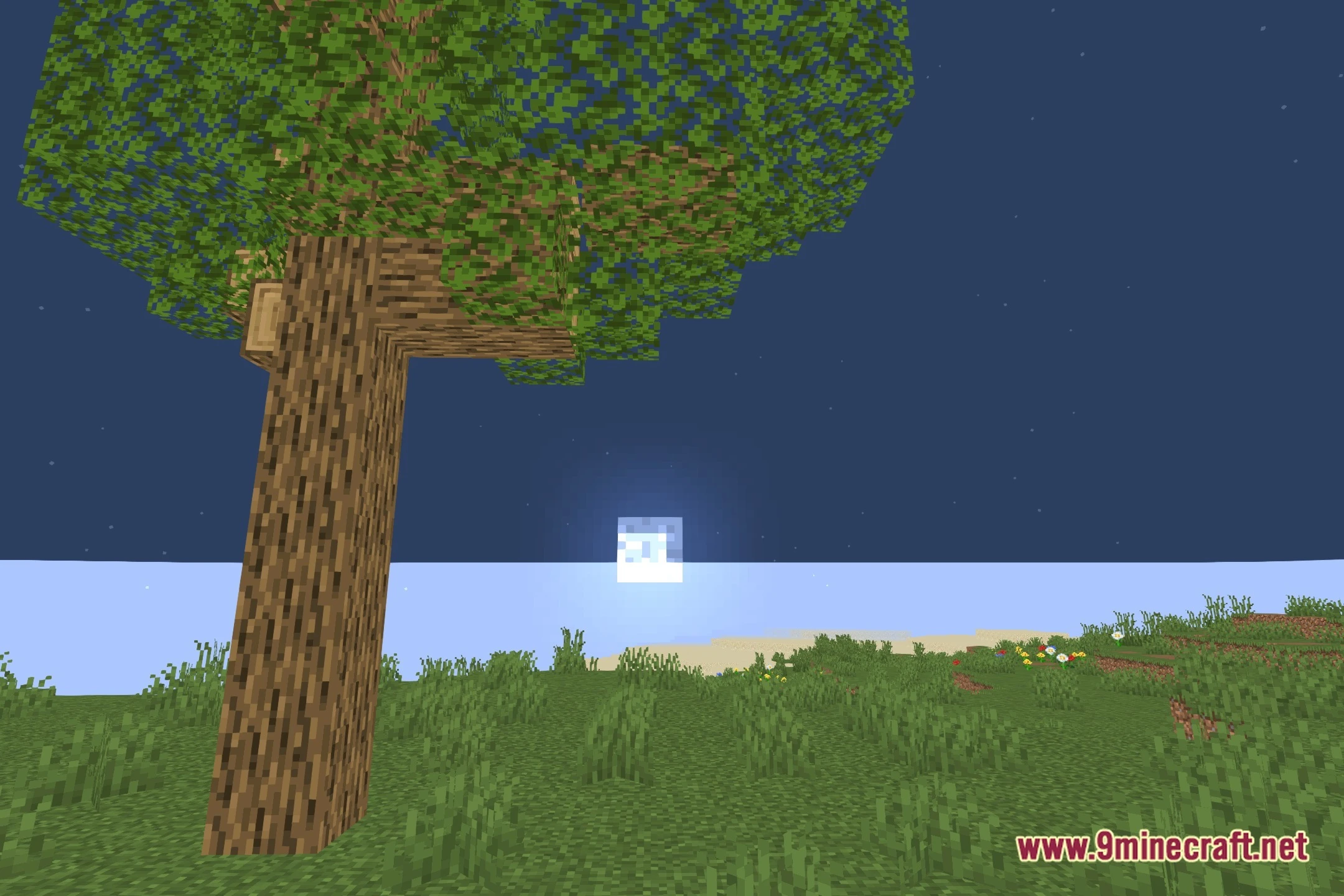
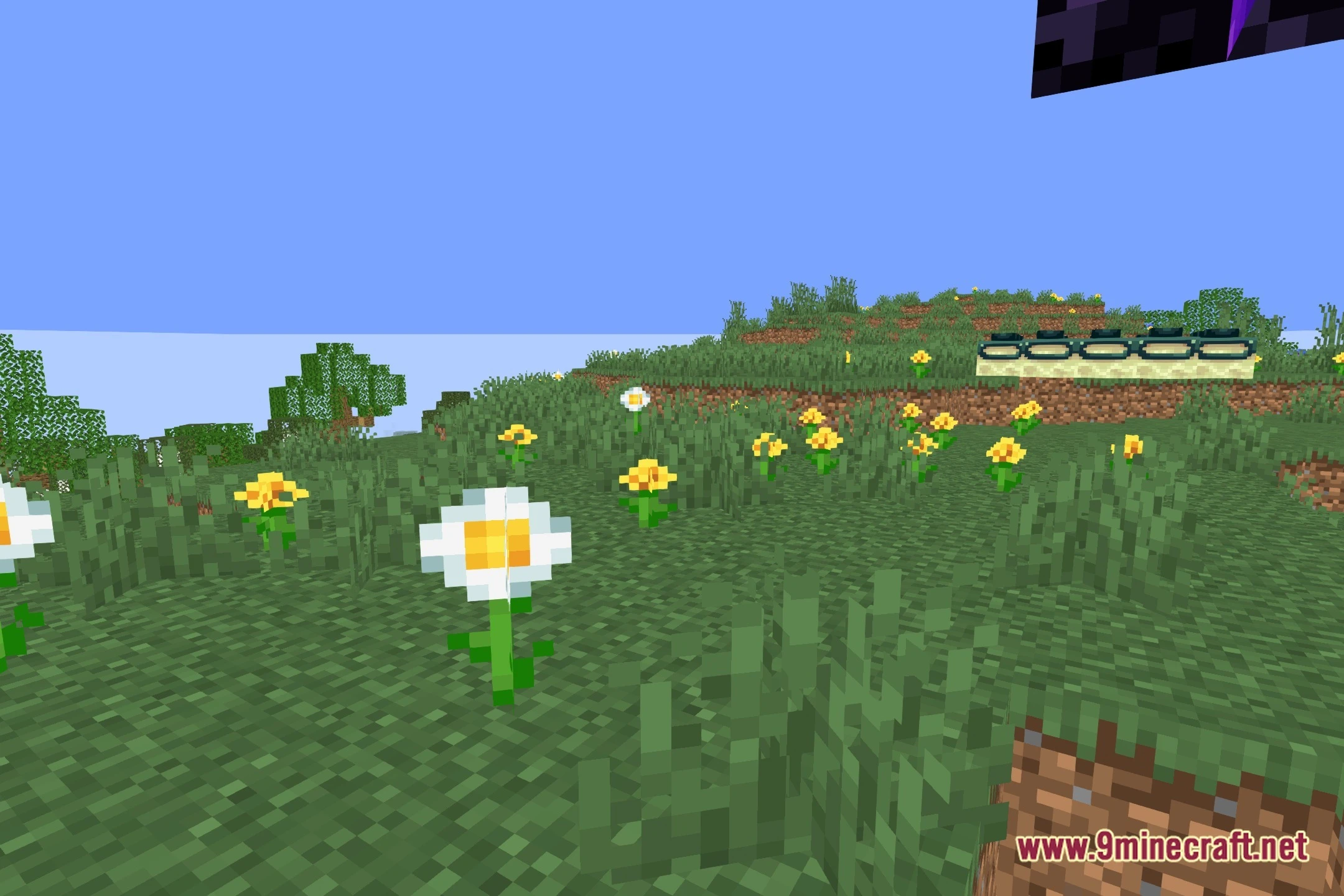
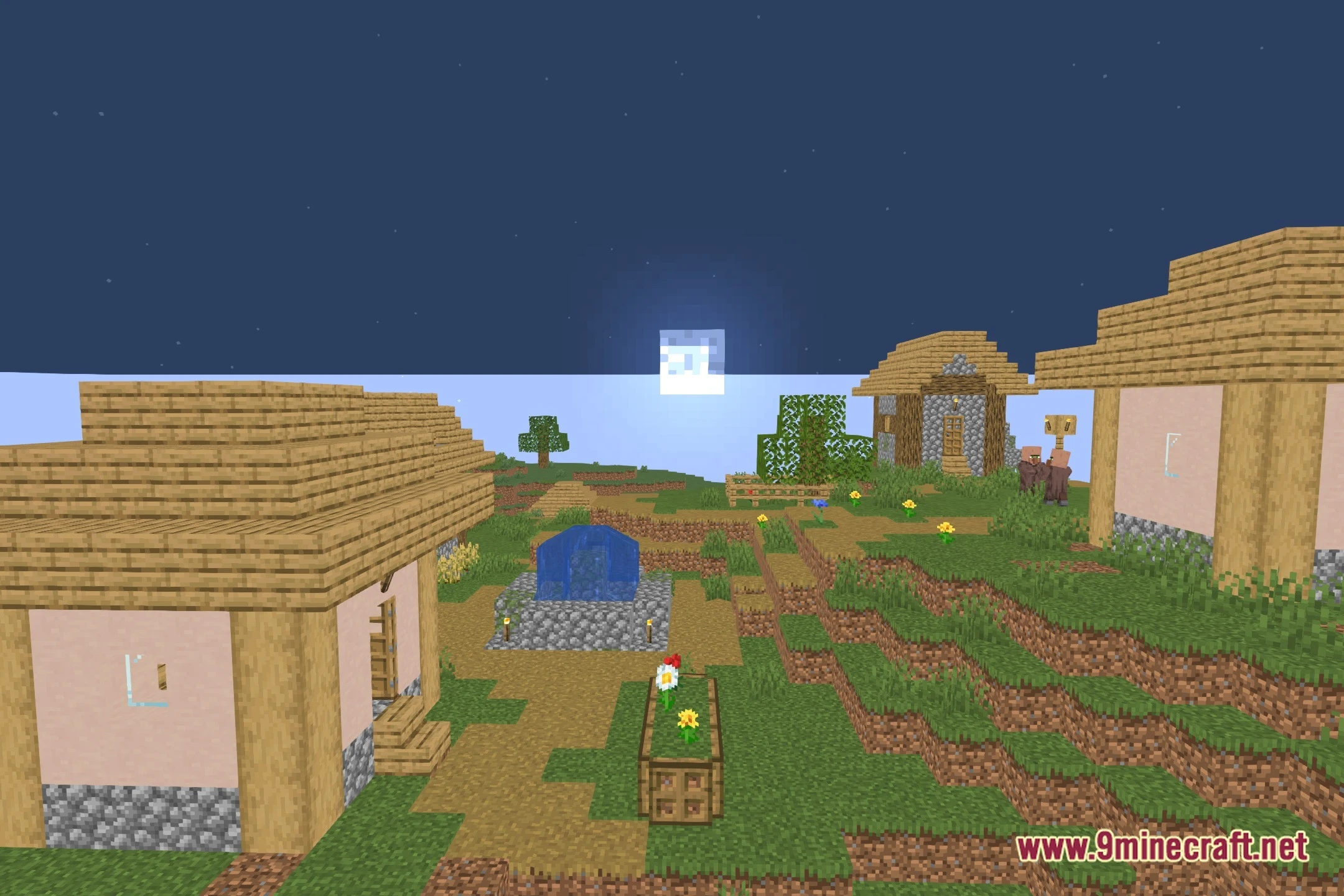
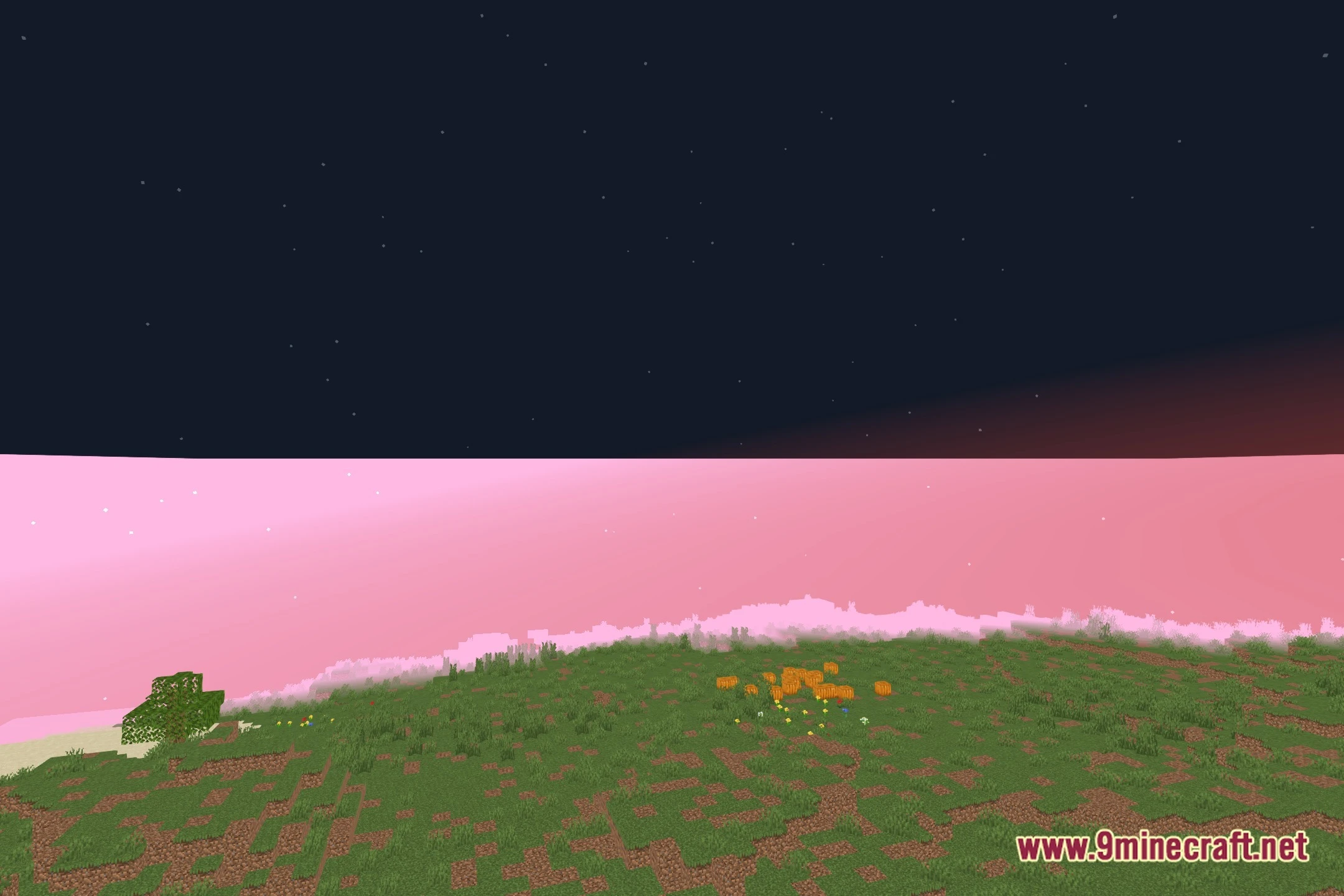
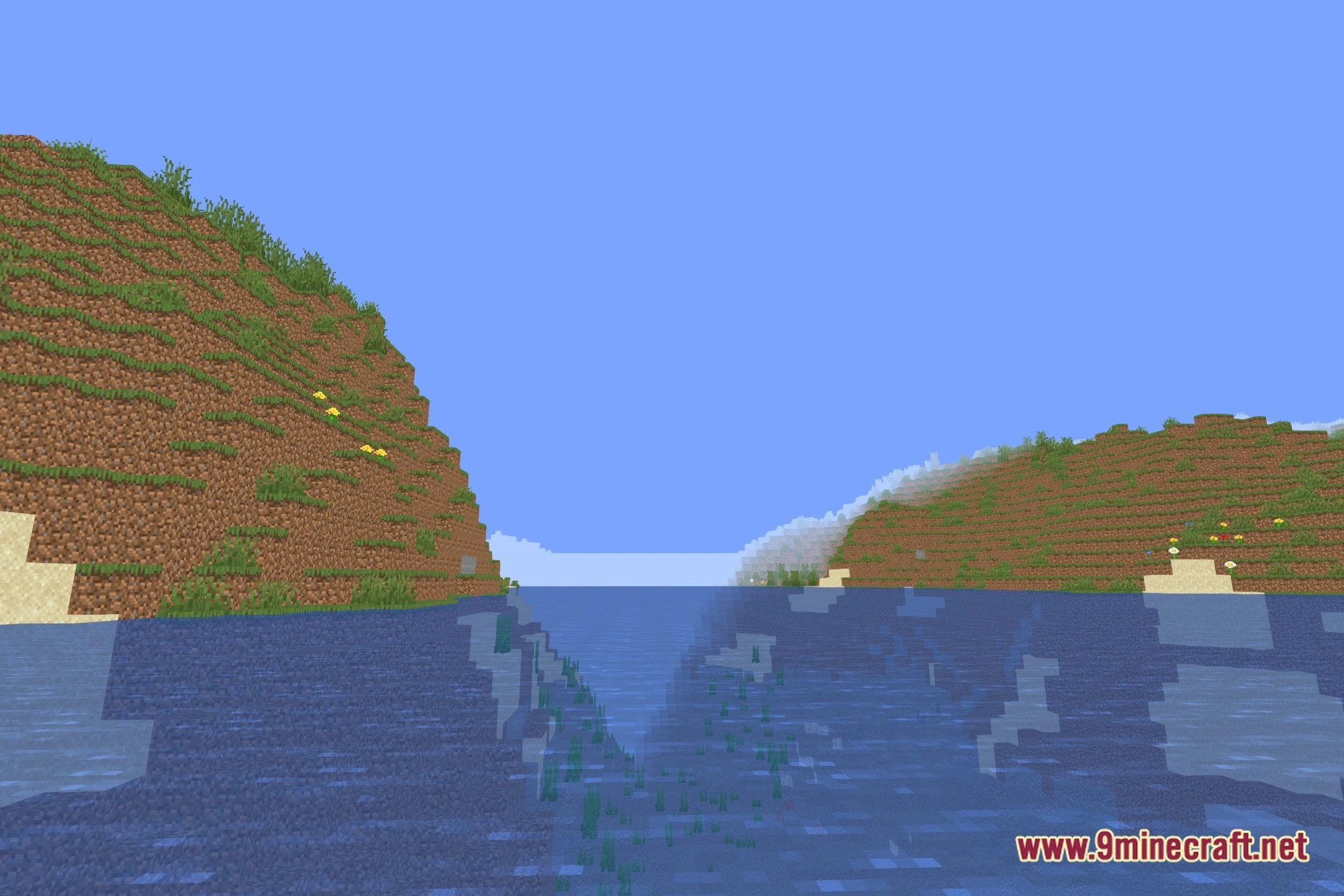
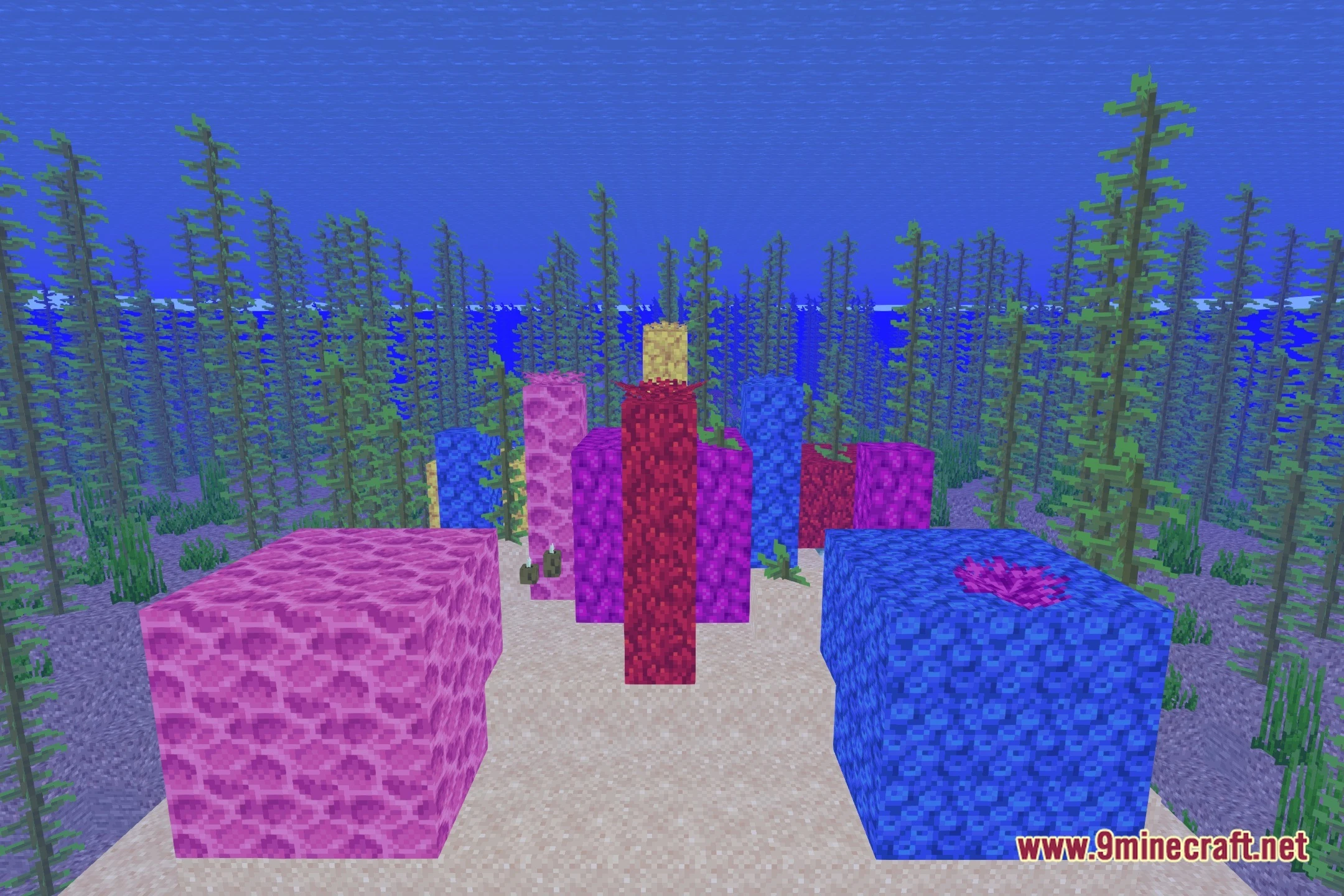
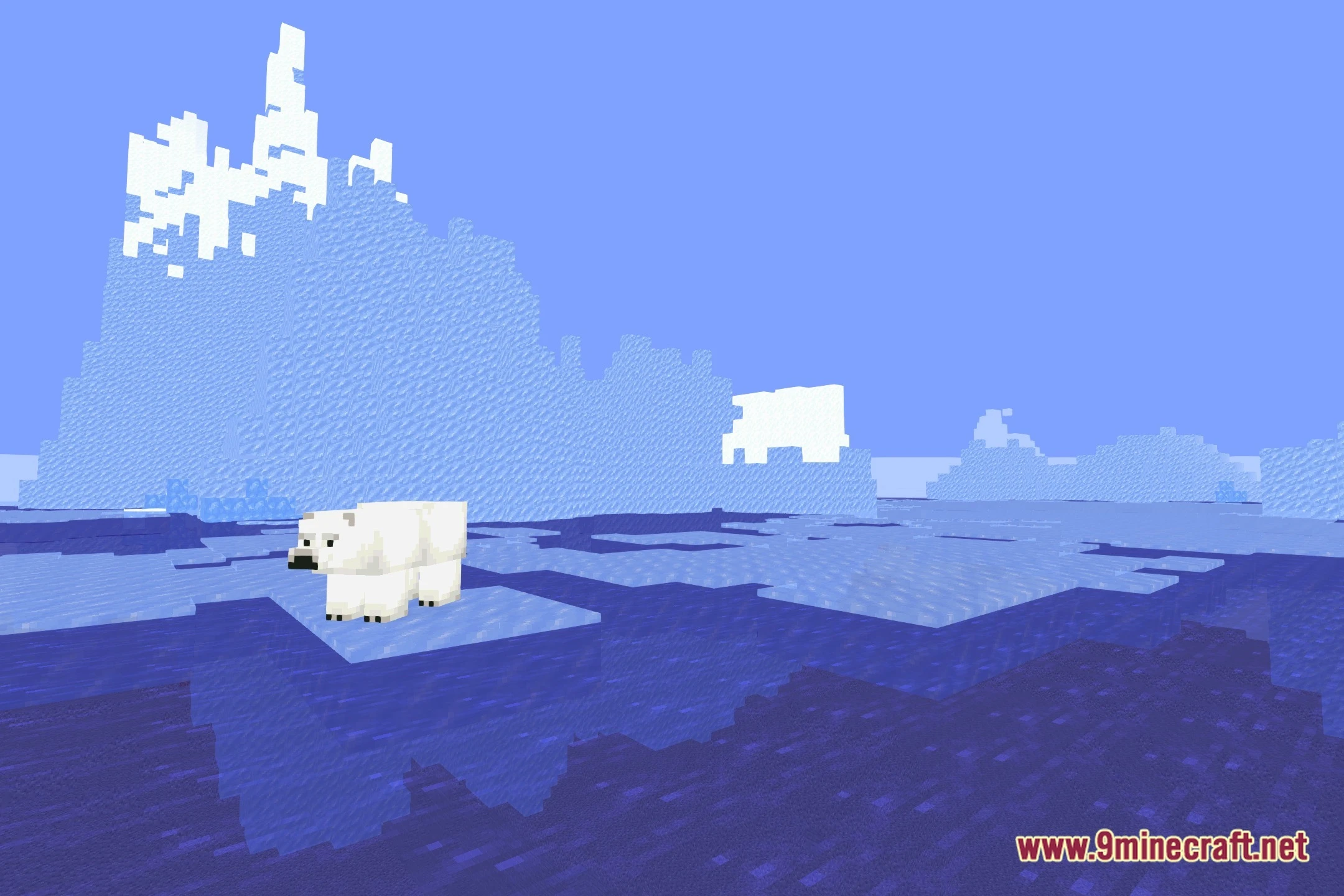
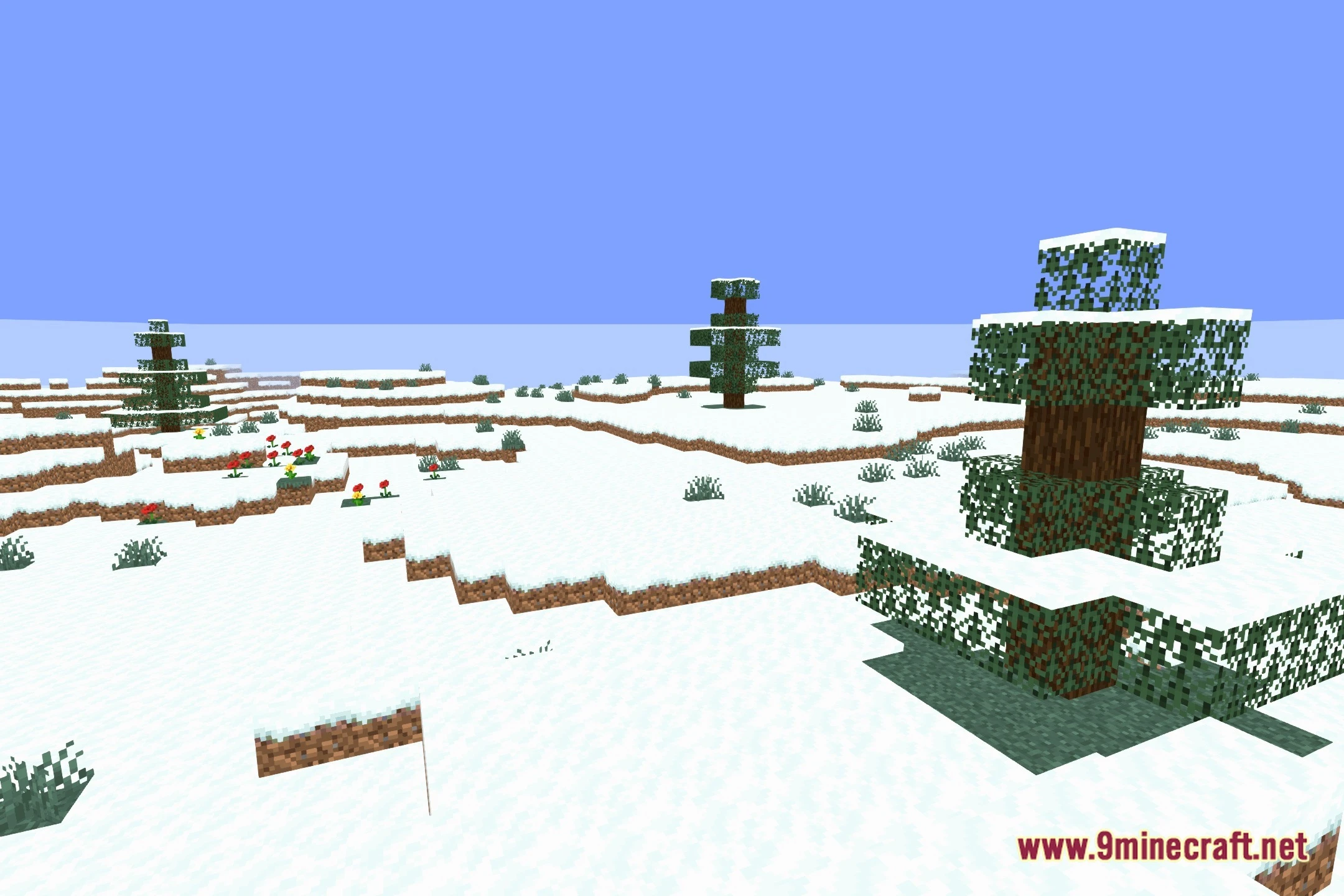
12 images from the Aalab Shaders page.
You May Also Like
Wikis that share the most with this one
Wikis on the same theme: light
More shader wikis on the site
The most downloaded mods that have a wiki here