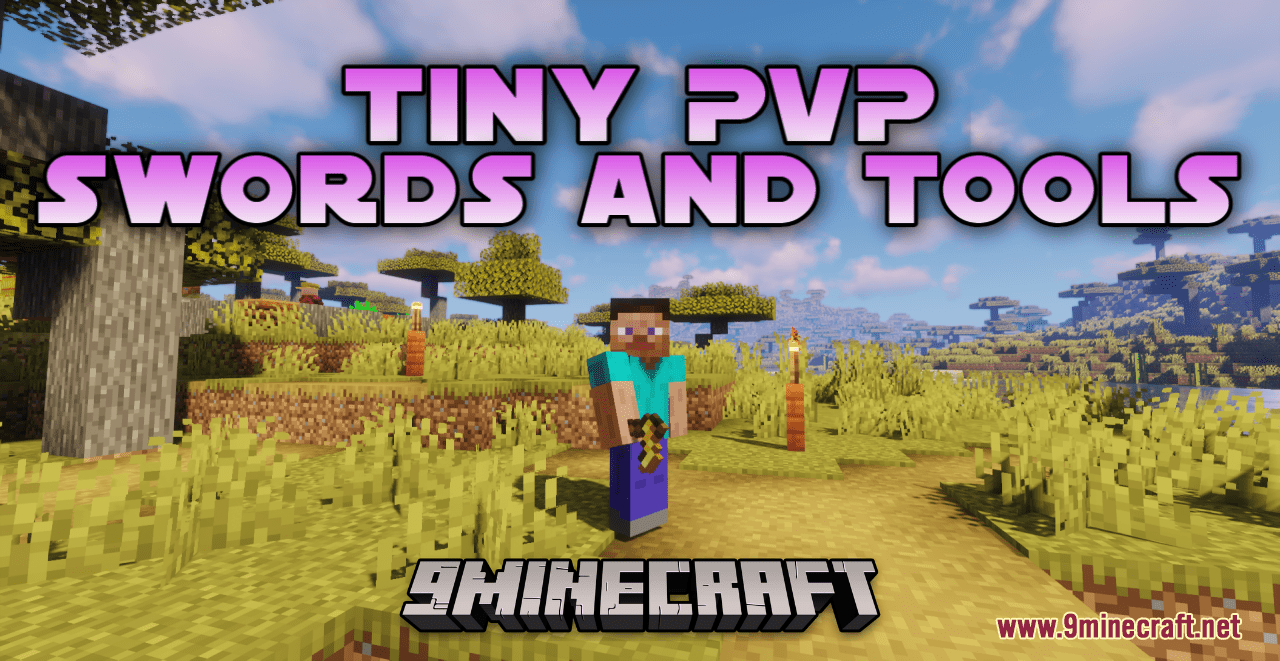
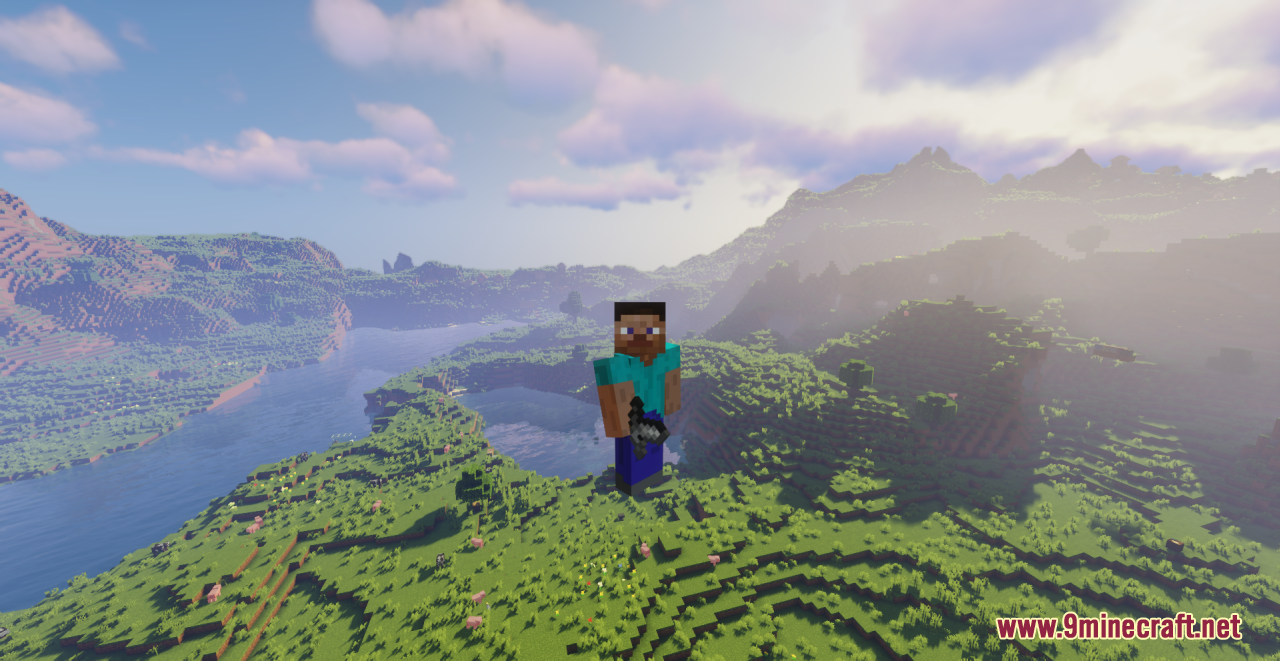
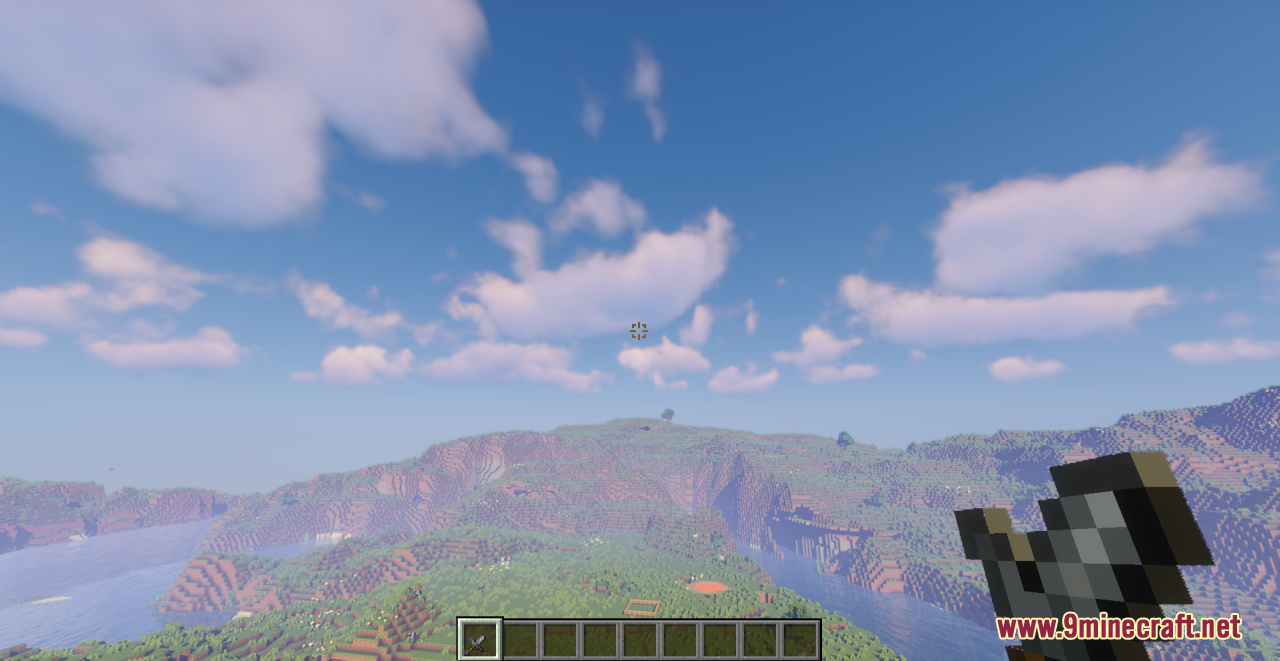
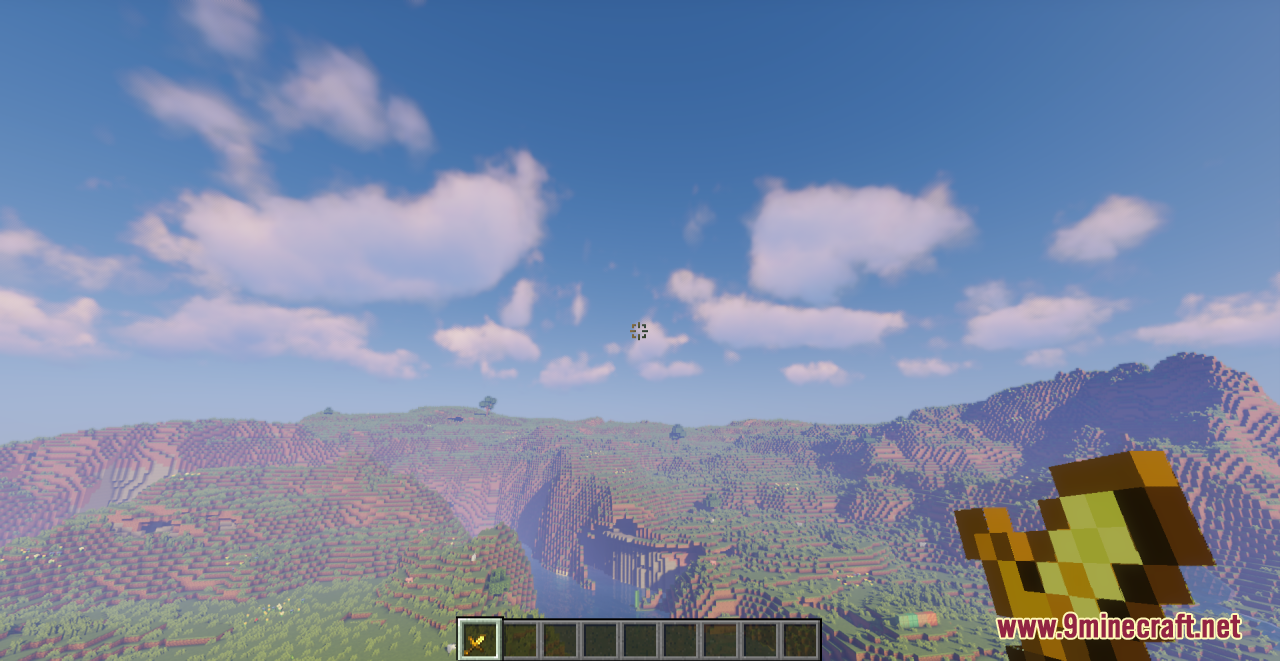
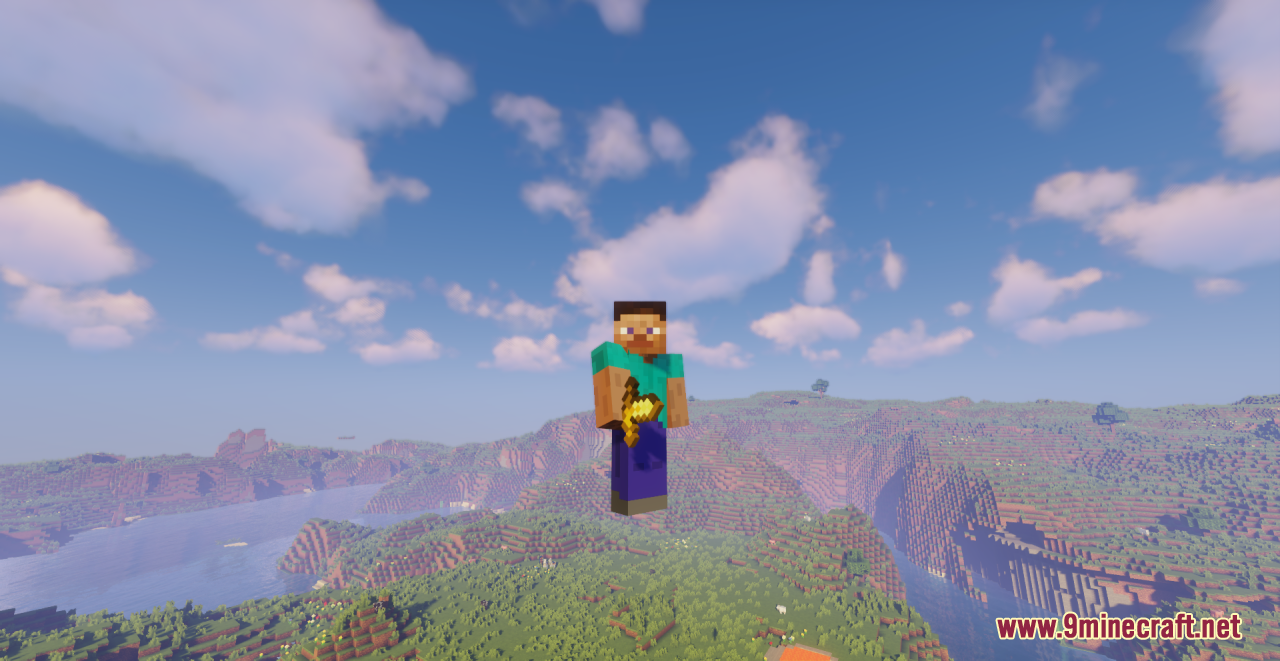
DownloadTiny Pvp Swords And Tools Resource Pack
Get the files on 9Minecraft
Guides
Step-by-step, in-game.
How to Combine Tiny Swords With Other PvP Resource PacksUnderstand Pack Priority Minecraft loads resource packs from the bottom up in the Selected list, meaning the pack at…How to Fix Tiny Swords Not Showing Up (Troubleshooting Guide)Step 1: Rule Out Pack Order The single most common cause is another resource pack loading on top. Go to Options →…How to Get a Competitive PvP Advantage With Tiny SwordsWhy Smaller Models Help A smaller sword model covers less of your screen, so you can see more of the fight — your…How to Make Your Sword Look Smaller in Minecraft (Tiny PvP Swords and Tools)Confirm the Pack Is Actually Active If your sword still looks vanilla-sized, the pack isn't loading. Open Options →…How to Tell If Tiny Swords Are Working (Visual Checklist)What to Look For When the pack is active, your sword model sits noticeably lower and closer to your hand in first…How to Use Tiny Tools for Building Without Losing VisibilityThe Building Problem Full-size pickaxes and shovels block your view of the block you're placing or breaking, which is…
Items
C
 Copper Axe
 Copper Hoe
 Copper Pickaxe
 Copper Shovel
 Copper Sword
D
 Diamond Axe
 Diamond Hoe
 Diamond Pickaxe
 Diamond Shovel
 Diamond Sword
G
 Golden Axe
 Golden Hoe
 Golden Pickaxe
 Golden Shovel
 Golden Sword
I
 Iron Axe
 Iron Hoe
 Iron Pickaxe
 Iron Shovel
 Iron Sword
N
 Netherite Axe
 Netherite Hoe
 Netherite Pickaxe
 Netherite Shovel
 Netherite Sword
S
 Stone Axe
 Stone Hoe
 Stone Pickaxe
 Stone Shovel
 Stone Sword
W
 Wooden Axe
 Wooden Hoe
 Wooden Pickaxe
 Wooden Shovel
 Wooden Sword
What this pack changes
Every texture group the pack replaces, counted from the pack itself.
| Area | Textures replaced |
|---|---|
| Items | 35 |
| GUI & menus | 2 |
Pack format 79–100 (Minecraft 1.21.9)37 texture files in total
Extra features
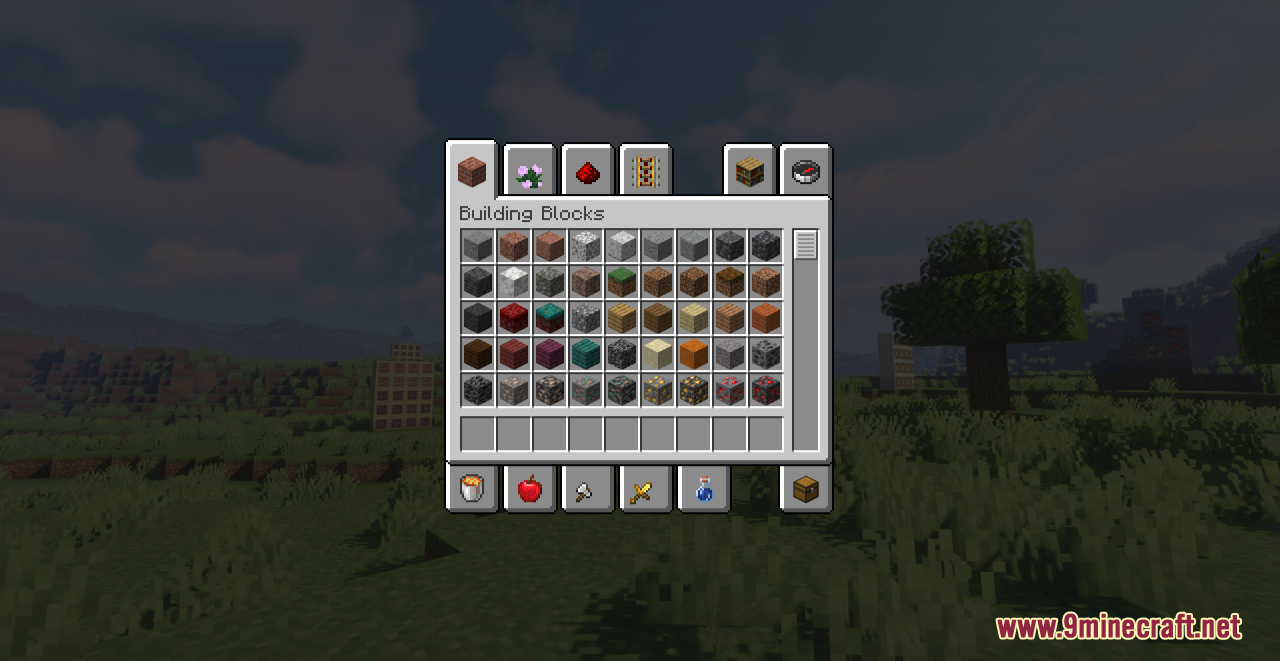
Reworked GUI
Frequently asked questions
How do I make my sword look smaller in Minecraft?
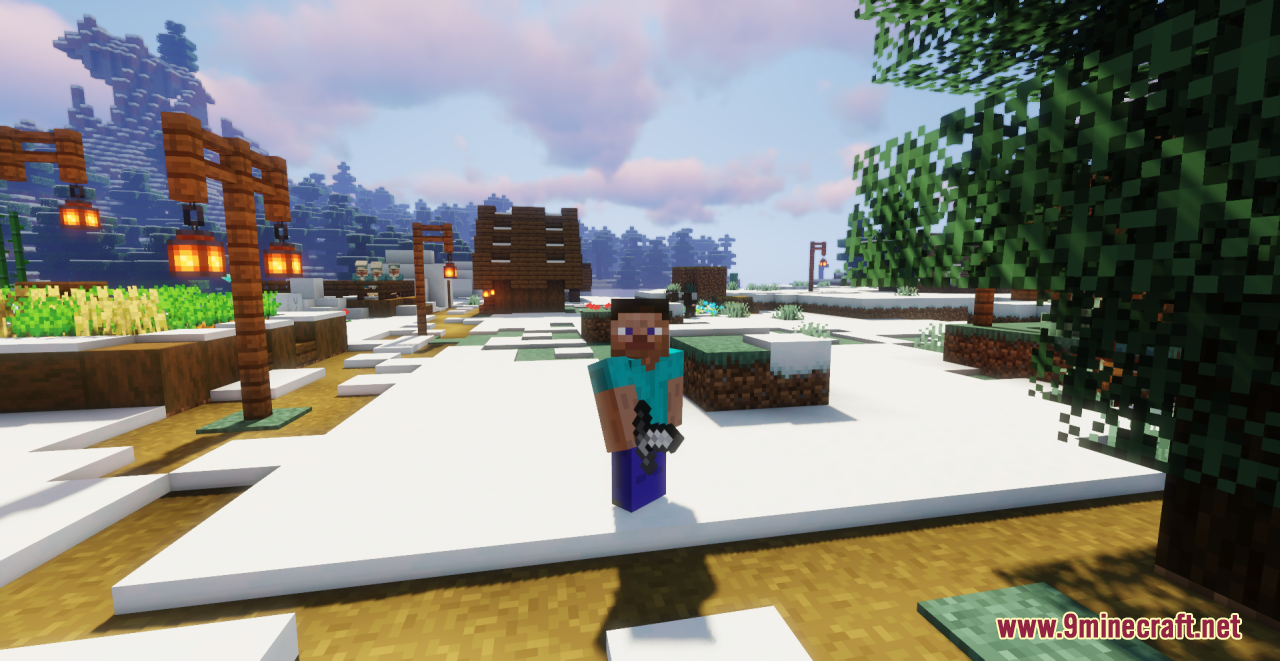
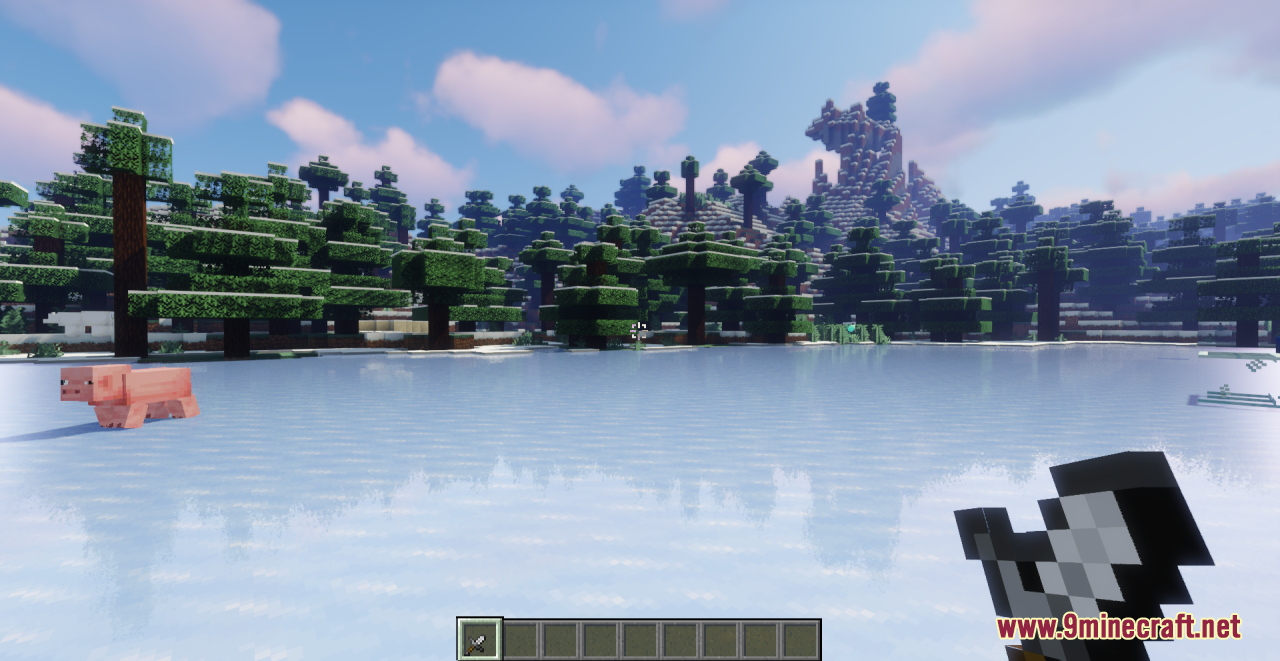
Enable the Tiny PvP Swords and Tools resource pack in your game's resource pack list and move it above any pack that also changes tool or sword textures. The smaller models replace the default sword and tool textures automatically once the pack is active.
Which tools and swords does this pack change?
It reskins swords, axes, pickaxes, shovels, and hoes across the wooden, stone, copper, iron, golden, diamond, and netherite tiers. That covers all the standard tool and sword variants you'd normally use.
Does this pack change how the items actually work?
No, it's purely visual. Damage, durability, mining speed, and enchantments stay exactly the same as vanilla, so you only get the smaller model, not any stat changes.
Why aren't my swords showing up as tiny?
The most common cause is another resource pack loading after this one and overwriting the same textures. Drag Tiny PvP Swords and Tools to the top of your active pack list, then reload resources.
Do I need any other mods or loaders for this to work?
No, it's a resource pack, so it works on vanilla Minecraft as long as your game version matches the pack. You don't need Fabric, Forge, or any other loader.
Will this give me a PvP advantage?
It reduces how much of your screen the sword model covers, which can make it easier to see opponents and your surroundings during fights. It doesn't change hitboxes or damage, so the benefit is purely visibility.
Can I use this with other PvP resource packs?
Yes, but load order matters. Put Tiny PvP Swords and Tools above packs that also edit tool or sword textures, or the other pack's larger models will override the tiny ones.
Does it affect performance or FPS?
The pack only swaps a small set of item textures, so any performance impact is negligible. If you notice lag, it's almost always coming from another pack or mod, not this one.
Will tiny tools make building harder?
The models are smaller but the items behave identically, so placement and breaking work the same. Many builders actually prefer it because the tool blocks less of the block they're aiming at.
How do I tell if the pack is actually working?
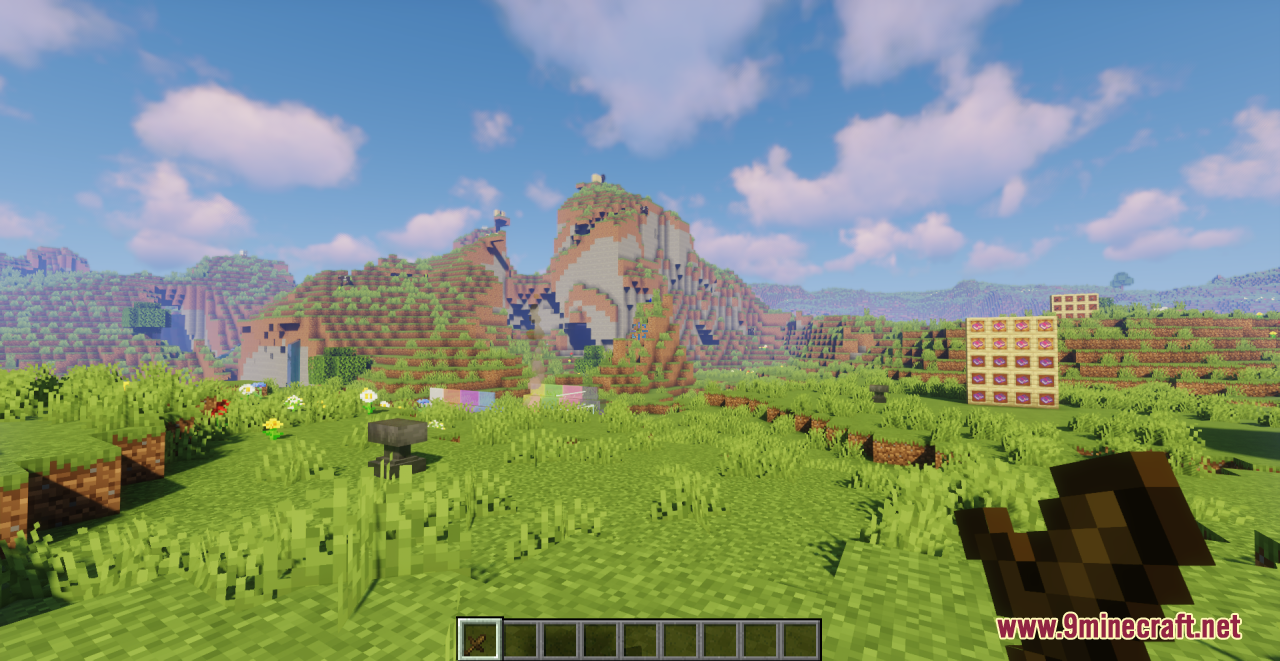
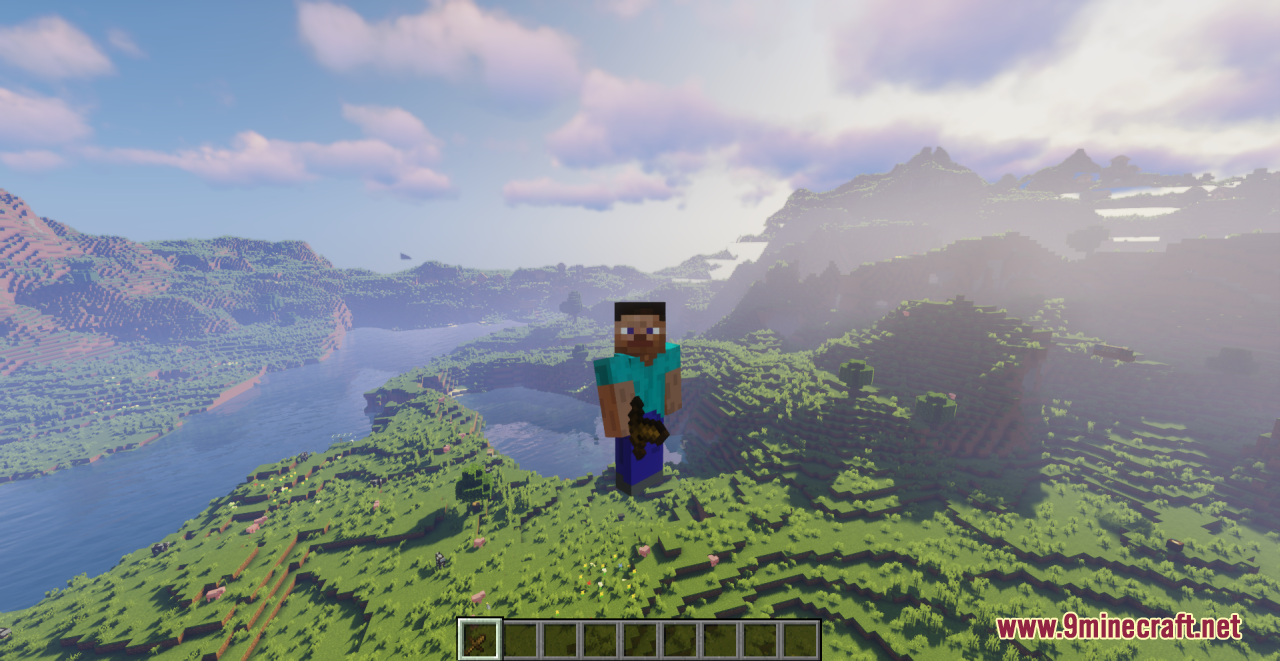
Hold a sword or tool and look at it in first person or in your inventory. If the model is noticeably smaller than vanilla while keeping the same tier colors and shape, the pack is active.
You May Also Like
Wikis that share the most with this one
Wikis on the same theme: netherite
Fabulous 3D Resource PackMatralys 16X Resource PackLuminance Pvp Resource Pack Viking Armory Resource PackBlue Netherite Resource PackChaos Pvp Pack Resource PackBoxs Flag Spear Resource PackAngel Hare Textures Resource PackHighlighted Netherite Resource PackTorrezx Demon Soul Fire Resource PackBd Hill Reforge The Sword Edge Resource PackCivilizations Roma Invicta Classical Civilizations Texture Pack Resource Pack
More resource pack wikis on the site
Tiny Meals Resource PackTightfault Revamp Edit Resource PackThere Are Hot Singles Nearby Resource PackTheone’s Eating Animation Resource PackThe Vibrancy Pack Resource PackThe Silver Age Resource PackThe Rename Compat Project Over 300 Mods Supported Resource PackThe Original Work Resource PackThe Night Of The Living Pumpkins Resource PackThe Mini Crosshair Resource PackThe Five Nights At Freddys Texture Pack Fnaf Resource PackThaumon PT BR Translation Resource Pack
The most downloaded mods that have a wiki here
A few wikis from each of the other kinds
Gallery
12 images from the Tiny Pvp Swords And Tools Resource Pack page.