DownloadTiny Pipes
Get the files on 9Minecraft
Guides
Step-by-step, in-game.
Build a Wireless Redstone Signal NetworkUnderstanding Redstone Pipes Redstone Pipes transmit redstone signals (0-15 strength) losslessly across your base…Filter Items to Specific Storage LocationsUsing Item Filter Pipes Place an Item Filter Pipe at a junction or branch point in your network where you want to…Set Up a Basic Item Transport NetworkConnecting Your First Pipes Start by placing an Item Pipe adjacent to an inventory (chest, furnace, etc.). Place…Transport Fluids Between TanksSetting Up Fluid Pipes Place a Fluid Pipe next to a fluid source (tank, cauldron, or machine output). Extend the pipe…
Recipes
Every recipe the mod adds, grouped by how it is made.
Items
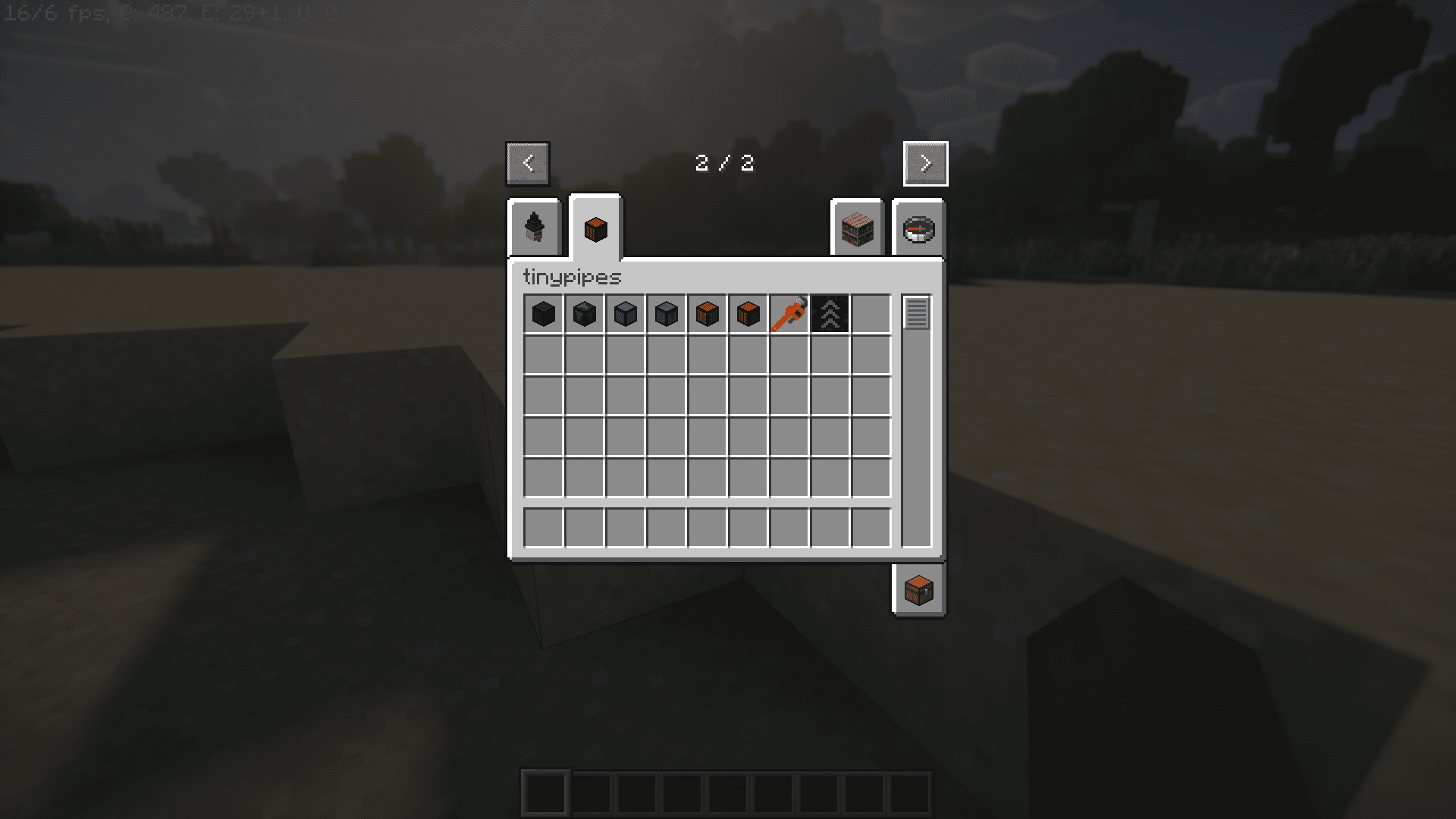
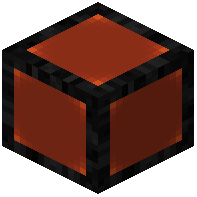 Energy Pipe
 Fluid Filter Pipe
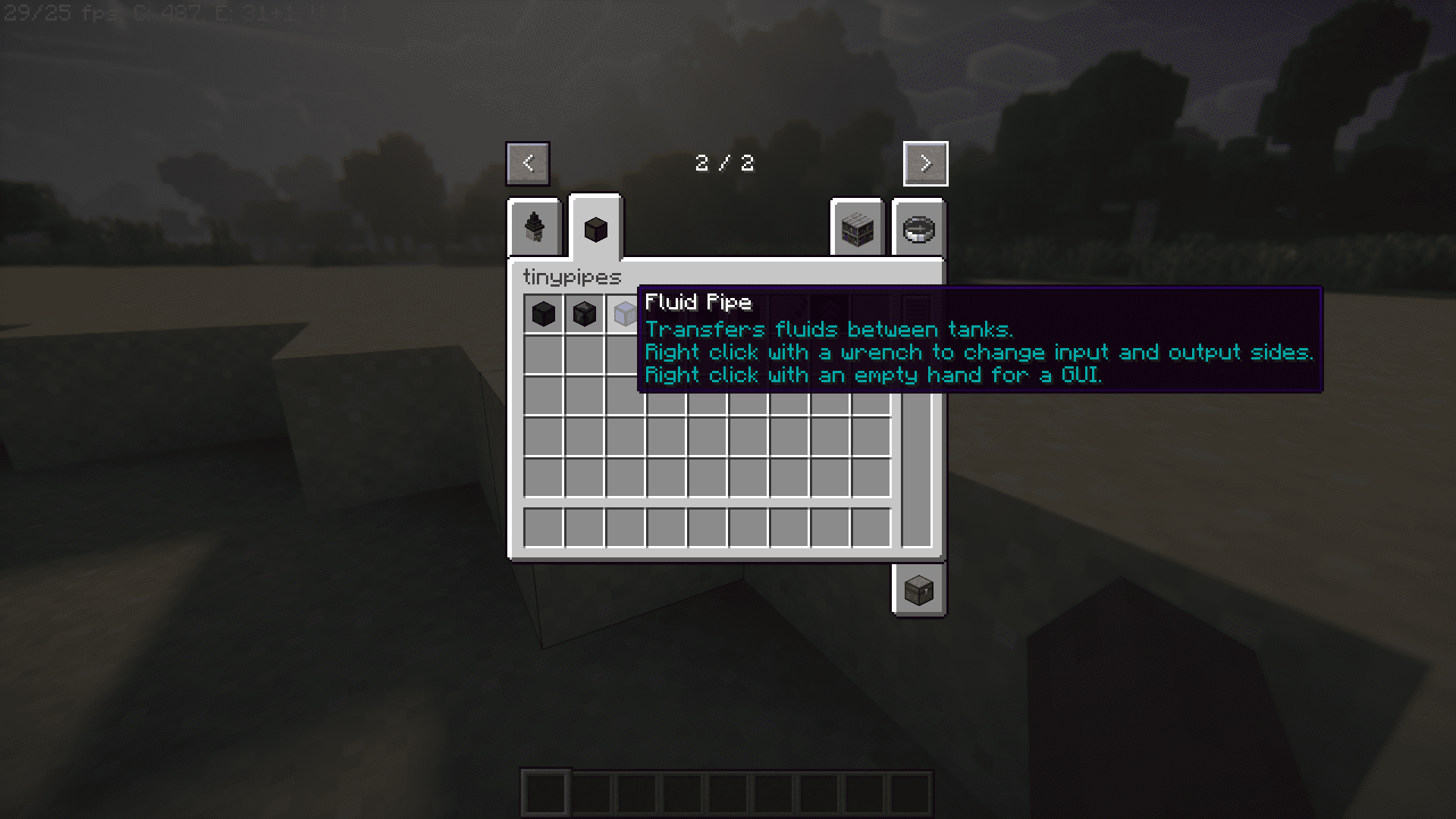
 Fluid Pipe
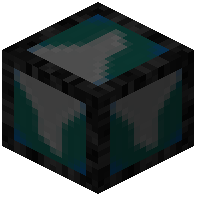 Item Filter Pipe
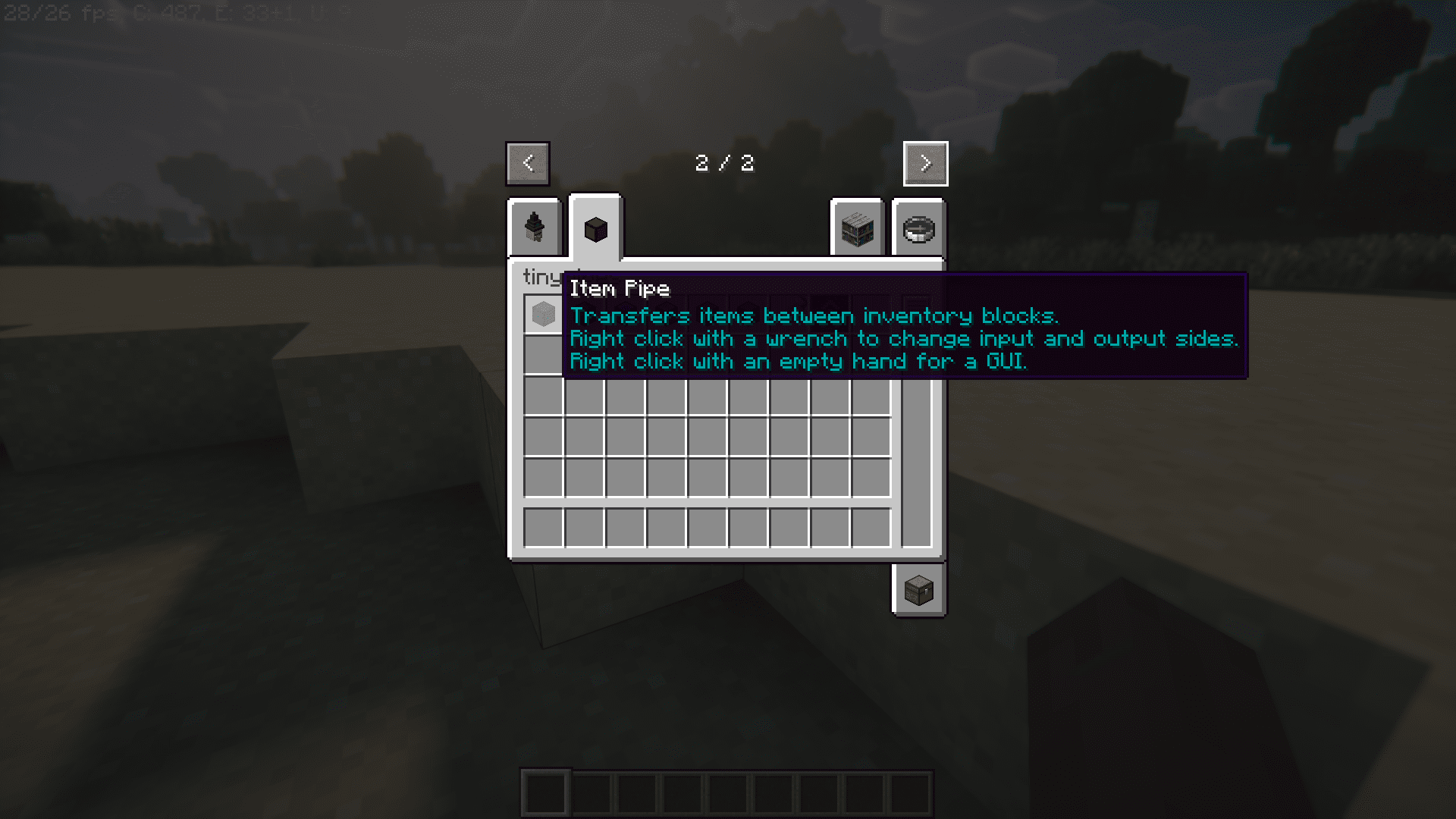
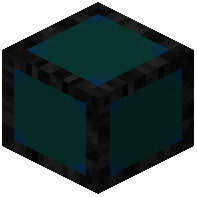 Item Pipe
 Pipe Speed Upgrade
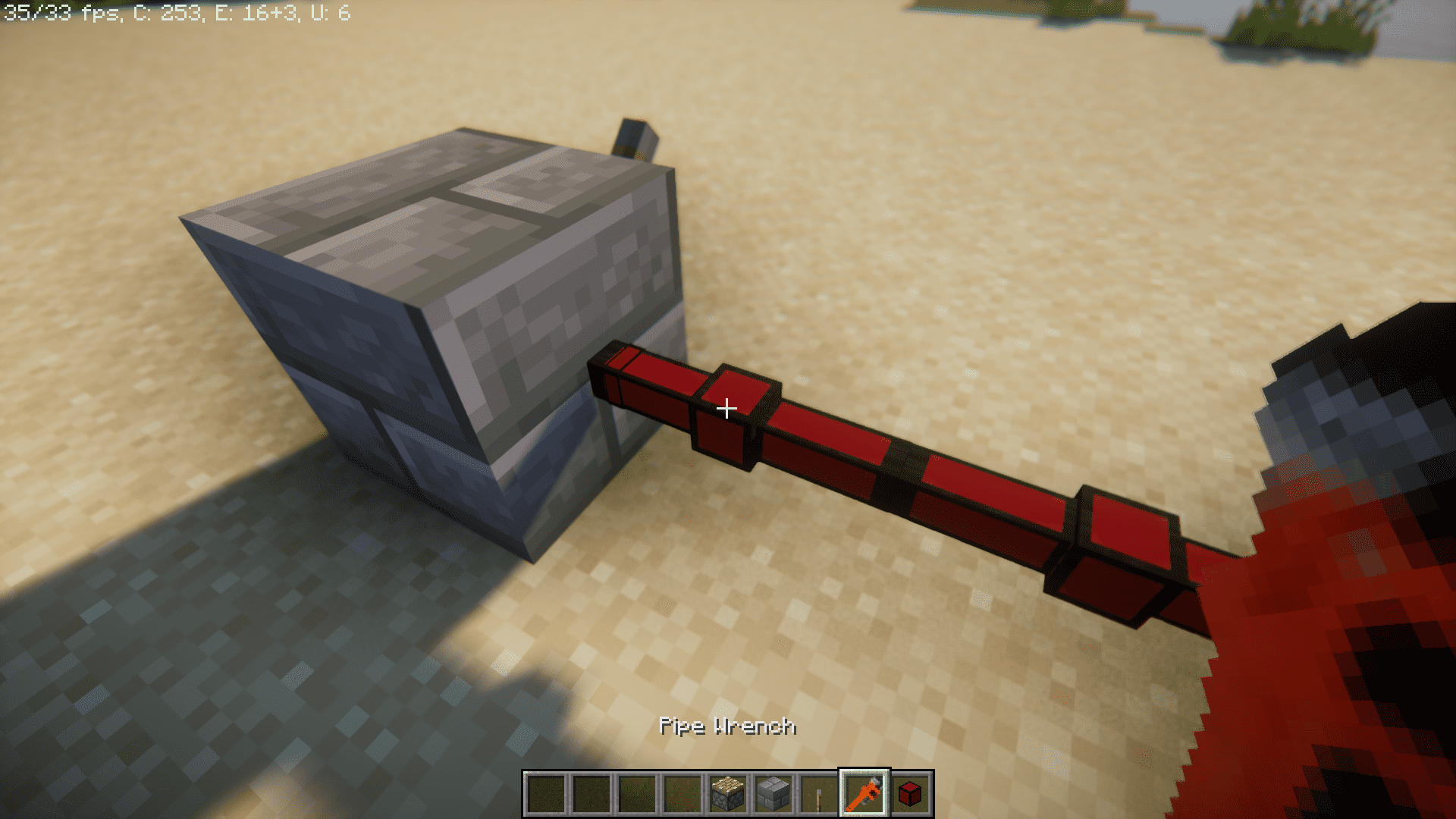
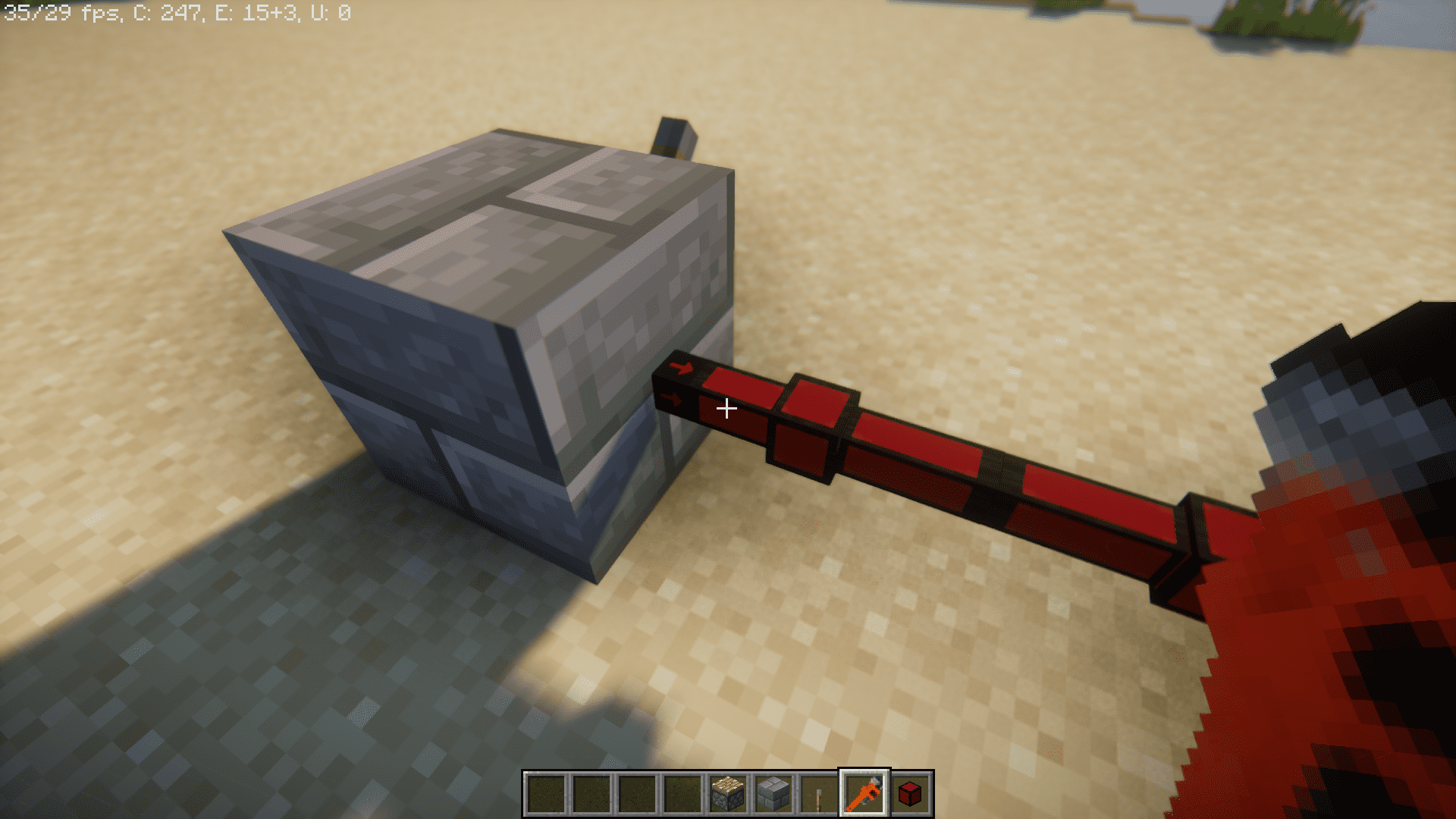
 Pipe Wrench
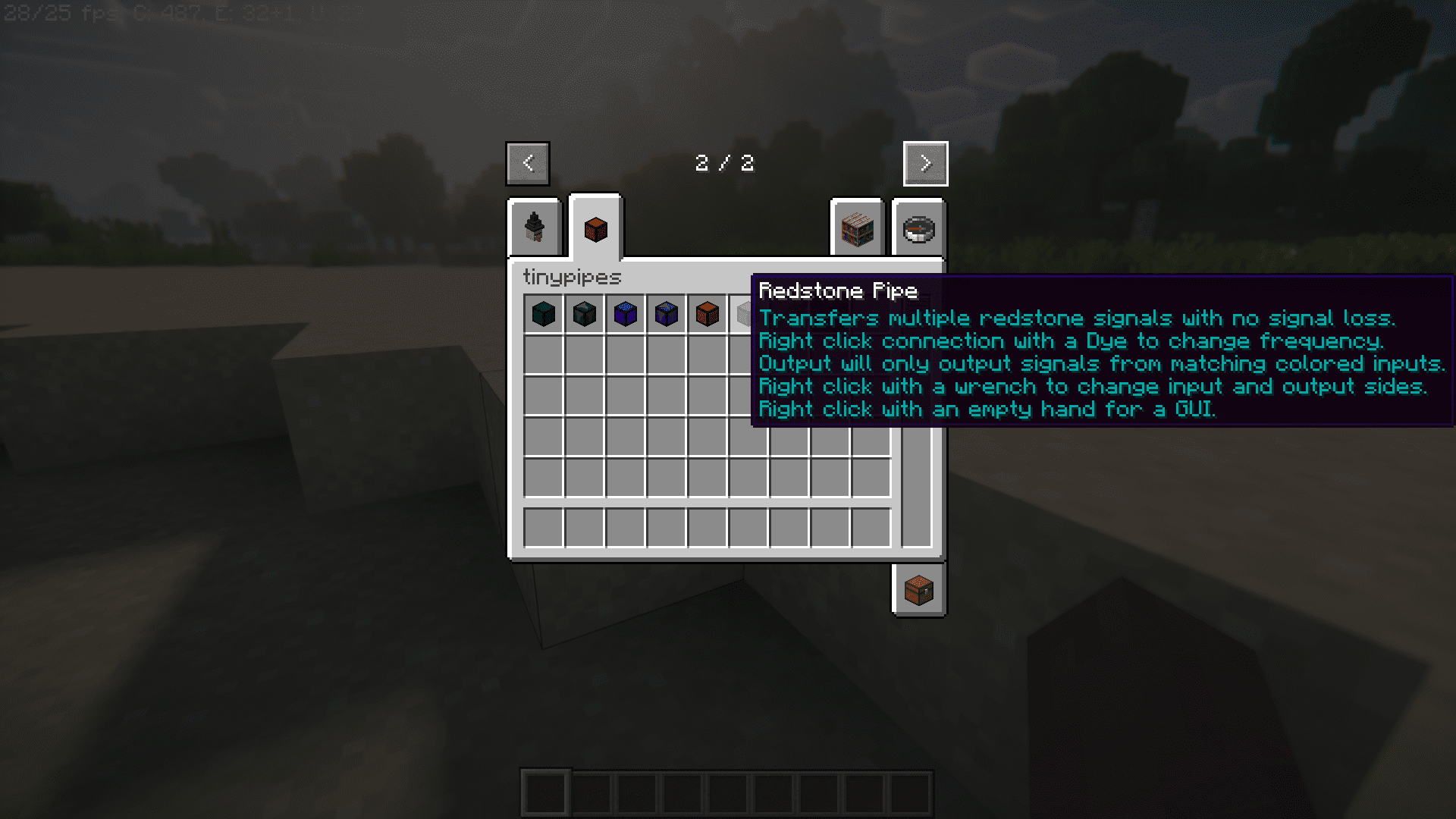
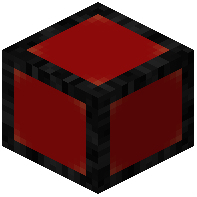 Redstone Pipe
 Refined Storage Cable
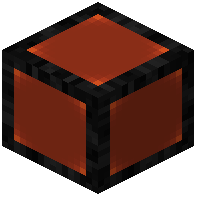 Tiny Energy Pipe
 Tiny Fluid Filter Pipe
 Tiny Fluid Pipe
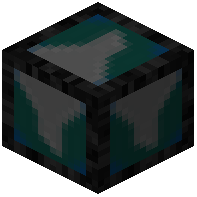 Tiny Item Filter Pipe
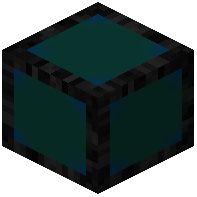 Tiny Item Pipe
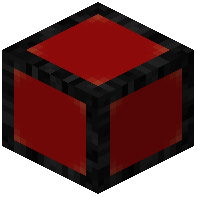 Tiny Redstone Pipe
Blocks
 Debug Energy Cell
 Pipe
Configuration
Every setting in the mod config file, with what it changes.
| Option | What it does |
|---|---|
pipe | Tiny Pipes |
Frequently asked questions
How do I start using Tiny Pipes?
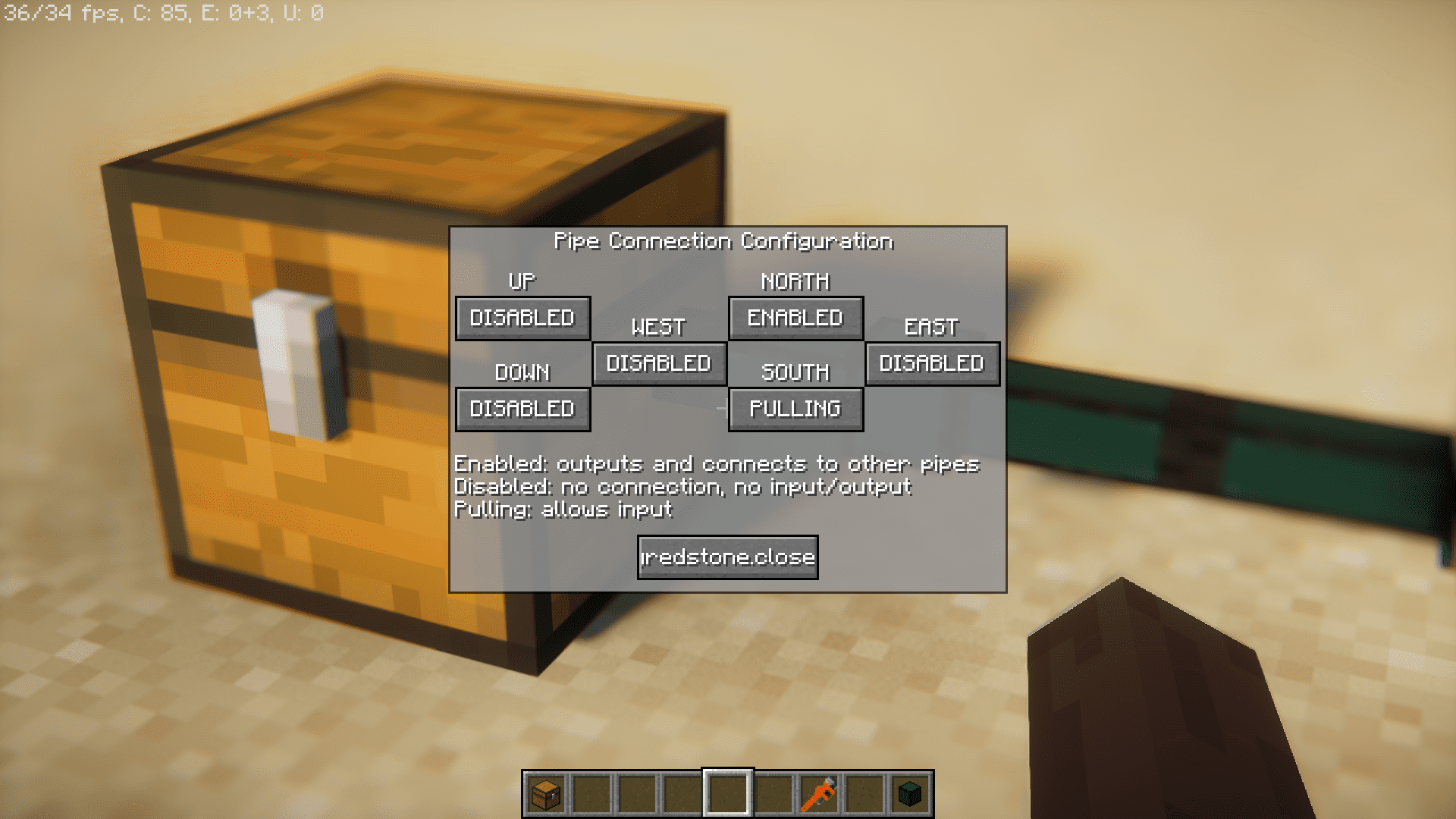
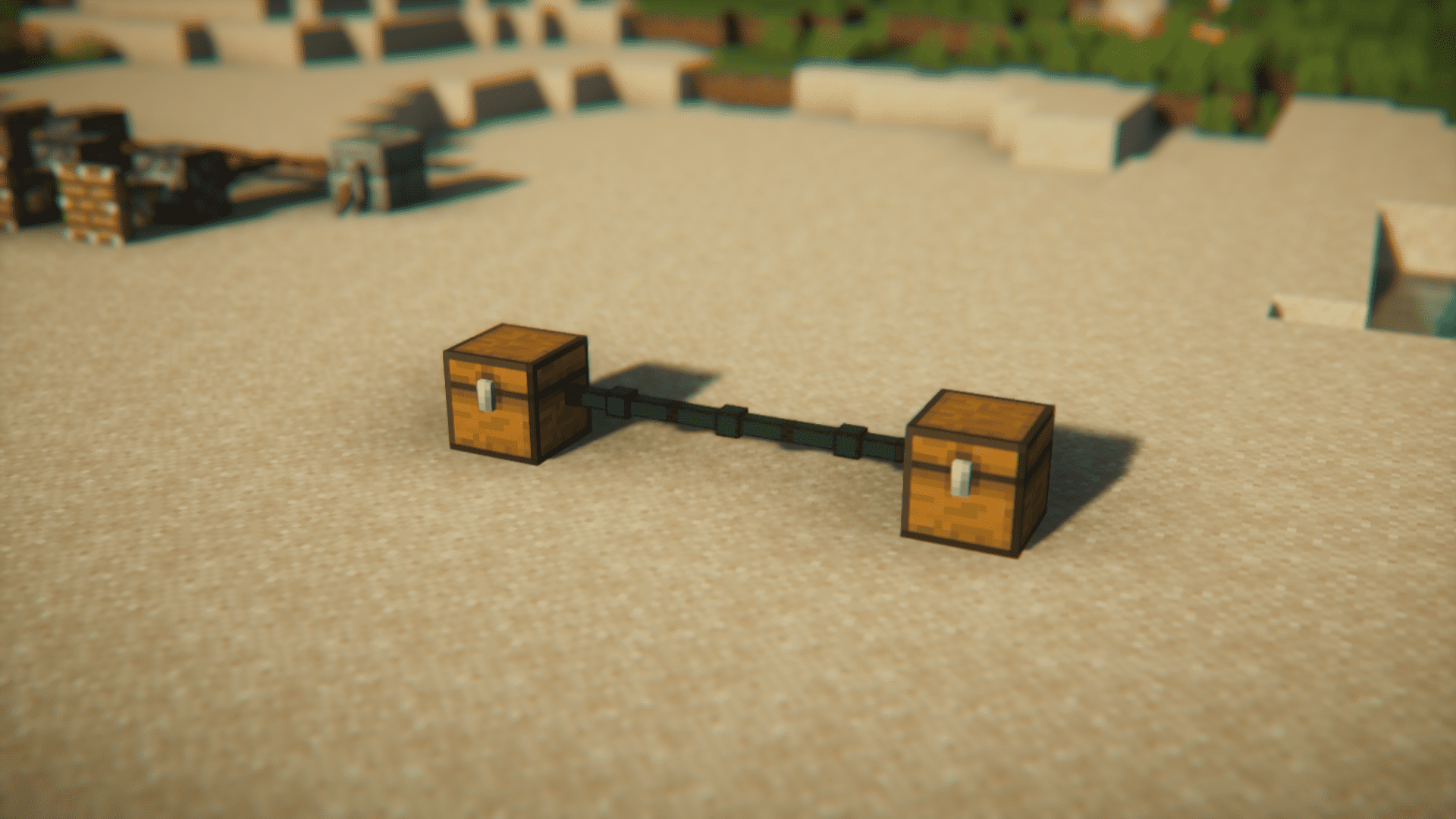
Craft your first pipe type (Item Pipe, Fluid Pipe, or Energy Pipe depending on what you want to transport), place it between two inventories or tanks, and it will automatically connect and begin transferring. You can right-click pipes with a wrench to rotate connectors and control flow direction.
Why are my items not moving through the pipes?
Check that both the source and destination inventories are properly connected to the pipe network—pipes only transfer between valid blocks. Also verify the pipe type matches what you're transporting (Item Pipe for items, Fluid Pipe for liquids, etc.).
How do I increase transfer speed?
Place multiple tiny pipe connectors on the same connection point to stack transfer rates, or use Speed Upgrades with full-sized pipes to boost throughput beyond the default rate.
What's the difference between whitelist and blacklist filters?
A whitelist filter only allows specified items or fluids through; a blacklist filter blocks specified items or fluids and lets everything else pass. Right-click an Item Filter Pipe or Fluid Filter Pipe with an empty hand to open the filter GUI and choose your mode.
Can I filter items to go to different chests automatically?
Yes—place Item Filter Pipes at branch points in your network and configure each filter to allow only certain items, directing them down different pipe paths to their designated storage locations.
How do Redstone Pipes work?
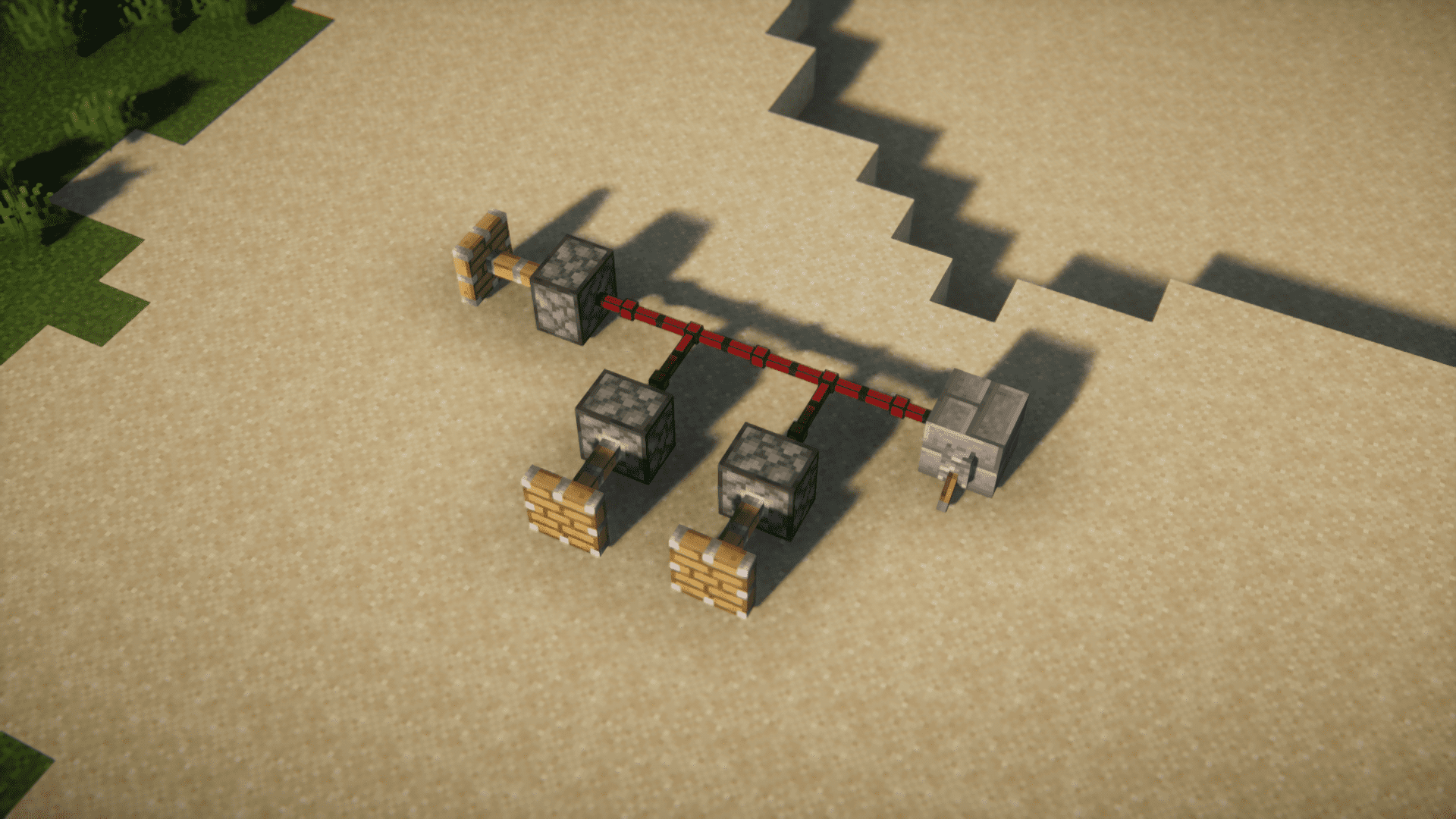
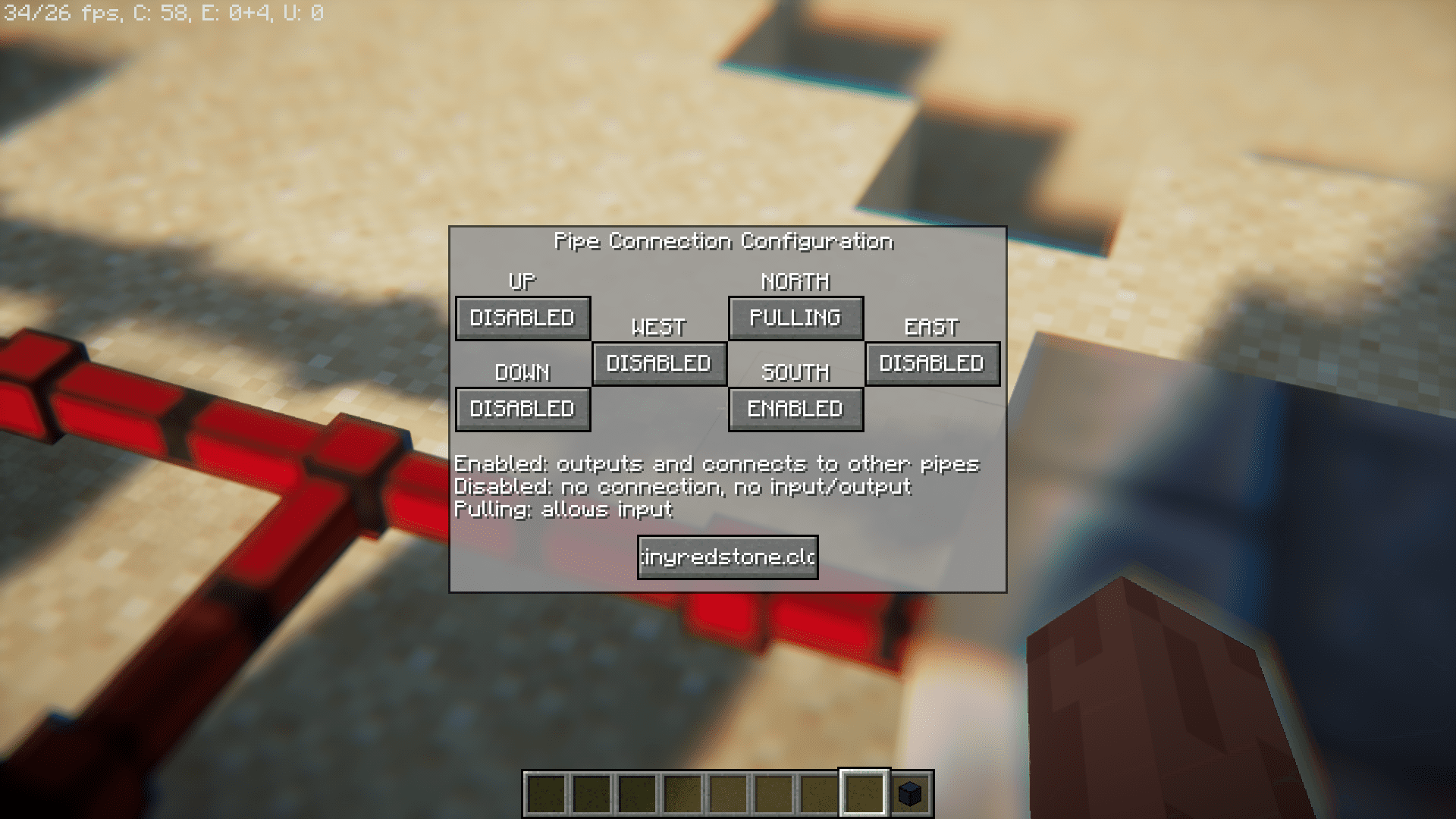
Redstone Pipes transmit up to 16 different colored signals losslessly by assigning each connector a color frequency with a dye (right-click the connector). Inputs and outputs are controlled with a wrench, and each output only receives signals matching its color.
Do Tiny Pipes cause lag like hoppers and water streams?
No—Tiny Pipes are designed to be performance-friendly and handle item, fluid, and energy transport without the lag associated with water streams or hopper chains.
Can I transport energy with these pipes?
Yes, use Energy Pipes to transfer Forge Energy (RF) between machines and power storage. Like other pipe types, you can increase transfer speed with multiple connectors or Speed Upgrades.
What happens if I connect a pipe to an inventory that's full?
The pipe will stop transferring items to that inventory until space becomes available; items will not be lost or despawn.
Can I use Redstone Pipes to send wireless signals?
Redstone Pipes are lossless but still require physical pipe connections; they are not wireless. However, you can use color-coded signals to separate multiple redstone channels through a single pipe network.
You May Also Like
Wikis that share the most with this one
Wikis on the same theme: storage
More mod wikis on the site
The most downloaded mods that have a wiki here
A few wikis from each of the other kinds
Gallery
12 images from the Tiny Pipes Mod page.