

 DownloadTightfault Revamp Edit Resource Pack
Get the files on 9Minecraft
Contents (8)
Guides
Step-by-step, in-game.
Comparing Weapon and Armor Textures Across VersionsWhat's New in the Revamp Edit Version Tightfault Revamp Edit improves upon the original pack with enhanced weapon and…Customizing UI and HUD Elements with Tightfault Revamp EditUnderstanding the UI Texture Files Tightfault Revamp Edit includes redesigned UI textures that affect your inventory,…Identifying and Appreciating Texture Details in Specific BlocksExamining Netherite Textures Netherite blocks and items receive special treatment in Tightfault Revamp Edit. Look for…Optimizing Performance While Using High-Quality TexturesWhy Tightfault Revamp Edit Maintains Performance Despite offering advanced retextures and redesigns, this pack runs…
Items
63 items · showing 24. Browse all →
 Apple
 Black Bed
 Blue Bed
 Bow
 Brown Bed
 Copper Axe
 Copper Hoe
 Copper Pickaxe
 Copper Shovel
 Copper Spear
 Copper Sword
 Cyan Bed
 Diamond Axe
 Diamond Hoe
 Diamond Pickaxe
 Diamond Shovel
 Diamond Spear
 Diamond Sword
 Ender Pearl
 Fishing Rod
 Golden Apple
 Golden Axe
 Golden Hoe
 Golden Pickaxe
Blocks
B
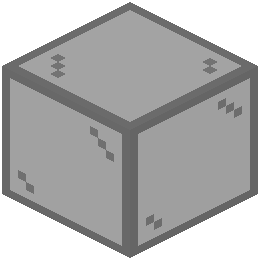 Black Stained Glass
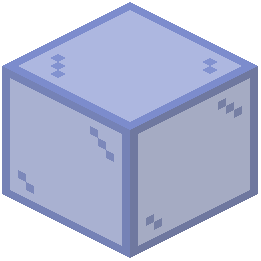 Blue Stained Glass
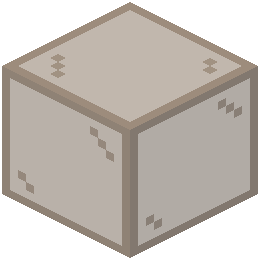 Brown Stained Glass
C
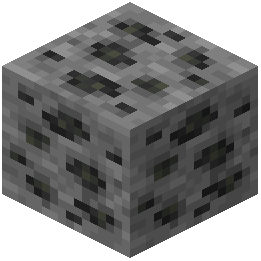 Coal Ore
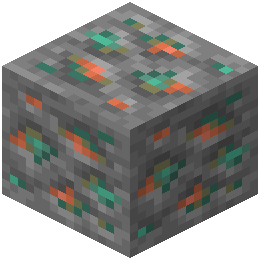 Copper Ore
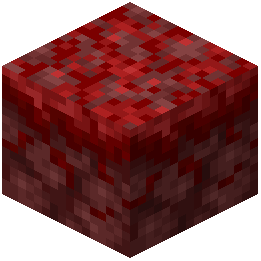 Crimson Nylium
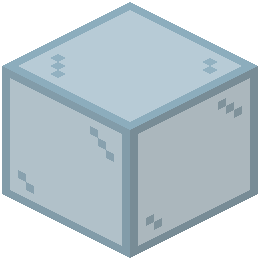 Cyan Stained Glass
D
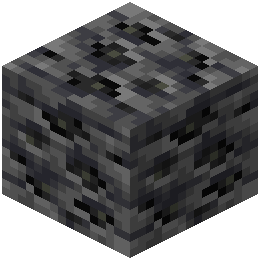 Deepslate Coal Ore
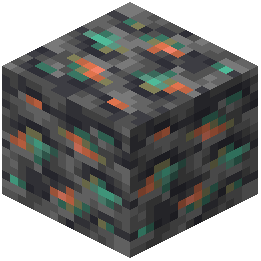 Deepslate Copper Ore
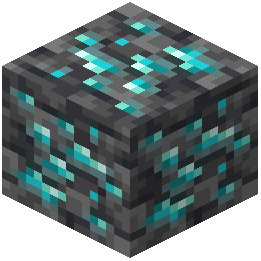 Deepslate Diamond Ore
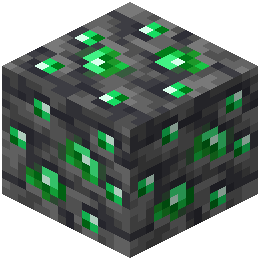 Deepslate Emerald Ore
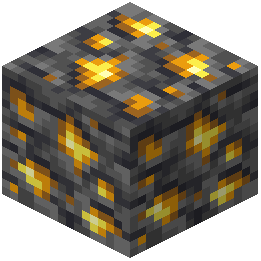 Deepslate Gold Ore
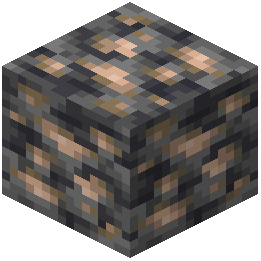 Deepslate Iron Ore
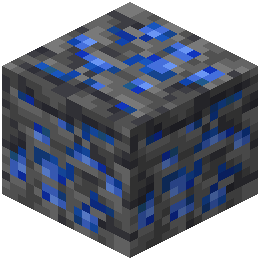 Deepslate Lapis Lazuli Ore
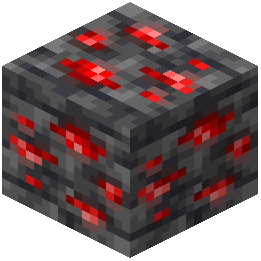 Deepslate Redstone Ore
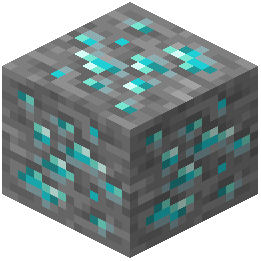 Diamond Ore
E
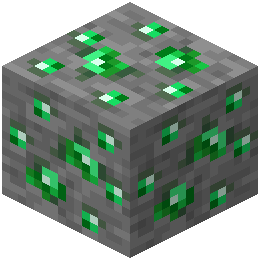 Emerald Ore
G
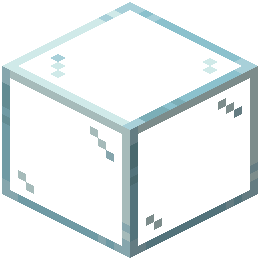 Glass
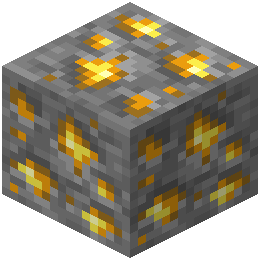 Gold Ore
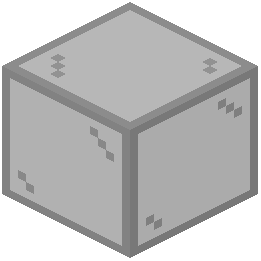 Gray Stained Glass
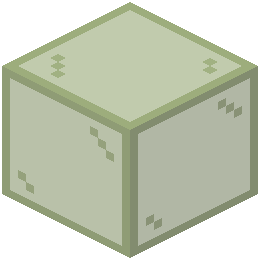 Green Stained Glass
I
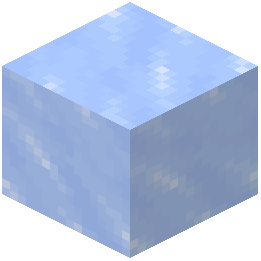 Ice
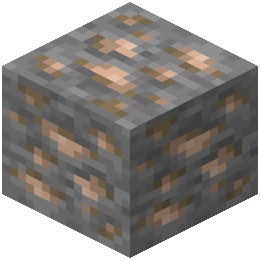 Iron Ore
L
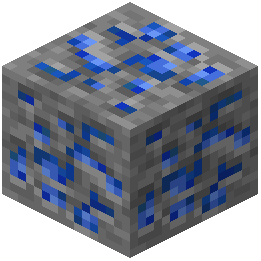 Lapis Lazuli Ore
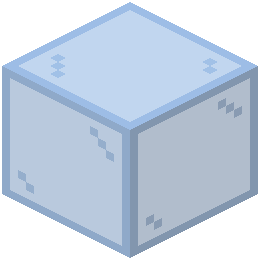 Light Blue Stained Glass
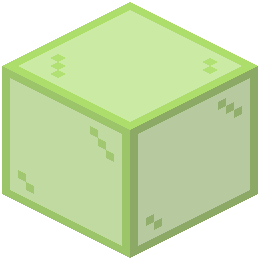 Lime Stained Glass
M
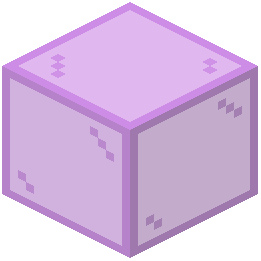 Magenta Stained Glass
N
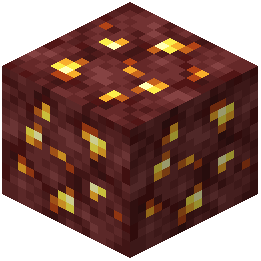 Nether Gold Ore
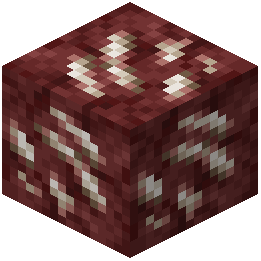 Nether Quartz Ore
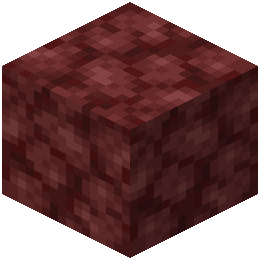 Netherrack
O
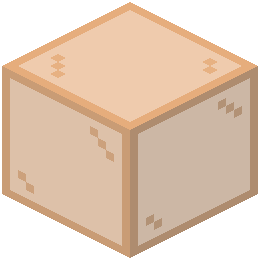 Orange Stained Glass
P
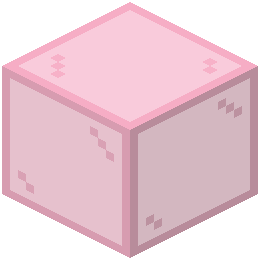 Pink Stained Glass
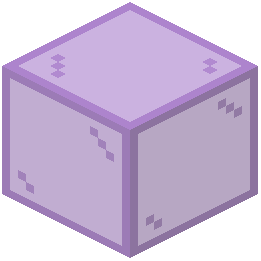 Purple Stained Glass
R
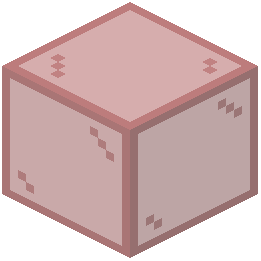 Red Stained Glass
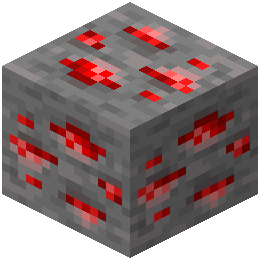 Redstone Ore
S
 Stone
W
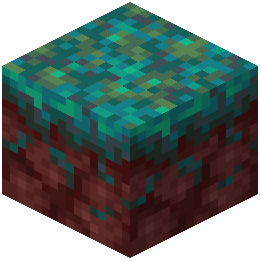 Warped Nylium
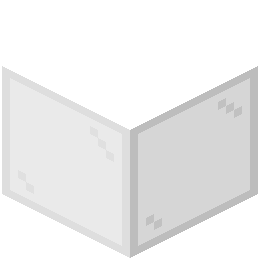 White Stained Glass
Y
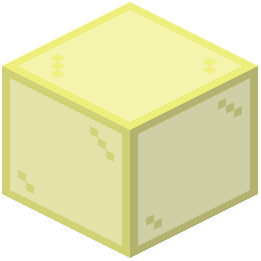 Yellow Stained Glass
What this pack changes
Every texture group the pack replaces, counted from the pack itself.
| Area | Textures replaced |
|---|---|
| GUI & menus | 377 |
| Blocks | 103 |
| Items | 85 |
| Particles | 40 |
| Sky & weather | 15 |
| Mobs & entities | 10 |
| Misc | 4 |
| Status effects | 2 |
| Font | 1 |
| Paintings | 1 |
Pack format 75–2147483647 (Minecraft 1.21.9)638 texture files in total
Extra features
Custom font
Custom block/item models
Reworked GUI
Frequently asked questions
How do I install this resource pack?
Place the resource pack file into your resourcepacks folder (located in your .minecraft directory), then select it from the Resource Packs menu in-game and move it to the active side.
Will this pack work with my current mods?
Tightfault Revamp Edit is designed as a resource pack, so it's compatible with most mods, but mods that add custom items or blocks may not have retextures included unless the pack has been updated to support them.
What's the difference between Tightfault Revamp and Tightfault Revamp Edit?
Tightfault Revamp Edit is the advanced version with additional textures for netherite items, UI elements, and refined designs compared to the original Tightfault Revamp Pack.
Does this pack affect my FPS?
Despite being a high-quality texture pack, it runs at 16x resolution and is optimized to provide a performance boost rather than a significant FPS drop on most systems.
Can I customize the UI elements to my preference?
Yes, you can customize UI and HUD elements by editing the pack files in the assets folder, though this requires basic knowledge of resource pack structure.
Are the weapon and armor textures different from vanilla?
Yes, this pack includes retextured weapons and armors with improved shading, gradient colors, and overall design compared to vanilla Minecraft.
Why do some blocks look different than I expected?
Check that the resource pack is positioned at the top of your resource pack list in-game, as other packs below it may override Tightfault's textures.
Does this pack include textures for all blocks?
The pack covers most vanilla blocks with retextures, but some less common blocks may retain their vanilla appearance if they weren't prioritized in the design.
Can I use this pack with other resource packs?
Yes, you can stack multiple resource packs, but place Tightfault Revamp Edit higher in the list if you want its textures to take priority over others.
How do I appreciate the small texture details in this pack?
Look closely at block shading, gradient transitions, and weapon details—try viewing blocks up close or in different lighting conditions to see the refined design work.
You May Also Like
Wikis that share the most with this one
Bear Edit ModWorld Edit ModCombat Edit ModVisual Set Edit ModVillager Trades Edit ModFast Async World Edit PluginEnder Dragon Revamp Resource PackHelian MMCO Sundial Lite Edit ShadersTears & Cheers Ghast Revamp Resource PackEnder Dragon Revamp 9minecraft Resource PackDo Not Disable Resource PackAlacrity
Wikis on the same theme: glass
MajesticaBww Resource PackSmooth Glass Resource PackClearest Glass Resource PackBetter SpyGlass Resource PackBorderlessglass Resource PackDetailed Worlds Resource PackGlamorous Glass Resource PackBorderless Glass Resource PackBorderlesswindow Resource PackClear Vision Plus Resource PackConnected Glasses Resource Pack
More resource pack wikis on the site
There Are Hot Singles Nearby Resource PackTheone’s Eating Animation Resource PackThe Vibrancy Pack Resource PackThe Silver Age Resource PackThe Rename Compat Project Over 300 Mods Supported Resource PackThe Original Work Resource PackThe Night Of The Living Pumpkins Resource PackThe Mini Crosshair Resource PackThe Five Nights At Freddys Texture Pack Fnaf Resource PackThaumon PT BR Translation Resource PackThaum Pack Resource PackThanking Lsn Ce Pack Official Resource Pack
The most downloaded mods that have a wiki here
A few wikis from each of the other kinds
Gallery
11 images from the Tightfault Revamp Edit Resource Pack page.


