

 DownloadPrism Glyph Standard Resource Pack
Get the files on 9Minecraft
Guides
Step-by-step, in-game.
Enable Custom Font Shading in Chat and MenusActivate the Resource Pack First, ensure Prism Glyph Standard is selected in your resource pack list. Open Options >…Fix Blurry or Misaligned Text After Installing the PackCheck for Conflicting Packs Text rendering issues often occur when multiple font-modifying packs load simultaneously.…Improve Hypixel Minigame Text and Bazaar Chart ReadabilityActivate the Pack for Hypixel Servers Ensure Prism Glyph Standard is your active resource pack before joining…View Enchanting Table Runes and Hidden Illager Text ClearlyAccess Enchanting Table with the Pack Active With Prism Glyph Standard installed and active, open any enchanting…
Frequently asked questions
Why does my text look the same after installing the pack?
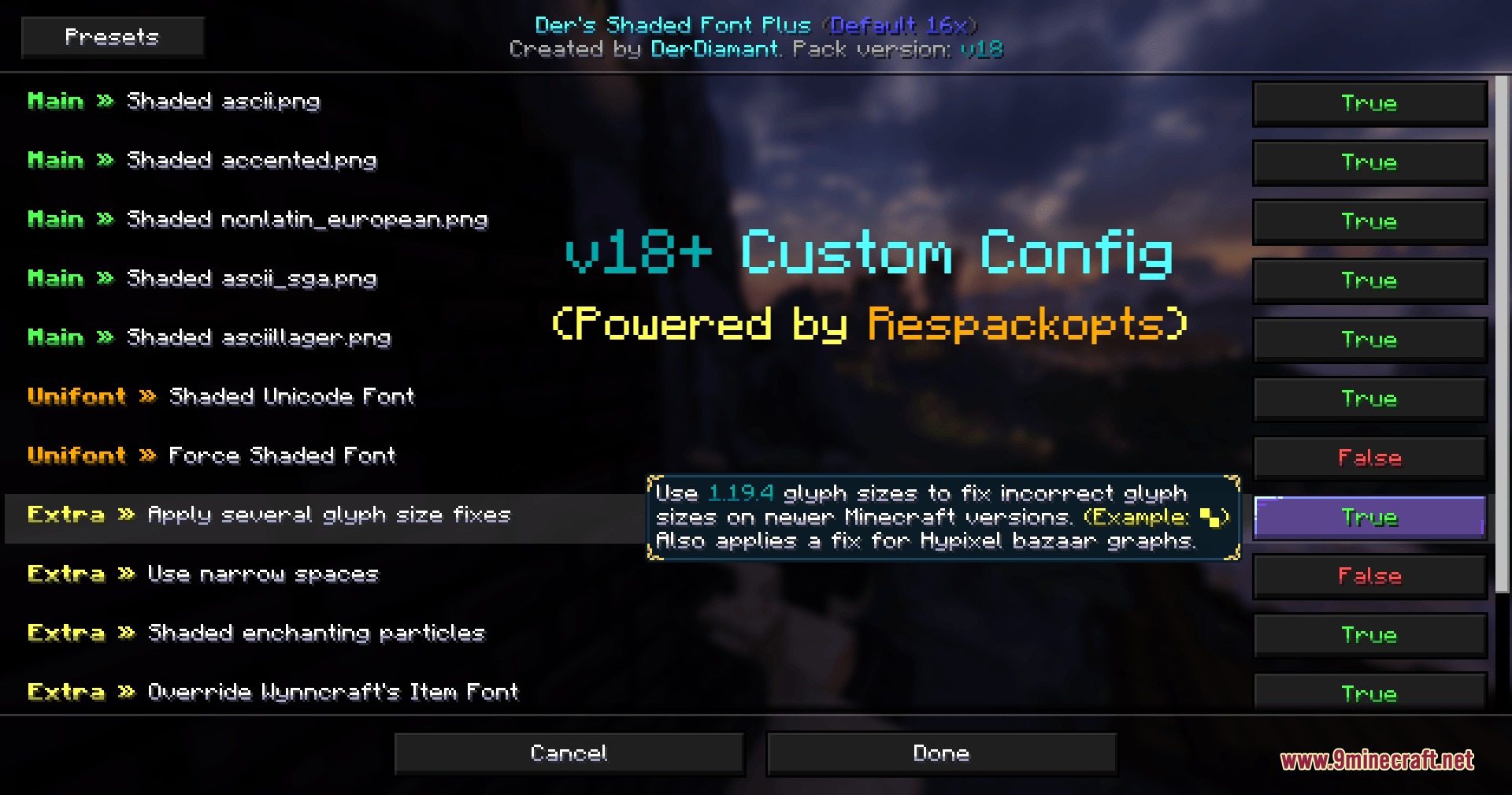
Custom font shading is disabled by default in Minecraft. Open your Settings menu, go to Language, then Font Settings, and enable the custom font option to see the colorful shaded text effects.
How do I fix blurry or pixelated text with this pack?
Check that your GUI scale is set to an integer value (1, 2, 3, etc.) rather than a decimal—non-integer scales can cause text rendering issues. If text remains blurry, verify you're using the latest version of the pack compatible with your Minecraft version.
Does this pack work on Hypixel and other multiplayer servers?
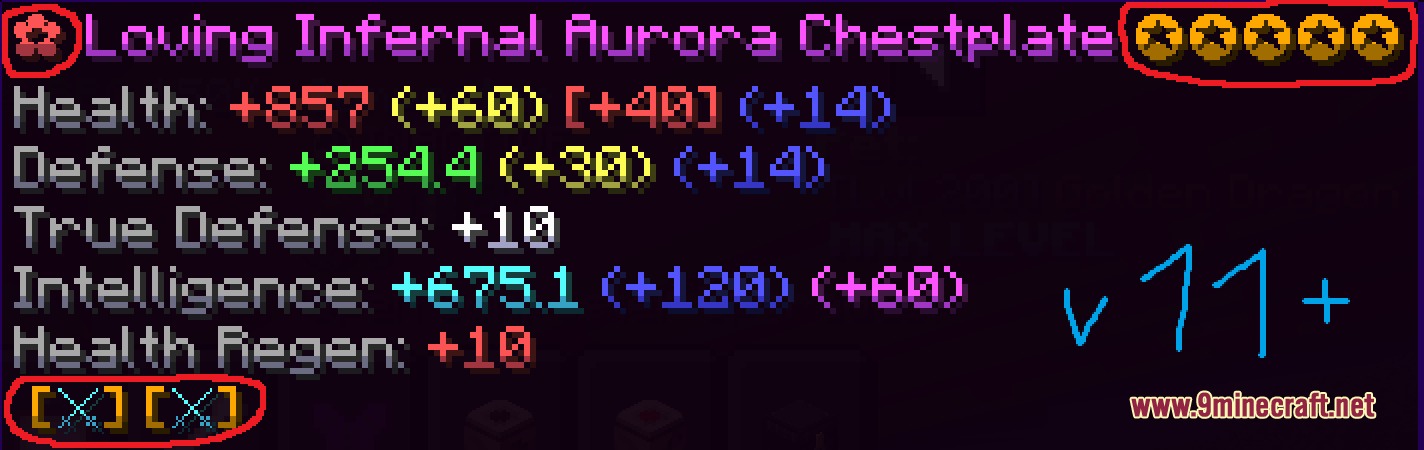
Yes, the pack is designed to work on popular servers like Hypixel and Wynncraft without conflicts. It will enhance server-specific text like bazaar charts, item tooltips, and minigame displays while maintaining compatibility with server-side formatting.
Can I see the hidden text in the enchanting table?
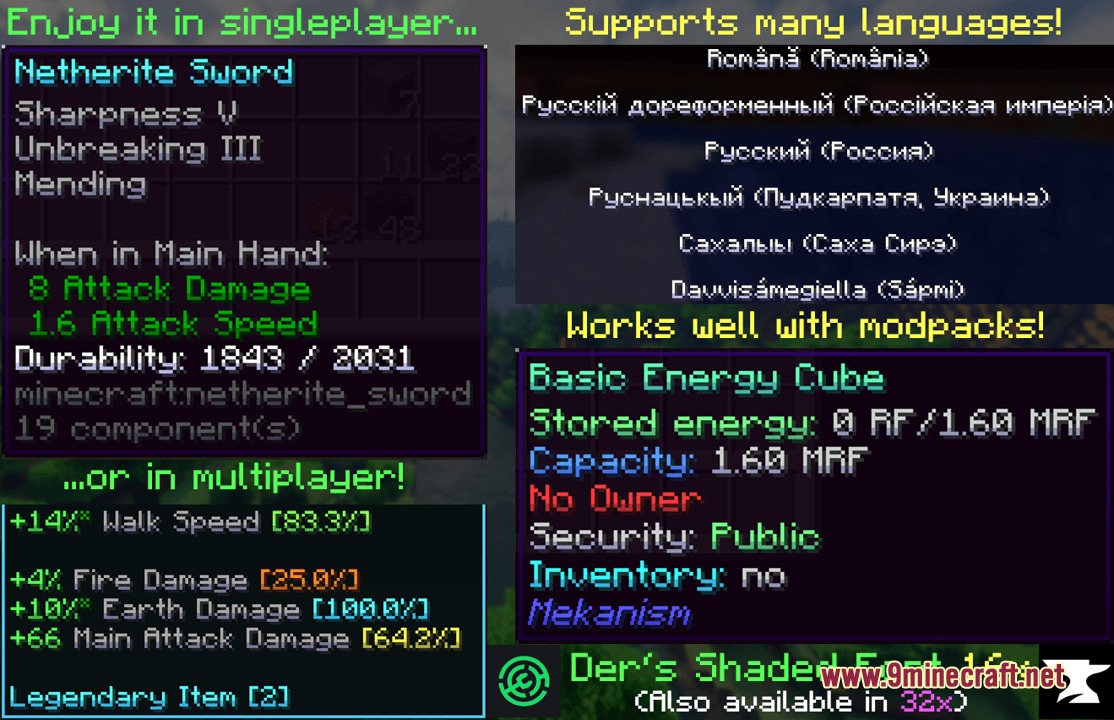
The pack includes custom shading for enchanting table runes and illager text, making them clearer and more readable. These will display automatically once the pack is installed and custom fonts are enabled.
See all 10 Prism Glyph Standard questions ›
Gallery
9 images from the Prism Glyph Standard Resource Pack page.
You May Also Like
Wikis that share the most with this one
 Prism Skies Shaders
More resource pack wikis on the site
Primes Hd Textures Free 32X Resource PackPrimal Horizon Shifters Resource Pack Pride Pack Resource PackPretty Realistic Pbr Resource PackPretty Dark UI Resource PackPrettier Parrots Resource PackPPL Alternative GUI Resource PackPotato Graphics Resource PackPop-out ClocksPoly Smooth Vanilla Resource PackPollachius Resource PackPokemon Atmosphere Resource Pack
The most downloaded mods that have a wiki here
A few wikis from each of the other kinds