

 DownloadPotato Graphics Resource Pack
Get the files on 9Minecraft
Guides
Step-by-step, in-game.
Blocks
124 blocks · showing 24. Browse all →
 Acacia Leaves
 Acacia Log
 Acacia Planks
 Acacia Trapdoor
 Activator Rail
 Allium
 Andesite
 Anvil
 Azalea Leaves
 Azure Bluet
 Bamboo Fence
 Bamboo Fence Gate
 Bamboo Mosaic
 Bamboo Planks
 Bedrock
 Big Dripleaf Stem
 Birch Leaves
 Birch Log
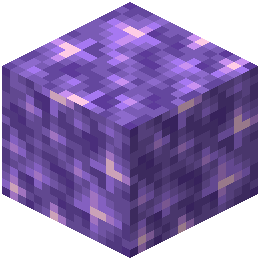 Block of Amethyst
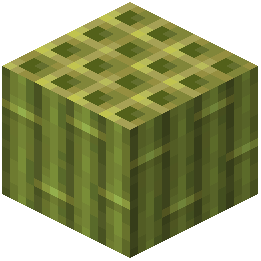 Block of Bamboo
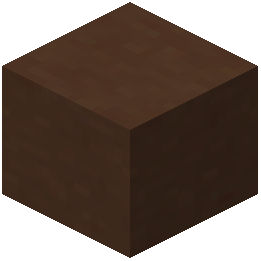 Brown Terracotta
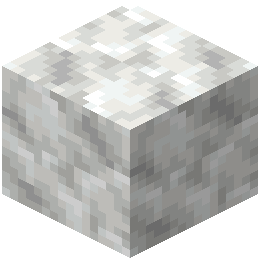 Calcite
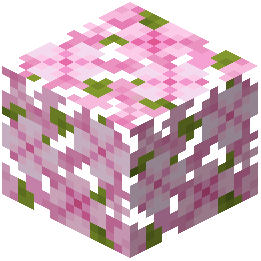 Cherry Leaves
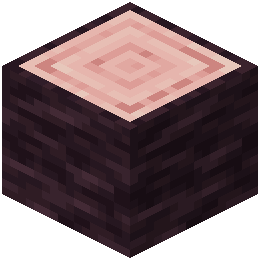 Cherry Log
What this pack changes
Every texture group the pack replaces, counted from the pack itself.
| Area | Textures replaced |
|---|---|
| Blocks | 216 |
| Mobs & entities | 185 |
| Models | 15 |
| GUI & menus | 6 |
| Misc | 2 |
Pack format 75–88 (Minecraft 1.21.9)424 texture files in total
Extra features
Custom block/item models
Reworked GUI
Frequently asked questions
What is the main purpose of Potato Graphics Resource Pack?
It strips Minecraft down to ultra-minimal visuals with single-pixel block textures to maximize FPS on low-end PCs.
How are block textures represented in Potato Graphics?
Every block texture is reduced to a single pixel, creating an extremely simplified visual style.
Who is Potato Graphics Resource Pack designed for?
It is designed for players with low-end PCs who prioritize performance and frame rate over visual detail.
What visual style should I expect from this resource pack?
You should expect ultra-minimal, heavily simplified visuals where each block appears as just a single colored pixel.
Will Potato Graphics Resource Pack improve my FPS?
Yes, by reducing all textures to single pixels, it significantly decreases the graphical load and should increase your frames per second.
Is there a beginner's guide available for this resource pack?
Yes, there is a guide called 'Getting Started with Potato Graphics' available to help new users.
You May Also Like
Wikis that share the most with this one
Automatic-potato ModBaked Potato ShadersDoes Potato Tick? ModTerder’s Potato ShadersVTXS Potato Way ShadersRAY TRACING POTATO ShadersIncredible Graphics ShadersPotato Lite Low Performance ShadersPlush Age Resource Pack PMW Precipitation Redone Resource PackPogs Fresher Ores Glowing Resource PackPoke Discs Resource Pack
More resource pack wikis on the site
Pop-out ClocksPoly Smooth Vanilla Resource PackPollachius Resource PackPokemon Atmosphere Resource PackPlayer Plushies Resource PackPlasticraftPlanks 3D Resource PackPlana Pollachius Resource PackPlain & Precious Resource PackPixlli Resource PackPixions Dust Dyes Resource PackPixels Simple Hud Resource Pack
The most downloaded mods that have a wiki here
A few wikis from each of the other kinds
Gallery
12 images from the Potato Graphics Resource Pack page.


