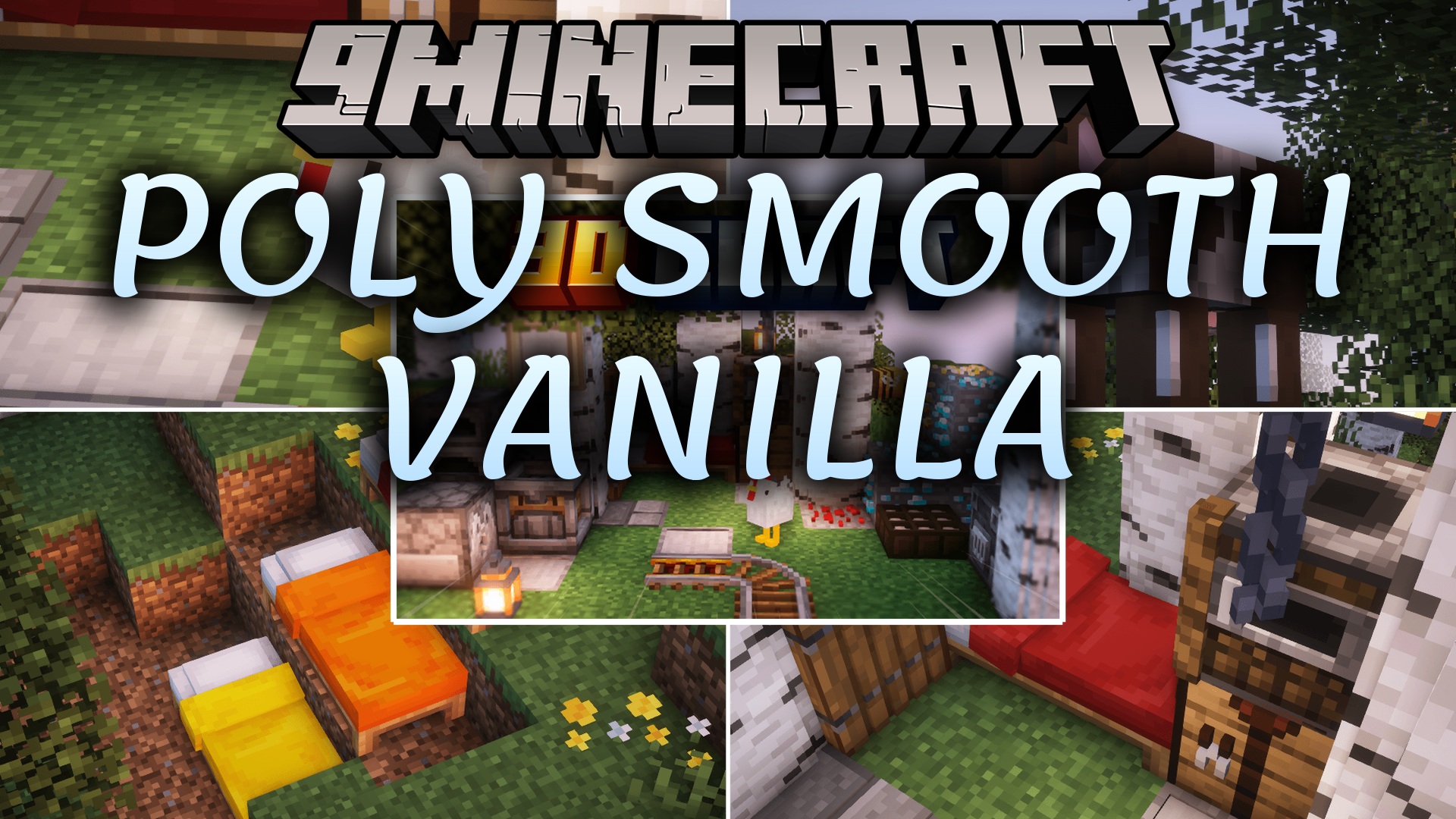
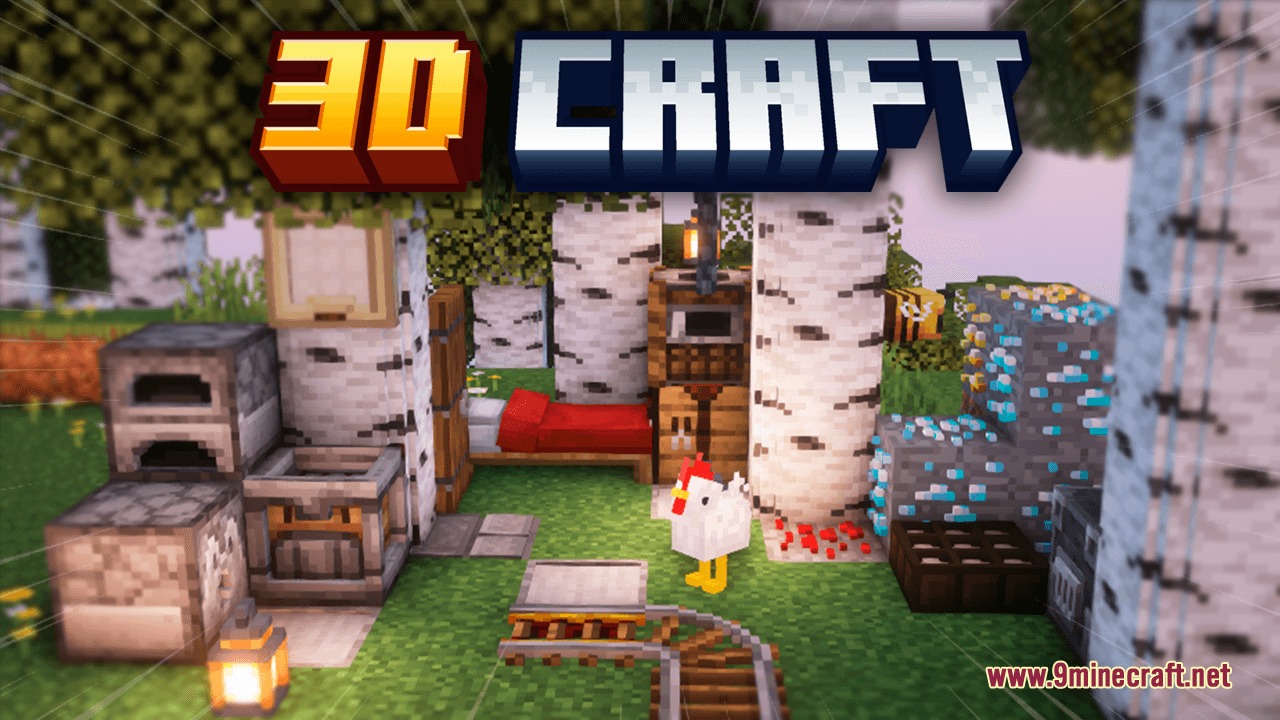
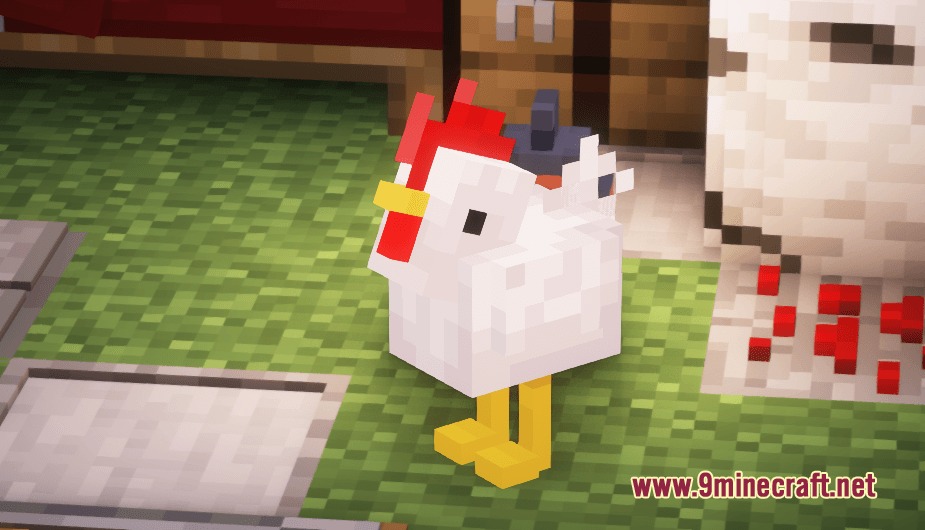
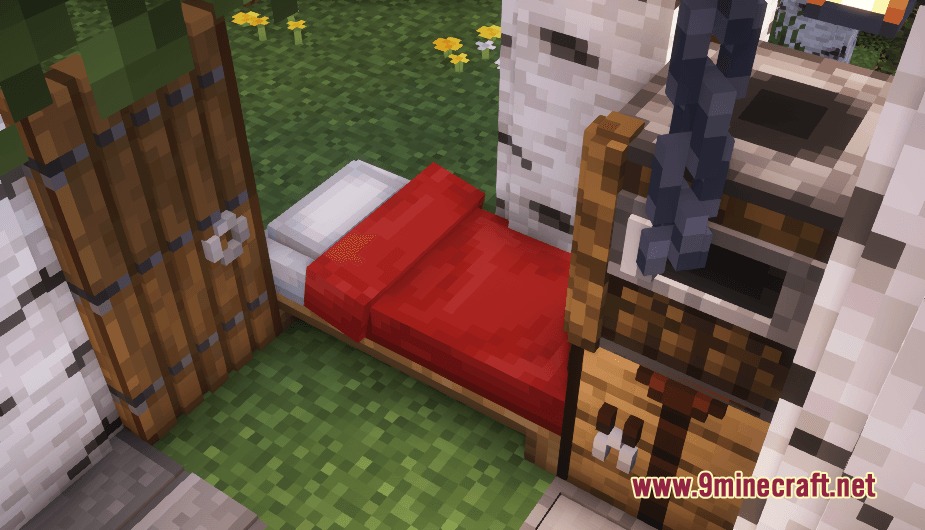
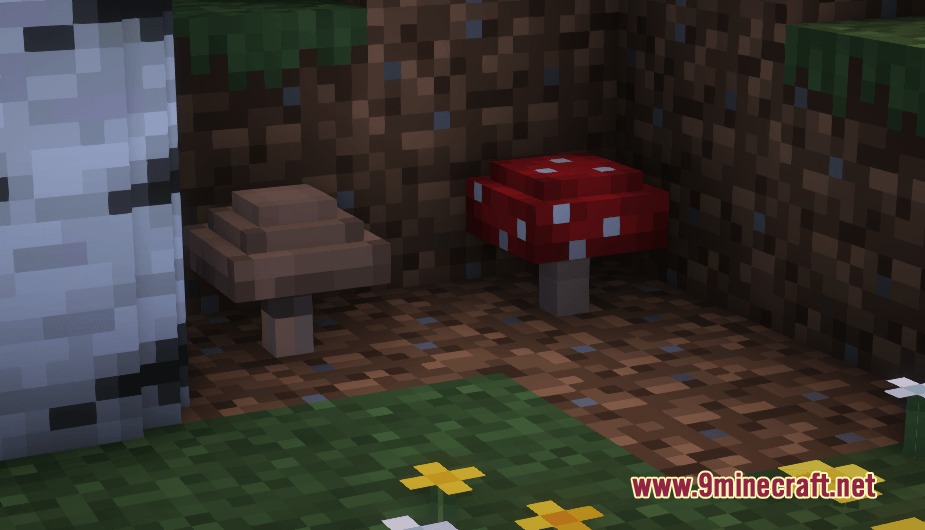
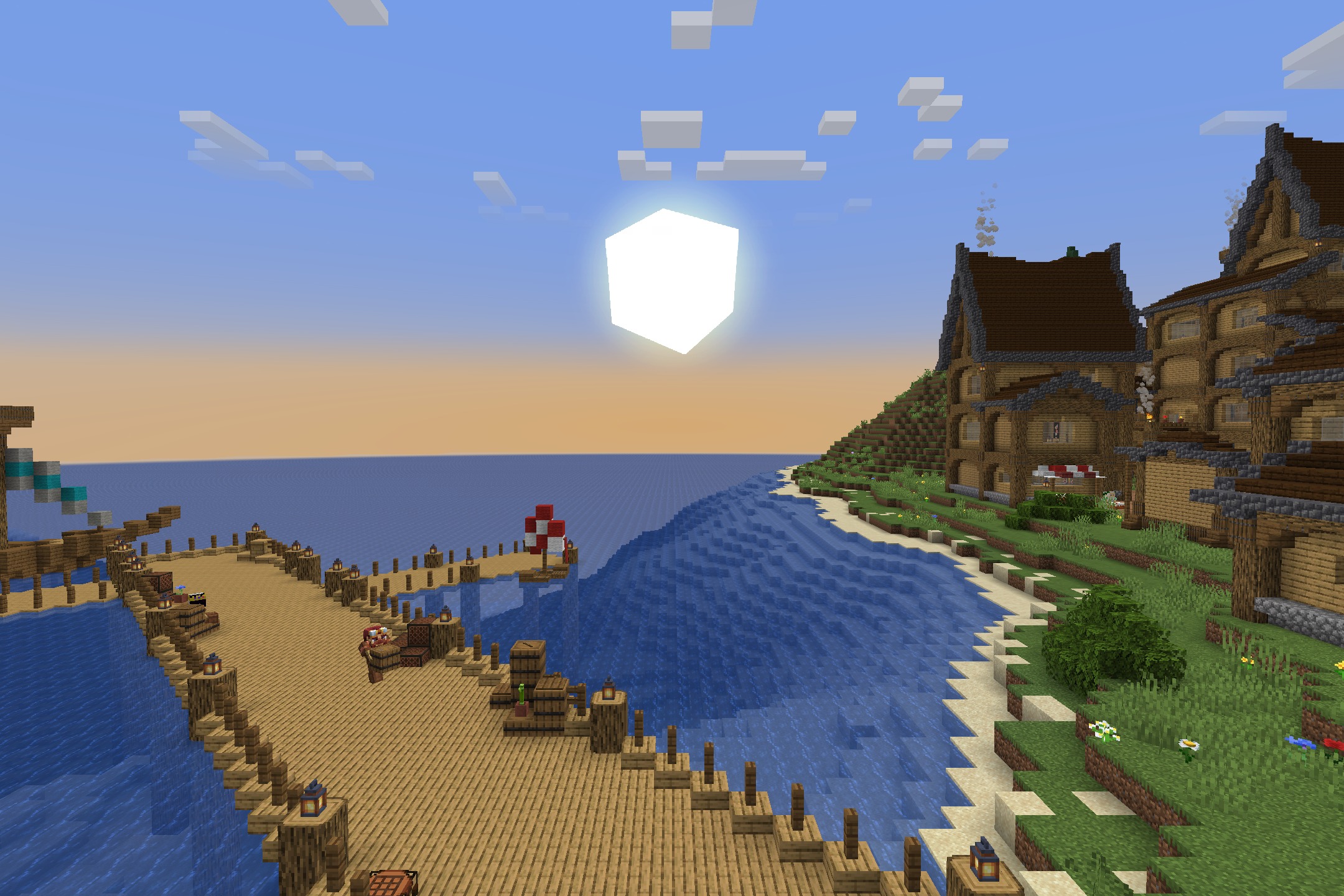
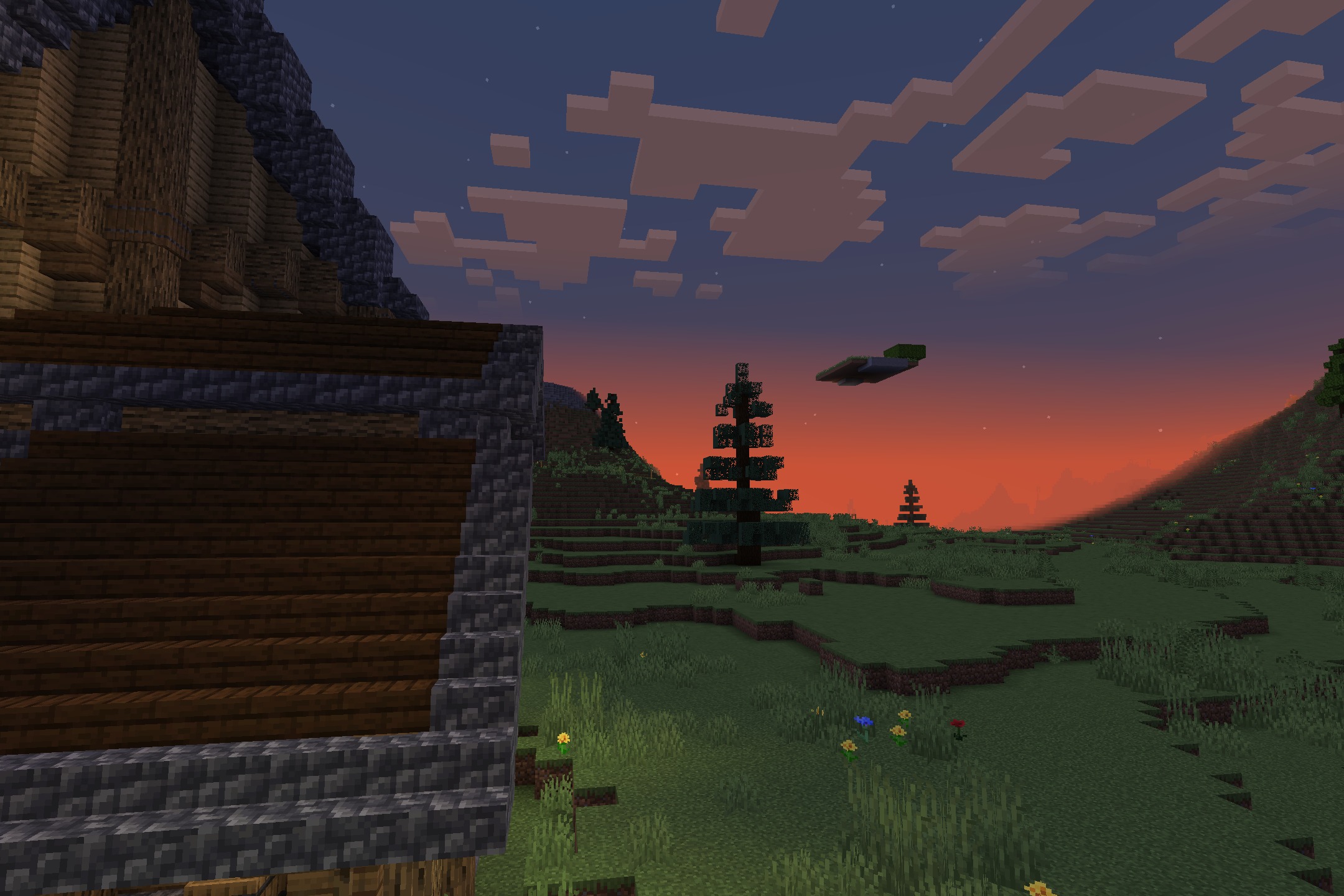
DownloadPoly Smooth Vanilla Resource Pack
Get the files on 9Minecraft
Contents (8)
Guides
Step-by-step, in-game.
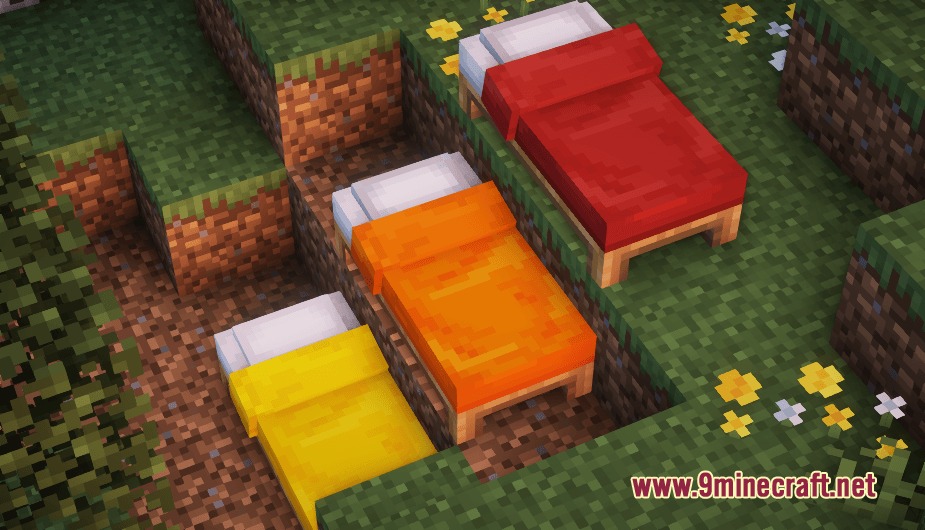
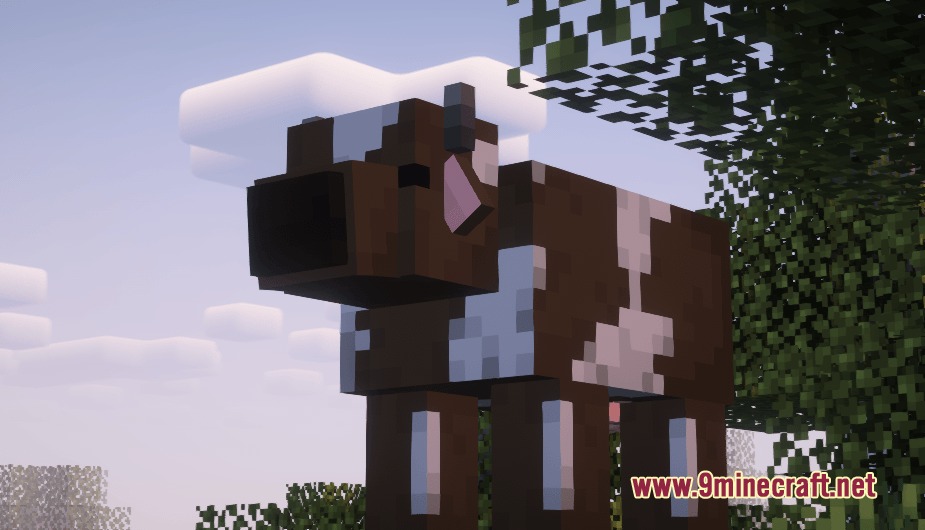
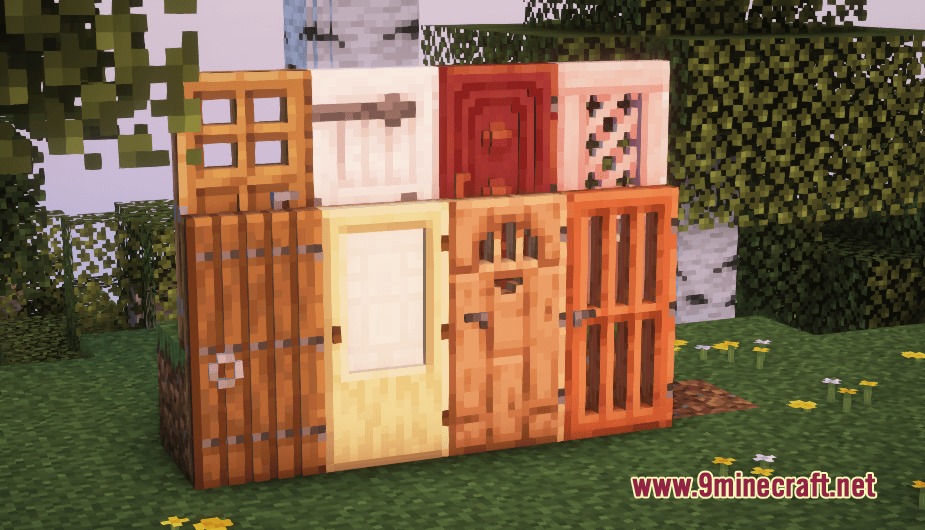
Choosing the Right Performance Setting for Your ComputerCheck Your Current Framerate Before switching settings, launch Minecraft and load a world with the pack active. Press…Getting the Best Look from 3D Block ModelsPosition Blocks for Visual Impact The pack enhances blocks like doors, trapdoors, beds, and rails with 3D depth.…Making Farm Animals Look Their BestUnderstanding the 3D Animal Models The pack updates cows, chickens, pigs, and sheep with distinct 3D body shapes.…Optimizing Handheld Items and Crafting DisplaysViewing Handheld Item Models The pack gives handheld items fresh 3D shapes while maintaining pixel art style. To see…
Items
B
 Book
 Bucket
 Bucket of Axolotl
 Bucket of Cod
 Bucket of Pufferfish
 Bucket of Salmon
 Bucket of Tadpole
 Bucket of Tropical Fish
C
 Cookie
D
 Diamond Axe
 Diamond Hoe
 Diamond Pickaxe
 Diamond Shovel
 Diamond Sword
G
 Golden Axe
 Golden Hoe
 Golden Pickaxe
 Golden Shovel
 Golden Sword
H
 Heavy Core
I
 Iron Axe
 Iron Hoe
 Iron Pickaxe
 Iron Shovel
 Iron Sword
L
 Lava Bucket
M
 Melon Slice
 Milk Bucket
N
 Nautilus Shell
 Netherite Axe
 Netherite Hoe
 Netherite Pickaxe
 Netherite Shovel
 Netherite Sword
P
 Powder Snow Bucket
S
 Stone Axe
 Stone Hoe
 Stone Pickaxe
 Stone Shovel
 Stone Sword
T
 Totem of Undying
W
 Water Bucket
 Wooden Axe
 Wooden Hoe
 Wooden Pickaxe
 Wooden Shovel
 Wooden Sword
 Written Book
Blocks
A
 Acacia Planks
 Activator Rail
B
 Birch Planks
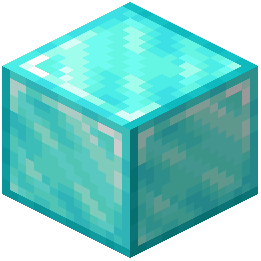 Block of Diamond
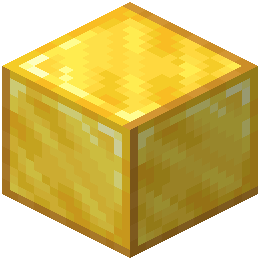 Block of Gold
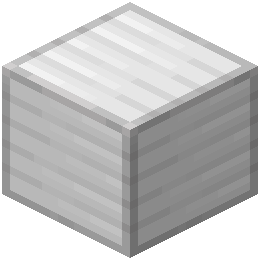 Block of Iron
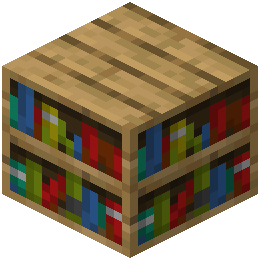 Bookshelf
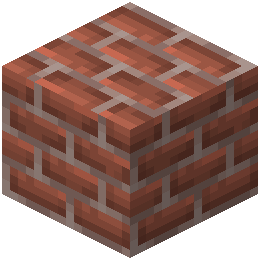 Bricks
C
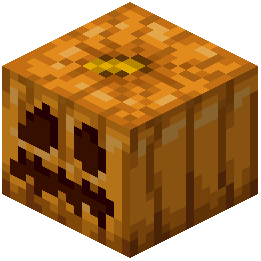 Carved Pumpkin
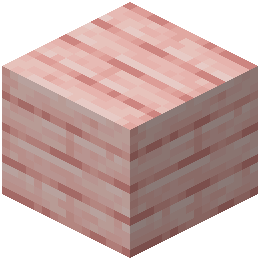 Cherry Planks
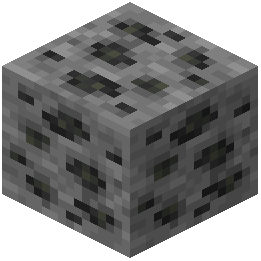 Coal Ore
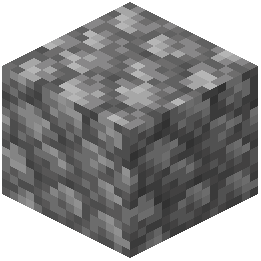 Cobblestone
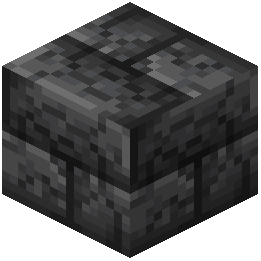 Cracked Deepslate Bricks
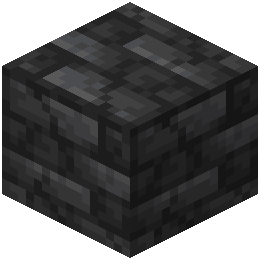 Cracked Deepslate Tiles
 Cracked Polished Blackstone Bricks
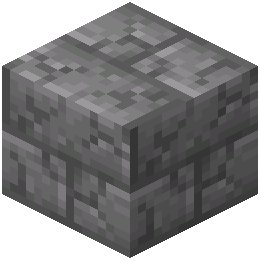 Cracked Stone Bricks
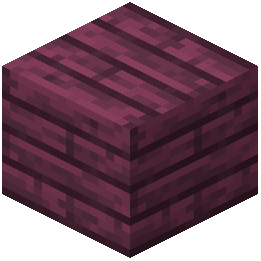 Crimson Planks
D
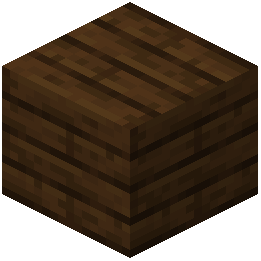 Dark Oak Planks
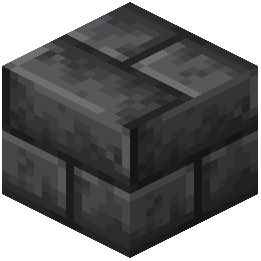 Deepslate Bricks
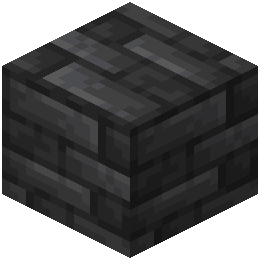 Deepslate Tiles
 Detector Rail
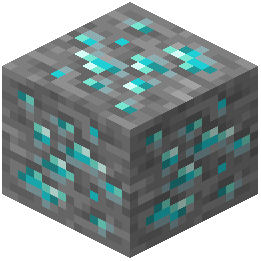 Diamond Ore
E
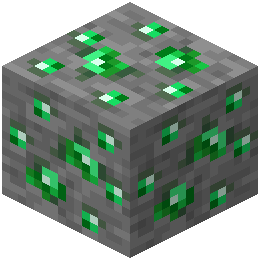 Emerald Ore
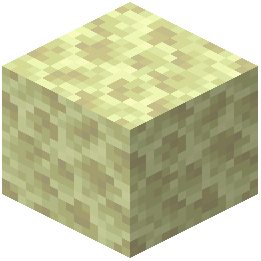 End Stone
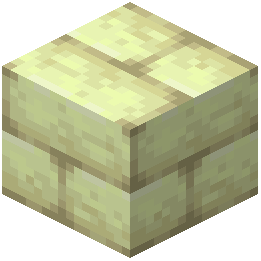 End Stone Bricks
G
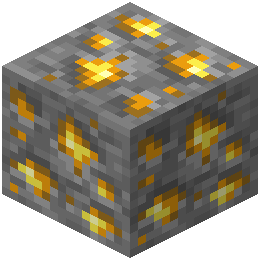 Gold Ore
I
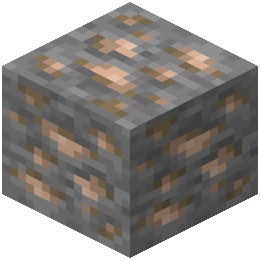 Iron Ore
J
 Jack o'Lantern
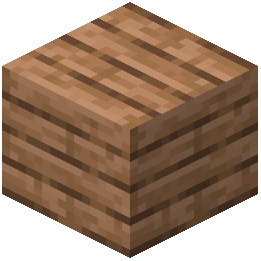 Jungle Planks
L
 Ladder
 Lantern
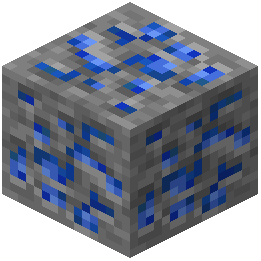 Lapis Lazuli Ore
M
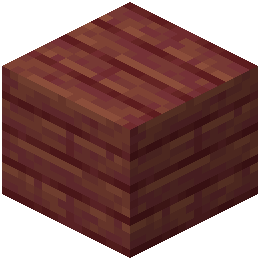 Mangrove Planks
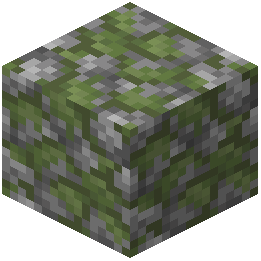 Mossy Cobblestone
O
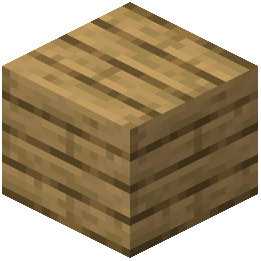 Oak Planks
 Orange Tulip
 Oxeye Daisy
P
 Pink Tulip
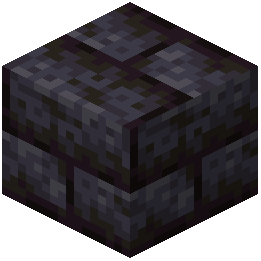 Polished Blackstone Bricks
 Poppy
 Powered Rail
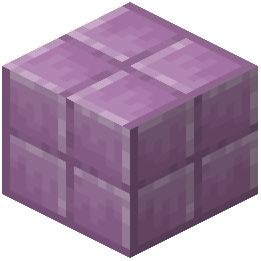 Purpur Block
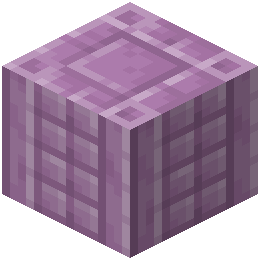 Purpur Pillar
Q
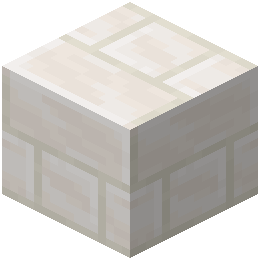 Quartz Bricks
R
 Rail
 Red Tulip
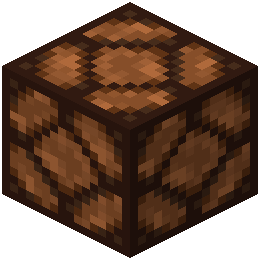 Redstone Lamp
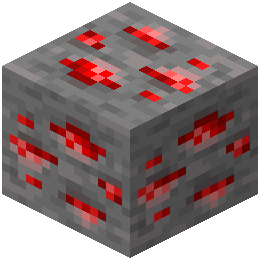 Redstone Ore
S
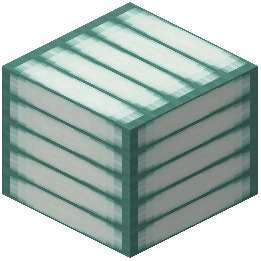 Sea Lantern
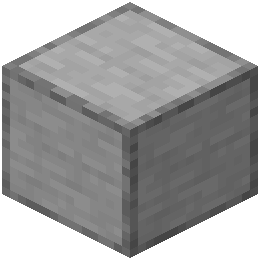 Smooth Stone
 Soul Lantern
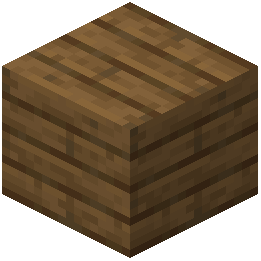 Spruce Planks
 Stone
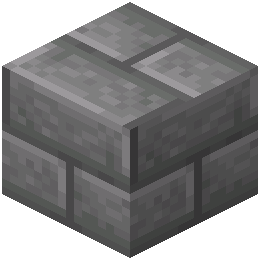 Stone Bricks
 Sugar Cane
T
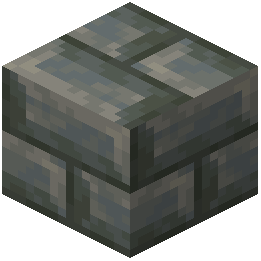 Tuff Bricks
W
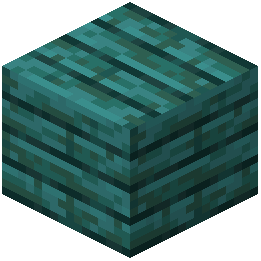 Warped Planks
 White Tulip
 Wither Rose
What this pack changes
Every texture group the pack replaces, counted from the pack itself.
| Area | Textures replaced |
|---|---|
| Blocks | 194 |
| Items | 65 |
| Mobs & entities | 32 |
| Sky & weather | 2 |
Pack format 99 (Minecraft 1.21.9)293 texture files in total
Extra features
Custom entity models (OptiFine/CEM)
Custom block/item models
Frequently asked questions
How do I enable the 3D models after installing the pack?
The pack activates automatically once you add it to your resource packs folder and select it in your resource pack menu. Make sure it's positioned above any conflicting packs in your load order.
Which performance setting should I use?
Start with the Medium setting for a balanced experience. If you experience lag, switch to Low; if your computer handles it well and you want maximum detail, try High.
Why do my 3D models look flat or pixelated?
Check that your resource pack is actually selected and above any other packs that might override it. Also verify your texture filtering settings in video options—some settings can blur or distort 3D models.
Do the 3D models work with mods that add new blocks?
This pack only includes 3D models for vanilla blocks and items, so newly added blocks from other mods will use their default textures unless those mods include their own models.
Can I use this pack with shaders?
Yes, the pack is compatible with most shader packs, though the visual effect depends on how the shader handles 3D models and lighting.
Why is my framerate dropping with the High setting?
The High setting renders more detailed 3D geometry, which increases GPU load. Switch to Medium or Low, or check that other resource-heavy mods or shaders aren't running simultaneously.
Do handheld items look different in first-person and third-person view?
Yes, the 3D models are designed to look good in both perspectives, though the angle and lighting will differ between first-person and third-person views.
Will this pack affect my world's performance in multiplayer servers?
Resource packs only affect your client-side rendering, so they won't impact server performance or other players' experiences.
Are the farm animals' 3D models different for each color variant?
Yes, the pack includes distinct 3D body shapes for different color variants of animals like sheep and cows to match their wool or hide colors.
Can I mix this pack with other resource packs?
You can stack multiple packs in your resource pack menu, but if another pack also modifies the same blocks or items, whichever pack is higher in the list will take priority.
You May Also Like
Wikis that share the most with this one
 Smooth Font
Wikis on the same theme: ore
More resource pack wikis on the site
Pollachius Resource PackPokemon Atmosphere Resource PackPoke Discs Resource PackPogs Fresher Ores Glowing Resource Pack PMW Precipitation Redone Resource PackPlush Age Resource PackPlayer Plushies Resource PackPlasticraftPlanks 3D Resource PackPlana Pollachius Resource PackPlain & Precious Resource PackPixlli Resource Pack
The most downloaded mods that have a wiki here
A few wikis from each of the other kinds
Gallery
11 images from the Poly Smooth Vanilla Resource Pack page.