

 DownloadOffhand Weapon Holstering Resource Pack
Get the files on 9Minecraft
Guides
Step-by-step, in-game.
Ensure Compatibility with Your Character ModelCheck Your Model Type This resource pack is designed for standard right-handed and left-handed character models.…Make Your Offhand Weapon Appear in a HolsterEquip an Item in Your Offhand Slot To see the holstering effect, you need to place a weapon or tool in your offhand…Switch Between Right-Handed and Left-Handed VersionsUnderstanding Hand Orientation This resource pack offers two separate downloads: one for right-handed character…Use Multiple Tools Without Dropping ThemManage Your Active and Offhand Tools The holstering system lets you carry two tools simultaneously—one active in your…
Frequently asked questions
How do I make my offhand weapon actually appear in a holster?
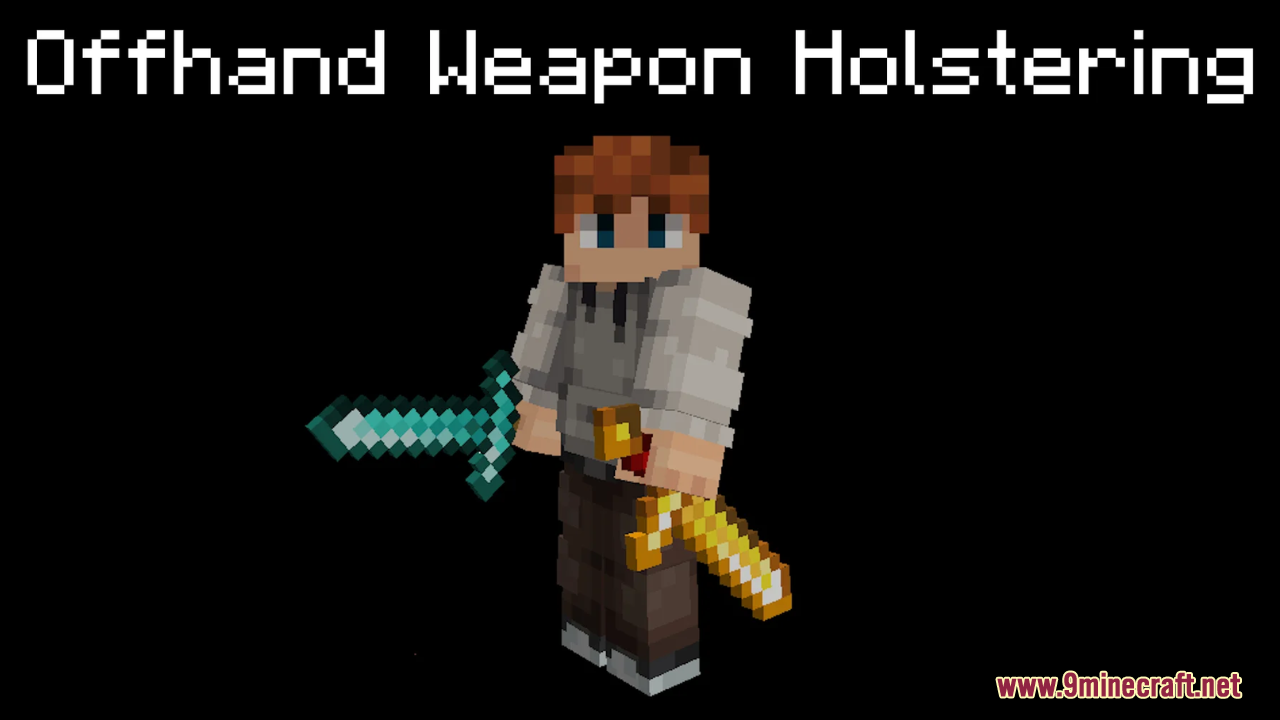
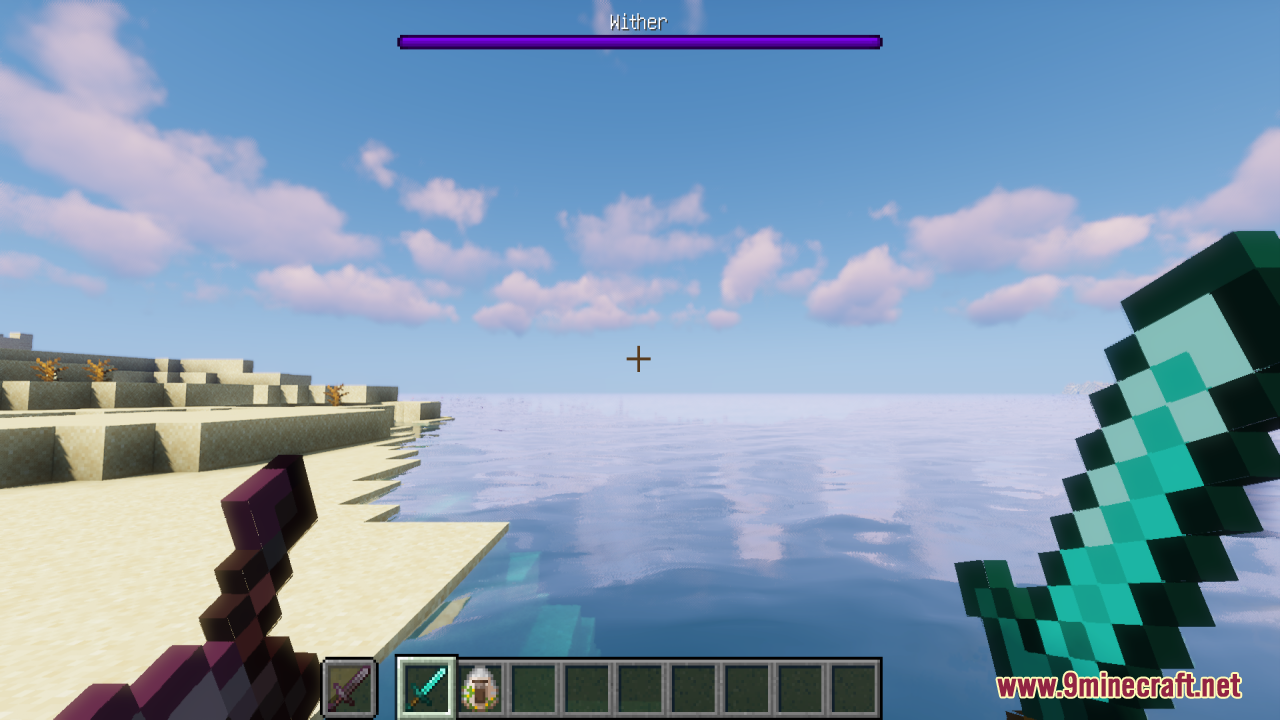
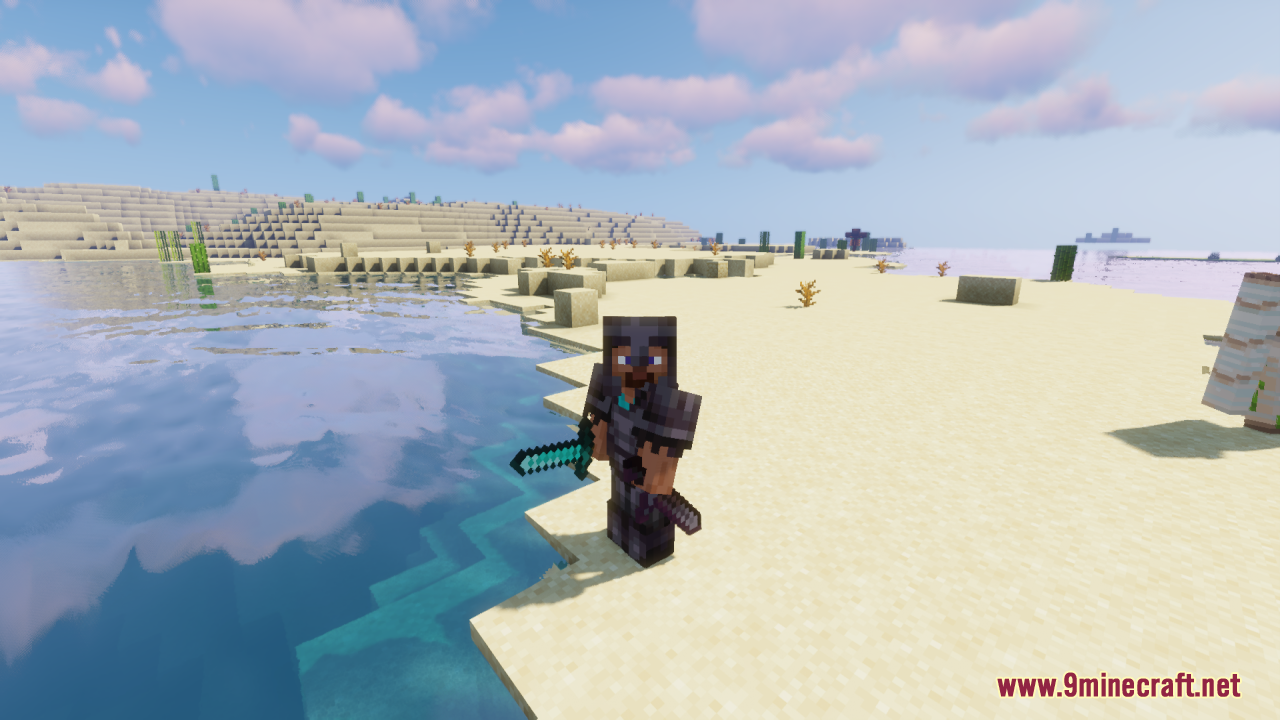
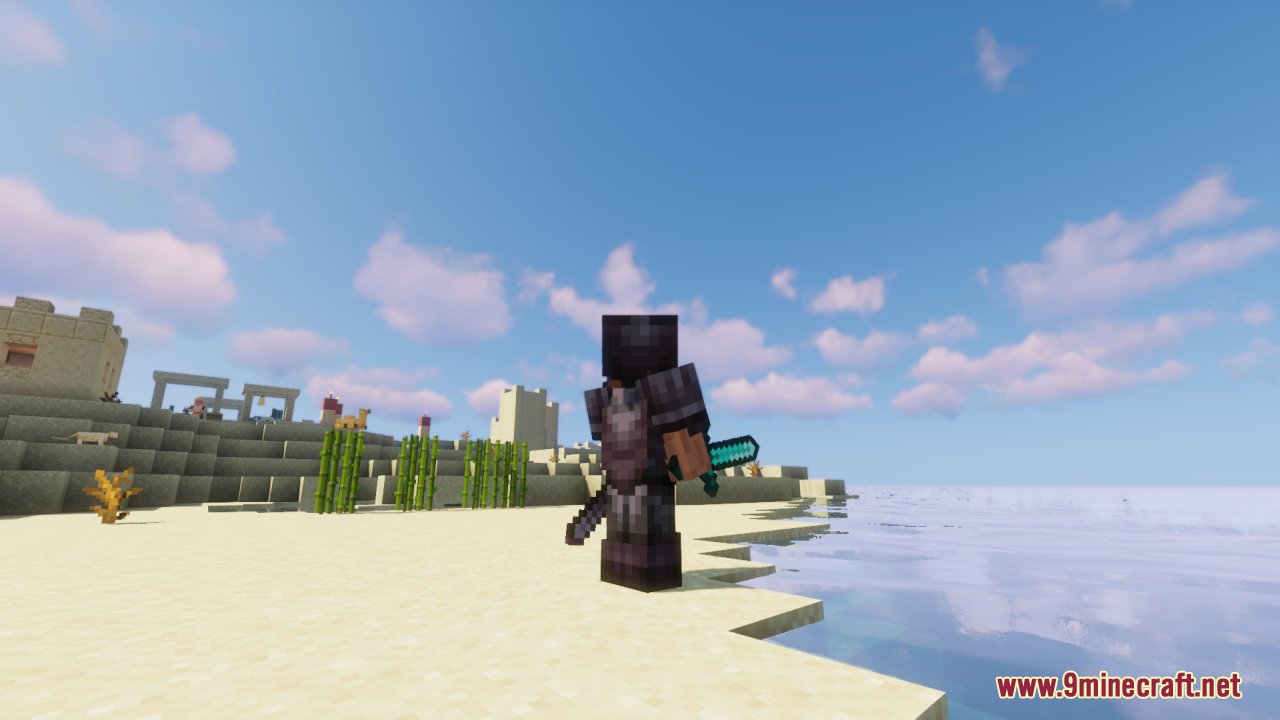
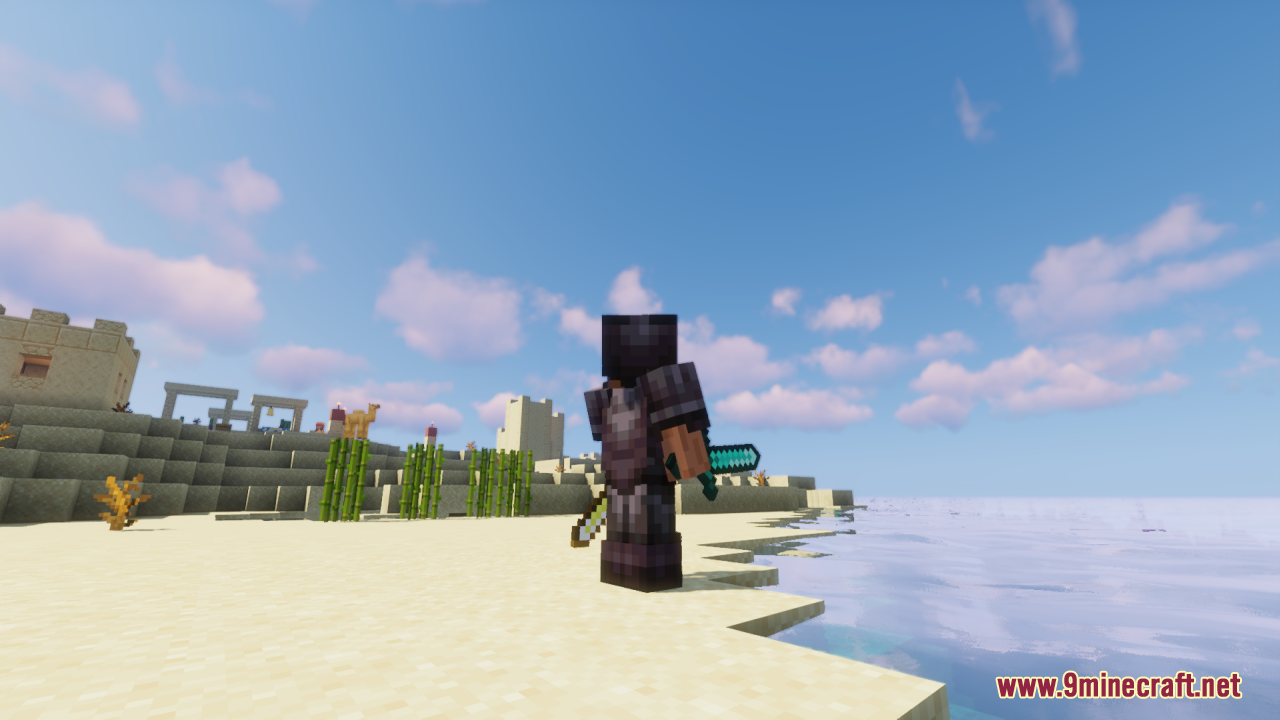
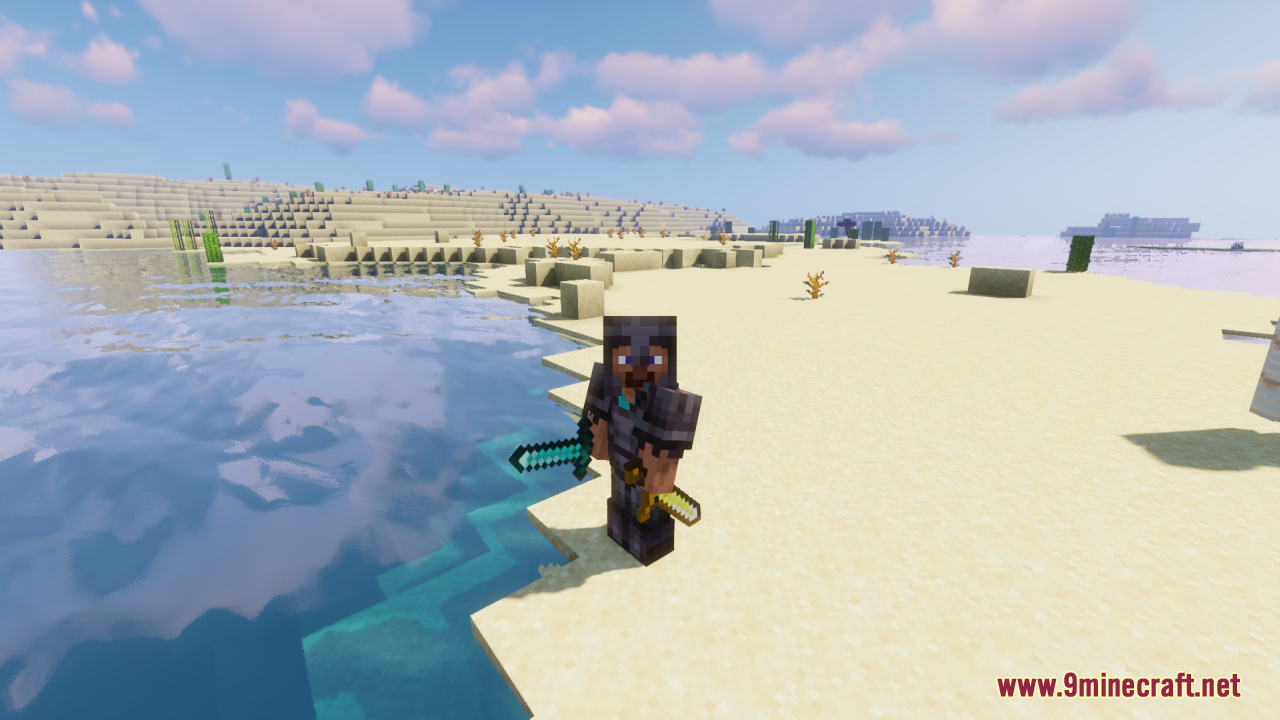
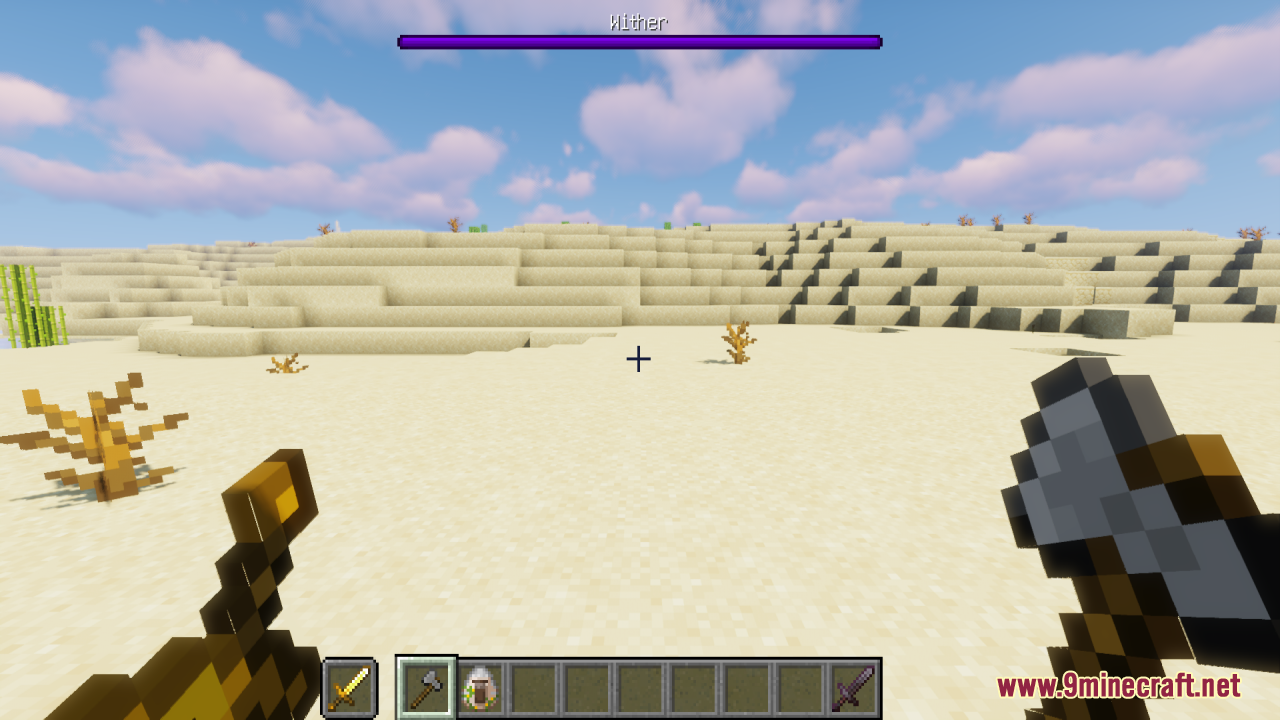
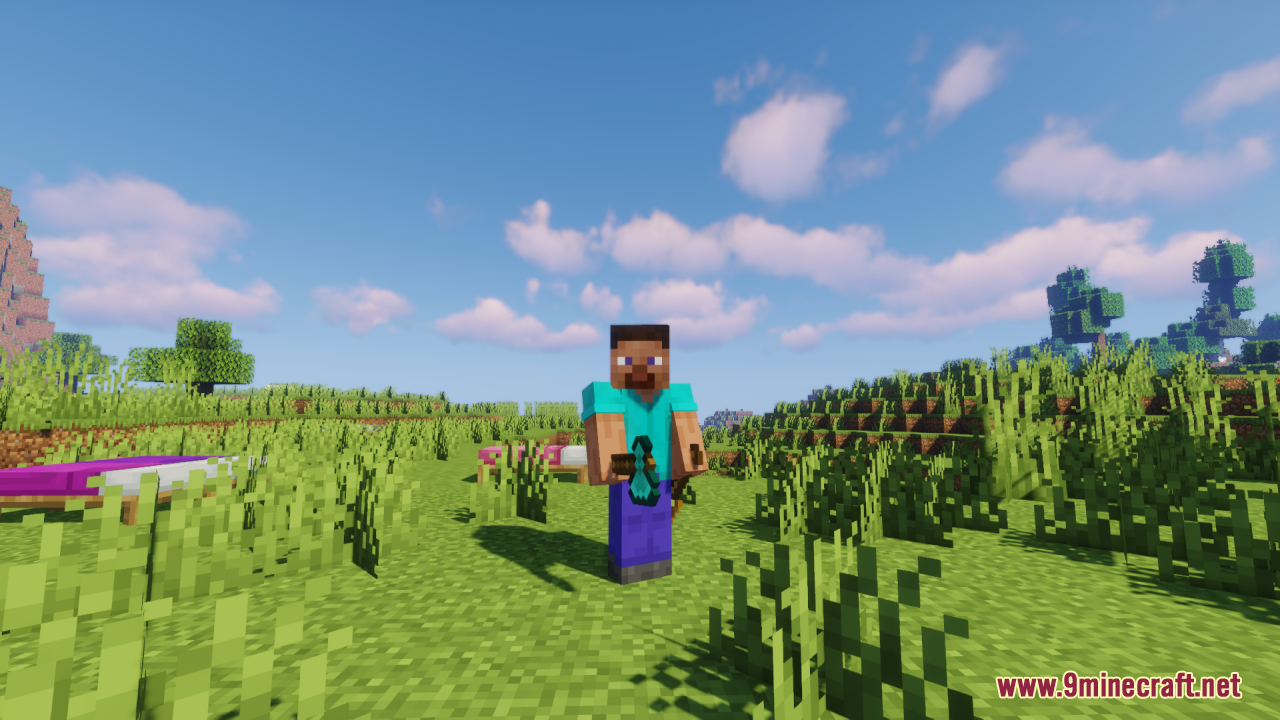
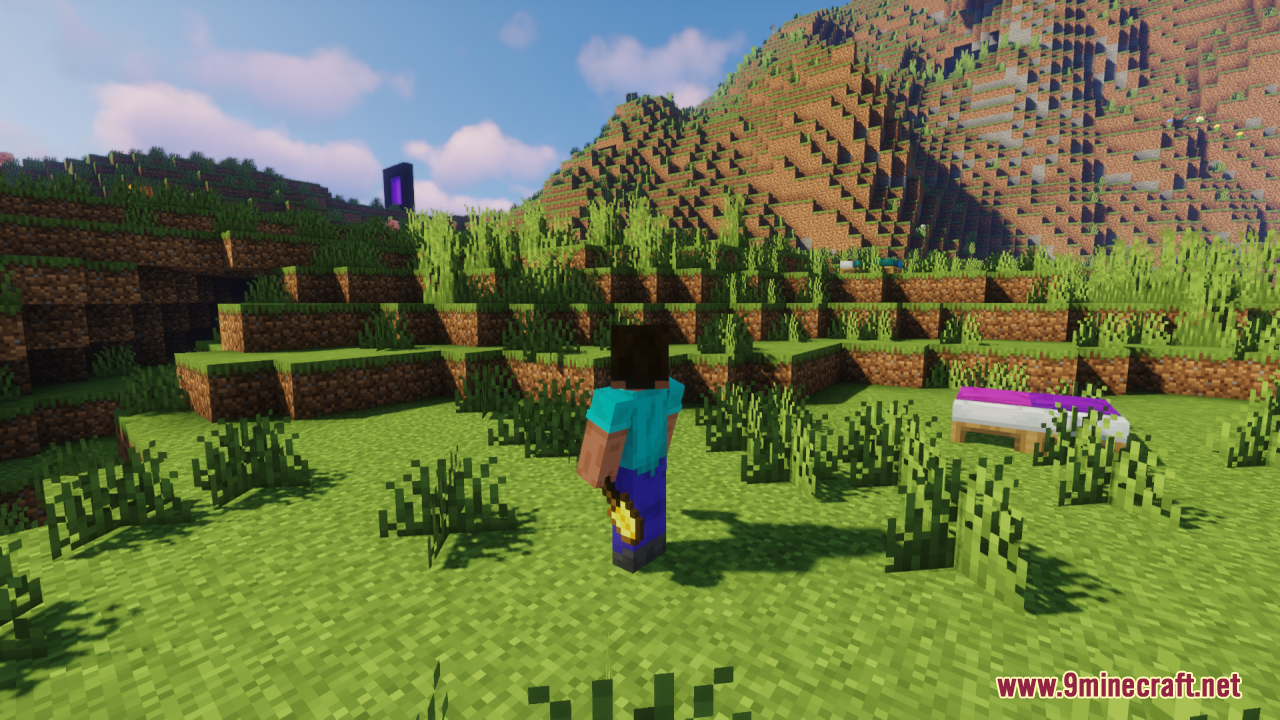
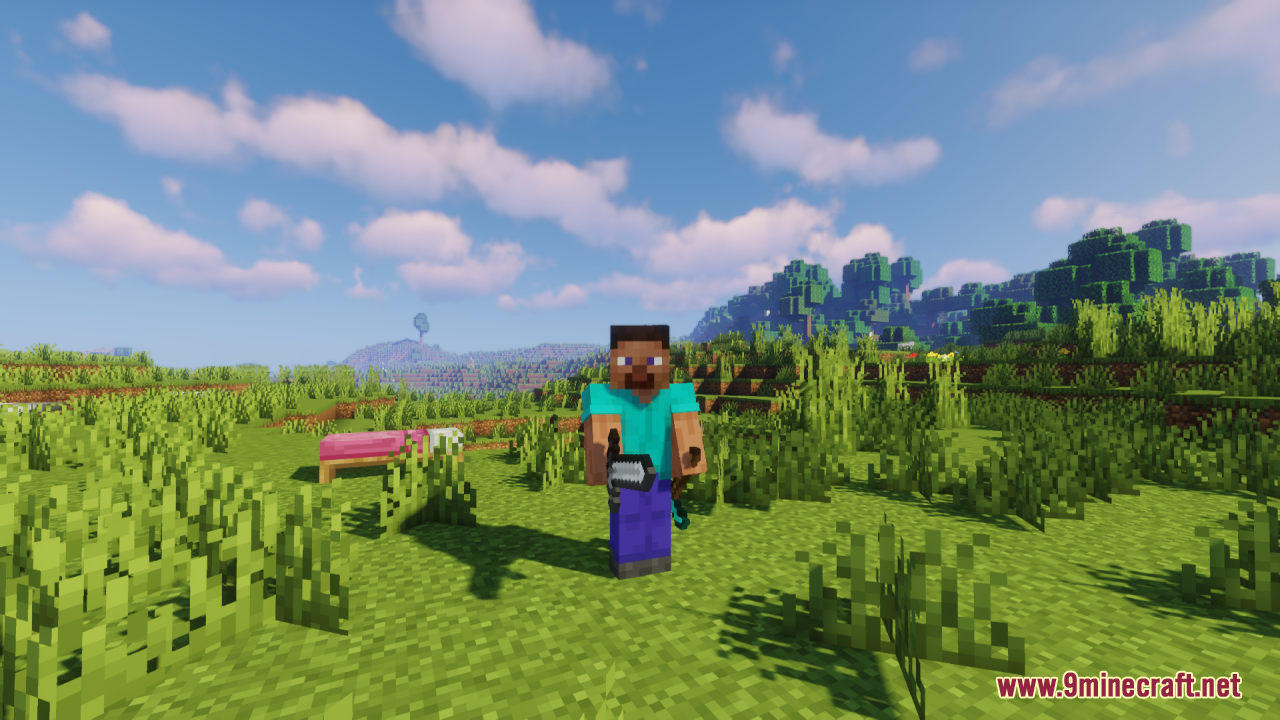
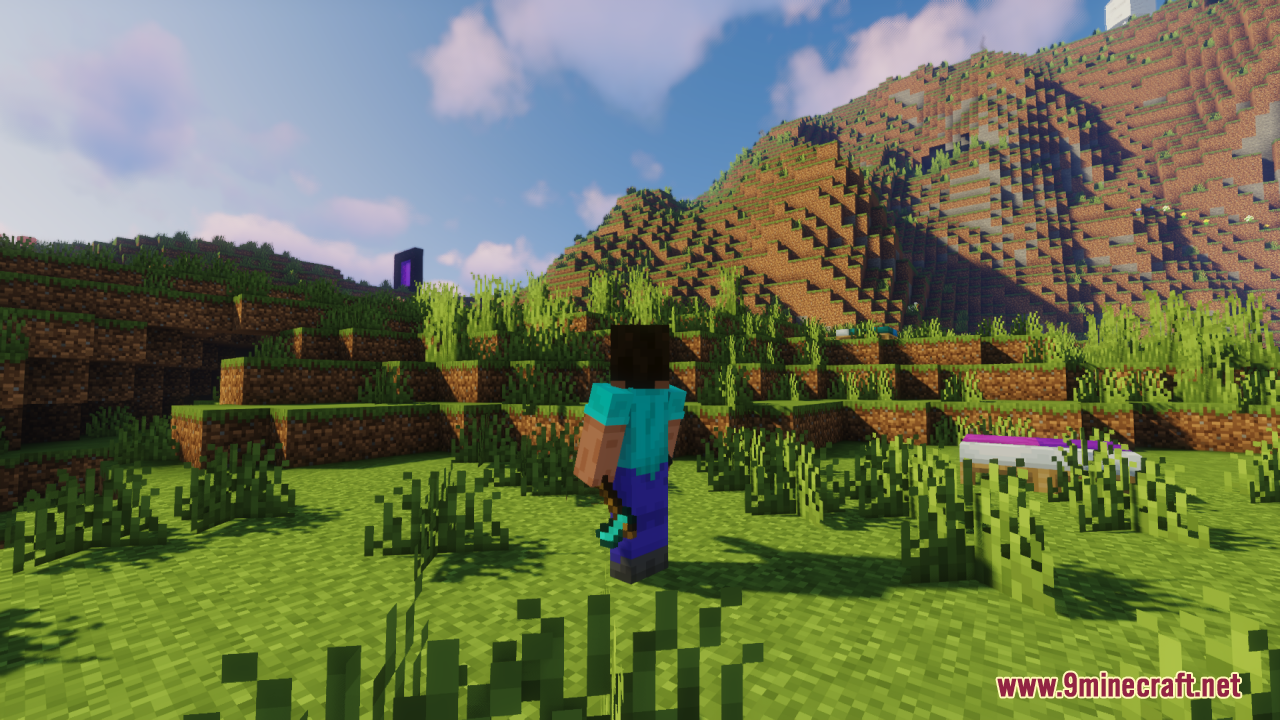
Place an item in your offhand slot (default: F key) while holding a different tool in your main hand. The offhand item will automatically render as holstered on your character model instead of floating in front of you.
Do I need the right-handed or left-handed version?
Download the version that matches your character model's dominant hand. If you're unsure, the standard right-handed version works for most players; switch to left-handed only if your holster appears on the wrong side of your body.
Which tools and weapons does this pack support?
The pack works with standard tools like swords, pickaxes, axes, and shovels. Some modded items may not display correctly if they use custom models that conflict with the holstering system.
Can I use this with other resource packs?
Yes, but place this pack higher in your resource pack list than packs that modify character models or item textures to avoid conflicts. If your character model looks broken, adjust the load order.
See all 10 Offhand Weapon Holstering questions ›
Gallery
12 images from the Offhand Weapon Holstering Resource Pack page.
You May Also Like
Wikis that share the most with this one
Keegs WeaponRanged Weapon API ModSome Weapon Pack ModelYDM’s Weapon Master ModTactical Weapon Smith ModSpoorn Weapon Attributes ModExpanded Weapon Enchanting ModSome Weapon Pack Volume 2 ModelTacz Weapon Research BlueprintsDuelist Armor & Weapon Pack ModelMolten Magma Animated Weapon Set ModelWeapon Leveling X Epic Fight Compat Mod
Wikis on the same theme: weapon
More resource pack wikis on the site
Odd Carrots Resource PackOdar Is Resource PackOdar IsOculies Low Fire Resource PackObsidian Network Interface Resource PackObsidian Interface Resource PackObelisk Frontline VisualsNythral Pvp Resource PackNotch Totem of Undying Resource PackNorthern Council Panorama Resource PackNOO Aliens OV Outfit for Alien Evo Resource PackNo Resource Pack Warnings Mod
The most downloaded mods that have a wiki here
A few wikis from each of the other kinds