

 DownloadDuelist Armor & Weapon Pack Model
Get the files on 9Minecraft
Guides
Step-by-step, in-game.
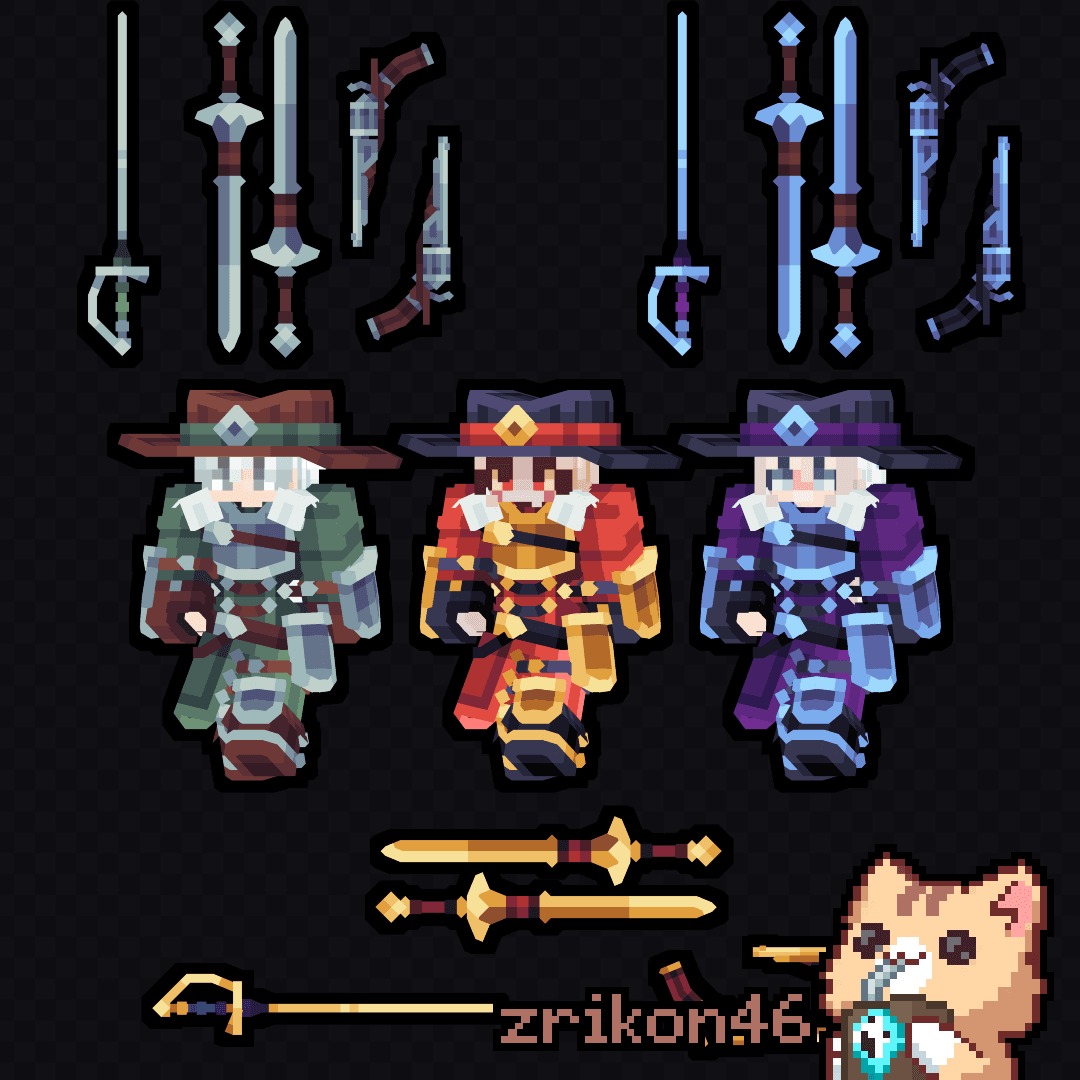
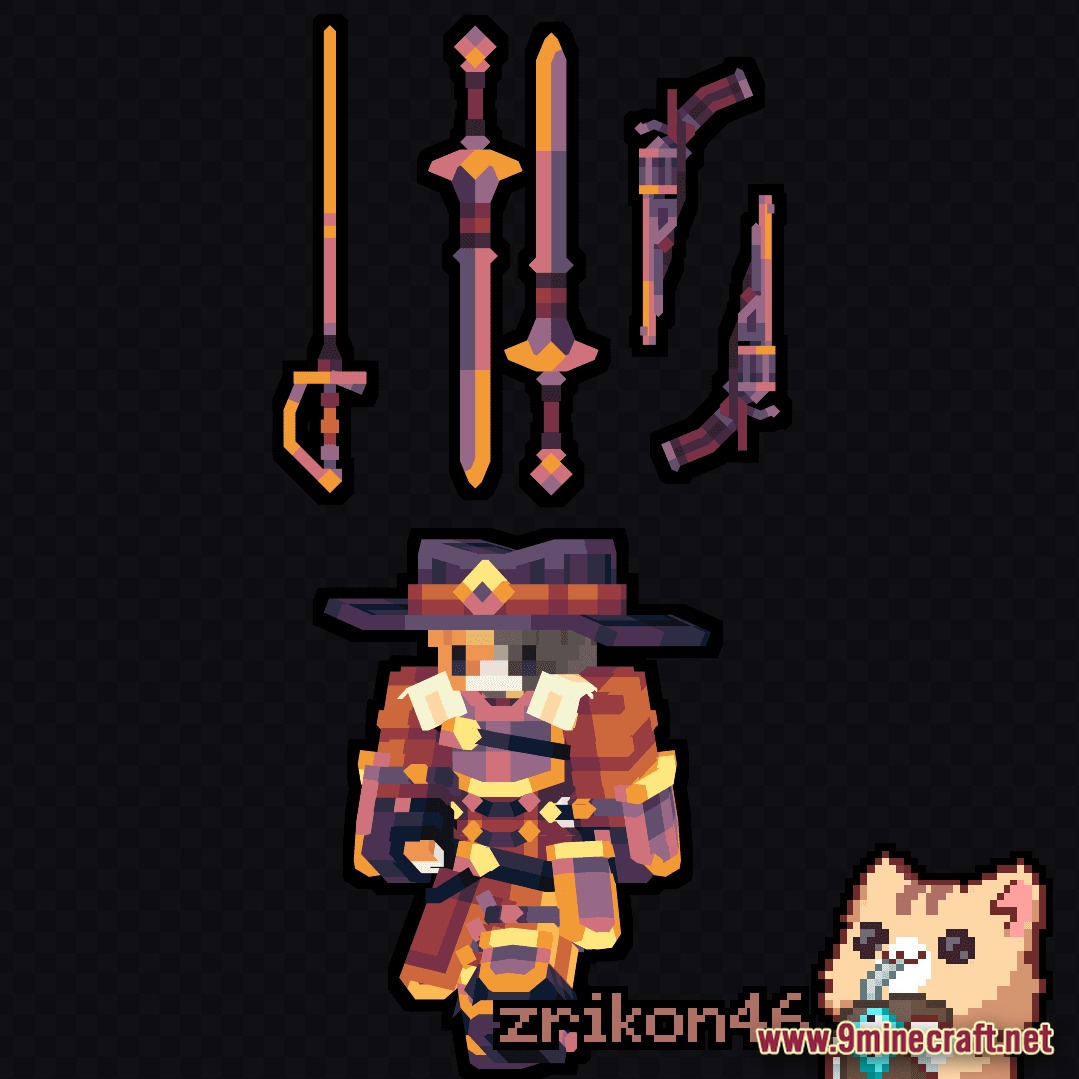
Add Duelist Weapons to Your ShopSet Up Your Plugin Configuration First, confirm which item plugin you're using: Nexo, Oraxen, or ItemsAdder. The…Create a Duelist Loot Table for DungeonsSet Up Your Loot Table File Create or edit a loot table JSON file in your loot_tables/chests/ directory. This file…Customize Weapon Colors and AppearanceAccess the Model Files The Duelist pack includes .bbmodel files (BlockBench format) for each weapon and armor piece.…Equip the Matching Duelist Armor SetUnderstanding the Armor Tiers The Duelist Armor comes in four complete sets matching the weapon tiers: Iron, Gold,…
Frequently asked questions
How do I get the duelist weapons to actually appear in my inventory?
You need to use the configuration file for your plugin (Nexo, Oraxen, or ItemsAdder) to register the weapons, then give yourself the item using the custom item command specific to your plugin—for example, `/give @s oraxen:iron_rapier` in Oraxen.
Can I use these weapons with a shop plugin like ShopGUI or EssentialsShop?
Yes, once the weapons are registered in your plugin's config, you can add them to any shop plugin by referencing the custom item ID (like `iron_short_sword` or `netherite_revolver`).
Why aren't my duelist armor pieces showing up when I wear them?
Make sure the armor models are imported into your plugin's config and that you're equipping the exact custom item name (check for typos in the ID). If using ItemsAdder, verify the bbmodel files are in the correct folder.
See all 10 Duelist Armor & Weapon Pack Model questions ›
Gallery
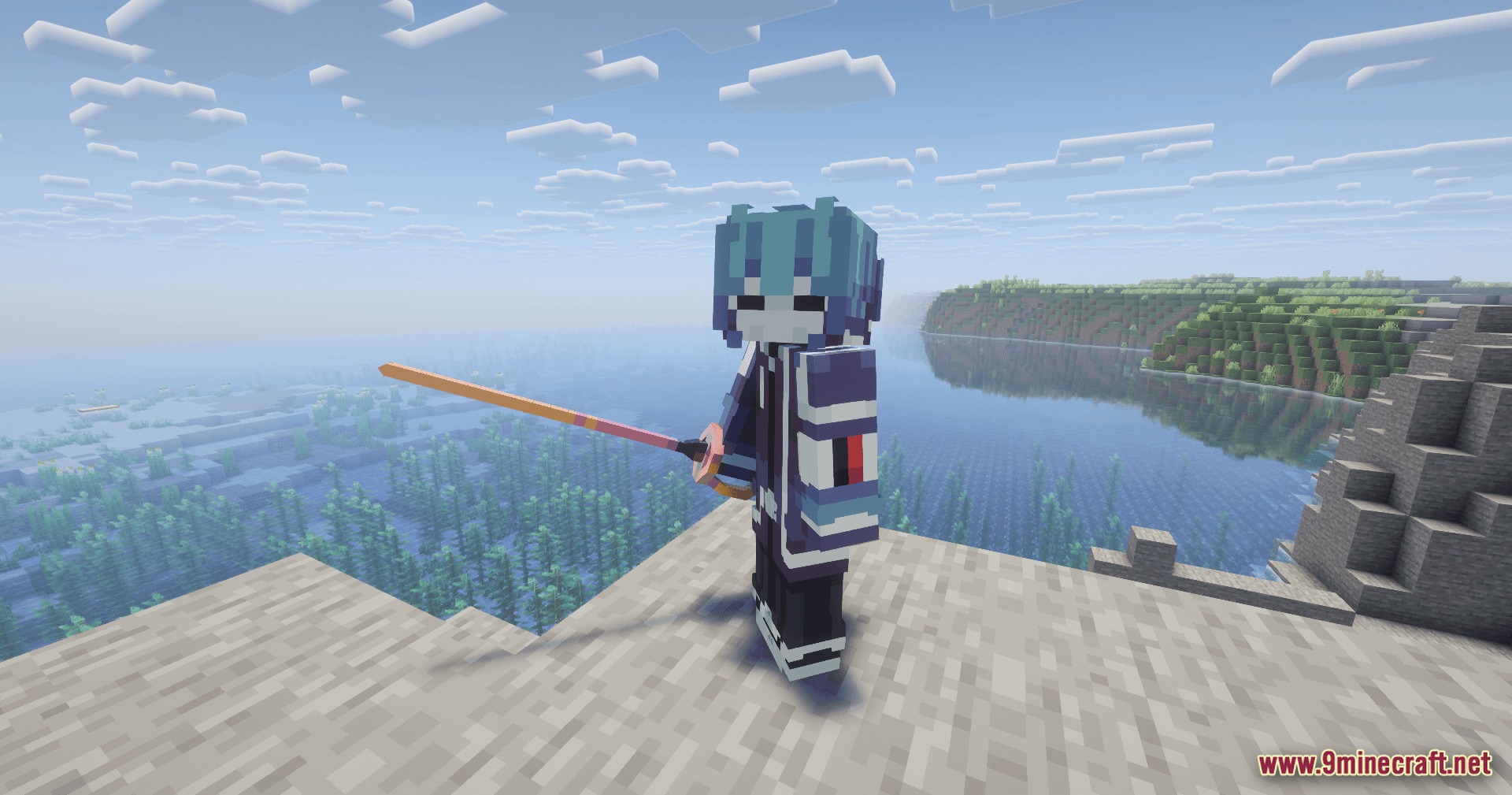
5 images from the Duelist Armor Weapon Pack Model page.
You May Also Like
Wikis that share the most with this one
Wikis on the same theme: weapon
More mod wikis on the site
The most downloaded mods that have a wiki here
A few wikis from each of the other kinds