

 DownloadFresh Waystones Texture Resource Pack
Get the files on 9Minecraft
Guides
Step-by-step, in-game.
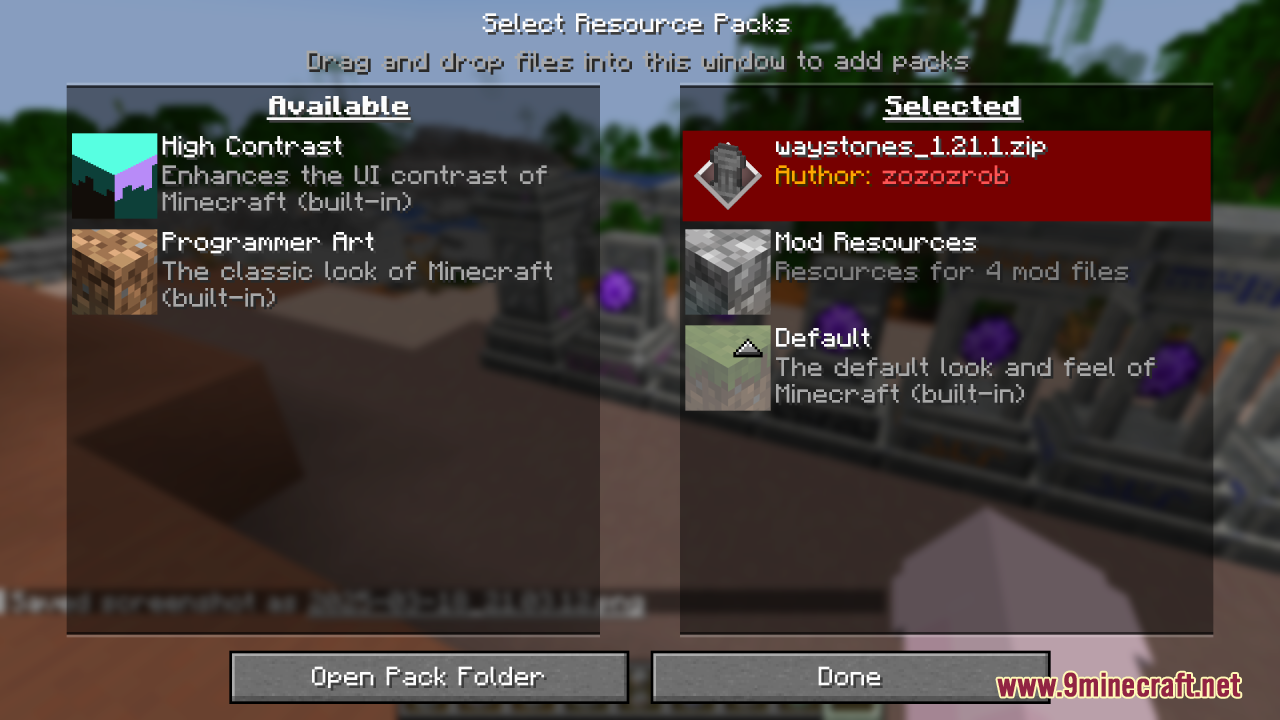
How to Fix Waystone Textures Not Changing After Installing the PackCheck Pack Priority First The most common cause is another resource pack overriding Fresh Waystones. Open Options →…How to Install the Fresh Waystones Texture PackGetting the Pack Into Your Game This is a resource pack, not a mod, so it does not go in your mods folder. Drop the…How to Make Waystones Blend Into Your Builds With This PackWhy the Fresh Look Helps The default Waystones textures are fairly plain and can clash with detailed builds. The…How to Use Fresh Waystones Alongside Other Resource PacksUnderstanding Load Order Minecraft applies resource packs from the top of the Selected list downward, and the first…
Frequently asked questions
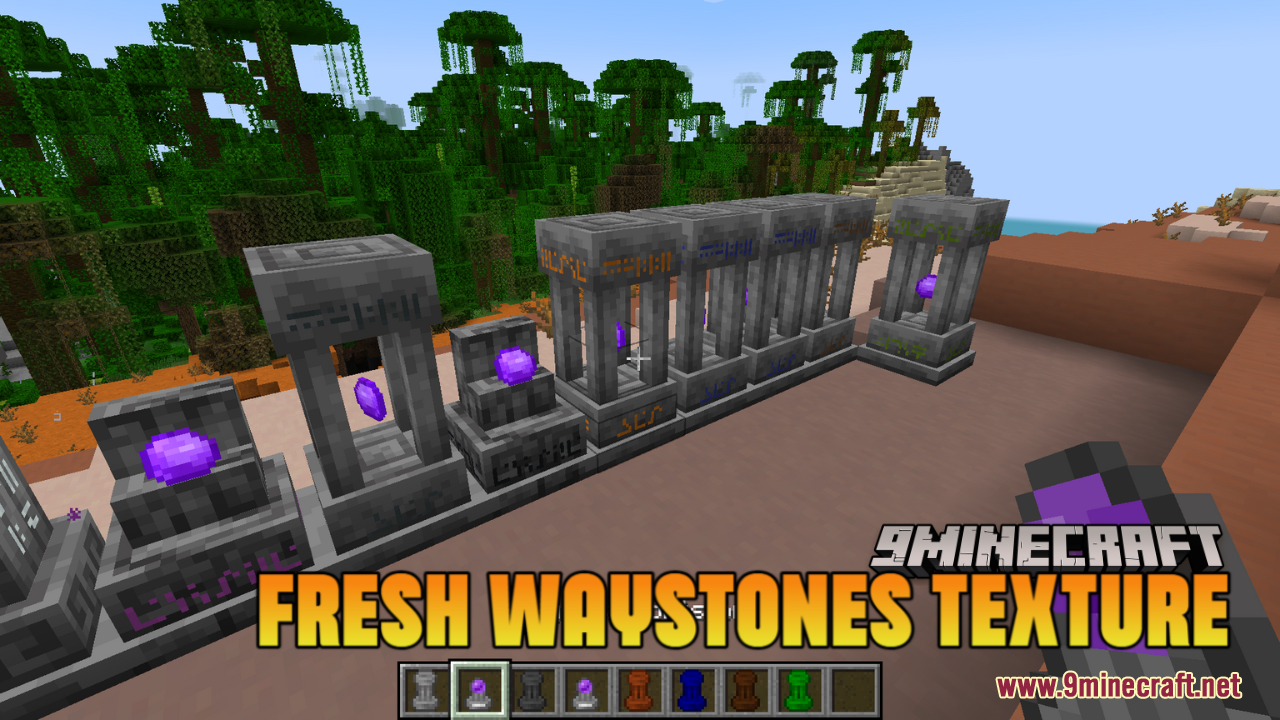
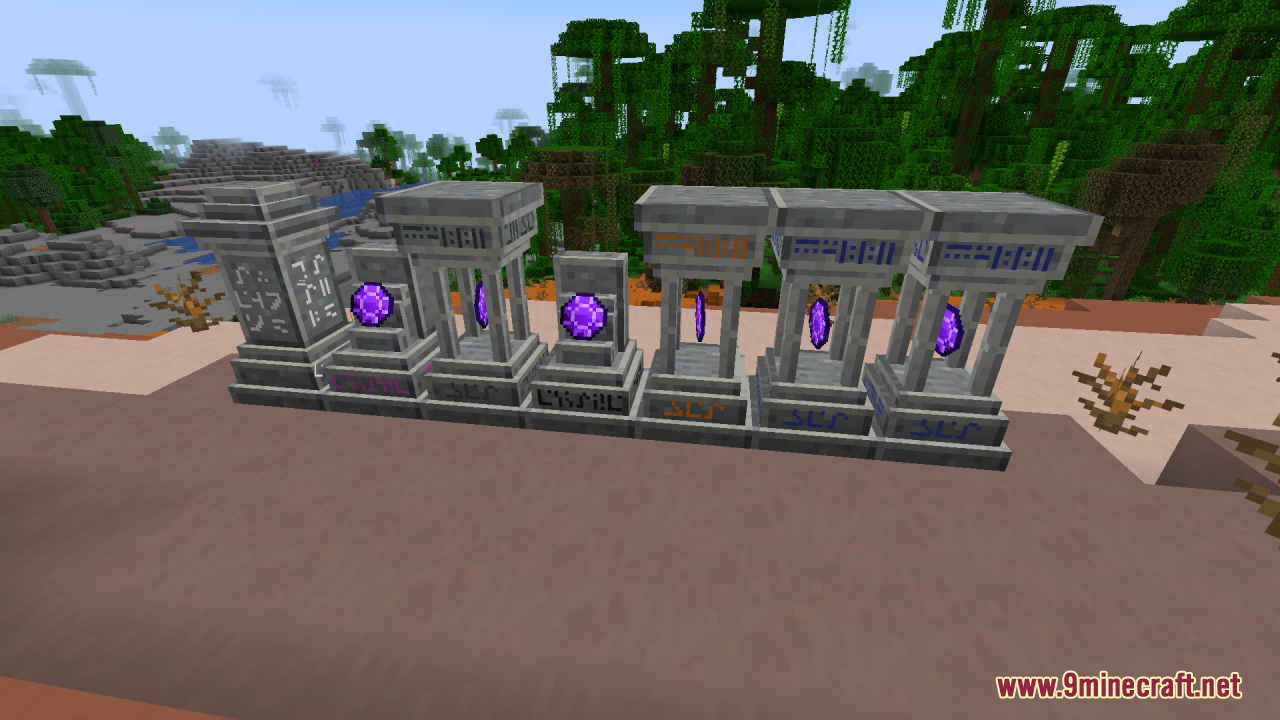
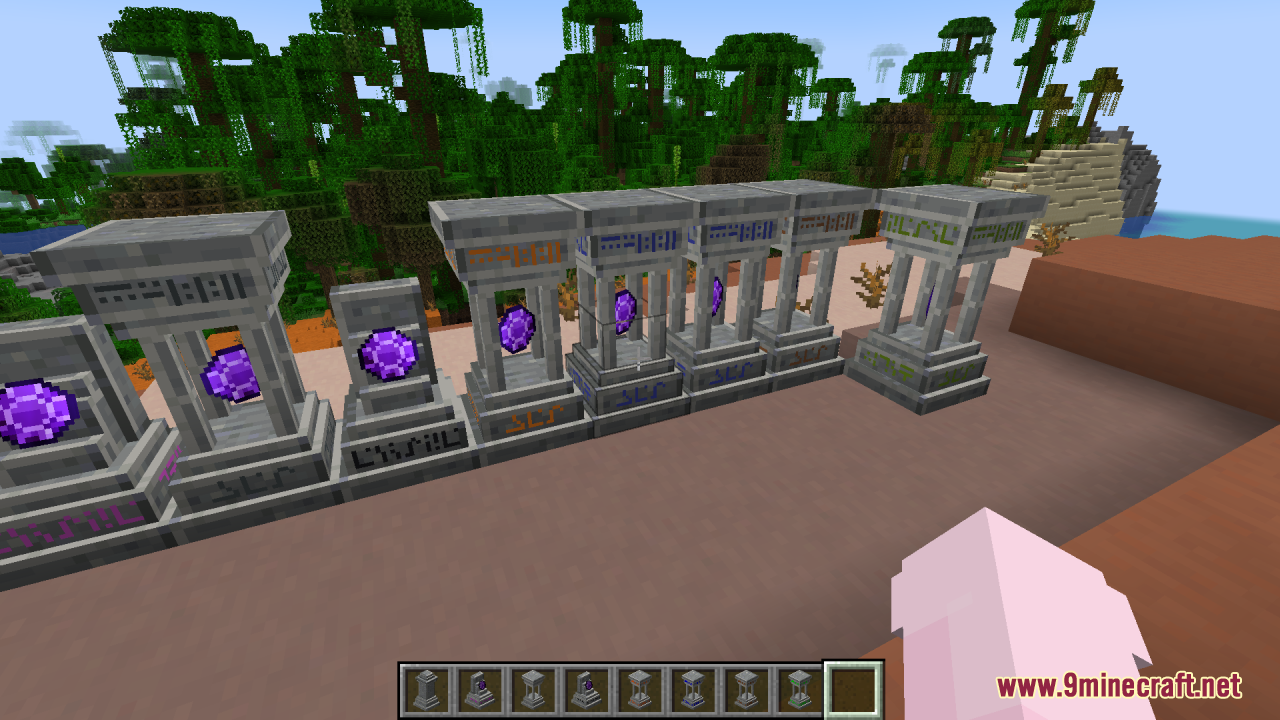
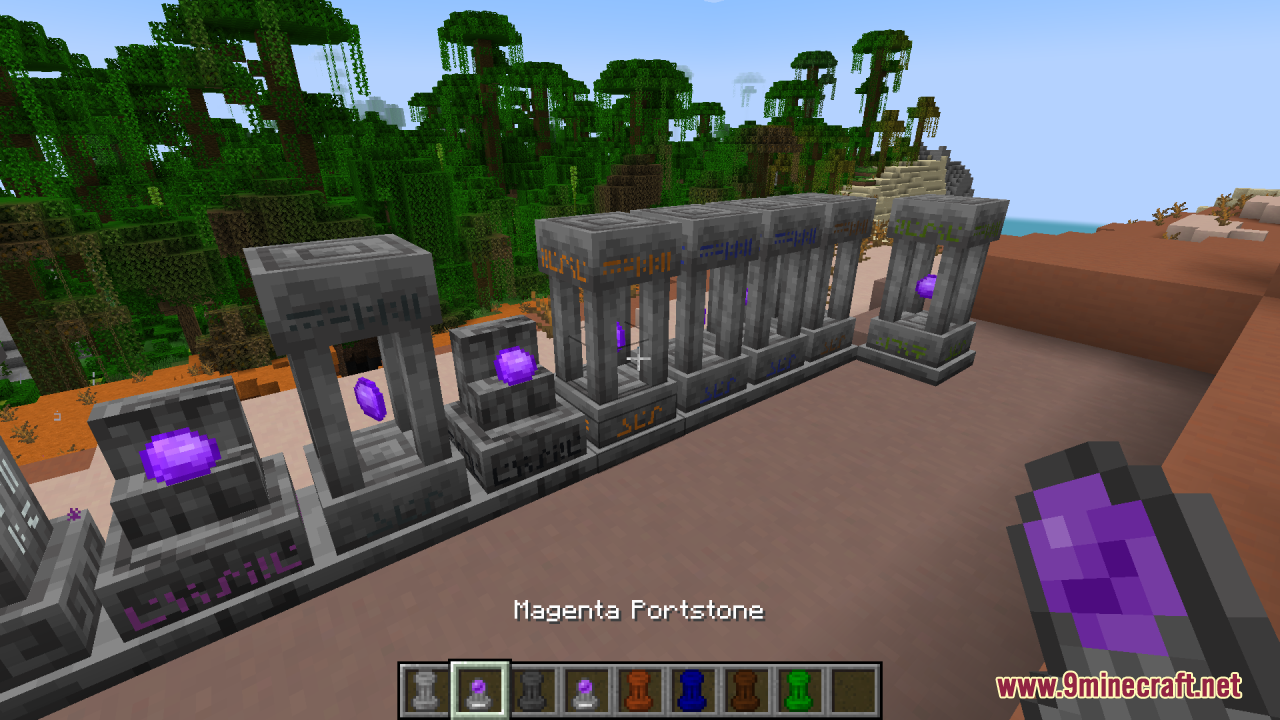
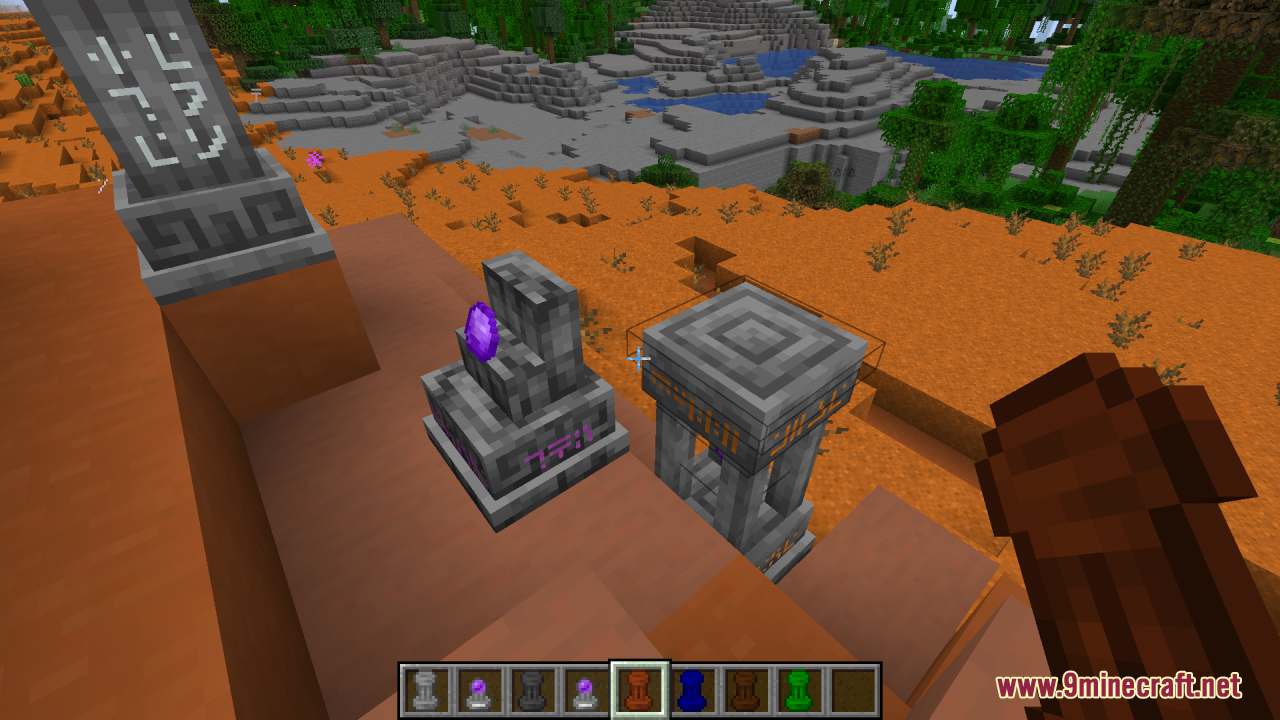
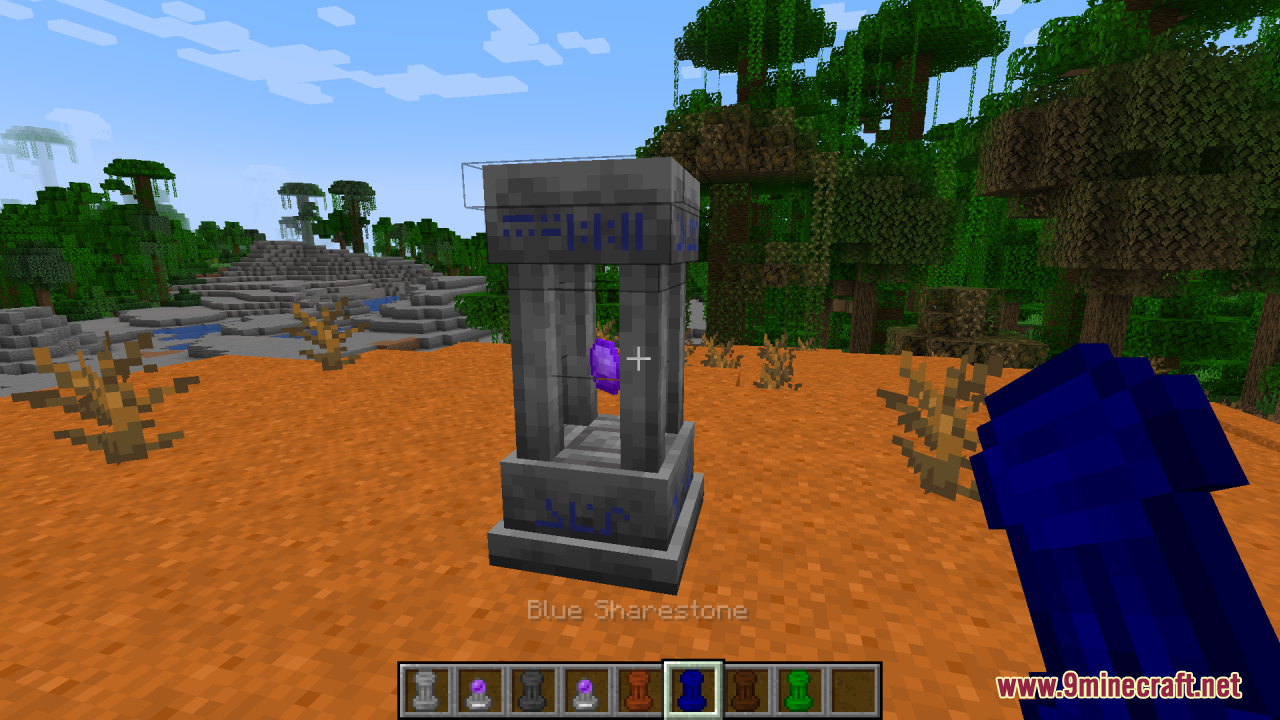
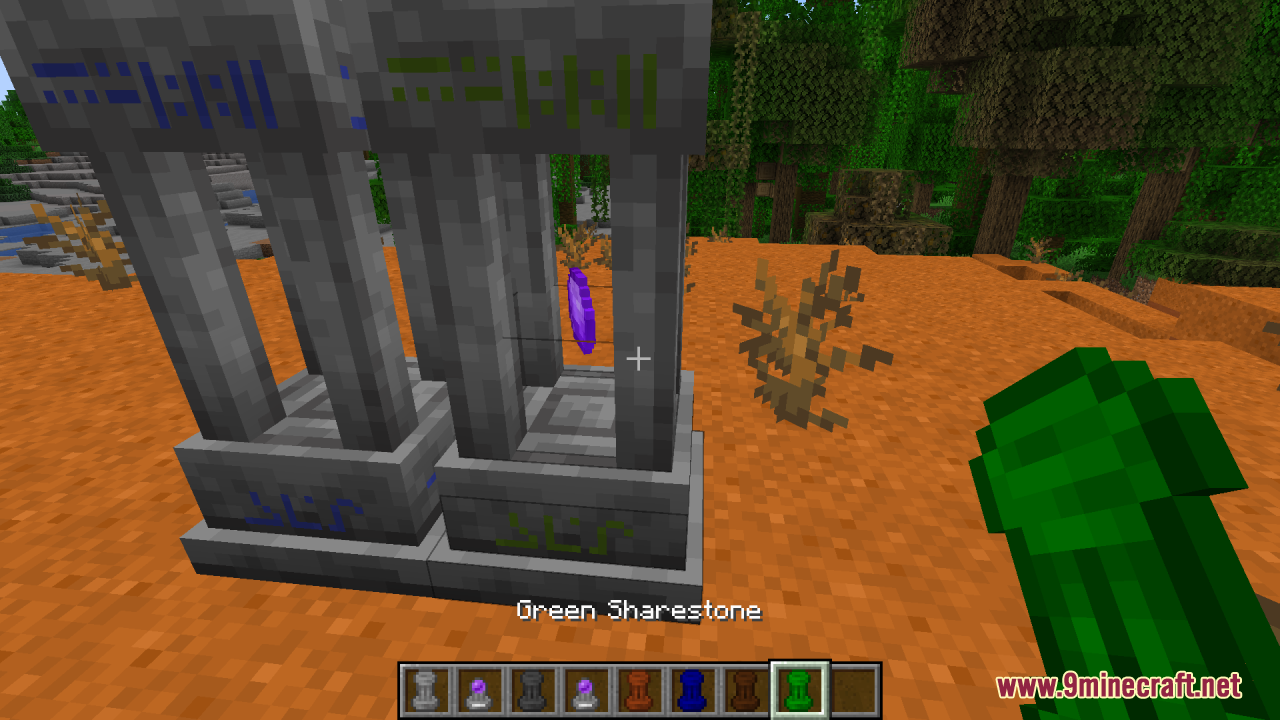
What does the Fresh Waystones Texture Pack actually change?
 blocks
Do I need the Waystones mod installed for this pack to work?
Yes, this is a texture pack for the Waystones mod, not a standalone mod. Without Waystones installed, the pack has nothing to retexture and you'll see no difference in-game.
How do I know the pack is actually loaded?
Check your resource packs list in Options and make sure Fresh Waystones sits above the default pack. Then look at a placed waystone in-world — if the texture looks smoother and more refined than vanilla Waystones, it's working.
Why are my waystone textures still the old ones after I added the pack?
The most common cause is pack order — another resource pack is overriding the waystone textures. Drag Fresh Waystones to the top of your active packs list and reload with F3+T.
See all 10 Fresh Waystones Texture questions ›
Gallery
11 images from the Fresh Waystones Texture Resource Pack page.
You May Also Like
Wikis that share the most with this one
WaystonesFresh AnimationsFresh Food Resource PackServer-Side Waystones ModFresh Hearts Resource PackWaystones Teleport Pets ModXaeros Maps x Waystones ModFresh Textures Resource PackFresh Paintings Resource PackKawa Mood’s Waystones Data PackFresh Food 9minecraft Resource PackFresh Ores And Ingots Resource Pack
Wikis on the same theme: stone
More resource pack wikis on the site
Fresh Mowzie’s Mobs Textures Resource PackFresh Moves 9minecraft Resource PackFresh Illager Mod Compats Resource PackFresh Grass Better Colormap Resource PackFresh Flowers And Plants Resource PackFresh Flower Pots Compats Resource PackFresh Animations: Player Extension Resource PackFresh Animations Player Extension 9minecraft Resource PackFresh Animations Objects Resource PackFresh Animations Emissive Resource PackFresh Animations Details Resource PackFps Boost Pack
The most downloaded mods that have a wiki here
A few wikis from each of the other kinds