

 DownloadFresh Animations: Player Extension Resource Pack
Get the files on 9Minecraft
Guides
Step-by-step, in-game.
Combining Fresh Animations: Player Extension with Other Resource PacksPlan Your Pack Stack Because resource packs apply top-down, plan the order before enabling anything. A reliable…Fixing Player Animations That Are Not Showing UpRule Out Pack Order First Most "animations missing" cases are ordering problems. In Options → Resource Packs , the…How to Enable Player Animations with Fresh Animations: Player ExtensionConfirm the Base Pack Is Active Fresh Animations : Player Extension does not work on its own. It layers on top of the…Making Player Animations Work in Multiplayer and on ServersUnderstand What Is Client-Side Fresh Animations : Player Extension is a resource pack, so it runs entirely on your…
Frequently asked questions
How do I turn on player animations after installing this pack?
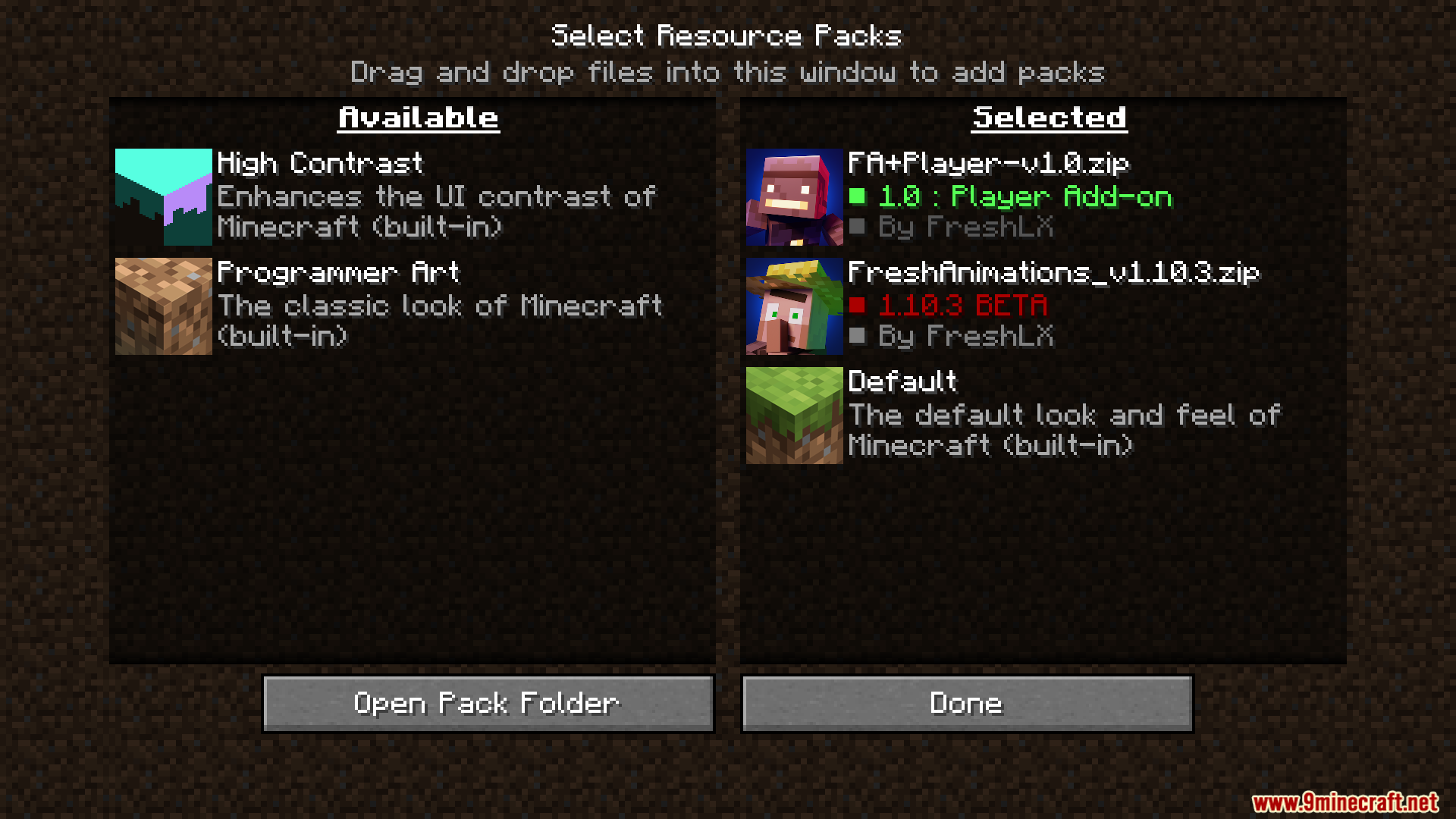
Make sure  Fresh Animations itself is installed and enabled alongside the Player Extension, since the extension depends on the base pack's animation system. Then enable both packs in your resource pack list, with the Player Extension placed above Fresh Animations.
Why do my player animations look the same as vanilla?
The most common cause is that the base Fresh Animations pack is missing or loaded below the Player Extension instead of above it. Check that both packs are active and that the extension sits higher in the resource pack order.
Fresh Animations pack is missing or loaded below the Player Extension instead of above it. Check that both packs are active and that the extension sits higher in the resource pack order.Do other players see my animations in multiplayer?
No, resource packs are client-side, so only you see the animated player models. Other players will see your animations only if they also have Fresh Animations and the Player Extension installed on their own client.
Fresh Animations and the Player Extension installed on their own client.Can I use this on a server with vanilla clients?
Yes, the pack is purely visual and doesn't change gameplay, so vanilla clients can join without issues. They simply won't see the animations unless they install the pack themselves.
See all 10 Fresh Animations: Player Extension questions ›
Gallery
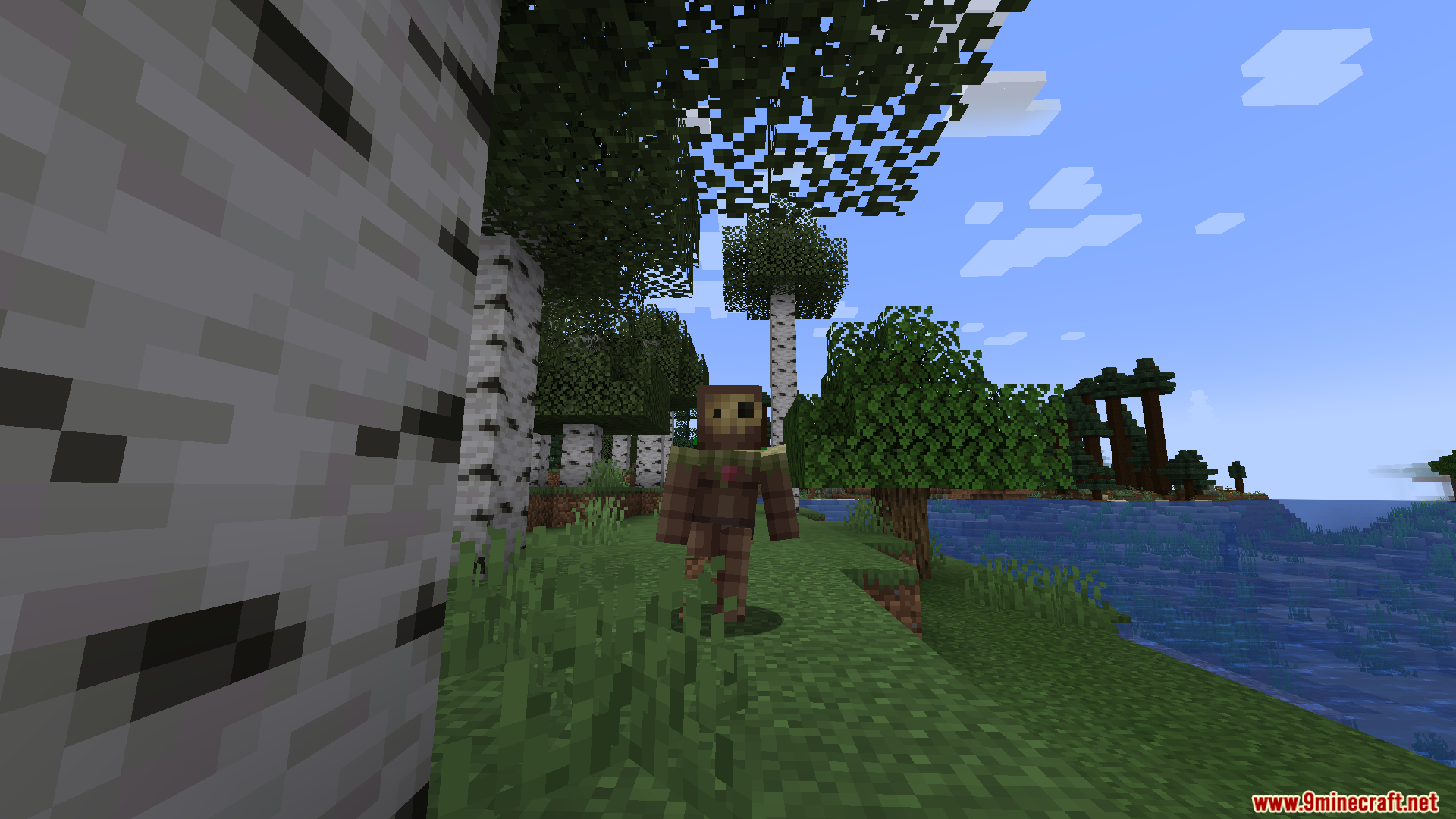
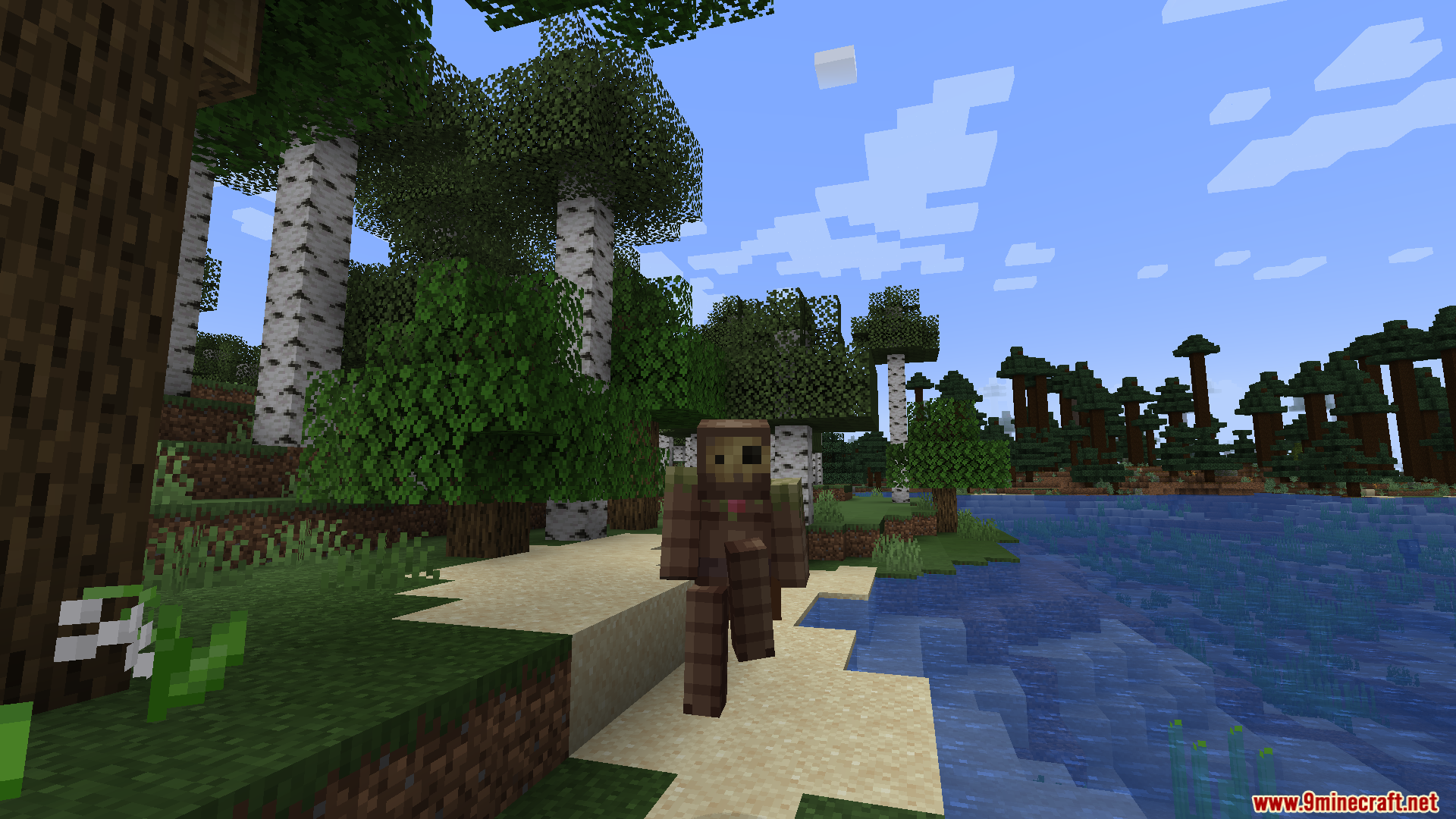
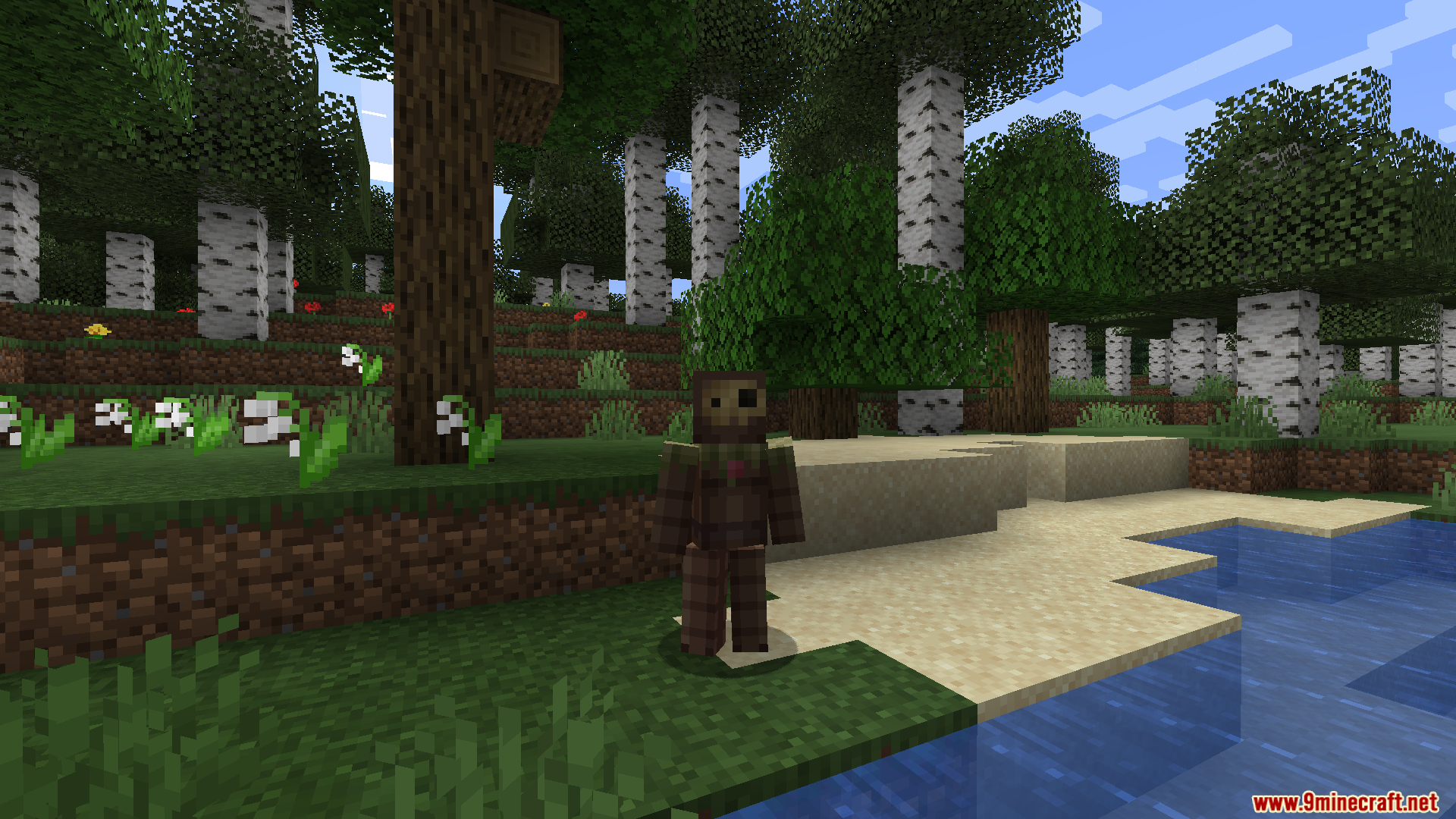
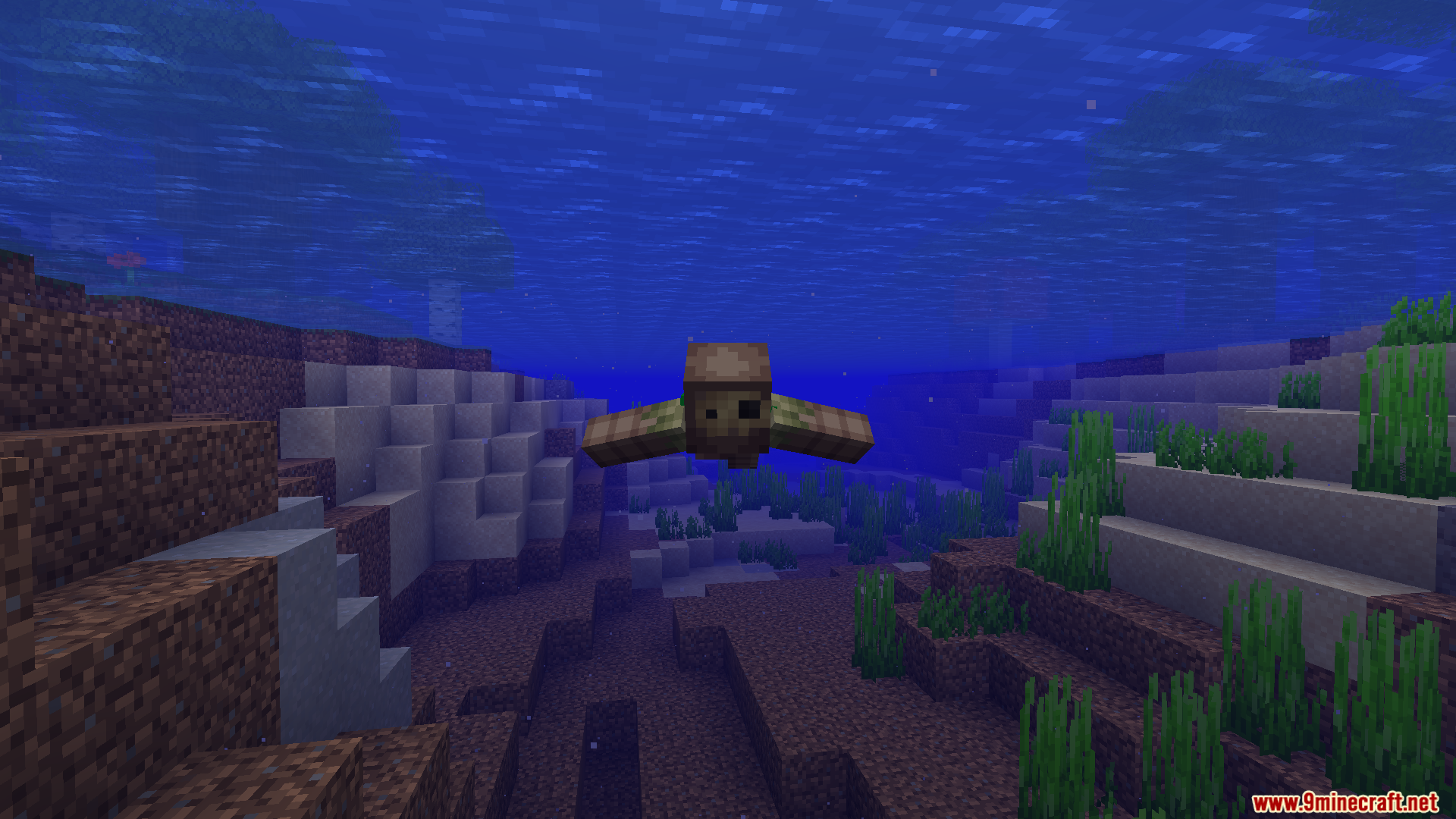
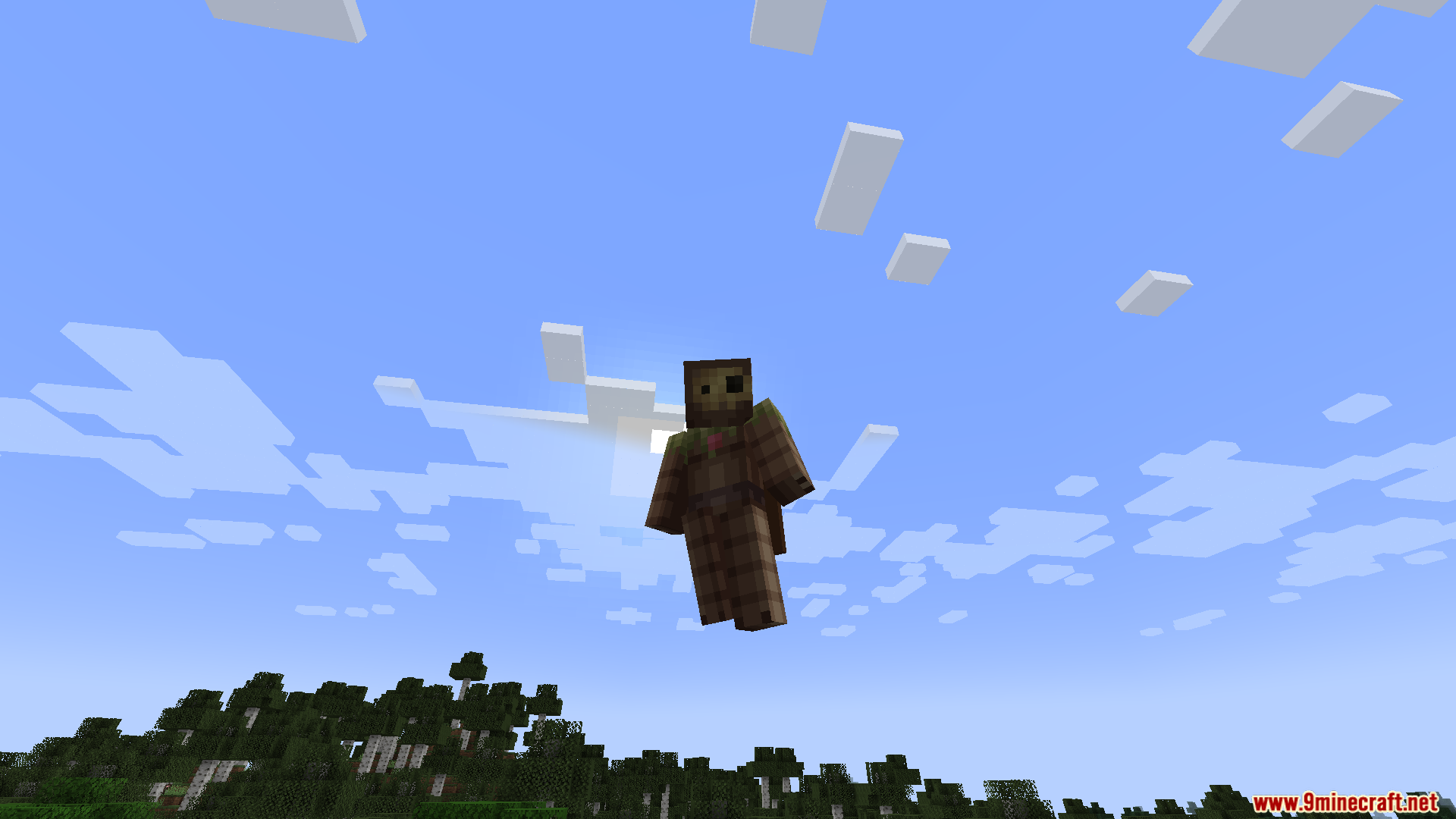
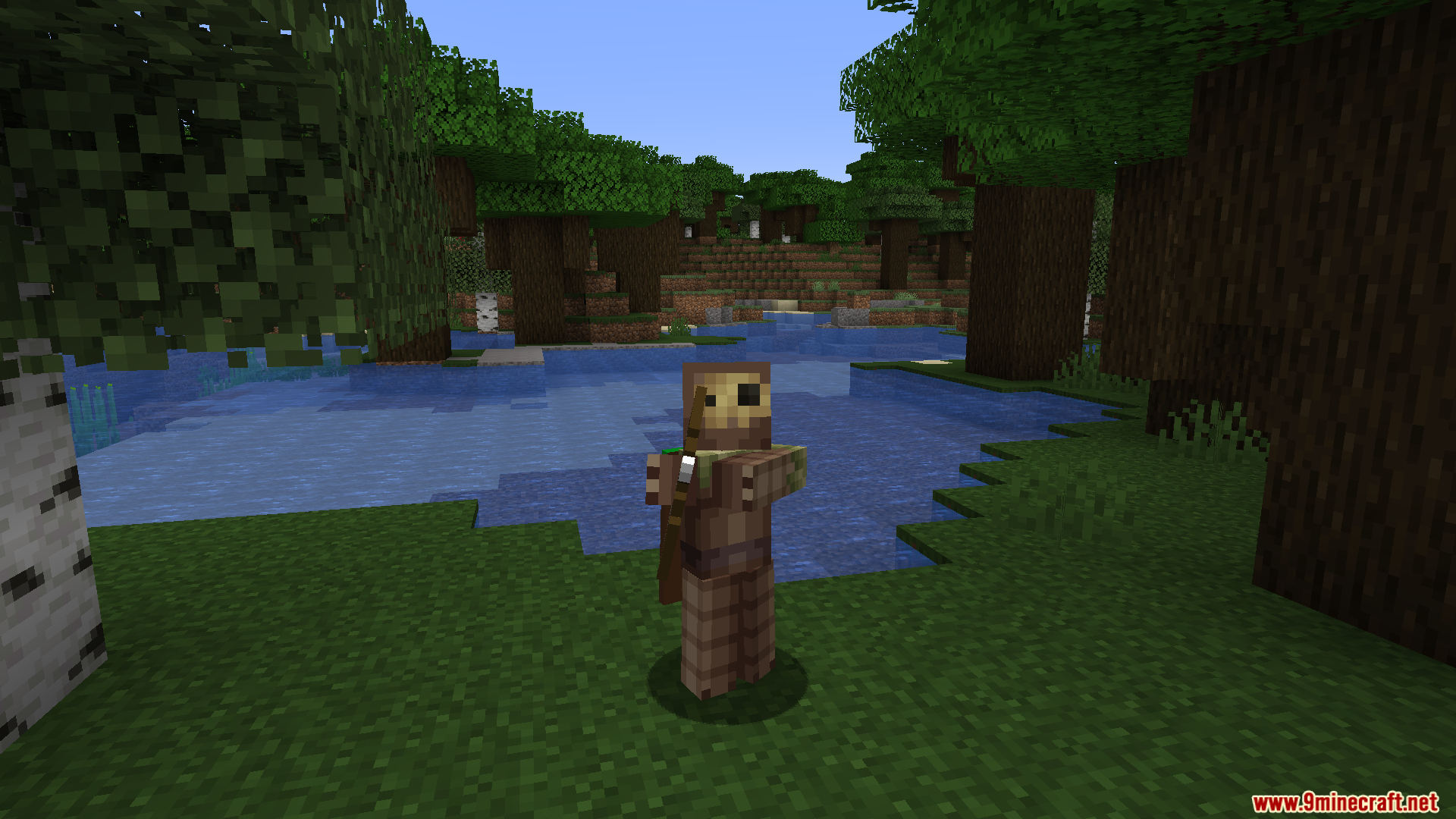
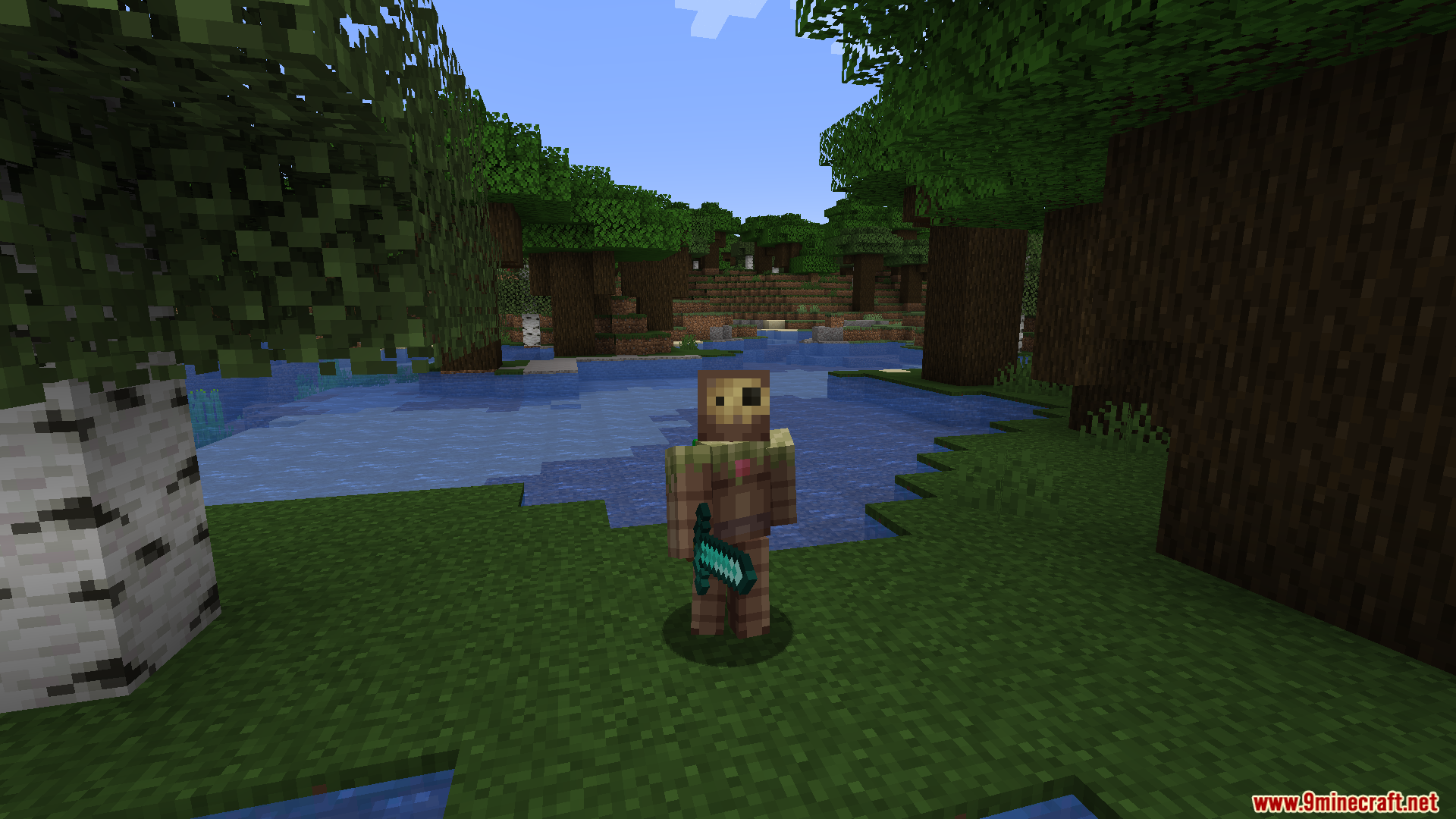
12 images from the Fresh Animations Player Extension Resource Pack page.
You May Also Like
Wikis that share the most with this one
Fresh Animations Player Extension 9minecraft Resource PackFresh AnimationsFresh Animations Details Resource PackFresh Animations Objects Resource PackFresh Animations Emissive Resource PackWhimscape x Fresh Animations Resource PackMobs Refreshed Fresh Animations Resource PackAls Boss Rush X Fresh Animations Resource PackExcalibur Fresh Animations Patch Resource PackProgrammer Art x Fresh Animations Resource PackVillager Girls X Fresh Animations Resource PackTrailers Vision X Fresh Animations Resource Pack
More resource pack wikis on the site
Fps Boost PackFourte Resource PackFluid Motion Engine Resource PackFluffy Fancy Clouds Resource PackFluffy Carpets Resource PackFluent Role Details Resource PackFlowering Oak Leaves Resource PackFlowering Crops Growth Marker Resource Pack Flower Inventory Background Resource PackFlower Clusters Resource PackFloral Creeper Resource PackFlez’s Fullbright Resource Pack
The most downloaded mods that have a wiki here
A few wikis from each of the other kinds