

 DownloadAether Regenerated Resource Pack
Get the files on 9Minecraft
Guides
Step-by-step, in-game.
Enable the Vanilla Shaped Tools OptionAccessing Built-in Packs The Aether Regenerated Resource Pack includes optional variants that change how specific…Make Aether Berry Bushes Match Vanilla Sweet Berry BushesUsing the Consistent Bushes Pack By default, Aether berry bushes have their own unique shape. The Consistent Bushes…Preview How Addon Blocks Look with This Resource PackUnderstanding Addon Texture Coverage Aether Regenerated includes matching textures for several popular Aether addons.…Switch Icestone to Blue Color VariantFinding the Blue Icestone Pack The resource pack includes a separate Blue Icestone option that recolors the standard…
Frequently asked questions
Do I need to install anything else to use this resource pack?
You need the Aether mod installed first, then you can apply this resource pack like any other. If you're using Aether addons like Aether II or Deep Aether, the pack includes matching textures for those too, so everything will look cohesive.
How do I enable the Vanilla Shaped Tools option?
Open the resource pack settings in your launcher and look for the Vanilla Shaped option in the pack's configuration. Enable it to make Aether tools match the appearance of regular Minecraft tools instead of their unique Aether designs.
Can I change the Icestone color to blue?
Yes, the pack includes a Blue Icestone variant option. Enable it in the resource pack settings to replace the standard white Icestone with a blue-colored version.
Will the berry bushes look like vanilla sweet berry bushes?
Only if you enable the Consistent Bushes option in the pack settings. This makes Aether berry bushes match the shape and style of regular Minecraft sweet berry bushes.
See all 10 Aether Regenerated questions ›
Gallery
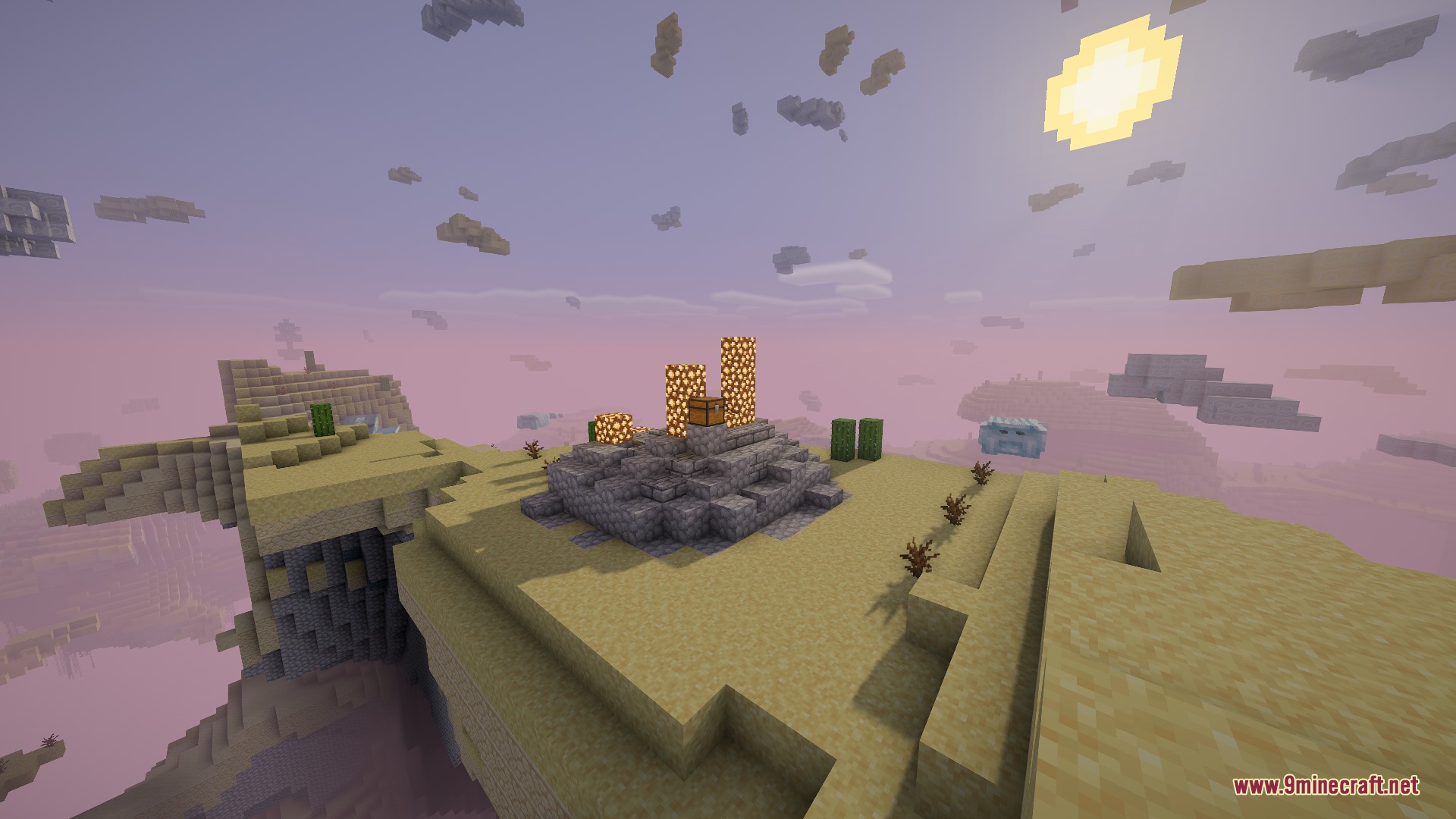
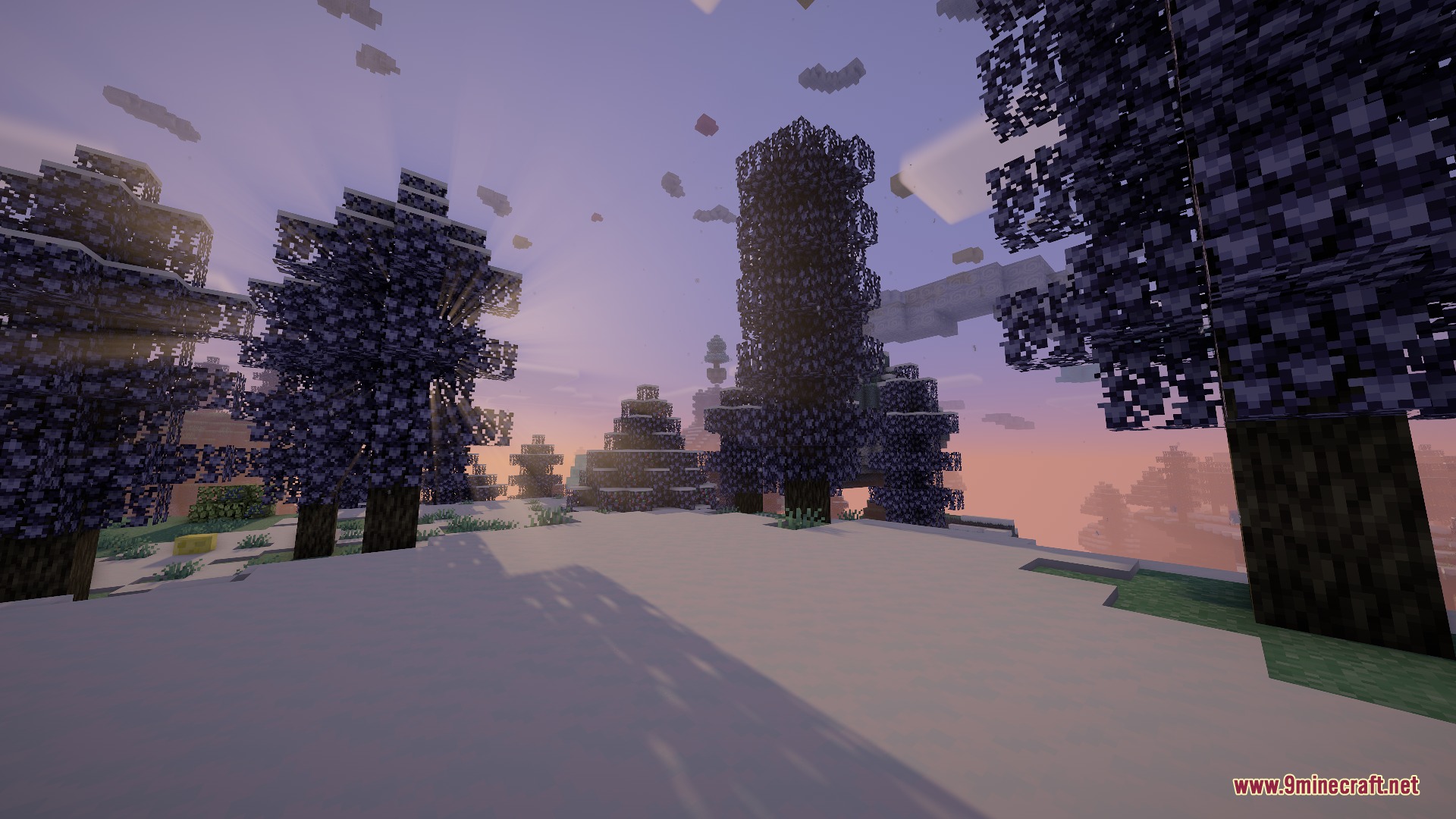
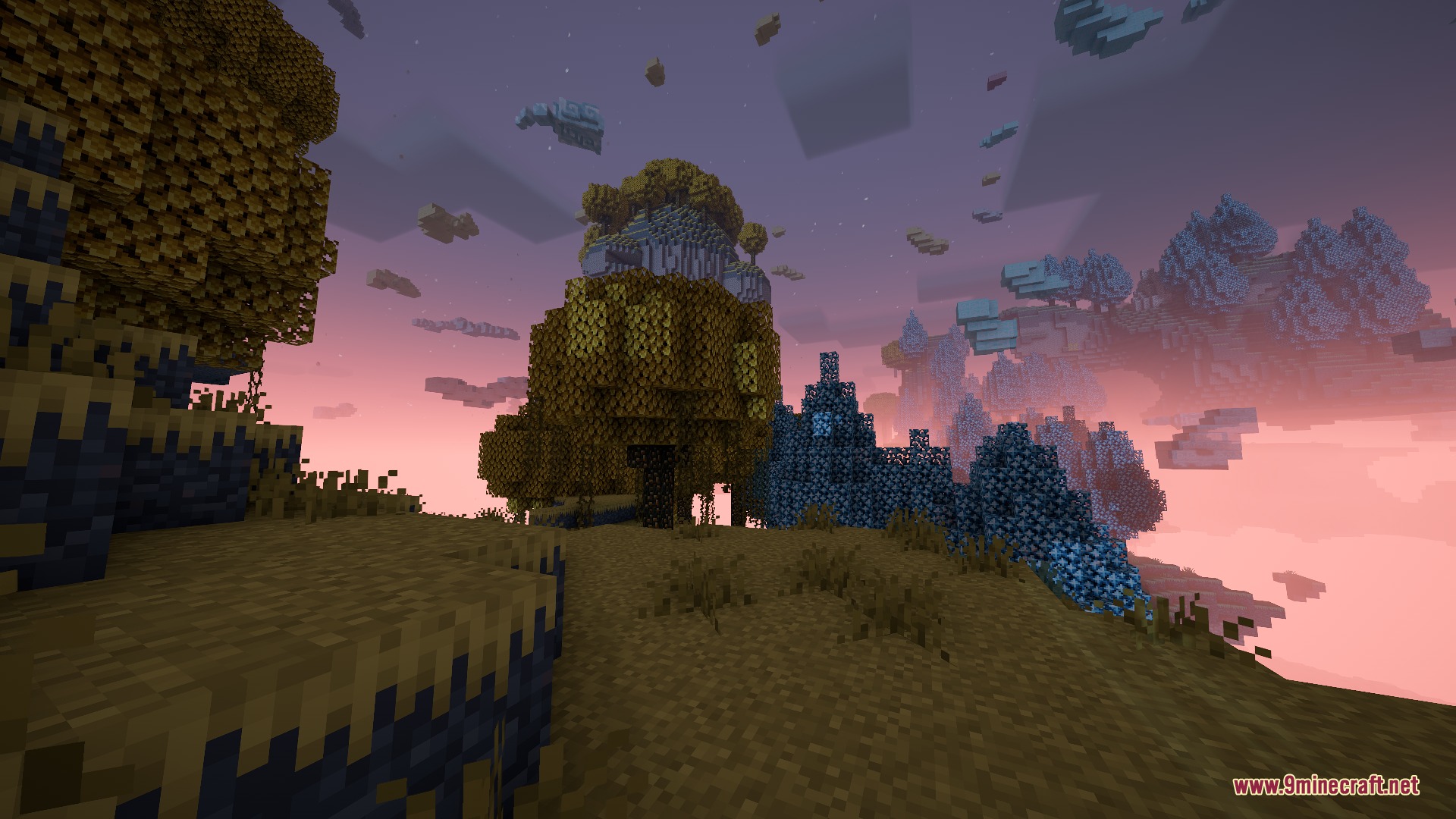
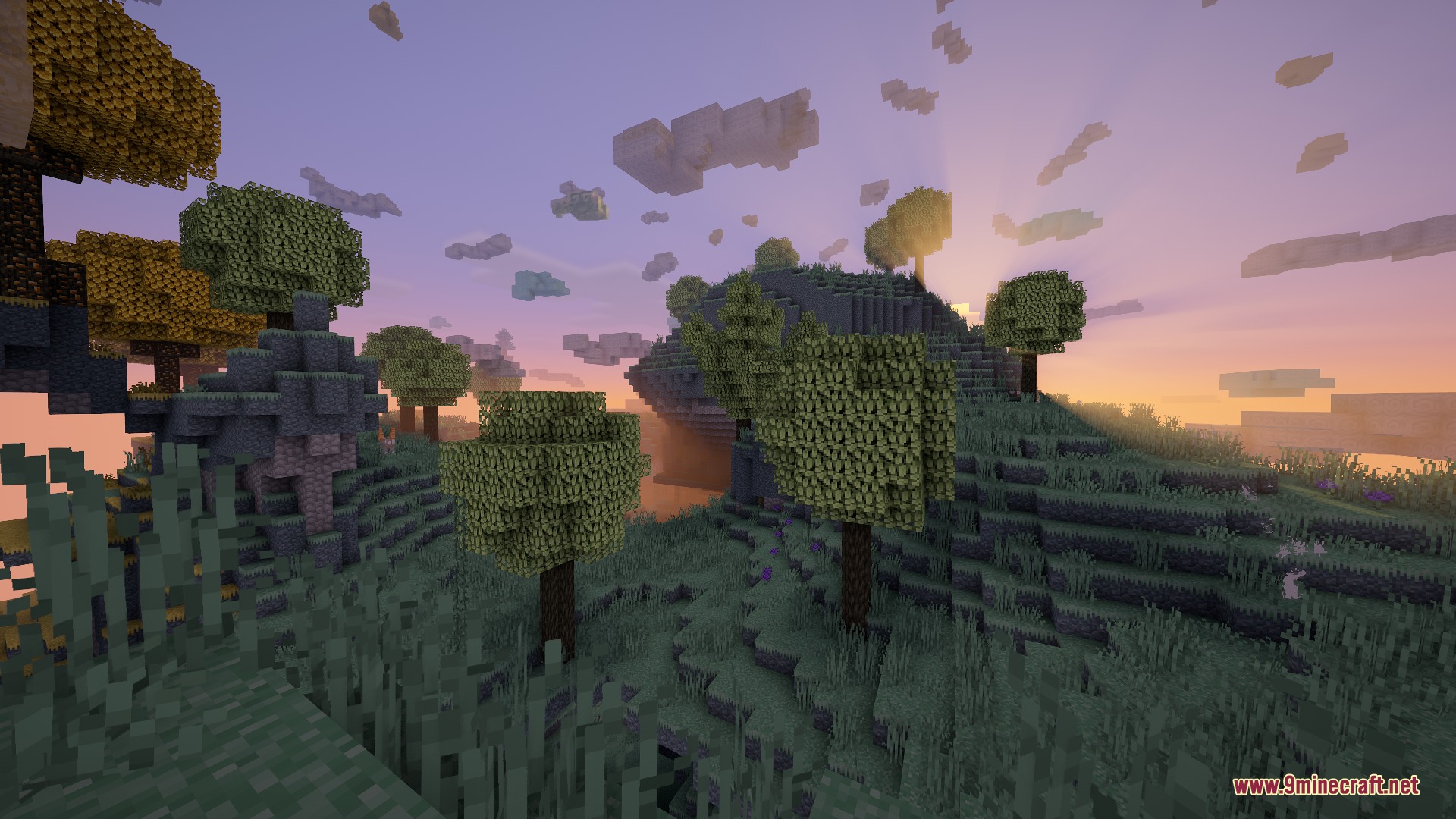
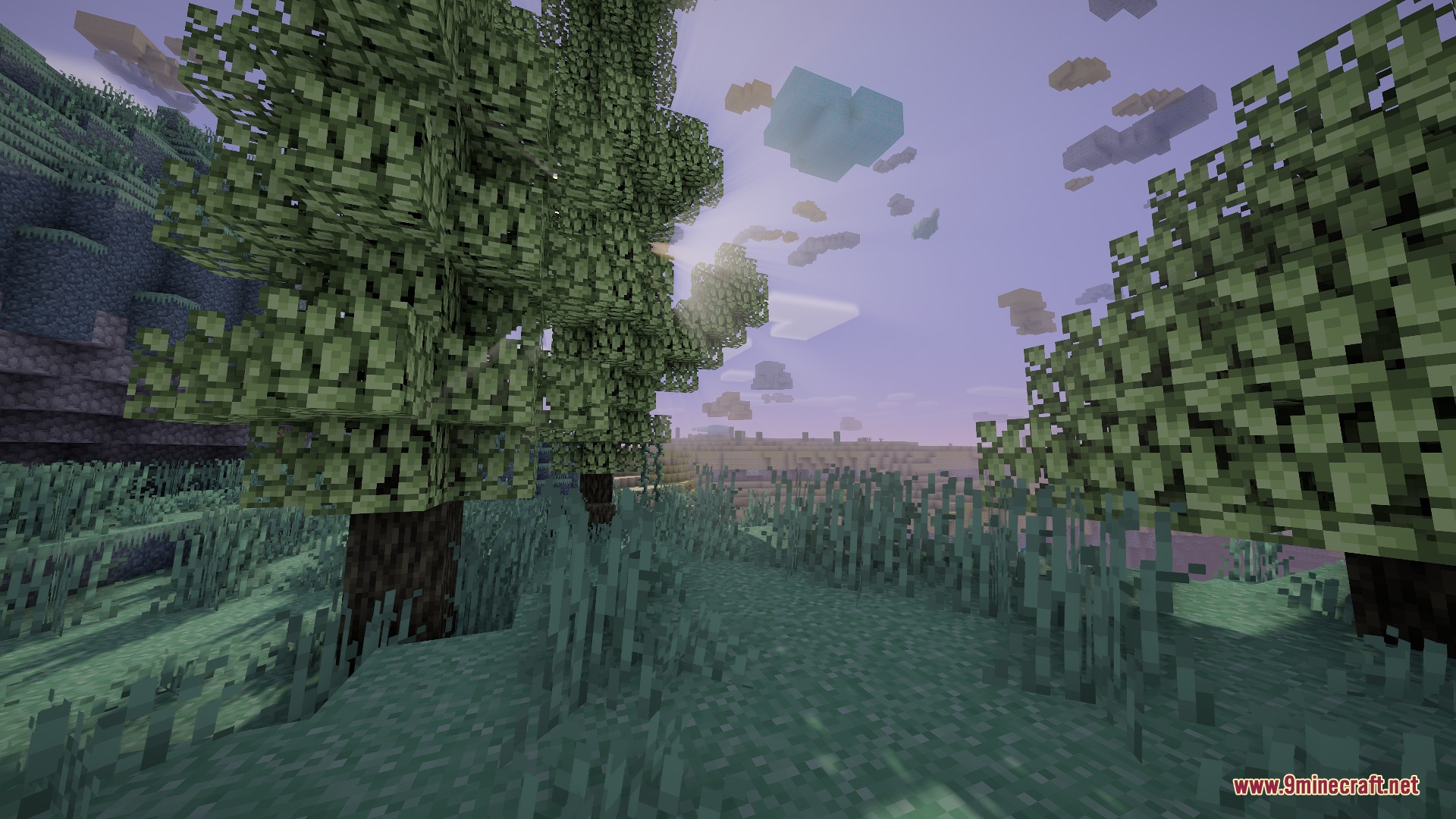
9 images from the Aether Regenerated Resource Pack page.
You May Also Like
Wikis that share the most with this one
Wikis on the same theme: dimension
More resource pack wikis on the site
 Aeternum Seasons Resource PackAeternum Realism Resource PackAE2 Bright Assets and Redraws Resource PackAdventure Time Craft Java Edition Resource PackAcrit’s Fancy Nature Resource PackAccurate Iron Ore CTM Resource PackAbibliophobia Enchanted Books Resource PackA7Mds 3D Potions Resource PackA Vanilla Overlay Resource PackA Btv Texture Pack 64Px Full 3 D Pom Resource Pack3D Vanilla Items Resource Pack3D Muskets Resource Pack
The most downloaded mods that have a wiki here
A few wikis from each of the other kinds