

 Download3 D Buckets Resource Pack
Get the files on 9Minecraft
Contents (7)
Guides
Step-by-step, in-game.
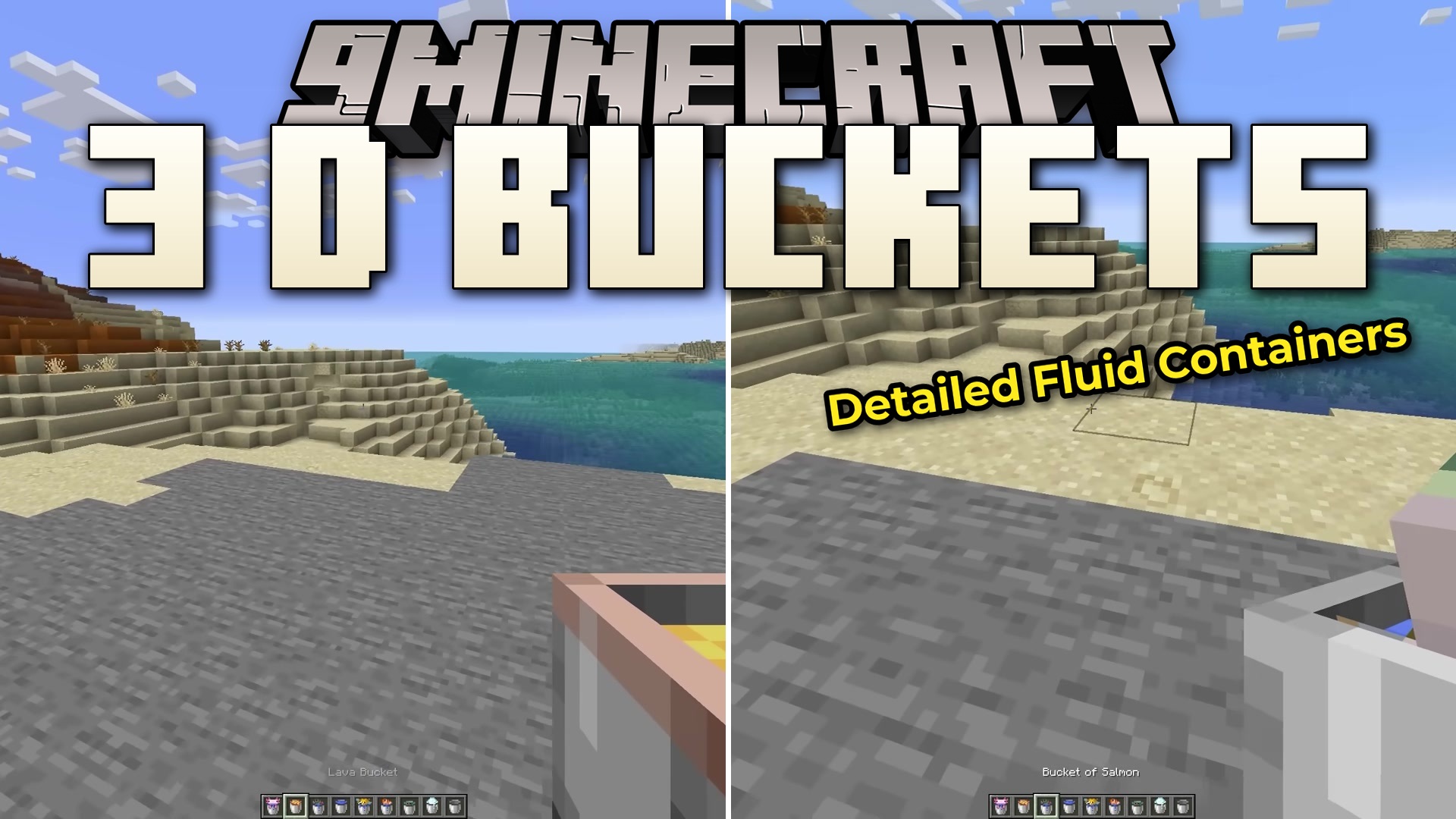
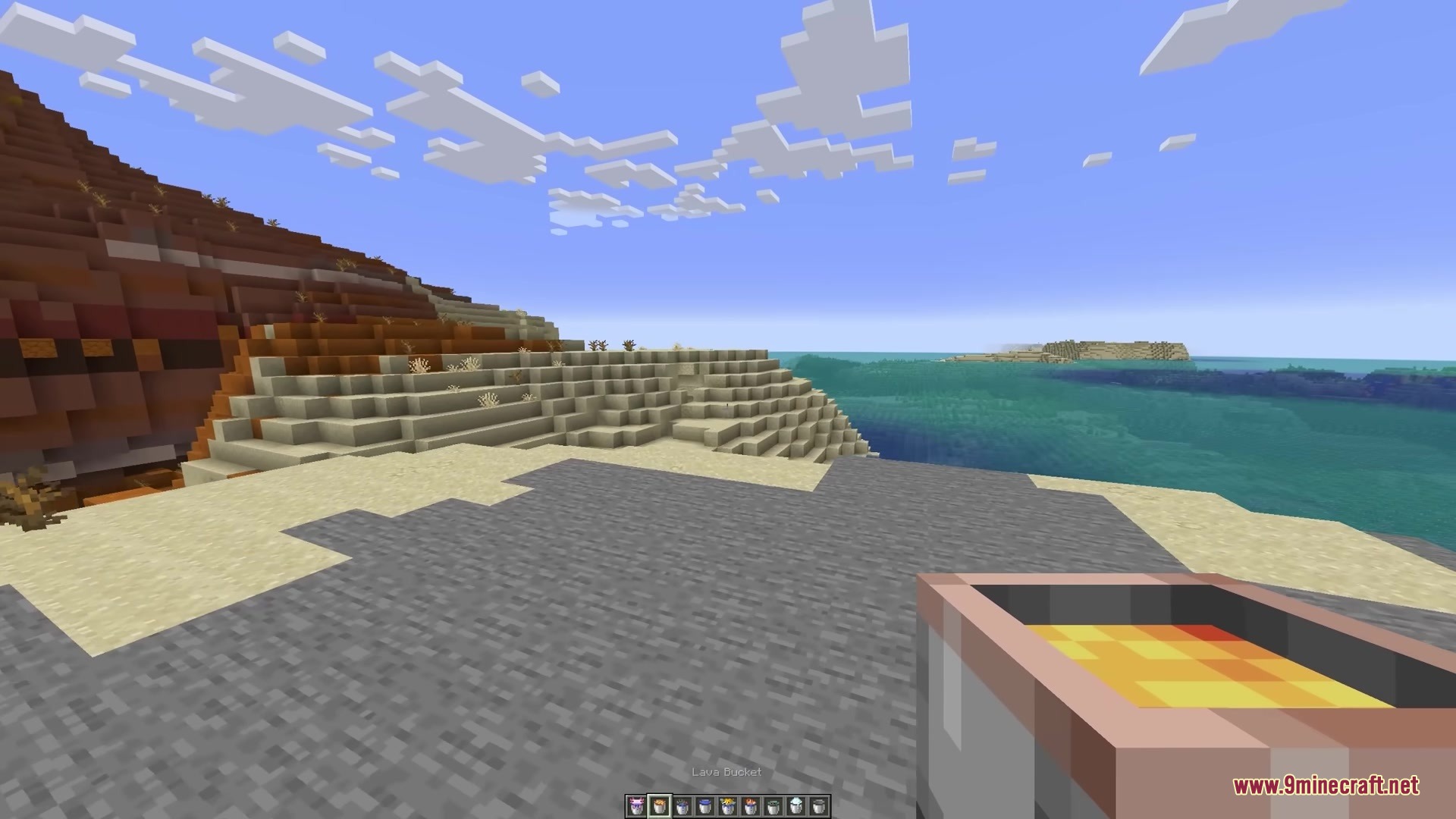
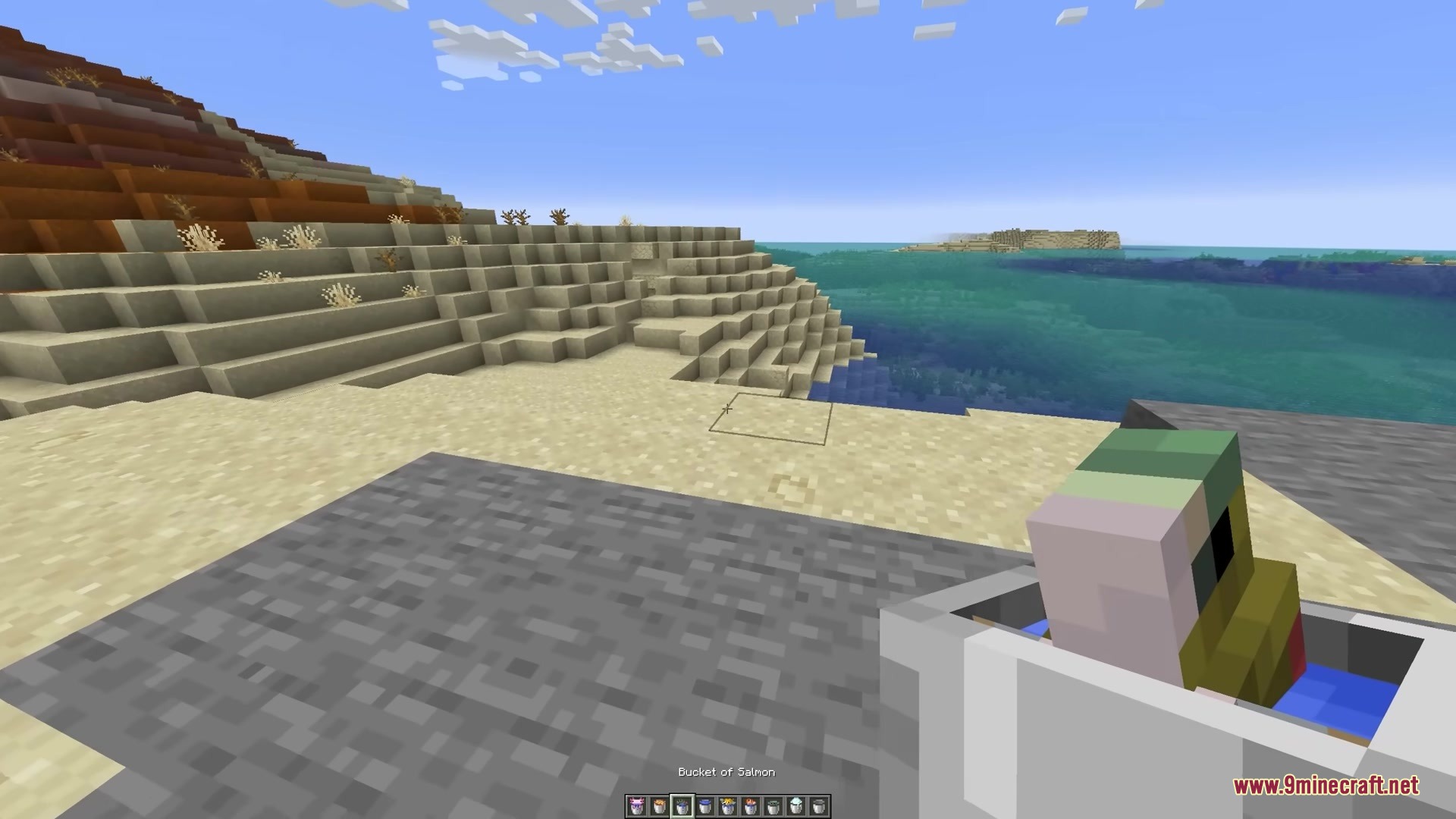
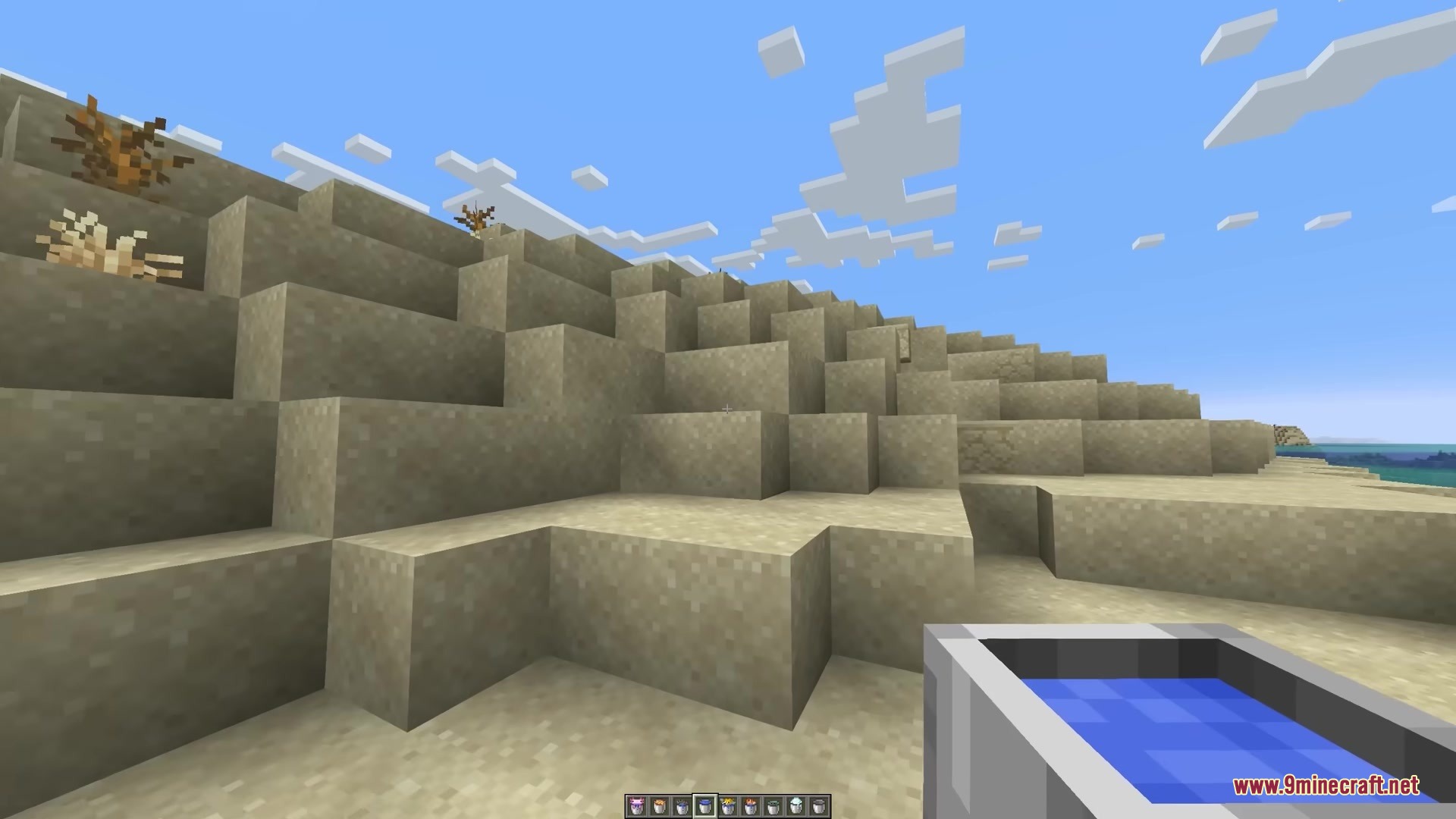
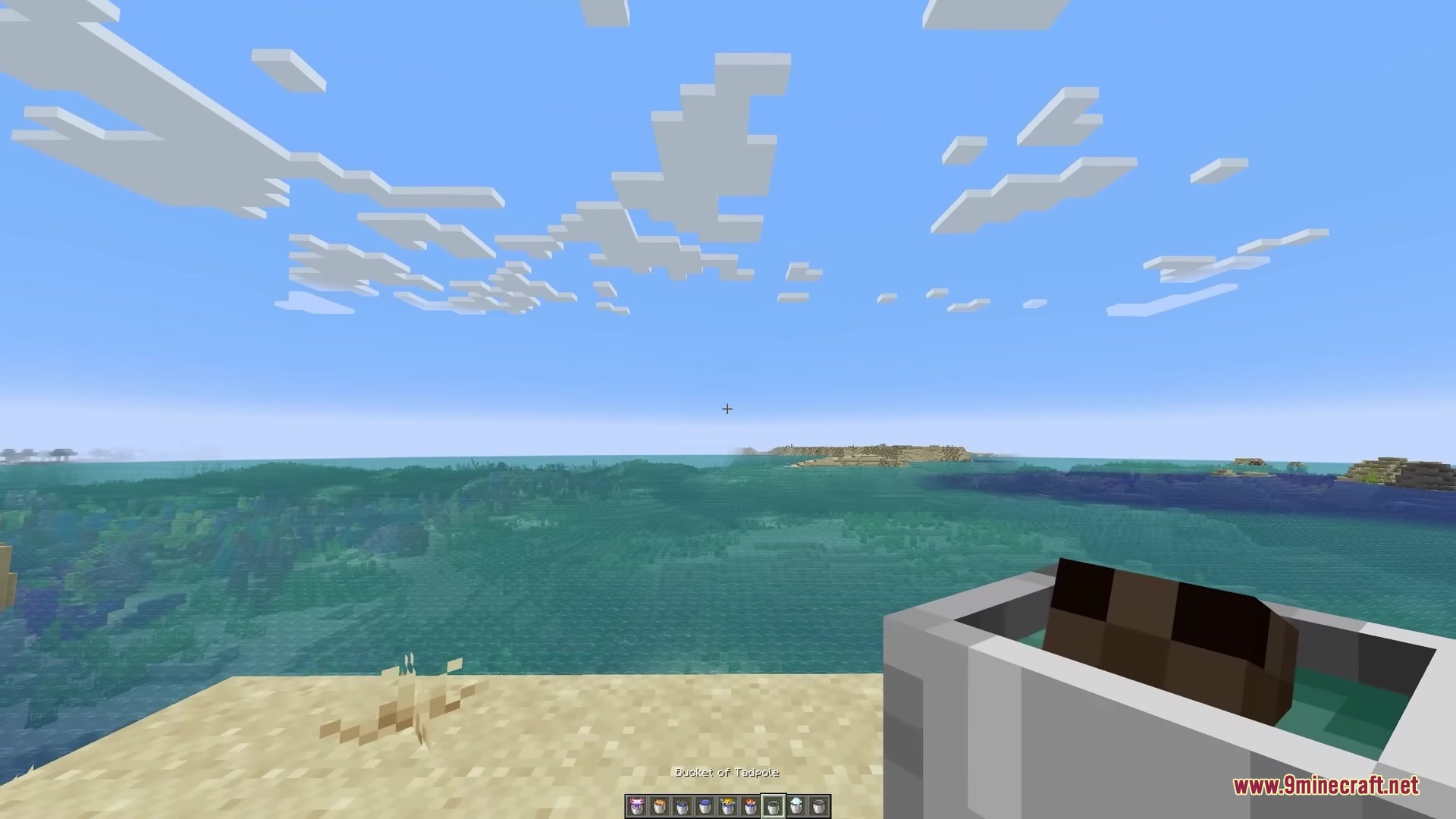
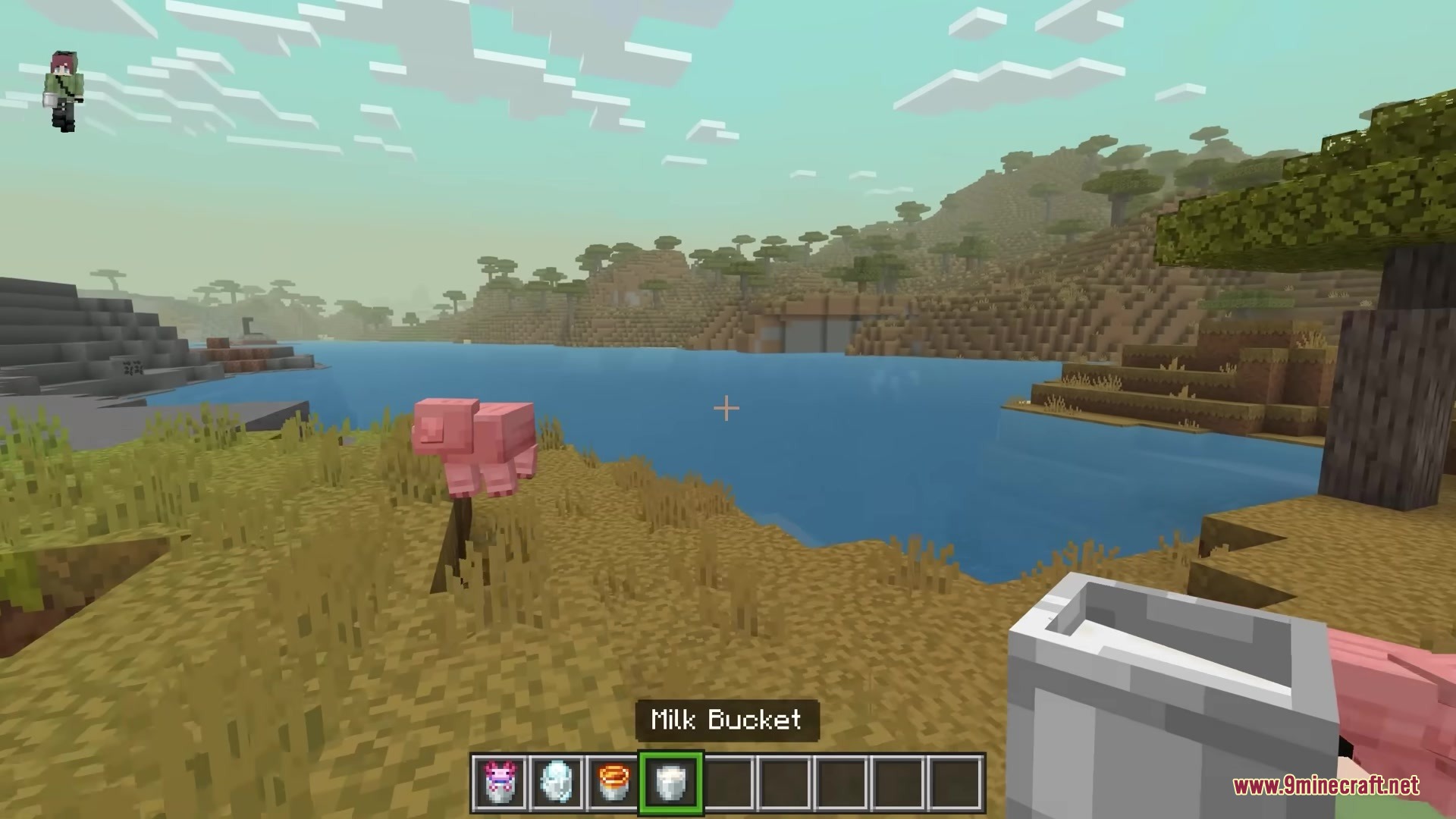
Compare Flat and 3D Bucket AppearancesDisable the Resource Pack Temporarily To see the difference between vanilla flat buckets and the 3D models: 1. Open…Enable 3D Bucket Models in Your WorldCheck Your Game Settings The 3D Buckets Resource Pack uses Minecraft's built-in game options to display 3D models.…View 3D Fish and Creatures Inside BucketsCollect Buckets with Fish The 3D Buckets Resource Pack renders actual 3D models of fish, axolotls, and tadpoles…Wear a 3D Pufferfish Bucket as a HatEquip the Pufferfish Bucket One of the unique features of this resource pack is the ability to wear a pufferfish…
Items
 Powder Snow
What this pack changes
Every texture group the pack replaces, counted from the pack itself.
| Area | Textures replaced |
|---|---|
| Items | 12 |
Pack format 84 (Minecraft 1.21.9)12 texture files in total
Extra features
Custom block/item models
Frequently asked questions
Why do my buckets still look flat?
Make sure you have the resource pack enabled in your world settings—go to Options > Resource Packs and move 3D Buckets from Available to Active. You may need to reload your world or restart the game for changes to take effect.
Do I need Optifine or a shader mod for this to work?
No, the 3D Buckets Resource Pack works in vanilla Minecraft without any mods or shader programs installed. It uses only built-in resource pack features.
Can I see the 3D fish inside the bucket or just the bucket itself?
What happens if I wear a pufferfish bucket on my head?
The pufferfish bucket displays as a fun 3D hat on your character's head, visible to you and other players. It's purely cosmetic and doesn't affect gameplay.
See all 10 3 D Buckets questions ›
Gallery
6 images from the 3 D Buckets Resource Pack page.
You May Also Like
Wikis that share the most with this one
Big BucketsMore BucketsCube Ish BucketsMore Buckets Vanilla Bucket Progression3D Default Resource Pack3D Crops Revamped Resource PackAether Regenerated Resource Pack3D Crops 9Minecraft Resource PackWeskersons 3D Items Resource Pack3 D Medieval Iron Bars Resource PackDimension Red’s Alchemy Resource PackDimensional Vitals Case Resource Pack
Wikis on the same theme: dimension
More resource pack wikis on the site
1×1 Ultimate Resource Pack18W43A Wood Resource Pack3 D Models Ulti Craft Sandalone Resource Pack3 D Spears Reimagined Resource Pack3d Animated Doors Resource Pack3D Bricks Remastered Resource Pack3d Entity Eggs Resource Pack3D Items Vanillaism3D Items Vanillaism Resource Pack3D Ladders Resource Pack3D Muskets Resource Pack3D Vanilla Items Resource Pack
The most downloaded mods that have a wiki here
A few wikis from each of the other kinds