

 DownloadCrops Plus Resource Pack
Get the files on 9Minecraft
Guides
Step-by-step, in-game.
Harvesting Efficiently Using Color IndicatorsPlanning Your Harvest Route Before you start harvesting, scan your entire farm and mentally note where the green…Learning Crop Growth Stages Without Prior KnowledgeWhy This Pack Helps New Players Minecraft's default crops use subtle pixel-level changes that are hard to spot,…Setting Up Your Farm to Work Best with Crop IndicatorsOrganizing Your Farm Layout To maximize the benefits of Crops Plus, arrange your crops in clear, organized rows. This…Understanding the Color System for Harvest TimingWhat Each Color Means The Crops Plus Resource Pack uses a four-stage color system to show plant maturity. Learn to…
Frequently asked questions
How do I turn on the colored rectangles above my crops?
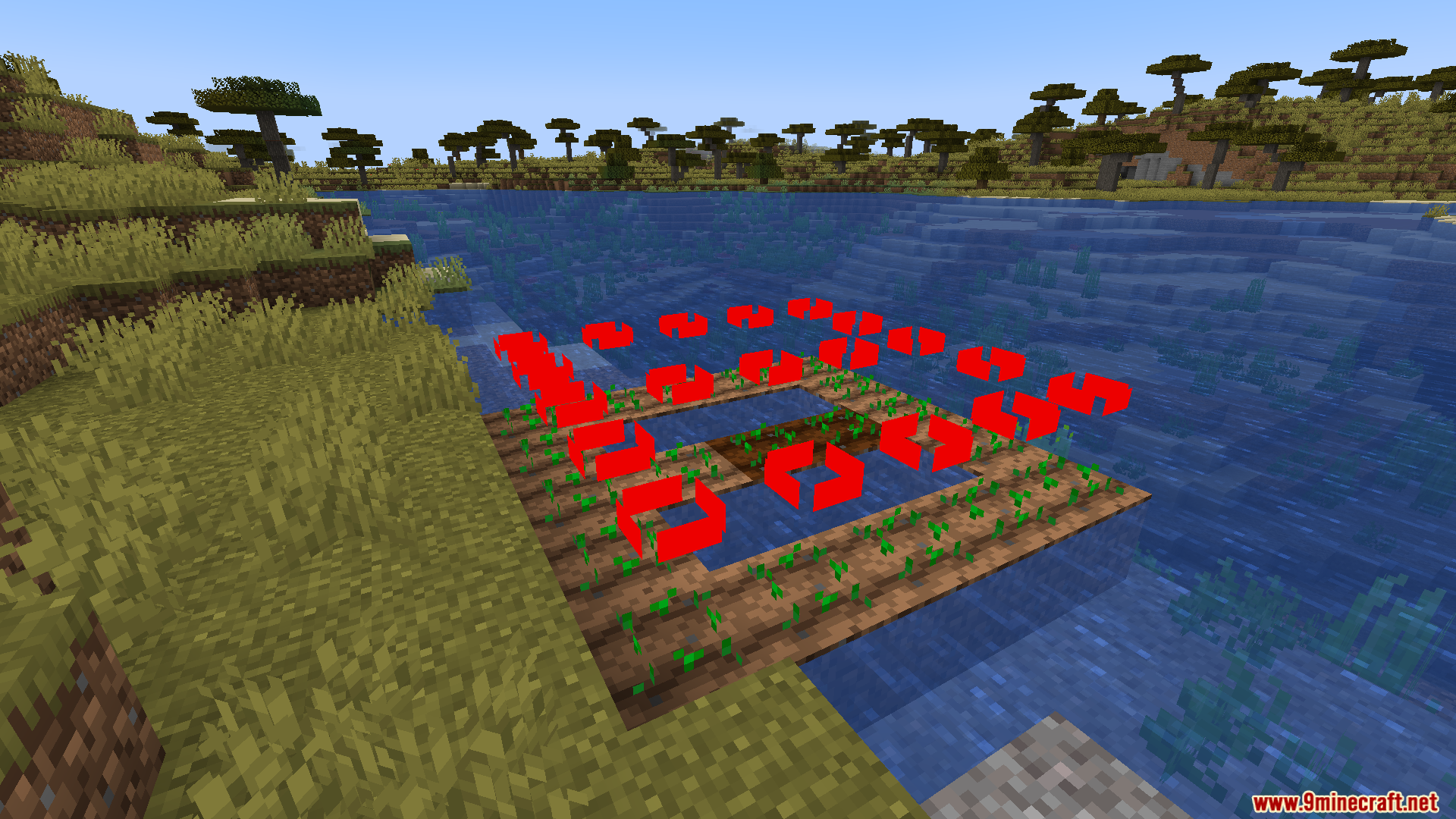
The resource pack activates automatically once you select it in your resource pack menu and apply it to your world. You should see the colored rectangles appear above all planted crops immediately.
What does each color mean for harvest timing?
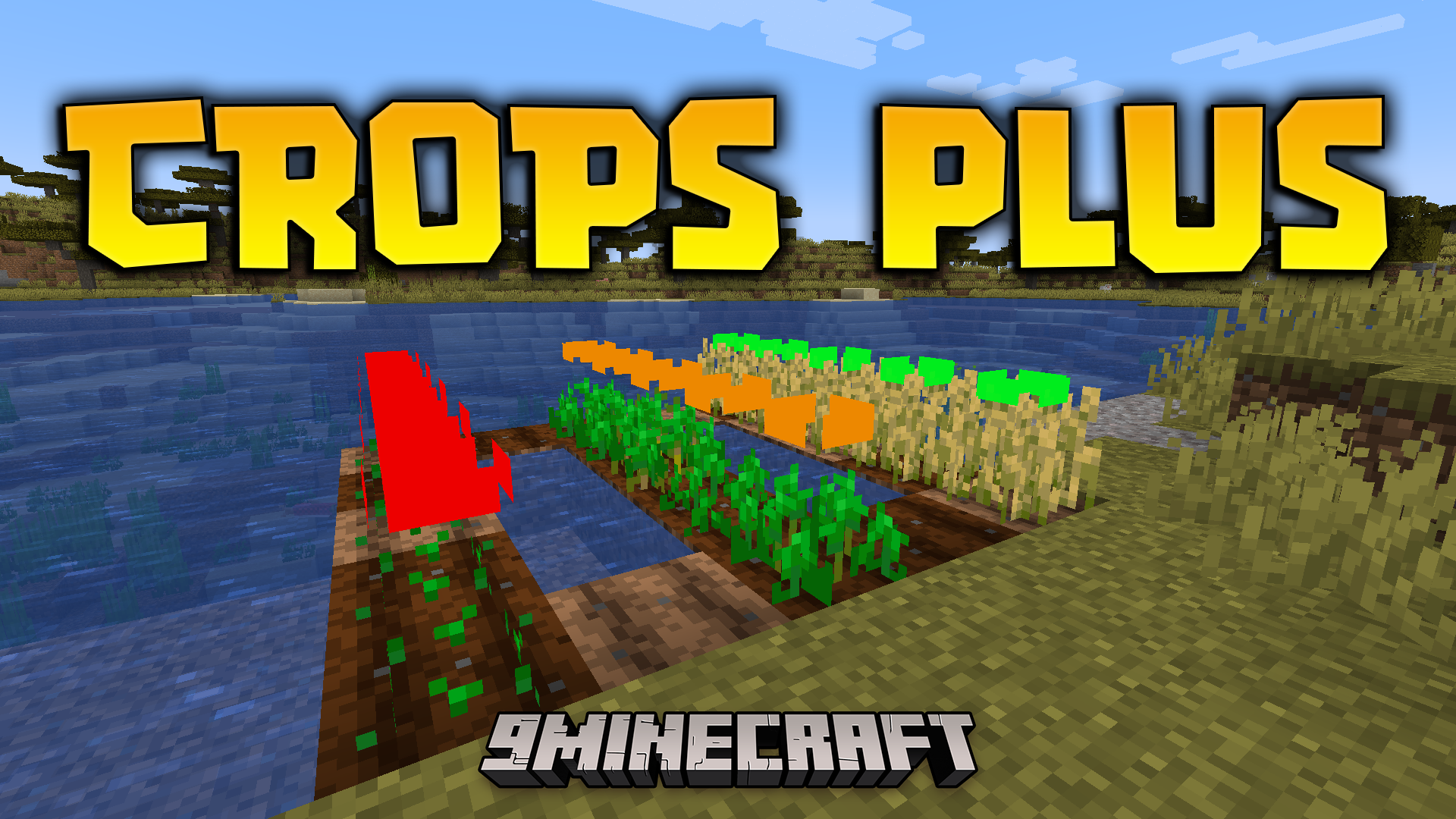
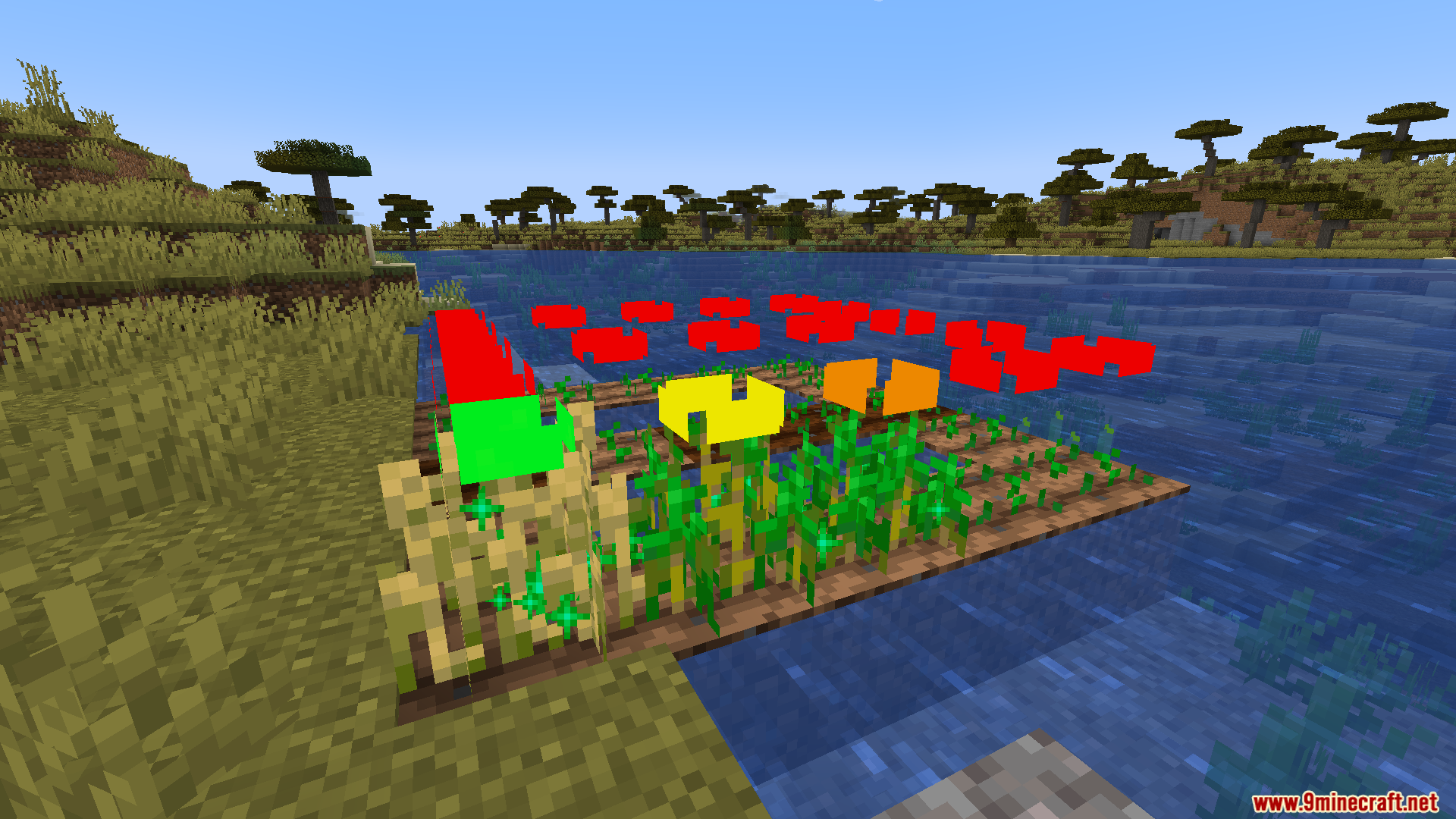
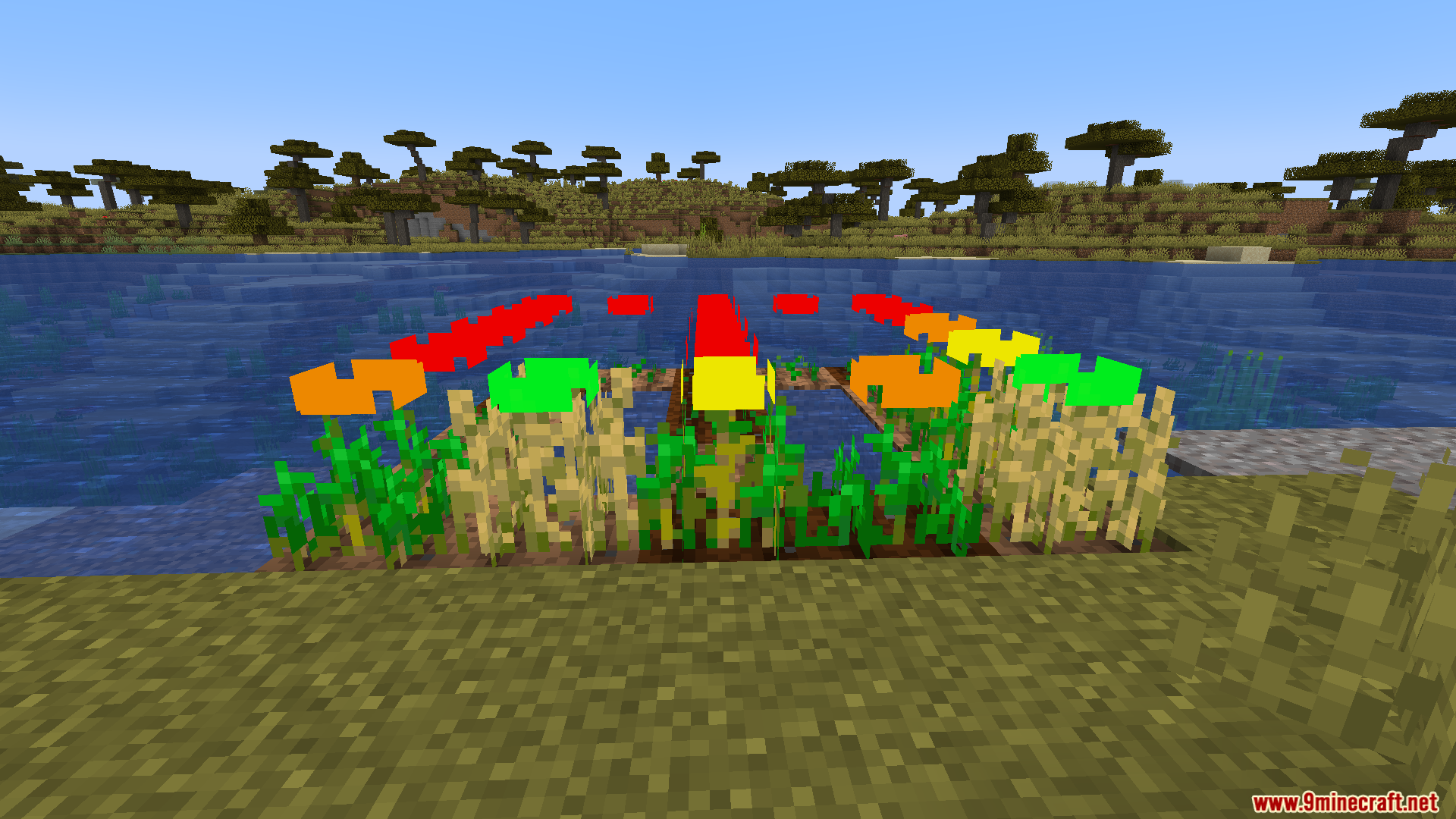
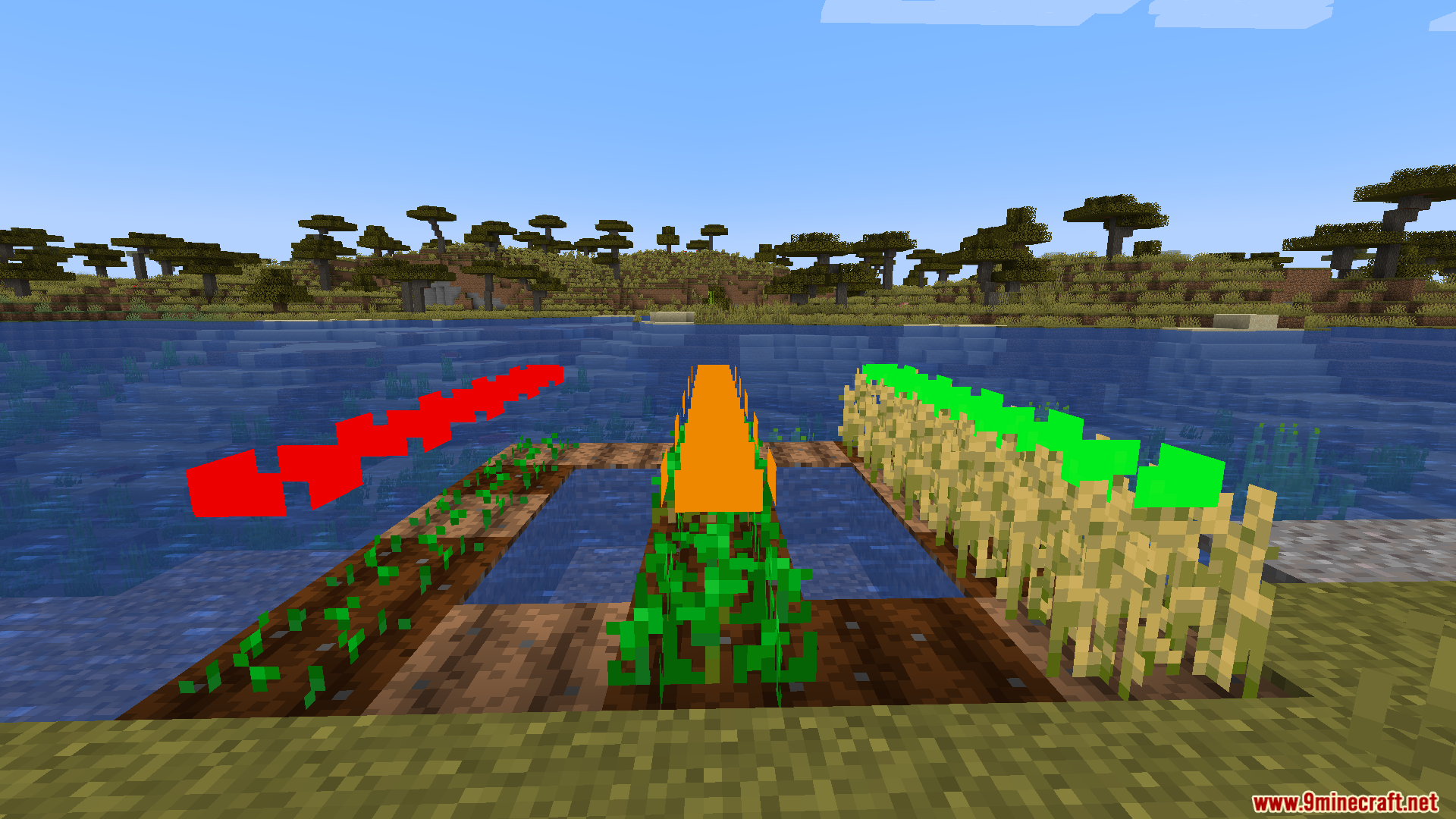
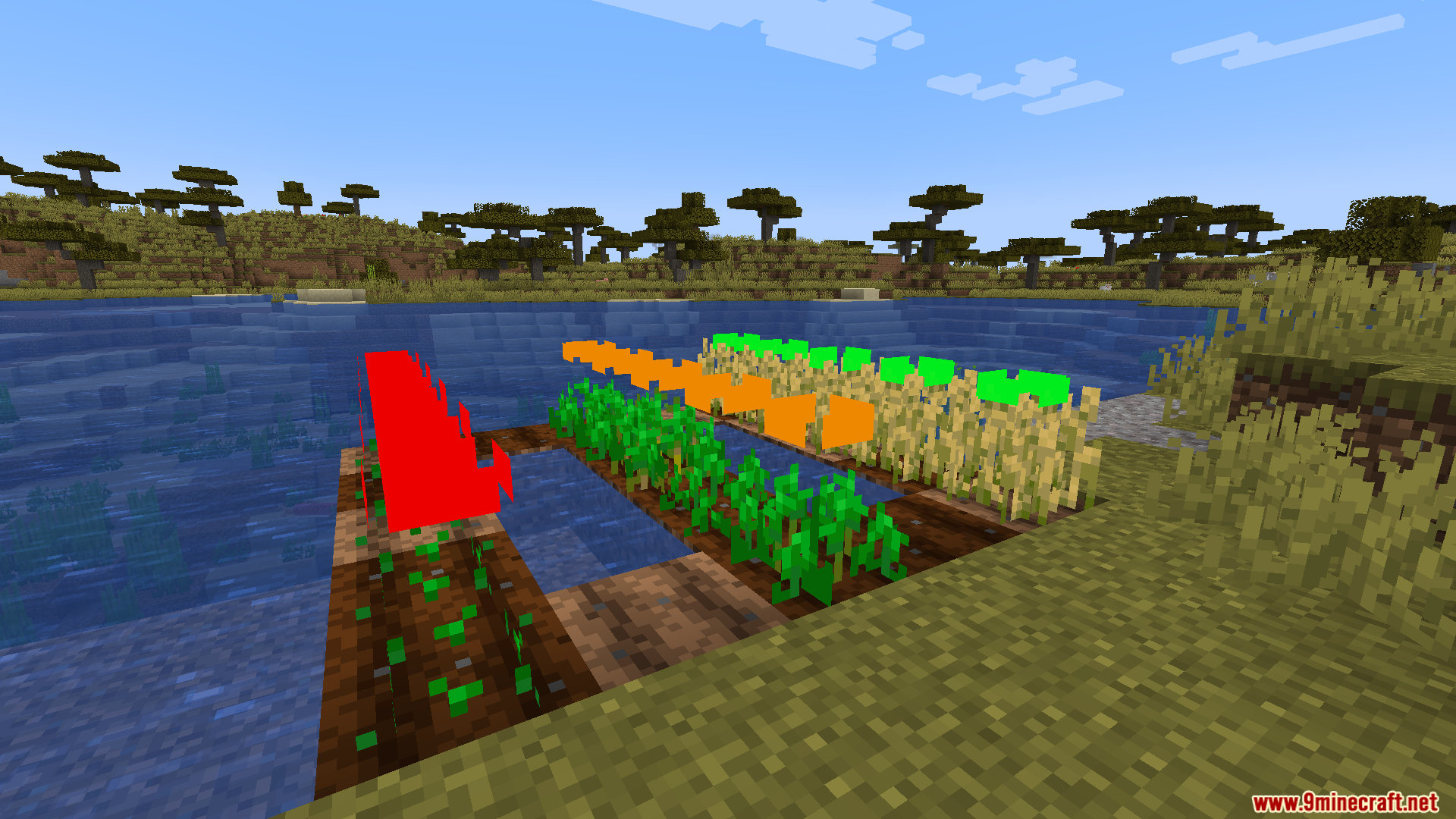
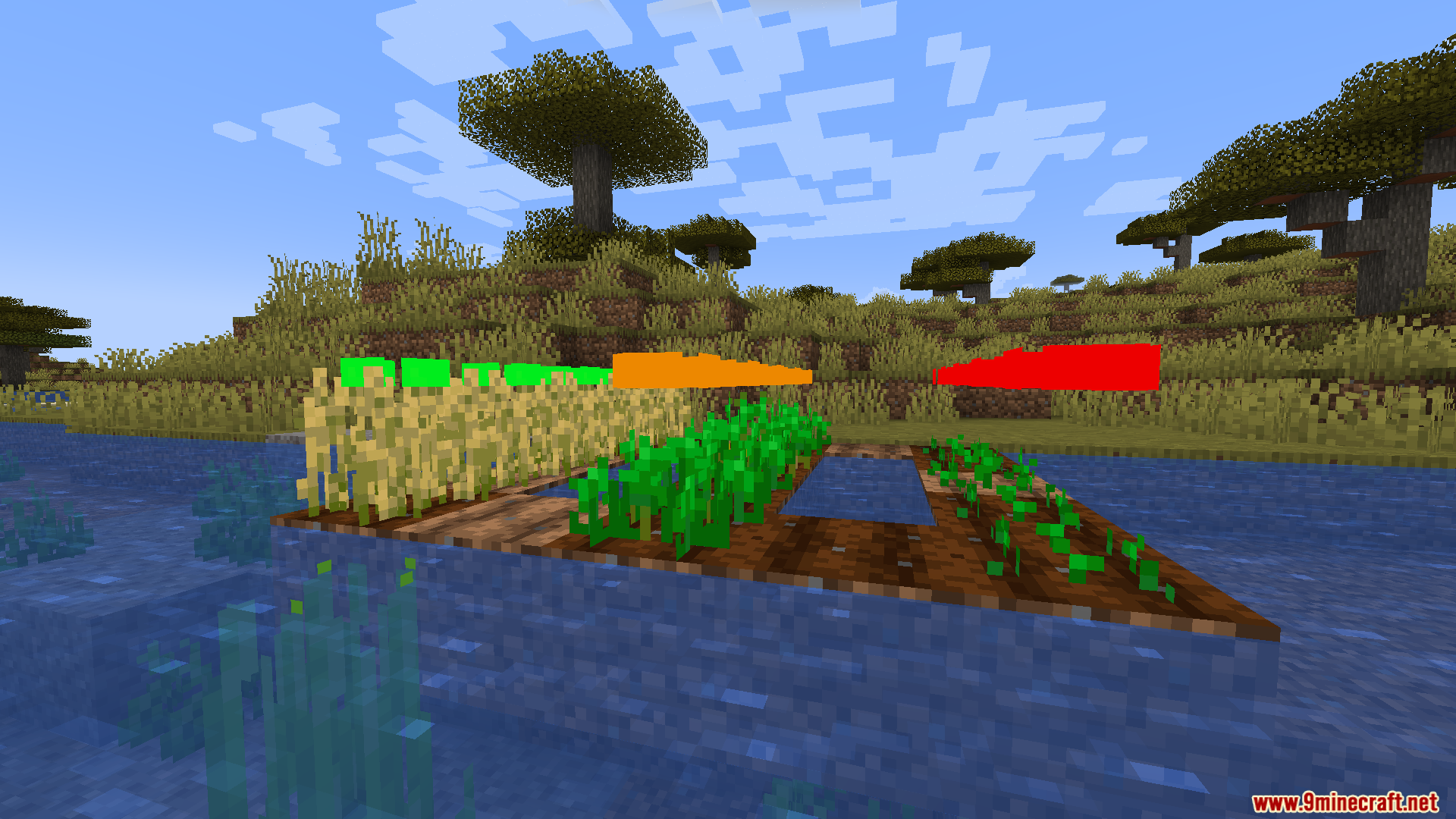
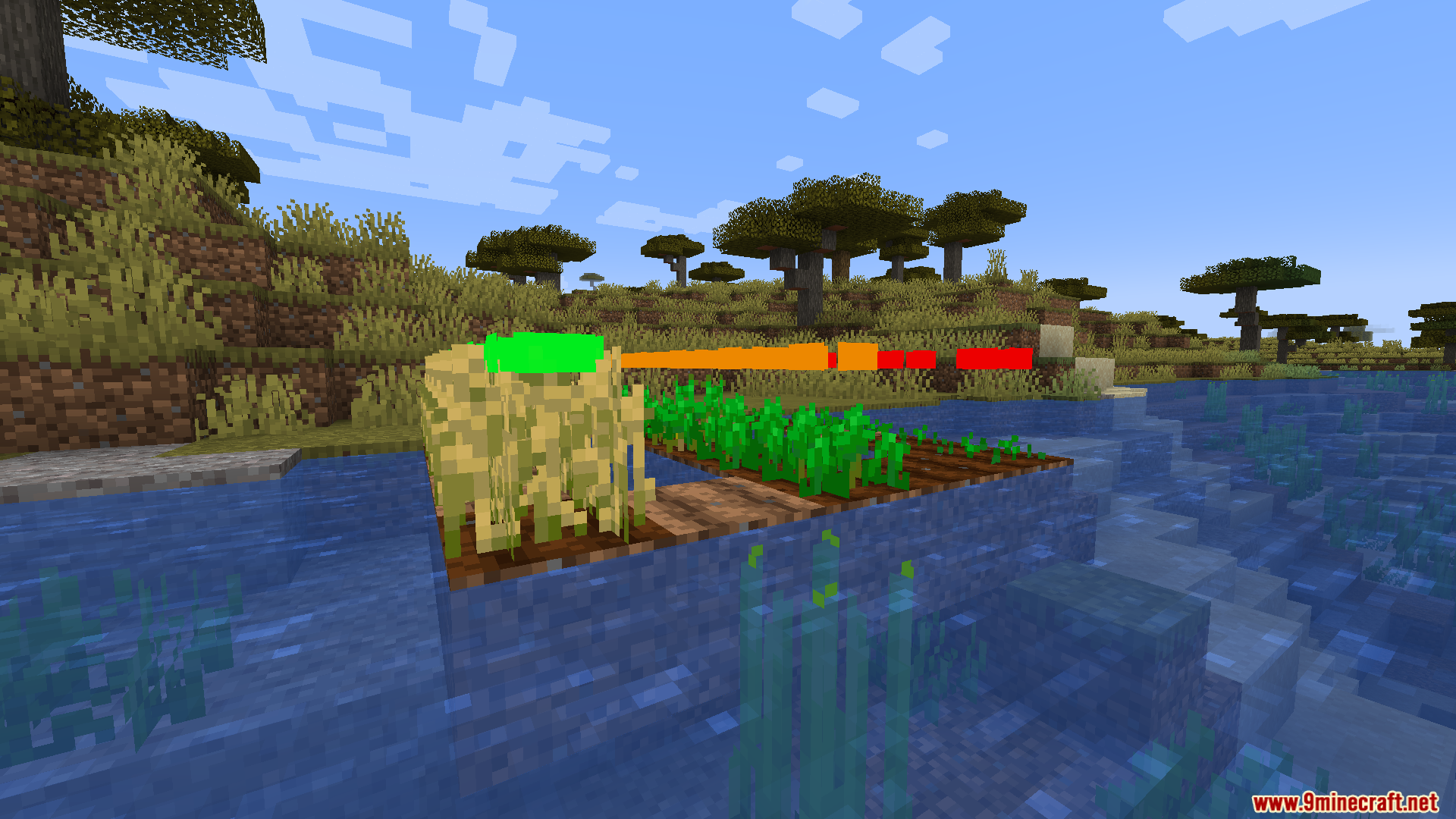
Red means the crop was just planted, orange means it's halfway grown, yellow means it's almost ready, and green means it's fully mature and ready to harvest right now.
Can I see the color indicators from far away?
Yes, that's one of the main features—the rectangles are designed to be visible from a distance so you can scan your entire farm without walking up close to each plant.
Do the indicators work on all crop types?
See all 10 Crops Plus questions ›
Gallery
9 images from the Crops Plus Resource Pack page.
You May Also Like
Wikis that share the most with this one
Wikis on the same theme: farm
 Repurposed Structures
More resource pack wikis on the site
Crisp CTG Transit Resource PackCrimson Fist Legacy Resource PackCreepers Revamped 9minecraft Resource PackCreepers Refreshed Resource PackCreeper from a Minecraft Movie Resource PackCreeper Crosshair Resource PackCreatures Animated Resource PackCreate Style Variant Pack for Lightman’s Currency Resource PackCreate Style Sophisticated Backpacks 9minecraft Resource PackCreate Style Interface Resource PackCreate Style for Refined Storage Resource PackCreate New Age PT BR Translation Resource Pack
The most downloaded mods that have a wiki here
A few wikis from each of the other kinds