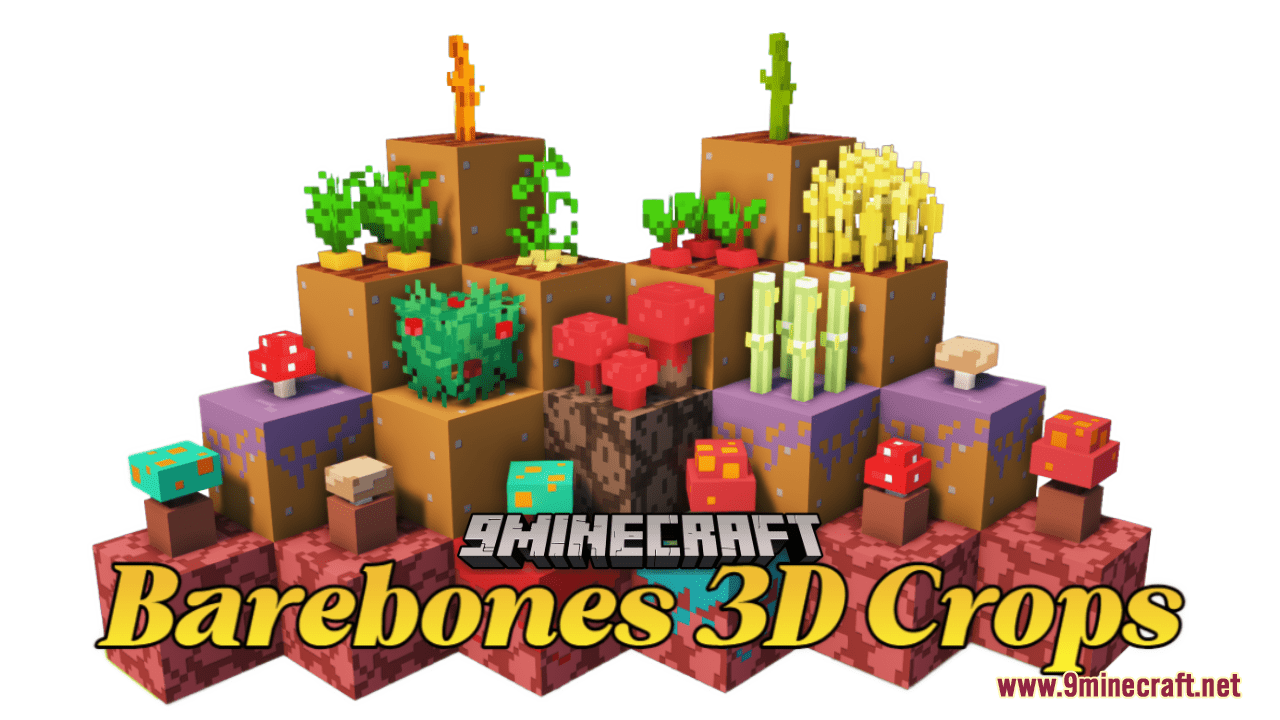
DownloadBarebones 3D Crops Resource Pack
Get the files on 9Minecraft
Contents (8)
Guides
Step-by-step, in-game.
Customizing Crop Appearance in the Pack FilesLocate the Resource Pack Folder Navigate to your .minecraft/resourcepacks directory and find the Barebones 3D Crops…Ensuring Compatibility with Your WorldCheck Your Minecraft Version Barebones 3D Crops is designed for specific Minecraft versions. Verify your current…Troubleshooting Crops That Look Flat or WrongConfirm the Pack is Active Return to Options → Resource Packs and verify Barebones 3D Crops appears in the "Selected"…Viewing Your Crops in 3DEnable the Resource Pack Once installed, activate Barebones 3D Crops in your resource pack settings. Open the pause…
Items
265 items · showing 24. Browse all →
 Acacia Boat
 Acacia Door
 Amethyst Shard
 Apple
 Armor Stand
 Arrow
 Bamboo
 Banner Pattern (Flower)
 Banner Pattern (Mojang)
 Banner Pattern (Creeper)
 Banner Pattern (Globe)
 Banner Pattern (Skull)
 Beetroot
 Beetroot Seeds
 Beetroot Soup
 Bell
 Birch Boat
 Birch Door
 Black Candle
 Black Dye
 Blaze Powder
 Blaze Rod
 Blue Candle
 Bone
Blocks
 Acacia Sapling
 Attached Melon Stem
 Attached Pumpkin Stem
 Birch Sapling
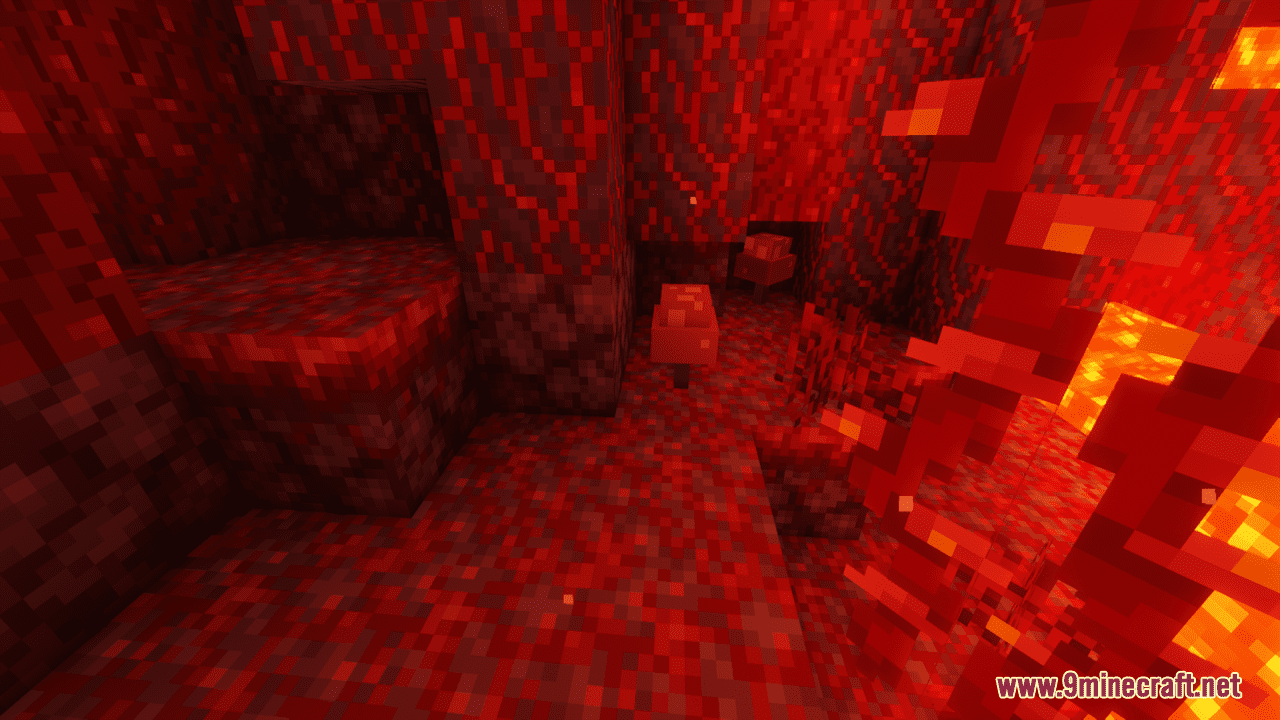
 Brown Mushroom
 Dark Oak Sapling
 Jungle Sapling
 Oak Sapling
 Pumpkin Stem
 Red Mushroom
 Spruce Sapling
What this pack changes
Every texture group the pack replaces, counted from the pack itself.
| Area | Textures replaced |
|---|---|
| Items | 357 |
| Blocks | 50 |
| GUI & menus | 19 |
Pack format 18 (Minecraft 1.20.2)426 texture files in total
Extra features
Custom block/item models
Reworked GUI
Frequently asked questions
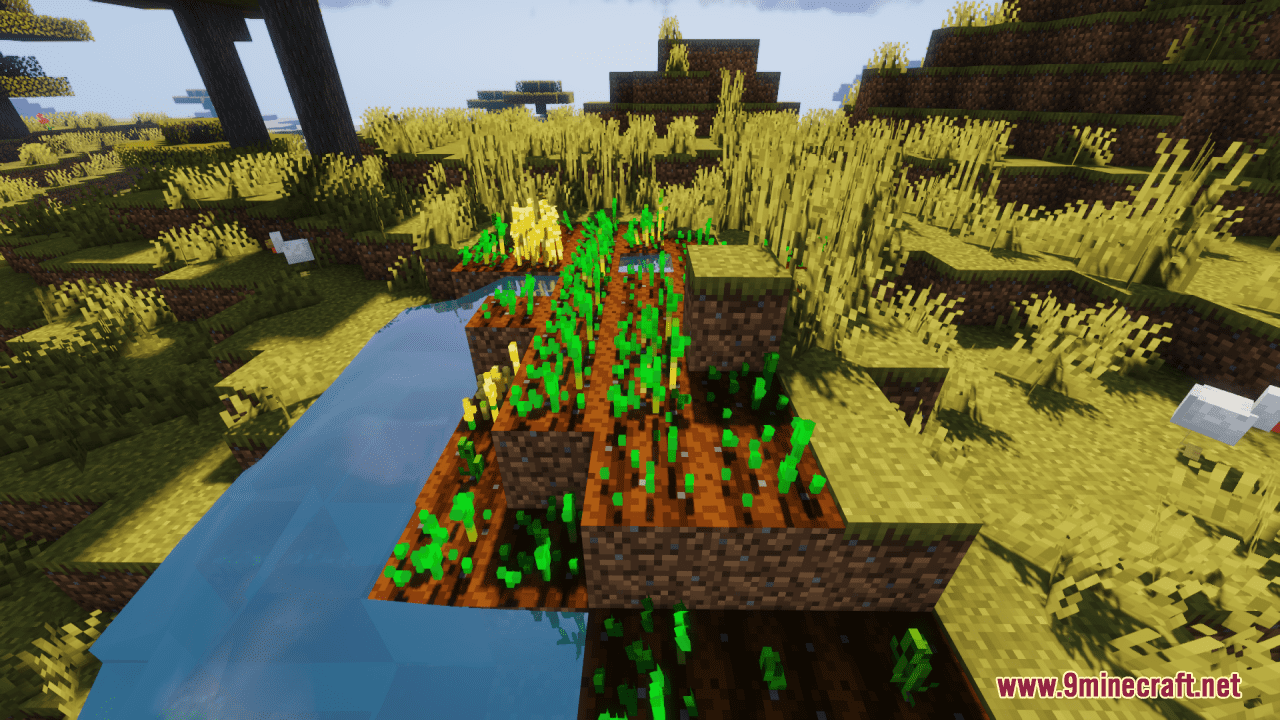
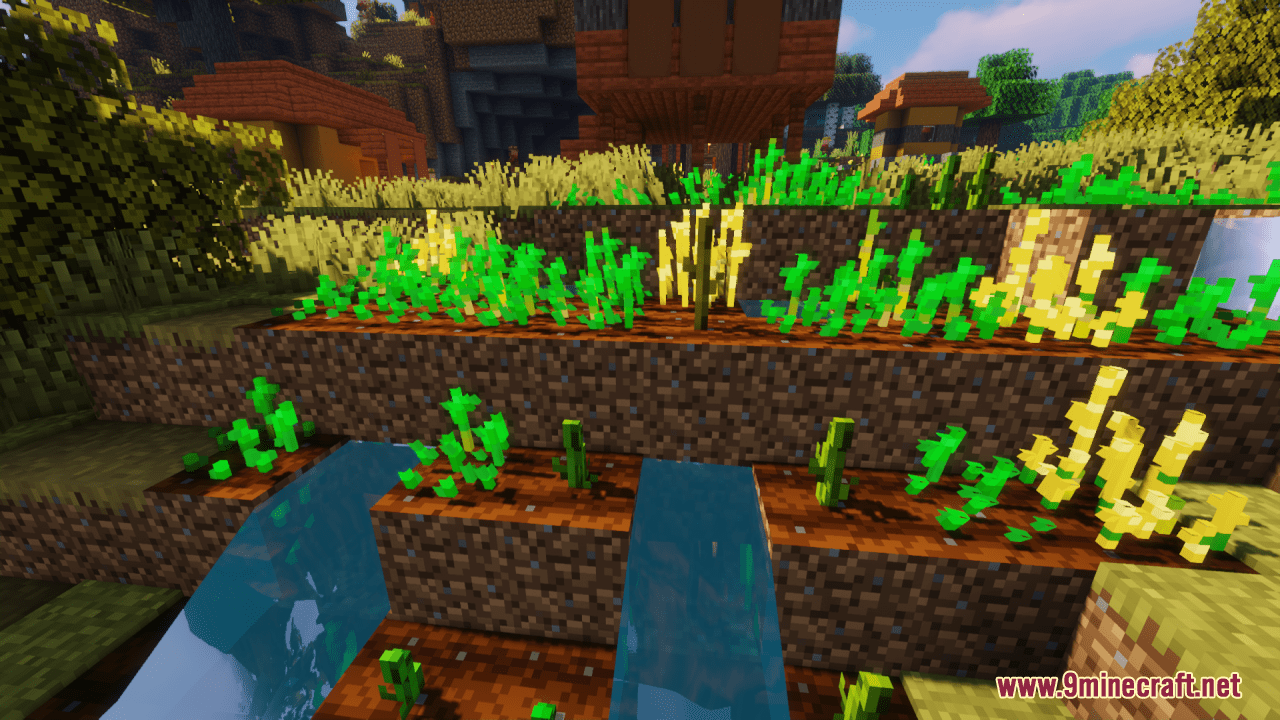
How do I see my crops in 3D after installing the pack?
The 3D models apply automatically once the resource pack is activated in your world settings. Make sure the pack is checked and positioned above any conflicting packs in your resource pack list, then reload your world to see the changes take effect.
Will this pack work with my current world or do I need a new one?
The pack works with any existing world—it only changes how blocks look visually and doesn't modify world data. Simply activate it in your world's resource pack settings and the 3D crops will appear immediately.
Why do my crops still look flat?
Check that your resource pack is actually enabled and ranked above other packs that might override it. If you're using a shader or another texture pack, it may be conflicting; try disabling shaders temporarily or reordering your pack priority.
Does this work with mods that add new crops?
The pack only includes 3D models for vanilla Minecraft crops and plants. Crops added by other mods won't have 3D models unless the mod author or a separate pack adds support for them.
Can I edit the 3D models or textures myself?
Yes—resource packs are editable files. You can open the pack folder, locate the model files in the `assets/minecraft/blockstates` and `assets/minecraft/models` directories, and modify textures or model properties to suit your preference.
Does this pack affect performance or FPS?
The 3D models are relatively lightweight since they use the same rendering system as vanilla blocks. Performance impact should be minimal, though older devices might notice a slight difference depending on how many crops are visible at once.
Which crop blocks are included in this pack?
Will this pack work with Optifine or other optimization mods?
Yes, the pack is compatible with Optifine and similar mods since it only modifies textures and models, not game mechanics. Make sure your resource pack loads after any conflicting packs in your priority list.
What should I do if crops look wrong or have missing textures?
First, try reloading your resource packs by pressing F3+T (or equivalent on your platform). If the issue persists, verify the pack is fully extracted and not corrupted, and check that no other packs are overriding the 3D models.
Can I use this pack on a multiplayer server?
Yes—resource packs are client-side only, so you can use this pack on any server without needing the server to have it installed. Other players won't see your 3D crops unless they also have the pack enabled.
You May Also Like
Wikis that share the most with this one
More resource pack wikis on the site
Bare Bones X Mods Resource PackBare BonesBare Bones Pbr X128 Resource PackBare Bones Origin Realms Resource PackBare BonesBare Bones 3D Tools Resource Pack Bare Bones 2D Block Items Resource PackBanner Pattern Clarity Resource PackBananas Pvp Essentials Resource PackBackrooms Retextured Resource PackBaby Mobs Resource PackBaby Makeover Resource Pack
The most downloaded mods that have a wiki here
A few wikis from each of the other kinds
Gallery
12 images from the Barebones 3D Crops Resource Pack page.