

 DownloadNametag Hider Plugin
Get the files on 9Minecraft
Guides
Step-by-step, in-game.
Enable and Disable Nametag Hiding During GameplayToggle the Entire System Use the command /nametagHider enabled to turn nametag hiding on or off without editing…Resolve Scoreboard Team Name ConflictsIdentify Conflicts If another plugin or system on your server uses scoreboard teams, the default team name…Reveal a Player's Name by Right-ClickingEnsure Right-Click Reveal Is Enabled First, confirm that the right-click reveal feature is active. Ask a server admin…Set Up Custom Name Reveal FormattingEdit the Configuration File Open your plugin's configuration file and locate the nicknameFormat setting. This…
Frequently asked questions
How do I turn on nametag hiding when I first install this?
The plugin starts with nametag hiding enabled by default. If it's off, use the command `/nametagHider enabled` to toggle it back on, or check your configuration file and set `enabled: true`.
Why can't I see player names above heads anymore?
The plugin is working as intended—nametags are hidden by default to create a stealthy environment. Right-click on a player to temporarily reveal their name, or disable the plugin with `/nametagHider enabled` if you want names visible again.
How long does a player's name stay visible after I right-click them?
The plugin shows the name briefly when you right-click; the exact duration isn't configurable through the standard settings, but the reveal is designed to be temporary so you can identify someone without keeping their name permanently visible.
Can I customize the format of names when they appear after right-clicking?
Yes, edit the `nicknameFormat` setting in your configuration file using Minecraft color codes (like `§6` for gold) and the `%nickname%` placeholder to control how revealed names look.
See all 10 Nametag Hider questions ›
Gallery
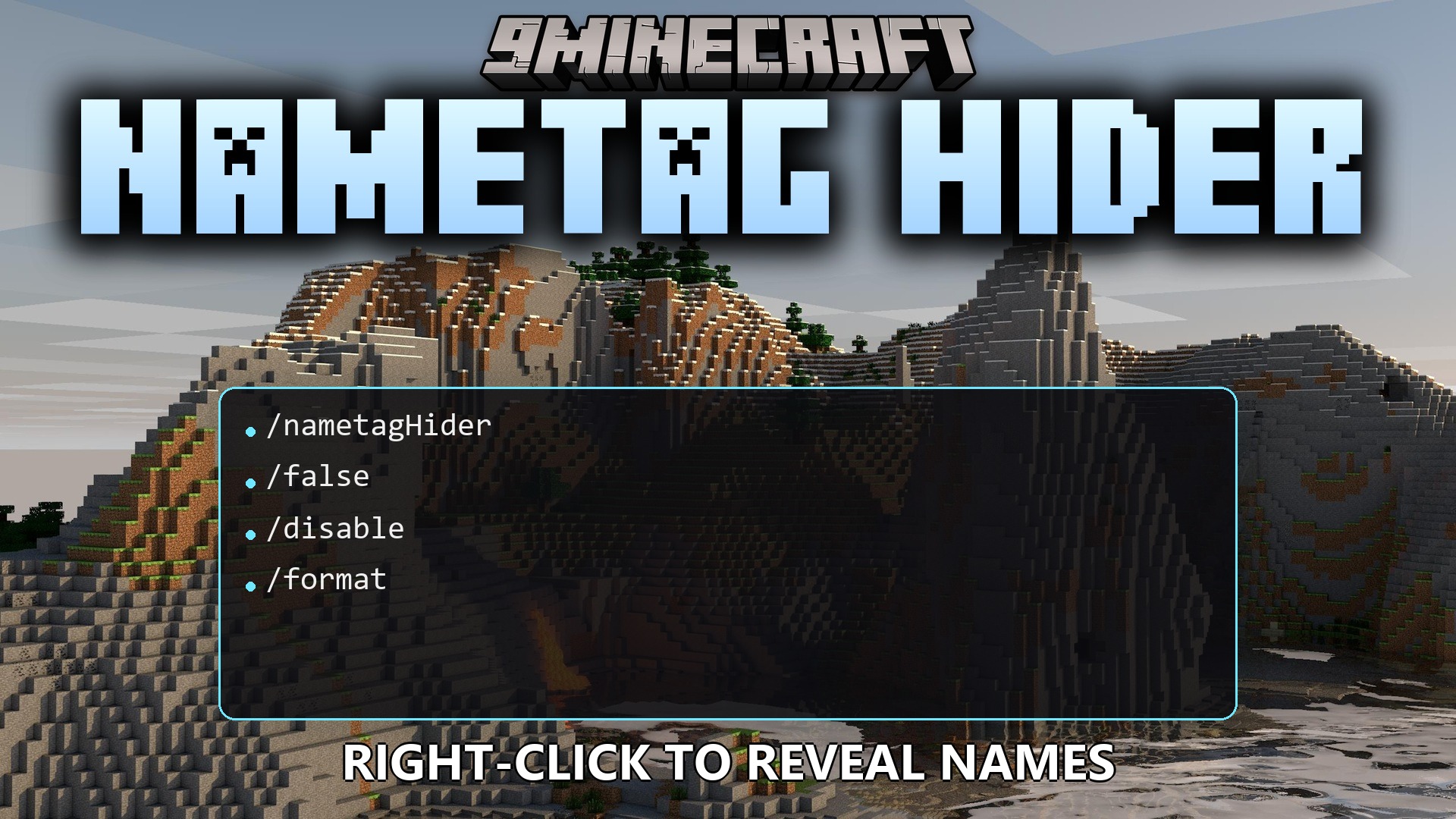
1 image from the Nametag Hider Plugin page.
You May Also Like
Wikis that share the most with this one
 Job X Plugin
More plugin wikis on the site
 Mythical AC Plugin
The most downloaded mods that have a wiki here
A few wikis from each of the other kinds