

 DownloadLibertyBans Plugin
Get the files on 9Minecraft
Guides
Step-by-step, in-game.
Ban a Player and Block Their Alternate AccountsUsing IP Bans for Alt Detection When you ban a player, LibertyBans can automatically prevent them from joining with…Issue Warnings and Track Player BehaviorBuilding a Punishment Record Warnings are non-punitive records that help you document player behavior before…Mute a Player Without Banning ThemSilencing Chat Without Removal Mutes prevent players from sending messages in chat while keeping them in the server.…Synchronize Punishments Across Multiple ServersNetwork-Wide Moderation If you run multiple servers, LibertyBans can synchronize bans, mutes, and warnings across…
Frequently asked questions
How do I set up the database for LibertyBans?
LibertyBans requires a SQL database (MySQL, MariaDB, or compatible). Configure your database connection details in the plugin's config file with your host, port, username, password, and database name, then restart the server to initialize tables automatically.
What's the difference between /ban and /ipban?
/ban punishes a specific player UUID, while /ipban blocks an entire IP address and prevents any account from that IP from joining. IP bans are stronger for stopping alt accounts but affect all players on that connection.
How does alt detection work?
LibertyBans tracks player UUIDs and IP addresses; when you IP ban someone, it automatically blocks alternate accounts from the same IP. When a banned player's alt tries to join, the plugin detects the shared IP and denies access.
Can I mute a player without banning them?
Yes, use /mute to silence a player while keeping them in-game, or /ipmute to mute all accounts from an IP. Muted players cannot send chat messages but can still play normally.
See all 10 LibertyBans questions ›
Gallery
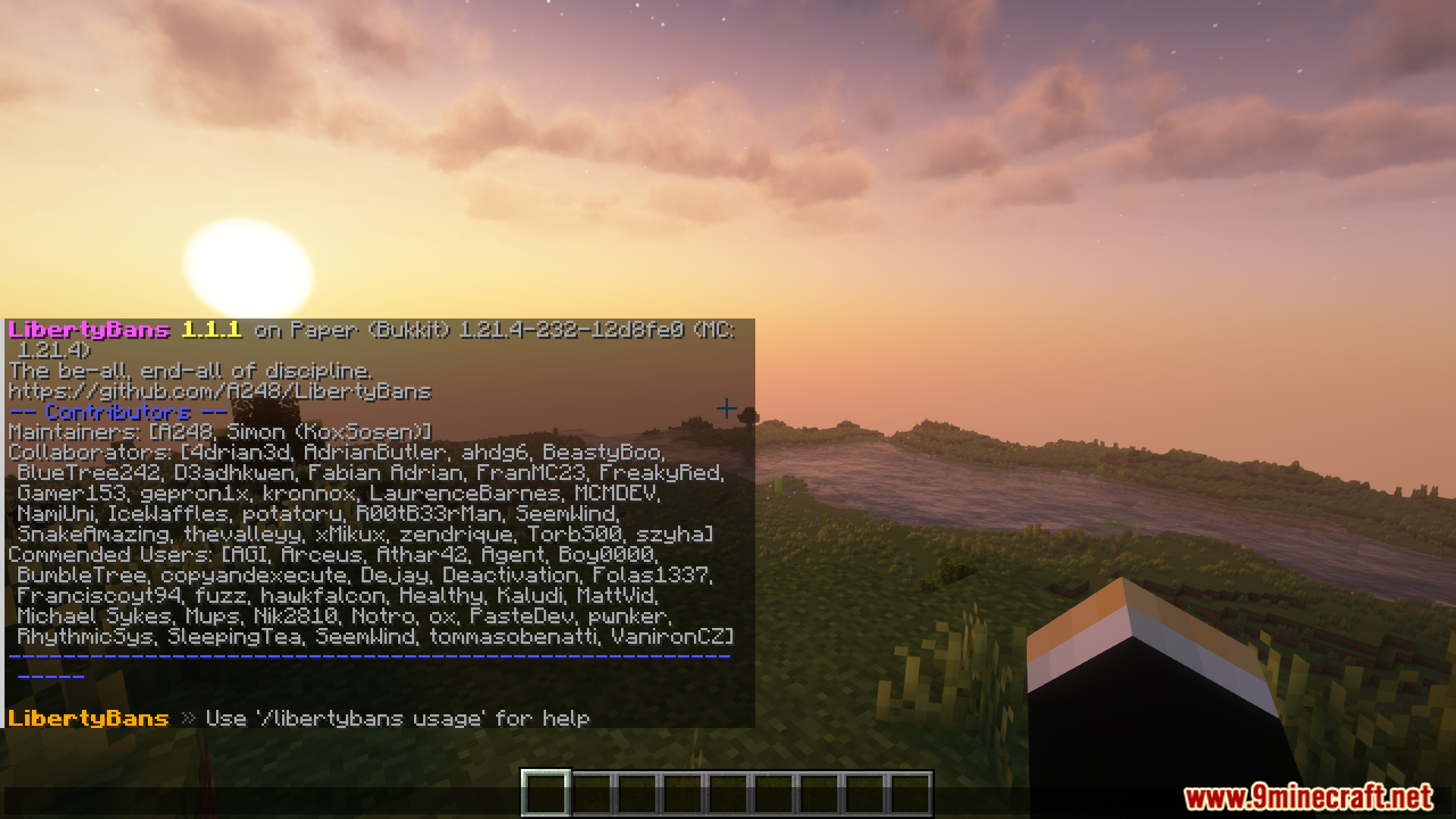
6 images from the Libertybans Plugin page.





You May Also Like
Wikis that share the most with this one
 Job X Plugin
More plugin wikis on the site
The most downloaded mods that have a wiki here
A few wikis from each of the other kinds