

 DownloadInvSee++ Plugin
Get the files on 9Minecraft
Guides
Step-by-step, in-game.
Access a Player's EnderchestOpening the Enderchest After opening a player's main inventory with /invsee <player> , look for a button or tab…Access an Offline Player's InventoryViewing Offline Inventories InvSee++ allows you to view and modify inventories of players who are currently offline.…View and Edit Another Player's InventoryOpening a Player's Inventory Use the /invsee <player> command to open any online player's inventory. This displays…View Items in a Player's Crafting or Enchanting InterfaceAccessing Active Workbenches When you open a player's inventory with /invsee <player> , the plugin captures not just…
Frequently asked questions
How do I open another player's inventory?
Use the command `/invsee ` to open their inventory in a new window. You'll see their main inventory, hotbar, armor slots, and off-hand item all at once.
Can I view inventories of players who aren't online?
Yes, InvSee++ can access offline player inventories if their data has been saved to the server. Even players who have never joined can have inventories created and viewed.
How do I access a player's enderchest?
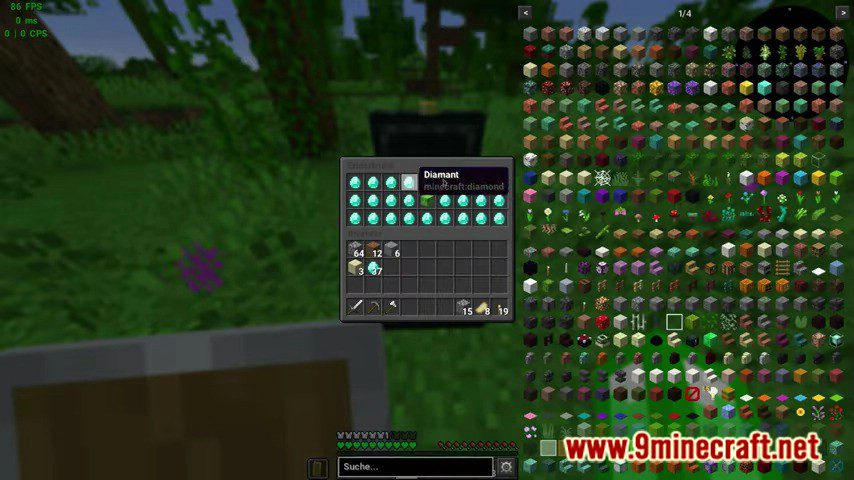
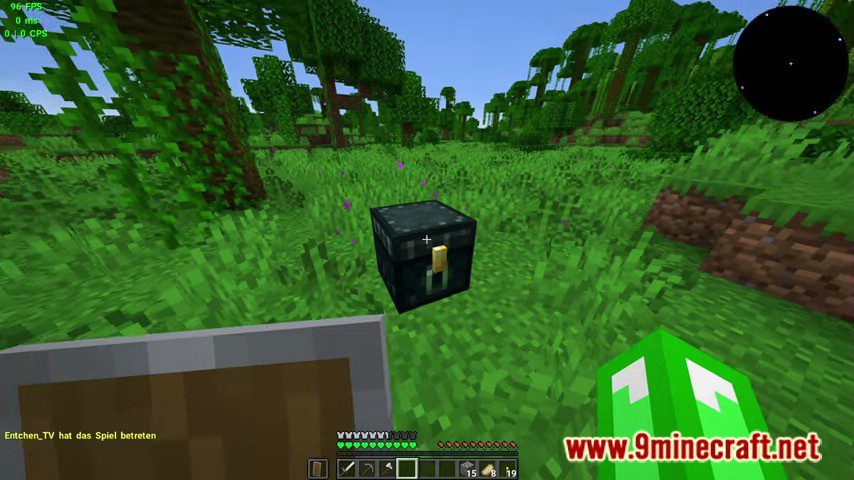
Use `/invsee ender` to open their enderchest instead of their main inventory. You can view and edit it the same way as a regular inventory.
Can I see what items a player has in their crafting grid or enchanting table?
Yes, InvSee++ displays items currently in the player's crafting interface, enchanting table, anvil, smithing table, and other workbenches, plus whatever item they're holding with their cursor.
See all 10 InvSee++ questions ›
Gallery
6 images from the Invsee Plus Plus Plugin page.




You May Also Like
Wikis that share the most with this one
 Job X Plugin
More plugin wikis on the site
The most downloaded mods that have a wiki here
A few wikis from each of the other kinds