

 DownloadInteraction Visualizer Plugin
Get the files on 9Minecraft
Guides
Step-by-step, in-game.
Disable Visualization for Specific BlocksAccess the Configuration File Locate your mod's configuration file in your server or client config folder. The…Set Up Multilingual Hologram TextHow Language Detection Works Interaction Visualizer Plugin automatically detects each player's client language…Toggle Visualization Settings as a PlayerFind Player Toggle Options The Interaction Visualizer Plugin includes client-side options that individual players can…Understand Why Visualized Items Don't Affect GameplayClient-Side Only All items and blocks displayed by Interaction Visualizer Plugin exist only on your client. The…
Frequently asked questions
How do I see the items players are putting in the crafting table?
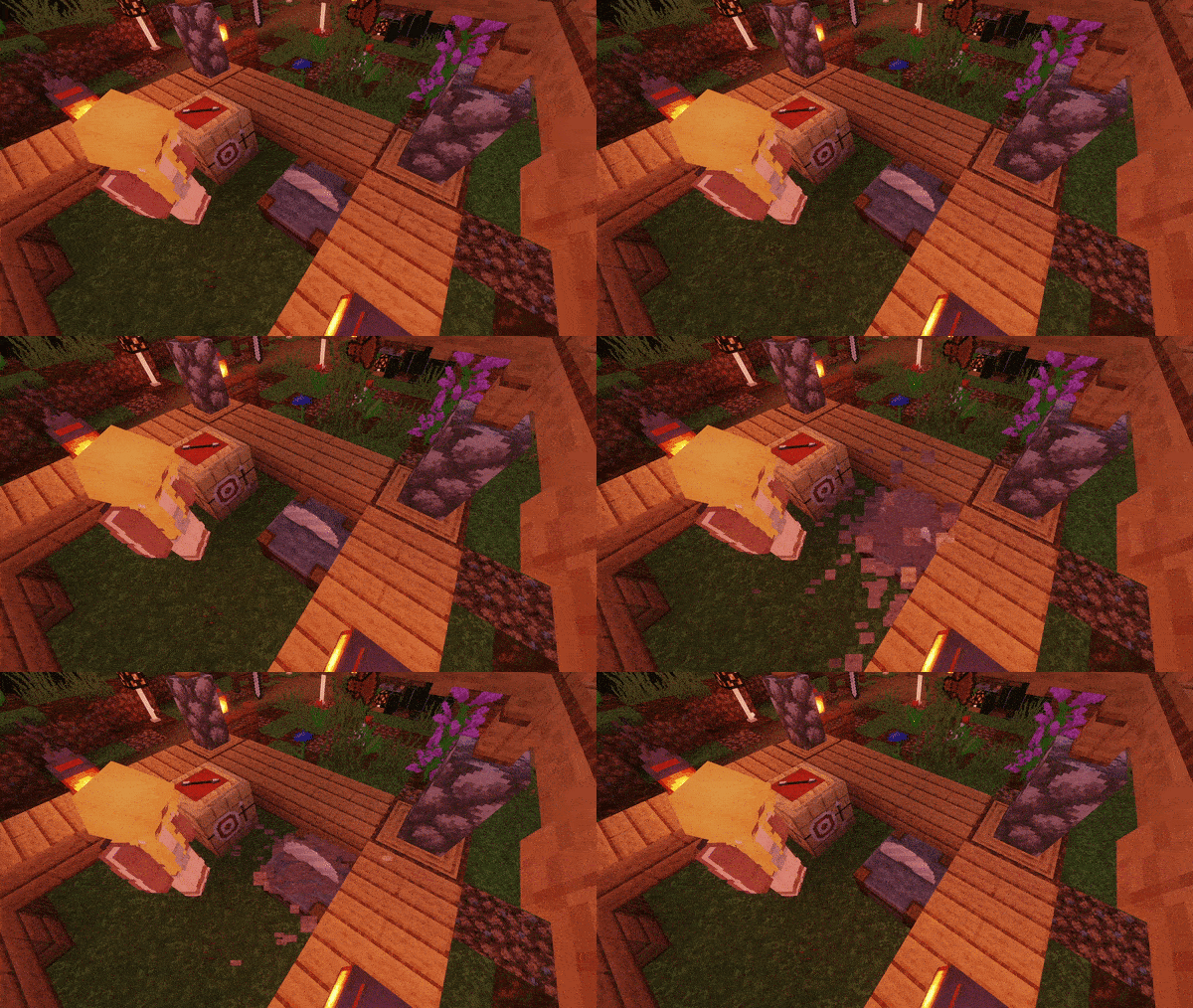
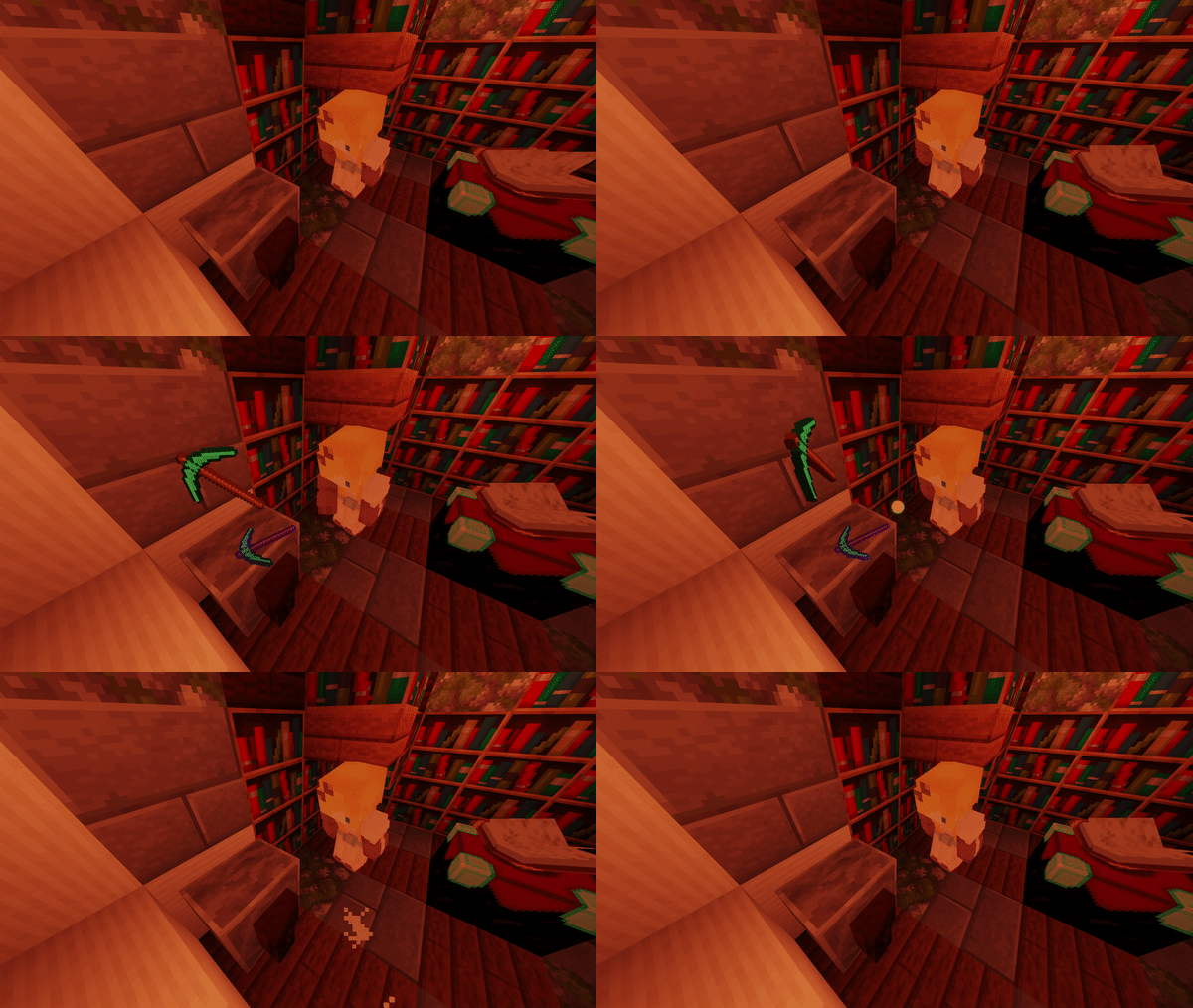
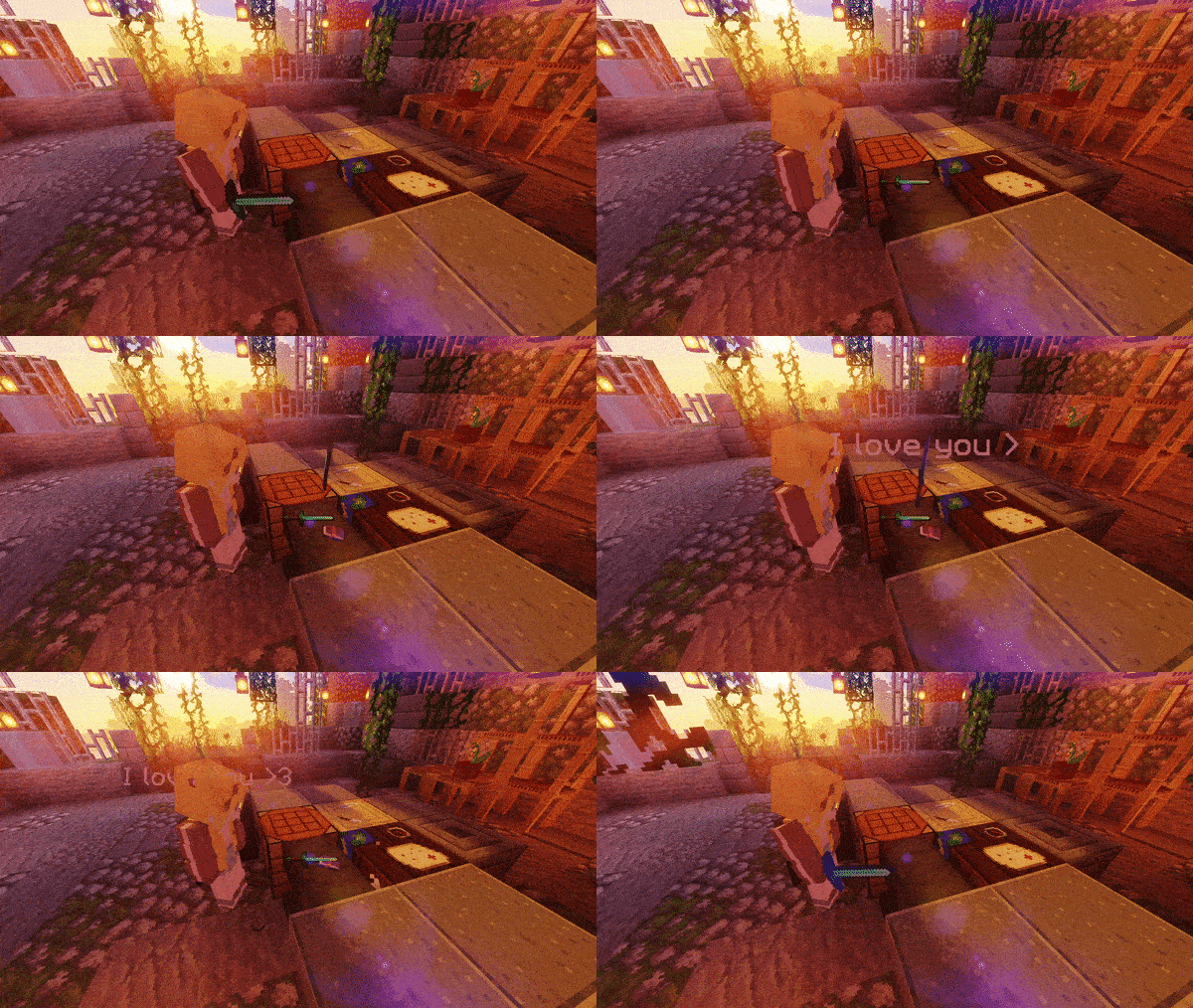
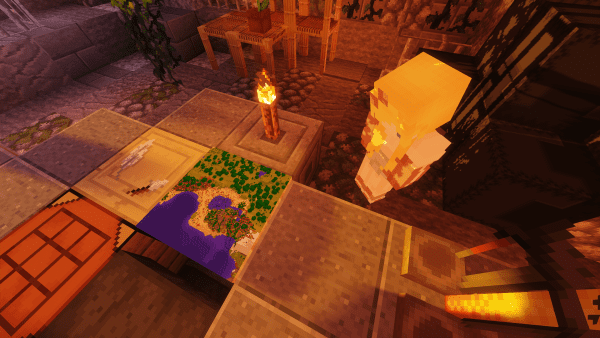
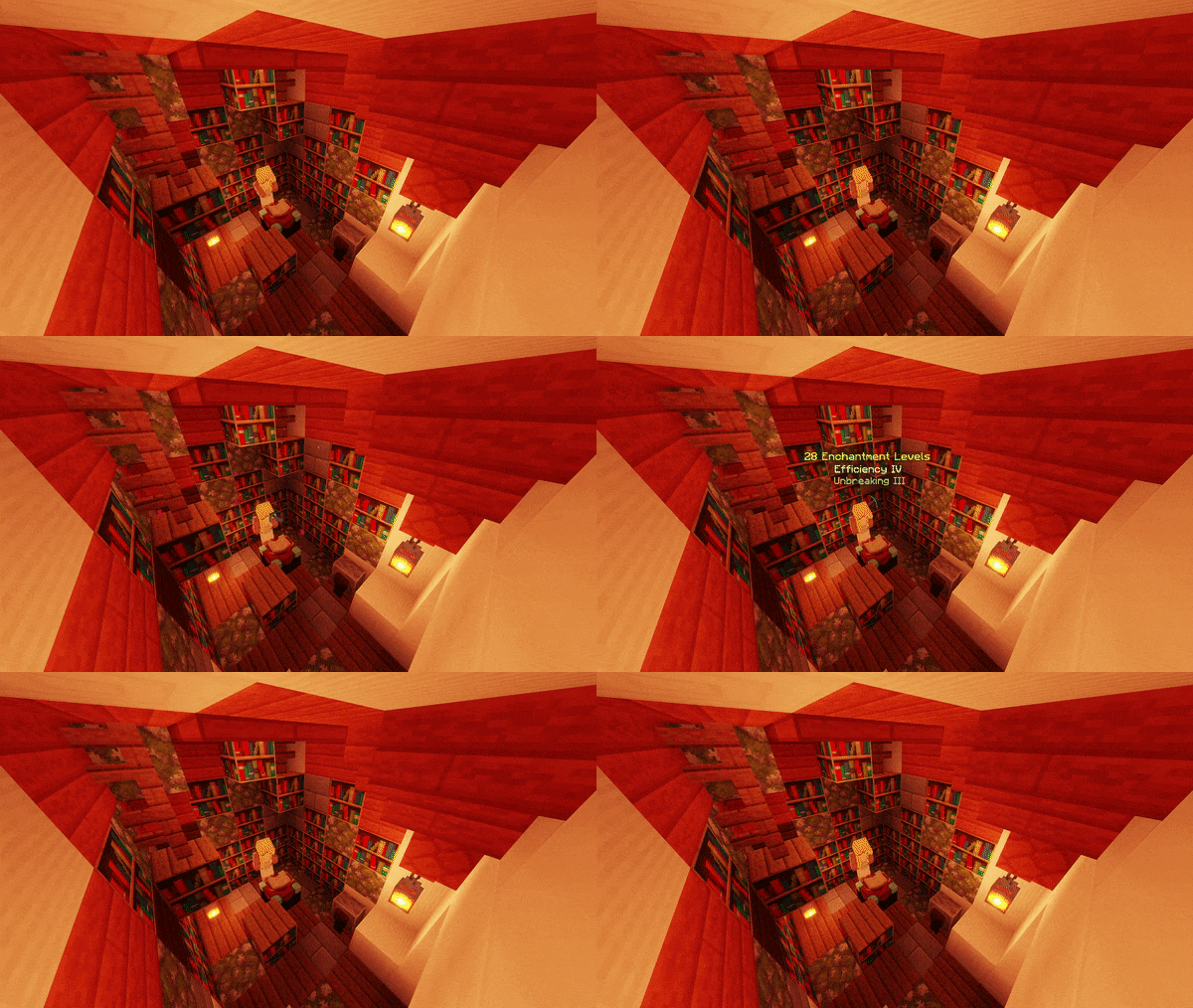
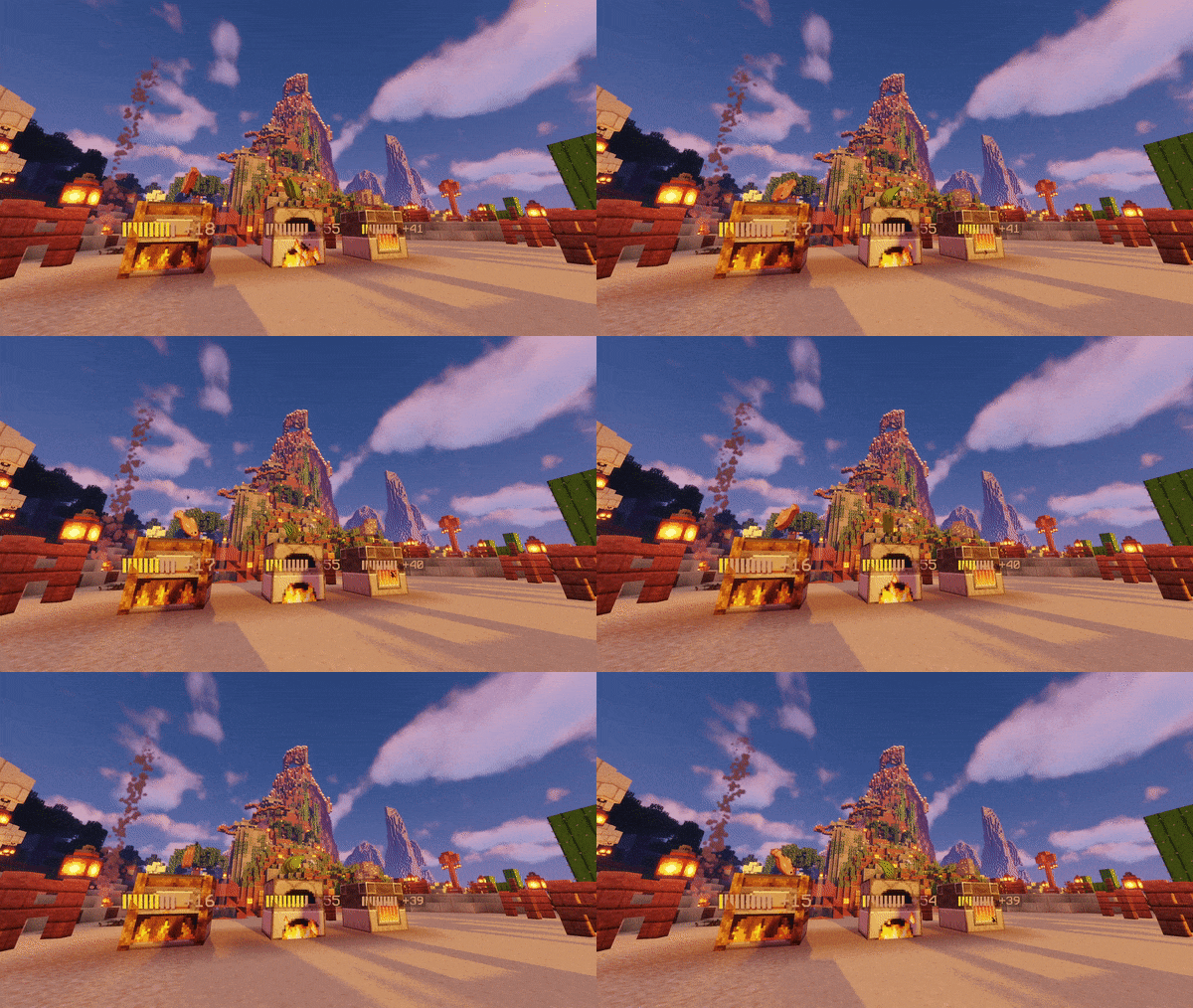
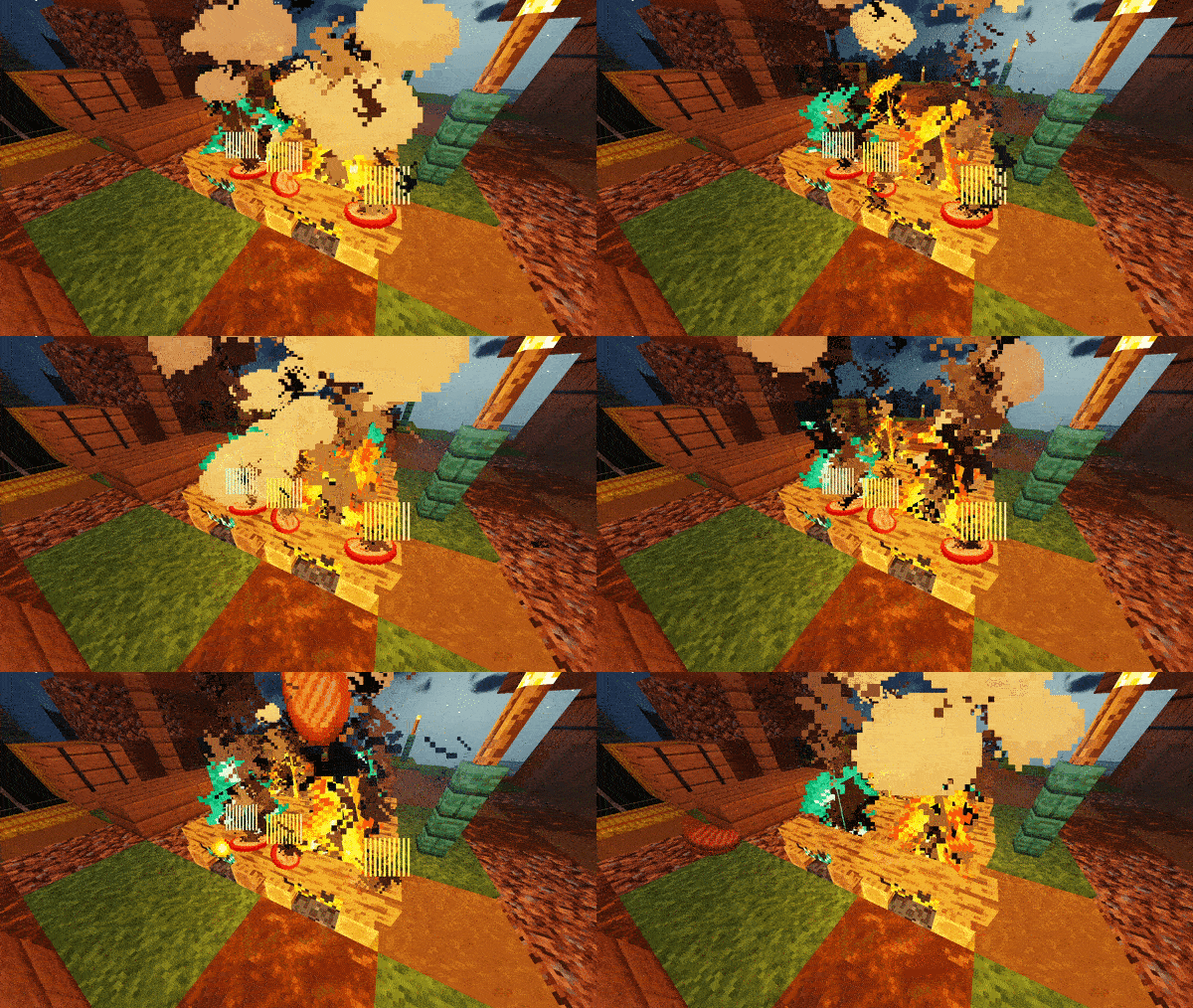
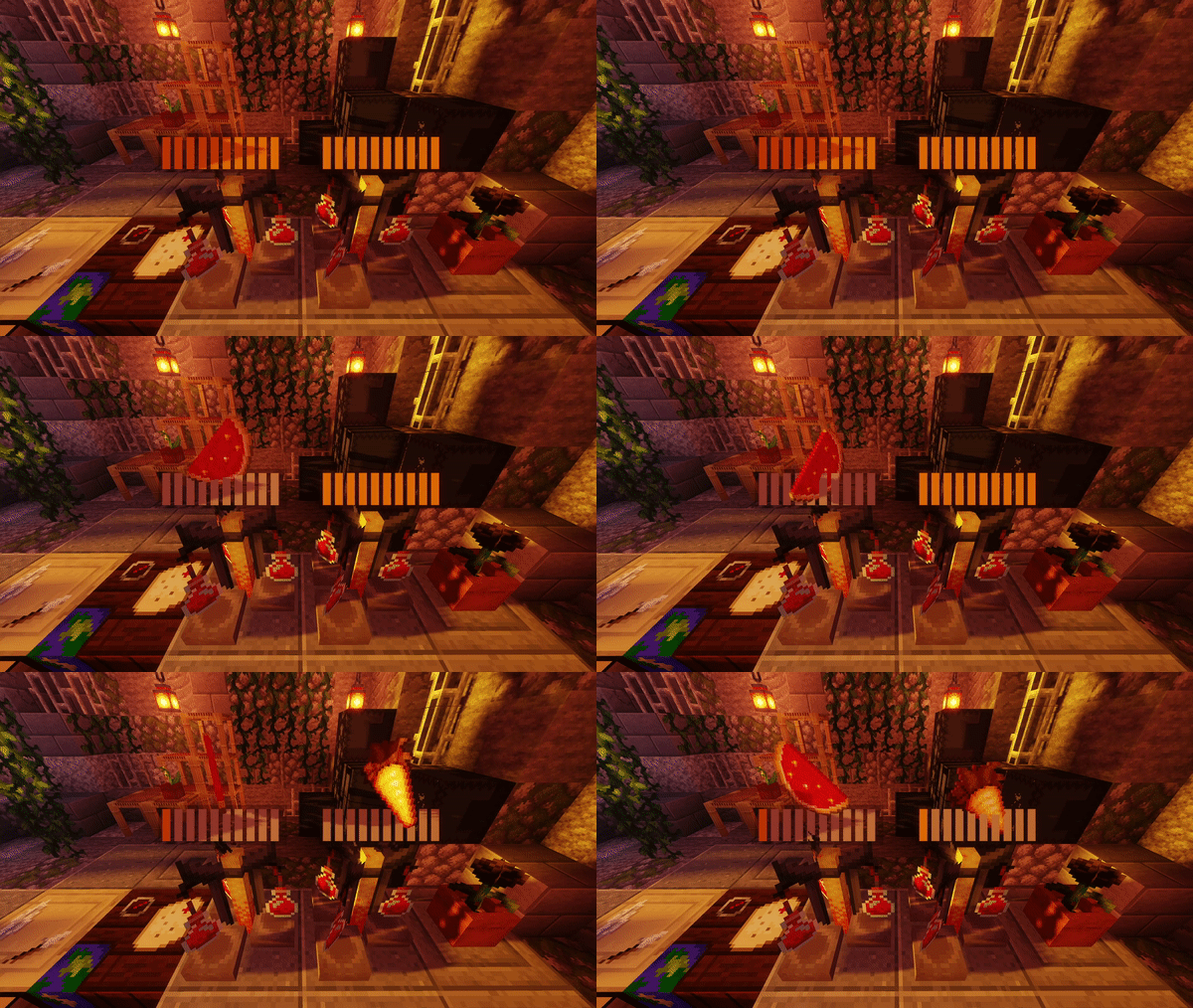
The mod automatically visualizes items as soon as a player opens any supported block's GUI—no setup needed. You'll see holograms of items floating above the block showing what's being crafted in real-time.
Can I turn off visualization for just one type of block?
Yes, open the config file and disable the specific block you want to hide (like CraftingTable or Furnace). Each block type has its own toggle option.
Do the visualized items actually get placed in the world?
No, they're client-side only—the items only appear on players' screens and don't exist on the server. They can't be destroyed, picked up, or affect the world in any way.
Why can't I remove the visualization holograms with commands?
Because the visualized items aren't real entities on the server; they only render on each player's client. Kill commands and world edits won't affect them since they don't actually exist server-side.
See all 10 Interaction Visualizer questions ›
Gallery
11 images from the Interaction Visualizer Plugin page.

You May Also Like
Wikis that share the most with this one
 Job X Plugin
Wikis on the same theme: cat
More plugin wikis on the site
The most downloaded mods that have a wiki here
A few wikis from each of the other kinds